Introducció
The Doro Leva L20 is an unlocked mobile phone designed for seniors, featuring a large display, powerful HD sound, a camera, and an assistance button with GPS location. This basic phone operates without internet access, focusing on ease of use and essential communication.
This manual provides comprehensive instructions for setting up, operating, maintaining, and troubleshooting your Doro Leva L20 mobile phone.
Contingut del paquet
En obrir el paquet, assegureu-vos que hi hagi tots els elements presents:
- Telèfon mòbil Doro Leva L20
- Base de càrrega
- Cable USB-C
- Bateria (preinstal·lada o separada)
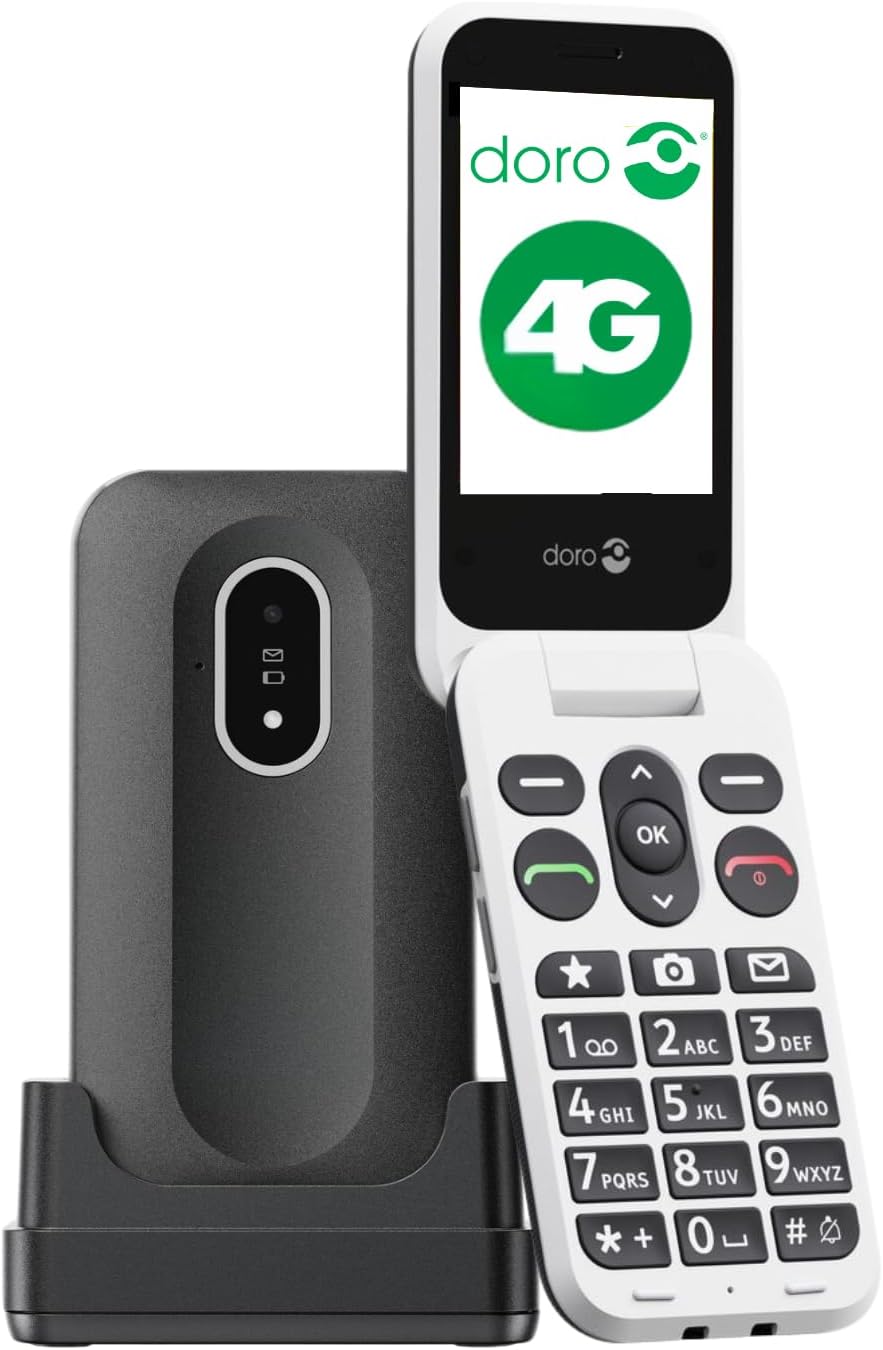
Image: The Doro Leva L20 mobile phone, a black flip phone with large white keys, shown alongside its black charging dock.
Configuració
1. Inserció de la targeta SIM i la bateria
Before first use, ensure the SIM card is correctly inserted. The Doro Leva L20 supports 4G networks. If the battery is not pre-installed, carefully insert it into the designated compartment, ensuring the contacts align.
2. Carregant el telèfon
For optimal performance, fully charge the phone before initial use. Connect the USB-C cable to the charging dock and then to a power source. Place the phone in the charging dock. The phone will indicate when it is charging.
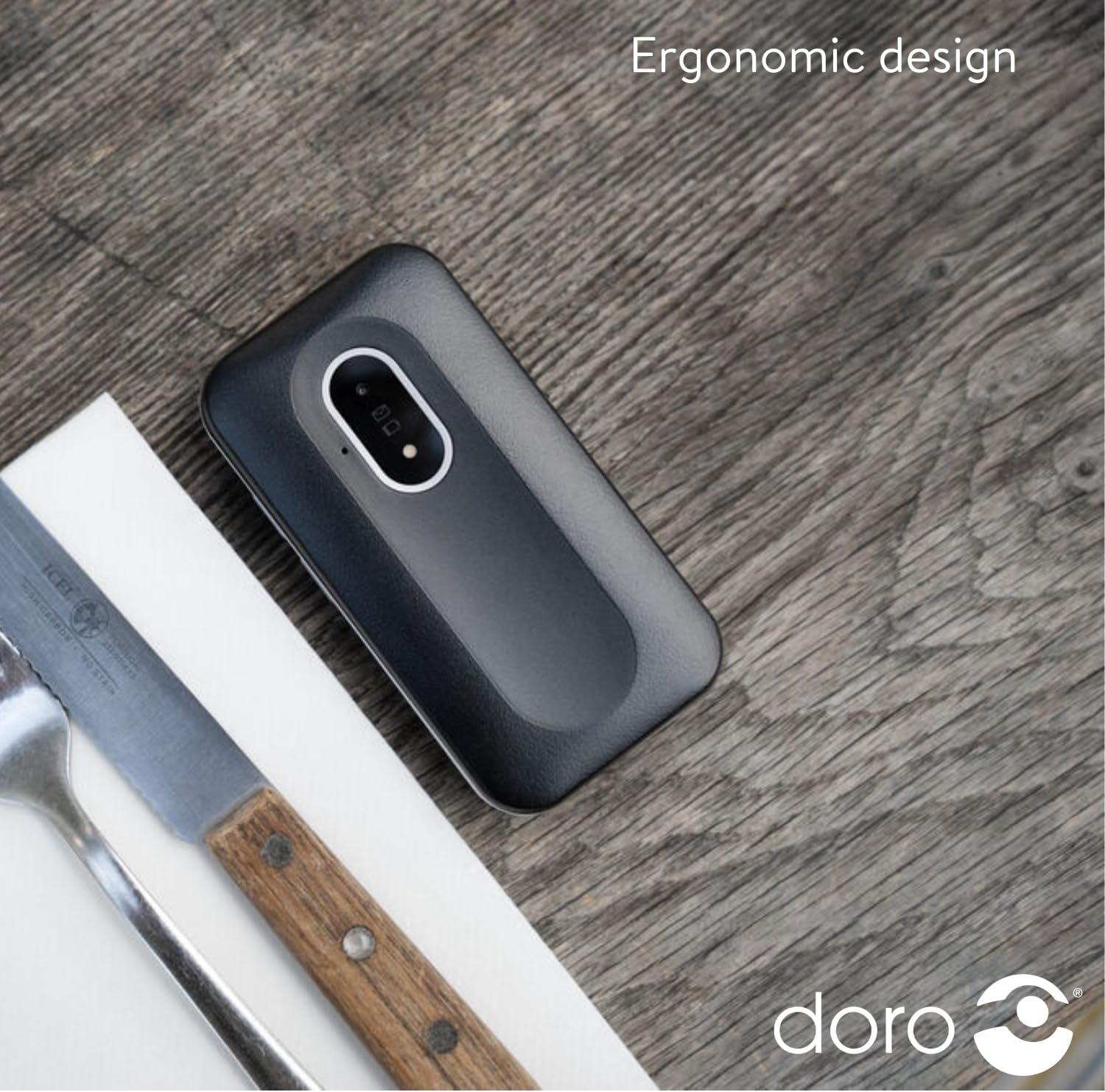
Image: The Doro Leva L20 phone, closed and lying on a wooden surface, highlighting its compact and ergonomic design.
3. Encès / apagat
To power on, press and hold the power button until the screen illuminates. To power off, press and hold the power button, then follow the on-screen prompts.
Instruccions de funcionament
Fer i rebre trucades
- Fer una trucada: Enter the phone number using the large, high-contrast keys and press the green call button.
- Recepció d'una trucada: Open the flip phone or press the green call button to answer. Close the flip phone or press the red end call button to hang up.
Enviament de missatges de text
Navigate to the 'Messages' menu using the clear, simple menu interface. Select 'New Message', enter the recipient's number or select from contacts, type your message, and send.
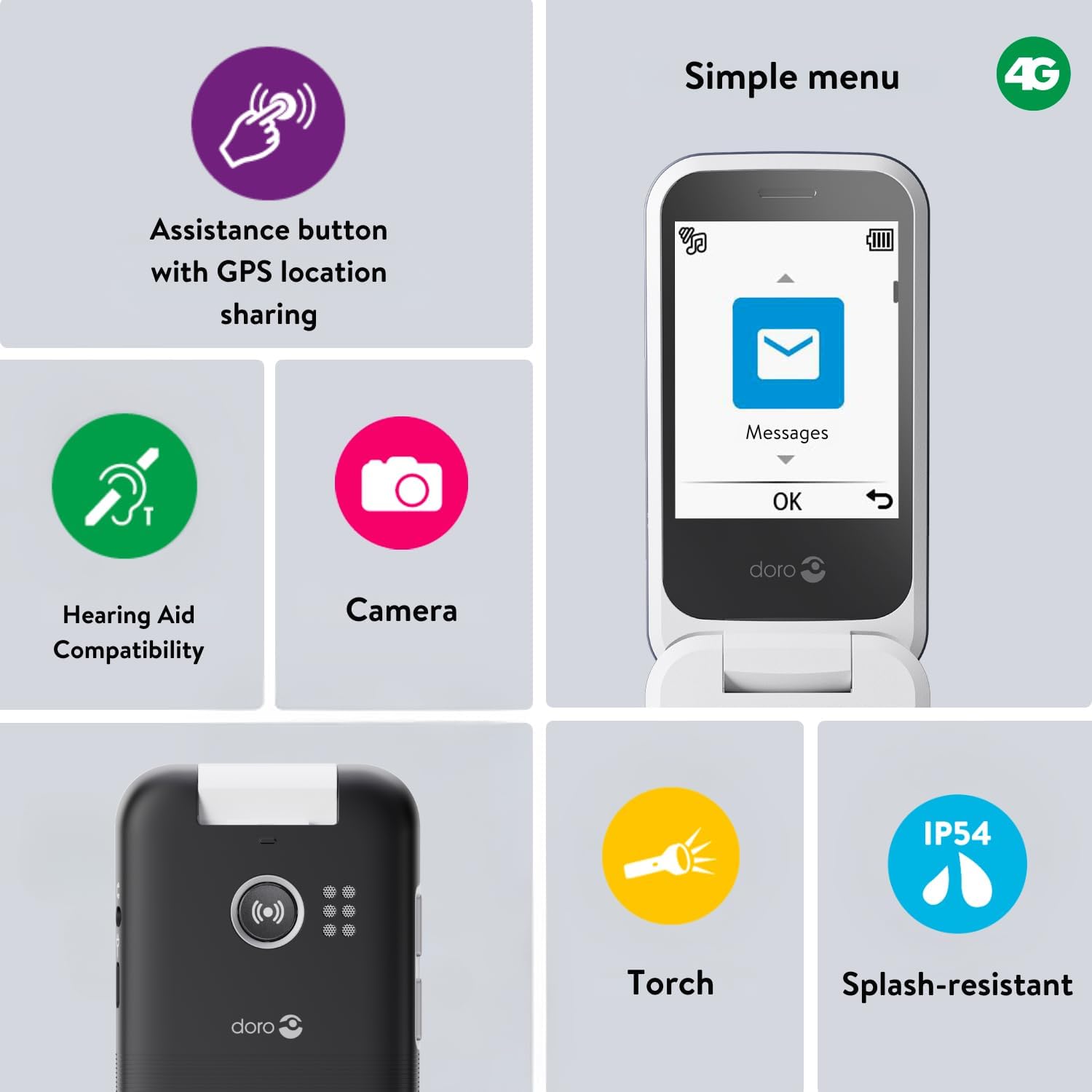
Image: A close-up of the Doro Leva L20's screen displaying a simple menu with large icons for Messages, Camera, and other functions, alongside icons for Torch, Splash-resistant, Assistance button, and Hearing aid compatibility.
Assistance Button with GPS Location
The Doro Leva L20 features a dedicated assistance button on the back of the phone. In an emergency, pressing this button sends an alert SMS with your GPS location to up to five trusted contacts, followed by calling them in sequence until one answers. This feature provides added peace of mind.
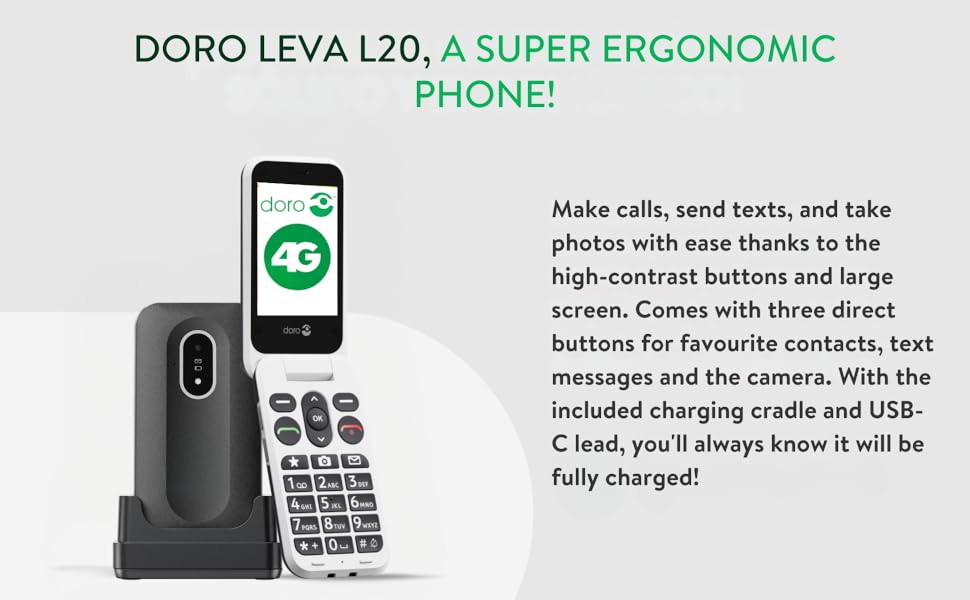
Image: A diagram illustrating the Doro Leva L20's assistance button on the back of the phone, showing how it connects to a network of five pre-set contacts in an emergency.
Funcionalitat de la càmera
The phone includes a 2MP camera for taking photos. Access the camera through the menu or via a dedicated shortcut key. Photos can be viewed a la galeria.
So i Accessibilitat
Enjoy clear conversations with HD Voice and powerful sound. The phone is compatible with hearing aids, ensuring excellent audio quality for all users.
Torxa incorporada
A convenient built-in torch is included for added everyday utility. Activate it via the menu or a shortcut.
Tecles de drecera
The Doro Leva L20 features shortcut keys for quick access to frequently used functions such as favourite contacts, camera, and messages, simplifying navigation.
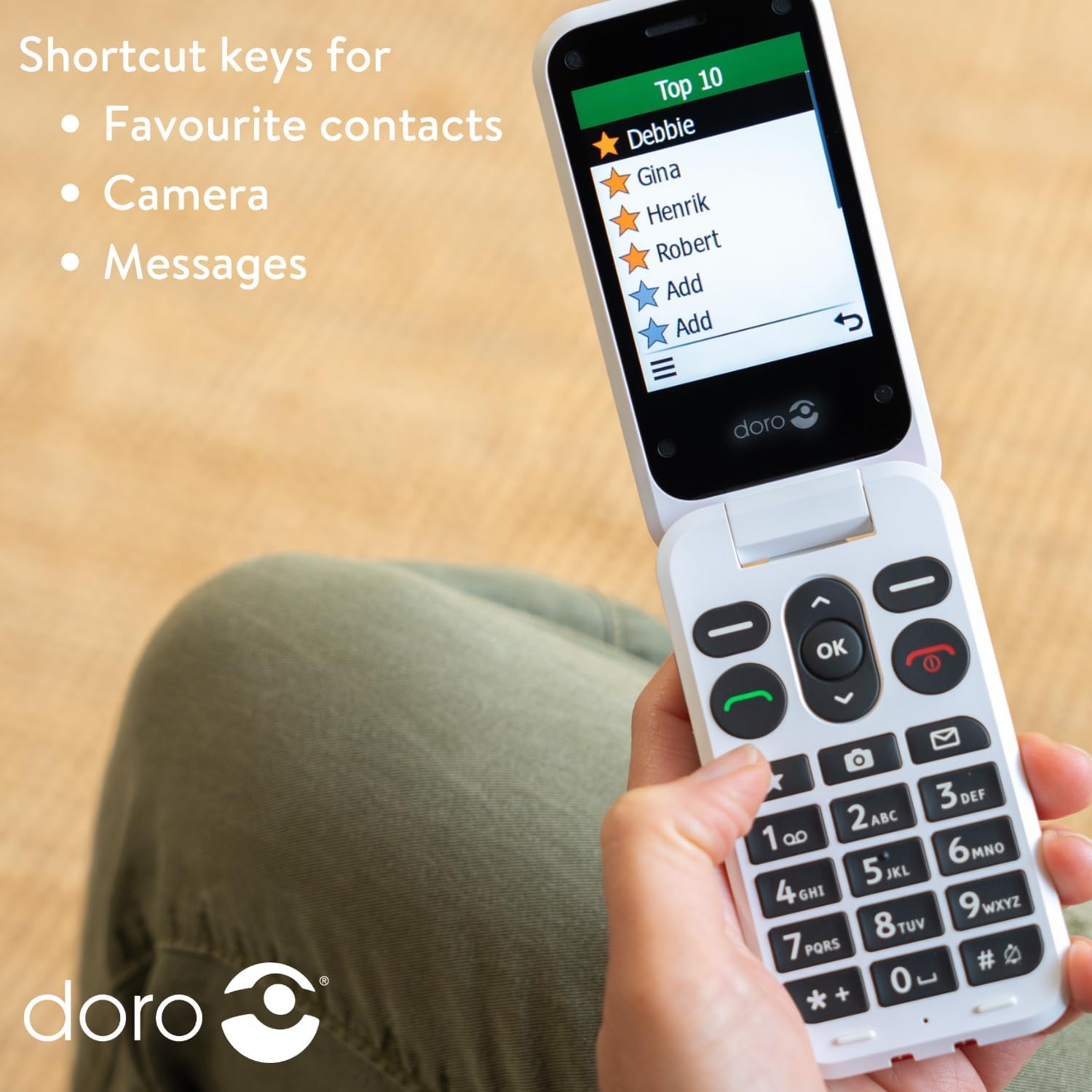
Image: A person holding the Doro Leva L20 phone, with the screen displaying a list of "Top 10" favourite contacts, illustrating the use of shortcut keys.
Manteniment
Cura de la bateria
To prolong battery life, avoid extreme temperatures and fully discharge and recharge the battery periodically. The 1000mAh battery offers long-lasting performance.
Neteja del telèfon
Wipe the phone with a soft, dry cloth. Avoid using harsh chemicals or abrasive materials. The phone is splash-resistant (IP54), but it is not waterproof; avoid submerging it in liquids.
Resolució de problemes
This section addresses common issues you might encounter with your Doro Leva L20 phone.
El telèfon no s'encén
- Assegureu-vos que la bateria estigui ben inserida i carregada.
- Connect the phone to the charger and wait a few minutes before attempting to power on again.
Sense senyal de xarxa
- Check that the SIM card is correctly inserted.
- Assegureu-vos que esteu en una zona amb cobertura de xarxa.
- Reinicieu el telèfon.
Problemes de so
- Adjust the volume settings during a call or from the main menu.
- Assegureu-vos que l'altaveu no estigui obstruït.
If you continue to experience issues, please refer to the support information provided in the Warranty and Support section.
Especificacions
| Característica | Detall |
|---|---|
| Marca | Doro |
| Nom del model | Leva L20 (Internal Model: 8740) |
| Número de model de l'article | Doro Leva X10 |
| Dimensions del producte | 13 x 9 x 9 cm; 320 g |
| Mida de la pantalla | 2.8 polzades (diagonal de pantalla visible: 3" / 8 cm) |
| Resolució | 320 x 240 |
| Sistema operatiu | KaiOS |
| Operador sense fil | Desbloquejat |
| Tecnologia cel·lular | 4G |
| Tecnologia de connectivitat | 4G |
| Color | Negre |
| Bateries | Cal 1 pila A (inclosa) |
| Fabricant | Doro |
| País d'origen | Xina |
Garantia i Suport
For warranty information and technical support, please contact Doro Official Store or refer to the documentation included with your purchase. Keep your proof of purchase for any warranty claims.
While specific software update guarantees are not provided, Doro aims to ensure product longevity and user satisfaction.
For further assistance, you may visit the official Doro weblloc o poseu-vos en contacte amb el seu departament d'atenció al client.


