1. Introducció
Thank you for choosing the ZEBRONICS Groot Wireless Mouse. This manual provides detailed instructions for setting up, operating, and maintaining your new wireless mouse. The Zeb-Groot offers versatile connectivity with both 2.4GHz and Bluetooth modes, silent operation, and an ergonomic design for comfortable use.

Image: The ZEBRONICS Groot Wireless Mouse in blue, shown alongside its compact USB nano receiver.
2. Què hi ha a la caixa
Si us plau, comproveu el contingut del paquet:
- Mouse - 1 unit
- Nano Receiver - 1 unit
- Guia ràpida d'usuari - 1 unitat
3. Producte acabatview
Familiarize yourself with the components of your ZEBRONICS Groot Wireless Mouse.

Imatge: Superior view of the mouse highlighting the Left Button, Right Button, and Scroll Wheel.

Image: Underside of the mouse, indicating the AA battery slot, On/Off switch, Bluetooth receiver indicator, Nano receiver indicator, and the storage slot for the USB nano receiver.
- Botó esquerre: Funció estàndard del clic esquerre.
- Botó dret: Funció estàndard del clic dret.
- Roda de desplaçament: Per a la funció de desplaçament i clic amb el botó central.
- Interruptor d'encesa/apagada: Located on the bottom of the mouse to conserve battery.
- Botó de canvi de mode: This button, often integrated with the power switch or a separate button on the underside, allows switching between 2.4GHz and Bluetooth modes.
- AA Battery Compartment: For inserting the required AA battery.
- USB Nano Receiver Storage: Slot for storing the 2.4GHz USB receiver when not in use.
4. Instruccions de configuració
4.1. Instal·lació de la bateria
- Obriu la tapa del compartiment de la bateria a la part inferior del ratolí.
- Inseriu una pila AA, assegurant-vos de la polaritat correcta (+/-).
- Tanqueu la tapa del compartiment de la bateria.
4.2. Connecting via 2.4GHz Wireless (USB Nano Receiver)
- Remove the USB nano receiver from its storage slot on the bottom of the mouse.
- Connecteu el nanoreceptor USB a un port USB disponible de l'ordinador.
- Turn on the mouse using the On/Off switch on the bottom.
- The mouse should automatically connect. If not, ensure the mouse is in 2.4GHz mode (check indicator light if available).

Image: A user inserting the USB nano receiver into a laptop's USB port for 2.4GHz wireless connection.
4.3. Connexió mitjançant Bluetooth
- Enceneu el ratolí amb l'interruptor On/Off.
- Switch the mouse to Bluetooth mode. This is typically done by pressing and holding a button on the mouse (often the mode switch button on the bottom or a dedicated button) until the Bluetooth indicator light starts blinking.
- A l'ordinador o dispositiu, vés a la configuració de Bluetooth.
- Cerca new devices and select "ZEB-Groot" (or similar) from the list.
- Segueix les instruccions que apareixen a la pantalla per completar el procés d'emparellament. L'indicador lluminós s'il·luminarà fixament un cop connectat.
Tip: If you experience issues, ensure your device's Bluetooth is enabled and the mouse is in pairing mode (blinking indicator).
5. Instruccions de funcionament
5.1. Funcionalitat de mode dual
The ZEBRONICS Groot mouse supports both 2.4GHz wireless and Bluetooth connectivity, allowing you to switch between two devices seamlessly.
- Mode de 2.4 GHz: Use with the USB nano receiver for a stable, plug-and-play connection.
- Mode Bluetooth: Connect wirelessly to Bluetooth-enabled devices without needing a USB port.
To switch between modes, locate the mode switch button (often on the bottom of the mouse) and press it. An indicator light will typically show the active mode.

Image: The ZEBRONICS Groot mouse positioned next to a laptop, emphasizing its dual mode capability for uninterrupted work via 2.4GHz and Bluetooth connections.
5.2. DPI Adjustment (1600 DPI)
The mouse operates at 1600 DPI (Dots Per Inch), providing smooth and precise cursor movements. This fixed DPI setting is optimized for general use, offering a balance between speed and accuracy.
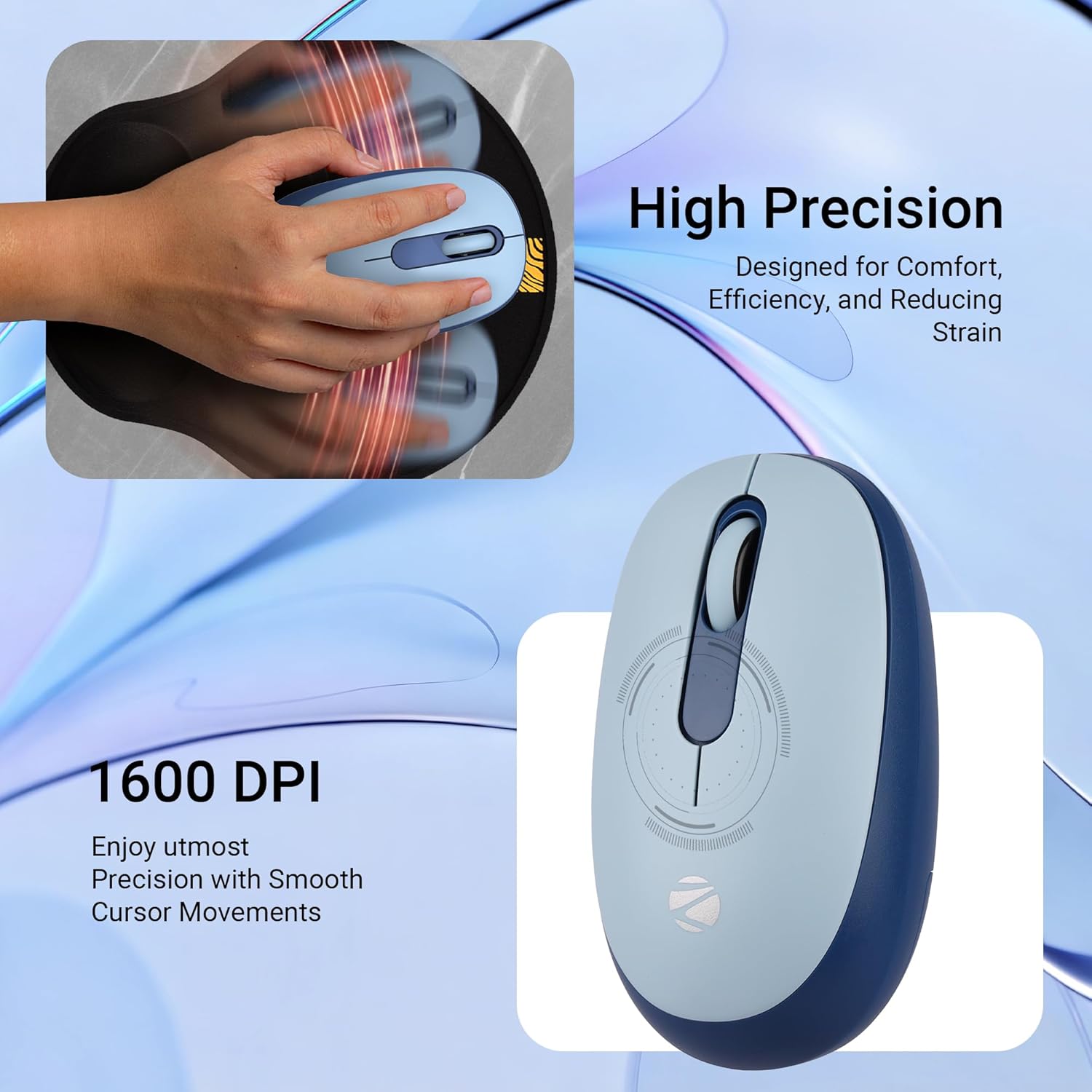
Imatge: Una imatge detallada view of the mouse highlighting its 1600 DPI capability for high precision and smooth cursor movements.
5.3. Silent Operation
The ZEBRONICS Groot mouse features silent click buttons, reducing noise during use. This is ideal for quiet environments such as libraries, offices, or late-night work sessions.
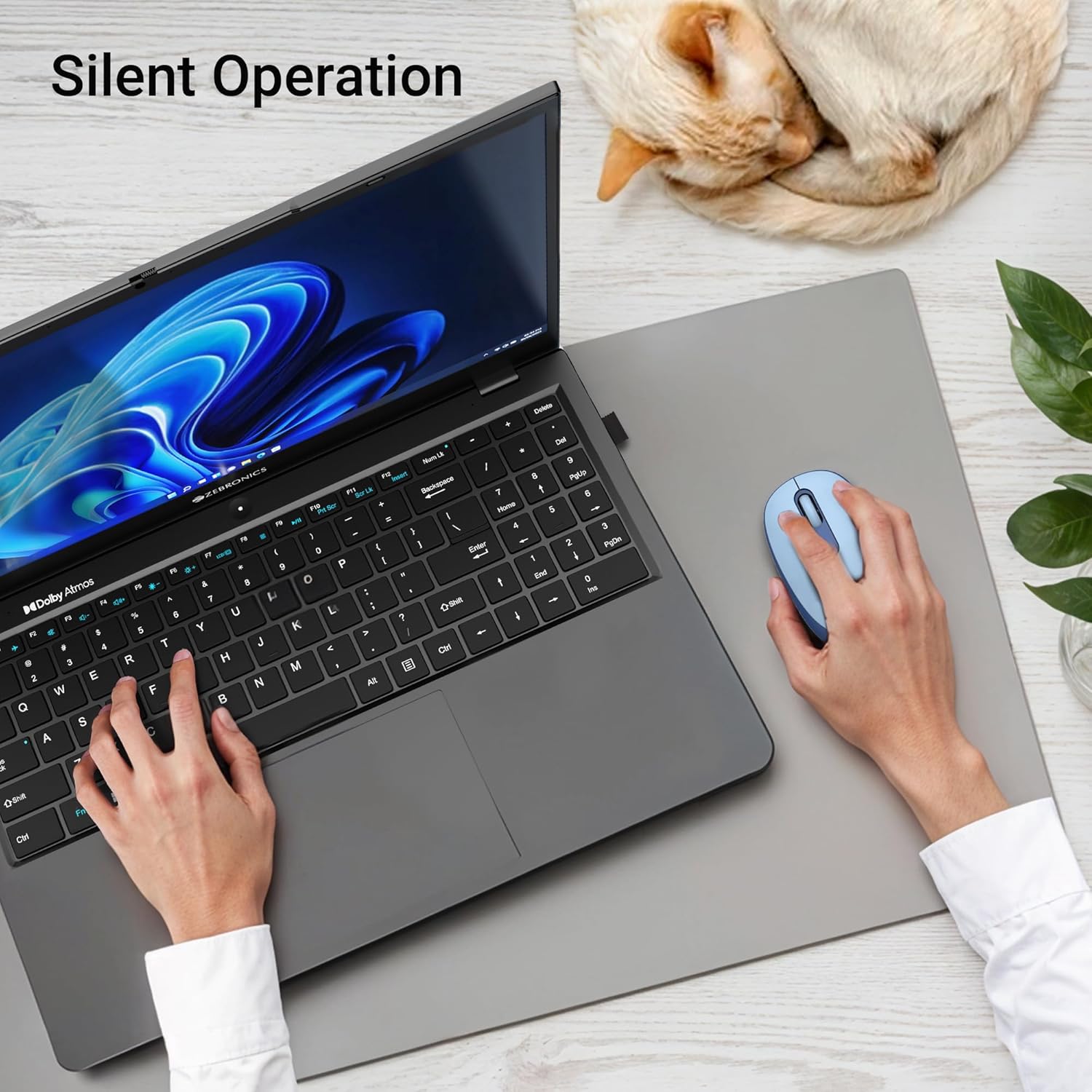
Image: A user operating the mouse silently next to a laptop, with a cat sleeping peacefully in the background, demonstrating the silent click feature.
5.4. Gestió d'energia
Use the On/Off switch on the bottom of the mouse to conserve battery life when not in use. The mouse also features an automatic sleep mode to save power during periods of inactivity.
6. Manteniment
- Neteja: Feu servir un drap suau i sec per netejar el ratolí. Eviteu utilitzar productes químics agressius o materials abrasius.
- Substitució de la bateria: Replace the AA battery when the mouse performance degrades or the indicator light (if present) signals low battery.
- Emmagatzematge: When transporting or storing the mouse, ensure the USB nano receiver is securely placed in its storage slot to prevent loss. Turn off the mouse to save battery.
7. Solució De Problemes
| Problema | Solució |
|---|---|
| El ratolí no respon (2.4 GHz) |
|
| El ratolí no es connecta (Bluetooth) |
|
| El moviment del cursor és erràtic o lent |
|
| Mouse goes to sleep too quickly |
|
8. Especificacions
| Característica | Detall |
|---|---|
| Marca | ZEBRONNICA |
| Model | Zeb-Groot |
| Tecnologia de connectivitat | Bluetooth, USB de 2.4 GHz |
| Detecció de moviment | Òptic |
| DPI | 1600 DPI |
| Botons | 3 (esquerra, dreta, roda de desplaçament) |
| Característiques especials | Silent Operation, Ergonomic Design |
| Font d'alimentació | Alimentat per piles (1x AA) |
| Compatibilitat de sistemes operatius | Mac OS (and generally Windows, Linux) |
| Dimensions del producte | 6.1 x 10.1 x 0.1 cm (aproximadament) |
| Pes de l'article | 56.6 grams (aproximadament) |
| País d'origen | Xina |
9. Garantia i Suport
9.1. Informació de la garantia
The ZEBRONICS Groot Wireless Mouse comes with a 2 any de garantia from the date of purchase. This warranty covers manufacturing defects and ensures efficient working of the product. Please retain your purchase receipt for warranty claims.
9.2. Atenció al client
For any technical assistance, troubleshooting, or warranty-related queries, please contact ZEBRONICS customer support:
- Fabricant: Zebronics India Private Limited
- Adreça: Núm. 13/7, Smith Road, Royapettah, Chennai - 600 002
- Weblloc: www.zebronics.com (Si us plau, visiteu el lloc web oficial) website for the latest contact information and support resources.)
When contacting support, please have your product model (Zeb-Groot) and proof of purchase ready.


