Introducció
This manual provides detailed instructions for the proper use and maintenance of your Docooler BT-Controller. Please read this manual thoroughly before using the device to ensure optimal performance and safety. This device is designed for convenient control of calls and music while riding motorcycles, electric bicycles, or standard bicycles.

Image: The Docooler BT-Controller, a compact black device with illuminated blue buttons for call, volume, power, and voice assistant functions.
Configuració
Contingut del paquet
Abans de continuar, comproveu que tots els elements siguin presents al paquet:
- 1 x Wireless Key Controller (DX1 device)
- 1 x cable de càrrega
- 1 x Fixed Mounting Bracket
- 1 x Manual d'usuari

Image: The components included in the product package: the DX1 device, fixed fittings (mounting bracket), charging cable, and manual.
Càrrega del dispositiu
The device is powered by a built-in 90 mAh lithium battery. For first use, or if the battery is low, charge the device using the provided charging cable.
- Connect the charging cable to the charging port on the controller.
- Connect the other end of the cable to a standard USB power source (e.g., computer USB port, USB wall adapter).
- The charging indicator (red) will illuminate during charging.
- A full charge takes approximately 1 hour. The indicator light will change or turn off once charging is complete.

Image: An illustration showing the battery performance of the controller, indicating a standby time of 30 days, duration of use of 22 days, and a charging time of 1 hour.
Instal·lació
The controller is designed for easy installation on various handlebars of motorcycles, electric bicycles, and standard bicycles.
- Select a suitable position on your handlebar that allows for easy access to the buttons without obstructing your view o control.
- Use the fixed mounting bracket to secure the controller firmly to the handlebar. Ensure it is tight enough to prevent movement during riding.

Image: The Docooler BT-Controller securely mounted on a motorcycle handlebar, positioned for easy access by the rider's thumb.
Emparellament Bluetooth
The device uses BT 5.4 technology for a stable and fast connection to your smartphone.
- Assegureu-vos que el Bluetooth del vostre telèfon intel·ligent estigui activat.
- Turn on the Docooler BT-Controller by pressing and holding the Power On/Off button (center button with power icon) until the BT indicator (blue) starts flashing, indicating it's in pairing mode.
- Al telèfon intel·ligent, cerqueu els dispositius Bluetooth disponibles.
- Select "DX1" or a similar name from the list of found devices to initiate pairing.
- Once paired, the blue BT indicator light will become solid, indicating a successful connection.
Instruccions de funcionament
The Docooler BT-Controller features intuitive buttons for managing calls, music, and voice assistant functions.

Image: A diagram illustrating the function of each button on the Docooler BT-Controller, including call, volume, power/play/pause, and voice assistant controls.
S'han acabat les funcions del botóview
- Call Button (Top, Phone Icon): Manages phone calls.
- Volume Down / Previous Song Button (Left, Minus Icon): Disminueix el volum o salta a la pista anterior.
- Power On/Off / Play/Pause Button (Center, Power Icon): Powers the device on/off and controls music playback.
- Volume Up / Next Song Button (Right, Plus Icon): Augmenta el volum o salta a la pista següent.
- Voice Assistant Button (Bottom, Microphone Icon): Activates the smartphone's voice assistant.
Gestió de trucades
Effortlessly manage your calls while riding:
- Accept/Hang Up: Short press the Call button.
- Torna a marcar l'últim número: Double-click the Call button.
- Rebutja la trucada entrant: Long press the Call button.

Image: An illustration demonstrating the one-touch operation for wireless calls, showing how short press, double-click, and long press actions on the call button correspond to answering/hanging up, redialing, and rejecting calls, respectively.
Control de música
Control your music playback with ease:
- Reproduir/pausa: Short press the Power On/Off / Play/Pause button.
- Pista següent: Short press the Volume Up / Next Song button.
- Pista anterior: Short press the Volume Down / Previous Song button.
- Pujar el volum: Long press the Volume Up / Next Song button.
- Baixar el volum: Long press the Volume Down / Previous Song button.
Assistent de veu
Enjoy hands-free functionality for calls and music with simple voice commands:
- Activa l'Assistent de veu: Premeu breument el botó de l'Assistent de veu.
Once activated, you can issue commands such as "Play music" or "Open navigation" to your smartphone's voice assistant.

Image: An illustration showing the intelligent voice assistant operation, where a short press of the microphone button activates the voice assistant, allowing commands like "play music" or "open navigation."
Manteniment
Neteja
To maintain the device's appearance and functionality, clean it regularly:
- Feu servir un drap suau i sec per netejar la superfície del controlador.
- Per a la brutícia persistent, lleugerament dampRenta el drap amb aigua. Evita utilitzar productes químics agressius o netejadors abrasius.
Resistència a l'aigua
The Docooler BT-Controller features an IPX6 waterproof design, meaning it is protected against powerful water jets. This makes it suitable for use in various weather conditions, including rainy days.
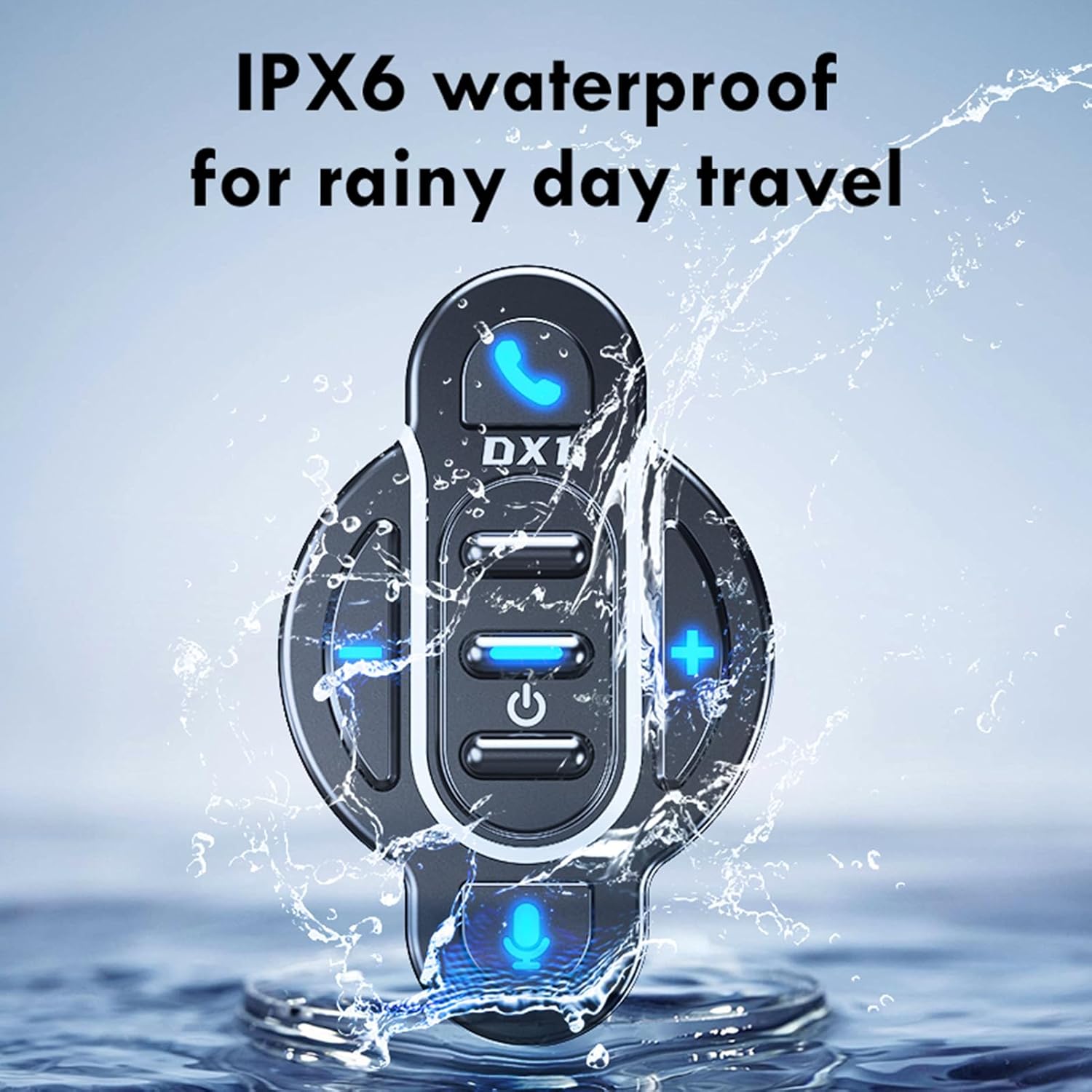
Image: The Docooler BT-Controller being splashed with water, illustrating its IPX6 waterproof rating for use in rainy conditions.
While the device is water-resistant, avoid submerging it in water or exposing it to high-pressure water streams for extended periods.
Emmagatzematge
Quan no l'utilitzeu durant períodes prolongats, guardeu el dispositiu en un lloc fresc i sec, allunyat de la llum solar directa i de temperatures extremes.
Resolució de problemes
If you encounter issues with your Docooler BT-Controller, refer to the following common problems and solutions:
| Problema | Causa possible | Solució |
|---|---|---|
| El dispositiu no s’encén. | La bateria està esgotada. | Charge the device for at least 1 hour. |
| No es pot emparellar amb el telèfon intel·ligent. | El Bluetooth està desactivat al telèfon intel·ligent; el dispositiu no està en mode d'emparellament; massa lluny del telèfon intel·ligent. | Ensure smartphone Bluetooth is on. Put controller in pairing mode (flashing blue light). Move device closer to smartphone (within 10 meters). |
| No sound or control response. | Device not connected; volume too low; app issue. | Verify Bluetooth connection. Increase volume on both controller and smartphone. Restart music/call app. |
| Els botons no responen. | Dispositiu bloquejat; bateria baixa. | Try turning the device off and on again. Charge the device. |
If the problem persists after trying these solutions, please contact Docooler customer support for further assistance.
Especificacions
| Característica | Detall |
|---|---|
| Versió BT | 5.4 |
| Rang de transmissió | 10 metres (sense obstacles) |
| Tipus de bateria | Bateria de liti de polímer de 3.7 V integrada |
| Capacitat de la bateria | 90 mAh |
| Temps de funcionament | Aprox. 22 dies |
| Temps d'espera | Aprox. 30 dies |
| Temps de càrrega | Aprox. 1 hora |
| Classificació impermeable | IPX6 |
| Color | Negre |
| Mida de l'article | Aprox. 5.5 x 3.5 x 3 cm |
| Pes de l'article | Aprox. 20 grams |
| Nombre de botons | 8 |
| Màxim de dispositius compatibles | 1 |
| Número de model | NPT6954248697367MU |
Garantia i Suport
Specific warranty information for this product is not provided in this manual. For details regarding warranty coverage, returns, or technical support, please refer to the product packaging, the retailer's website where you purchased the device, or contact Docooler customer service directly.
For the latest support information and frequently asked questions, please visit the official Docooler weblloc web o contacteu amb els seus canals d'assistència.


