Introducció
This manual provides essential instructions for setting up, operating, maintaining, and troubleshooting your GOBOULT Dire Smartwatch. Please read this guide thoroughly to ensure optimal performance and longevity of your device.
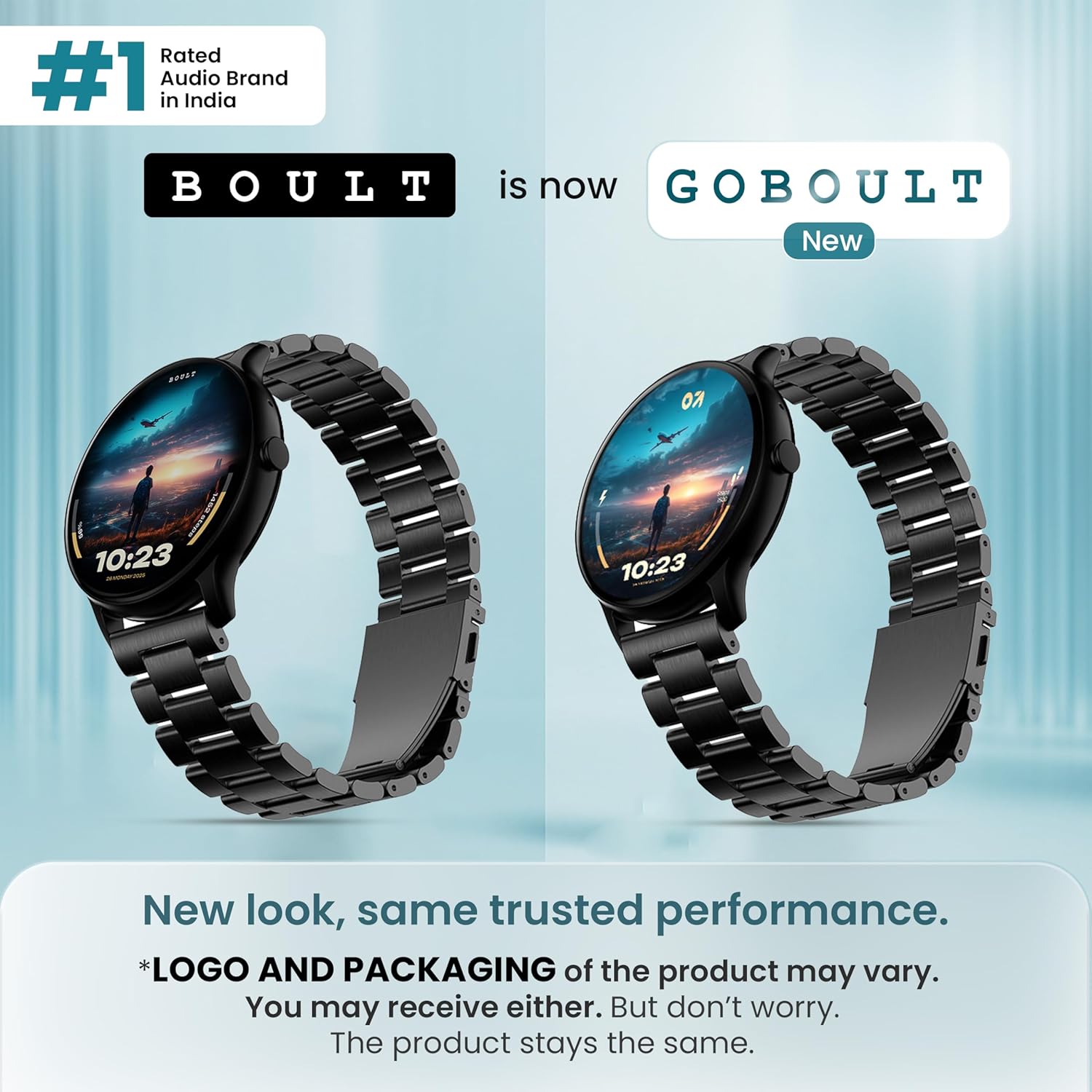
Imatge: Frontal view of the GOBOULT Dire Smartwatch, showcasing its display and strap.
Què hi ha a la caixa
Verifiqueu que tots els elements següents estiguin inclosos a l'embalatge del producte:
- GOBOULT Dire Smartwatch (Jet Black)
- Cable de càrrega
- Manual d'usuari (aquest document)
- Targeta de garantia
Configuració
1. Càrrega inicial
Before first use, fully charge your smartwatch. Connect the provided charging cable to the magnetic charging points on the back of the watch and to a standard USB power adapter (not included). A full charge typically takes approximately 150 minutes.
2. Encès / apagat
- Per encendre: Press and hold the side button until the GOBOULT logo appears on the screen.
- Per apagar: Mantingueu premut el botó lateral i, a continuació, seleccioneu "Apagar" a la pantalla.
3. Instal·lació i emparellament de l'aplicació
- Download the companion application (e.g., 'Boult Fit' or similar as indicated in the packaging) from your smartphone's app store (compatible with iOS and Android).
- Assegureu-vos que el Bluetooth estigui habilitat al vostre telèfon intel·ligent.
- Obriu l'aplicació i seguiu les instruccions a la pantalla per crear un compte o iniciar sessió.
- Select 'Add Device' or 'Pair Device' within the app and choose 'Boult Dire' from the list of available devices.
- Confirma la sol·licitud d'emparellament tant al teu telèfon intel·ligent com al rellotge intel·ligent.
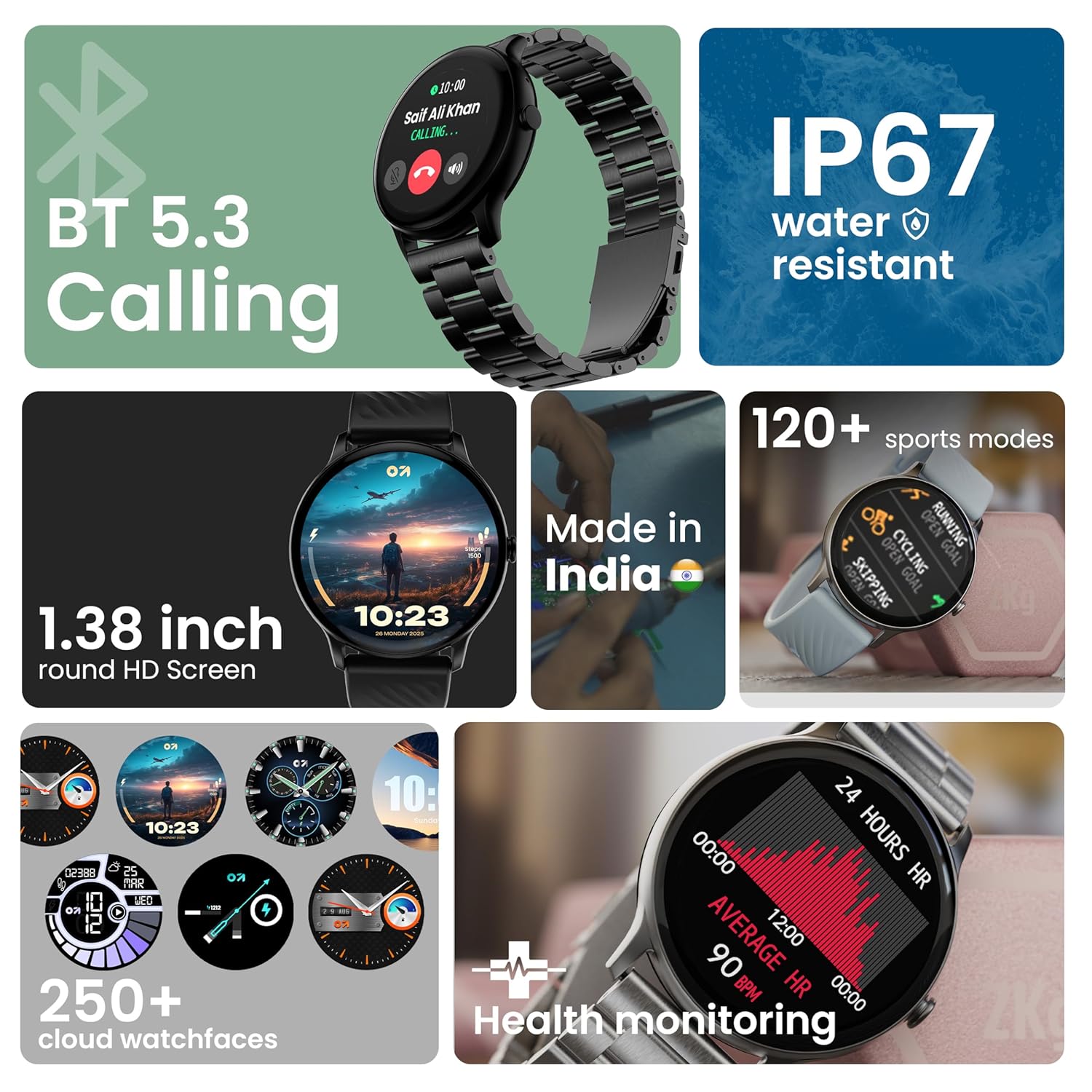
Imatge: Més deview of key smartwatch features including Bluetooth 5.3 Calling, IP67 water resistance, 1.38-inch HD screen, 250+ watchfaces, 120+ sports modes, and health monitoring.
Instruccions de funcionament
1. Navegació de la pantalla
The 1.38-inch 2.5D curved HD display is fully touch-sensitive. Swipe left, right, up, or down to navigate through menus, notifications, and widgets. Tap to select items.
2. Personalització de les esferes del rellotge
Your smartwatch supports over 250 cloud watch faces. To change the watch face, long-press on the current watch face on the home screen, then swipe left or right to browse and tap to select. More options are available through the companion app.
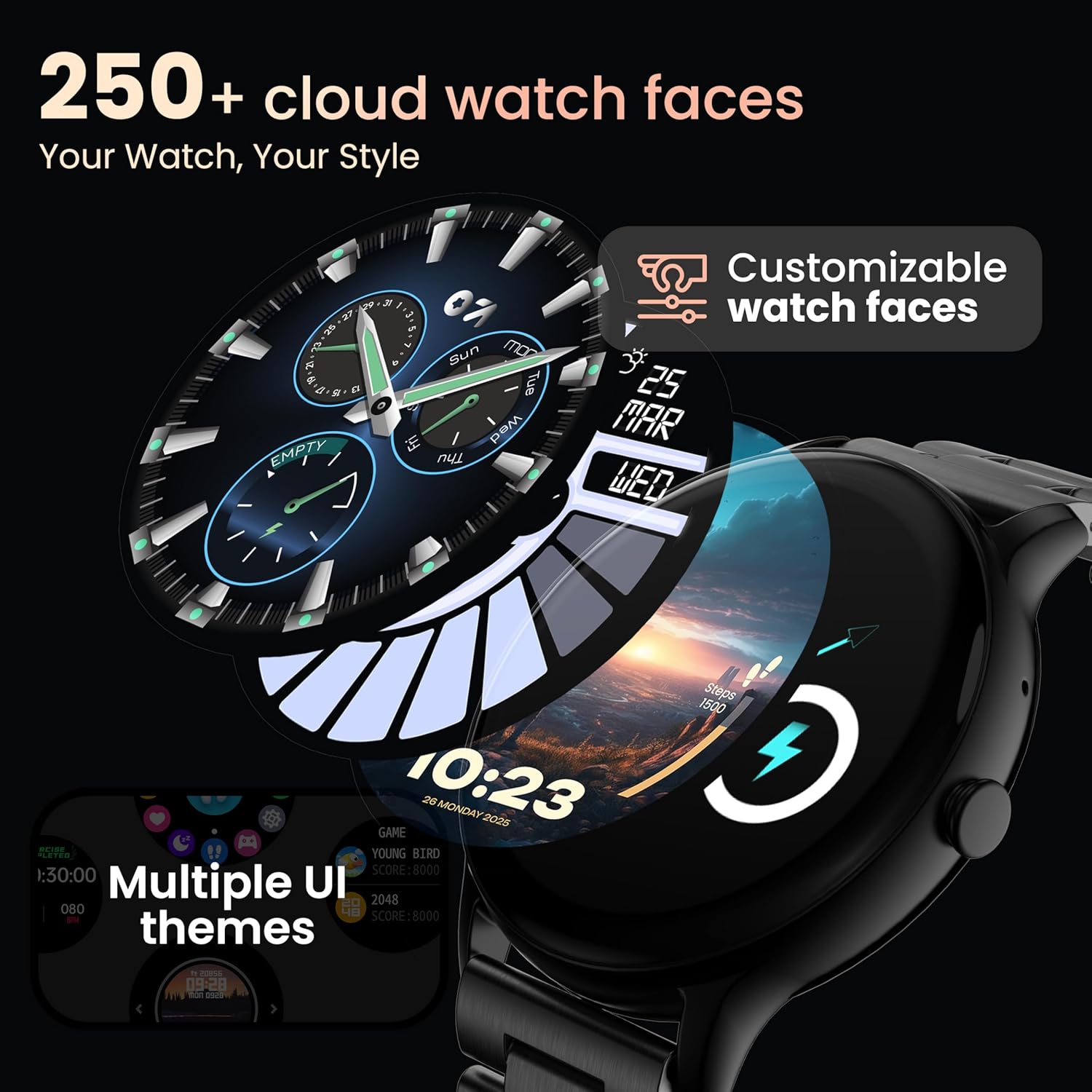
Image: A visual representation of various customizable watch faces and UI themes available on the smartwatch.
3. Trucades per Bluetooth
With Bluetooth 5.2 technology, you can make and receive calls directly from your wrist. The smartwatch features a dedicated speaker and microphone. Access the call function from the main menu to dial, answer, or reject calls. Contact synchronization is available via the companion app.
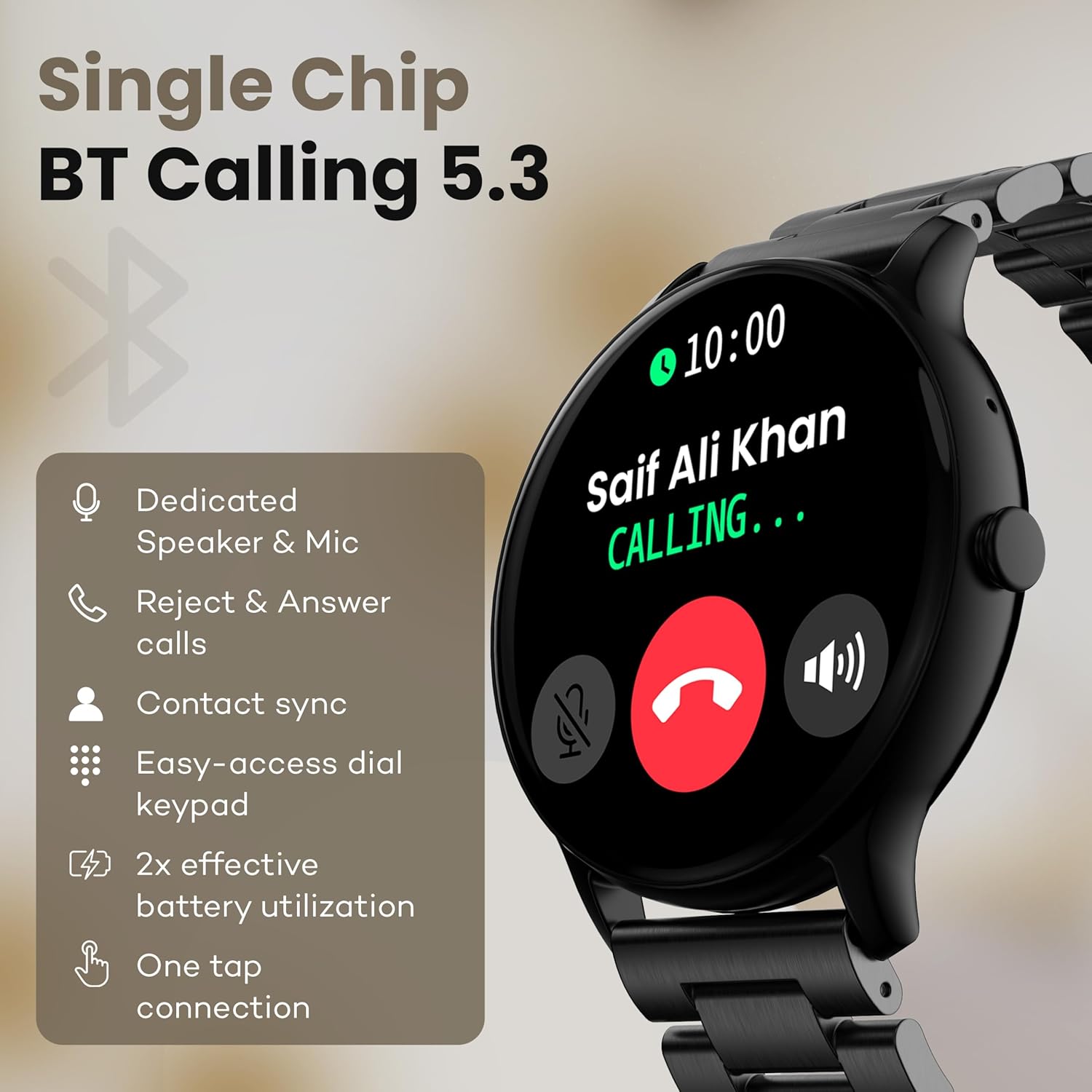
Image: The smartwatch screen showing an incoming call, highlighting features like dedicated speaker & mic, call rejection/answering, contact sync, and easy-access dial keypad.
4. Modes esportius
The device supports over 120 sports modes. Navigate to the 'Sports' menu to select your activity. The watch will track metrics such as calories burned, distance, and heart rate during your workout.
5. Assistent de veu amb IA
Activate the AI Voice Assistant feature (if enabled via the app) to control your watch or smartphone using voice commands.
6. Control de càmera
Use your smartwatch as a remote shutter for your smartphone camera. Open the camera control feature on your watch and tap to take a picture.
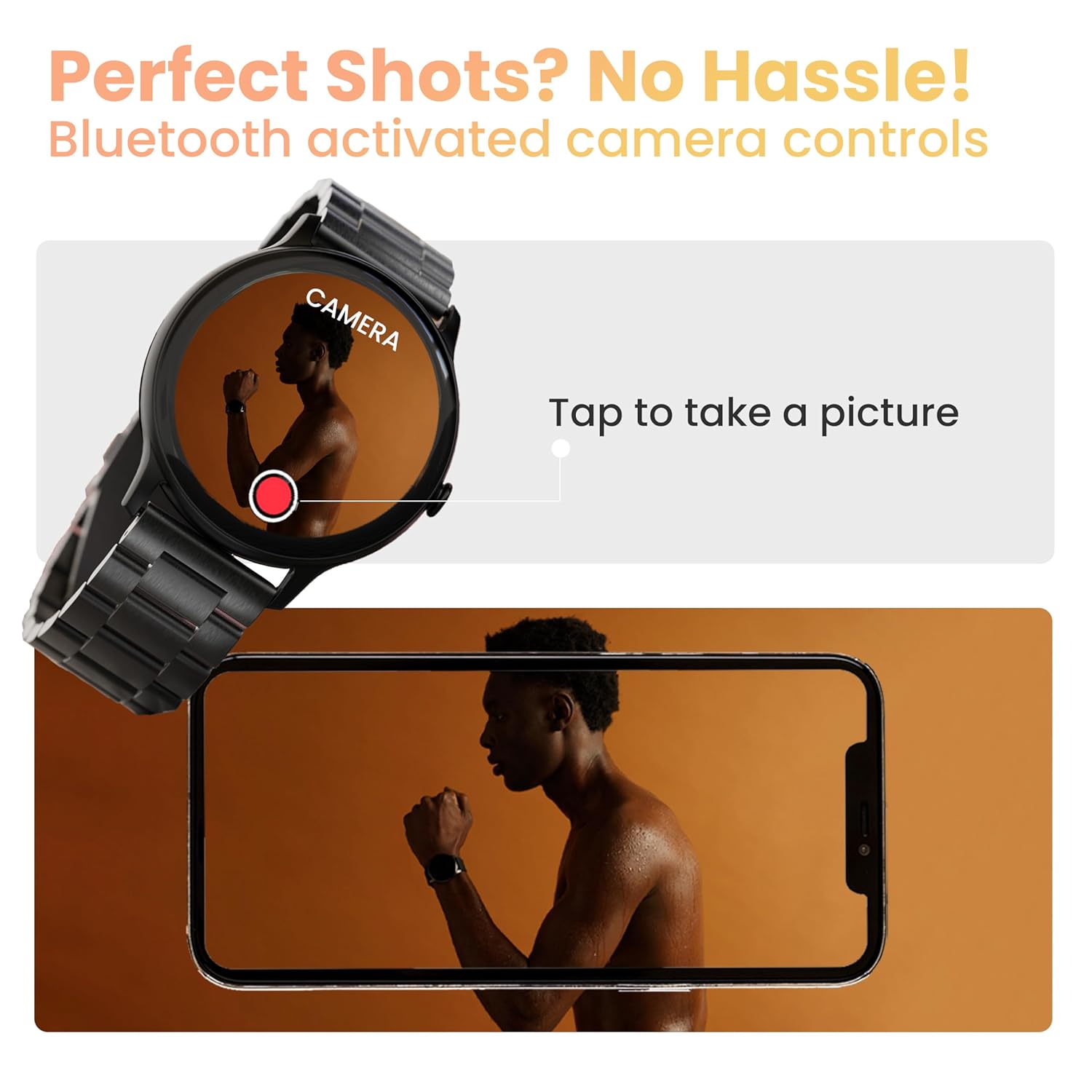
Image: The smartwatch displaying a camera interface, indicating its ability to control a smartphone camera via Bluetooth.
7. Notificacions
Receive notifications from your paired smartphone directly on your wrist. Ensure notification permissions are granted in the companion app.

Image: The smartwatch displaying various updates and reminders, such as message notifications and 'Time to Drink Water'.
8. Mini Games
The smartwatch includes pre-installed mini-games for entertainment. Access them through the main menu.
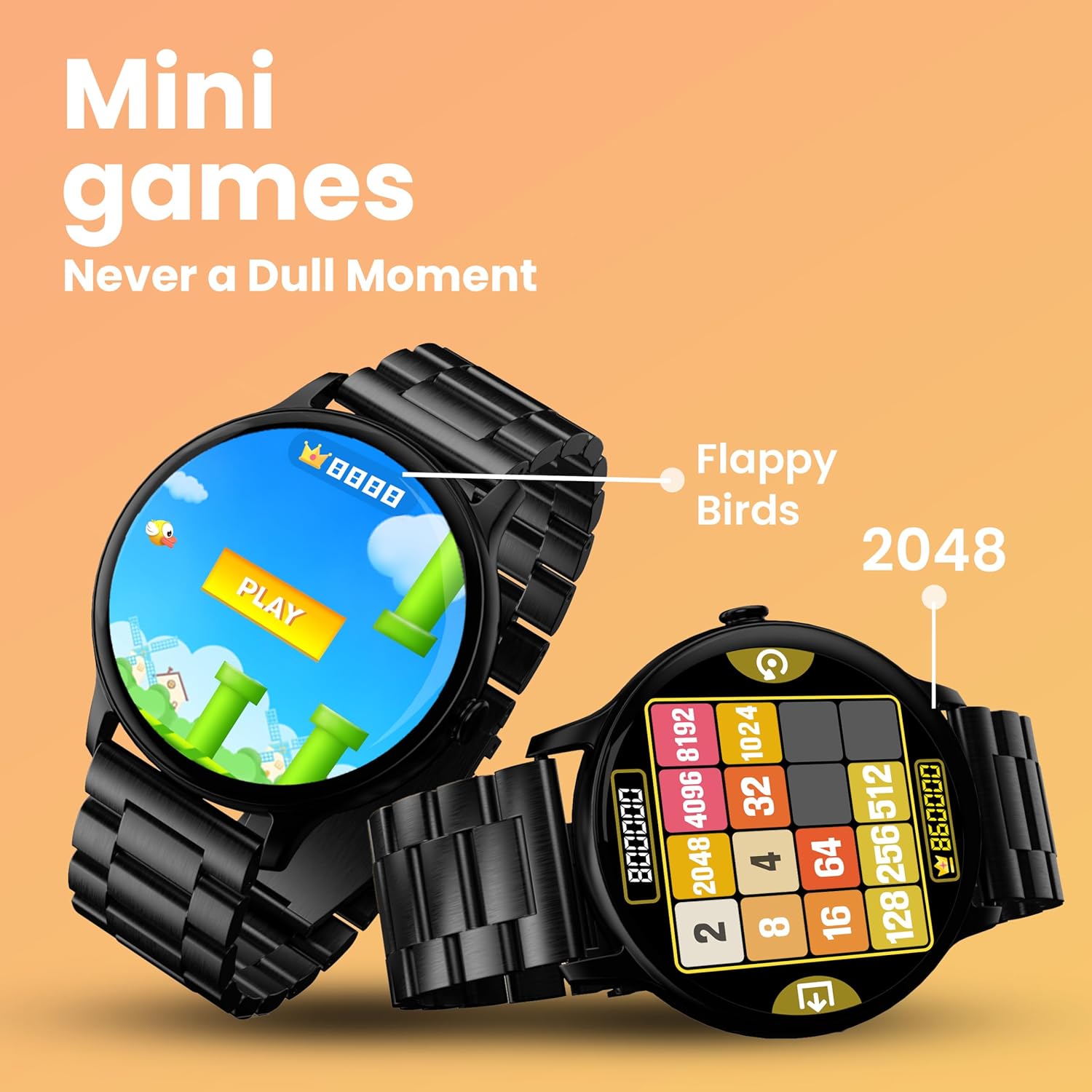
Image: The smartwatch screen showing two mini-games, 'Flappy Birds' and '2048', available for play.
Funcions de vigilància de la salut
Your GOBOULT Dire Smartwatch is equipped with several health monitoring functions:
- Monitor de freqüència cardíaca 24x7: Registra contínuament la teva freqüència cardíaca durant tot el dia.
- Monitor de saturació d'oxigen en sang SpO2: Mesura els nivells d'oxigen a la sang.
- Seguiment del cicle menstrual femení: Ajuda a controlar i predir els cicles menstruals.
- Recordatoris de beure aigua: Et recomana que beguis aigua a intervals regulars.
- Recordatoris de sedentarisme: T'avisa quan has estat inactiu durant massa temps.
- Monitorització del son: Analitza els teus patrons i la qualitat del son.
- Calories Count & Meditation: Tracks calorie expenditure and offers guided meditation features.
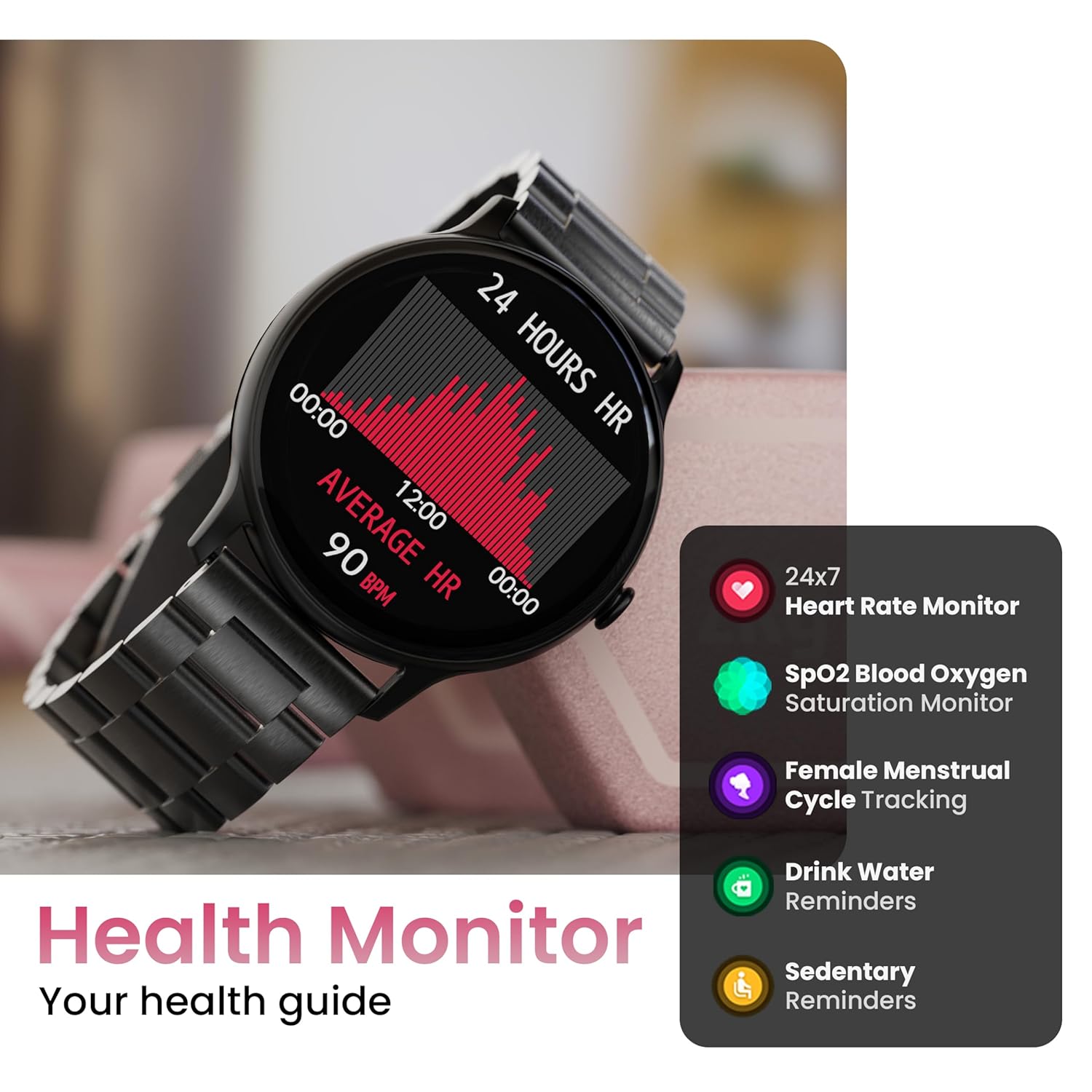
Image: The smartwatch displaying a heart rate graph, alongside icons for Heart Rate Monitor, SpO2, Female Menstrual Cycle Tracking, Drink Water Reminders, and Sedentary Reminders.
Funcions intel·ligents
Troba el meu telèfon
If your paired smartphone is misplaced, use the 'Find Device' feature on your smartwatch. Navigate to the watch menu, select 'Find Device', and tap the search button. Your connected phone will ring or vibrate, helping you locate it.
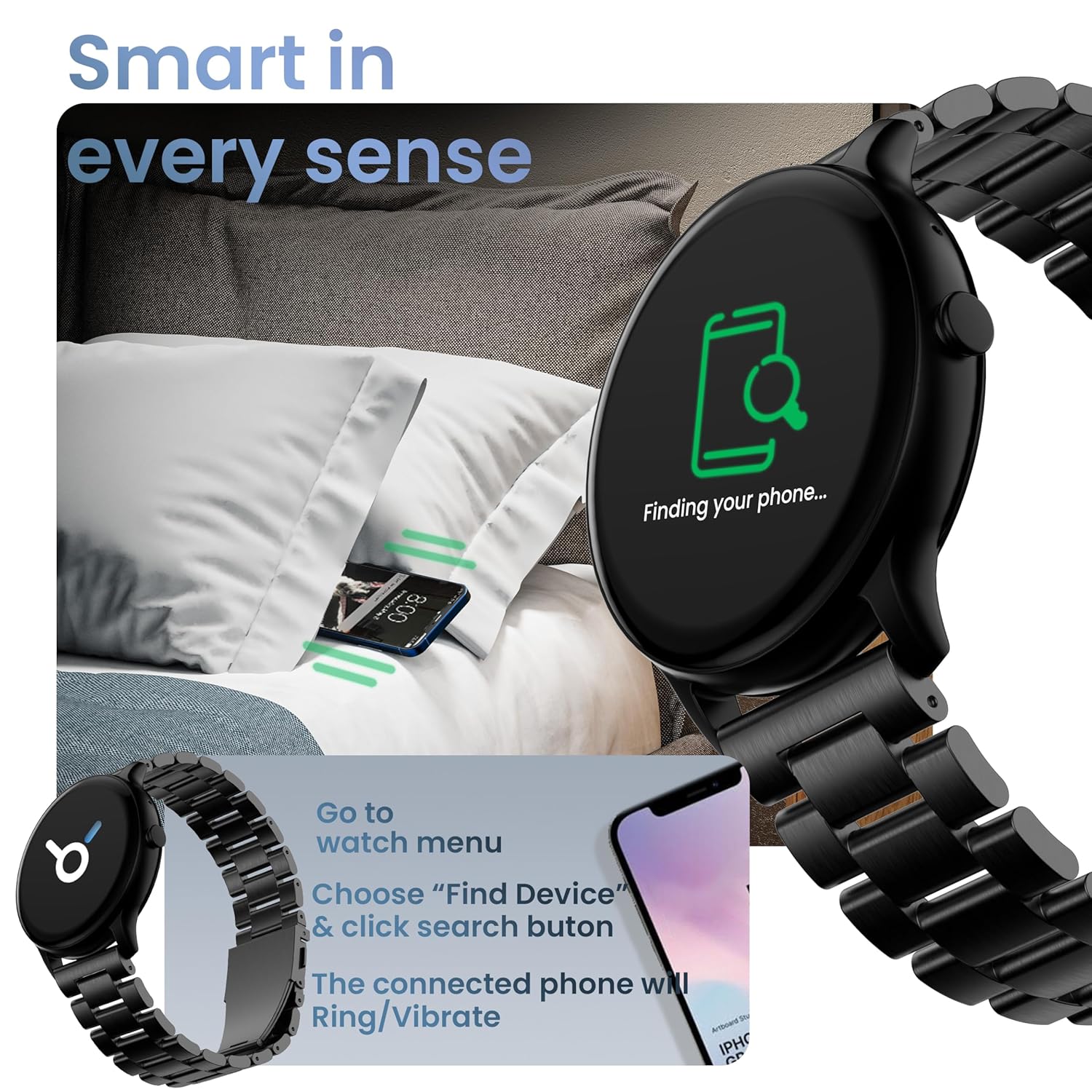
Image: The smartwatch displaying 'Finding your phone...' with an illustration of a phone vibrating under a pillow, demonstrating the 'Find Device' function.
Manteniment
Neteja del dispositiu
Netegeu el rellotge intel·ligent regularment amb un drap suau, sec i sense borrissol. Per a la brutícia resistent, netegeu-lo lleugerament.ampRenta el drap amb aigua. Evita utilitzar productes químics agressius o materials abrasius.
Resistència a l'aigua i a la pols (IP67)
The GOBOULT Dire Smartwatch is IP67 rated, meaning it is resistant to dust and can withstand immersion in water up to 1 meter for 30 minutes. It is suitable for daily use, including splashes and sweat. However, it is not recommended for swimming, showering with hot water, or diving.
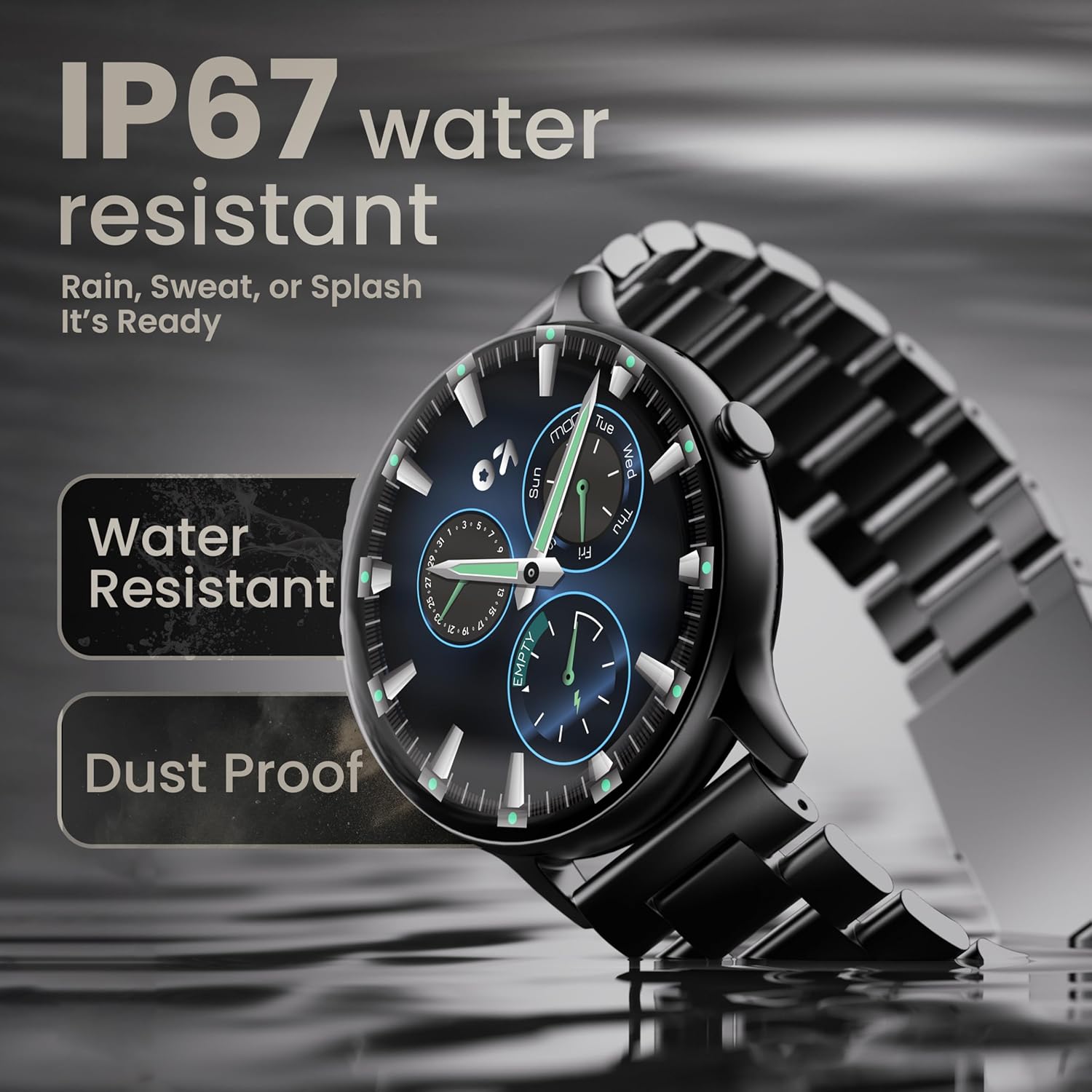
Image: The smartwatch submerged partially in water, with text indicating 'IP67 water resistant' and 'Rain, Sweat, or Splash It's Ready'.
Cura de la bateria
To maximize battery life (up to 7 days on average), avoid extreme temperatures and fully discharge the battery occasionally before recharging. Use only the provided charging cable.
Resolució de problemes
| Problema | Solució |
|---|---|
| El rellotge no s'encén | Assegura't que el rellotge estigui completament carregat. Connecta'l al carregador durant almenys 30 minuts. |
| No es pot emparellar amb el telèfon intel·ligent | Make sure Bluetooth is enabled on your phone. Restart both the watch and phone. Ensure the companion app is installed and open. Check if the watch is already paired with another device. |
| No apareixen notificacions | Verify that notification permissions are granted for the companion app in your phone's settings. Ensure the watch is connected via Bluetooth. |
| Dades de salut inexactes | Assegureu-vos que el rellotge estigui ben ajustat al canell, ni massa ajustat ni massa fluix. Netegeu el sensor de la part posterior del rellotge. |
| Durada de la bateria curta | Reduce screen brightness, disable unnecessary features like continuous heart rate monitoring if not needed, and limit frequent notifications. Ensure background app usage is optimized. |
Especificacions
| Característica | Detall |
|---|---|
| Marca | GOBOULT |
| Nom del model | Boult Dire |
| Mida de la pantalla | 1.38 polzades |
| Tipus de visualització | HD, 2.5D Curved |
| Brillantor | 500 Nit |
| Versió Bluetooth | 5.2 |
| Resistència a l'aigua | IP67 (resistent a la pols i a l'aigua) |
| Durada de la bateria (mitjana) | 7 dies |
| Temps de càrrega de la bateria | 150 minuts |
| Compatibilitat de sistemes operatius | iOS, Android |
| Pes de l'article | 40 g |
| Material del marc | Aliatge de zinc |
| Components inclosos | Charging Cable, Smartwatch, User Manual, Warranty Card |
Garantia i Suport
Your GOBOULT Dire Smartwatch comes with a manufacturer's warranty. Please refer to the included Warranty Card for detailed terms, conditions, and duration of the warranty period.
For technical assistance, product inquiries, or warranty claims, please contact GOBOULT customer support through the contact information provided on your Warranty Card or the official GOBOULT weblloc.


