1. Introducció
Thank you for choosing the Radtel RT-600 Portable Two-Way Radio. This device is a versatile communication tool designed for various applications, offering reliable performance with its tri-band frequency capabilities, including air band reception. This manual provides detailed instructions for the proper setup, operation, and maintenance of your RT-600 radio to ensure optimal performance and longevity. Please read this manual thoroughly before using the product.
2. Contingut del paquet
En obrir el paquet, comproveu que hi hagi tots els elements següents:
- Radtel RT-600 Radio Body (x2)
- Li-ion Battery Pack (2200 mAh) (x2)
- Dual-Band Antenna (x2)
- Clip de cinturó (x2)
- Carregador d'escriptori (x2)
- Corretja de mà (x2)
- English User Manual (x2)

Figure 2.1: Contents of the Radtel RT-600 package, including two radio units, batteries, antennas, chargers, belt clips, hand straps, and user manuals.
3. Característiques del producte
The Radtel RT-600 is equipped with a range of advanced features for enhanced communication:
- Funcionament tribanda: Supports 144-148MHz / 420-450MHz (TX/RX) and 50-600MHz (RX only) with 108-136MHz AM air band reception.
- Còpia de freqüència d'una sola clau: Allows for automatic frequency capture from another radio, including CTCSS/DCS tones, enabling immediate communication without programming (radios must be within 1 meter).
- 200 canals d'emmagatzematge: Ample memory for storing frequently used frequencies.
- VOX Voice Transmission: Transmissió activada per veu per a un funcionament amb mans lliures.
- Replicació de ràdio sense fil: Enables cloning settings between radios wirelessly.
- Frog Sound Tail Signal: A distinctive end-of-transmission tone.
- Cross-Band Intercom: Facilitates communication between different frequency bands.
- NOAA Emergency Weather Receiver: Provides access to emergency weather alerts.
- Contrasenya d'engegada: Enhances security by requiring a password to power on the device.
- Suport de CHIRP: Compatibility with CHIRP programming software for advanced customization.
- Construcció duradora: Features a metal material build for robust use.
4. Identificació de components
Familiarize yourself with the various parts of your Radtel RT-600 radio:
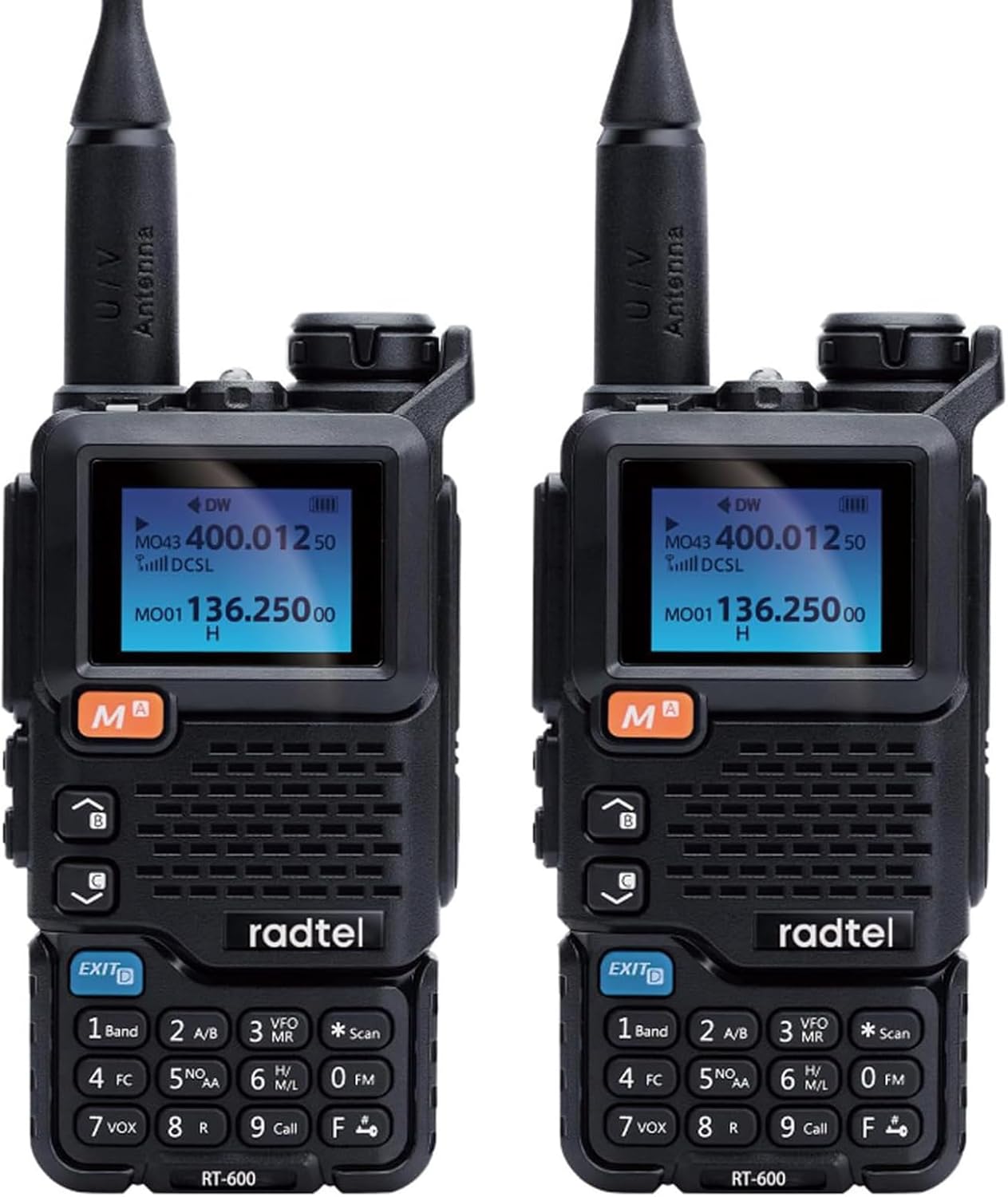
Figura 4.1: Frontal view of two Radtel RT-600 radios, showing the display, keypad, and main controls.
- Antena: Per transmetre i rebre senyals.
- Pantalla LCD: Mostra la freqüència, el canal, l'estat de la bateria i altres indicadors.
- Teclat: Tecles numèriques i de funció per a entrada i control.
- Altaveu/micròfon: Per a l'entrada i sortida d'àudio.
- Control de potència/volum: Encén/apaga la ràdio i ajusta el volum.
- Botó PTT (Prem per parlar): Activa la transmissió.
- Botons laterals: Programmable function buttons (e.g., Monitor, Scan).
- Bateria de la bateria: Bateria de ions de liti extraïble.
- Belt Clip Attachment Point: For securing the belt clip.
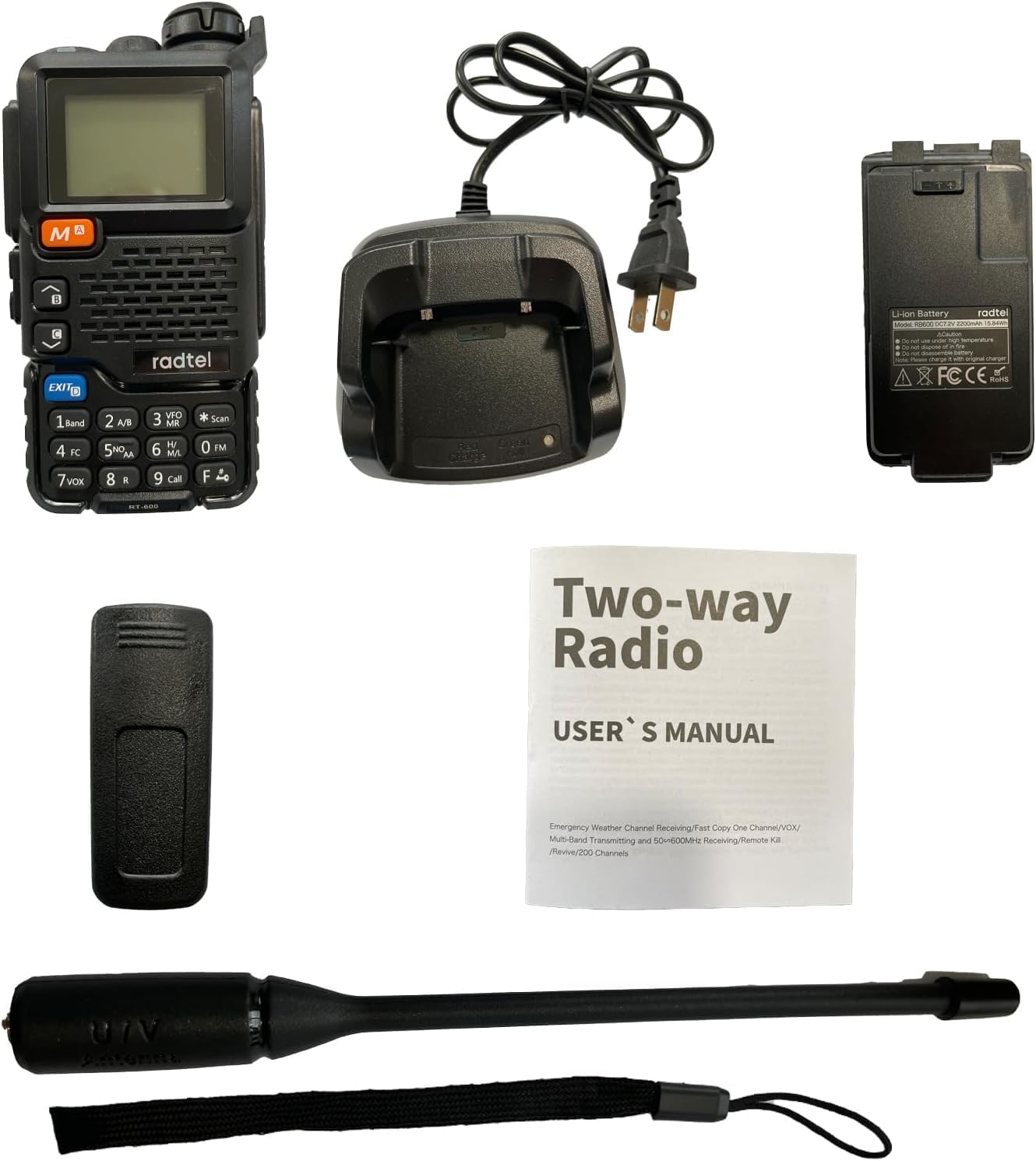
Figura 4.2: Diversos views of the Radtel RT-600, illustrating the front, side, and back with the belt clip attached.
5. Configuració
5.1. Instal·lació de la bateria
- Assegureu-vos que la ràdio estigui apagada.
- Alineeu el paquet de bateries amb les ranures de la part posterior de la ràdio.
- Feu lliscar la bateria cap amunt fins que encaixi fermament al seu lloc.
- Per treure-la, premeu el pestell d'alliberament de la bateria (si n'hi ha) i feu-la lliscar cap avall.
5.2. Carregant la bateria
The RT-600 comes with a 2200 mAh Li-ion battery. For optimal performance, fully charge the battery before first use.
- Connecteu l'adaptador de CA al carregador d'escriptori.
- Connecteu l'adaptador de CA a una presa de corrent.
- Col·loqueu la ràdio (amb la bateria instal·lada) a la ranura de càrrega del carregador d'escriptori.
- The charging indicator light on the charger will typically turn red while charging and green when fully charged.
Note: Do not use a USB-C charger with this device. Only use the provided desktop charger.
5.3. Connectar l'antena
- Enrosqueu l'antena en sentit horari al connector de la part superior de la ràdio fins que quedi ben ajustada amb els dits.
- Do not overtighten the antenna.
6. Instruccions de funcionament
6.1. Encendre/apagar i control de volum
- Encès: Rotate the Power/Volume knob clockwise until you hear a click. The display will light up.
- Apagar: Gireu el botó d'engegada/volum en sentit antihorari fins que sentiu un clic.
- Ajust de volum: Rotate the Power/Volume knob clockwise to increase volume and counter-clockwise to decrease it.
6.2. Selecció de canal i freqüència
The RT-600 supports 200 storage channels and direct frequency input.
- Mode de canal: Use the UP/DOWN arrow keys to navigate through stored channels.
- Mode de freqüència (VFO): Enter frequencies directly using the keypad. Press the 'VFO/MR' button to switch between VFO (Frequency) and MR (Memory/Channel) modes.
6.3. One-Key Frequency Copy (Automatic Frequency Capture)
This feature allows your RT-600 to quickly copy the frequency and CTCSS/DCS tone from another radio, enabling instant communication.
- Place the two radios (your RT-600 and the target radio) within 1 meter of each other.
- Activate the one-key copy function on your RT-600 (refer to your radio's specific key assignment for this function, often labeled 'FC' or similar).
- The RT-600 will scan and capture the frequency and tone from the transmitting radio.
- Once copied, your RT-600 will be set to communicate on that frequency.
6.4. Air Band Reception (108-136MHz AM)
The RT-600 can receive AM signals in the air band frequency range.
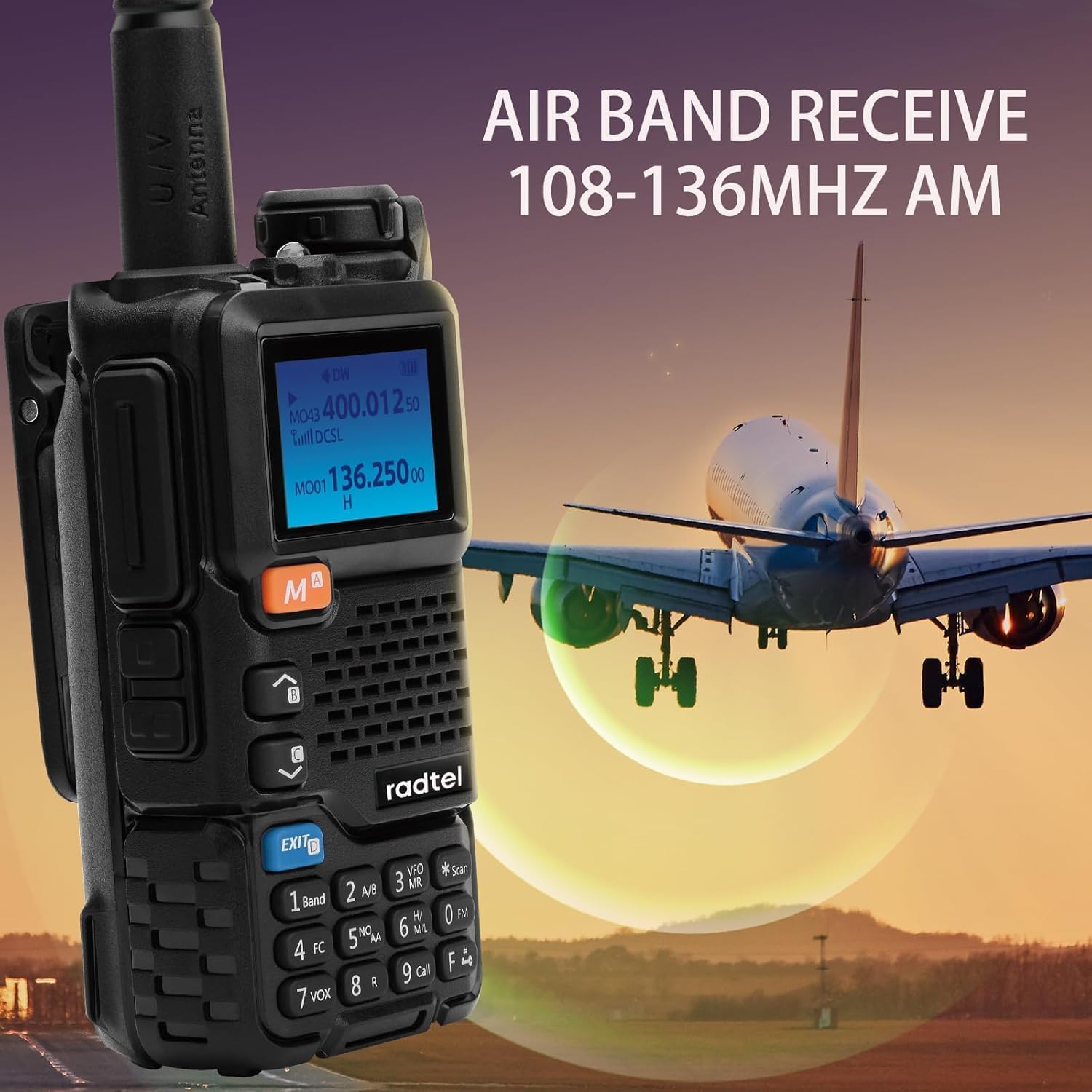
Figure 6.1: The Radtel RT-600 displaying air band reception, with an airplane in the background, indicating its capability to receive signals in the 108-136MHz AM range.
To access air band frequencies, switch to VFO mode and input frequencies within the 108-136MHz range. The radio will automatically switch to AM modulation for this band.
6.5. NOAA Emergency Weather Receiver
Stay informed about severe weather conditions with the built-in NOAA weather alert function.
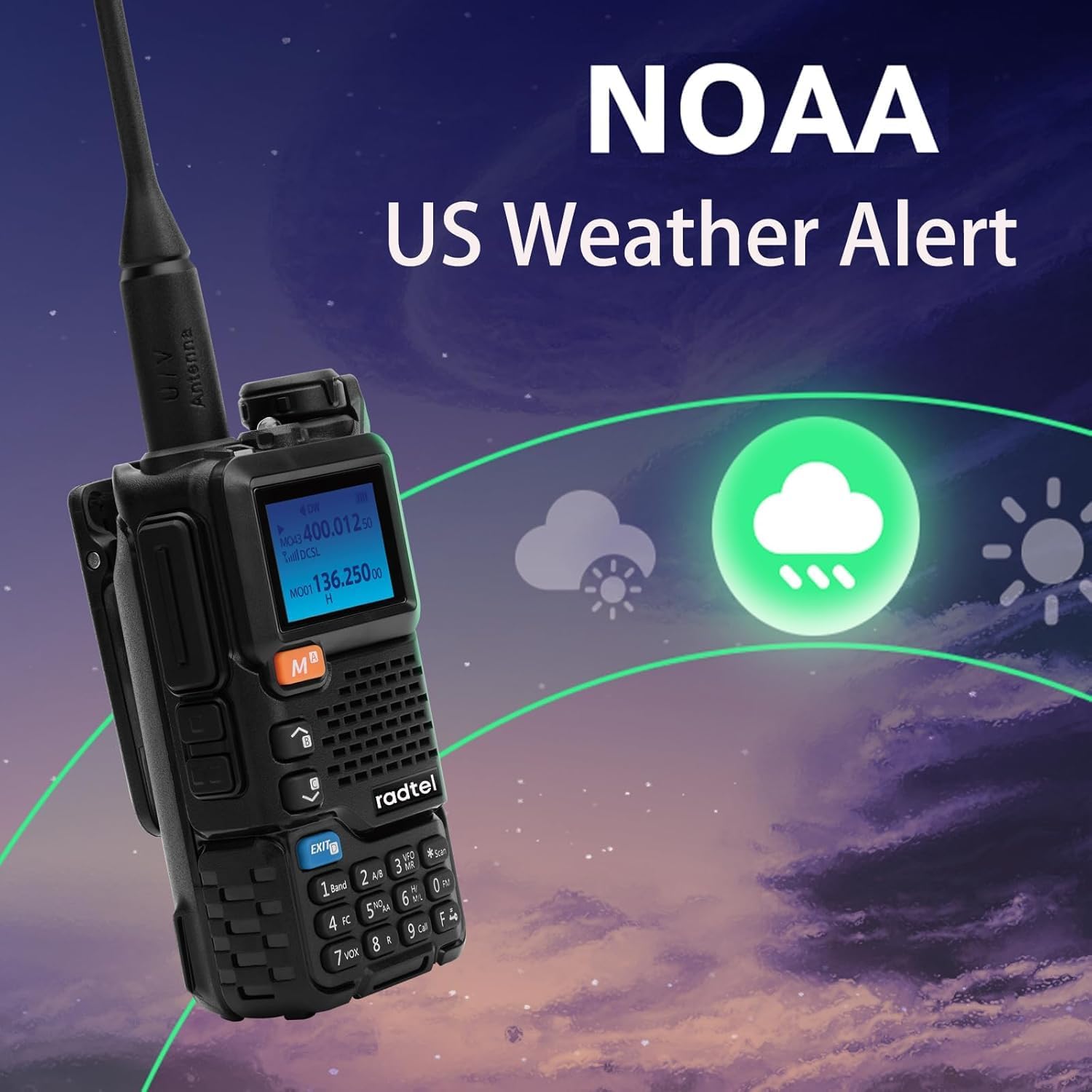
Figure 6.2: The Radtel RT-600 screen showing a weather alert icon, indicating its NOAA emergency weather receiver capability.
Refer to your radio's menu settings to enable and configure the NOAA weather alert feature. The radio will monitor designated NOAA frequencies and alert you to warnings.
6.6. Power-on Password
For added security, you can set a password that must be entered each time the radio is powered on.
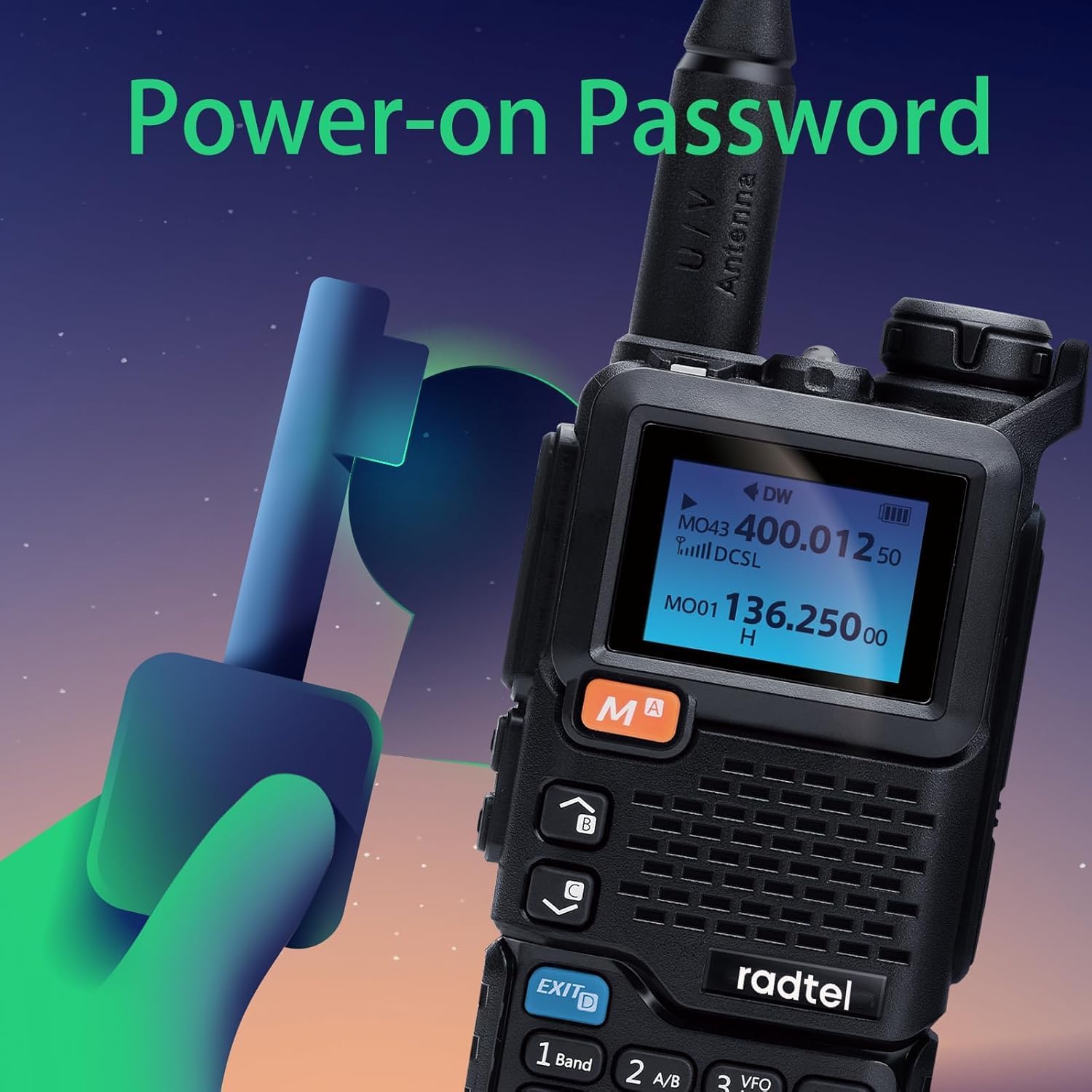
Figure 6.3: An illustration depicting the Radtel RT-600 with a key graphic, symbolizing the power-on password feature for enhanced security.
This feature can be enabled and configured through the radio's menu system. Ensure you remember your password, as forgetting it may require a factory reset.
6.7. Other Functions (VOX, DTMF, FM Radio)

Figure 6.4: The Radtel RT-600 display with graphics indicating DTMF, Frog Sound Tail Signal, and FM Radio capabilities.
- VOX (Central Operada per Veu): Allows hands-free transmission when your voice is detected. Adjust VOX sensitivity in the menu.
- DTMF (multifreqüència de doble to): Used for various control functions, such as remote control of repeaters.
- Ràdio FM: The RT-600 can also function as an FM broadcast radio receiver.
Detailed instructions for these and other advanced functions (like Wireless Radio Replication, Cross-Band Intercom, and CHIRP support) can be found in the radio's internal menu system or by consulting the full English manual provided in the package.
7. Manteniment
- Neteja: Utilitzeu un suau, damp drap per netejar la superfície de la ràdio. No utilitzeu productes químics agressius ni netejadors abrasius.
- Cura de la bateria:
- Eviteu sobrecarregar o descarregar completament la bateria.
- Guardeu la bateria en un lloc fresc i sec quan no la feu servir durant períodes prolongats.
- Si no heu d'utilitzar la ràdio durant molt de temps, traieu-ne la bateria.
- Antena: Assegureu-vos que l'antena estigui ben fixada però no massa apretada. Eviteu doblegar o tensar l'antena.
- Emmagatzematge: Guardeu la ràdio en un lloc sec i sense pols, allunyat de la llum solar directa i de temperatures extremes.
8. Solució De Problemes
| Problema | Causa possible | Solució |
|---|---|---|
| La ràdio no s'encén. | La bateria està baixa o no està instal·lada correctament. | Carregueu la bateria o torneu-la a instal·lar correctament. |
| No es pot transmetre ni rebre. | Incorrect frequency/channel; antenna loose; battery low. | Verify frequency/channel settings; check antenna connection; charge battery. |
| Mala qualitat d'àudio. | Low signal strength; volume too low/high; speaker/mic obstruction. | Move closer to other radio; adjust volume; clear obstructions. |
| La bateria s'esgota ràpidament. | Frequent transmission; high power setting; aging battery. | Reduce transmission time; use low power if possible; consider replacing battery. |
| Power-on password forgotten. | Password not remembered. | Contact Radtel support for factory reset instructions (may erase settings). |
9. Especificacions
| Característica | Detall |
|---|---|
| Marca | Radtel |
| Model | RT-600 |
| Rang de freqüència (TX/RX) | 144-148 MHz / 420-450 MHz |
| Frequency Range (RX Only) | 50-600MHz (including 108-136MHz AM Air Band) |
| Capacitat de la bateria | 2200 mAh Li-ion |
| Potència de sortida | 3W-5W |
| Canals d'emmagatzematge | 200 |
| Interval màxim | 3 km-5 km (segons el terreny i les condicions) |
| Dimensions | 115 x 60 x 37.5 mm (aprox.) |
| Material | Metall |
| Resistència a l'aigua | No resistent a l'aigua |
| Característiques especials | Air Band, One-Key Copy Frequency, 2200mAh Battery, VOX, Wireless Replication, Frog Sound Tail Signal, Cross-band Intercom, NOAA Receiver, Power-on Password, CHIRP Support |
10. Garantia i Suport
Your Radtel RT-600 radio comes with a standard manufacturer's warranty. Please refer to the warranty card included in your package for specific terms and conditions.
For technical support, troubleshooting assistance, or warranty claims, please contact Radtel customer service. Contact information can typically be found on the official Radtel weblloc web o a l'embalatge.
Nota: Conserveu el tiquet de compra com a comprovant de compra a efectes de garantia.


