1. Introducció
This manual provides detailed instructions for the ieGeek 2K HD Baby Monitor, Model baby 1T. This system includes two cameras and a 5-inch parent unit, offering both secure non-WiFi monitoring and remote access via a smartphone application. Key features include 2K HD video quality, crystal clear night vision, split-screen viewing, pan/tilt/zoom control, two-way audio, and environmental sensors.
2. Configuració
2.1 Què s'inclou
Verify all components are present in the package:
- 1x càmera
- 1x Monitor (Parent Unit)
- 2x adaptadors de corrent
- 2x cables d'alimentació
- 3x Screws & 3x Screw Hats
- 1x suport
- 1x Pin
- 1x Guia ràpida
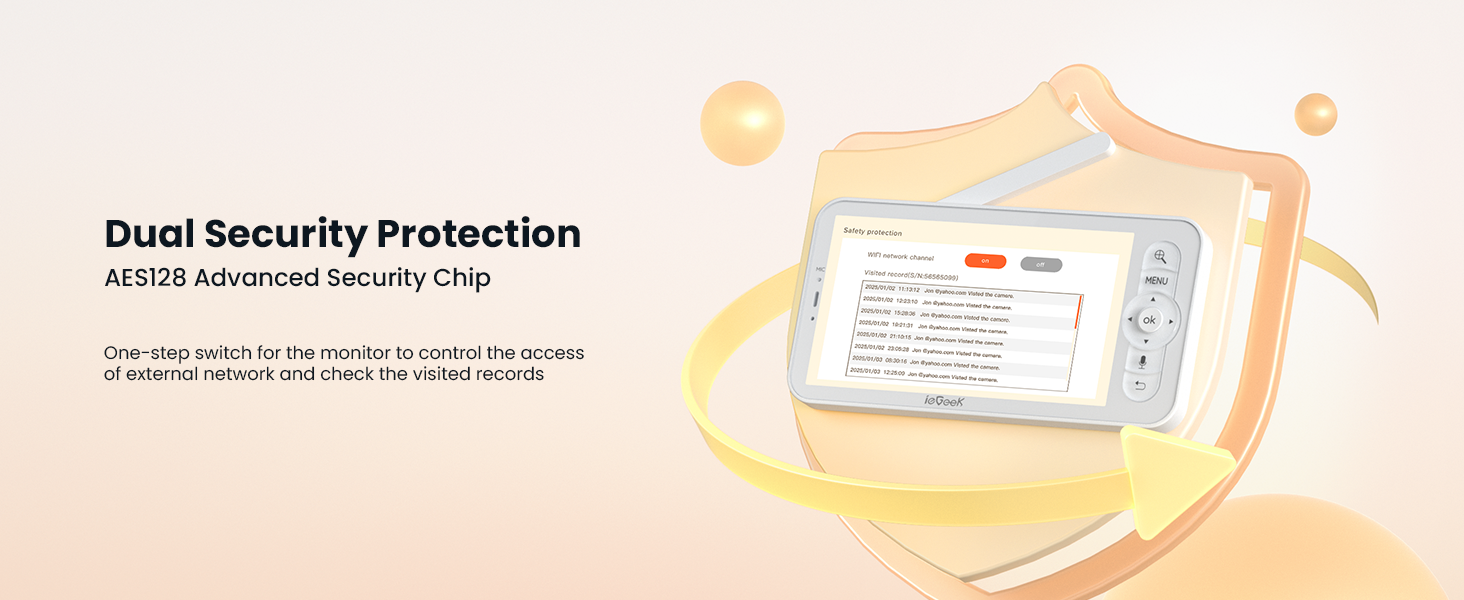
Figura 2.1: Contingut del paquet
2.2 Encès
Connect the provided power adapters to the cameras and the parent unit. The cameras require continuous power, while the parent unit has a rechargeable battery for portable use. Ensure both units are fully charged or connected to power before initial setup.
2.3 Opcions de muntatge
The cameras can be placed on a flat surface or mounted to a wall or ceiling using the included bracket and screws. The monitor can be placed on a table or other flat surface.

Figure 2.2: Camera Mounting Example
3. Funcionament del monitor
3.1 Display and Video Quality
The parent unit features a 5-inch IPS display with 2K HD resolution, providing a clear view of your baby. Advanced infrared night vision automatically activates in low-light conditions, offering a clear video feed without any disturbing glow.
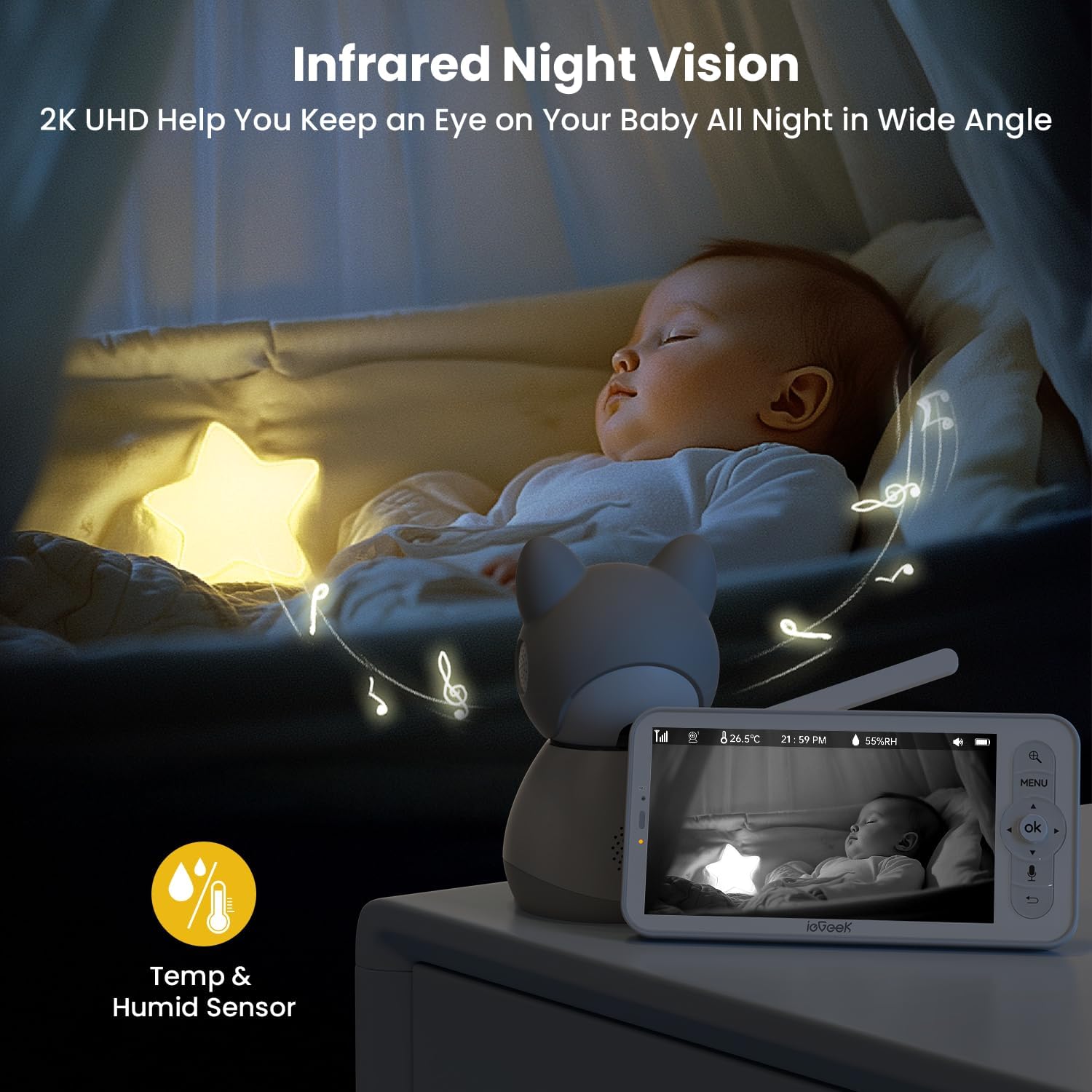
Figure 3.1: Night Vision Display
3.2 Multi-Camera and Split-Screen Viewing
The system supports up to two cameras (included) and offers split-screen viewing, allowing you to monitor two areas simultaneously. The cameras feature motorized 350° pan and 60° tilt capabilities, along with 4x digital zoom, enabling comprehensive coverage of the nursery. An auto-tracking feature can follow your baby's movements.

Figure 3.2: Split-Screen Functionality
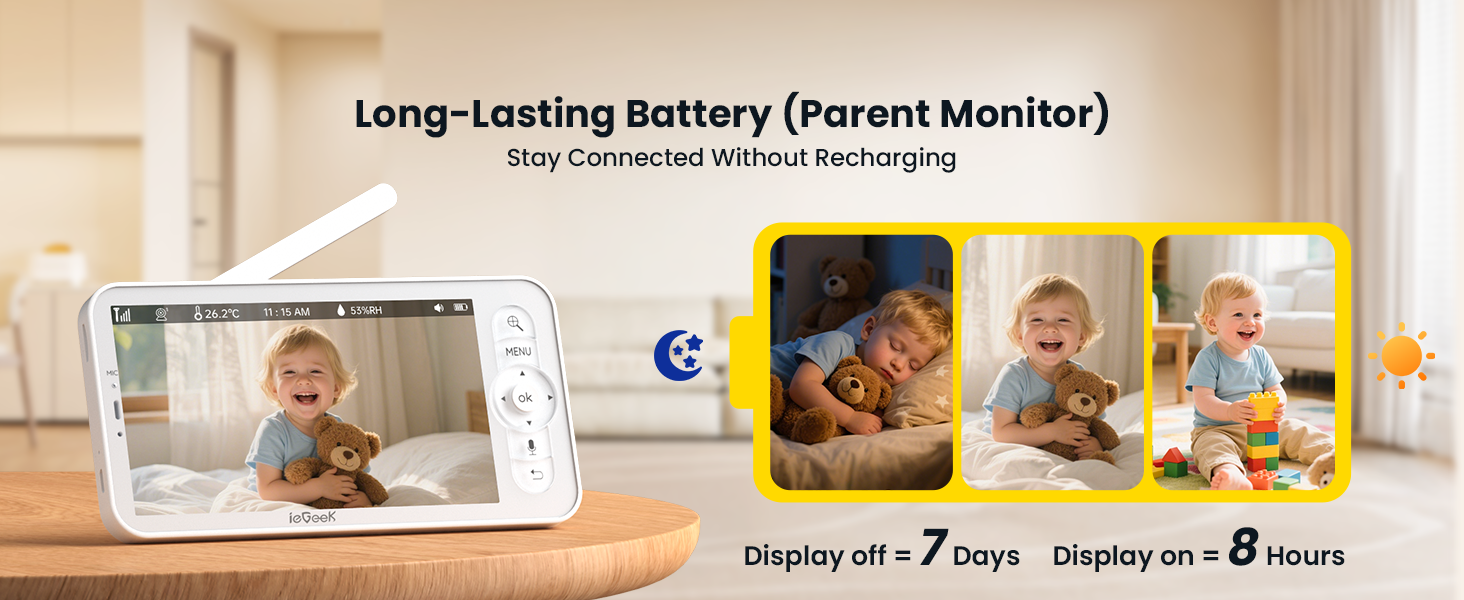
Figure 3.3: Pan, Tilt, and Motion Detection
3.3 Two-Way Audio and Alerts
Engage in clear two-way communication with your baby using the push-to-talk button on the parent unit. The monitor provides instant alerts and push notifications for sound detection (including cry detection) and motion detection, ensuring you are promptly informed of any activity.

Figure 3.4: Two-Way Audio
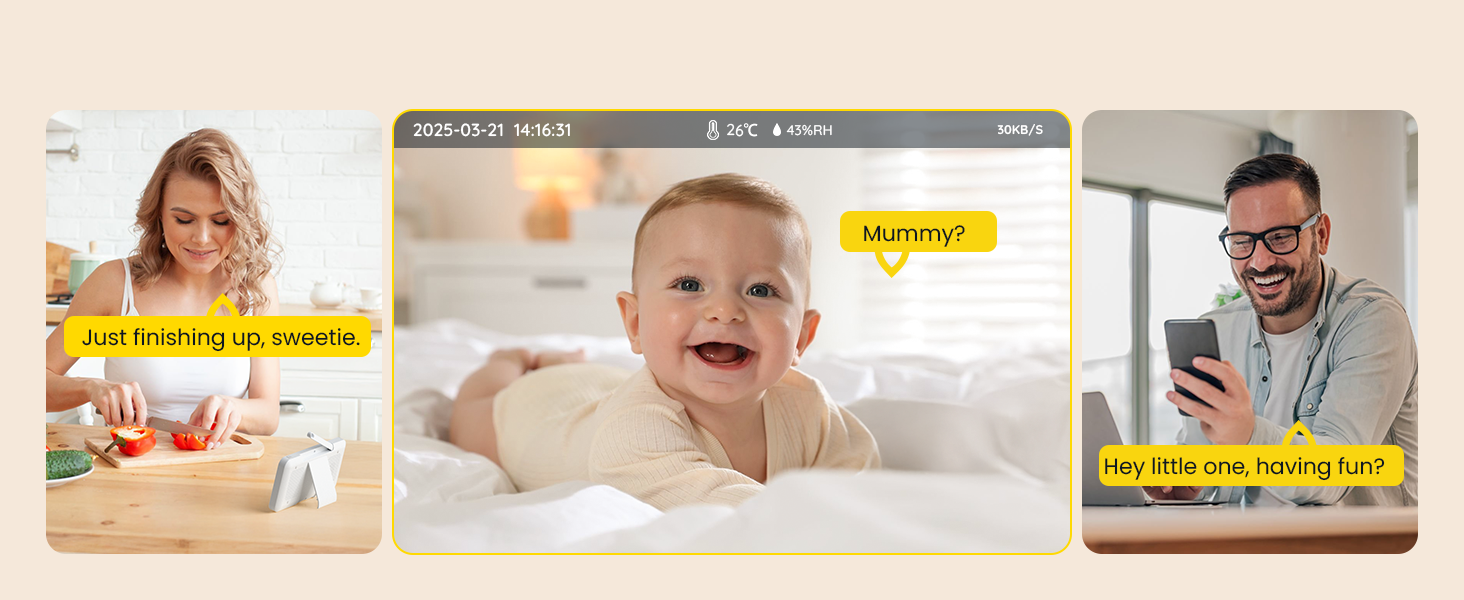
Figure 3.5: Movement and Cry Detection Alerts
3.4 Connectivity and Remote Access
The system offers dual connectivity: a secure non-WiFi connection to the parent unit for local monitoring (no internet required, no hack risks), and optional remote viewing via a free smartphone app when connected to 2.4GHz WiFi. This allows for flexible monitoring at home or on the go.
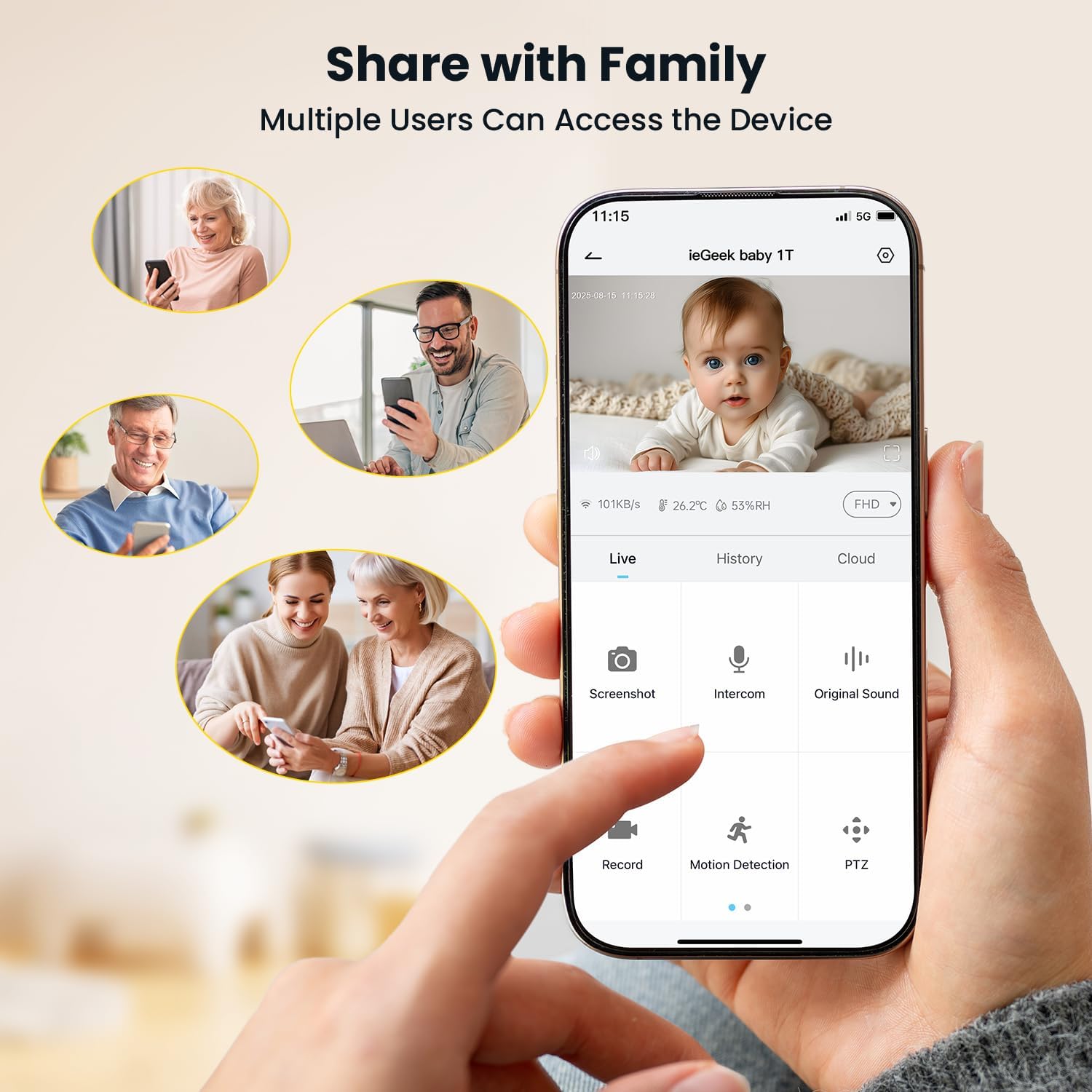
Figura 3.6: Interfície d'aplicació per a telèfons intel·ligents
3.5 Funcions avançades
The monitor includes a room temperature and humidity sensor to ensure your baby's comfort. A virtual danger zone can be set up via the app for enhanced security. All connections are secured with advanced FHSS encryption technology for privacy.
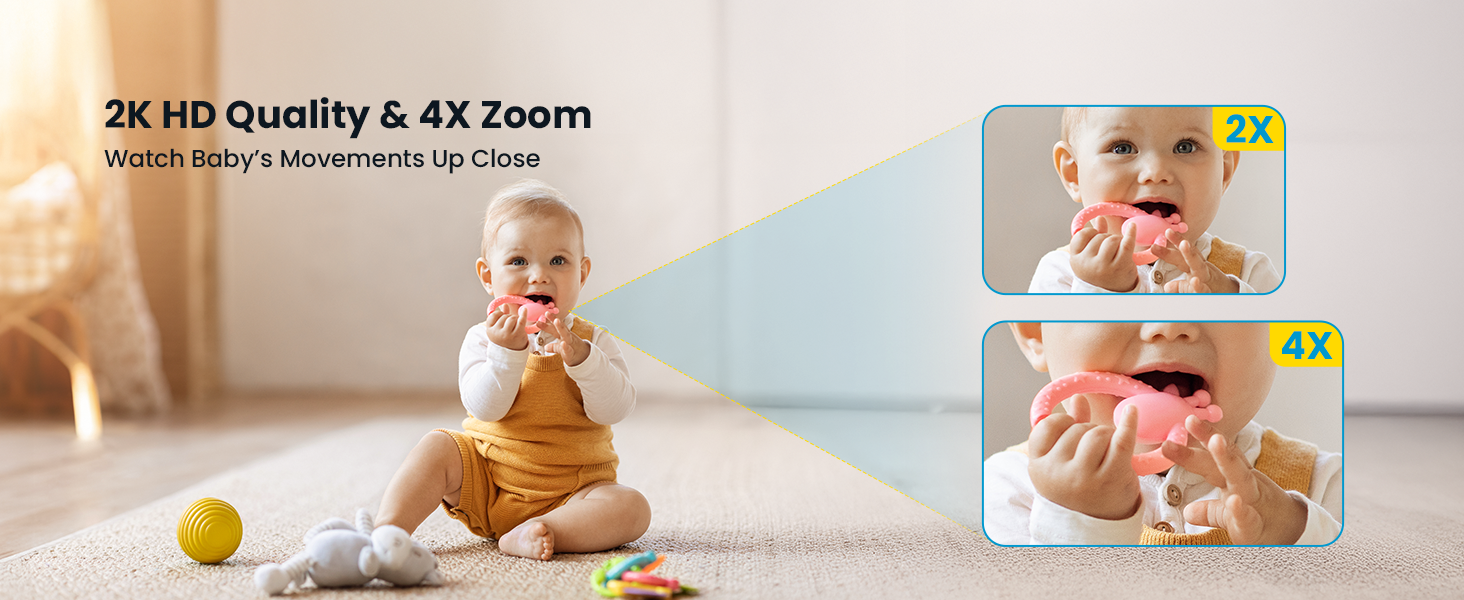
Figure 3.7: Temperature and Humidity Monitoring
3.6 Storage and Multi-User Access
The system supports local storage via an SD card (not included) and offers lifetime free 6-second cloud storage for event recordings. Multiple users can access the device, allowing family members to monitor the baby simultaneously.
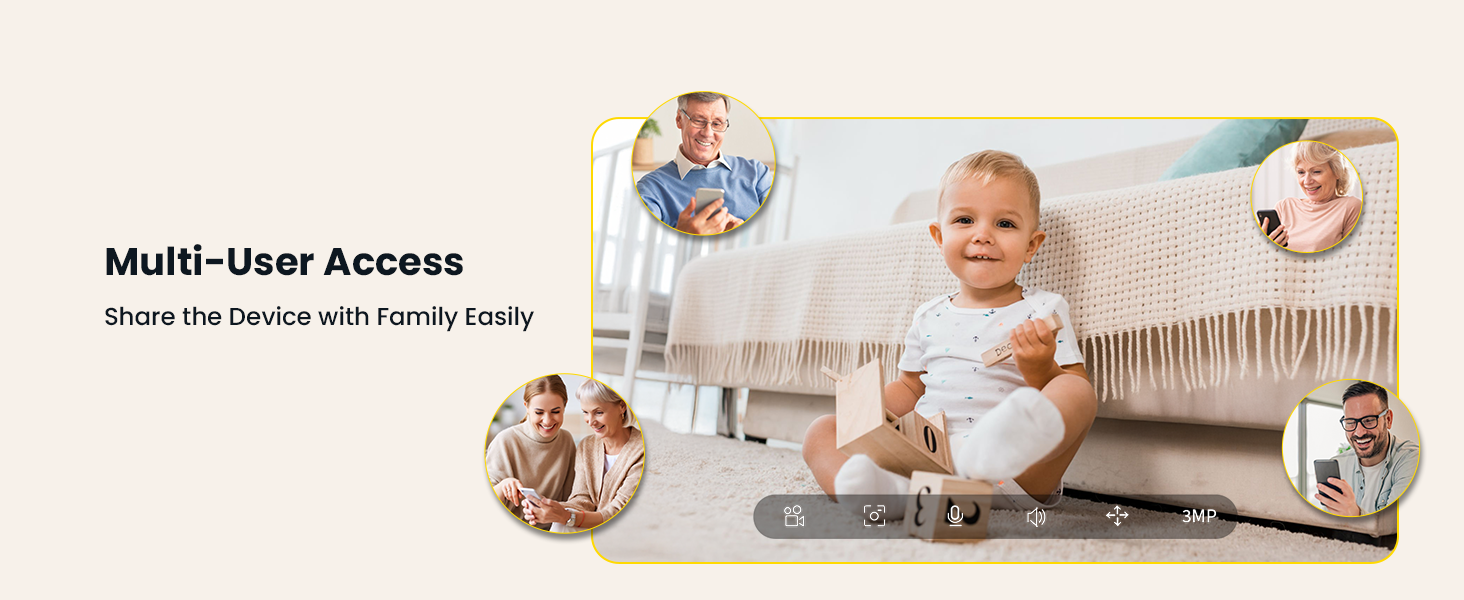
Figure 3.8: Multi-User Access
3.7 Durada de la bateria
The parent monitor features a long-lasting battery, providing approximately 8 hours of continuous display-on time or up to 7 days with the display off, allowing for extended monitoring without frequent recharging.
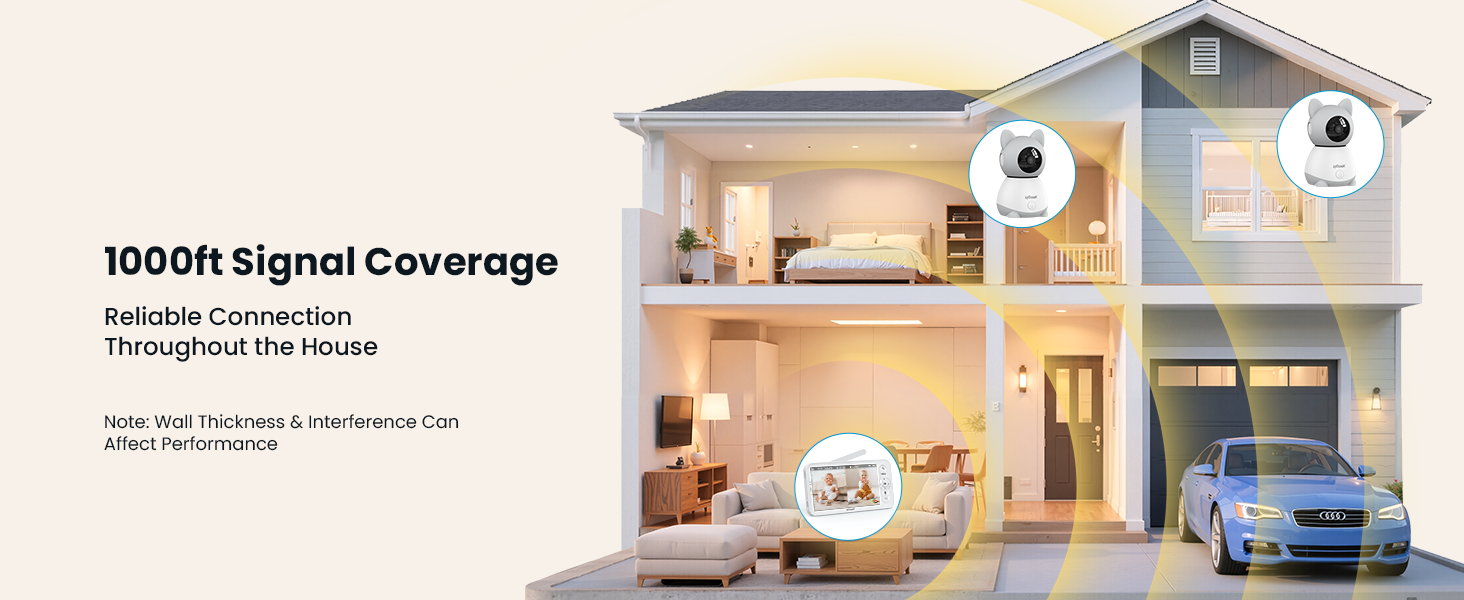
Figure 3.9: Parent Unit Battery Life
3.8 Vídeo oficial del producte
Video 3.1: ieGeek Baby Monitor with Camera and Audio Overview
4. Manteniment
To ensure optimal performance and longevity of your ieGeek Baby Monitor, follow these maintenance guidelines:
- Neteja: Gently wipe the camera lenses and monitor screen with a soft, dry cloth. Avoid using abrasive cleaners or solvents.
- Cables d'alimentació: Regularly inspect power cables for any signs of damage. Replace immediately if frayed or broken.
- Cura de la bateria: For the parent unit, avoid fully discharging the battery frequently. Charge it regularly to maintain battery health.
- Emmagatzematge: If storing the device for an extended period, ensure it is fully charged and stored in a cool, dry place.
5. Solució De Problemes
If you encounter issues with your ieGeek Baby Monitor, refer to the following common troubleshooting steps:
- Sense senyal/connexió:
- Ensure both the camera(s) and parent unit are powered on and within range.
- Check for obstructions or interference from other electronic devices.
- Try re-pairing the camera(s) with the parent unit according to the quick guide.
- Sense so/Àudio deficient:
- Adjust the volume settings on the parent unit.
- Ensure the microphone on the camera is not obstructed.
- Screen Freezing/Lag:
- Restart both the camera(s) and the parent unit.
- Ensure the parent unit is within optimal range of the camera(s).
- Problemes de connectivitat de l'aplicació:
- Verify your smartphone is connected to a stable 2.4GHz WiFi network.
- Ensure the camera is properly connected to your home WiFi network.
- Actualitza l'aplicació a la darrera versió.
6. Especificacions
| Característica | Especificació |
|---|---|
| Número de model | baby 1T |
| Mida de la pantalla | 5 polzades |
| Resolució de vídeo | 2K HD |
| Tecnologia de connectivitat | Wireless (2.4G WiFi, FHSS) |
| Interval de panoràmica/inclinació | Panorama de 350°, inclinació de 60° |
| Zoom | Zoom digital de 4x |
| Gamma de visió nocturna | 32.81 peus |
| Característiques especials | 2-Way Audio, Cry Detection, Motion Sensor, Temperature Sensor, Humidity Sensor |
| Font d'alimentació (monitor) | Funciona amb bateria |
| Power Source (Camera) | Elèctric amb cable |
| Dispositius compatibles | iOS/Android |
| Tipus de muntatge | Wall Mount & Table |
| Pes de l'article | 2.2 lliures |
| Dimensions del producte | 2.36 x 2.36 x 3.15 polzades |
7. Garantia i Suport
ieGeek is committed to providing reliable security solutions. For any inquiries or support needs, please refer to the following contact information:
- Garantia: The product typically includes a 2-year warranty.
- Devolucions: A 90-day free return policy is generally offered.
- Problemes de qualitat: Replacements are provided for quality-related issues.
Informació de contacte:
Telèfon: +1(202) 656-9955
Working Hours: Mon-Fri 9:00 am-18:00 pm (ET)
Suport per correu electrònic: service@iegeek.com
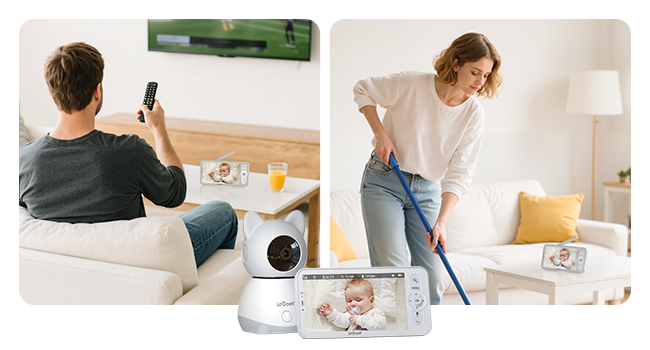
Figure 7.1: After-Sales Service Information


