1. Introducció
The Machenike G1 Pro is a high-performance wireless gaming controller designed for precision and versatility across multiple platforms. Featuring advanced TMR (Tunnel Magnetoresistance) joysticks and triggers, it offers exceptional accuracy and durability. This manual provides detailed instructions for setting up, operating, and maintaining your G1 Pro controller.
Característiques principals:
- Dual TMR Triggers: 255 levels of 1mm millisecond accuracy for stable, linear output.
- Dual TMR Joysticks: Zero-drift performance with 10-bit ADC sampling and 0.08ms response time, customizable circular/square gate options.
- Connectivitat trimodal: Admet connexions amb cable (USB 2.0), sense fil de 2.4 GHz i Bluetooth.
- Llarga vida útil de la bateria: 600mAh Li-Ion battery provides up to 8 hours of gaming.
- Disseny ergonòmic: Asymmetrical grip and contoured joysticks for extended comfort.
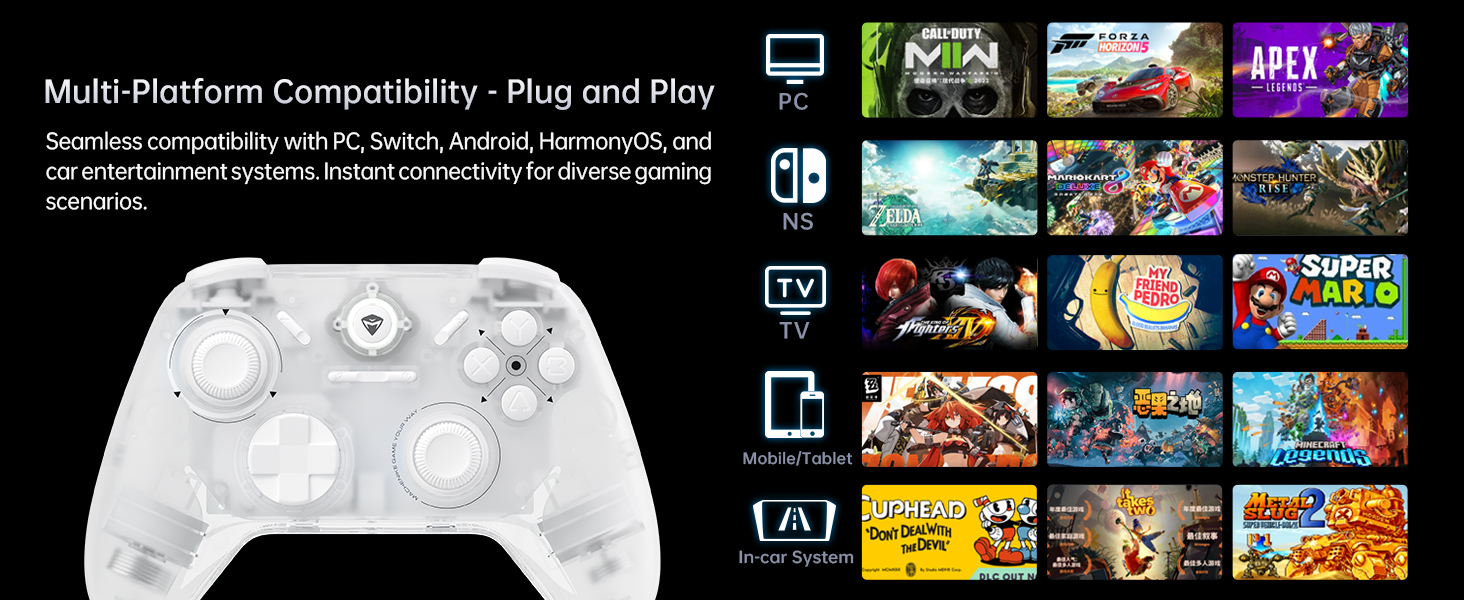
- Compatibilitat multiplataforma: Seamlessly works with PC, Windows, Android, iOS, and Nintendo Switch.
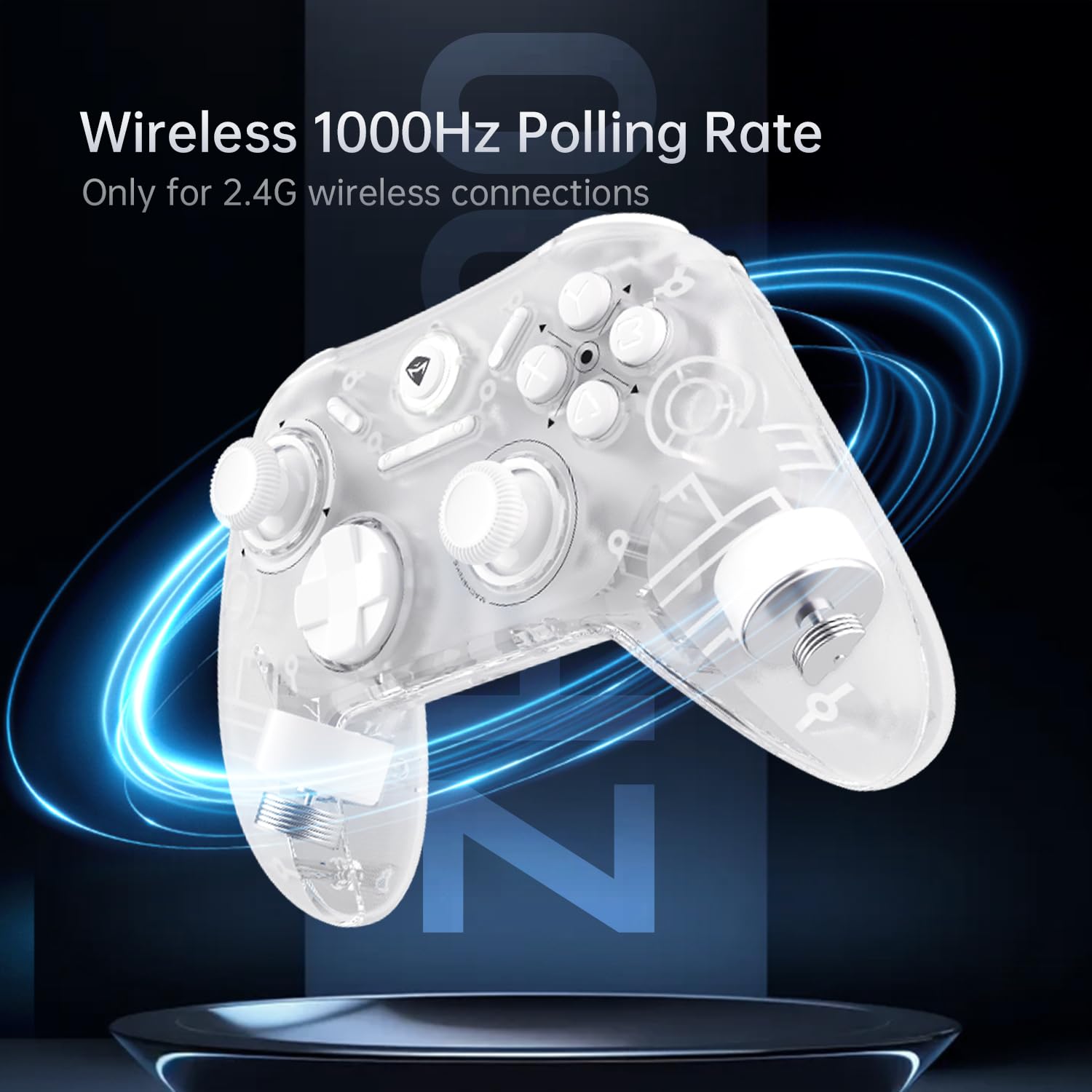
- Taxa de sondeig de 1000 Hz: Achieves ultra-low latency for responsive gameplay (2.4G wireless and wired).
2. Contingut del paquet
Si us plau, verifiqueu que tots els elements siguin presents al vostre paquet:
- Comandament de jocs sense fil Machenike G1 Pro
- Receptor USB de 2.4 GHz
- USB-C to USB-A Charging/Data Cable (2m)
- Manual d'usuari (aquest document)

3. Configuració
3.1 Càrrega del controlador
Before first use, fully charge the controller. Connect the USB-C end of the provided cable to the controller's USB-C port and the USB-A end to a USB power source (e.g., PC, wall adapter). The indicator light will show charging status and turn off when fully charged.
3.2 Wired Connection (PC/Windows)
Connect the controller directly to your PC using the provided USB-C to USB-A cable. The controller will be automatically recognized by your system. This mode supports a 1000Hz polling rate for ultra-low latency.
3.3 2.4GHz Wireless Connection (PC/Windows)
- Insert the 2.4GHz USB receiver into an available USB port on your PC.
- Turn on the controller. It will automatically connect to the receiver.
- This mode also supports a 1000Hz polling rate for optimal wireless performance.
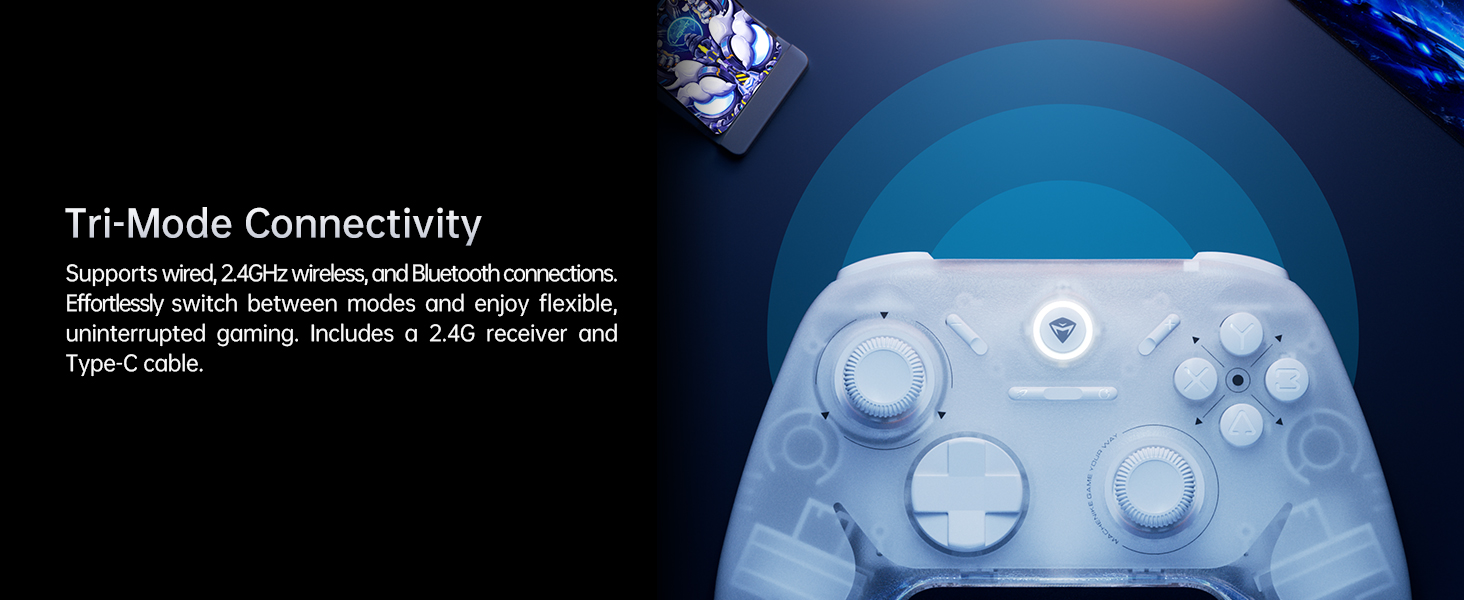
3.4 Bluetooth Connection (Android/iOS/Switch)
- Assegureu-vos que el controlador estigui apagat.
- Press and hold the Bluetooth pairing button (refer to controller diagram in Operating Instructions) until the indicator light flashes rapidly.
- On your device (Android, iOS, or Switch), go to Bluetooth settings and select "Machenike G1 Pro" from the list of available devices to pair.
- Un cop emparellat, l'indicador lluminós s'il·luminarà fixament.
4. Instruccions de funcionament
4.1 Disposició i funcions dels botons
The Machenike G1 Pro features a standard gaming controller layout with additional advanced components.
- Palanques de joystick TMR: Left and Right analog sticks for precise 360-degree movement.
- D-Pad: Directional pad for digital input.
- Botons ABXY: Botons d'acció estàndard.
- Botons a l'espatlla (LB, RB): Botons muntats a la part superior.
- TMR Triggers (LT, RT): Analog triggers with precise pressure detection.
- Botó de funció: Used for special commands and mode switching.
- Botó d'inici: Central button for system functions.
4.2 TMR Joysticks and Triggers
The G1 Pro utilizes advanced TMR (Tunnel Magnetoresistance) technology for its joysticks and triggers. This provides superior accuracy, eliminates drift, and offers a more consistent and linear response compared to traditional Hall effect sensors.


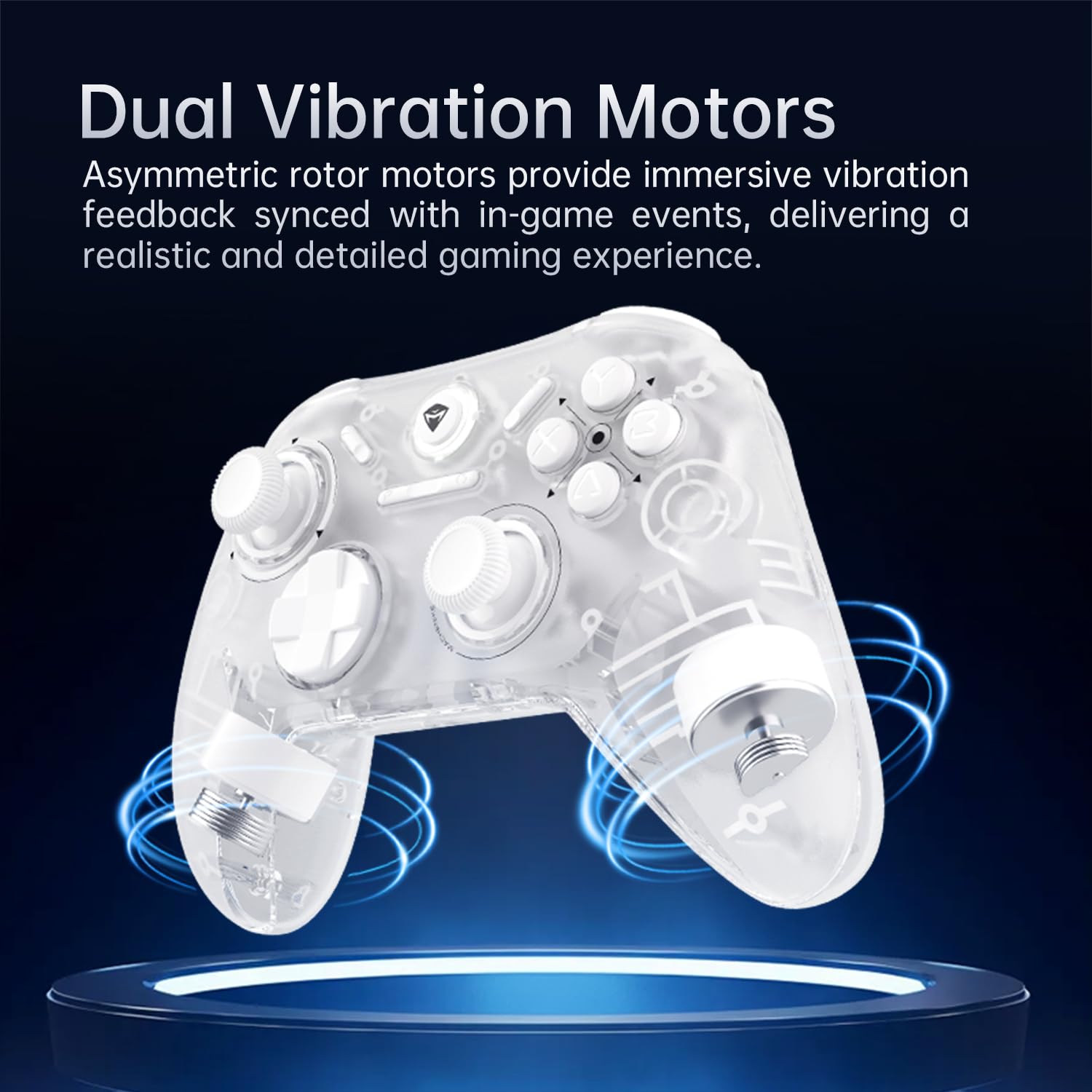
4.3 Dual Vibration Motors
The controller is equipped with asymmetric rotor motors that provide immersive vibration feedback, synchronized with in-game events for a realistic gaming experience.
4.4 Compatibilitat multiplataforma
The G1 Pro controller offers broad compatibility:
- PC/Windows: Connect via wired USB or 2.4GHz wireless receiver.
- Nintendo Switch: Connect via Bluetooth. Note that button legends on the controller are standard ABXY, while Switch uses BAYX. The controller supports remapping for Switch compatibility (refer to advanced settings).
- Android/iOS: Connecta't per Bluetooth.
4.5 Customization with Keylinker 2.0 App
Personalize your gaming experience using the Keylinker 2.0 App. This application allows for fine-tuning various controller settings:
- Button Settings (remapping)
- Vibration Intensity adjustment
- Joystick Sensitivity calibration
- Trigger Functionality adjustment
- Turbo Functions setup
- Controller Testing
Download the Keylinker 2.0 App from the official Machenike weblloc web o la botiga d'aplicacions del dispositiu.

4.6 Taxa de sondeig
The G1 Pro supports a 1000Hz polling rate for wired and 2.4GHz wireless connections, ensuring minimal input lag. Bluetooth connections operate at 125Hz.
4.7 Cooperative Play (Dual-Core Receiver)
The 2.4G receiver supports simultaneous connection with two controllers, enabling cooperative play. To set up:
- Connect G1 Pro via 2.4G mode.
- Power off Controller B, then connect Controller B via Bluetooth.
- Power on G1 Pro; it will automatically reconnect.
Note: Compatibility may vary for some controllers due to protocol differences. Contact customer support for details.
4.8 Vídeos oficials de productes
Vídeo 1: Acabatview del controlador de jocs sense fil Machenike G1 Pro, mostraasing les seves característiques i disseny.
Video 2: Demonstrating the Machenike G1 Pro PC Game Controller in action across various games and platforms.
5. Manteniment
5.1 Neteja
Per netejar el controlador, feu servir un drap suau i sec. Per a la brutícia resistent, netegeu-lo lleugerament.ampen the cloth with water or a mild, non-abrasive cleaner. Avoid using harsh chemicals or abrasive materials, as they can damage the controller's finish and internal components.
5.2 Emmagatzematge
Store the controller in a cool, dry place away from direct sunlight, extreme temperatures, and high humidity. When not in use for extended periods, ensure the controller is fully charged before storage to preserve battery health.
5.3 Cura de la bateria
- Eviteu esgotar completament la bateria amb freqüència.
- No exposeu la bateria a temperatures extremes de calor o fred.
- If the controller will not be used for a long time, charge it to about 50% every few months to prevent deep discharge.
6. Solució De Problemes
6.1 El controlador no es connecta
- Comproveu la bateria: Assegureu-vos que el controlador estigui prou carregat.
- Mode de verificació: Make sure the controller is in the correct connection mode (wired, 2.4GHz, or Bluetooth) for your device.
- Torna a emparellar: For wireless connections, try re-pairing the controller with your device.
- Receptor USB: For 2.4GHz, ensure the USB receiver is securely plugged in and not obstructed. Try a different USB port.
- Problemes amb el controlador (PC): On PC, check Device Manager for any driver conflicts. Reinstalling drivers might be necessary.
6.2 Input Lag or Unresponsive Controls
- Taxa de votació: Ensure you are using wired or 2.4GHz wireless for the lowest latency (1000Hz). Bluetooth has a higher latency (125Hz).
- Interferència: For wireless connections, move closer to the receiver/device and minimize other wireless interference sources.
- Nivell de bateria: Low battery can sometimes affect performance.
6.3 Joystick Drift or Inaccuracy
- Recalibració: Use the Keylinker 2.0 App to recalibrate the joysticks.
- Actualització del firmware: Check the Machenike website for any available firmware updates for the controller, which may address performance issues.
- Neteja: Ensure no debris is obstructing the joystick movement.
7. Especificacions
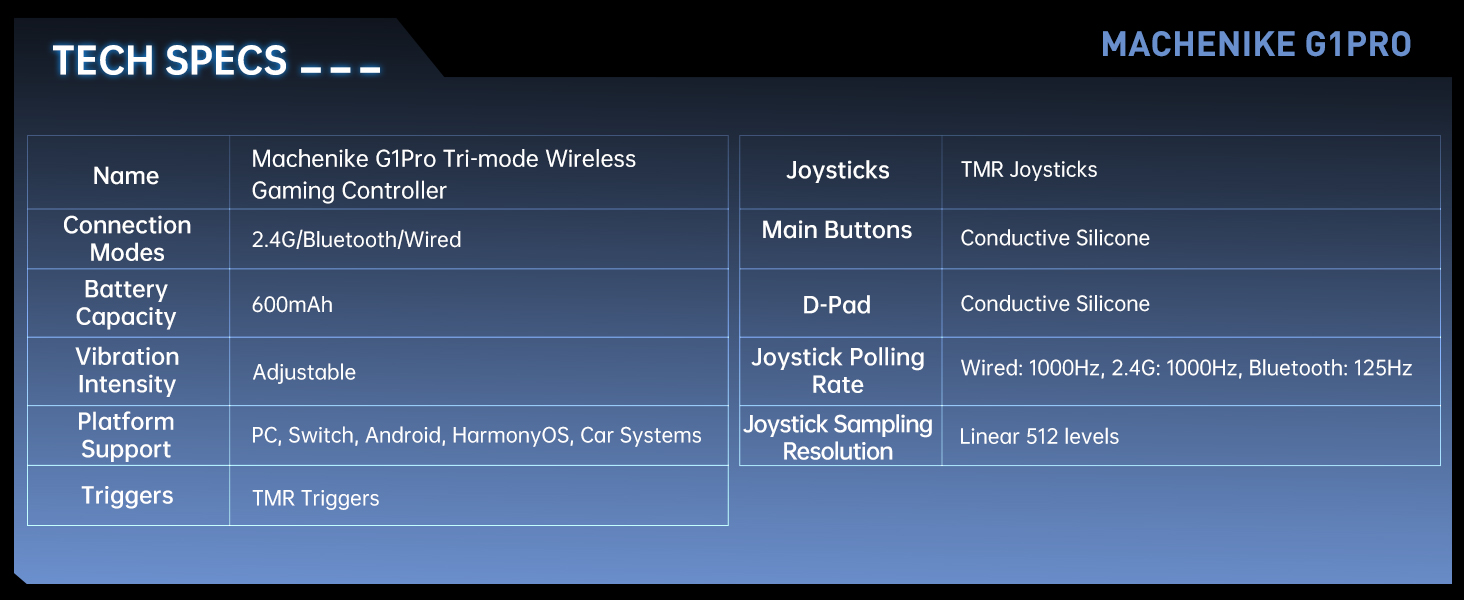
| Característica | Detall |
|---|---|
| Nom del model | Machenike G1 Pro Tri-mode Wireless Gaming Controller |
| Modes de connexió | 2.4G / Bluetooth / Wired (USB-C) |
| Capacitat de la bateria | Liti metàl·lic de 600 mAh (inclosa) |
| Intensitat de vibració | Ajustable |
| Suport de la plataforma | PC, Switch, Android, iOS, HarmonyOS, Car Systems |
| Disparadors | TMR Triggers (255 levels, <1mm response) |
| Joysticks | TMR Joysticks (10-bit ADC, 0.08ms response) |
| Botons principals | Conductive Silicone (1 million press lifespan) |
| D-Pad | Silicona conductora |
| Taxa de sondeig del joystick | Wired: 1000Hz, 2.4G: 1000Hz, Bluetooth: 125Hz |
| Joystick Sampling Resolució | Linear 512 levels |
| Dimensions del producte | 6.69 x 5.31 x 2.36 polzades |
| Pes de l'article | 11.7 unces |
| Fabricant | Machenike |
| País d'origen | Xina |
| Data de primera disponibilitat | 24 de setembre de 2024 |
8. Garantia i Suport
For warranty information, technical support, and frequently asked questions, please visit the official Machenike weblloc web o contacteu directament amb el servei d'atenció al client. Conserveu el rebut de compra com a comprovant de compra per a reclamacions de garantia.
Oficial de Machenike Weblloc: www.machenike.com
Machenike US Store on Amazon: Amazon Store Link


