Introducció
Thank you for choosing the CRUA 27-inch 4K UHD 144Hz IPS Gaming Monitor. This monitor is designed to deliver an immersive visual experience with its high resolution, fast refresh rate, and vibrant color reproduction. This manual provides essential information for the proper installation, operation, and maintenance of your new monitor. Please read it thoroughly before use and retain it for future reference.
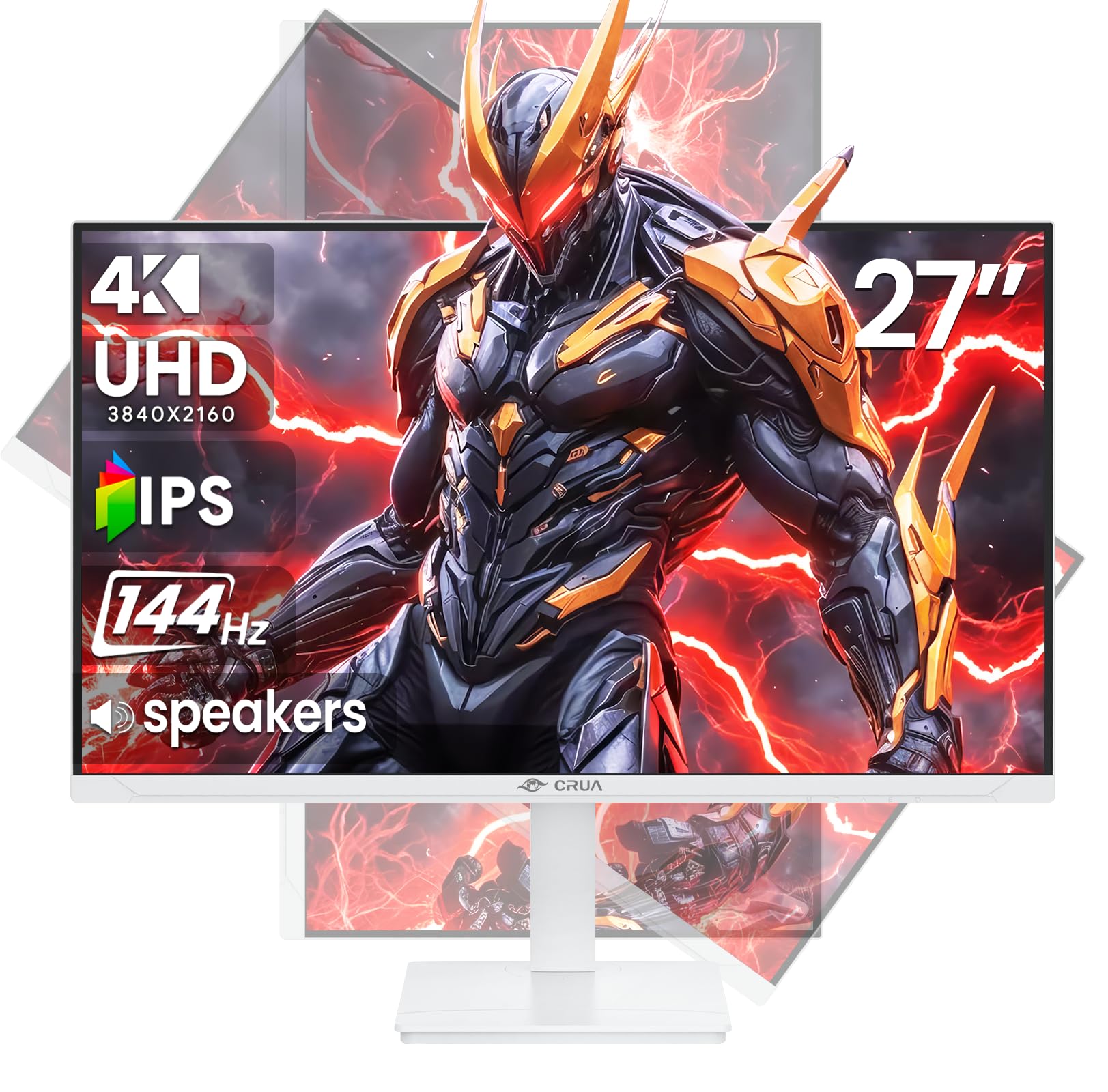
Imatge: Frontal view of the CRUA 27-inch 4K UHD 144Hz IPS Gaming Monitor.
Què hi ha a la caixa
Si us plau, comproveu el contingut del vostre paquet. Si falta algun article o hi ha algun malmès, poseu-vos en contacte amb el vostre distribuïdor.
- Monitor de 27 polzades
- Cable DP
- Base and Support
- Manual d'usuari
- Font d'alimentació
Característiques del producte
- 27" 4K Display with IPS Panel: Experience ultra-clear visuals with a 3840x2160P resolution.
- Freqüència de refresc de 144 Hz: Enjoy fluid and sharp motion, ideal for competitive gaming and fast-paced content.
- 120% sRGB Color Accuracy: Delivers rich and accurate tones with 350cd/m² brightness and 1000:1 high-contrast.
- Altaveus integrats: Provides clear audio for daily use.
- Full Ergonomic Adjustment: Features height, pivot, tilt, and rotation adjustments for optimal viewangles d'ajust.
- Múltiples opcions de connectivitat: Equipped with 2x HDMI 2.1 and 2x DP 1.4 ports.
- AMD FreeSync Support: Synchronizes the monitor's refresh rate with your GPU for tear-free gaming.
- Muntatge a la paret: Supports VESA 75mm x 75mm wall mounts for flexible installation.
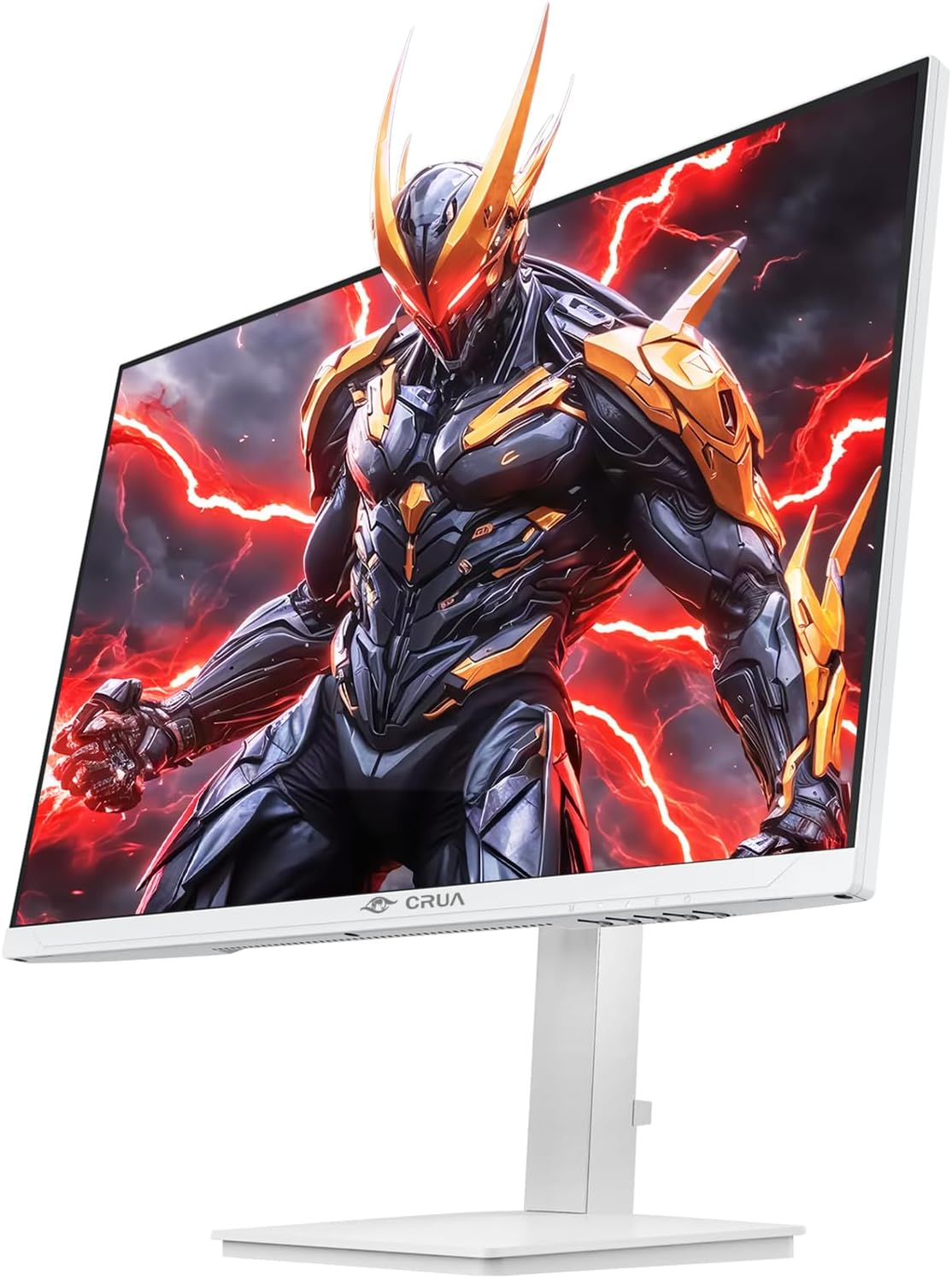
Imatge: Frontal view of the CRUA 27-inch 4K UHD 144Hz IPS Gaming Monitor displaying a game scene.

Imatge: Part posterior view of the CRUA 27-inch 4K UHD 144Hz IPS Gaming Monitor showing the stand and RGB lighting.

Imatge: Part posterior view of the CRUA 27-inch 4K UHD 144Hz IPS Gaming Monitor highlighting the input ports (2x DP 1.4, 2x HDMI 2.1, and 3.5mm Audio Port).

Image: Diagram illustrating the adjustable height (110mm), tilt (-5° to +15°), swivel (±30°), and pivot (90°) features of the CRUA 27-inch 4K UHD 144Hz IPS Gaming Monitor.
Instruccions de configuració
1. Muntatge del suport
- Traieu amb cura els components del monitor i del suport de l'embalatge.
- Fixeu el coll del suport al panell del monitor. Assegureu-vos que encaixi correctament al seu lloc o que estigui fixat amb cargols si n'hi ha.
- Attach the base to the stand neck, securing it with the thumb screw or other fasteners.
- Col·loqueu el monitor muntat sobre una superfície plana i estable.
2. Muntatge a la paret (opcional)
The monitor supports VESA 75mm x 75mm wall mounts. Remove the stand before attaching a compatible wall mount bracket (not included). Follow the instructions provided with your wall mount.
3. Cables de connexió
- Potència: Connect the power supply to the monitor's power input and then to a power outlet.
- Entrada de vídeo: Connect one end of the provided DP cable (or an HDMI cable) to the corresponding port on your computer's graphics card and the other end to a DP 1.4 or HDMI 2.1 port on the monitor.
- Sortida d'àudio (opcional): If using external speakers or headphones, connect them to the 3.5mm audio jack on the monitor.
4. Engegada inicial
Press the power button on the monitor. The monitor should automatically detect the input signal. If not, you may need to manually select the input source using the OSD menu.
Instruccions de funcionament
1. Encendre/apagar
Premeu el botó d'engegada que es troba al monitor per encendre'l o apagar-lo.
2. Navegació pel menú OSD
The On-Screen Display (OSD) menu allows you to adjust various monitor settings. Navigate the menu using the joystick or buttons typically located on the back or bottom of the monitor.
- Premeu el joystick/botó per obrir el menú OSD.
- Moveu el joystick amunt/avall o utilitzeu els botons corresponents per navegar per les opcions del menú.
- Moveu el joystick cap a l'esquerra/dreta o utilitzeu els botons corresponents per ajustar els valors o entrar als submenús.
- Press the joystick/button again to confirm selections or exit sub-menus.
3. Selecció de la font d'entrada
If the monitor does not automatically detect the correct input, open the OSD menu, navigate to "Input Source," and select the active input (e.g., HDMI1, HDMI2, DP1, DP2).
4. Ajustar la configuració de la pantalla
Within the OSD menu, you can customize settings such as:
- Brillantor/Contrast: Ajusta els nivells generals de luminància i contrast.
- Configuració de color: Fine-tune color temperature, gamma, and individual RGB values.
- Qualitat de la imatge: Select preset modes (e.g., Standard, Game, Movie) or customize sharpness and dynamic contrast.
- Resolució i freqüència d'actualització: Ensure your computer's display settings match the monitor's native 4K UHD (3840x2160P) resolution and 144Hz refresh rate for optimal performance.
- AMD FreeSync: Enable FreeSync in the OSD menu and your graphics card control panel for adaptive synchronization.
5. Configuració d'àudio
Adjust the volume of the built-in speakers or connected external audio devices through the OSD menu's audio section. You can also mute the audio if desired.
6. Ajustaments ergonòmics
Ajusteu el monitor al vostre preferit viewposició d'ing:
- Alçada: Empenyeu o estireu suaument el monitor amunt o avall al llarg del suport.
- Inclinació: Inclina la pantalla cap endavant o cap enrere.
- Girar: Gireu el monitor cap a l'esquerra o la dreta sobre la base.
- Pivot: Rotate the screen 90 degrees for vertical orientation.
Manteniment
Neteja de la pantalla
- Apagueu sempre el monitor i desendolleu el cable d'alimentació abans de netejar-lo.
- Utilitzeu un drap suau i sense pelusa dampnetejat amb aigua o amb un netejador de pantalles especialitzat.
- No ruixeu el netejador directament sobre la pantalla.
- Avoid using abrasive cleaners, alcohol, or ammonia-based solutions, as they can damage the screen surface.
Atenció General
- Mantingueu el monitor allunyat de la llum solar directa, de fonts de calor i de l'excés de pols.
- Assegureu-vos que hi hagi una ventilació adequada al voltant del monitor per evitar el sobreescalfament.
- No col·loqueu objectes pesats sobre el monitor ni els seus cables.
- Eviteu tocar la pantalla amb objectes punxants.
Resolució de problemes
| Problema | Possible solució |
|---|---|
| No hi ha imatge a la pantalla |
|
| No hi ha so dels altaveus |
|
| Parpelleig o distorsió de la imatge |
|
| Els botons no responen |
|
For further assistance, please refer to the CRUA support weblloc o contacteu amb el servei d'atenció al client.
Especificacions
| Característica | Detall |
|---|---|
| Número de model | CR270E |
| Mida de la pantalla | 27 polzades |
| Resolució | 4K UHD (3840 x 2160 píxels) |
| Freqüència d'actualització | 144 Hz |
| Tipus de panell | IPS |
| Relació d'aspecte | 16:9 |
| Gamma de colors | 120% sRGB |
| Brillantor | 350 candeles (cd/m²) |
| Relació de contrast | 1000:1 |
| Connectivitat | 2x DP 1.4, 2x HDMI 2.1, 1x 3.5mm Audio Jack |
| Sincronització adaptativa | AMD FreeSync |
| Ergonomia | Height, Pivot, Tilt, Rotate Adjustable |
| Muntatge de paret | VESA 75 mm x 75 mm |
| Altaveus incorporats | Sí |
| Dimensions del producte | 2.5 x 24 x 14 polzades |
| Pes de l'article | 11.38 lliures |
Garantia i Suport
CRUA provides high-quality computer monitors and premium services. For warranty information, technical support, or any questions regarding your monitor, please visit the official CRUA website or contact their customer service team. Details can typically be found on the product packaging or the CRUA brand store on Amazon.
Informació de contacte: Refer to your purchase documentation or the CRUA official weblloc web per obtenir les dades de contacte d'assistència més actualitzades.


