1. Introducció
The XIAOMI Pad 7 Ai WiFi Version (Model 2410CRP4CG) is a high-performance tablet designed for productivity and entertainment. It features an 11.2-inch 3.2K 144Hz crystal-clear display, offering detailed visuals and an immersive viewing experience. The device supports Dolby Vision® with 800 nits peak brightness for stunning HDR content. Eye comfort is prioritized with multi-dimensional eye-care functions, including 4096 levels of brightness adjustment and TÜV Rheinland eye comfort certifications. Audio is enhanced by quad speakers with Dolby Atmos® support and 200% volume boost. Powered by the Snapdragon 7+ Gen 3 Mobile Platform and HyperOS 2, it offers seamless multitasking and AI capabilities for various office tasks, text/image generation, and meetings. The tablet boasts a sleek unibody design crafted from high-strength aluminum alloy, combining sophistication with portability.
2. Què hi ha a la caixa
Upon unboxing your XIAOMI Pad 7 Ai, please ensure all the following items are present:
- Cable USB-Type C
- Manual
- Carregador de cotxes ràpid
Note: A 45W power adapter is not included in the box and is sold separately. Using a Xiaomi 45W power adapter is recommended for turbo charging.
3. Dispositiu acabatview
The XIAOMI Pad 7 Ai features a sleek and durable unibody design. Familiarize yourself with the device's layout:
- Visualització: 11.2-inch 3.2K 144Hz crystal-clear screen.
- Càmeres: Rear 13MP camera and Front 8MP camera.
- Ponents: Four speakers for immersive audio experience.
- Ports: USB Type-C port for charging and data transfer.
- Sensors: Accelerometer, Gyroscope, Ambient light (front/rear), Flicker sensor, Hall sensor, Magnetic sensor, Proximity sensor, RGB LED, IR remote control.

Figura 3.1: Davant i darrere view of the XIAOMI Pad 7 Ai.
4. Configuració
Follow these steps to set up your XIAOMI Pad 7 Ai for the first time:
- Encès: Premeu i manteniu premut el botó d'engegada fins que aparegui el logotip de XIAOMI.
- Configuració inicial: Segueix les instruccions que apareixen a la pantalla per seleccionar l'idioma i la regió i connectar-te a una xarxa Wi-Fi.
- Compte de Google: Inicia la sessió amb el teu compte de Google o crea'n un de nou.
- Seguretat: Set up a screen lock (PIN, pattern, or password). Face unlock is also available.
- Actualitzacions de programari: The tablet may prompt you to download and install available software updates. It is recommended to keep your device's software up-to-date for optimal performance and security.
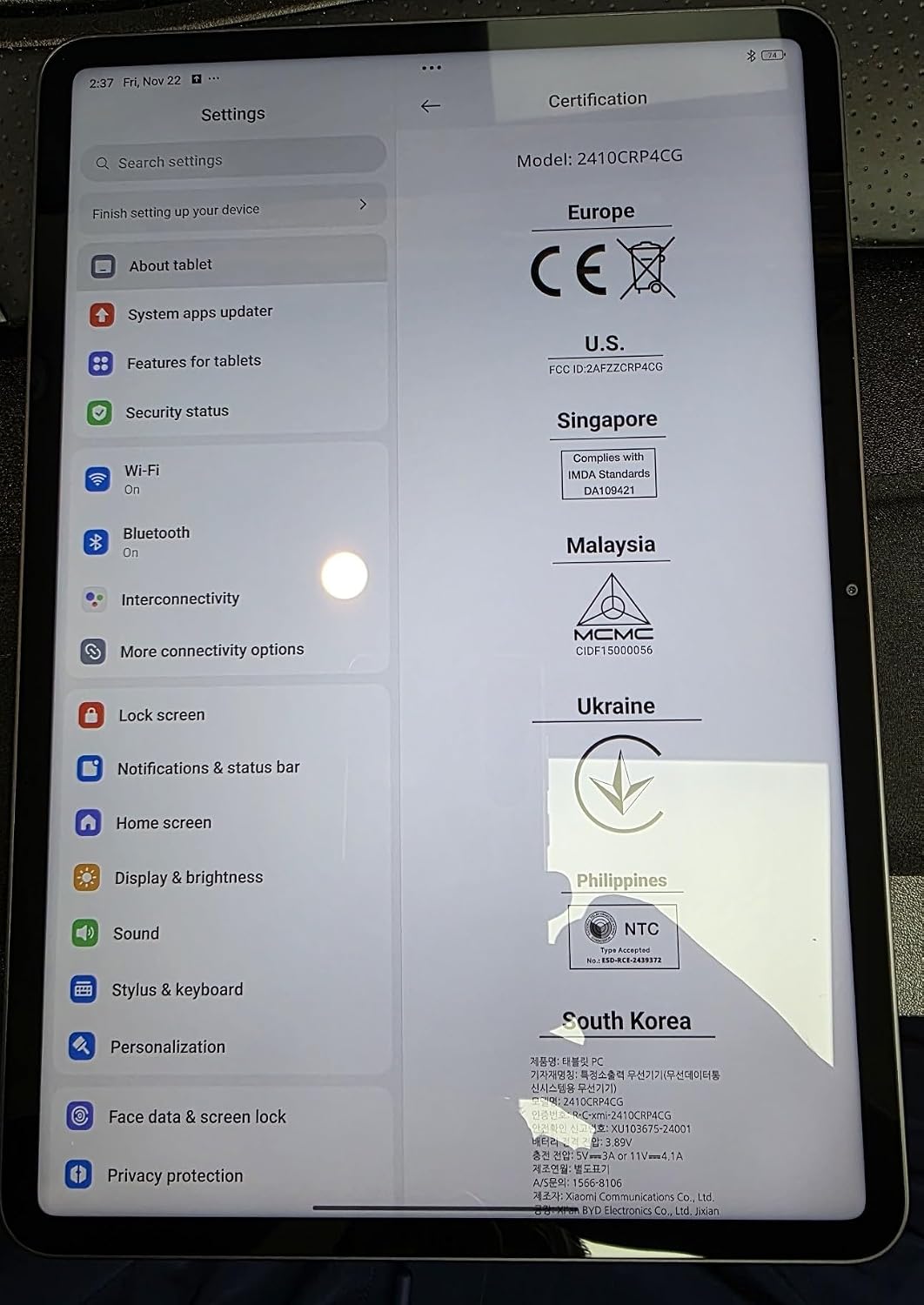
Figure 4.1: Device settings screen displaying certification information.
5. Instruccions de funcionament
The XIAOMI Pad 7 Ai runs on HyperOS 2, offering a user-friendly interface and advanced features:
- Navegació: Use gestures for navigation (swipe up for home, swipe from edge to go back) or switch to 3-button navigation in Settings.
- Notifications & Control Panel: Swipe down from the top-left for notifications and from the top-right for the control panel (quick settings).
- Multitasca: HyperOS 2 supports split-screen and floating windows, allowing you to run multiple applications simultaneously for enhanced productivity.
- Calaix d'aplicacions: You can choose between a classic home screen layout or one with an app drawer for organizing your applications.
- Configuració de la pantalla: Adjust brightness, enable Sunlight mode for outdoor visibility, and customize color schemes.
6. Ús de la càmera
Capture moments with the integrated cameras:
- Càmera posterior: 13MP with f/2.2 aperture and PDAF. Supports 4K video recording at 30fps, and 1080P/720P video at 30fps/60fps.
- Càmera frontal: 8MP with f/2.28 aperture. Supports 1080P/720P video recording at 30fps.
- Modes de càmera: Photo, Video, Portrait, Document, Dual video, Director mode, Teleprompter, Dynamic shot, HDR.
7. Rendiment i bateria
The XIAOMI Pad 7 Ai is built for robust performance and extended usage:
- Processador: Snapdragon 7+ Gen 3 Mobile Platform (4nm manufacturing process, Octa-core up to 2.8GHz, Adreno GPU, Qualcomm AI engine).
- RAM: 8 GB.
- Emmagatzematge intern: 128 GB.
- Bateria: 8850mAh (typical) with 45W turbo charging support (charger sold separately).
- Connectivitat: Wi-Fi 6E (2x2 MIMO, 8x8 Sounding for MU-MIMO, Wi-Fi Direct, Miracast), Bluetooth 5.4 (AAC / LDAC / LHDC 5.0, IPv6).
8. Especificacions
| Mida de la pantalla de peu | 11.2 polzades |
| Resolució de pantalla | 3200 x 2136 píxels |
| Resolució de pantalla màxima | 3200 x 2136, 345 ppp píxels |
| Processador | 2800 MHz |
| Descripció de la targeta | Integrat |
| Tipus sense fil | 802.11a, 802.11ac, 802.11b, 802.11g, 802.11n |
| Marca | XIAOMI |
| Sèrie | Xiaomi Pad 7 |
| Número de model de l'article | a2d4d7f2-14eb-447b-bfaa-03a30748b3a3 |
| Sistema operatiu | Android 14 HyperOS |
| Pes de l'article | 1 lliures |
| Dimensions del producte | 9.89 x 0.24 x 6.83 polzades |
| Dimensions de l'article LxWxH | 9.89 x 0.24 x 6.83 polzades |
| Color | Blau |
| posterior WebResolució de la càmera | 13 MP |
| Marca del processador | Snapdragon |
| Mida de la memòria flash | 128 GB |
| Bateries | Necessites 1 piles de polímer de liti. (inclòs) |
9. Manteniment
To ensure the longevity and optimal performance of your XIAOMI Pad 7 Ai, follow these maintenance guidelines:
- Neteja: Feu servir un drap suau i sense borrissol per netejar la pantalla i la carcassa. Eviteu productes químics agressius o materials abrasius.
- Actualitzacions de programari: Comproveu i instal·leu regularment si hi ha actualitzacions del sistema per aprofitar les darreres funcions, pegats de seguretat i millores de rendiment.
- Condicions ambientals: Avoid exposing the tablet to extreme temperatures, direct sunlight for prolonged periods, or high humidity.
- Cura de la bateria: For optimal battery health, avoid fully discharging the battery frequently. Charge your device using the recommended charger.
10. Solució De Problemes
If you encounter any issues with your XIAOMI Pad 7 Ai, try the following solutions:
- El dispositiu no respon: Premeu i manteniu premut el botó d'engegada durant uns 10 segons per forçar un reinici.
- Problemes de connectivitat Wi-Fi: Ensure Wi-Fi is enabled and you are within range of a known network. Try restarting your router.
- Bloqueig de l'aplicació: Clear the cache and data of the problematic app in Settings > Apps. If the issue persists, try reinstalling the app.
- Rendiment lent: Close unused apps, clear storage space, and restart the device.
- Restabliment de fàbrica: As a last resort, you can perform a factory reset via Settings > System > Reset options. Back up all important data before proceeding, as this will erase all data on the device.
11. Garantia i Suport
Your XIAOMI Pad 7 Ai is covered by a manufacturer's warranty. Please refer to the warranty card included in your product packaging for detailed terms and conditions. For technical support, service, or inquiries about protection plans, please visit the official XIAOMI support weblloc o poseu-vos en contacte amb el seu servei d'atenció al client.


