Introducció
Thank you for choosing the Walfront 2.4G Wireless Gaming Headset B100. This headset offers versatile connectivity options including 2.4G wireless, Bluetooth, and 3.5mm wired connections, designed to provide a low-latency audio experience for gaming and multimedia. This manual provides detailed instructions for setup, operation, and maintenance to ensure optimal performance and longevity of your device.
Contingut del paquet
Si us plau, comproveu el contingut del paquet per assegurar-vos que hi hagi tots els elements:
- 1 x Walfront 2.4G Wireless Gaming Headset (Model B100)
- 1 x 2.4G USB Adapter
- 1 cable d'àudio de 3.5 mm
- 1 x cable de càrrega USB
- 1 x Manual d'usuari

Image: The Walfront B100 headset shown with its 2.4G USB adapter, 3.5mm audio cable, and USB charging cable.
Producte acabatview
The Walfront B100 headset features a robust design with comfortable earcups and an adjustable headband. It integrates a retractable microphone and intuitive controls on the earcup for easy access to volume, mute, and connectivity options. The headset is equipped with 50mm drivers for clear audio output.
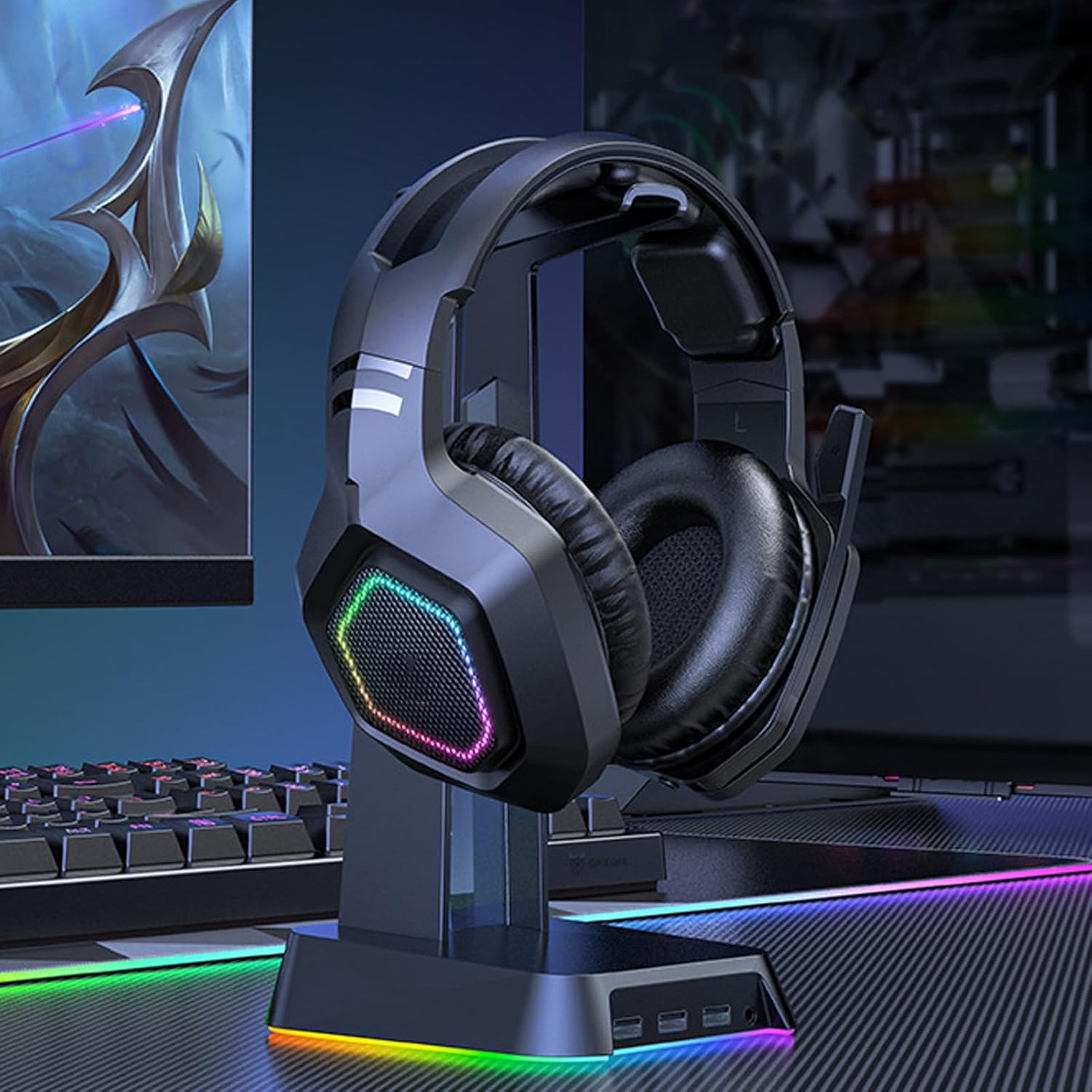
Image: The Walfront B100 gaming headset displayed on a headset stand, showcasing its design and RGB lighting on the earcups.

Imatge: Una explosió view diagram of a 50mm diaphragm unit, highlighting its internal structure for balanced sound performance.

Imatge: Una imatge detallada view of the headset's earcup, illustrating the location of the power button and charging port.
Configuració
2.4G Wireless Connection (USB Adapter)
- Insert the 2.4G USB adapter into an available USB port on your device (PC, PS4, PS5, Switch dock).
- Power on the headset by pressing and holding the power button until the indicator light illuminates.
- The headset will automatically attempt to pair with the USB adapter. A solid indicator light on the headset typically signifies a successful connection.
- On your device, ensure the headset is selected as the default audio input and output device in the sound settings.
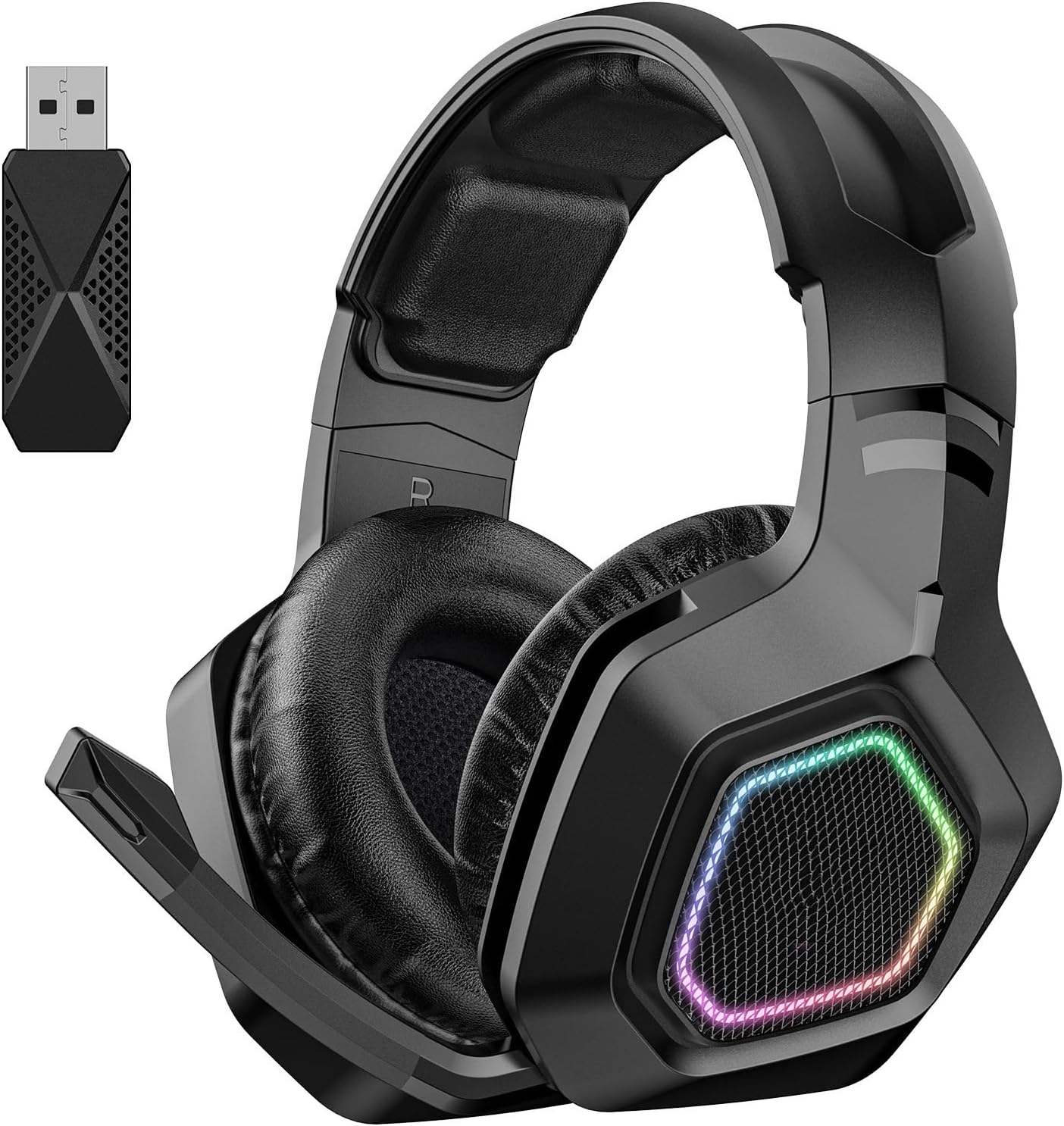
Image: The Walfront B100 headset shown alongside its dedicated 2.4G USB wireless adapter, used for low-latency gaming connections.
Connexió Bluetooth
- Assegureu-vos que els auriculars estan apagats.
- Press and hold the power button for approximately 5-7 seconds until the indicator light flashes rapidly, indicating pairing mode.
- On your Bluetooth-enabled device (smartphone, tablet, laptop), go to Bluetooth settings and search for available devices.
- Select "Walfront B100" (or similar name) from the list to connect.
- Once connected, the indicator light on the headset will typically become solid or flash slowly.
Connexió per cable de 3.5 mm
- Connect one end of the 3.5mm audio cable to the audio jack on the headset.
- Connect the other end of the 3.5mm audio cable to the 3.5mm audio port on your device.
- The headset will function in passive wired mode. Power is not required for basic audio playback in this mode, but some features like RGB lighting may require power.
Instruccions de funcionament
Encès/Apagat
- Encès: Manteniu premut el botó d'encesa durant 2-3 segons.
- Apagar: Manteniu premut el botó d'encesa durant 3-4 segons.
Control de volum
- Locate the volume roller or buttons on the earcup.
- Roll up/press '+' to increase volume.
- Roll down/press '-' to decrease volume.
Silenci del micròfon
- Press the microphone mute button (if available) on the earcup to toggle mute on/off.
- Alternatively, retracting the microphone boom may automatically mute the microphone on some models.
Call Management (Bluetooth Mode)
- Respondre/Finalitzar la trucada: Premeu el botó multifunció una vegada.
- Rebutja la trucada: Manteniu premut el botó multifunció durant 2 segons.
Reproducció de música (mode Bluetooth)
- Reproduir/pausa: Premeu el botó multifunció una vegada.
- Pista següent: Premeu dues vegades el botó multifunció.
- Pista anterior: Premeu tres vegades el botó multifunció.
Control d'il·luminació
- If your headset features RGB lighting, there may be a dedicated button to cycle through lighting modes or turn them off. Refer to the specific button layout on your headset.
Carregant
To charge your Walfront B100 headset:
- Connecteu el cable de càrrega USB al port de càrrega dels auriculars.
- Connect the other end of the USB charging cable to a DC 5V power source (e.g., computer USB port, USB wall adapter).
- The indicator light on the headset will typically show red during charging and turn off or change color when fully charged.
Temps de càrrega: Aproximadament 3 hores.
Temps de reproducció: Fins a 20 hores amb una càrrega completa.
Manteniment
Proper maintenance ensures the longevity and performance of your headset:
- Neteja: Use a soft, dry cloth to wipe the headset. Avoid using harsh chemicals or abrasive materials.
- Emmagatzematge: Guardeu els auriculars en un lloc fresc i sec, allunyat de la llum solar directa i de temperatures extremes.
- Cura de la bateria: Per a una durada òptima de la bateria, eviteu descarregar completament els auriculars amb freqüència. Carregueu-los regularment, fins i tot si no els feu servir durant períodes prolongats.
- Eviteu la humitat: Do not expose the headset to water or excessive humidity.
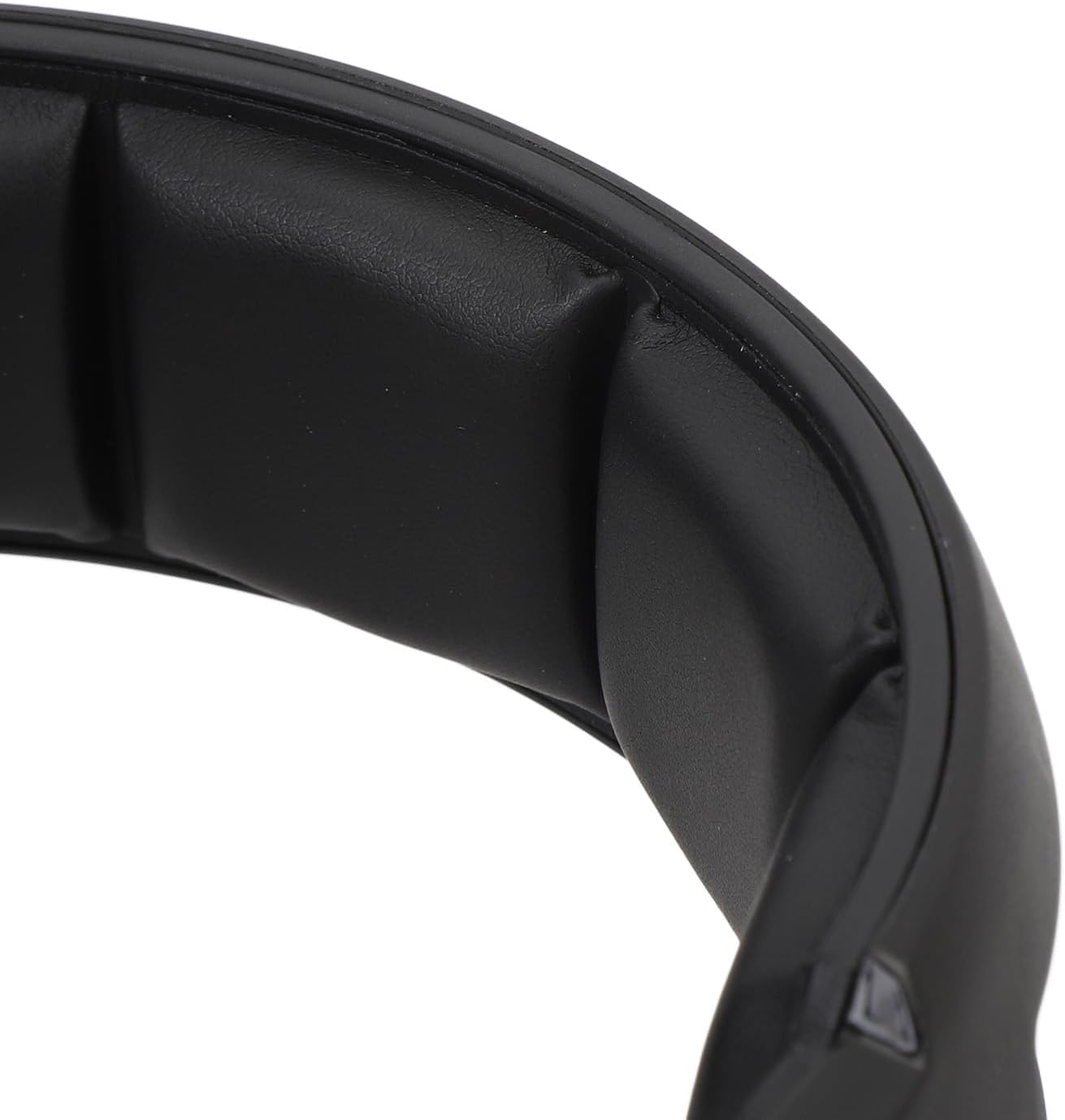
Imatge: Un primer pla view of the soft padding on the headband, designed for comfort during extended use.
Resolució de problemes
| Problema | Possible solució |
|---|---|
| No sound from headset (2.4G/Bluetooth) |
|
| El micròfon no funciona |
|
| Els auriculars no s'estan carregant |
|
| Poor audio quality or disconnections |
|
Especificacions
| Model | B100 |
| Material | ABS |
| Font d'alimentació | 1 Li-Ion Battery 1000mAh (Included) |
| Mètode de càrrega | DC 5V |
| Diàmetre del conductor | Aprox. 50 mm / 1.97 polzades |
| Chipset | JL7018 |
| Protocols compatibles | AVRCP1.4, A2DP1.2, HFP1.6, HSP1.2 |
| Sound Decoding | WMA, APE, FLAC, AAC, M4A, WAV, AIF, AIFC |
| Distància Bluetooth | Aprox. 10 m / 32.8 peus |
| Tarifa de transferència | 2 Mbps |
| Potència de sortida de RF | 9dBm |
| RX Receiver Sensitivity | -92 dBm |
| RF TX Frequency Drift | ±15KHz |
| Freqüència | 2401MHz-2478MHz |
| Sensibilitat del micròfon | -42±3DB |
| Sensibilitat | 105 ± 3DB |
| Impedància | 32 ohms |
| Interval de resposta de freqüència | 20HZ-20KHZ |
| Temps de reproducció | 20 hores |
| Temps de càrrega | 3 hores |
| Sound Latency | 20mS (2.4G Wireless) |
| Pes de l'article | 1.16 lliures |
| Dimensions del paquet | 8.66 x 7.48 x 3.94 polzades |
Garantia i Suport
Walfront products are designed for reliability and performance. For warranty information, technical support, or customer service inquiries, please refer to the contact details provided on the product packaging or the official Walfront weblloc web. Si us plau, conserveu el comprovant de compra per a reclamacions de garantia.


