Producte acabatview
The BENINCA to.GO 2VA Gate Remote Control Transmitter is a reliable and secure device designed for controlling gate systems. It operates on a frequency of 433.92 MHz and features advanced rolling code technology for enhanced security. This 2-channel remote allows for the control of two separate gates or devices.
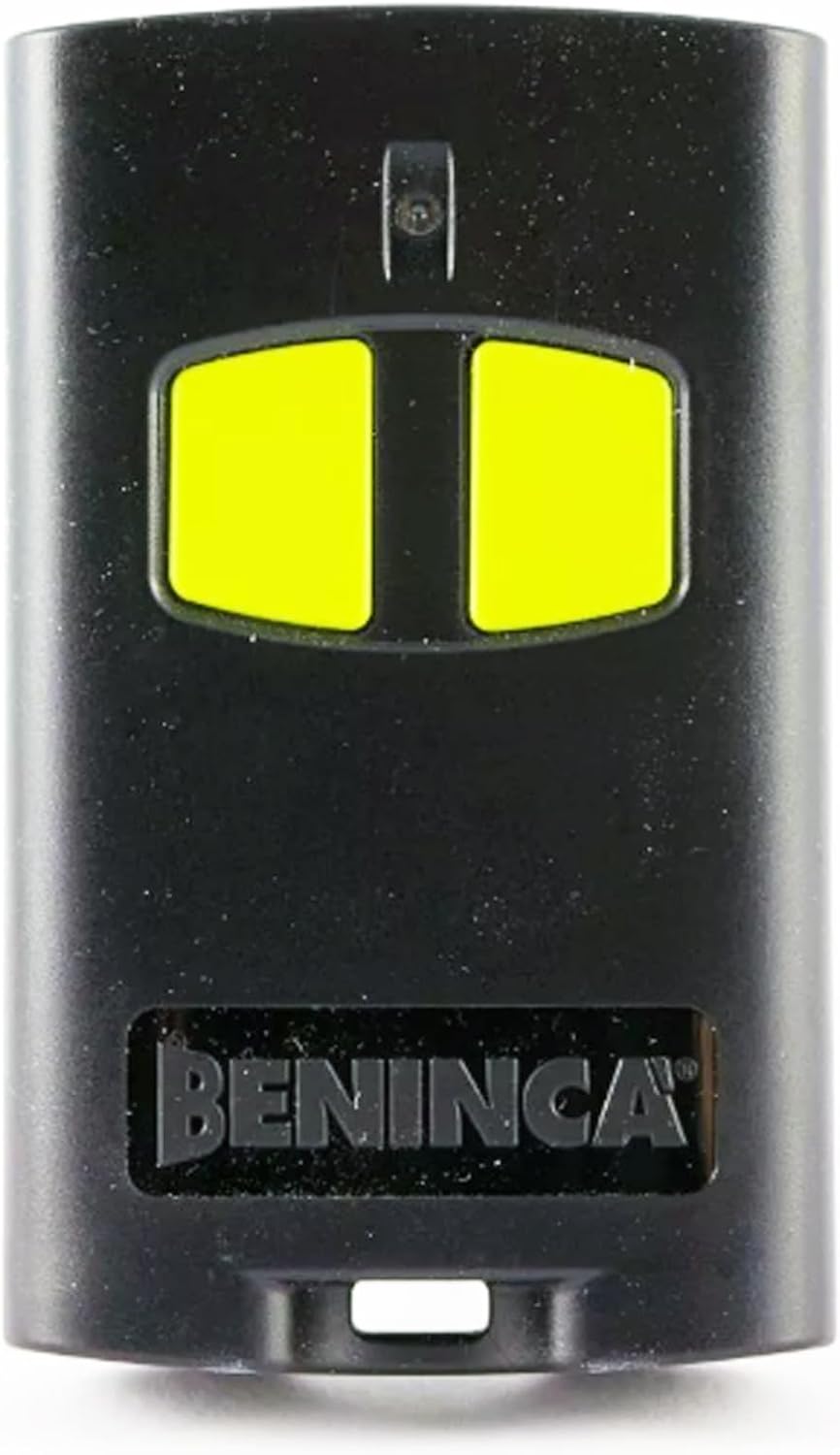
Image: BENINCA to.GO 2VA Gate Remote Control Transmitter. This image displays the front of the remote, highlighting its two yellow control buttons and the brand name.
Característiques principals:
- Advanced Rolling Code Technology: Utilizes ARC 128-bit or HCS 64-bit encrypted rolling codes for secure operation, preventing unauthorized access.
- 2 canals: Capable of controlling two distinct gates or devices with a single remote.
- Àmplia compatibilitat: Designed to replace the Beninca TO.GO 2WV model and is compatible with Beninca rolling-code receivers.
- Reliable Frequency: Operates consistently at 433.92 MHz.
- Programació fàcil: Can be programmed directly from your receiver unit.
- Disseny durador: Features a compact, lightweight, and modern aesthetic.
- Bateria inclosa: Comes with a pre-installed battery for immediate use.
Instruccions de configuració
1. Battery Installation (Pre-installed)
The BENINCA to.GO 2VA remote control comes with a battery pre-installed, allowing for immediate use upon receipt. Should the battery require replacement in the future, refer to the Maintenance section for instructions.
2. Programació del comandament a distància
The remote control must be programmed to your existing Beninca receiver unit. The exact programming procedure may vary slightly depending on your specific receiver model. Generally, programming involves accessing the receiver unit and initiating a pairing sequence.
General Programming Steps (Consult your receiver's manual for precise instructions):
- Locate your Beninca gate receiver unit.
- Access the programming button or menu on the receiver. This is often a small button labeled "PROG," "MEMO," or similar.
- Press and hold the programming button on the receiver until an indicator light (LED) on the receiver changes state (e.g., lights up, flashes).
- While the receiver is in programming mode, press the desired button on your new to.GO 2VA remote control.
- The receiver's indicator light should confirm successful programming (e.g., turn off, flash rapidly, or change color).
- Wait a few seconds for the receiver to exit programming mode, or press the programming button again briefly if required by your receiver's manual.
- Test the remote control to ensure it operates your gate correctly.
Nota: For detailed and specific programming instructions, always refer to the instruction manual provided with your Beninca gate receiver unit. If you are replacing an existing remote, some Beninca systems allow for programming a new remote directly from an already working remote. Consult your receiver's manual for this advanced feature.
Instruccions de funcionament
Once your BENINCA to.GO 2VA remote control is successfully programmed to your gate receiver, operation is straightforward.
Ús del comandament a distància:
- Funcionalitat del botó: The to.GO 2VA remote features two distinct buttons. Each button can be programmed to control a separate function or gate. For example, one button might open/close your main gate, while the other controls a pedestrian gate or another automated device.
- Activating the Gate: To operate your gate, simply press and release the corresponding programmed button on the remote control. The gate will respond according to its programmed sequence (e.g., open, close, stop).
- Interval: Ensure you are within the operational range of your gate receiver for the remote to function correctly. Environmental factors and obstacles can affect range.
- Llum indicadora: The remote may have a small LED indicator that illuminates when a button is pressed, confirming signal transmission. If this light does not illuminate or is dim, the battery may need replacement.
Manteniment
Proper care and maintenance will ensure the longevity and reliable performance of your BENINCA to.GO 2VA remote control.
Atenció general:
- Keep the remote clean and free from dust and debris. Use a soft, dry cloth for cleaning.
- Avoid exposing the remote to extreme temperatures, direct sunlight for prolonged periods, or high humidity.
- Do not drop the remote or subject it to strong impacts.
- Keep the remote away from water and other liquids.
Substitució de la bateria:
The remote uses a standard coin cell battery (e.g., CR2032, check the remote's internal markings for exact type). When the remote's range decreases significantly, or the indicator light becomes dim or fails to light up, it's time to replace the battery.
- Locate the battery compartment on the remote control. This is typically on the back or side and may require a small screwdriver or coin to open.
- Carefully open the compartment. Note the orientation of the existing battery (+/-).
- Traieu la bateria antiga.
- Insert the new battery, ensuring it is correctly oriented.
- Tanqueu el compartiment de la bateria de manera segura.
- Prova el comandament a distància per assegurar-te que funciona correctament.
Important: Eliminar les piles velles de manera responsable d'acord amb la normativa local.
Resolució de problemes
If you encounter issues with your BENINCA to.GO 2VA remote control, consider the following common troubleshooting steps:
| Problema | Causa possible | Solució |
|---|---|---|
| El comandament a distància no acciona la porta. | Battery is dead or low. Remote is not programmed. Out of range. Receiver issue. | Replace battery. Re-program the remote (see Setup section). Move closer to the receiver. Check receiver power and status. |
| Rang de funcionament reduït. | Low battery. Interference. Obstructions. | Replace battery. Check for sources of radio interference (e.g., other wireless devices). Ensure clear line of sight to receiver if possible. |
| Gate opens/closes intermittently. | Weak battery. Signal interference. Loose connection at receiver. | Replace battery. Identify and remove sources of interference. Consult a professional if receiver issues are suspected. |
| El llum indicador del control remot no s'il·lumina. | Dead battery. Internal fault. | Replace battery. If issue persists, the remote may be faulty and require replacement. |
If these steps do not resolve the issue, it is recommended to consult a qualified technician or contact BENINCA customer support.
Especificacions
| Número de model | BENINCA TO GO 2A Transmitter |
| Marca | BENINCA |
| Freqüència | 433.92 MHz |
| Canals | 2 |
| Xifratge | ARC 128-bit or HCS 64-bit Rolling Code |
| Dimensions | 2.6 x 1.57 x 0.6 polzades (aprox.) |
| Pes de l'article | 6.4 unces (aprox.) |
| Color | Negre |
| Bateria | Included (Type: typically CR2032, verify inside remote) |
| Compatibilitat | Beninca rolling-code receivers, replaces Beninca TO.GO 2WV |
Garantia i Suport
Warranty information for the BENINCA to.GO 2VA Gate Remote Control Transmitter is typically provided at the time of purchase or included within the product packaging. Please refer to any documentation that came with your remote for specific warranty terms and conditions.
For technical support, programming assistance beyond the general instructions, or inquiries regarding warranty claims, please contact BENINCA customer service or the authorized dealer from whom you purchased the product. Contact details are usually available on the manufacturer's official website or in the product's original manual.
Nota: The product description mentions "Manual included inside the box," which would contain the most accurate and up-to-date information regarding warranty and support contacts.


