Introducció
This manual provides essential information for setting up, operating, maintaining, and troubleshooting your CyberpowerPC Gamer Supreme Liquid Cooled Gaming Desktop Computer. Please read this guide thoroughly before using your new system to ensure optimal performance and longevity.
1. Configuració
1.1 Desembalatge
Carefully remove the computer and all included accessories from the packaging. It is recommended to retain the original packaging for future transport or service needs.
1.2 Connexió de perifèrics
Follow these steps to connect your essential peripherals:
- Monitor(s): Connect your monitor(s) to the graphics card ports (HDMI, DisplayPort) located at the rear of the computer. Ensure connections are secure.
- Teclat i ratolí: Connecteu el teclat i el ratolí a qualsevol port USB disponible.
- Altres perifèrics: Connect any other devices such as speakers, external hard drives, or network cables.
- Potència: Connect the power cable to the power supply unit (PSU) at the rear of the computer, then plug it into a grounded electrical outlet.

Imatge: Frontal i lateral view of the CyberpowerPC Gamer Supreme desktop computer, showcasing the tempered glass panel and internal RGB lighting.
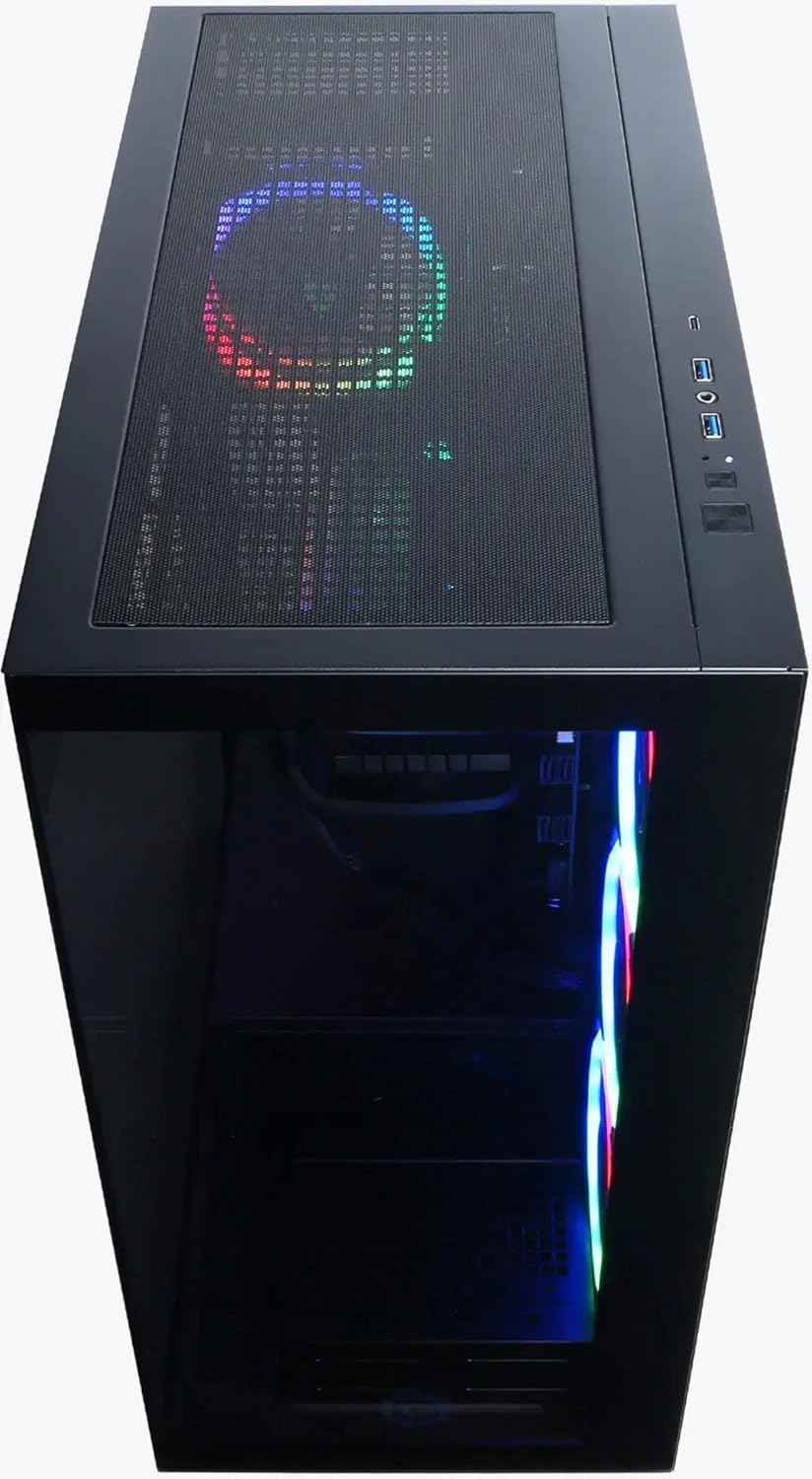
Imatge: De dalt a baix view of the CyberpowerPC Gamer Supreme desktop computer, highlighting the top mesh panel for ventilation and the accessible front I/O ports.
1.3 Arrencada inicial
Once all connections are secure, press the power button located on the top or front of the chassis. The system will boot into Windows 11 Home. Follow the on-screen instructions to complete the initial operating system setup.
2. Instruccions de funcionament
2.1 Encès/Apagat
- Encès: Premeu el botó d'encesa una vegada.
- Apagar: In Windows, click the Start button, then select Power > Shut down. Avoid direct power-offs unless absolutely necessary to prevent data corruption.
2.2 Connectivitat
- Ports USB: Utilize the high-speed USB 3.2 Type-C and Type-A ports for connecting compatible devices such as external storage, gaming peripherals, and mobile devices.
- Sense fil: The system includes integrated Wi-Fi for network access and Bluetooth for connecting wireless peripherals like headsets and controllers.
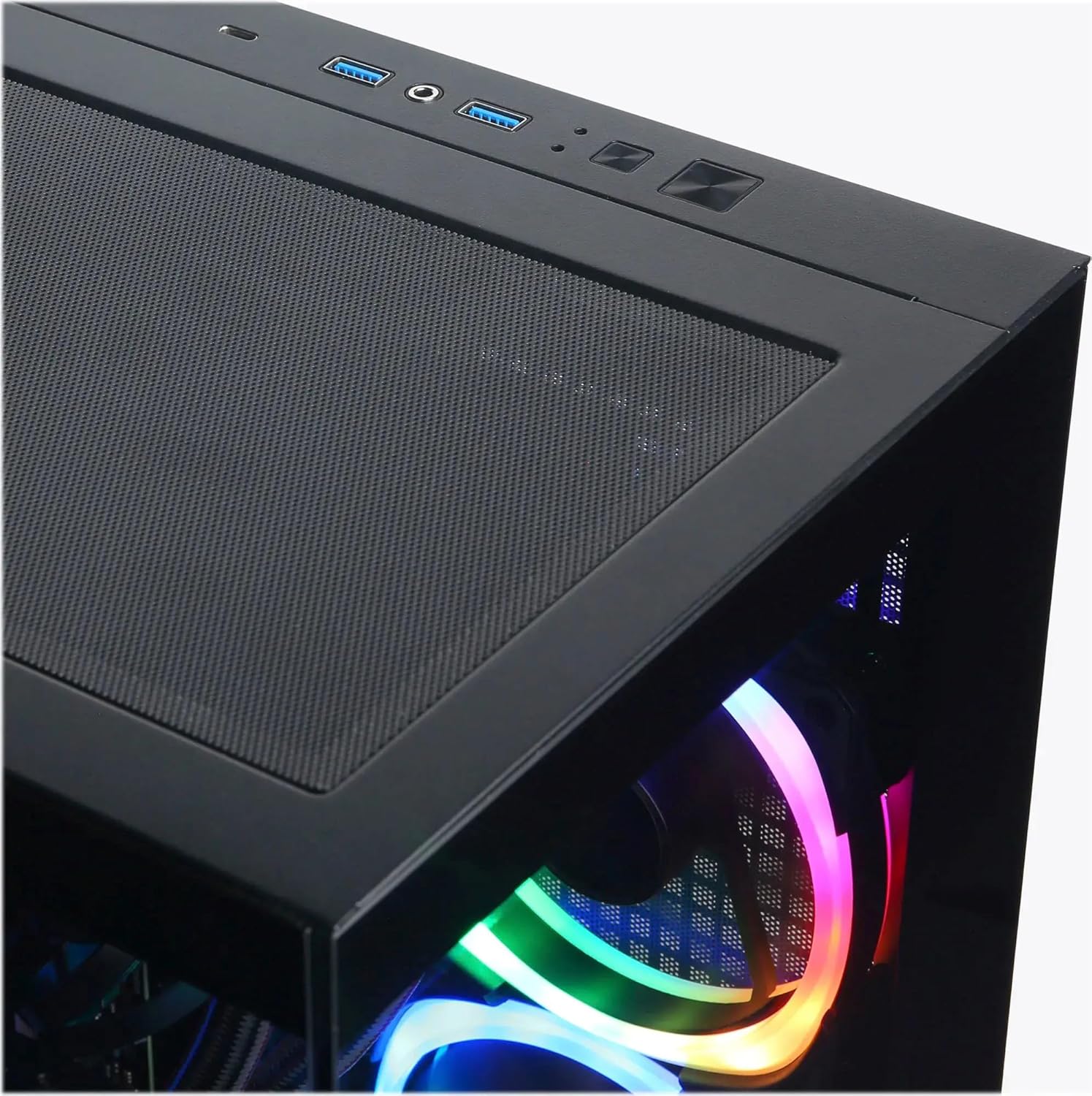
Imatge: Primer pla view of the top I/O ports, showing USB 3.2 Type-A, USB Type-C, and audio jacks for convenient access.
2.3 Característiques de rendiment
- Processador: The Intel Core i7-14700F processor provides robust performance for demanding applications and multitasking.
- Gràfics: The NVIDIA GeForce RTX 5070 Ti graphics card delivers high frame rates and visual fidelity for an immersive gaming experience.
- Emmagatzematge: A 2TB PCIe 4.0 NVMe SSD ensures rapid boot times and quick loading of applications and games.
- Refrigeració: The integrated liquid cooling system helps maintain optimal CPU temperatures, preventing thermal throttling during intensive use.
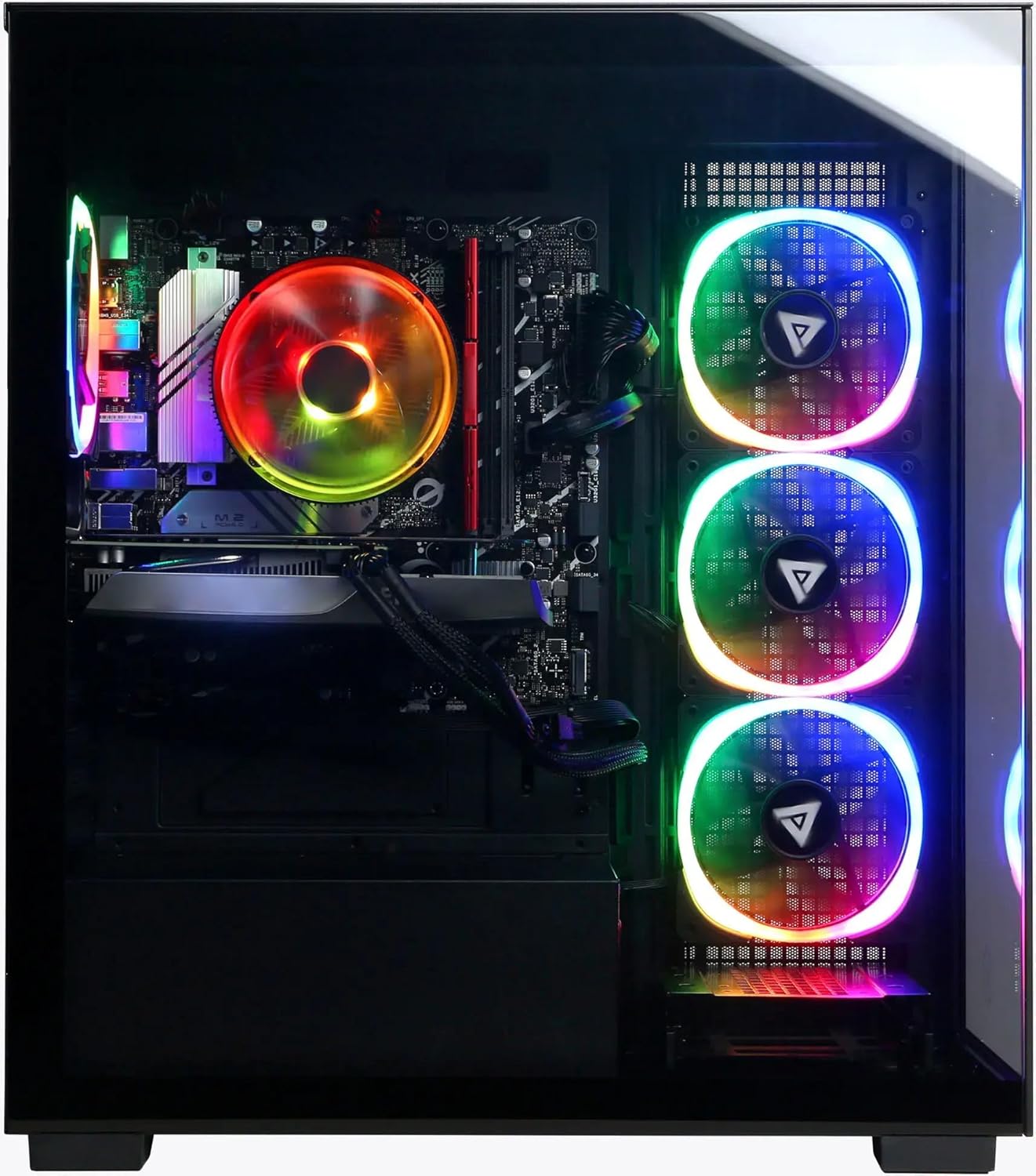
Imatge: Interior view of the CyberpowerPC Gamer Supreme desktop, illustrating the arrangement of key components including the liquid cooling system, RAM, and graphics card.
3. Manteniment
3.1 Neteja
- Regularly clean dust from the exterior surfaces and ventilation grilles using a soft, dry cloth or compressed air.
- Ensure that all fan vents are clear of obstructions to maintain proper airflow.
- Do not open the computer case unless you are familiar with computer hardware, as this may void your warranty or cause damage.
3.2 Actualitzacions de programari
Keep your Windows 11 operating system and all device drivers (especially graphics drivers) updated to ensure system stability, security, and optimal performance. You can typically find driver updates on the CyberpowerPC or component manufacturer webllocs.
3.3 System Backups
Regularly back up important data to an external storage device or cloud service to prevent data loss.
4. Solució De Problemes
If you encounter issues with your CyberpowerPC system, consider the following common troubleshooting steps:
- Sense energia: Verify that the power cable is securely connected to both the computer and a working electrical outlet. Ensure the power supply unit (PSU) switch at the rear of the computer is in the 'On' position.
- Sense pantalla: Confirm that your monitor cables are securely connected to the graphics card ports (not the motherboard's integrated video ports). Ensure the monitor is powered on and set to the correct input source.
- Rendiment lent: Check for excessive background applications, ensure sufficient free space on your primary SSD, and update all drivers.
- El sistema es bloqueja/falla: Ensure all drivers are up to date. Monitor system temperatures to rule out overheating.
For further assistance, refer to the CyberpowerPC support website or contact their technical support department.
5. Especificacions
Key specifications for your CyberpowerPC Gamer Supreme Liquid Cooled Gaming Desktop Computer:
- Processador: Intel Core i7-14700F (20 Cores, up to 5.4GHz)
- Targeta gràfica: NVIDIA GeForce RTX 5070 Ti 16 GB GDDR7
- RAM: 32 GB de RAM DDR5
- Emmagatzematge: 2TB PCIe 4.0 NVMe SSD
- Sistema operatiu: Windows 11 Home
- Refrigeració: Sistema de refrigeració líquida
- Connectivitat: USB 3.2 Type-C, USB 3.2 Type-A, Wi-Fi, Bluetooth
- Marca: CyberpowerPC
- UPC: 811842082976
6. Garantia i Suport
Your CyberpowerPC Gamer Supreme system comes with a limited warranty. For detailed warranty information, product registration, and technical support, please visit the official CyberpowerPC website or contact their customer service department. Keep your purchase receipt and the system's serial number readily available when seeking support.
CyberpowerPC Official Weblloc: www.cyberpowerpc.com


