1. Introducció
The iflytek AINOTE Air 2 is an 8.2-inch digital note-taking tablet designed to enhance productivity through advanced AI features. This device offers a paper-like writing experience, real-time speech-to-text transcription, multilingual translation, and intelligent summarization capabilities. It is suitable for professionals, students, and anyone seeking an efficient digital note-taking solution.

Figure 1: iflytek AINOTE Air 2 Tablet with Folio Case and Stylus
2. Què hi ha a la caixa
Verifiqueu que hi hagi tots els elements en desembalar-los:
- iflytek AINOTE Air 2 Paper Tablet
- Bolígraf
- Black Folio Case
- Cable de càrrega USB-C
- Guia d'inici ràpid
3. Configuració inicial
3.1 Engegar el dispositiu
- Press and hold the power button located on the top edge of the device for approximately 3 seconds until the screen illuminates.
- The device will display the iflytek AINOTE logo during startup.
3.2 Stylus Pen Attachment
The stylus pen magnetically attaches to the side of the AINOTE Air 2 tablet for convenient storage and charging (if applicable).
3.3 Language and Region Selection
- Segueix les instruccions que apareixen a la pantalla per seleccionar l'idioma i la regió que prefereixis.
- Confirm your selections to proceed.
3.4 Connexió de xarxa
- Seleccioneu la vostra xarxa Wi-Fi de la llista disponible.
- Introduïu la contrasenya si se us demana i toqueu "Connecta".
- A stable internet connection is recommended for optimal performance of AI features and cloud synchronization.
4. Instruccions de funcionament
4.1 Note-Taking and Handwriting Conversion
The AINOTE Air 2 provides a natural, paper-like writing experience with its stylus and E Ink screen.
- To create a new note, navigate to the 'Notes' section and tap the '+' icon.
- Use the stylus to write directly on the screen. The device supports 4,096 pressure levels for varied stroke thickness.
- To convert handwritten notes to text, select the desired text using the stylus and choose the 'Convert to Text' option. The device supports conversion to 85 languages.
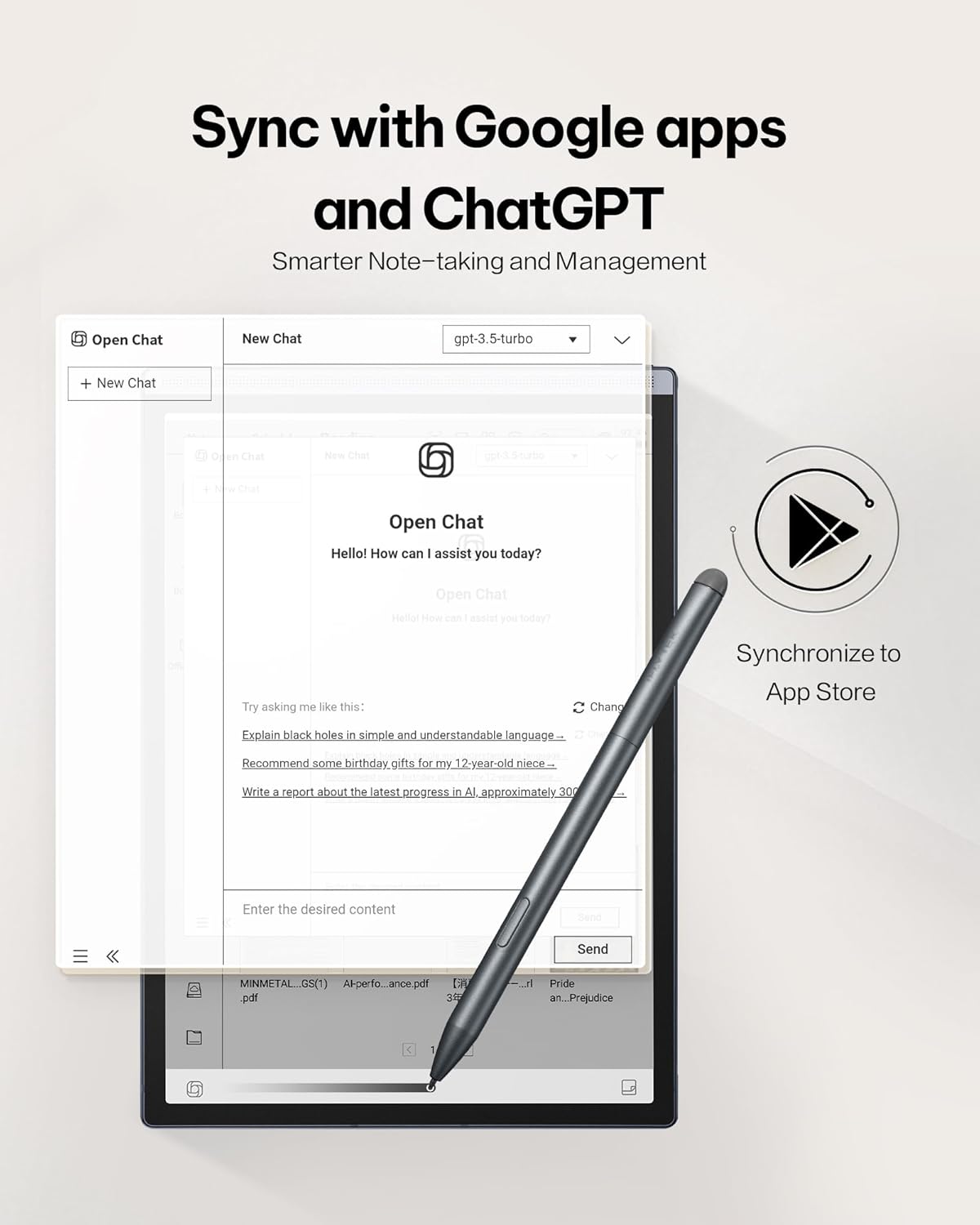
Figure 2: Paper-Like Writing Experience
4.2 Voice-to-Text Transcription
The device can transcribe spoken words into text in real-time, supporting 16 languages.
- In a note or meeting interface, tap the 'Record' button to begin audio capture.
- Speak clearly into the device's microphone. The spoken words will appear as text on the screen.
- To stop recording, tap the 'Finish' button.
Video 1: Demonstration of the iflytek AINOTE Air 2's precise voice-to-text transcription.
4.3 Multilingual Transcription and Translation
The AINOTE Air 2 supports real-time transcription in 16 languages and handwritten note conversion to 85 languages.
- During voice transcription, select the language option to choose from the supported languages.
- For handwritten notes, select the text and choose the translation option to convert to the desired language.
- Nota: Voice transcription and handwritten text conversion cannot be used simultaneously. Complete one process before starting the other.

Figure 3: Multilingual Transcription Support
4.4 AI Notetaker and Smart Planner
Leverage AI to organize your notes and manage your schedule efficiently.
- The device can generate meeting summaries from transcribed audio. Access this feature from the recording interface.
- Use intuitive AI features to generate to-do lists and manage schedules automatically from your notes.
Video 2: Guide on activating and utilizing ChatGPT features on the iflytek AINOTE Air 2.
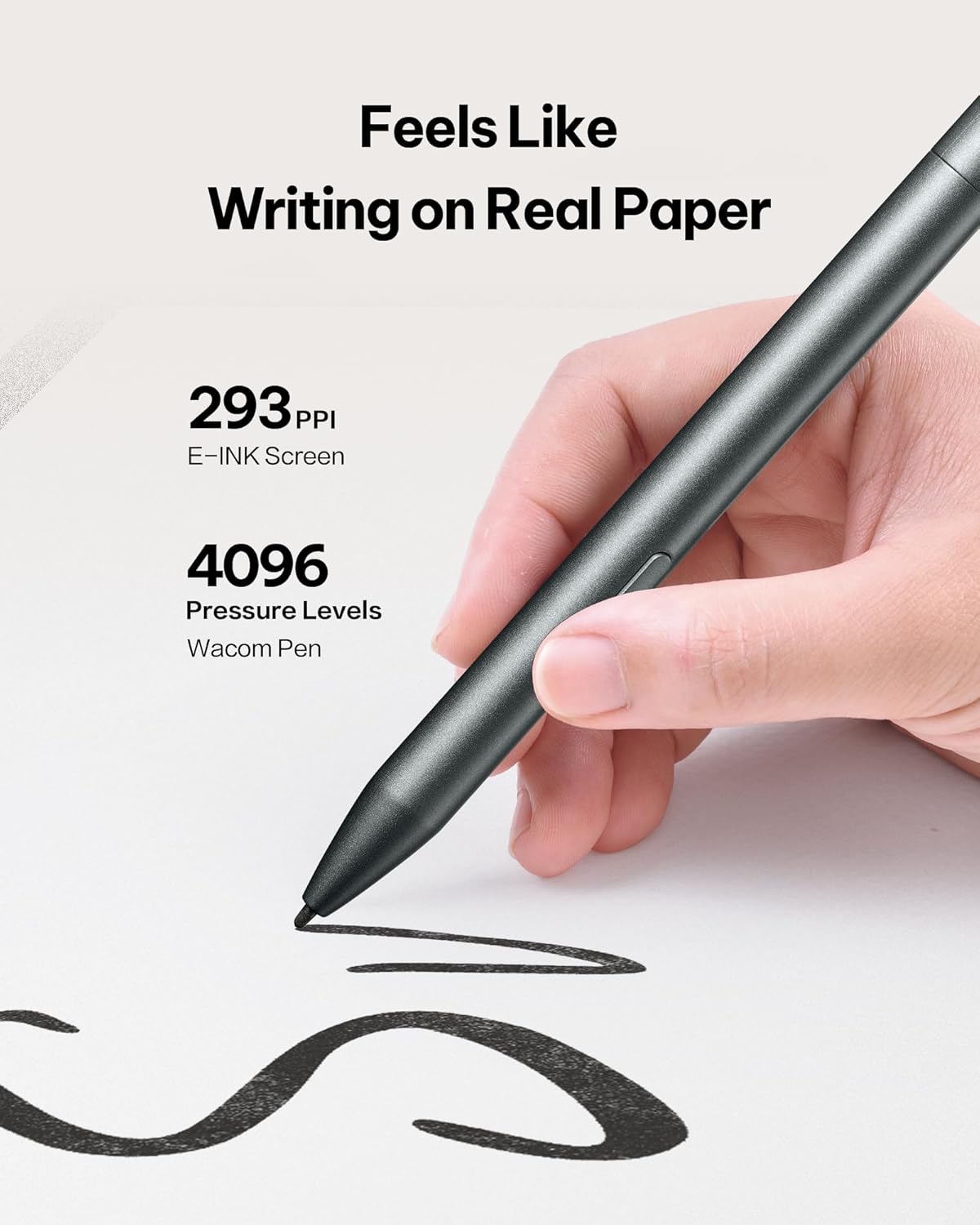
Figure 4: AI Notetaker & Smart Planner
4.5 Reading Documents and E-books
The E Ink display is designed for comfortable reading, similar to physical paper.
- Navigate to the 'Reading' section to access your documents and e-books.
- The dual-color adjustable reading light allows you to customize the display for various lighting conditions, reducing eye strain. Adjust brightness and color temperature via the quick settings menu.
- You can import PDF, EPUB, and other supported formats via Wi-Fi or USB connection.
Vídeo 3: Acabatview of the iflytek AINOTE Air 2's reading capabilities and eye-friendly display.

Figure 5: Eye-Friendly Reading with Adjustable Light
4.6 Document Scanning
The integrated 5 MP rear camera can be used for document scanning.
- Open the 'Scanner' application.
- Position the document under the camera and capture the image.
- The device will process the image, allowing you to save it as a PDF or Word document.
5. Manteniment
5.1 Neteja del dispositiu
Per mantenir un rendiment i un aspecte òptims:
- Use a soft, lint-free cloth to gently wipe the screen and body of the device.
- Eviteu utilitzar productes químics o materials abrasius.
5.2 Cura de la bateria
The AINOTE Air 2 has an average battery life of 5 weeks. To prolong battery life:
- Carregueu el dispositiu amb el cable USB-C proporcionat.
- Eviteu temperatures extremes.
5.3 Actualitzacions de programari
Regular software updates are released to improve functionality and performance.
- Connecta el teu dispositiu a la Wi-Fi.
- Navigate to 'Settings' > 'System Updates' to check for and install available updates.
6. Solució De Problemes
6.1 El dispositiu no respon
- Perform a soft reset by pressing and holding the power button for 10-15 seconds.
- If the issue persists, ensure the device is charged.
6.2 Handwriting Not Registering
- Ensure the stylus tip is clean and not damaged.
- Verify the stylus is properly connected or charged (if applicable).
6.3 Problemes de connectivitat Wi-Fi
- Restart your Wi-Fi router and the AINOTE Air 2.
- Comproveu si altres dispositius es poden connectar a la mateixa xarxa Wi-Fi.
6.4 Restabliment de fàbrica
If other troubleshooting steps fail, a factory reset may resolve software-related issues. Warning: This will erase all data on your device. Back up important files abans de continuar.
- Navigate to 'Settings' > 'System' > 'Reset options'.
- Select 'Erase all data (factory reset)' and confirm.
7. Especificacions
| Característica | Detall |
|---|---|
| Nom del model | AINOTE Air 2 |
| Mida de la pantalla | 8.2 polzades |
| Resolució de visualització | 1440 x 1920 píxels |
| Processador | Qualcomm de 1.8 GHz |
| Capacitat d'emmagatzematge de memòria | 32 GB |
| Mida de la memòria flash | 4 GB |
| Sistema operatiu | Android |
| Tipus sense fil | 802.11 g |
| Durada mitjana de la bateria | 5 setmanes |
| Pes de l'article | 1.56 lliures |
| Dimensions del producte | 7.6 x 5.4 x 0.25 polzades |
| posterior WebResolució de la càmera | 5 MP |
8. Garantia i Suport
8.1 Informació de la garantia
The iflytek AINOTE Air 2 Bundle comes with a Garantia limitada d'1 any from the date of purchase, covering manufacturing defects. This warranty does not cover damage caused by misuse, accidents, or unauthorized modifications.
8.2 Atenció al client
For technical assistance, troubleshooting, or warranty claims, please contact iflytek customer support:
- Assistència en línia: Visit the official iflytek website for FAQs, user guides, and online chat support.
- Suport per correu electrònic: Refer to your product packaging or quick start guide for the specific email address.
Si us plau, tingueu a mà el model del producte i la data de compra quan us poseu en contacte amb el servei d'assistència.


