1. Introducció
Welcome to the user manual for your new TECLAST P30 Tablet. This guide provides comprehensive instructions to help you set up, operate, maintain, and troubleshoot your device, ensuring you get the most out of its advanced features. The TECLAST P30 is a 10.1-inch tablet running Android 15, equipped with an octa-core processor, 12GB RAM, 64GB ROM (expandable to 1TB), WiFi 6, and dual speakers, designed for a smooth and immersive experience.
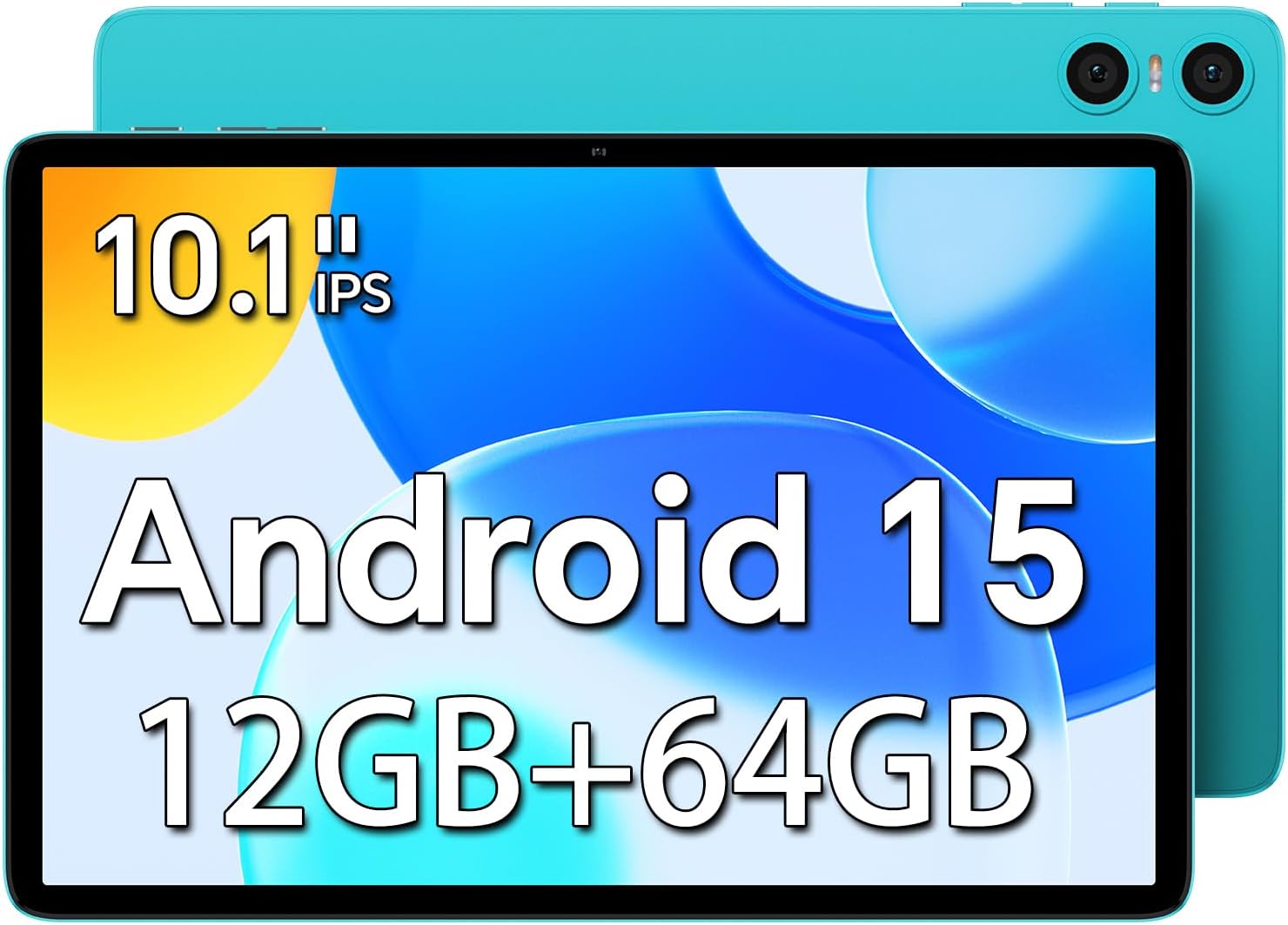
Imatge: Frontal view of the TECLAST P30 Tablet highlighting its 10.1-inch IPS display, Android 15 operating system, and 12GB RAM + 64GB storage.
2. Què hi ha a la caixa
Upon unboxing your TECLAST P30 Tablet, please ensure all the following items are present:
- Carregador
- Manual
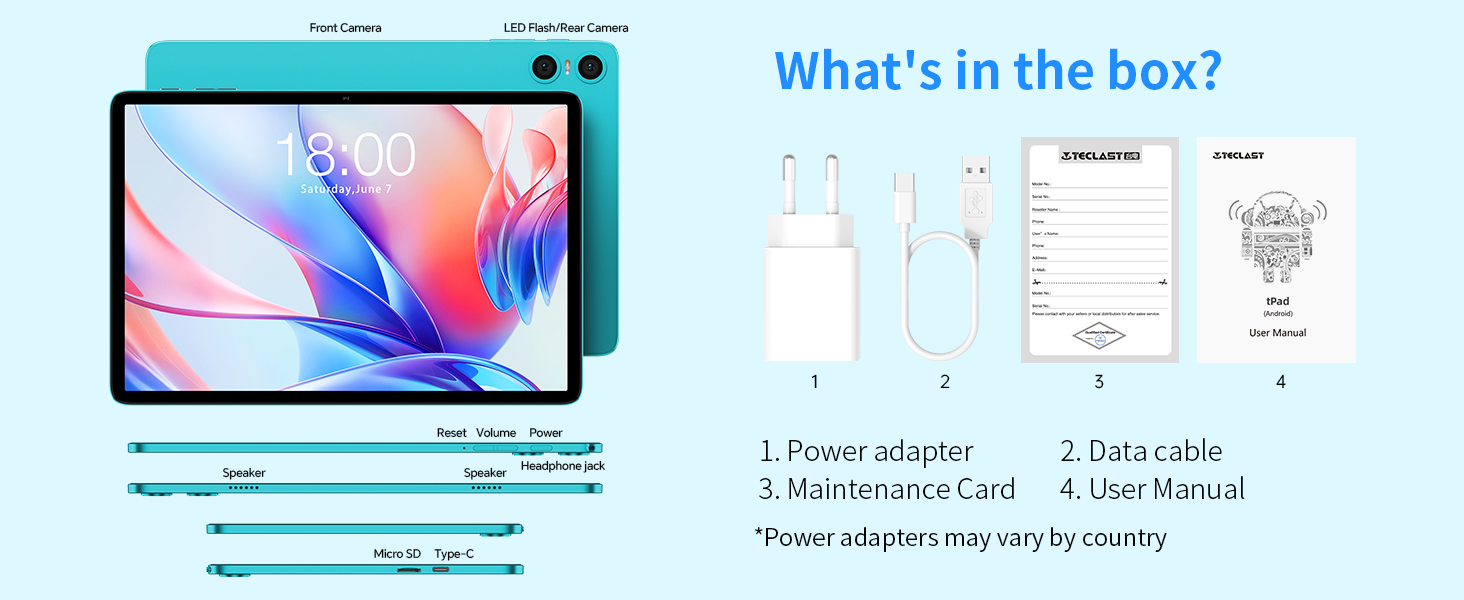
Image: An illustration detailing the items included in the TECLAST P30 Tablet package, such as the power adapter, data cable, maintenance card, and user manual.
3. Guia de configuració
3.1 Càrrega de la tauleta
Before first use, fully charge your TECLAST P30 Tablet using the provided charger and Type-C cable. The charging port is conveniently designed for insertion in either direction.

Image: Visual representation of the TECLAST P30 Tablet's 6000mAh battery and its Type-C charging capability, indicating long-lasting power.
3.2 Engegada/apagada
To power on, press and hold the power button located on the side of the tablet until the TECLAST logo appears. To power off, press and hold the power button, then select 'Power off' from the options.
3.3 Configuració inicial
Upon first power-on, follow the on-screen prompts to complete the initial setup. This includes selecting your language, connecting to a Wi-Fi network, and signing in with your Google account. The tablet runs on Android 15, offering enhanced privacy and a smoother user experience.
3.4 Expansió de memòria
The TECLAST P30 supports Micro SD/TF cards up to 1TB. Locate the Micro SD card slot on the side of the tablet and insert your card to expand storage for multimedia content.

Imatge: Un costat detallat view of the TECLAST P30 Tablet, illustrating the location of the Micro SD card slot and the Type-C charging port.
4. Instruccions de funcionament
4.1 Característiques d'Android 15
Your TECLAST P30 Tablet comes with the latest Android 15 operating system. This version offers improved privacy controls, including granular app permissions, and supports more complex six-digit passwords. It also features AI Neural Network technology for faster app launch and response times.

Image: A visual guide to the key features of Android 15 on the TECLAST P30, such as enhanced privacy, multitasking capabilities, and performance improvements.
4.2 Visualització i elements visuals
The 10.1-inch IPS display with a 1280x800 resolution and 16:10 aspect ratio provides a comfortable viewing experience for games and videos. Teclast T-Color technology optimizes colors for vivid and detailed visuals. The tablet also supports Widevine L1, allowing you to stream high-quality content from platforms like Amazon Prime and Hulu.

Image: Demonstrating the visual quality of the TECLAST P30's 10.1-inch IPS display, emphasizing its resolution, brightness, and color optimization for an immersive viewexperiència.
4.3 Experiència d'àudio
Equipped with smart dual speakers and a digital amplifier chip, the P30 delivers high-quality stereo sound for an immersive audiovisual experience. A 3.5mm headphone jack is also included for private listening.

Image: A visual representation of the TECLAST P30's audio features, including its stereo sound system and the convenience of a 3.5mm headset jack for personal audio enjoyment.
4.4 Cameras and Face Unlock
The tablet features a 2MP front camera and a 5MP rear camera with AI dual-camera system and LED flash. It supports facial recognition for quick and secure unlocking of the device.

Imatge: Un primer pla view of the TECLAST P30's camera system, highlighting its 5MP rear camera with auto-focus and LED flash, and the 2MP front camera for video calls.
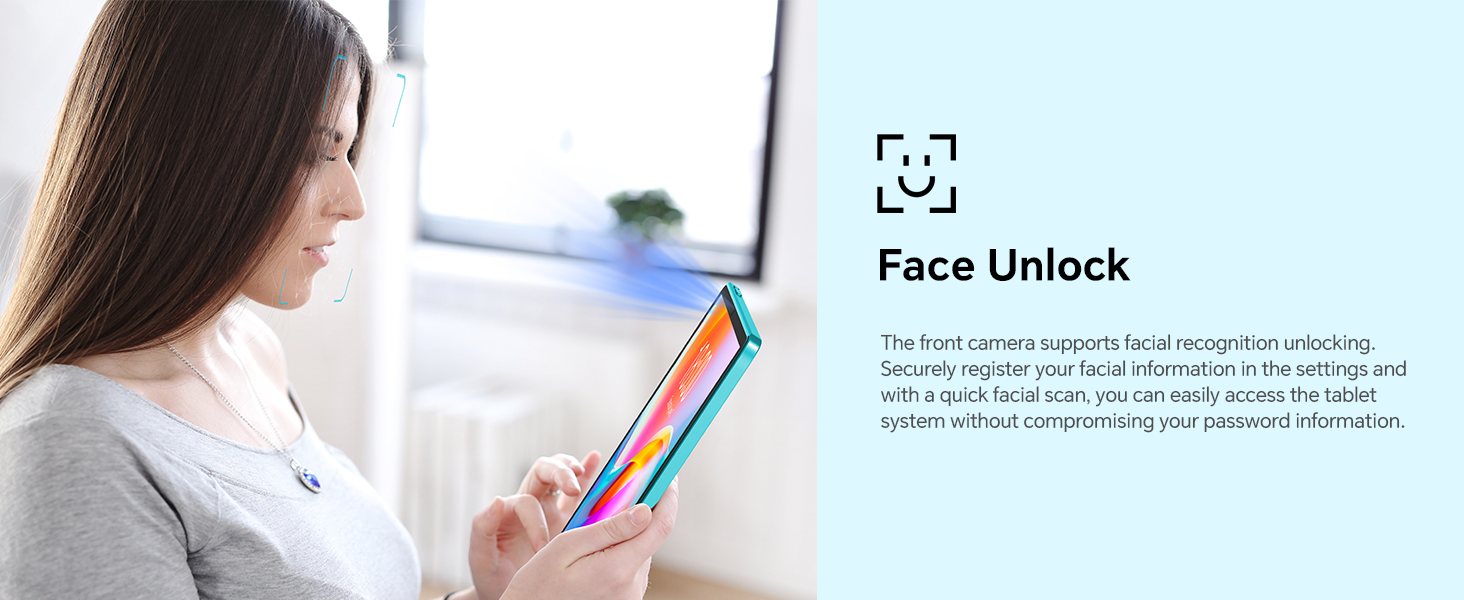
Image: A visual explanation of the Face Unlock functionality on the TECLAST P30 Tablet, illustrating how users can securely access their device using facial recognition.
4.5 Connectivitat
The TECLAST P30 supports ultra-fast WiFi 6 (802.11ax) for faster speeds, more capacity, and lower latency. It also features energy-efficient Bluetooth 5.4 for seamless connection with wireless headphones and other devices.
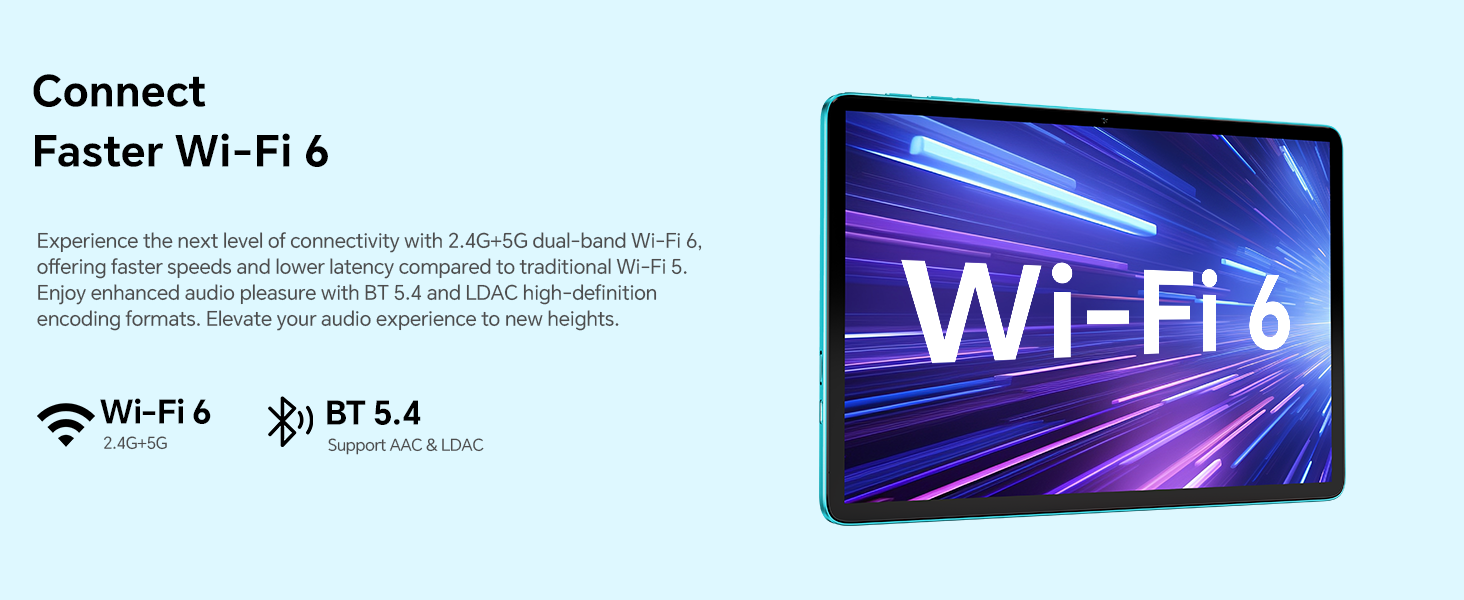
Image: A graphic illustrating the advanced connectivity options of the TECLAST P30 Tablet, specifically its support for Wi-Fi 6 and Bluetooth 5.4 for fast and efficient wireless communication.
4.6 Controls parentals
The TECLAST P30 Tablet can be set up with Google's built-in parental controls, Family Link. This allows you to manage screen time, monitor app usage, remotely lock devices, and track your child's tablet location.
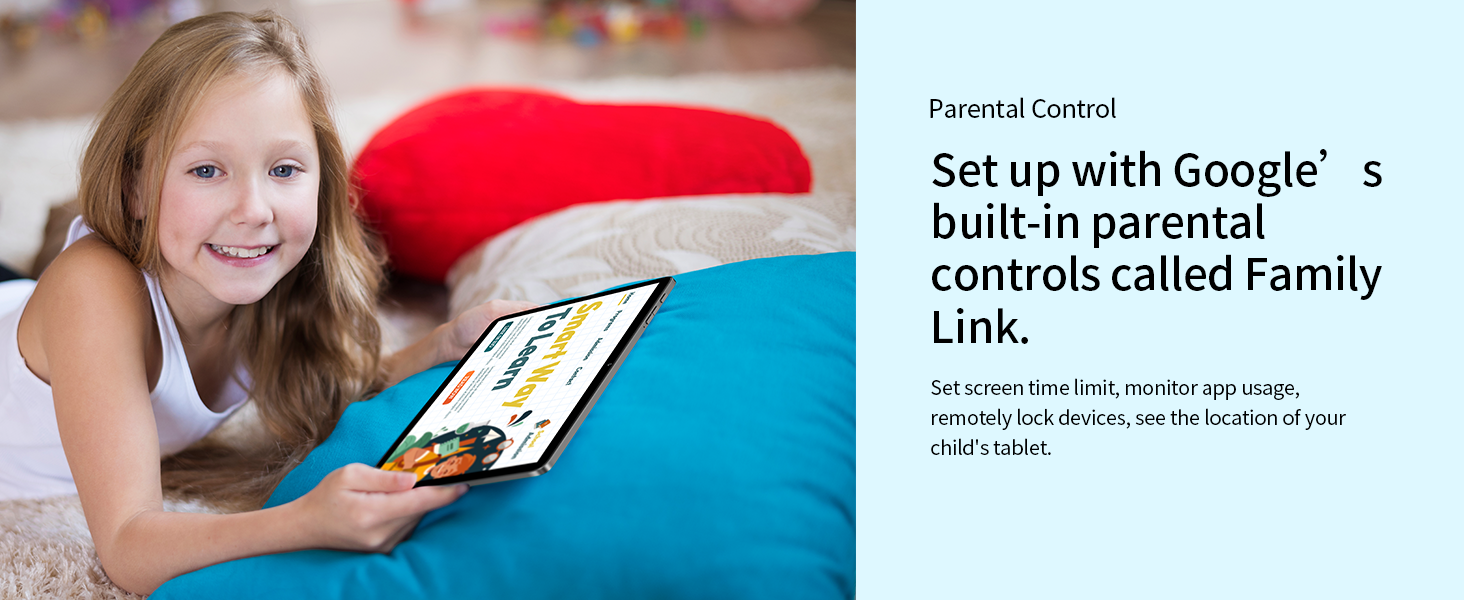
Image: A depiction of the TECLAST P30 Tablet being used by a child, emphasizing the availability of Google's Family Link for parental control and safe usage.
5. Manteniment
5.1 Neteja de la tauleta
Per netejar la tauleta, feu servir un drap suau i sense borrissol. Per a taques difícils, fregueu-la lleugerament.ampNetegeu el drap amb aigua o un netejador de pantalles dissenyat específicament per a electrònica. Eviteu utilitzar productes químics agressius o materials abrasius.
5.2 Actualitzacions de programari
Regularly check for and install system updates to ensure your tablet has the latest features, security patches, and performance improvements. You can usually find this option in the 'Settings' menu under 'System' or 'About tablet'.
5.3 Gestió d'emmagatzematge
Per mantenir un rendiment òptim, gestiona periòdicament l'emmagatzematge de la tauleta. Elimina les dades innecessàries files, uninstall unused apps, and clear cache data. Utilize the Micro SD card slot for large media files per alliberar emmagatzematge intern.
6. Solució De Problemes
La tauleta 6.1 no s'encén
- Ensure the tablet is fully charged. Connect it to the charger for at least 30 minutes before attempting to power on again.
- Premeu i manteniu premut el botó d'engegada durant 10-15 segons per realitzar un reinici forçat.
6.2 Problemes de connectivitat Wi-Fi
- Reinicieu el router Wi-Fi i la tauleta.
- Oblida't de la xarxa a la configuració Wi-Fi de la tauleta i torna a connectar-te.
- Assegureu-vos que esteu dins de l'abast del senyal Wi-Fi.
6.3 Rendiment lent
- Tanca les aplicacions que no s'utilitzen i que s'executen en segon pla.
- Esborra les dades de la memòria cau de les aplicacions que s'utilitzen amb freqüència.
- Comproveu si hi ha actualitzacions del sistema.
- Consider performing a factory reset as a last resort (back up your data first).
7. Especificacions
| Característica | Especificació |
|---|---|
| Marca | TECLAST |
| Nom del model | P30 Android 15 |
| Dimensions del producte | 24.24 x 16.13 x 0.88 cm |
| Pes de l'article | 538 g |
| Mida de la pantalla | 10 polzades |
| Resolució de pantalla | 1280 x 800 píxels |
| Marca del processador | Allwinner |
| Velocitat del processador | 1.8 GHz |
| Mida instal·lada de la memòria RAM | 12 GB (4GB+8GB expandable) |
| Capacitat d'emmagatzematge de memòria | 64 GB (ampliable fins a 1 TB amb Micro SD) |
| Sistema operatiu | Android 15 |
| Tipus de connectivitat | Bluetooth, WiFi |
| Tipus sense fil | 802.11ax (Wi-Fi 6) |
| Durada de la bateria (mitjana) | 9 hores |
| Capacitat de la bateria | 6000 mAh |
| Càmera frontal | 2MP |
| Càmera posterior | 5MP |
8. Garantia i Suport
TECLAST provides a 2-year warranty for its products. If you encounter any issues with your TECLAST P30 Tablet, please contact TECLAST customer support for assistance. For more information, visit the official TECLAST weblloc web o consulteu les dades de contacte que figuren a l'embalatge del producte.


