1. Introducció
Benvingut
Thank you for choosing the EasySMX M15 Mobile Gaming Controller. This manual provides detailed instructions on how to set up, operate, and maintain your new gaming controller. Please read this manual thoroughly before use to ensure optimal performance and longevity of your device.
Producte acabatview
The EasySMX M15 is a versatile mobile gaming controller designed to enhance your gaming experience on compatible Android and iPhone 15 series devices. Featuring responsive micro-switch buttons with a lifespan of up to 5 million clicks and Hall Effect triggers, it offers precise control and tactile feedback. Its portable design and included protective case make it an ideal companion for gaming on the go.
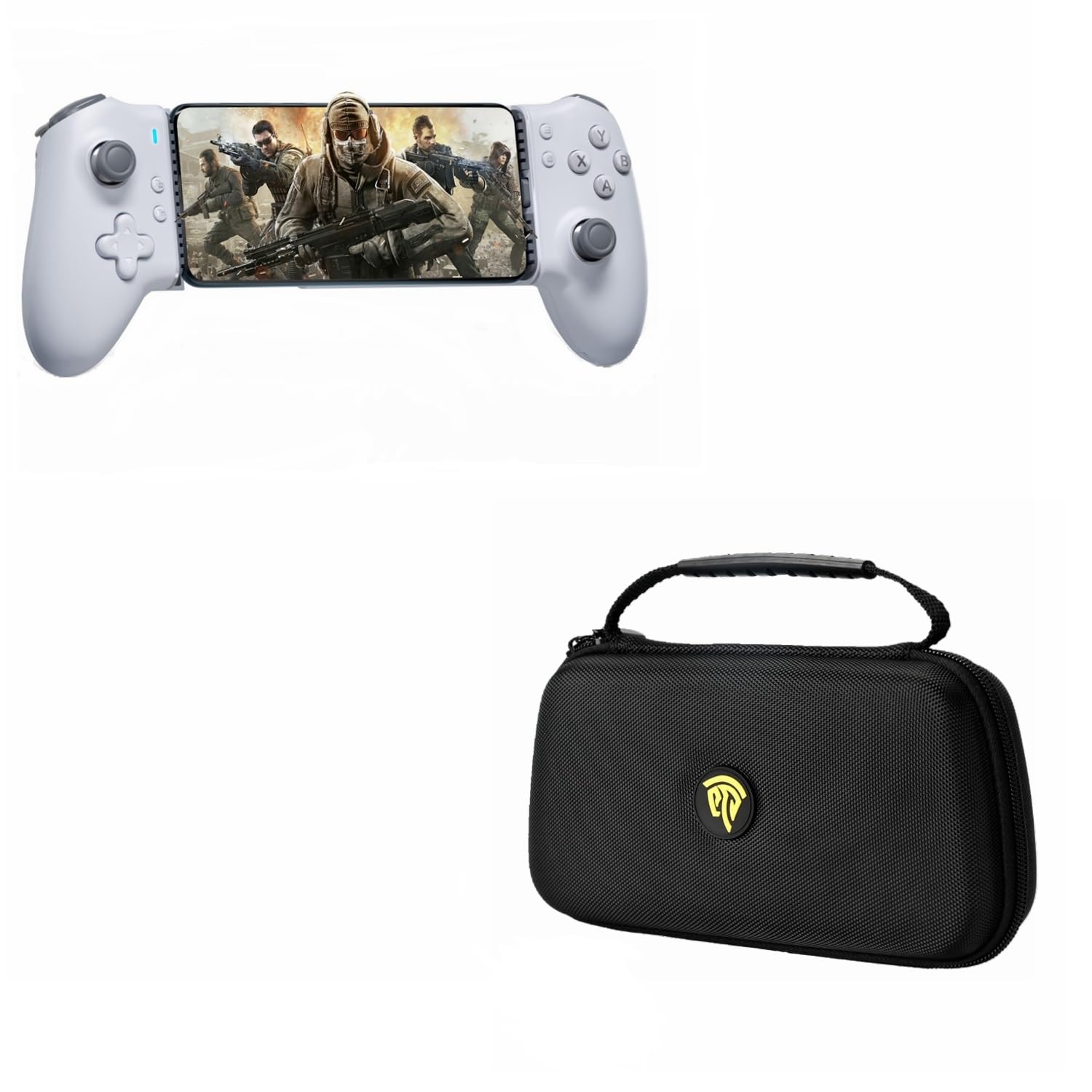
Image: The EasySMX M15 controller securely holding a smartphone, ready for gaming. This image highlights the compact and integrated design of the controller with a mobile device.

Imatge: Un front view of the EasySMX M15 controller with a smartphone, showcasing the ergonomic grip and button layout during gameplay. The reflection on the surface emphasizes its sleek design.
2. Contingut del paquet
Please check the package contents upon unboxing. If any items are missing or damaged, please contact EasySMX customer support.
- Controlador de jocs mòbil EasySMX M15
- Funda protectora de transport
- Cable de càrrega USB-C
- Manual d'usuari (aquest document)
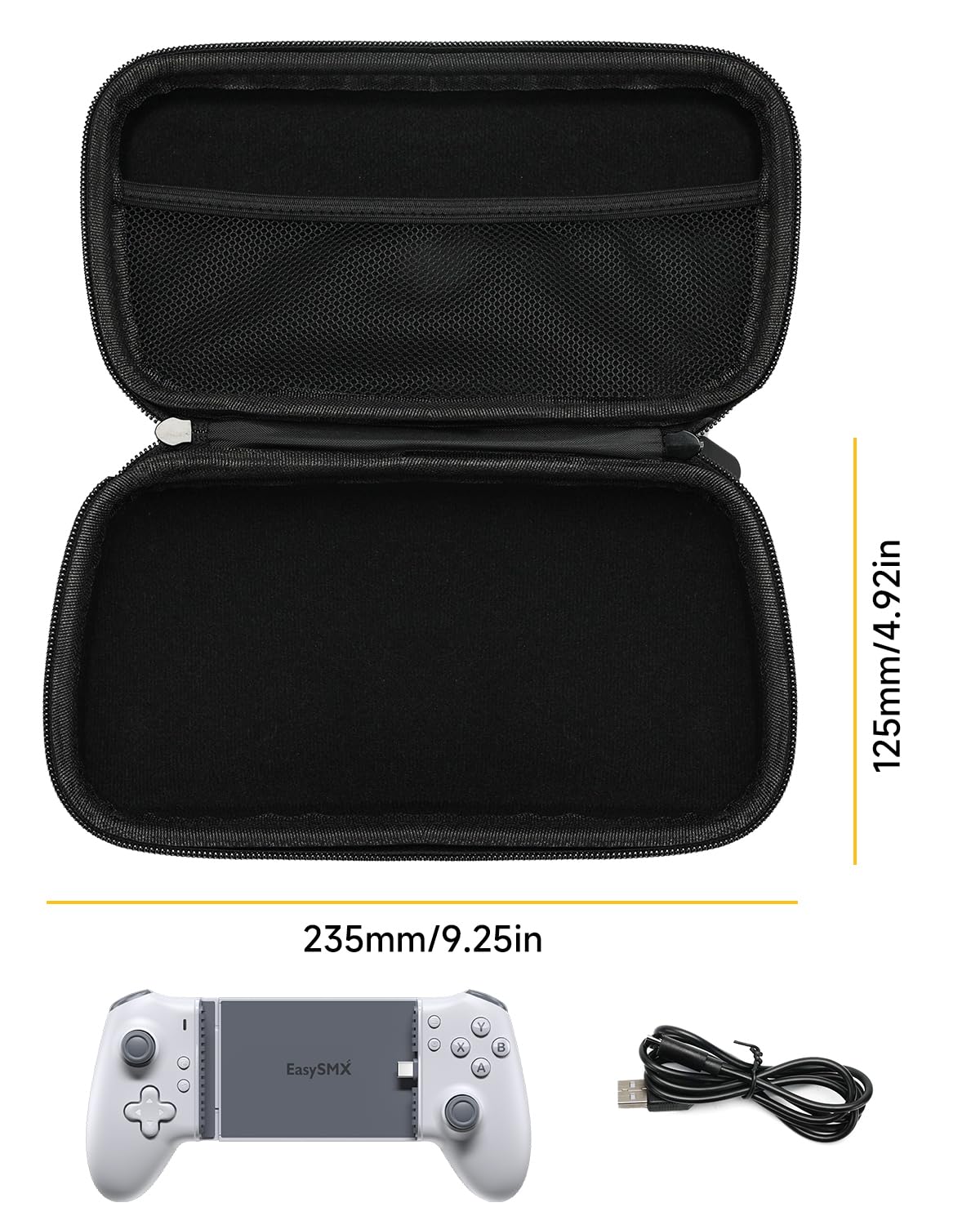
Image: An illustration showing the EasySMX M15 controller, its USB-C charging cable, and the protective carrying case, along with the dimensions of the case (235mm/9.25in length, 125mm/4.92in height).
3. Disseny del producte
Familiarize yourself with the various components and controls of your EasySMX M15 controller:
- Stick analògic esquerre: Per al moviment i el control de la càmera.
- D-Pad (coixinet direccional): Per a una entrada direccional precisa.
- Botons A/B/X/Y: Botons d'acció estàndard.
- Stick analògic dret: Per al control de la càmera o accions específiques dins del joc.
- L1/R1 Shoulder Buttons: Top-mounted buttons for quick actions.
- L2/R2 Hall Effect Triggers: Analog triggers for precise input, ideal for racing or shooting games.
- Menu/Options Buttons: For accessing in-game menus or system functions.
- Port de càrrega tipus C: Located on the controller for power input.
- Llum indicador d'estat: Mostra l'estat de la connexió i el nivell de la bateria.
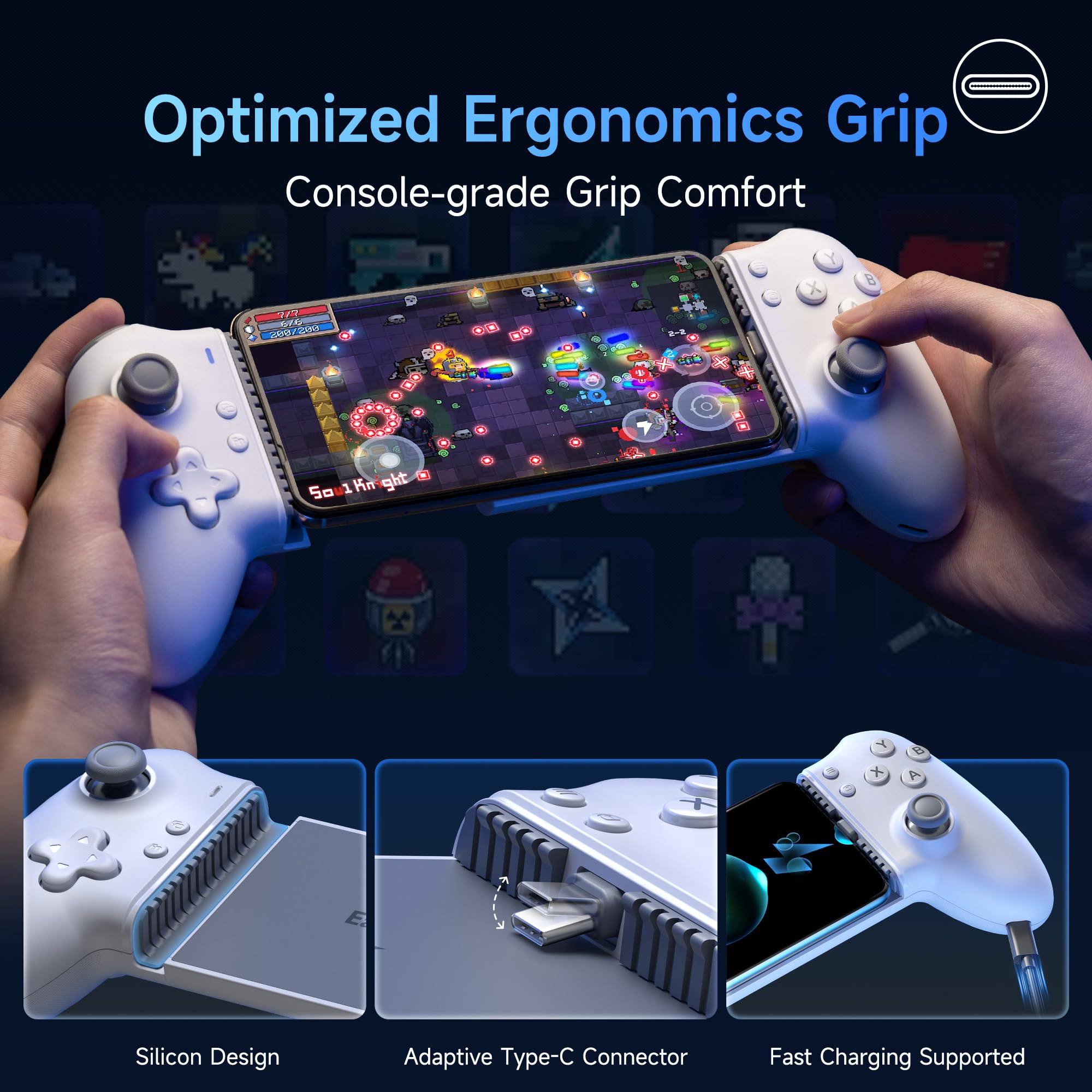
Imatge: Detallada view of the EasySMX M15 controller highlighting its ergonomic grip, silicon design for secure phone placement, the adaptive Type-C connector for direct phone connection, and confirmation of fast charging support.
4. Guia de configuració
Compatibilitat de dispositius
The EasySMX M15 controller is compatible with:
- Mainstream Android devices (Android 9.0 or higher) with a Type-C port and a length between 102mm and 176mm.
- iPhone 15 series.
Nota: To ensure proper connection and fit, avoid using phone cases thicker than 1mm.
Connexió del dispositiu
- Gently extend the left side of the controller to open the phone clamp.
- Carefully insert your smartphone into the controller, ensuring the phone's Type-C port aligns with and connects to the controller's Type-C connector.
- Allibera el clamp, allowing it to securely hold your phone in place. The controller should automatically power on and establish a connection.
Càrrega inicial
It is recommended to fully charge the controller before its first use. Connect the provided USB-C charging cable to the controller's Type-C port and a suitable power source.
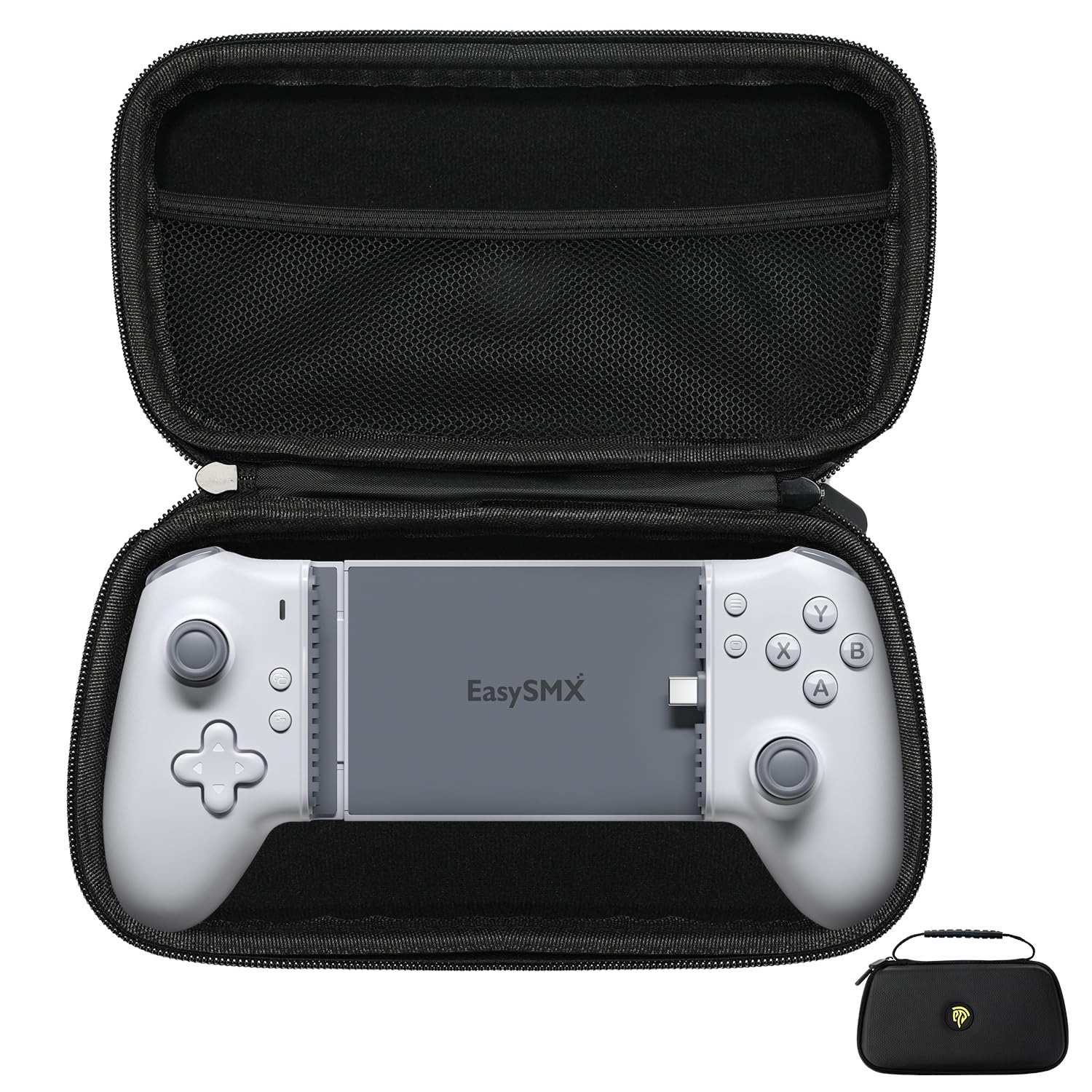
Image: The EasySMX M15 controller neatly placed inside its custom-fit protective carrying case, demonstrating how it can be stored and transported safely.
5. Instruccions de funcionament
Compatibilitat de jocs
The EasySMX M15 controller is compatible with a wide range of games and streaming services, including:
- Xbox and PlayStation games (via remote play apps).
- PC games (via streaming services like Steam Link).
- Cloud gaming services such as NVIDIA GeForce Now and Amazon Luna.
- Popular mobile titles like Asphalt 9, Diablo Immortal, and Fortnite.
Note for Call of Duty (Android): For optimal performance with Call of Duty Mobile on Android devices, it may be necessary to switch your phone's connection mode to Bluetooth within the game settings or phone settings, as some games prefer Bluetooth input over direct wired connection for controllers.
Jugant a Jocs
Once your smartphone is securely connected to the M15 controller, launch your desired game or streaming application. The game should automatically detect the controller. You can then use the analog sticks, D-pad, buttons, and triggers to control gameplay. Refer to your game's specific control settings for customization options.
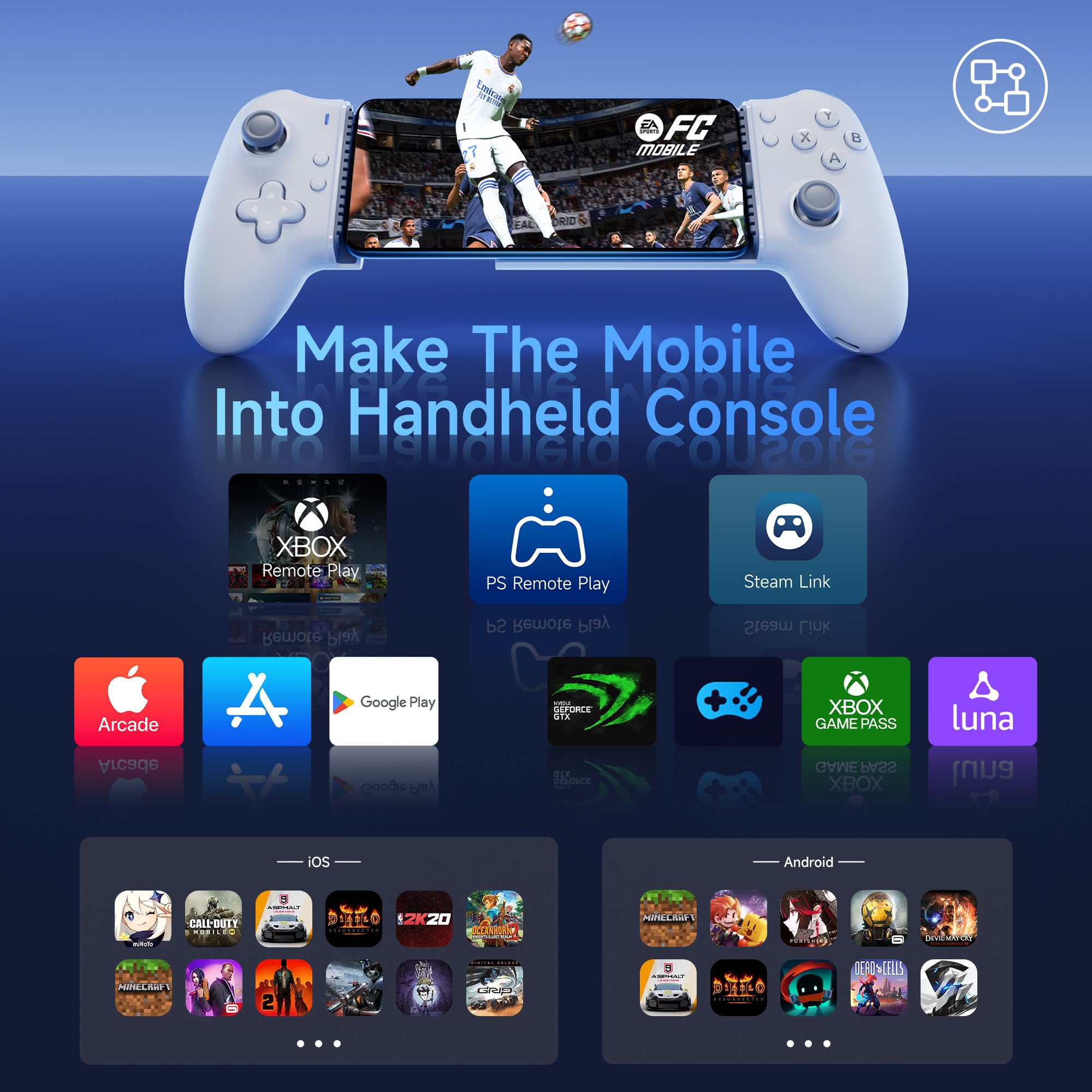
Image: A visual representation of the EasySMX M15 controller's broad compatibility, showing logos for Xbox Remote Play, PS Remote Play, Steam Link, Apple Arcade, Google Play, NVIDIA GeForce Now, Xbox Game Pass, and Amazon Luna, along with examples of compatible iOS and Android games.
6. Manteniment
Neteja
To clean your EasySMX M15 controller, use a soft, dry cloth. For stubborn dirt, a slightly damp cloth can be used, but ensure no moisture enters the ports or internal components. Avoid using harsh chemicals, abrasive cleaners, or solvents, as these can damage the surface and internal electronics.
Emmagatzematge
When not in use, store the controller in its provided protective carrying case. This case is designed to be dustproof, waterproof, and anti-drop, offering effective protection against environmental factors and accidental damage. Store the controller in a cool, dry place away from direct sunlight and extreme temperatures.
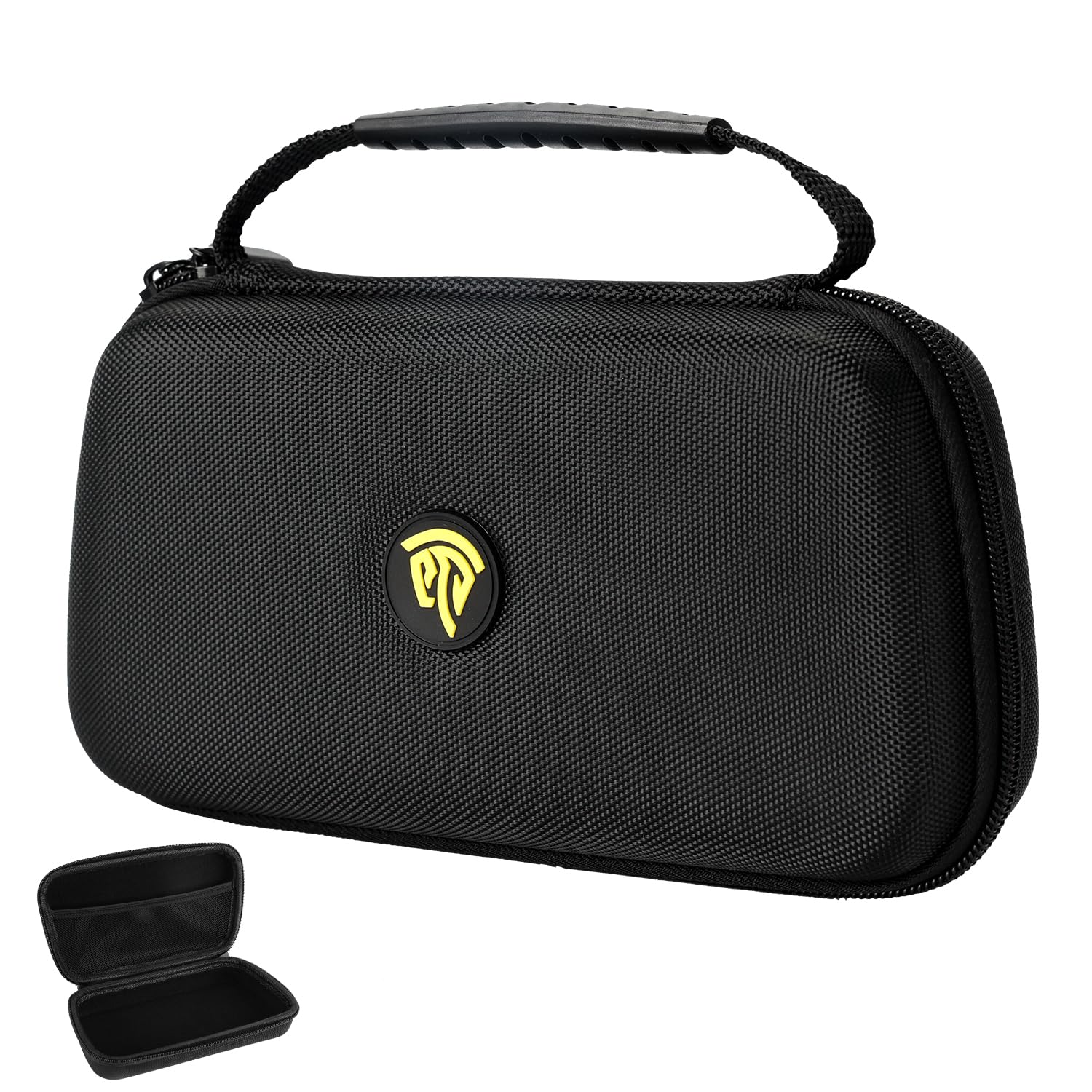
Image: The black protective carrying case for the EasySMX M15 controller, featuring a durable exterior and a prominent yellow EasySMX logo, designed for safe storage and transport.
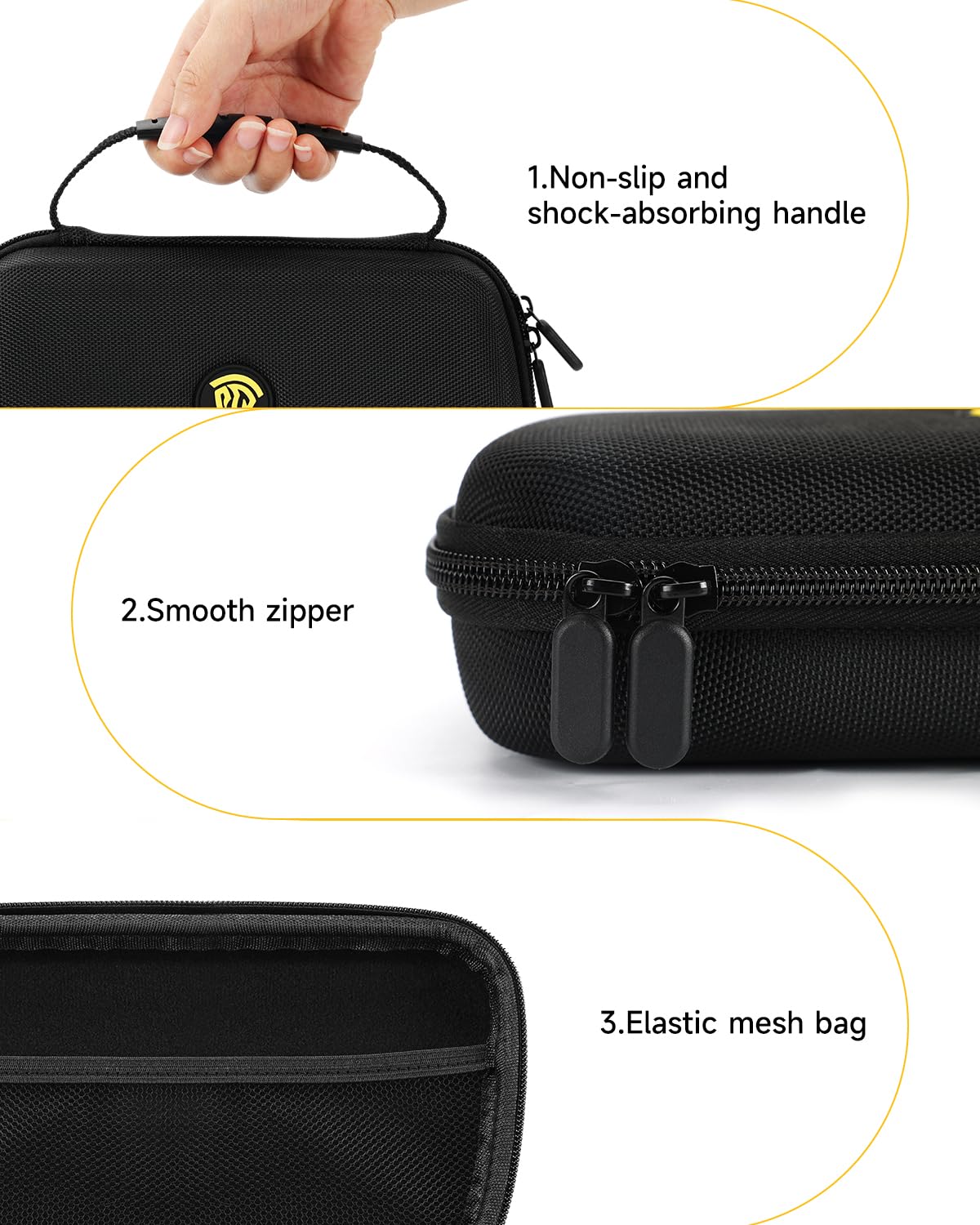
Imatge: Una imatge detallada view of the EasySMX M15 protective case, highlighting its key features: a non-slip and shock-absorbing handle, smooth zippers for easy access, and an internal elastic mesh bag for storing cables or small accessories.
7. Solució De Problemes
If you encounter any issues with your EasySMX M15 controller, please refer to the following common troubleshooting steps:
- El controlador no es connecta:
- Ensure your smartphone is securely seated and the Type-C connector is fully inserted.
- Verify that your phone's operating system is compatible (Android 9.0+ or iPhone 15 series).
- Restart your smartphone and try connecting the controller again.
- Check if your phone case is too thick (over 1mm), which might prevent a proper connection.
- Botons que no responen:
- Ensure the controller is properly connected to your device.
- Check if the game you are playing supports external controllers.
- Some games may require specific settings adjustments for controller input (e.g., Call of Duty Mobile on Android might need Bluetooth mode).
- Problemes de càrrega:
- Utilitzeu el cable de càrrega USB-C proporcionat.
- Ensure the charging cable is securely connected to both the controller and the power source.
- Proveu un altre port USB o adaptador de corrent.
If the problem persists after attempting these steps, please contact EasySMX customer support for further assistance.
8. Especificacions
| Característica | Descripció |
|---|---|
| Model | M15 |
| Compatibilitat | Android (9.0+, Type-C, 102-176mm length), iPhone 15 Series |
| Tipus de botó | Micro-switch buttons (A/B/X/Y) |
| Vida útil del botó | Fins a 5 milions de clics |
| Tipus de disparador | Hall Effect Triggers (L2/R2) |
| Connectivitat | Wired (Type-C direct connection) |
| Dimensions (Approx. Case) | 235mm (Length) x 125mm (Height) |
| Característiques especials | Portable design, Fast Charging Supported, Protective Case (Dustproof, Waterproof, Anti-drop) |
9. Garantia i Suport
EasySMX products are designed and manufactured to the highest quality standards. For information regarding warranty coverage, terms, and conditions, please refer to the warranty card included with your product or visit the official EasySMX weblloc.
If you require technical assistance, have questions about your product, or need to report an issue, please contact EasySMX customer support. Our dedicated team is available to provide you with prompt and helpful service.
For the most up-to-date support information and contact details, please visit: www.easysmx.com


