1. Introducció
Thank you for choosing the Crayola Kids Crayon Bluetooth Wireless Portable Speaker. This manual provides essential information for the safe and efficient operation of your speaker. Please read these instructions carefully before use and retain them for future reference.
2. Producte acabatview
2.1 Contingut del paquet
- Crayola Kids Crayon Bluetooth Wireless Portable Speaker
- Cable d'alimentació (USB-C)
- Manual d'usuari (aquest document)
2.2 Característiques dels altaveus
- Bluetooth 5.3 for stable wireless connection
- 20W Peak Power HD Sound
- 1500mAh Battery for portable use
- True Wireless Stereo (TWS) Pairing for dual speaker audio
- Sintonitzador de ràdio FM integrat
- User-friendly controls for volume and playback
- Port de càrrega USB-C
2.3 Diagrama del producte

Imatge: Frontal view of the Crayola Crayon Speaker with labels indicating the charging port and control buttons for BT/FM mode, volume, and power.
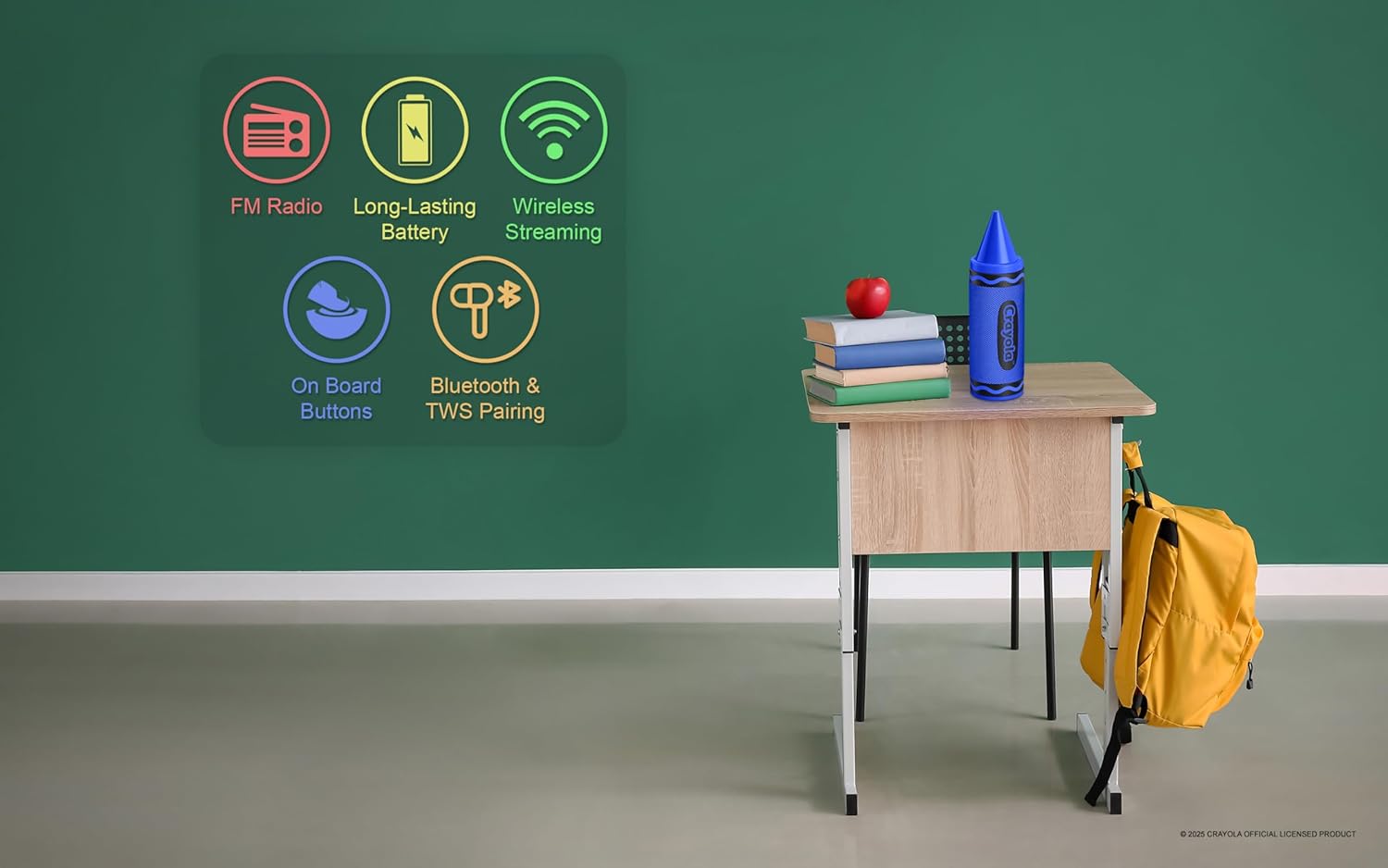
Image: Graphic illustrating the speaker's key features: FM Radio, Long-Lasting Battery, Wireless Streaming, On Board Buttons, and Bluetooth & TWS Pairing.
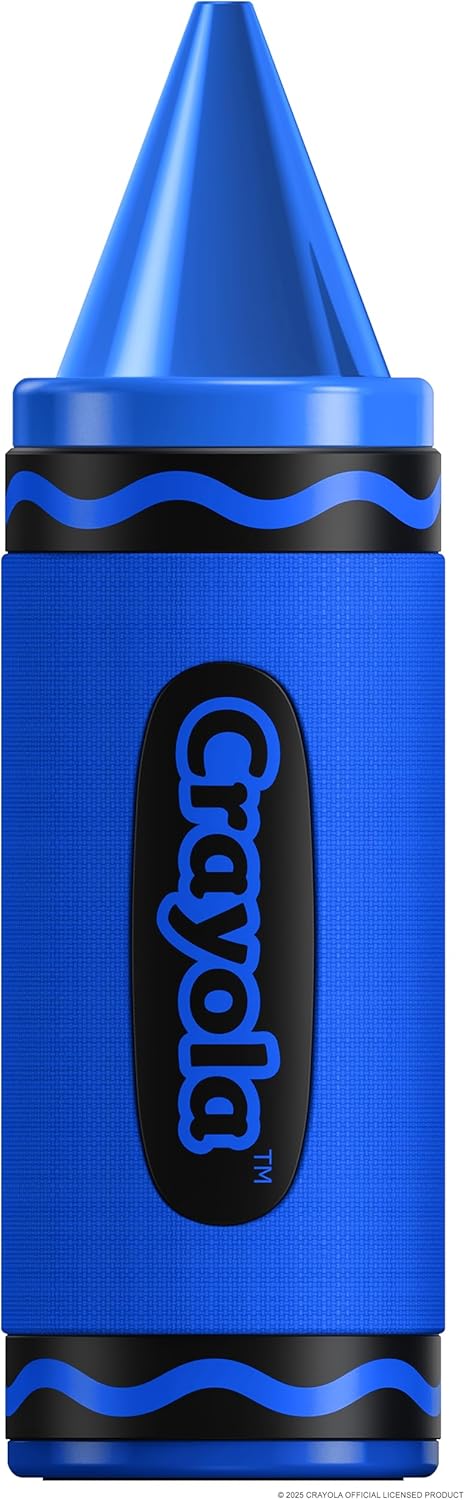
Image: A standalone blue Crayola Crayon Bluetooth Speaker, showcasing el seu disseny.
3. Configuració
3.1 Càrrega de l'altaveu
- Connect the provided USB-C power cable to the charging port on the speaker.
- Connecteu l'altre extrem del cable USB-C a un adaptador de corrent USB compatible (no inclòs) o a un port USB de l'ordinador.
- The charging indicator light will illuminate during charging. It will turn off or change color once fully charged.
- Una càrrega completa proporciona aproximadament 3 hores de reproducció.
3.2 Engegada/apagada
- Per encendre: Long press the Power button for 3 seconds. You will hear an audible indicator.
- Per apagar: Long press the Power button for 3 seconds. You will hear an audible indicator.
4. Instruccions de funcionament
4.1 Vinculació Bluetooth
- Ensure the speaker is powered on and in Bluetooth mode. If not, double press the Power button to switch modes until you hear the Bluetooth pairing prompt.
- Al dispositiu mòbil (telèfon intel·ligent, tauleta, etc.), activeu el Bluetooth i cerqueu els dispositius disponibles.
- Select "Crayola Speaker" from the list of devices.
- Un cop emparellat, l'altaveu indicarà que la connexió s'ha realitzat correctament.
4.2 Emparellatge estèreo sense fil veritable (TWS)
TWS allows you to connect two Crayola Crayon speakers for a stereo sound experience.
- Assegureu-vos que tots dos altaveus estiguin encesos i no connectats a cap dispositiu Bluetooth.
- On one speaker (this will be the primary speaker), triple press the Power button. The speaker will enter TWS pairing mode.
- Els dos altaveus es cercaran i es connectaran automàticament. Sentireu un to de confirmació un cop connectats.
- Once TWS is established, connect your mobile device to the primary speaker via Bluetooth as described in Section 4.1.
4.3 Mode de ràdio FM
- Power on the speaker. Double press the Power button to switch to FM Radio mode.
- In FM mode, short press the Power button to automatically search for and save available radio channels.
- Use the 'Previous Music/Channel' and 'Next Music/Channel' buttons to navigate through saved stations.
4.4 Funcions de control
| Botó | Acció | Funció |
|---|---|---|
| Botó d'engegada | Premsa llarga (3 s) | Encès/Apagat |
| Botó d'engegada | Short Press (FM Mode) | Search channels automatically |
| Botó d'engegada | Doble premsa | Switch Modes (Bluetooth/FM) |
| Botó d'engegada | Premsa triple | Open/Off TWS Pairing |
| Previous Music/Channel | Premsa breu | Previous Music Track / Previous FM Channel |
| Previous Music/Channel | Premsa llarga | Baixa el volum |
| Next Music/Channel | Premsa breu | Next Music Track / Next FM Channel |
| Next Music/Channel | Premsa llarga | Puja el volum |
5. Manteniment
5.1 Neteja
- Netegeu l'altaveu amb un drap suau i sec.
- No utilitzeu netejadors abrasius, alcohol ni dissolvents químics, ja que poden danyar la superfície.
- Avoid getting moisture into any openings. This product is not waterproof.
5.2 Emmagatzematge
- Guardeu l'altaveu en un lloc fresc i sec, allunyat de la llum solar directa i de temperatures extremes.
- If storing for an extended period, charge the battery periodically (e.g., every 3 months) to maintain battery health.
6. Solució De Problemes
| Problema | Causa possible | Solució |
|---|---|---|
| L'altaveu no s'encén | La bateria s’ha esgotat | Carregueu l'altaveu amb el cable USB-C proporcionat. |
| Sense so | El volum és massa baix o està silenciat | Augmenta el volum tant de l'altaveu com del dispositiu connectat. |
| L'aparellament de Bluetooth falla | Speaker is not in pairing mode or too far from device | Ensure speaker is in Bluetooth pairing mode. Move speaker closer to your device (within 10 meters). Turn off and on Bluetooth on your device. |
| L'aparellament de TWS falla | Speakers are already connected to another device | Ensure both speakers are disconnected from any Bluetooth devices before initiating TWS pairing. |
| Mala recepció de ràdio FM | Senyal feble | Recol·loca l'altaveu a una zona amb millor recepció de senyal. |
7. Especificacions
| Característica | Detall |
|---|---|
| Número de model | CBT450 |
| Versió Bluetooth | 5.3 |
| Potència de sortida dels altaveus | 20 W pic |
| Mida del controlador | 52 mm |
| Resposta de freqüència | 80Hz-18kHz |
| Ràtio senyal / soroll | >85 dB |
| Capacitat de la bateria | 1500 mAh |
| Hora de joc | Fins a 3 hores (amb una única càrrega) |
| Port de càrrega | USB-C |
| Dimensions del producte (P x A x A) | 2.8" x 2.8" x 9.3" |
| Pes de l'article | 12.3 unces |
| Material | Plàstic |
| Impermeable | No |

Image: A diagram illustrating the speaker's dimensions: 2.8 inches wide, 9.3 inches high, and 2.8 inches deep.
8. Garantia i Suport
This product comes with a standard manufacturer's warranty. For specific warranty details, please refer to the documentation included with your purchase or contact the retailer. For technical support or further assistance, please contact Crayola customer service through their official weblloc web o la informació de contacte proporcionada amb el vostre producte.


