Manual d'usuari del controlador Bluetooth Machenike G3V2
Model: G3V2PE
Introducció
This manual provides detailed instructions for the setup, operation, maintenance, and troubleshooting of your Machenike G3V2 Bluetooth Controller. Please read this manual thoroughly to ensure proper use and to maximize your gaming experience across PC, Switch, iOS, and Android platforms.
Què hi ha a la caixa
- Machenike G3V2 Bluetooth Controller
- Base de càrrega
- Cable USB-C
- Dongle sense fil de 2.4 GHz
- Manual d'usuari (aquest document)
Producte acabatview
The Machenike G3V2 is a versatile gaming controller designed for high-performance gameplay. It features Hall Effect joysticks and triggers for precision, customizable RGB lighting, and multiple connectivity options.

Image: The Machenike G3V2 Bluetooth Controller in black, resting on its dedicated charging dock. The controller features RGB lighting around the joysticks and a translucent design.

Image: A collage highlighting key features including Dual 1000Hz Polling Rate, Dual Customizable Back Buttons, 1000mAh High-Capacity Battery, Dual-Core Receiver, Native Vibration Feedback, APP-Keylinker2.0 support, and Tri-Mode Connectivity.
Configuració
1. Càrrega del controlador
The controller comes with a 1000mAh battery. For optimal performance, fully charge the controller before first use.
- Ús de la base de càrrega: Place the controller onto the magnetic charging dock. The RGB lighting on the dock will indicate the charging status. A full charge takes approximately 1.8 hours.
- Direct USB-C Connection: Connect the controller directly to a USB power source using the provided USB-C cable.
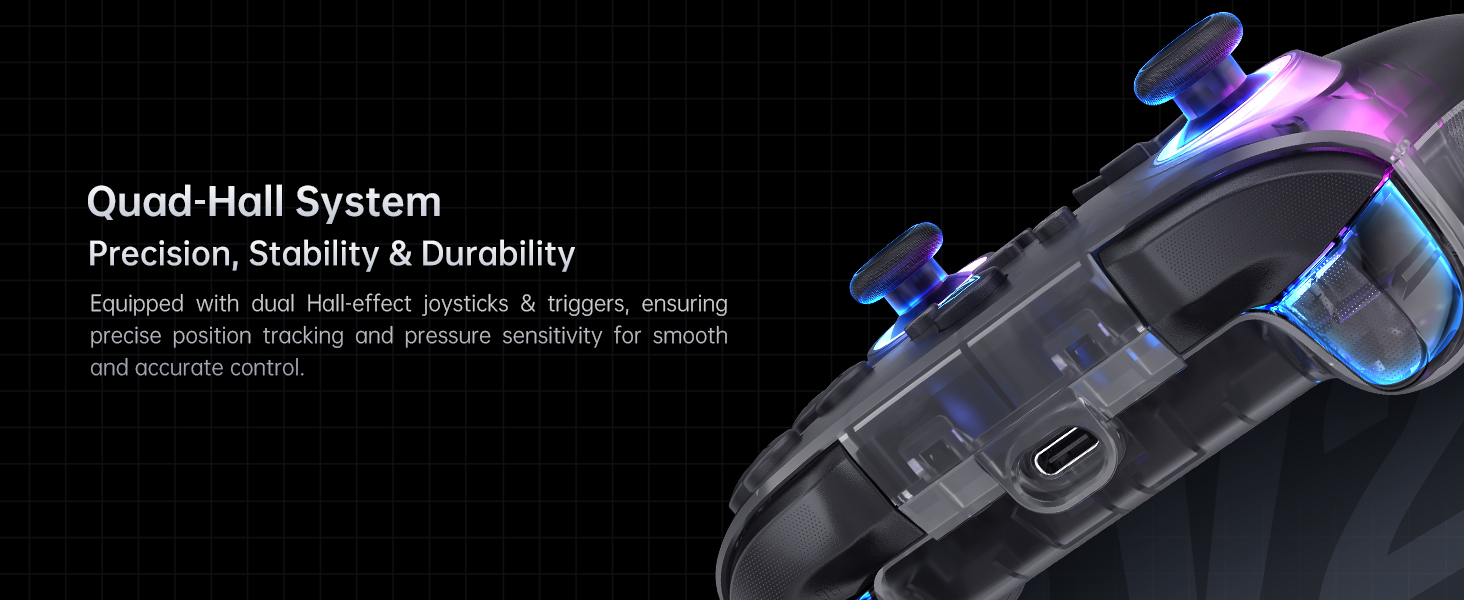
Image: The Machenike G3V2 controller resting on its charging dock, illustrating the instant power boost feature. The dock also features an integrated USB extension port.
2. Connexió a dispositius
The G3V2 controller supports three connection modes: Wired, 2.4GHz Wireless, and Bluetooth.
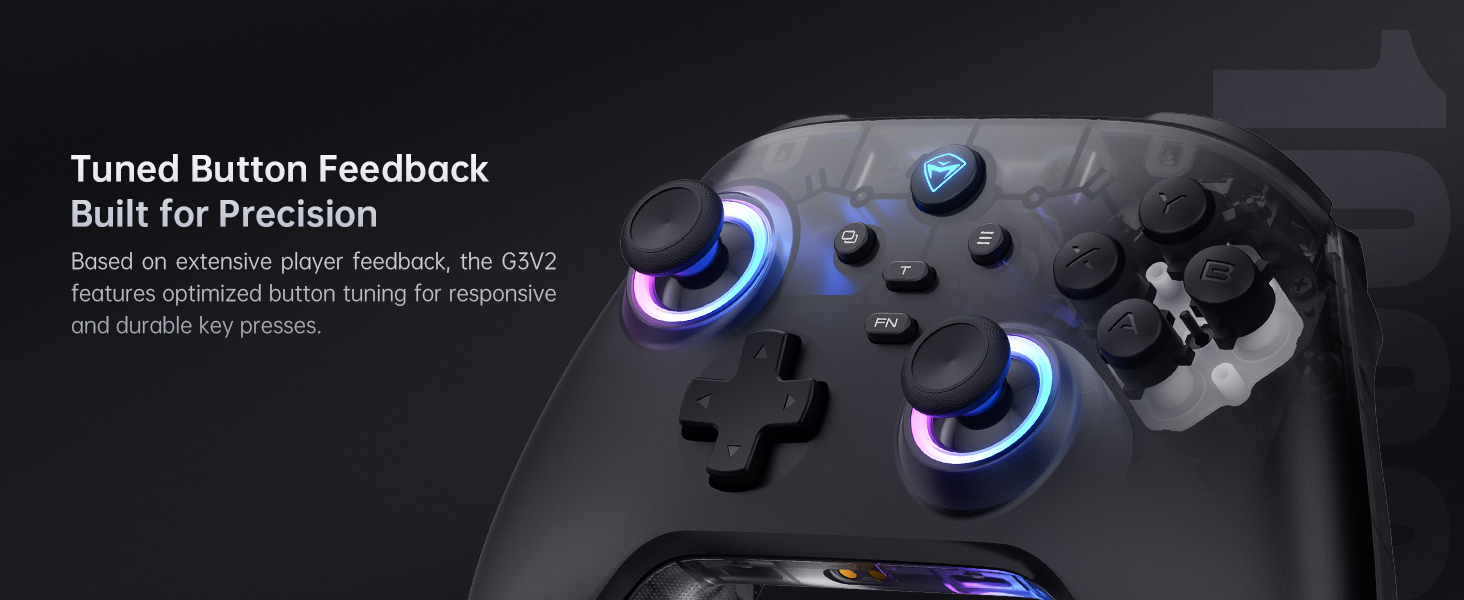
Image: Diagram showing the three connection modes: 2.4G (for PC, Android TV Box, Steam Deck, Raspberry Pi 3B), Bluetooth (for PC, MacOS, Phone/Tablet Android/iOS, Nintendo Switch, Tesla), and Wired (for PC, Android TV).
Wired Connection (PC)
Connect the controller directly to your PC using the provided USB-C cable. The controller will be automatically recognized.
2.4GHz Wireless Connection (PC, Android TV Box, Steam Deck, Raspberry Pi 3B)
- Insert the 2.4GHz wireless dongle into an available USB port on your device.
- Engegueu el controlador. S'hauria de connectar automàticament al dongle.
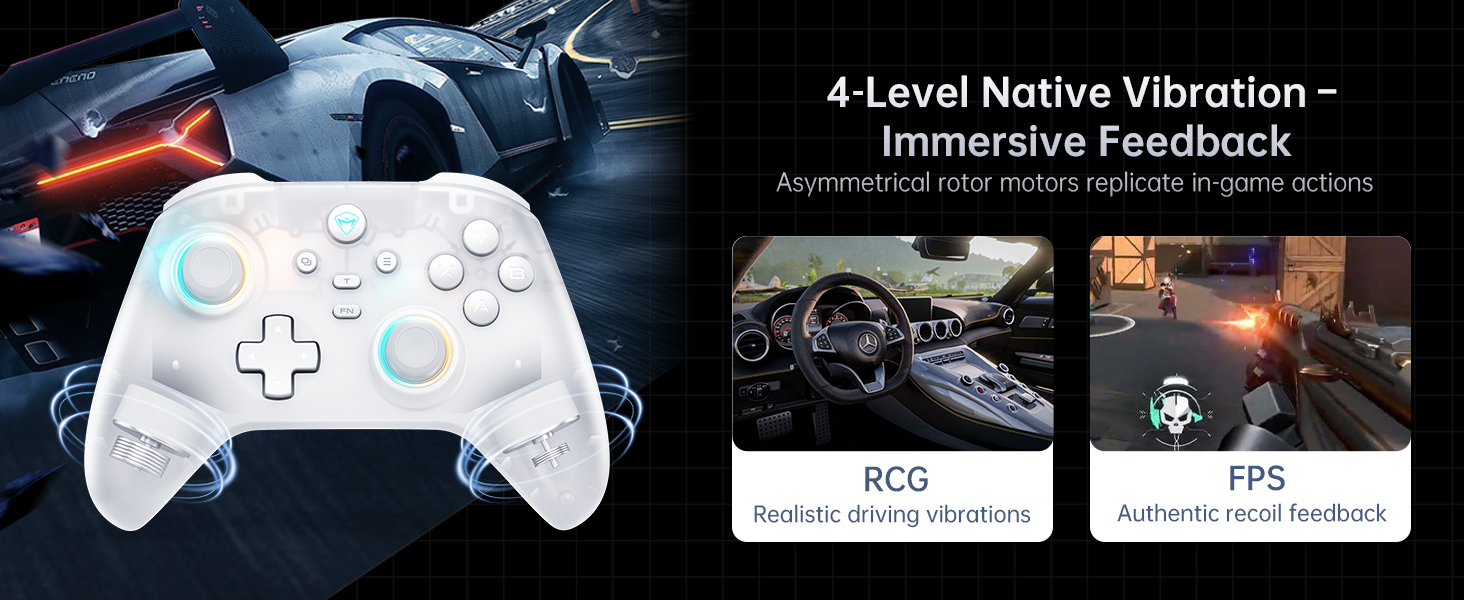
Image: The dual-core receiver dongle inserted into the charging dock, illustrating how one receiver can support simultaneous connection of two controllers (Controller A: G3 V2, Controller B: G3 V2 or other Wireless Controllers).
Bluetooth Connection (PC, MacOS, iOS, Android, Nintendo Switch, Tesla)
- Assegureu-vos que el Bluetooth estigui habilitat al vostre dispositiu.
- Put the controller into Bluetooth pairing mode (refer to the controller's specific button combination for Bluetooth pairing, usually holding a specific button like 'FN' + 'Bluetooth icon button').
- On your device, search for and select 'Machenike G3V2' from the list of available Bluetooth devices to pair.
Instruccions de funcionament
1. Controls bàsics
The Machenike G3V2 features standard controller layouts with additional customizable buttons.
- Joysticks d'efecte Hall: Provide precise, drift-free control.
- Disparadors d'efecte Hall: Offer contactless, millisecond-precision actuation for rapid response.
- Botons programables per a la part posterior (M1, M2): Located on the rear grips, these buttons can be customized for up to 32 programmable actions, including macro recording and remapping.
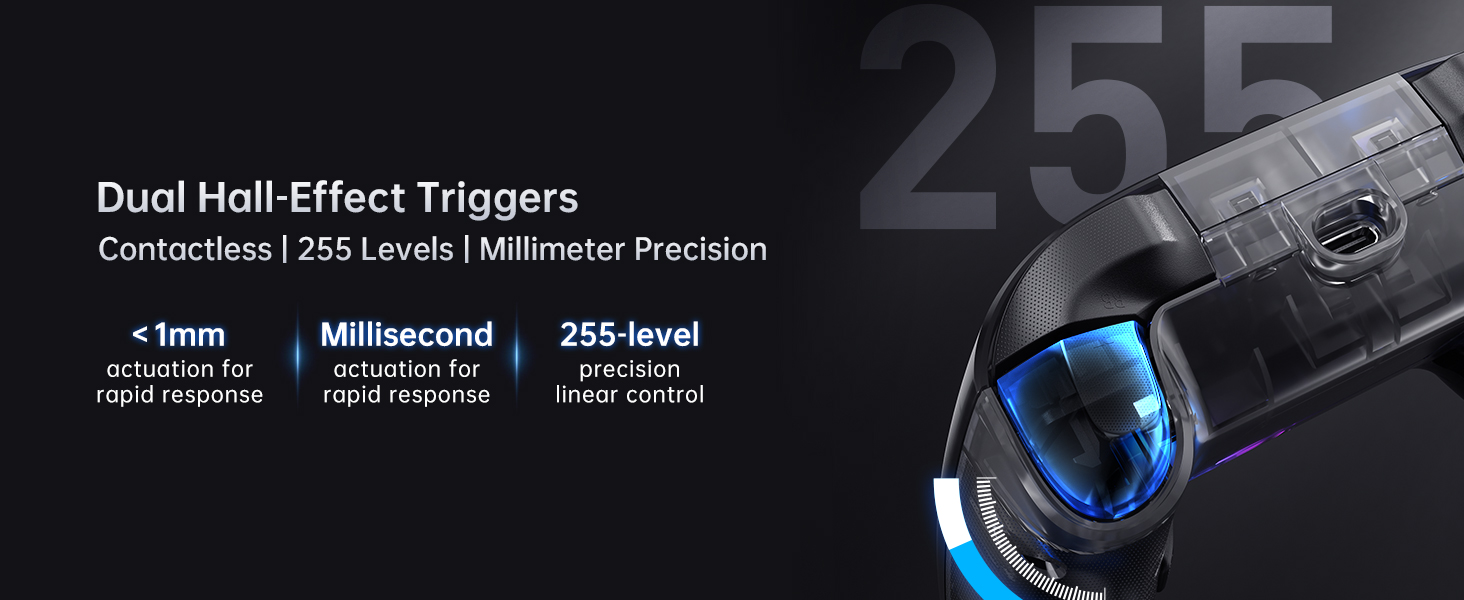
Image: Close-up of the dual Hall-Effect Joysticks, highlighting their 5M+ times cycle lifespan, wear-resistant ring for smooth motion, and electromagnetic sensing to eliminate drift.
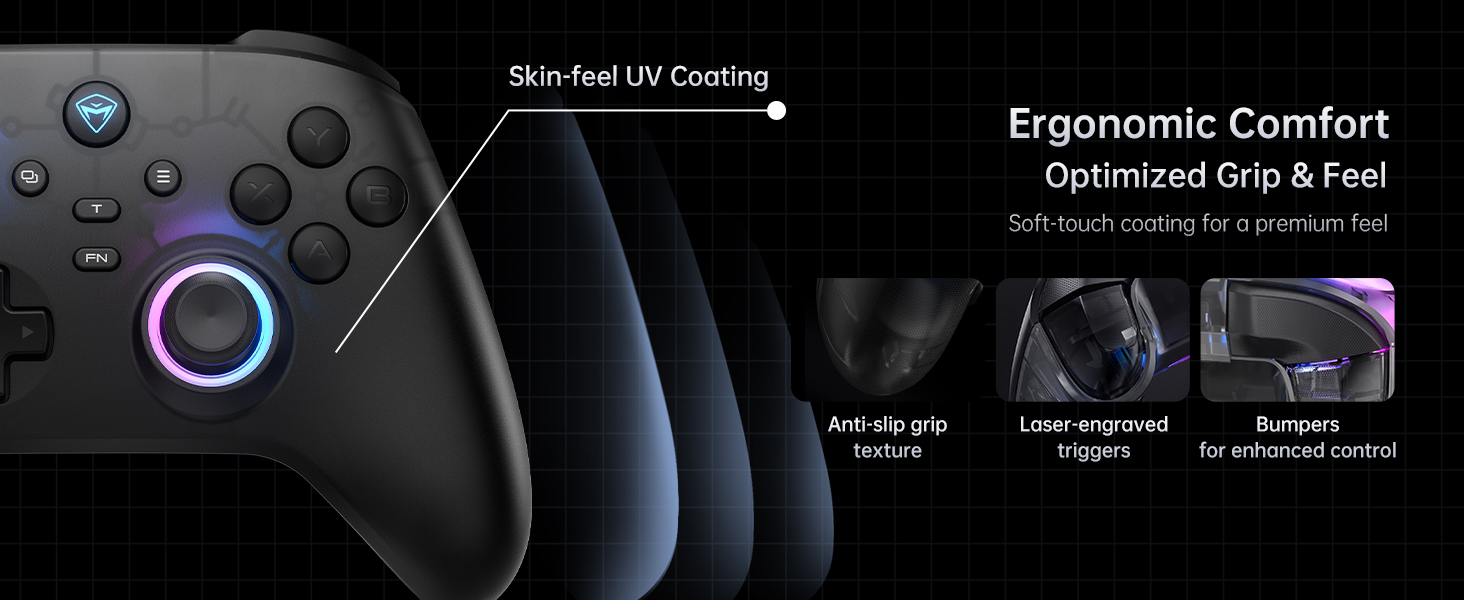
Image: Close-up of the dual Hall-Effect Triggers, emphasizing their contactless design, less than 1mm actuation for rapid response, millisecond precision, and 255-level linear control.
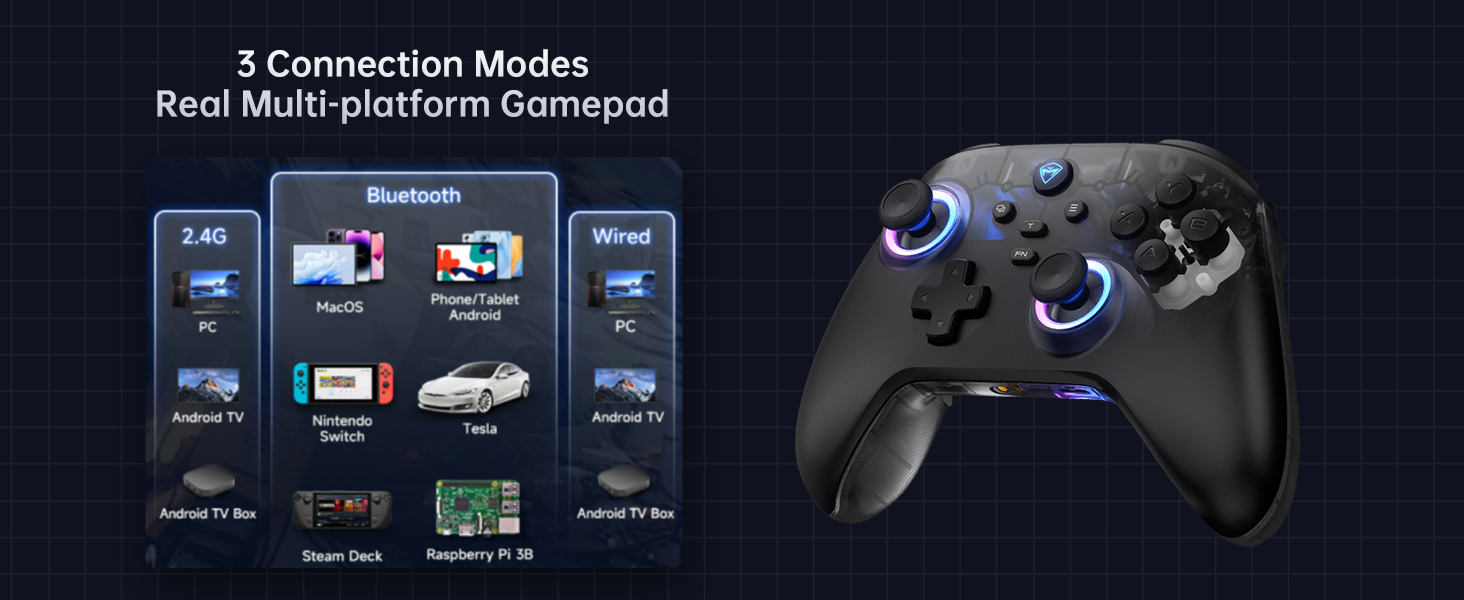
Image: Illustration showing the M1 and M2 dual customizable back buttons on the controller, capable of macro recording and remapping for up to 32 programmable actions.
2. Personalització de la il·luminació RGB
The controller features customizable RGB lighting. Refer to the controller's quick start guide or the Keylinker 2.0 app for specific button combinations to change lighting modes, colors, and brightness.
3. Retroalimentació de vibració
The G3V2 includes 4-level native vibration with asymmetrical rotor motors for immersive feedback, replicating in-game actions like realistic driving vibrations in racing games (RCG) and authentic recoil feedback in first-person shooters (FPS).

Image: A white Machenike G3V2 controller with visual cues indicating vibration, alongside examples of realistic driving vibrations (RCG) and authentic recoil feedback (FPS).
4. Keylinker 2.0 App Support
For advanced customization and fine-tuning of your controller, download the Keylinker 2.0 app. The app allows for smart, hassle-free quick setup without manual pairing.
- Personalitza les assignacions dels botons.
- Adjust joystick dead zones and curves.
- Configure trigger sensitivity.
- Manage RGB lighting effects.
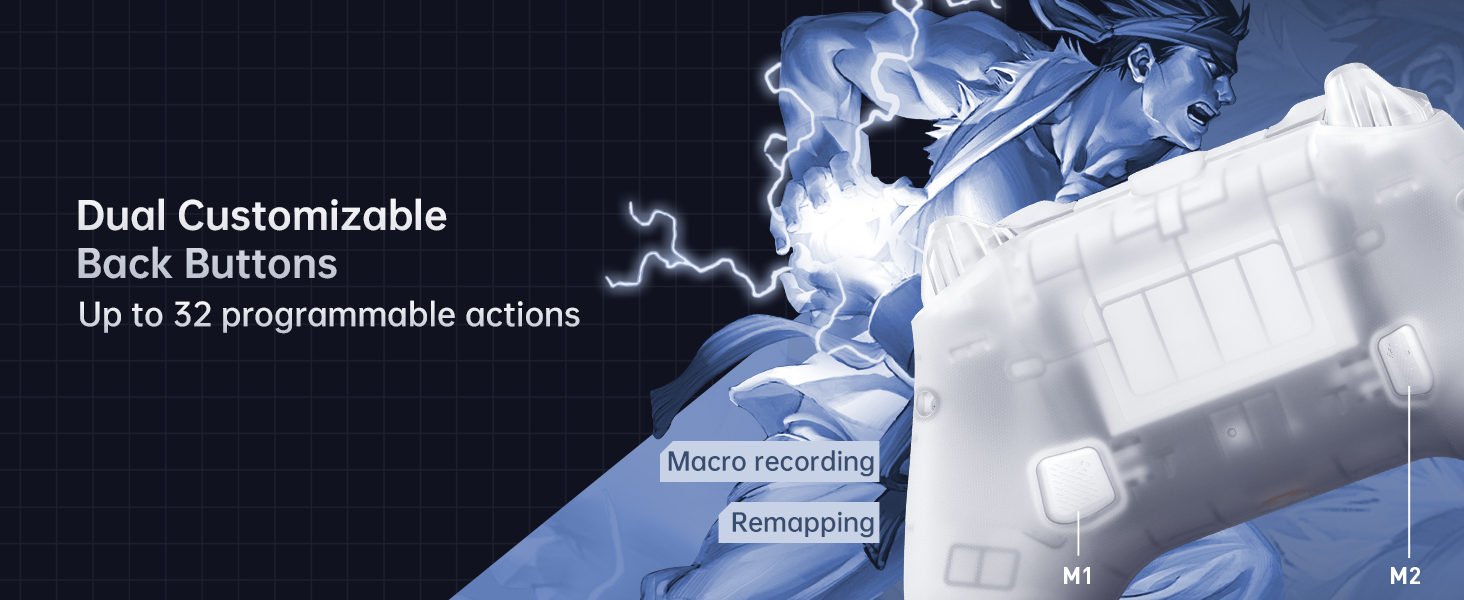
Image: Screenshots of the Keylinker 2.0 app interface, demonstrating various customization options for button mapping, joystick settings, and trigger adjustments.
5. Vídeo oficial del producte
Watch the official product video for a visual guide on the Machenike G3V2 controller's features and usage.
Vídeo: Un vídeo oficialasing the Machenike G3V2 game controller, its RGB lighting, Hall Effect features, and usage in various gaming scenarios.
Manteniment
1. Neteja
- Use a soft, dry cloth to wipe the controller's surface.
- Per a la brutícia persistent, lleugerament dampNetegeu el drap amb aigua o una solució de neteja suau. Eviteu productes químics agressius.
- No permeteu que entrin líquids a les obertures del controlador.
2. Cura de la bateria
- Eviteu descarregar completament la bateria amb freqüència.
- Guardeu el controlador en un lloc fresc i sec quan no l'utilitzeu durant períodes prolongats.
- Charge the controller at least once every three months to maintain battery health.
Resolució de problemes
| Problema | Causa possible | Solució |
|---|---|---|
| Controller not turning on | Bateria baixa; el botó d'engegada no s'ha premut correctament | Charge the controller; Press and hold the power button for a few seconds |
| El controlador no es connecta | Incorrect pairing mode; Bluetooth interference; Dongle not recognized | Ensure correct pairing mode for your device; Move closer to the device; Re-insert dongle or try a different USB port |
| Joystick drift or inaccurate input | Software calibration needed; Minor debris | Use the Keylinker 2.0 app to recalibrate joysticks; Clean around the joystick base |
| La vibració no funciona | Vibration disabled in game or app; Low battery | Check in-game settings; Verify vibration settings in Keylinker 2.0 app; Charge the controller |
Especificacions
- Número de model: G3V2PE
- Connectivitat: Cablejat (USB-C), sense fil de 2.4 GHz, Bluetooth
- Taxa de votació: 1000Hz (Wired & 2.4GHz Wireless), 150Hz (Bluetooth)
- Joysticks i disparadors: Efecte Hall
- Bateria: Polímer de liti de 1000 mAh (inclòs)
- Durada de la bateria: Up to 18 hours (without vibration)
- Temps de càrrega: Approx. 1.8 - 2 hours
- Botons programables: 2 (M1, M2)
- Vibració: 4-level adjustable force feedback with asymmetrical motors
- Dimensions: 6.69 x 2.76 x 5.12 polzades
- Pes: 0.53 unces
- Fabricant: Machenike
- País d'origen: Xina
- Primer disponible: 24 de setembre de 2024
Garantia i Suport
Per obtenir informació sobre la garantia i assistència tècnica, consulteu la pàgina oficial de Machenike. website or contact Machenike customer service directly. Keep your purchase receipt as proof of purchase.


