1. Introducció
Welcome to the user manual for your Machenike G3V2 Bluetooth Controller. This manual provides detailed instructions on setting up, operating, and maintaining your controller to ensure optimal performance across various platforms including PC, Nintendo Switch, iOS, and Android devices. Please read this manual thoroughly before using the product.
2. Producte acabatview
2.1 Contingut del paquet
- Machenike G3V2 Bluetooth Controller
- Base de càrrega
- Cable USB-C (1.5 m)
- 2.4G Wireless Dongle (if included with specific model variant)
- Manual d'usuari (aquest document)
2.2 Característiques clau
- Velocitat de sondeig ultraràpida de 1000 Hz: Achieves 1ms response in wired and 2.4GHz wireless modes for competitive gaming.
- Quad-Hall Precision Engineering: Dual Hall-effect joysticks and Hall triggers provide under 0.1% deadzone accuracy and prevent drift.
- Instant-Charge Magnetic Dock System: Exclusive charging dock for convenient and rapid charging.
- Durada de la bateria ampliada: 1000mAh battery offers up to 18 hours of playtime (without vibration).
- Botons posteriors dobles personalitzables: Two programmable buttons capable of storing up to 32 commands.
- HD Vibration Immersion Technology: Four-level adjustable force feedback with asymmetrical motors for realistic in-game sensations.
- Compatibilitat multiplataforma: Supports PC, Nintendo Switch, iOS, and Android devices.
- APP Support - Keylinker 2.0: For smart, hassle-free quick setup and customization.
2.3 Components del controlador
The Machenike G3V2 controller features a standard gamepad layout with several advanced additions.
- Joysticks analògics: Two Hall-effect analog sticks with RGB lighting.
- D-Pad: Precision directional pad.
- Botons d'acció: A, B, X, Y buttons.
- Botons a l'espatlla: L1/LB, R1/RB.
- Activadors: L2/LT, R2/RT Hall-effect triggers.
- Botons de funció: Home, Select, Start, Turbo, FN buttons.
- Botons enrere programables: M1, M2 on the rear grips.
- Port USB-C: Per a connexió amb cable i càrrega.
- Il·luminació RGB: Integrated lighting zones on joysticks and triggers.

Figure 1: Machenike G3V2 Controller and Charging Dock

Figure 2: Machenike G3V2 Controller and Charging Dock (Optional)

Figure 3: Dual 1000Hz Polling Rate
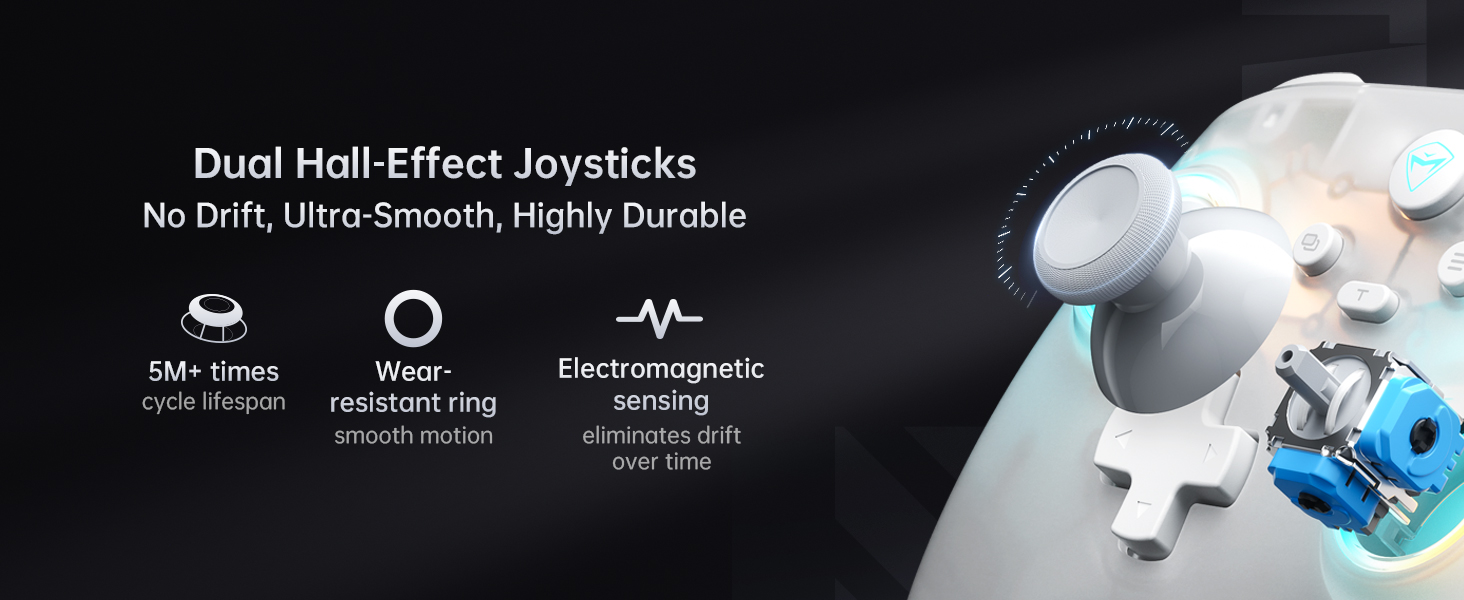
Figure 4: Quad-Hall System for Precision, Stability & Durability
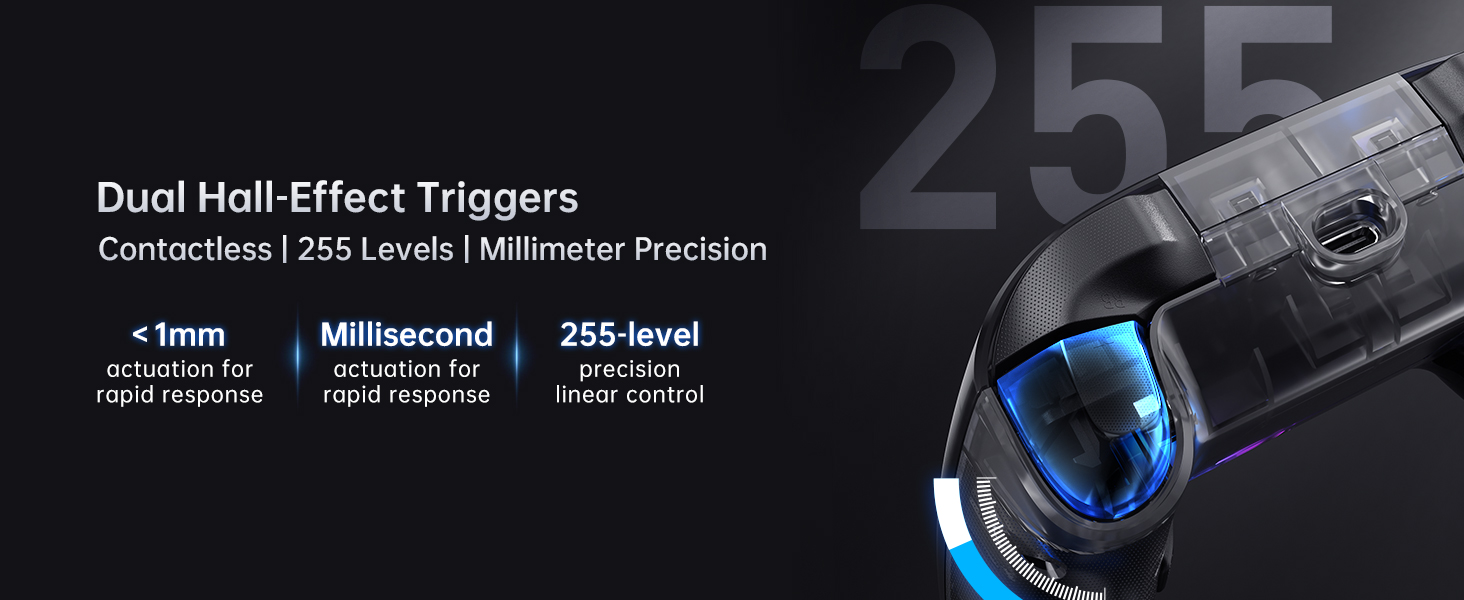
Figure 5: Dual Hall-Effect Joysticks for No Drift, Ultra-Smooth, Highly Durable Performance
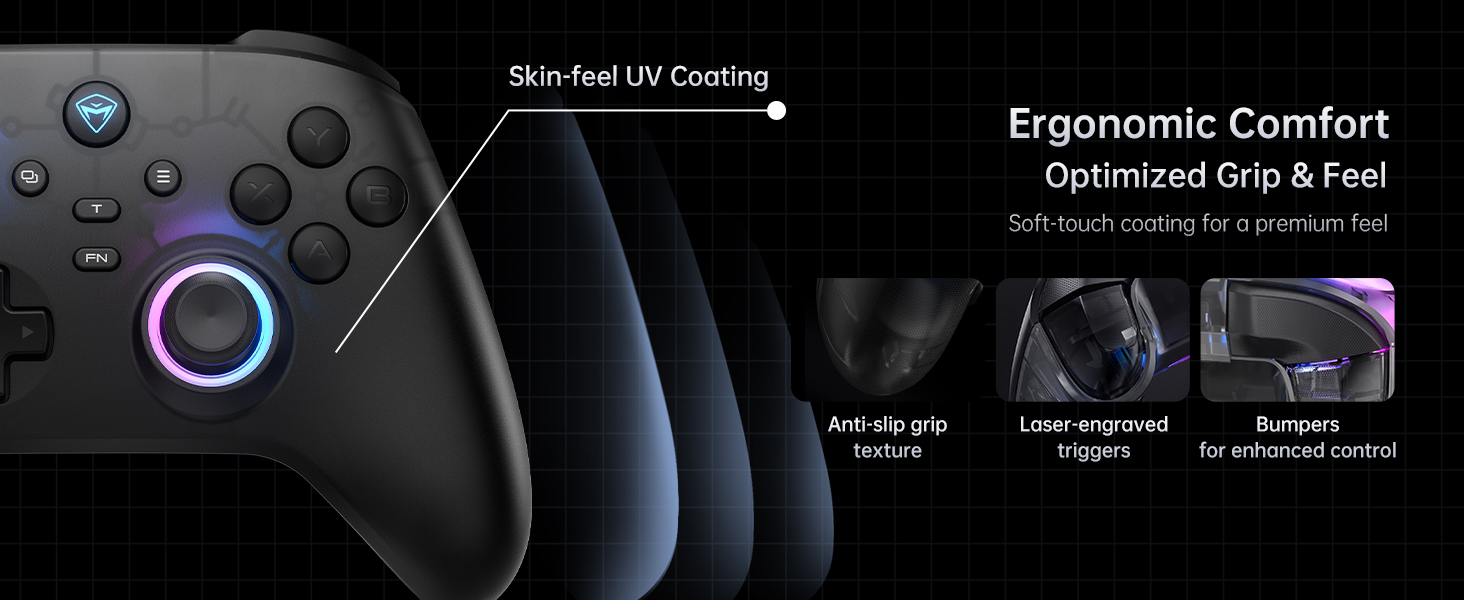
Figure 6: Dual Hall-Effect Triggers for Contactless, 255 Levels, Millimeter Precision
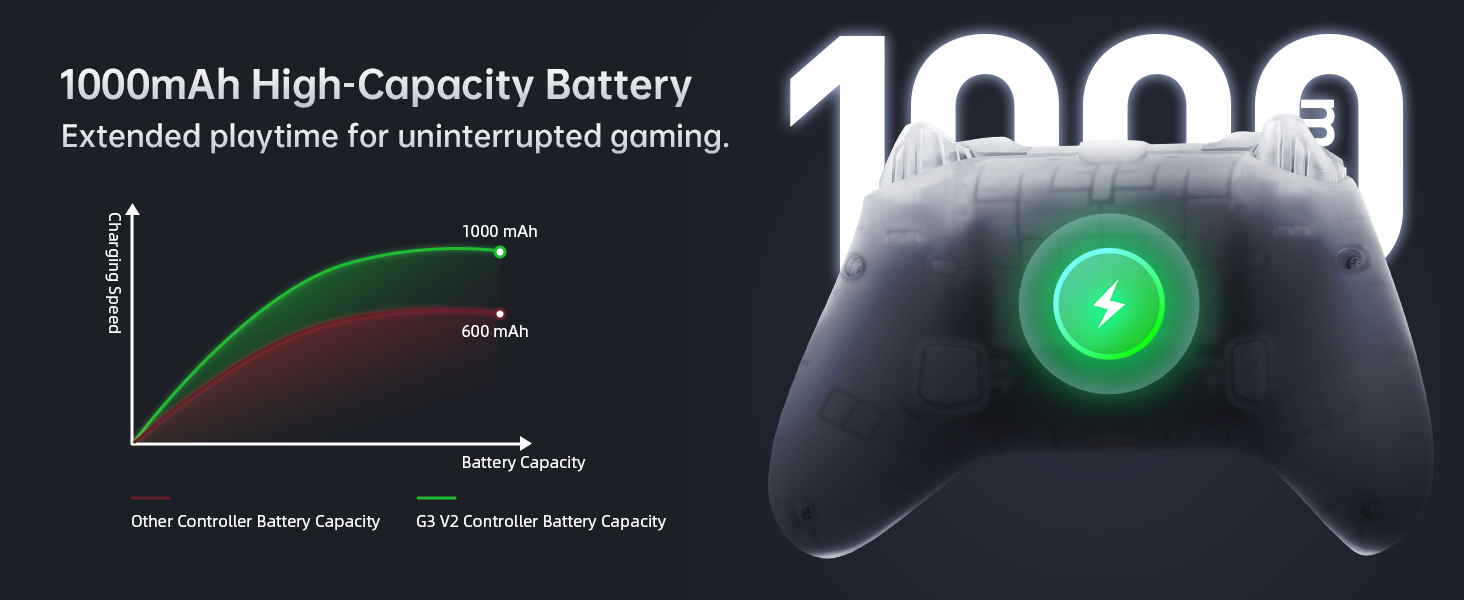
Figure 7: Ergonomic Comfort with Optimized Grip & Feel
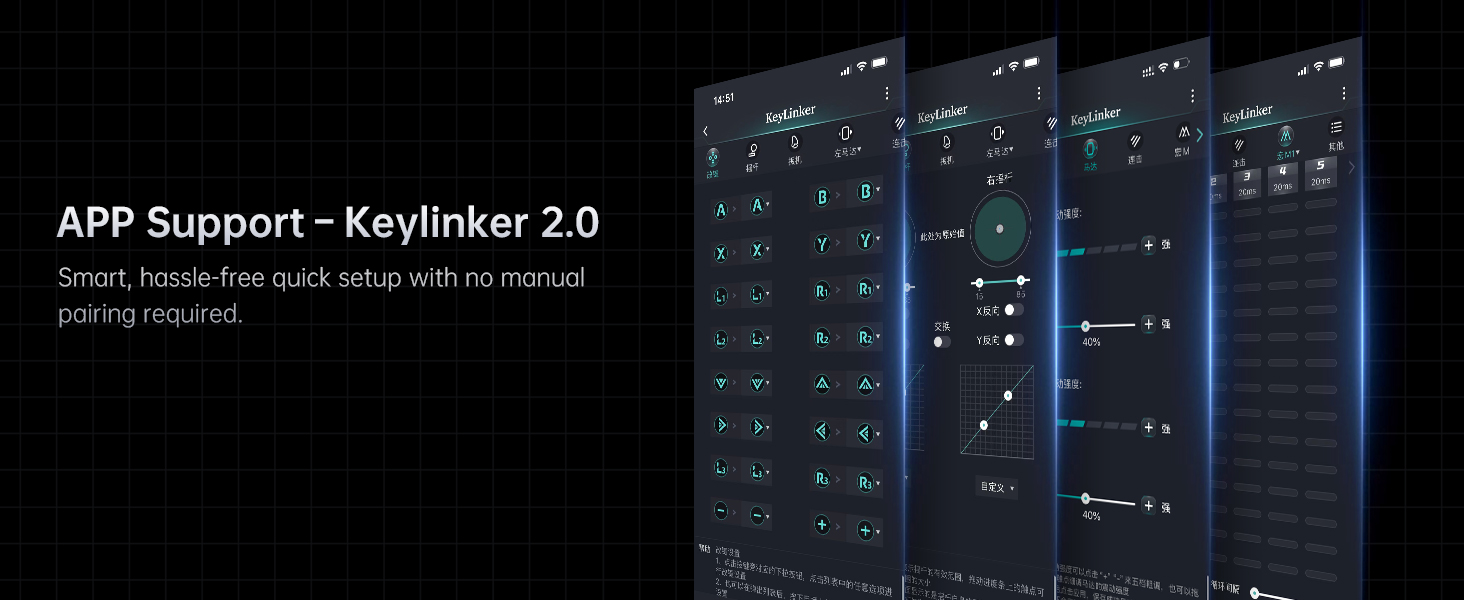
Figure 8: 1000mAh High-Capacity Battery for Extended Playtime
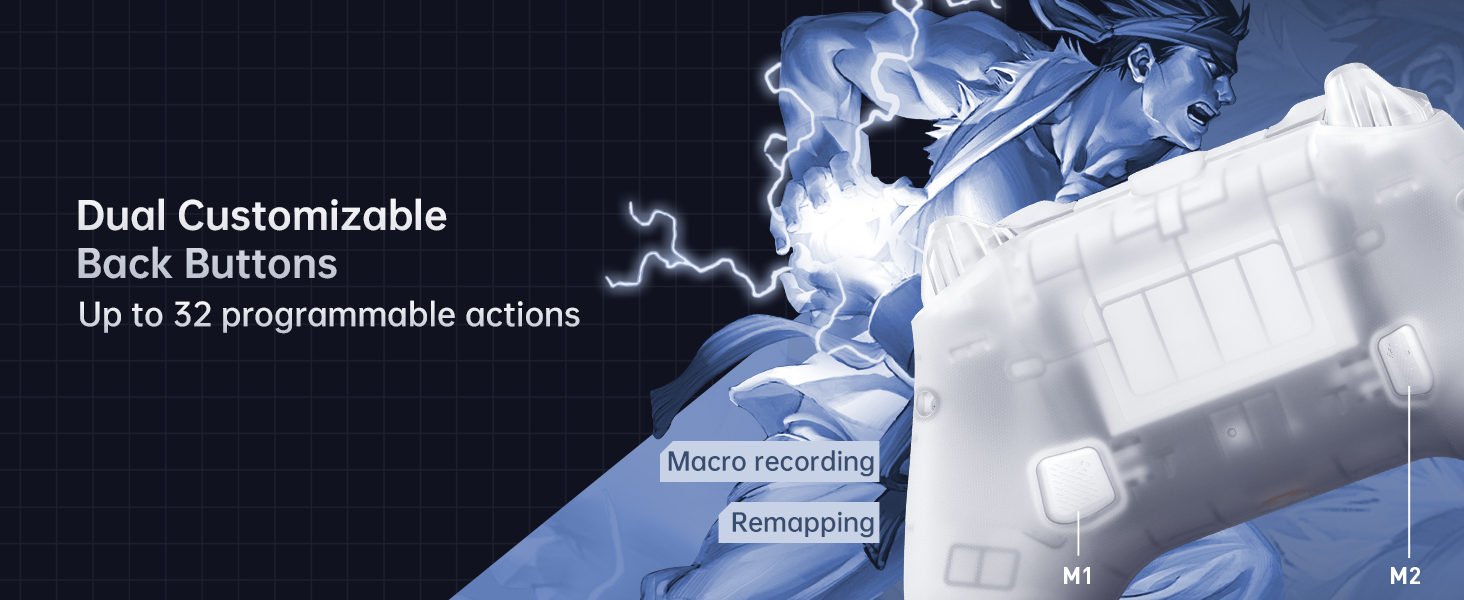
Figure 9: APP Support - Keylinker 2.0
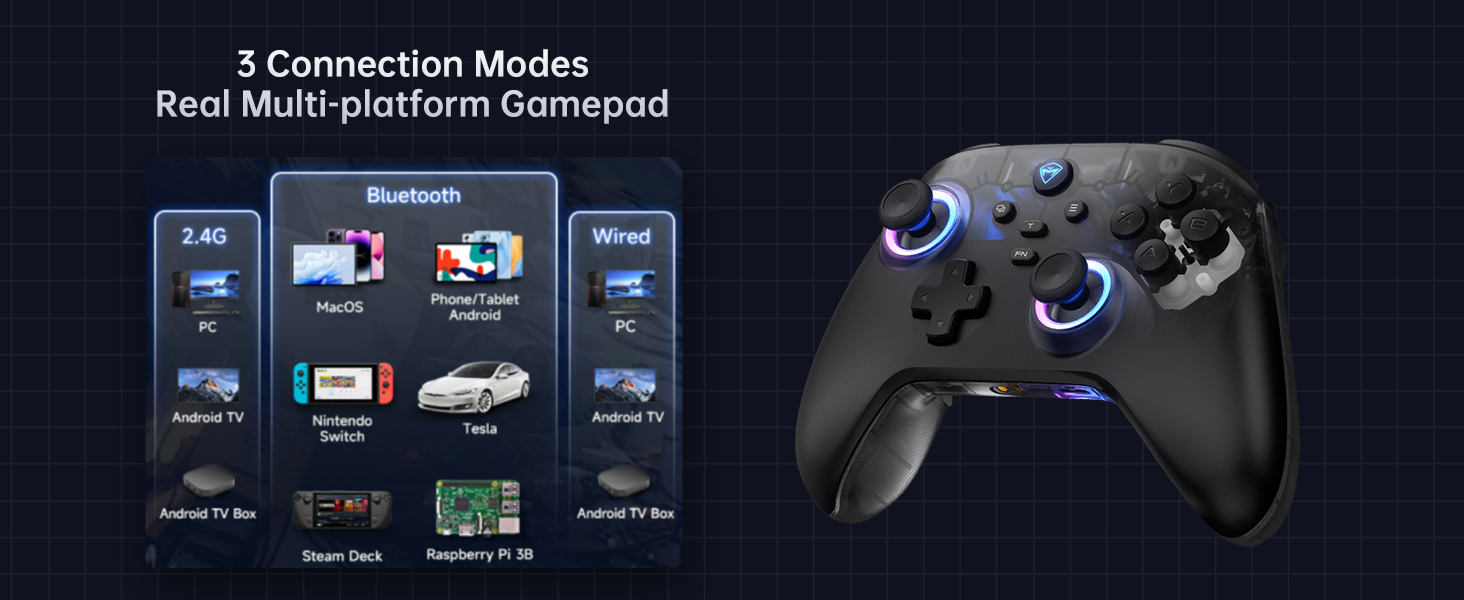
Figure 10: Dual Customizable Back Buttons for up to 32 Programmable Actions
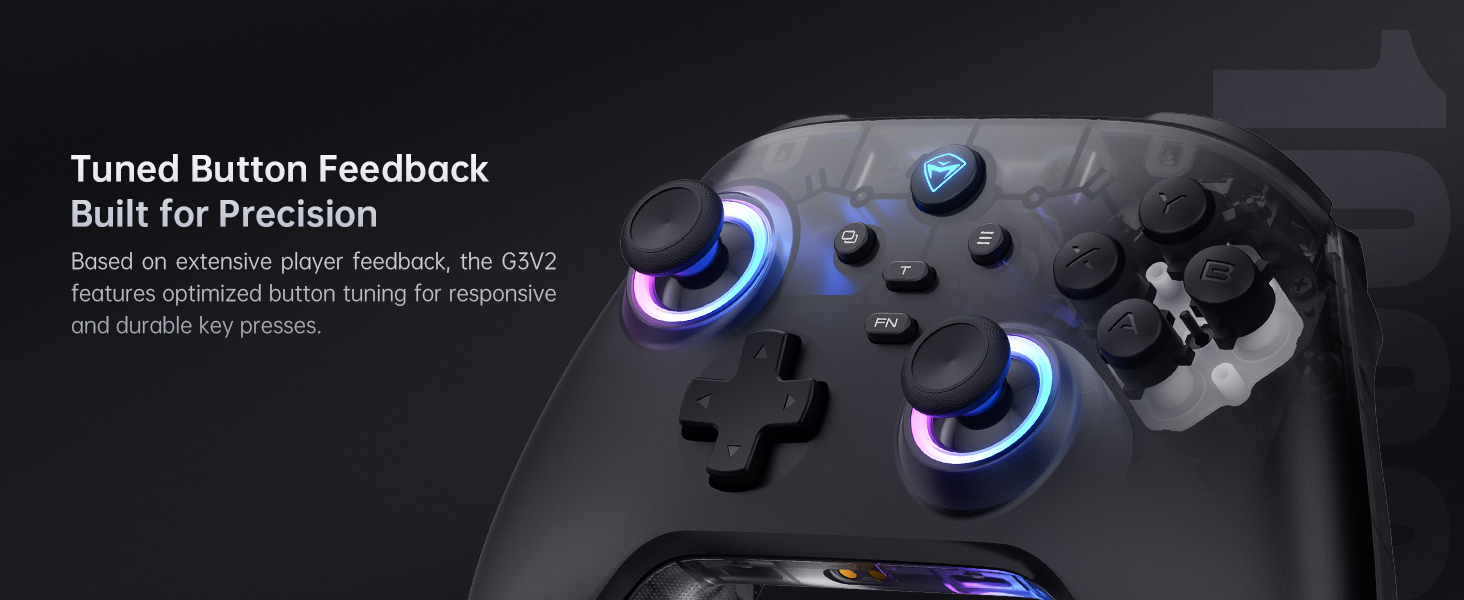
Figure 11: 3 Connection Modes for Multi-platform Gaming

Figure 12: Tuned Button Feedback Built for Precision
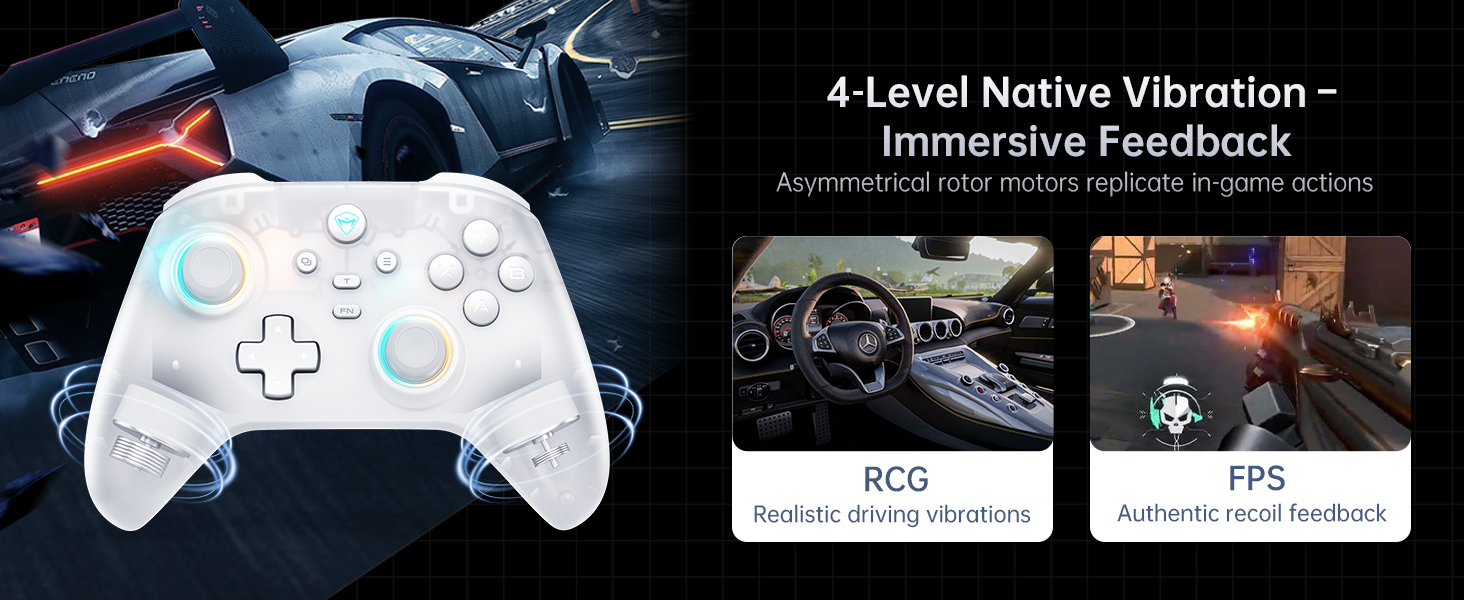
Figure 13: Dual-Core Receiver for Simultaneous Connection of Two Controllers

Figure 14: 4-Level Native Vibration - Immersive Feedback
3. Configuració
3.1 Càrrega del controlador
The Machenike G3V2 controller comes with a 1000mAh rechargeable battery.
- Connect the USB-C cable to the charging dock and a power source (e.g., PC USB port, USB wall adapter).
- Place the controller onto the magnetic charging dock. Ensure the controller is properly seated.
- The RGB indicator on the dock will show charging status (e.g., red for charging, green for fully charged). A full charge takes approximately 1.8 to 2 hours.
Note: The controller can also be charged directly via its USB-C port using the provided cable.
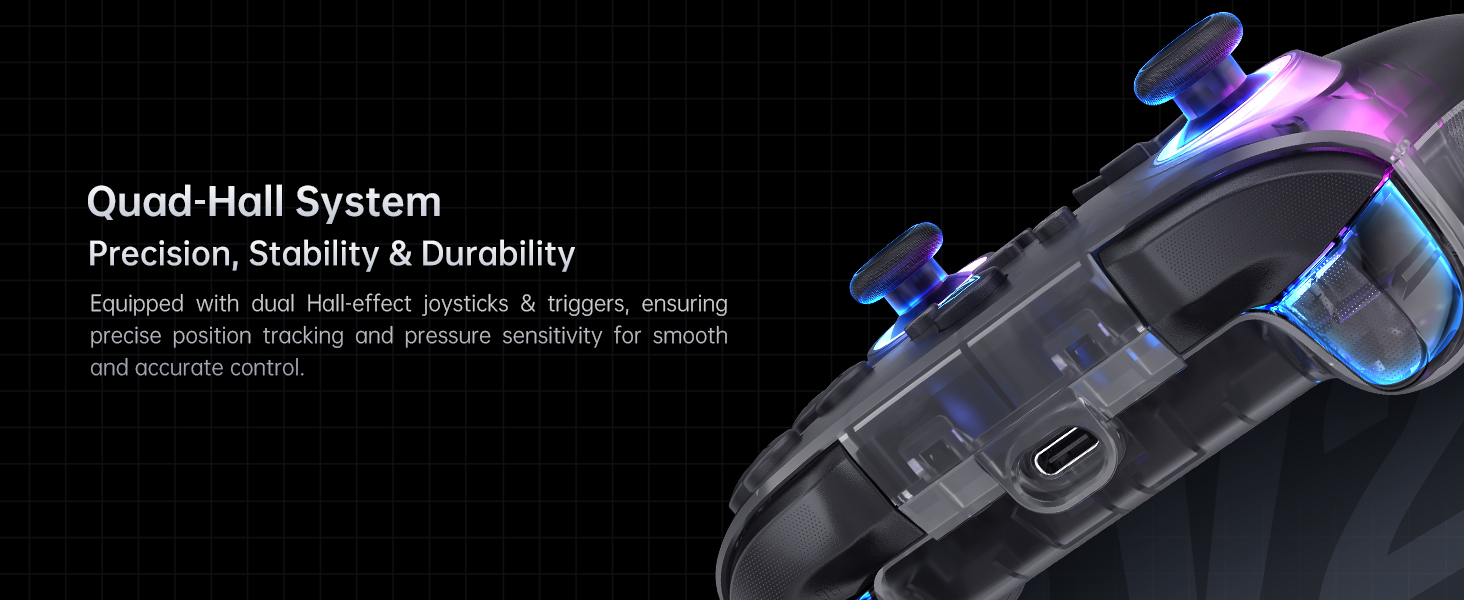
Figure 15: Dedicated Charging Dock for Instant Power Boost
3.2 Encès inicial
To power on the controller, press and hold the Casa button for a few seconds until the RGB lights illuminate.
3.3 Connexió a dispositius
The Machenike G3V2 supports three connection modes: Wired, 2.4GHz Wireless, and Bluetooth.
Figura 16: Mésview of 3 Connection Modes
3.3.1 Wired Connection (PC)
- Connect the USB-C cable from the controller to a USB port on your PC.
- The controller will be automatically recognized as an Xbox 360 controller (or similar) and ready for use.
3.3.2 2.4GHz Wireless Connection (PC, Android TV Box, Steam Deck, Raspberry Pi 3B)
- Insert the 2.4G wireless dongle into a USB port on your device.
- Manteniu premut el botó Casa button on the controller to power it on.
- The controller should automatically connect to the dongle. The indicator lights on the controller will stabilize once connected.
Figure 17: Dual-Core Receiver for Simultaneous Connection of Two Controllers
3.3.3 Bluetooth Connection (PC, MacOS, Phone/Tablet Android/iOS, Nintendo Switch, Tesla, Android TV)
- Assegureu-vos que el controlador estigui apagat.
- Manteniu premut el botó Casa button along with the specific mode button for your device (refer to the quick start guide for exact button combinations for different platforms like Switch Pro mode, Android mode, etc.).
- The indicator lights will flash rapidly, indicating pairing mode.
- On your device, go to Bluetooth settings and search for "Machenike G3V2" or similar.
- Select the controller to pair. The indicator lights will become solid once connected.
Note: For Nintendo Switch, ensure "Pro Controller Wired Communication" is enabled in the Switch settings if connecting via USB. The controller does not include a gyroscope, which may affect motion-sensitive games on Switch.
4. Instruccions de funcionament
4.1 Funcions dels botons
| Botó | Funció |
|---|---|
| Botó d'inici | Encendre/apagar, tornar a la pantalla d'inici (segons la plataforma). |
| Botons A/B/X/Y | Botons d'acció estàndard. |
| D-Pad | Entrada direccional. |
| L1/R1 (LB/RB) | Botons a l'espatlla. |
| L2/R2 (LT/RT) | Disparadors analògics. |
| Select/Start | Menu/Option buttons. |
| Botó Turbo | Activates turbo function for assigned buttons. |
| Botó FN | Function button for advanced settings (e.g., RGB control). |
4.2 Programmable Back Buttons (M1, M2)
The M1 and M2 buttons on the back of the controller can be programmed for macro recording or remapping.
- Enregistrament de macro: Record a sequence of up to 32 button presses.
- Remapeig: Assign any single button function to M1 or M2.
Detailed programming instructions are available via the Keylinker 2.0 APP.
Figure 18: Dual Customizable Back Buttons for up to 32 Programmable Actions
4.3 Control d'il·luminació RGB
El controlador inclou il·luminació RGB personalitzable.
- Premeu el botó FN button and a specific action button (e.g., A, B, X, Y) to cycle through different lighting modes and colors.
- Utilitza el FN button and D-pad (Up/Down) to adjust brightness (3 settings and off).
- Further customization is available through the Keylinker 2.0 APP.
Video 1: Demonstration of G3V2 Controller RGB Lighting and Gameplay.
4.4 Retroalimentació de vibració
The controller offers 4 levels of adjustable vibration feedback. This can be adjusted via the Keylinker 2.0 APP or specific button combinations (refer to the quick start guide).
4.5 Comprovació de l'estat de la bateria
To check the remaining battery level, press a designated hotkey combination (often FN + Casa). The Home button will flash to indicate the battery level (e.g., number of flashes corresponds to charge level).
5. Manteniment
- Keep the controller and charging dock clean by wiping with a soft, dry cloth. Avoid using harsh chemicals or abrasive materials.
- Guardeu el controlador en un lloc fresc i sec, allunyat de la llum solar directa i de temperatures extremes.
- To preserve battery life, avoid fully discharging the battery frequently. Charge the controller regularly, especially if storing for extended periods.
- Do not attempt to disassemble the controller or charging dock, as this will void the warranty.
6. Solució De Problemes
| Problema | Possible causa/solució |
|---|---|
| El controlador no s'encén. | Battery may be depleted. Charge the controller using the charging dock or USB-C cable. |
| El controlador no es connecta per Bluetooth. |
|
| El controlador es desconnecta sovint. |
|
| Els botons o els joysticks no responen/es desplacen. |
|
| Charging dock not charging controller. |
|
7. Especificacions
| Característica | Detall |
|---|---|
| Número de model | G3V2PE |
| Connectivitat | Cablejat (USB-C), sense fil de 2.4 GHz, Bluetooth |
| Taxa de votació | 1000Hz (Wired & 2.4GHz), 150Hz (Bluetooth) |
| Joysticks | Dual Hall-Effect Joysticks |
| Disparadors | Dual Hall-Effect Triggers (255 levels) |
| Capacitat de la bateria | Polímer de liti de 1000 mAh |
| Durada de la bateria | Up to 18 hours (without vibration) |
| Temps de càrrega | Approx. 1.8 - 2 hours |
| Dimensions del producte | 6.69 x 2.76 x 5.12 polzades |
| Pes de l'article | 0.53 unces (aproximadament 15 grams) |
| Compatibilitat | PC, Nintendo Switch, iOS, Android |
| Fabricant | Machenike |
| País d'origen | Xina |
8. Garantia i Suport
The Machenike G3V2 Bluetooth Controller is covered by a manufacturer's warranty. Please refer to the warranty card included in your package for specific terms and conditions.
For technical support, troubleshooting assistance, or warranty claims, please contact Machenike customer service through their official weblloc web o la informació de contacte proporcionada amb el vostre producte.
You can also visit the official Machenike Store on Amazon for more information and support: Machenike US Store.