1. Introducció
This manual provides detailed instructions for the Magene L508 Radar Tail Light and AT1200 Front Light Smart Bundle. This system is designed to enhance cycling safety by providing real-time rear-approaching vehicle detection and powerful illumination for both front and rear visibility. Please read this manual thoroughly before use to ensure proper operation and safety.
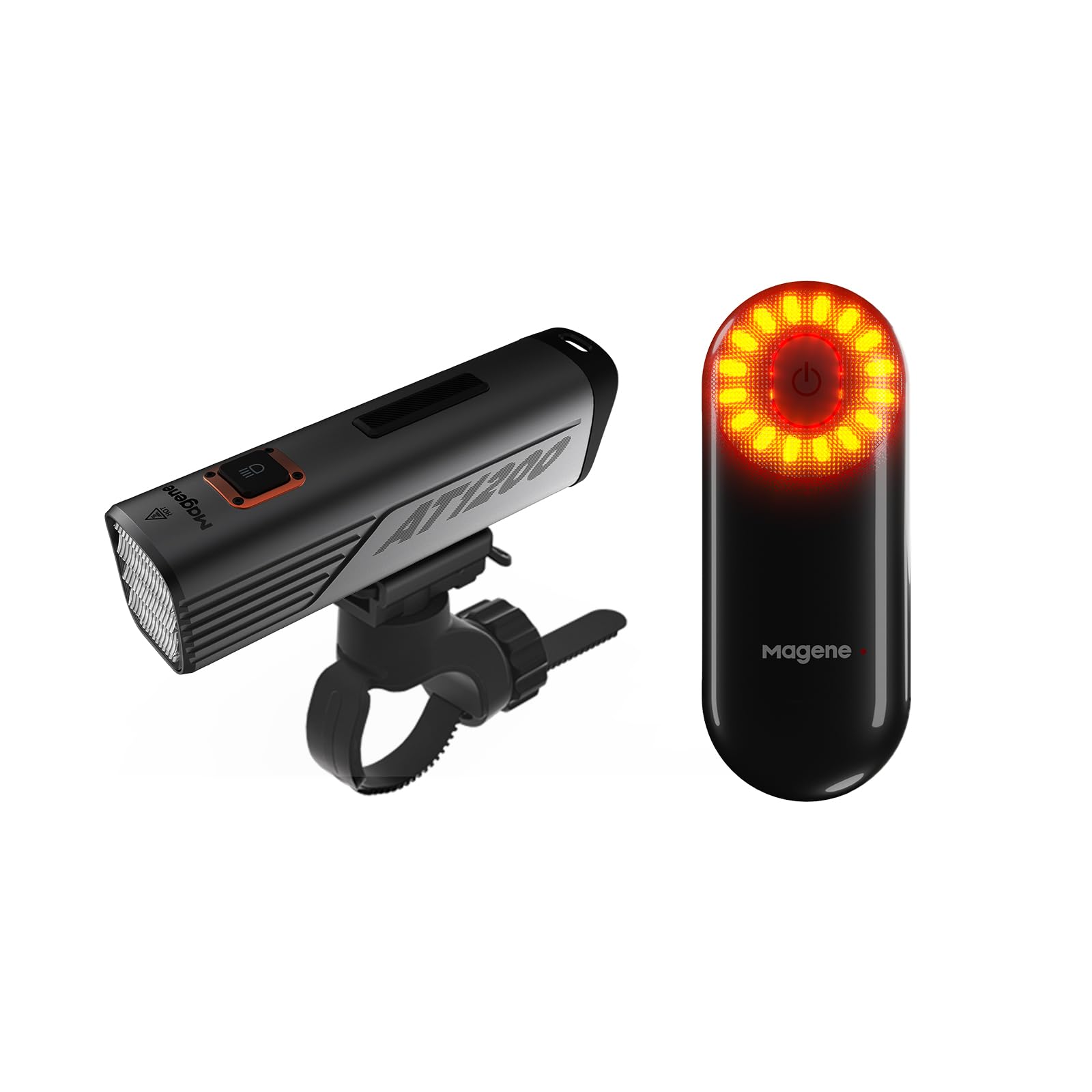
Image 1.1: The Magene L508 Radar Tail Light and AT1200 Front Light Smart Bundle.
2. Informació de seguretat
- Always ensure both the L508 Tail Light and AT1200 Front Light are securely mounted before riding.
- Regularly check battery levels to prevent unexpected power loss during rides.
- The radar detection system is an aid and should not replace a cyclist's awareness and visual checks of surroundings.
- Do not look directly into the AT1200 Front Light beam to avoid temporary vision impairment.
- Keep the devices clean and free from obstructions to ensure optimal performance of lights and radar.
- Operar dins dels rangs de temperatura especificats.
3. Contingut del paquet
The Magene L508 Radar Tail Light & AT1200 Front Light Smart Bundle typically includes the following items:
- Llum posterior de radar Magene L508
- Magene AT1200 Front Light
- Seatpost mount for L508
- Handlebar mount for AT1200
- Cable de càrrega USB-C a USB-A
- Silicone straps for mounting
- Manual d'usuari (aquest document)

Image 3.1: Contents of the Magene L508 Radar Tail Light package, including the light, mount, straps, and charging cable.
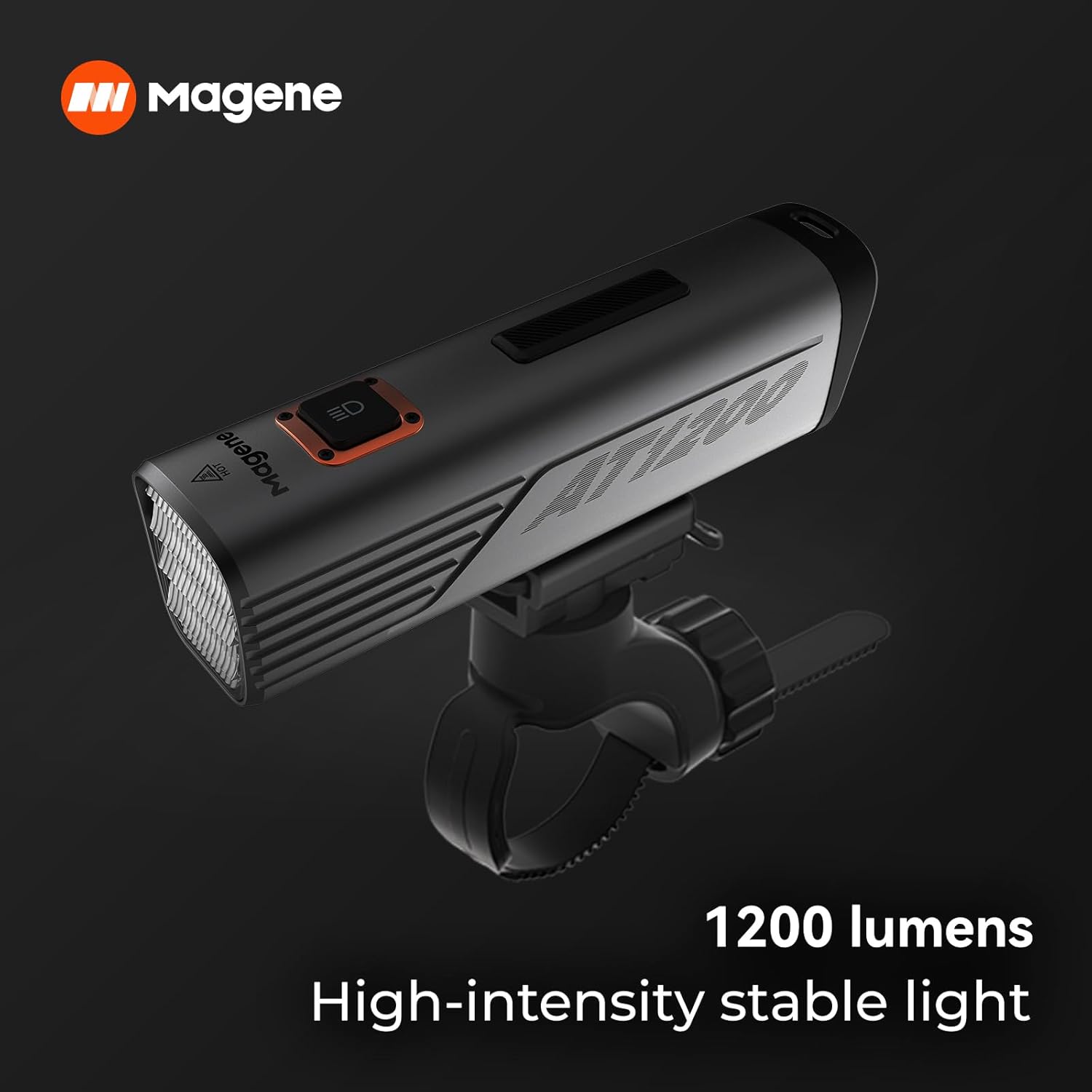
Image 3.2: The Magene AT1200 Front Light, providing 1200 lumens of high-intensity stable light.
4. Configuració
4.1. Càrrega dels dispositius
Before first use, fully charge both the L508 Radar Tail Light and AT1200 Front Light using the provided USB-C cable. Connect the cable to the charging port on each device and a compatible USB power source. The indicator light will show charging status.
4.2. Mounting the L508 Radar Tail Light
- Select a suitable position on your bicycle's seatpost, ensuring the tail light faces directly backward and is not obstructed.
- Attach the seatpost mount to the seatpost using the provided silicone straps. Ensure it is tight and stable.
- Align the L508 Radar Tail Light with the mount and twist it clockwise until it clicks securely into place.
4.3. Mounting the AT1200 Front Light
- Choose a position on your handlebar that provides an unobstructed forward view and does not interfere with steering or braking.
- Secure the handlebar mount to the handlebar using the appropriate silicone strap.
- Slide the AT1200 Front Light onto the mount until it locks securely.
5. Instruccions de funcionament
5.1. Engegada/Apagada i Selecció de Mode
- To power on either light, press and hold the power button until the light illuminates.
- To cycle through different lighting modes (e.g., solid, flashing, pulse), short press the power button.
- Per apagar, manteniu premut el botó d'engegada fins que s'apagui la llum.
5.2. L508 Radar Tail Light Features
The L508 Radar Tail Light provides real-time detection of vehicles approaching from behind, alerting you via a compatible cycling computer (e.g., Garmin, Wahoo) or smartphone app.
- Radar Detection: Detects vehicles up to 140 meters (153 yards) away. Visual and audible alerts are provided on your paired head unit.
- Funció de la llum de fre: An integrated accelerometer detects deceleration and automatically brightens the tail light to signal braking to following traffic. This feature can be configured via the Magene Utility App.
- Mode de repòs automàtic: The device will automatically enter sleep mode after a period of inactivity to conserve battery.
Video 5.1: Demonstration of the Magene L508 Radar Tail Light's features, including radar detection and brake light function, as displayed on a cycling computer.
5.3. Smart Connectivity and App Integration
Both lights can connect to the Magene Utility App for advanced settings and customization.
- Download the "Magene Utility" app from your device's app store (iOS or Android).
- Pair your L508 and AT1200 lights with the app via Bluetooth.
- Customize lighting modes, brightness levels, radar alert preferences, and brake light sensitivity.
- The system supports smart linkage, adjusting lighting based on speed, cadence, and heart rate when paired with compatible Magene sensors.

Image 5.2: Diagram illustrating smart linkage capabilities between Magene devices, adjusting lighting based on various cycling metrics.
6. Manteniment
- Neteja: Netegeu els dispositius amb un drap suauamp cloth. Do not use harsh chemicals or abrasive materials. Ensure the charging port cover is sealed when cleaning.
- Càrrega: Recharge the battery when the low battery indicator appears or before extended periods of non-use. Avoid fully discharging the battery frequently to prolong its lifespan.
- Emmagatzematge: Store the lights in a cool, dry place away from direct sunlight when not in use. For long-term storage, charge the battery to approximately 50% every few months.
7. Solució De Problemes
| Problema | Causa possible | Solució |
|---|---|---|
| La llum no s’encén. | Bateria baixa; mal funcionament del dispositiu. | Carrega el dispositiu. Si el problema persisteix, contacta amb el servei d'assistència. |
| Radar not detecting vehicles. | Obstruction; incorrect mounting angle; not paired. | Ensure clear line of sight. Adjust mounting. Re-pair with head unit/app. |
| Lights not responding to app/head unit. | Bluetooth connection issue; outdated firmware. | Check Bluetooth connection. Update firmware via Magene Utility App. |
| Brake light not activating. | Feature disabled; accelerometer issue. | Enable brake light function in the app. Ensure firm deceleration. |
8. Especificacions
8.1. Magene L508 Radar Tail Light
- Interval de detecció: Fins a 140 metres (153 iardes)
- Connectivitat: ANT+, Bluetooth
- Resistència a l'aigua: IPX7 (impermeable)
- Material: Plàstic, policarbonat
- Font d'alimentació: Funciona amb bateria
8.2. Magene AT1200 Front Light
- Brillantor: 1200 Lumens (High-intensity stable light)
- Tipus de muntatge: Muntatge de manillar
- Resistència a l'aigua: IPX7 (impermeable)
- Material: Plàstic, policarbonat
- Font d'alimentació: Funciona amb bateria
- Nombre de configuracions: 3
9. Garantia i Suport
Magene products are designed for durability and performance. For specific warranty details, please refer to the warranty card included with your product or visit the official Magene website. For technical support, troubleshooting assistance, or to inquire about replacement parts, please contact Magene customer service through their official channels or the Magene Utility App.