1. Introducció
This manual provides essential information for the safe and efficient operation of your Next YE-65GFSG8-QLED 65-inch UHD 4K Google QLED TV. Please read this manual thoroughly before using the television and retain it for future reference. Your new television combines QLED display technology with the Google TV operating system, offering a high-quality viewing experience and smart features.
2. Informació important de seguretat
Always follow these basic safety precautions when operating your television:
- Font d'alimentació: Assegureu-vos que el televisor estigui connectat a una font d'alimentació dins del volum especificattage gamma.
- Ventilació: No bloquegeu les obertures de ventilació. Deixeu prou espai al voltant del televisor per a un flux d'aire adequat.
- Aigua i humitat: No exposeu el televisor a la pluja ni a la humitat. No col·loqueu objectes plens de líquids, com ara gerros, a sobre del televisor.
- Neteja: Desendolleu el televisor de la presa de corrent abans de netejar-lo. Feu servir un drap suau i sec. No utilitzeu netejadors líquids ni netejadors en aerosol.
- Col·locació: Col·loqueu el televisor sobre una superfície estable i plana. Eviteu exposar-lo a la llum solar directa o a prop de fonts de calor.
- Llamp: During lightning storms or when unused for long periods, unplug the TV from the power outlet and disconnect the antenna.
- Manteniment: No intenteu atendre aquest producte vosaltres mateixos. Consulteu tots els serveis a personal de servei qualificat.
3. Contingut del paquet
Verify that all items are present in your TV package:
- Next YE-65GFSG8-QLED 65-inch UHD 4K Google QLED TV
- Control remot
- Cable d'alimentació
- Suport de TV (2 peces) i cargols
- Manual d'usuari (aquest document)
- Guia d'inici ràpid
4. Configuració
4.1 Instal·lació física
You can install your TV on a stand or mount it on a wall. Ensure the TV is placed on a stable surface or securely mounted.

Imatge: TV Dimensions. This image illustrates the physical dimensions of the 65-inch television, including its width, height, and diagonal screen size of 164 cm (65 inches).
Instal·lació de l'estand:
- Col·loqueu amb cura el televisor cap per avall sobre una superfície suau i plana per evitar que es faci malbé la pantalla.
- Attach the two stand pieces to the designated slots on the bottom of the TV.
- Fixeu els suports amb els cargols proporcionats.
- Aixequeu amb cura el televisor fins a la seva posició vertical sobre una superfície estable.
Muntatge a la paret:
For wall mounting, use a VESA-compatible wall mount kit (sold separately) that matches the TV's VESA pattern. Follow the instructions provided with your wall mount kit. It is recommended to have professional assistance for wall mounting.
4.2 Connexió de perifèrics
Connect your external devices to the appropriate ports on the back of your TV.
Imatge: Rear Panel Connections. This image displays the various input and output ports located on the back of the television, including HDMI, USB, DVB-S, DVB-T, CI Module, Mini AV-IN, Optical Out, and Ethernet.
- HDMI (ARC): Connect Blu-ray players, game consoles, or other HDMI devices. HDMI 1 supports Audio Return Channel (ARC).
- USB (2x): Connecteu dispositius d'emmagatzematge USB per a la reproducció de contingut multimèdia.
- DVB-S / DVB-T: Connect satellite (DVB-S) or terrestrial (DVB-T) antenna cables.
- CI Module: Insert a Common Interface (CI) module for encrypted digital channels.
- Mini AV-IN: Connect older devices using an AV adapter cable.
- Sortida òptica: Connect to an external audio system for digital audio output.
- Ethernet: Connecteu un cable Ethernet per a una connexió a Internet per cable.
- Potència: Connecteu el cable d'alimentació al televisor i després a una presa de corrent.
4.3 Engegada inicial i configuració inicial
- After connecting all cables, plug the power cord into an electrical outlet.
- Premeu el botó d'engegada del comandament a distància o del televisor.
- The TV will guide you through the initial setup process, which includes:
- Selecció de la llengua
- Connexió a Wi-Fi o Ethernet
- Signing in with your Google Account (required for Google TV features)
- Acceptació dels termes i condicions
- Channel scanning (for DVB-S/T)
- Seguiu les instruccions a la pantalla per completar la configuració.
5. Funcionament del televisor
5.1 Funcions de control remot
The remote control allows you to navigate the TV's features. Familiarize yourself with its buttons:
- Potència: Encén o apaga el televisor.
- Assistent de Google: Activa les ordres de veu.
- Teclat de navegació (Amunt/Avall/Esquerra/Dreta/D'acord): Navega pels menús i selecciona opcions.
- Enrere: Torna a la pantalla anterior.
- Inici: Accedeix a la pantalla d'inici de Google TV.
- Volum +/-: Ajusta el nivell de volum.
- Canal +/-: Canvia els canals de televisió.
- Entrada: Selecciona fonts d'entrada (HDMI, AV, etc.).
- Botons de l'aplicació: Direct access to popular streaming applications.
5.2 Navigating Google TV Interface
Google TV organizes your entertainment with a personalized home screen. Content from your apps is brought together and organized for easy discovery.

Imatge: Google TV Interface. This image shows the main Google TV home screen with various streaming app icons and content recommendations, demonstrating the user interface.
- Pantalla d'inici: Mostra recomanacions personalitzades, aplicacions instal·lades i accés ràpid al contingut.
- For You Tab: Provides tailored content suggestions based on your viewd'hàbits.
- Pestanya en directe: Accesses live TV channels from integrated services.
- Apps Tab: Shows all installed applications. You can download more from the Google Play Store.
- Library Tab: Accesses your purchased or rented content from Google Play.
5.3 Configuració d'imatge i so
Per ajustar la configuració d'imatge i so:
- Premeu el botó Configuració button (usually a gear icon) on your remote.
- Navega a Pantalla i so.
- Configuració de la imatge: Adjust brightness, contrast, color, sharpness, and select picture modes (e.g., Standard, Vivid, Movie, Game). Your QLED TV offers enhanced color saturation.
- Configuració de so: Adjust bass, treble, balance, and select sound modes (e.g., Standard, Music, Movie, Speech).

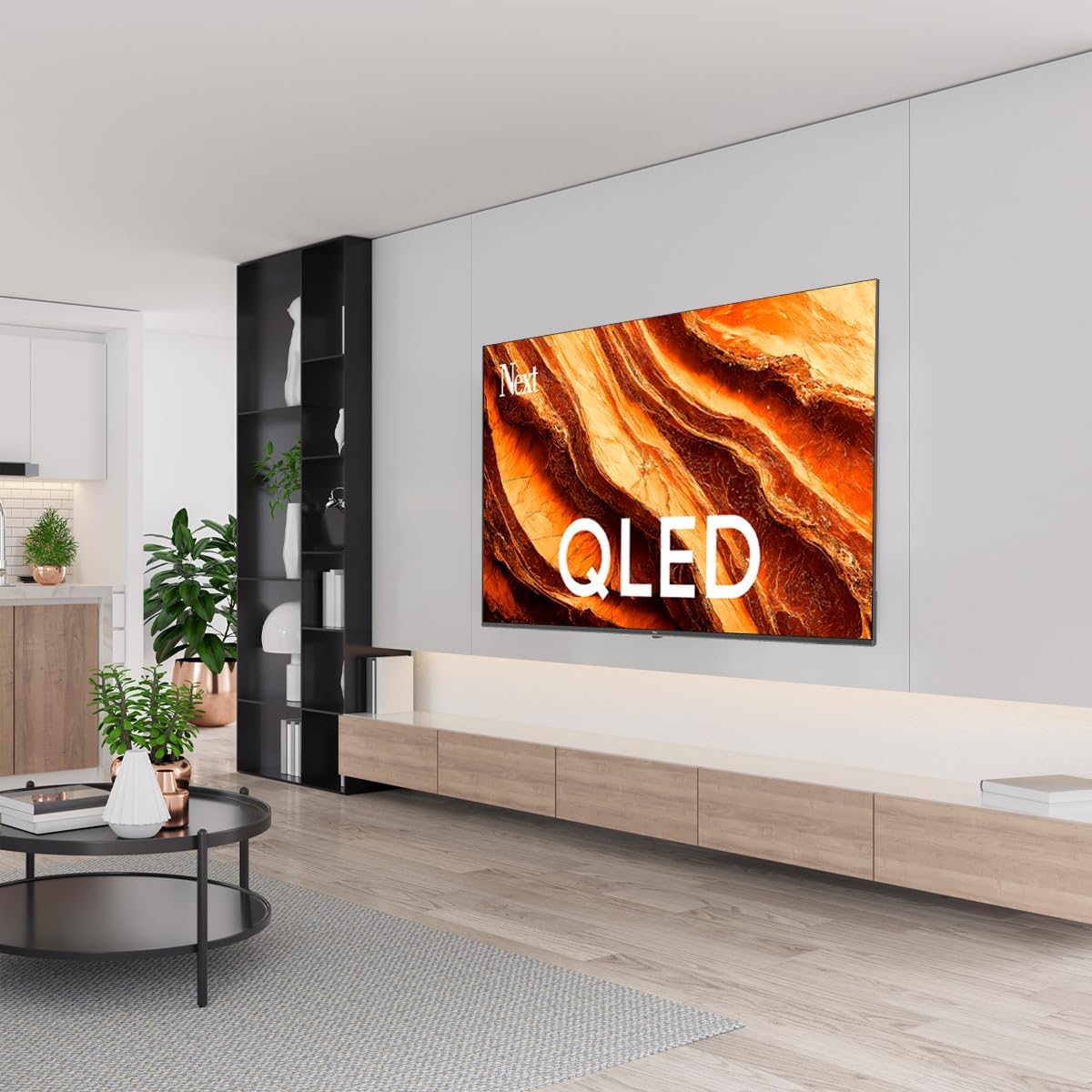
Imatge: QLED Color Saturation. This image visually demonstrates the high color saturation achieved with QLED technology, showing a vibrant and rich color display.

Imatge: HDR (High Dynamic Range). This image illustrates the visual impact of HDR, showcasing improved contrast and color detail in a scene when HDR is enabled versus when it is off.
5.4 Configuració de la xarxa
To connect your TV to the internet:
- Premeu el botó Configuració botó del comandament a distància.
- Navega a Xarxa i Internet.
- Seleccioneu Wi-Fi to connect to a wireless network or ensure Ethernet is connected for a wired connection.
- Per a la Wi-Fi, seleccioneu la vostra xarxa de la llista i introduïu la contrasenya.
6. Manteniment
6.1 Neteja del televisor
- Desendolla sempre el televisor abans de netejar-lo.
- Use a soft, dry, lint-free cloth to gently wipe the screen and TV body.
- Per a marques difícils, esbandiu lleugeramentampen the cloth with water or a specialized screen cleaner (ensure it's safe for TV screens). Never spray cleaner directly onto the screen.
- Eviteu utilitzar netejadors abrasius, ceres o dissolvents.
6.2 Actualitzacions de programari
Your TV may receive software updates to improve performance and add new features. It is recommended to keep your TV's software updated.
- Assegureu-vos que el vostre televisor estigui connectat a Internet.
- Premeu el botó Configuració botó del comandament a distància.
- Navega a Sistema > Sobre > Actualització del sistema.
- Seleccioneu Comproveu si hi ha actualització.
- Seguiu les instruccions que apareixen a la pantalla per descarregar i instal·lar les actualitzacions disponibles.
7. Solució De Problemes
Si teniu problemes amb el televisor, consulteu els problemes i solucions més comuns següents:
| Problema | Possible causa/solució |
|---|---|
| Sense poder | Check if the power cord is securely plugged into the TV and the wall outlet. Ensure the outlet is working. |
| No hi ha imatge, però hi ha so | Comproveu la font d'entrada. Assegureu-vos que el dispositiu connectat estigui encès i funcioni correctament. |
| No hi ha so, però hi ha imatge | Check the volume level and mute status. Verify audio cable connections for external devices. Check TV sound settings. |
| El comandament a distància no funciona | Canvieu les piles. Assegureu-vos que no hi hagi cap obstacle entre el comandament a distància i el sensor d'infrarojos del televisor. |
| No es pot connectar a la Wi-Fi | Ensure your Wi-Fi router is on and within range. Re-enter the Wi-Fi password carefully. Try restarting the TV and router. |
| Les aplicacions són lentes o es bloquegen | Close unused apps. Clear app cache (Settings > Apps > See all apps > [App Name] > Clear cache). Ensure a stable internet connection. |
Si el problema persisteix després de provar aquestes solucions, poseu-vos en contacte amb l'atenció al client.
8. Especificacions
Technical specifications for the Next YE-65GFSG8-QLED 65-inch UHD 4K Google QLED TV:
- Marca: A continuació
- Any model: 2025
- Resolució: 4K (3840x2160)
- Tecnologia de visualització: QLED
- Mida de la pantalla: 65 polzades (165 cm)
- Relació d'aspecte: 16:9
- Freqüència d'actualització: 60 Hz
- Característiques principals: Disseny sense marc
- Connectivitat: Bluetooth, Ethernet, HDMI (ARC), USB (2x), Wi-Fi
- Dimensions del producte: 27.8 de profunditat x 144.6 d'amplada x 88.9 d'alçada cm
- Pes: 16.3 quilos
- Sistema operatiu: Google TV
- Components inclosos: Control remot
- País d'origen: Turquia
9. Garantia i Suport
Your Next YE-65GFSG8-QLED TV comes with a manufacturer's warranty. Please refer to the warranty card included in your package for specific terms and conditions, including the warranty period and coverage details.
For technical support, service requests, or further assistance, please contact Next customer service. Contact information can typically be found on the manufacturer's weblloc web o a la documentació de la garantia.
- Assistència en línia: Visit the official Next website for FAQs, troubleshooting guides, and support contact details.
- Centres de servei: For hardware issues, locate an authorized service center near you.


