Introducció
This manual provides essential information for the proper setup, operation, and maintenance of your Havit H2042d Wired Stereo Gaming Headset. Please read these instructions carefully before using the product to ensure optimal performance and longevity.
Producte acabatview
The Havit H2042d is a wired stereo gaming headset designed for an immersive audio experience. It features a comfortable over-ear design, a flexible microphone, and RGB lighting.
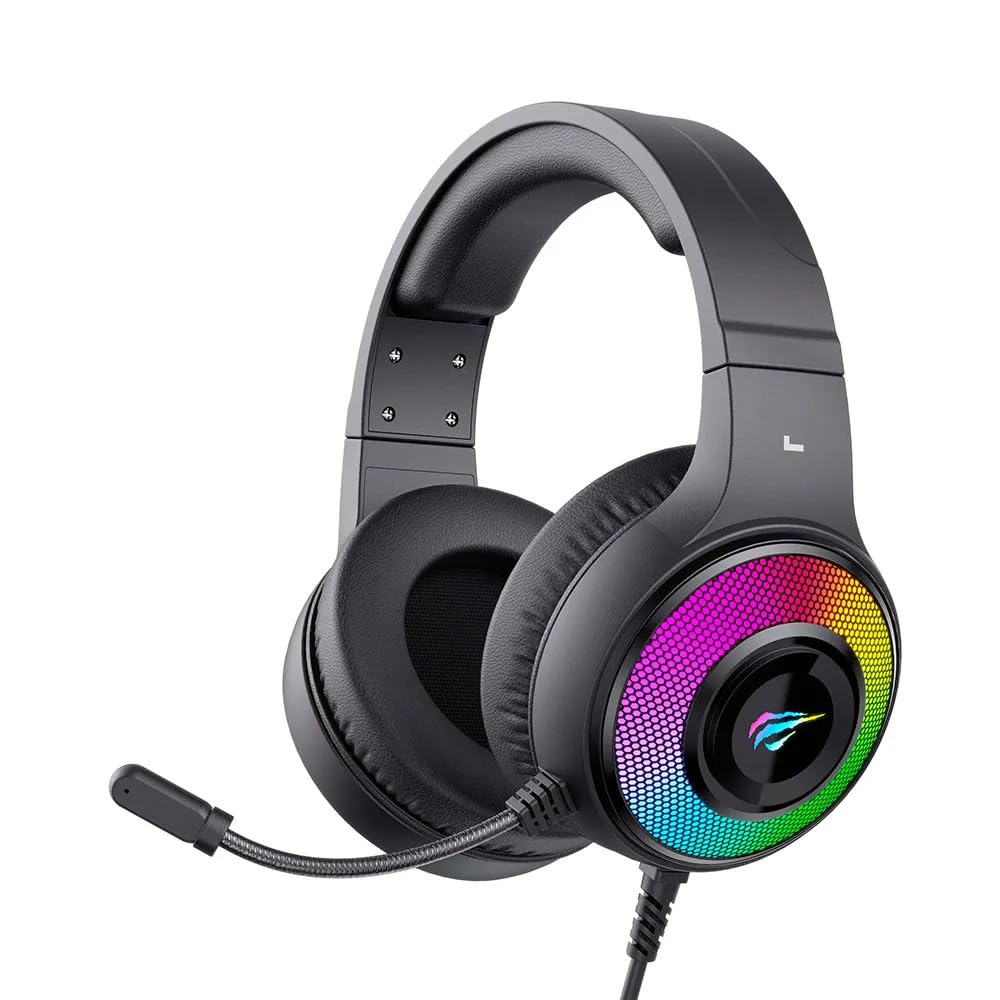
Figure 1: Havit H2042d Gaming Headset, front view with RGB lighting.

Figura 2: Angle view of the Havit H2042d Gaming Headset, highlighting the earcups and microphone.
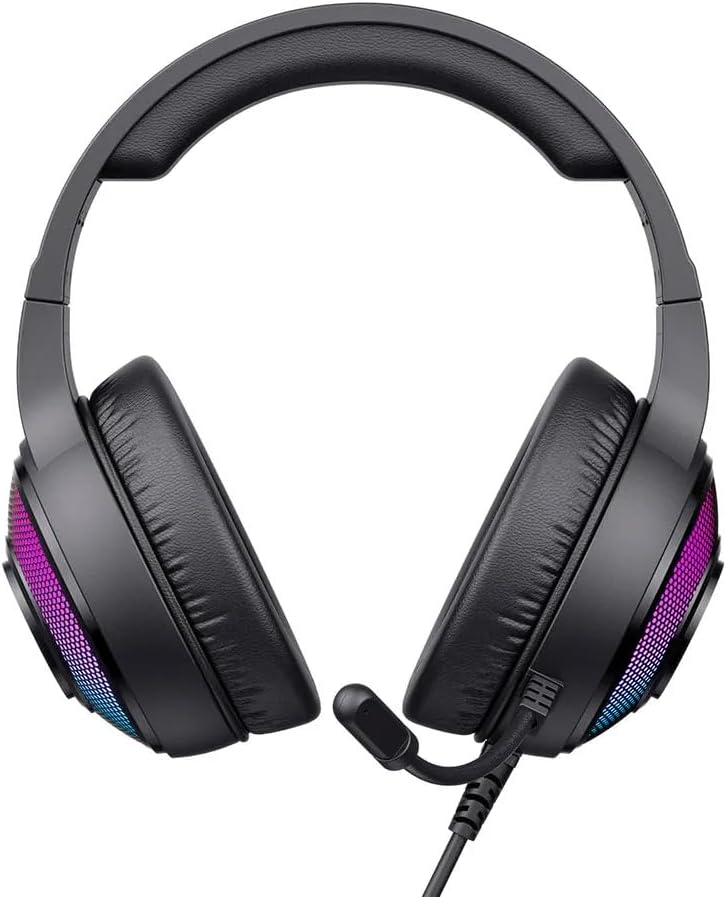
Figura 3: De dalt a baix view of the Havit H2042d Gaming Headset.
Contingut del paquet:
- Havit H2042d Wired Stereo Gaming Headset
- Manual d'usuari
Configuració
Follow these steps to connect your Havit H2042d headset to your device:
- Connecteu el connector d'àudio de 3.5 mm: Plug the 3.5mm audio jack into the corresponding audio output port on your computer, laptop, or gaming console. This connection provides the audio input and output for the headset and microphone.
- Connecteu el cable USB: Plug the USB cable into an available USB port on your computer or laptop. This connection powers the RGB lighting feature of the headset. The headset will function for audio even without the USB connected, but the RGB lighting will not illuminate.
- Ajusta la configuració del sistema: After connecting, ensure your operating system's sound settings are configured to use the Havit H2042d headset as the default playback and recording device.
Instruccions de funcionament
Control de volum:
- Locate the volume control wheel on the headset's cable or earcup.
- Rotate the wheel upwards to increase the volume.
- Rotate the wheel downwards to decrease the volume.
Ús del micròfon:
- The headset features an integrated, flexible microphone. Adjust its position for optimal voice pickup.
- Ensure the microphone is not muted in your device's sound settings or via any inline control if present.
Il·luminació RGB:
- The RGB lighting is powered by the USB connection. Once the USB cable is plugged in, the RGB lights on the earcups will illuminate automatically.
- The lighting pattern is pre-set and not user-customizable directly from the headset.
Manteniment
Una cura adequada allargarà la vida útil dels auriculars:
- Neteja: Use a soft, dry cloth to clean the headset. Do not use liquid cleaners or abrasive materials.
- Emmagatzematge: Guardeu els auriculars en un lloc fresc i sec quan no els feu servir. Eviteu temperatures extremes.
- Cura del cable: Do not pull on the cables forcefully. Avoid bending or twisting the cables sharply to prevent damage.
- Exposició a l'aigua: This headset is not water-resistant. Avoid exposure to liquids to prevent damage.
Resolució de problemes
Si teniu problemes amb els auriculars, consulteu els problemes i solucions més comuns següents:
| Problema | Causa possible | Solució |
|---|---|---|
| No hi ha so dels auriculars | 3.5mm jack not fully connected; incorrect audio output selected; volume too low. | Ensure 3.5mm jack is securely plugged in. Check device's sound settings to select the headset as the default output. Increase volume on headset and device. |
| El micròfon no funciona | Microphone muted; incorrect audio input selected; microphone not positioned correctly. | Check for a mute switch on the cable. Verify device's sound settings to select the headset microphone as the default input. Adjust microphone position closer to your mouth. |
| La il·luminació RGB no funciona | Cable USB no connectat o defectuós; el port USB no subministra alimentació. | Assegureu-vos que el cable USB estigui ben connectat a un port USB que funcioni. Proveu-ho amb un altre port USB. |
| La qualitat del so és deficient | Loose connection; audio source issue; damaged cable. | Check all connections. Test with a different audio source. If issues persist, the cable may be damaged. |
Especificacions
| Característica | Detall |
|---|---|
| Model | H2042d |
| Tecnologia de connectivitat | Wired (3.5mm audio jack + USB for RGB) |
| Diàmetre del conductor | 50 mm |
| Impedància | 20Ω ± 15% |
| Sensibilitat | 114 dB ± 3 dB |
| Resposta de freqüència | 20 Hz - 20 kHz |
| Mida del micròfon | 6.0*2.7 mm |
| Longitud del cable | 2.1 metres |
| Corrent de funcionament | ≤160mA |
| Resistència a l'aigua | IPX0 (Not water-resistant) |
| Materials | Fabric, Memory Foam |
| Dispositius compatibles | Desktop computers, Laptops, Digital video game consoles |
| Franja d'edat | Teens and Adults |
| Control de soroll | Cancel·lació passiva de soroll |
Garantia i Suport
Havit products are designed and manufactured to the highest quality standards. For warranty information and technical support, please refer to the warranty card included with your product or visit the official Havit weblloc web. Conserveu el rebut de compra com a comprovant de compra.
If you experience any issues not covered in the troubleshooting section, please contact Havit customer support for assistance.


