Introducció
This manual provides essential information for setting up, operating, and maintaining your Microsoft Surface Laptop (2025). It covers key features, specifications, and guidance to ensure optimal performance and user experience. Please read this manual thoroughly before using your device.
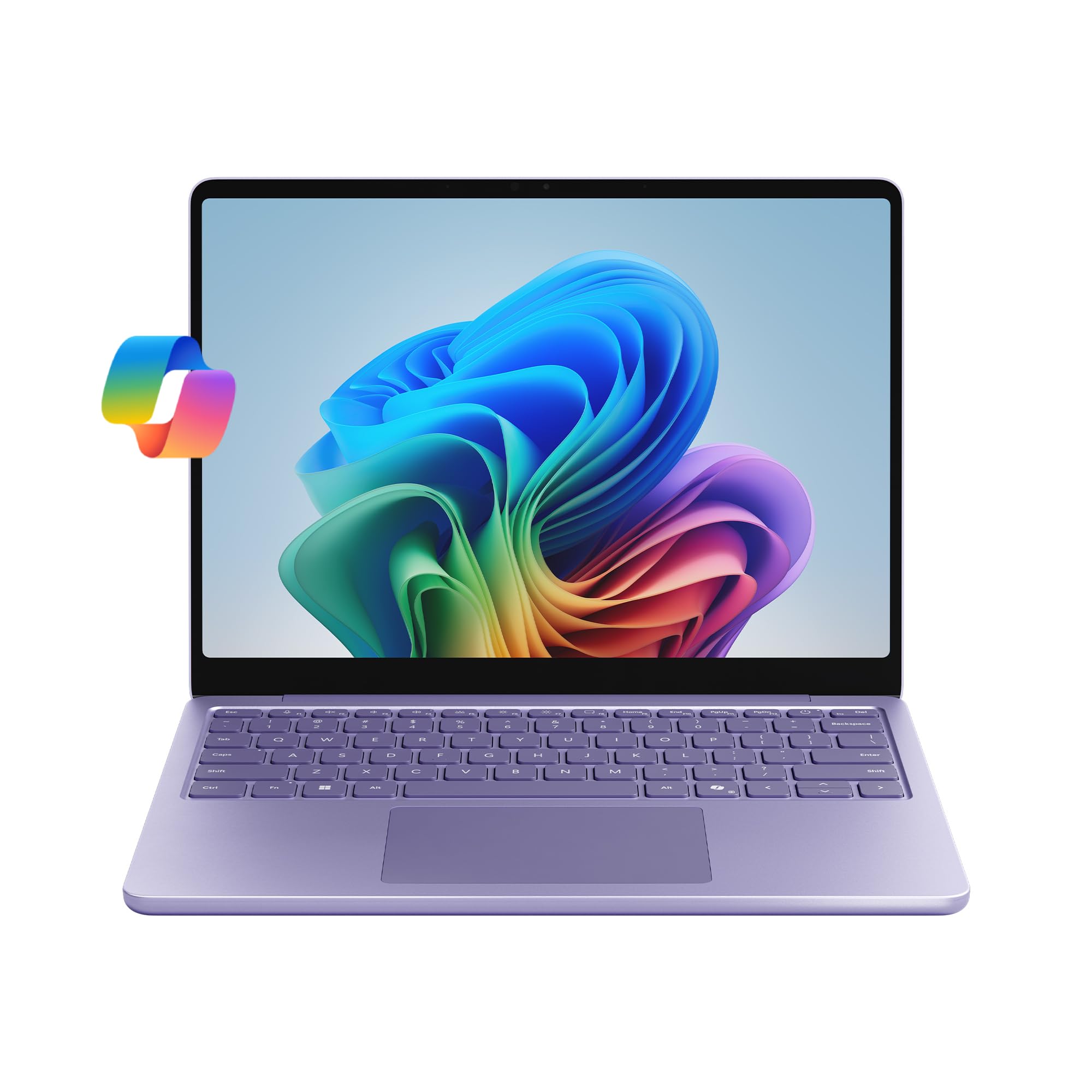
Imatge: Part posterior view of the Microsoft Surface Laptop (2025) in Violet, showcasing its sleek design and the Microsoft logo.
Què hi ha a la caixa
Upon unboxing your Microsoft Surface Laptop (2025), verify that all components are present:
- Dispositiu de superfície
- Font d'alimentació
- Cable USB-C

Image: Illustration of the items included in the product packaging: Surface Laptop 13-inch, USB-C Charging Cable, 45W USB-C Wall Charger, Quick Start Guide, and Safety/Warranty documents.
Configuració
- Encesa inicial: Obriu la tapa del portàtil. El dispositiu s'hauria d'encendre automàticament. Si no, premeu el botó d'engegada que es troba al teclat.
- Connectar l'alimentació: Connect the provided USB-C cable to the laptop's USB-C port and the power supply. Plug the power supply into a wall outlet.
- Configuració de Windows: Follow the on-screen instructions to complete the Windows 11 Home setup. This includes selecting your region, language, connecting to a Wi-Fi network, and signing in with or creating a Microsoft account.
- Actualitzacions: After initial setup, ensure your device is connected to the internet and check for any available Windows updates to ensure optimal performance and security.

Image: The Microsoft Surface Laptop (2025) open and ready for use, showing the Windows 11 interface.
Instruccions de funcionament
Visualització i interacció
The Surface Laptop features a 13-inch PixelSense touchscreen display with a resolution of 1920 x 1280 pixels. This display supports touch input for intuitive navigation and interaction with Windows 11.

Image: The laptop screen showing a video, highlighting the vibrant display quality.
Rendiment i capacitats d'IA
Powered by the Snapdragon X Plus (8-core) processor and an integrated Adreno GPU, the Surface Laptop (2025) is designed for responsive performance across various tasks. It includes built-in AI tools as a Copilot+ PC, enhancing productivity and creativity.

Image: The laptop screen showing the Copilot AI interface, demonstrating its functionality for speeding up tasks and providing personalized answers.
Copilot in Windows 11 assists with tasks such as content rewriting, quick answers, and brainstorming. Features like Recall and Windows Search are enhanced by AI to help you find information faster and more efficiently.
Durada de la bateria
The device offers up to 23 hours of battery life for local video playback. Actual battery life varies based on usage, network conditions, and settings.

Image: The laptop screen showing a document, emphasizing its extended battery life for all-day use.
Ports i connectivitat
The Surface Laptop (2025) includes two USB-C 3.2 ports for charging, data transfer, and connecting peripherals. Wireless connectivity is supported via 802.11.be, 802.11a/b/g/n/ac, and 802.11ax standards.

Image: Detail of the laptop's side, showing the two USB-C 3.2 ports for versatile connectivity.
Vídeos oficials de productes
Microsoft Surface Laptop 2025 - Daily Routine
Video: This video demonstrates a typical daily routine using the Microsoft Surface Laptop (2025), highlighting its portability, performance for work and study, and entertainment capabilities.
Recall (Preview) - Find What You Forgot, Instantly
Video: A preview of the Recall feature, showcasing how it allows users to instantly find previously viewed content on their PC, enhancing productivity and information retrieval.
Windows Search: Search That Feels Like Magic
Video: This video illustrates the improved Windows Search functionality, demonstrating its speed and accuracy in finding files, applications, and information across the device.
Manteniment
- Neteja de la pantalla: Utilitzeu un drap suau i sense pelusa lleugerament dampNetegeu amb aigua o un netejador de pantalles dissenyat específicament per a electrònica. Eviteu productes químics agressius.
- Neteja del teclat i del xassís: Feu servir un drap suau i sec. Per a la brutícia persistent, feu servir un drap lleugerament sec.amp es pot fer servir un drap, assegurant-se que no entri líquid al dispositiu.
- Actualitzacions de programari: Regularly check for and install Windows updates and driver updates to maintain system stability, security, and performance.
- Cura de la bateria: Per allargar la durada de la bateria, eviteu temperatures extremes i no deixeu el dispositiu completament carregat ni completament descarregat durant períodes prolongats.
- Gestió d'emmagatzematge: Periòdicament review i eliminar innecessaris files to free up storage space and improve system responsiveness.
Resolució de problemes
- El dispositiu no s'encén: Assegureu-vos que el dispositiu estigui carregat. Connecteu la font d'alimentació i espereu uns minuts abans d'intentar tornar-lo a encendre.
- Rendiment lent: Close unnecessary applications, check for background processes, and ensure sufficient free storage space. Restarting the device can often resolve temporary slowdowns.
- Problemes de connectivitat Wi-Fi: Verify that Wi-Fi is enabled and you are connected to the correct network. Restart your router and the laptop.
- Printer Connection Issues: Ensure your printer drivers are up to date and compatible with Windows 11. Try reinstalling the printer. Some older printers or specific network configurations may require additional setup or may not be fully compatible.
- Pantalla tàctil que no respon: Restart the device. If the issue persists, check for display driver updates.
Especificacions

Image: Visual summary of key technical specifications for the Surface Laptop (2025).
| Característica | Detall |
|---|---|
| Nom del model | Portàtil de superfície |
| Número de model de l'article | EP2-33426 |
| Mida de la pantalla | 13 polzades |
| Resolució de pantalla | 1920 x 1280 píxels |
| Processador | Snapdragon X Plus (8 core) @ 3.4 GHz |
| RAM | 16 GB LPDDR5x |
| Disc dur | SSD de 512 GB |
| Coprocessador gràfic | Adreno (Integrated) |
| Sistema operatiu | Windows 11 Home |
| Tipus sense fil | 802.11.be, 802.11a/b/g/n/ac, 802.11ax |
| Ports USB | 2 x USB 3.0 Ports (USB-C 3.2) |
| Durada mitjana de la bateria | Fins a 23 hores |
| Pes de l'article | 5.13 lliures |
| Dimensions del producte | 12.01 x 9.22 x 2.35 polzades |
| Color | Violeta |
Garantia i Suport
Your Microsoft Surface Laptop (2025) comes with a standard manufacturer's warranty. For detailed information regarding warranty coverage, terms, and conditions, please refer to the Safety / Warranty documents included in your product box or visit the official Microsoft support weblloc.
Plans de protecció
Hi ha plans de protecció ampliada disponibles per a la compra que ofereixen cobertura addicional més enllà de la garantia estàndard:
- Pla de protecció de 2 anys: Provides coverage for 24 months.
- Pla de protecció de 4 anys: Provides coverage for 48 months.
- Protecció completa: Un pla mensual que cobreix les compres passades i futures elegibles.
For technical assistance, troubleshooting, or service requests, please contact Microsoft Support through their official channels. Online resources, FAQs, and community forums are also available for self-help.


