Introducció
Thank you for choosing the Urbanista Valencia Wireless Headphones. This manual provides comprehensive instructions to help you set up, operate, and maintain your headphones, ensuring optimal performance and longevity. Please read this manual carefully before using your device.
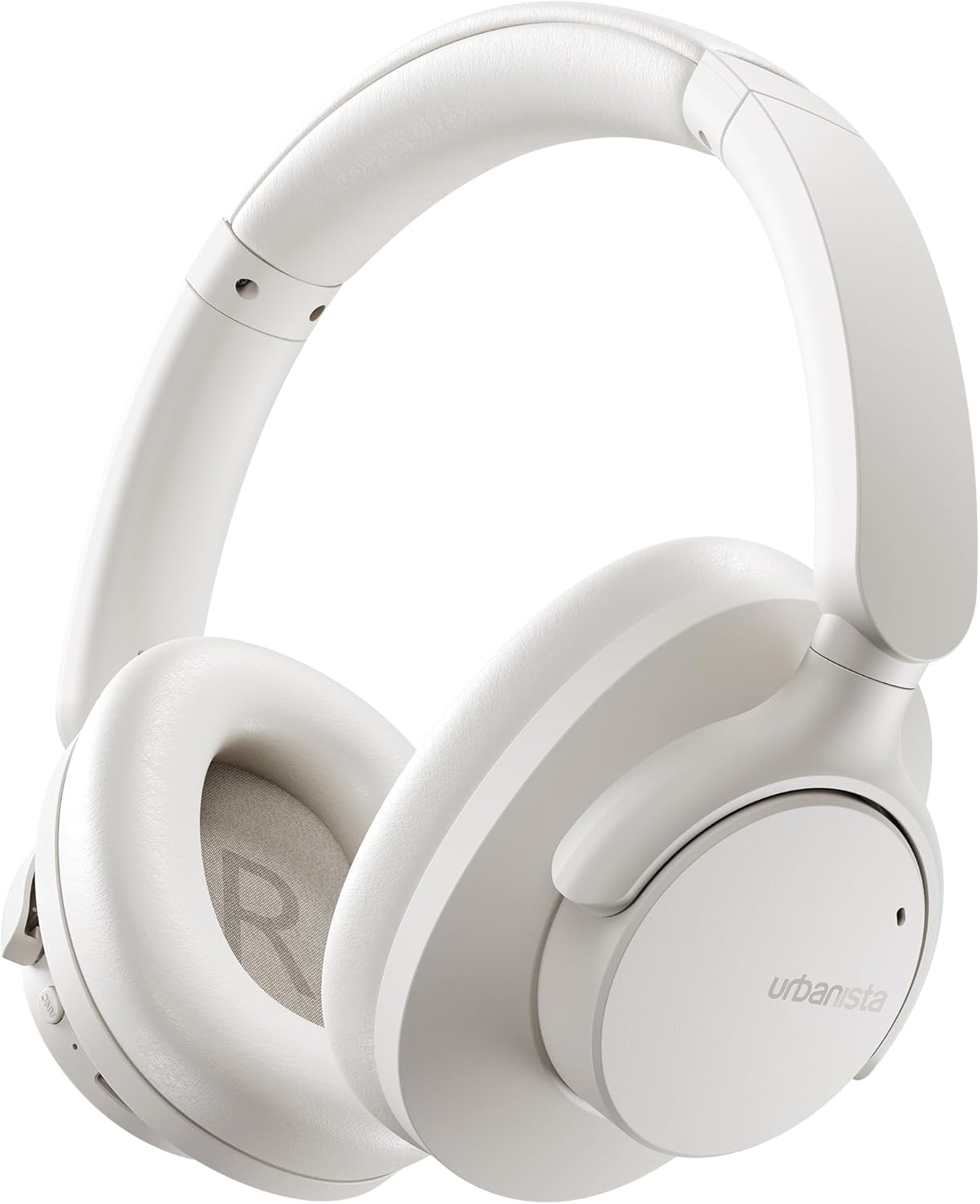
Image: The Urbanista Valencia Wireless Headphones in white, showcasing el seu elegant disseny supraaural.
Què hi ha a la caixa
Assegureu-vos que hi hagi tots els articles presents en desempaquetar:
- Urbanista Valencia Wireless Headphones
- Estoig de càrrega
- USB-C Charging Cable (not explicitly listed but implied for USB-C charging)
- Manual d'usuari (aquest document)
Producte acabatview
Familiarize yourself with the key features and components of your Urbanista Valencia headphones.

Image: A person wearing the Urbanista Valencia headphones, highlighting the Active Noise Cancellation feature. This feature is designed to reduce up to 95% of low-frequency urban noise, such as traffic, engines, and crowds.
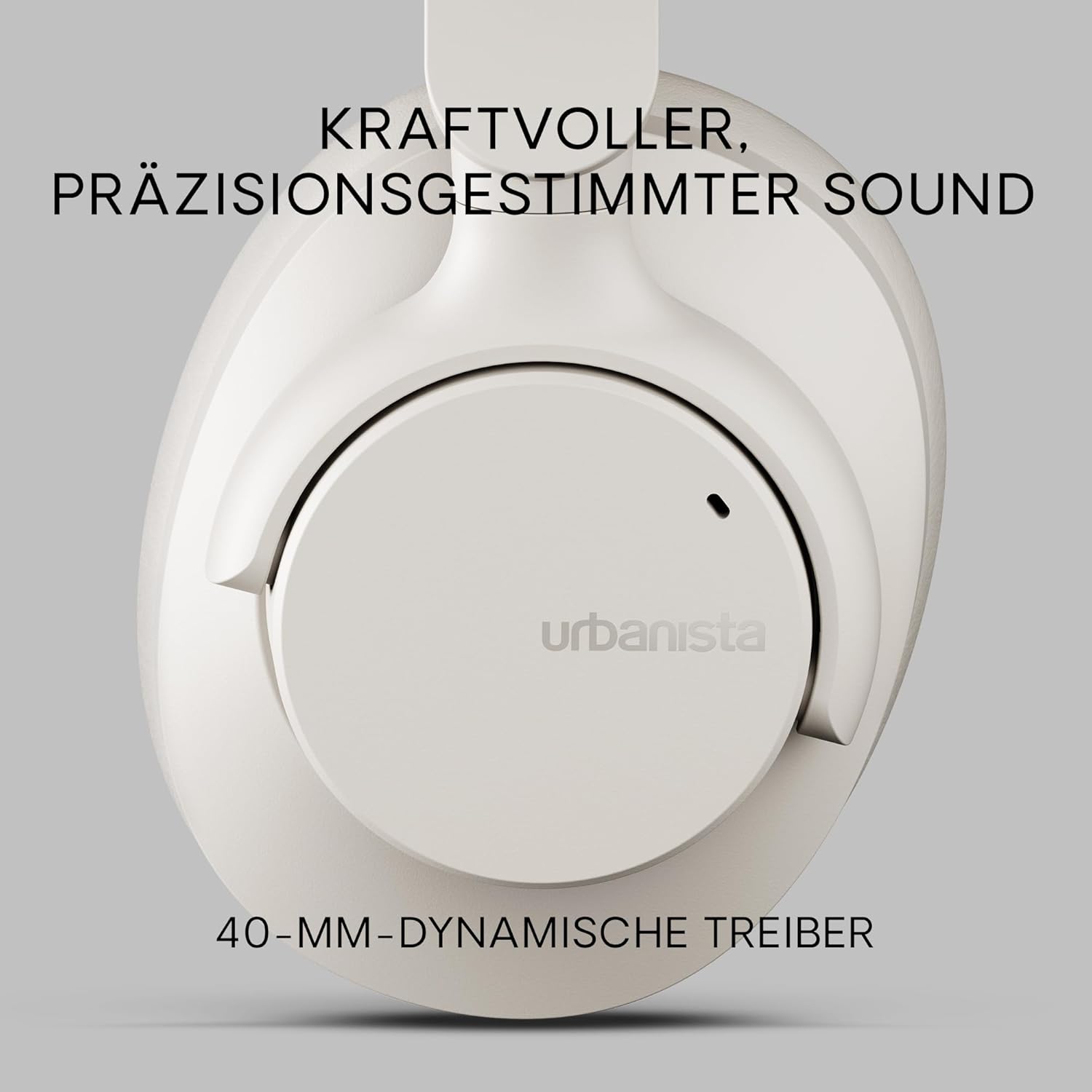
Imatge: Un primer pla view of an Urbanista Valencia earcup, emphasizing the powerful, precision-tuned sound delivered by its 40mm dynamic drivers.

Image: A user wearing the headphones, with icons illustrating key features: noise-cancelling microphones, Bluetooth multipoint connectivity, and crystal-clear call quality.
Configuració
1. Càrrega dels auriculars
Before first use, fully charge your Urbanista Valencia headphones.
- Connecteu el cable de càrrega USB-C al port de càrrega dels auriculars.
- Connecteu l'altre extrem del cable a una font d'alimentació USB (per exemple, un adaptador de paret, un port USB de l'ordinador).
- The LED indicator on the headphones will show charging status. It will typically turn off or change color when fully charged.
- Una càrrega completa proporciona aproximadament 50 hores de reproducció.

Image: The Urbanista Valencia headphones, illustrating their impressive 50 hours of playtime and convenient USB-Type-C charging capability.
2. Emparellament Bluetooth
Emparella els auriculars amb el dispositiu amb Bluetooth.
- Assegureu-vos que els auriculars estiguin carregats i apagats.
- Premeu i manteniu premut el botó d'engegada dels auriculars fins que l'indicador LED parpellegi, cosa que indica el mode d'emparellament.
- Al dispositiu (telèfon intel·ligent, tauleta, ordinador), aneu a la configuració de Bluetooth i activeu-lo.
- Select "Urbanista Valencia" from the list of available devices.
- Once connected, the LED indicator will stop flashing or show a solid light.
- The headphones support Bluetooth Multipoint, allowing connection to two devices simultaneously.
En funcionament
Controls
The Urbanista Valencia headphones feature intuitive controls for managing audio and calls.
- Botó d'encesa: Premeu i manteniu premut per encendre/apagar. Premeu breument per reproduir/pausar.
- Augment de volum / pista següent: Prem curt per pujar el volum. Prem llarg per passar a la següent pista.
- Baixada de volum / pista anterior: Prem curt per baixar el volum. Prem llarg per anar a la pista anterior.
- Botó ANC: Toggle Active Noise Cancellation on/off.
- Botó d'assistent de veu: Activate your device's voice assistant (e.g., Google Assistant).
Cancel·lació activa de soroll (ANC)
The ANC feature reduces ambient noise, providing a more immersive listening experience. Press the dedicated ANC button to activate or deactivate this function.
Assistent de veu
Your Urbanista Valencia headphones are compatible with voice assistants like Google Assistant. Press the Voice Assistant button to activate and issue commands to your connected device.
Manteniment
Una cura adequada garanteix la longevitat i el rendiment dels vostres auriculars.
- Neteja: Feu servir un drap suau i sec per netejar els auriculars. No utilitzeu productes químics agressius ni materials abrasius.
- Emmagatzematge: When not in use, store the headphones in their charging case or a protective pouch to prevent damage. The foldable design allows for compact storage.
- Resistència a l'aigua: The headphones are water resistant. Avoid submerging them in water or exposing them to heavy rain. Dry thoroughly if they get wet.
- Cura de la bateria: For optimal battery life, avoid fully discharging the headphones frequently. Charge them regularly.

Image: The Urbanista Valencia headphones folded, emphasizing their 240-gram lightweight construction and foldable design, which contribute to all-day comfort and portability.
Resolució de problemes
Si teniu problemes, consulteu les solucions habituals següents:
| Problema | Solució |
|---|---|
| Els auriculars no s'encenen | Assegureu-vos que els auriculars estiguin completament carregats. Premeu i manteniu premut el botó d'engegada durant uns segons. |
| No es pot emparellar amb el dispositiu | Ensure headphones are in pairing mode (flashing LED). Turn off and on Bluetooth on your device. Move closer to the device. |
| Sense so | Check volume levels on both headphones and connected device. Ensure headphones are correctly paired. Try re-pairing. |
| L'ANC no funciona eficaçment | Ensure ANC is activated. Check that the earcups form a good seal around your ears. |
Especificacions
Detailed technical specifications for the Urbanista Valencia Wireless Headphones:
- Nom del model: València
- Número de model de l'article: 1040242
- Marca: Urbanista
- Color: Blanc
- Factor de forma: Sobre l'orella
- Tecnologia de connectivitat: Sense fil (Bluetooth)
- Tecnologia de comunicació sense fils: Bluetooth
- Components inclosos: Estoig de càrrega
- Material: Plàstic
- Usos específics per al producte: Entreteniment, Fitness, Viatges
- Dispositius compatibles: Dispositius Bluetooth
- Característica del cable: Sense Cable
- Pes de l'article: 246 grams (8.7 unces)
- Nivell de resistència a l'aigua: Resistent a l'aigua
- Nombre d'articles: 1
- Tipus de controlador: Assistent de Google
- Característiques especials: Lightweight, Microphone Included, Voice Assistant Compatible, Water Resistant, Wireless
- Dimensions del producte: 7.28 x 7.28 x 3.15 polzades
- Bateries: Necessites 3 piles de ions de liti (incloses)
Informació de seguretat
Si us plau, observeu les següents pautes de seguretat:
- No exposeu els auriculars a temperatures extremes ni a la llum solar directa durant períodes prolongats.
- Avoid listening at high volume levels for prolonged durations to prevent hearing damage.
- No intenteu desmuntar ni modificar els auriculars. Això anul·larà la garantia i pot causar danys.
- Mantenir fora de l'abast dels nens i mascotes.
Garantia i Suport
For warranty information or technical support, please visit the official Urbanista weblloc web o poseu-vos en contacte amb el servei d'atenció al client. Conserveu el comprovant de compra per a qualsevol reclamació de garantia.

Image: Two individuals wearing Urbanista headphones (black and white models), with a 'Certified Plastic Neutral Product' badge visible, highlighting the brand's commitment to sustainability.


