Introducció
Welcome to the user manual for your new DIALN X65 Unlocked Smartphone. This guide provides essential information to help you set up, operate, maintain, and troubleshoot your device. Please read this manual carefully to ensure optimal performance and longevity of your smartphone.
The DIALN X65 features a 6.5-inch display, runs on Android 13, and offers 32GB of internal storage, expandable via microSD. It is equipped with a 13MP camera and a 4500mAh battery.
Què hi ha a la caixa
Upon unboxing your DIALN X65, verify that all items are present:
- Telèfon intel·ligent DIALN X65
- Cable de càrrega
- Manual d'usuari (aquest document)
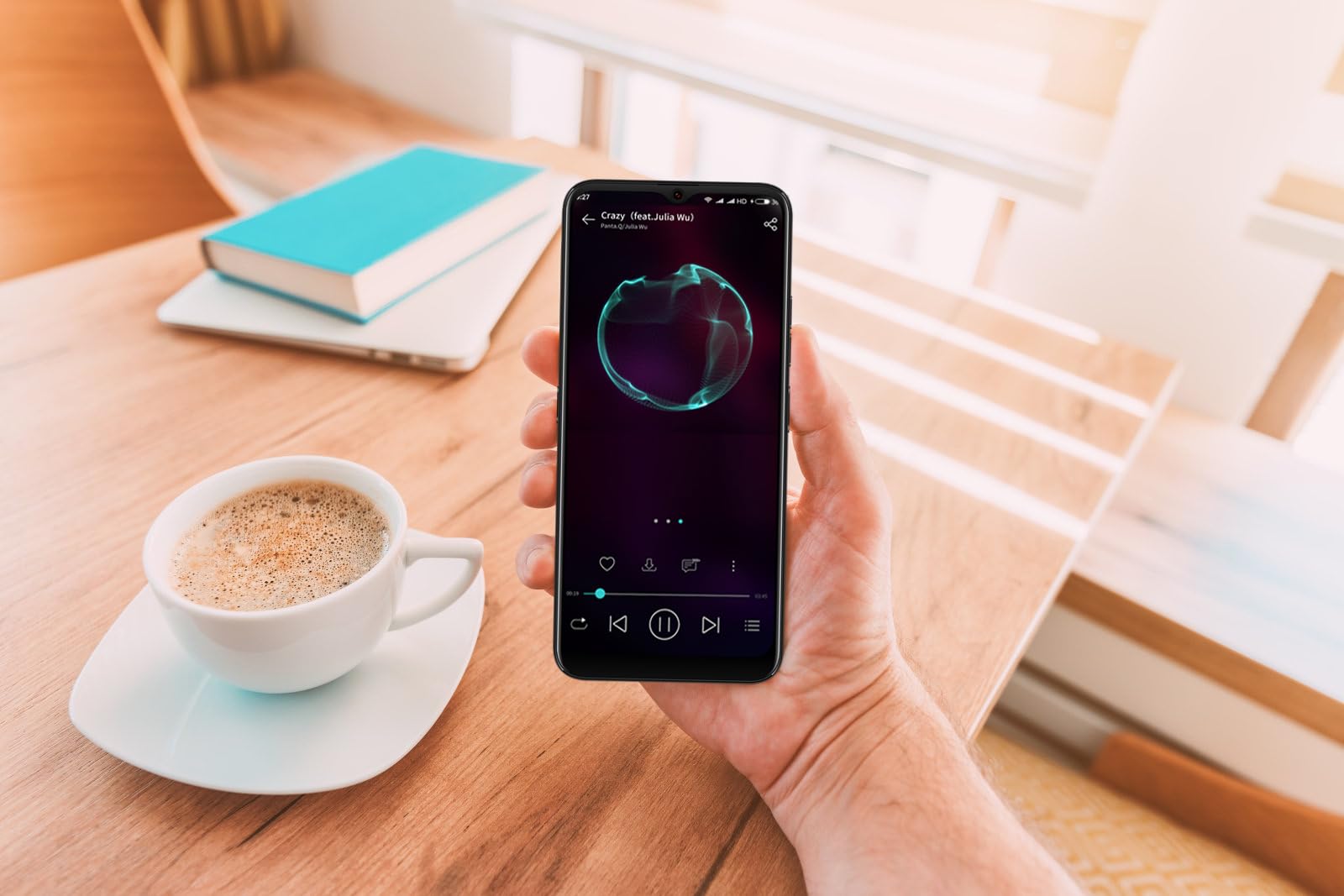
Image: The DIALN X65 smartphone displayed with its charging cable and user manual, as typically found in the product packaging.
Configuració
1. Insert SIM Card and MicroSD Card (Optional)
- Localitza la safata de la targeta SIM al lateral del telèfon.
- Insert the SIM ejector tool (not included, a paperclip can be used) into the small hole on the tray to open it.
- Col·loqueu la targeta o targetes nano-SIM i/o la targeta microSD a la safata amb els contactes daurats cap avall, assegurant-vos que estiguin correctament orientades.
- Empenyeu suaument la safata cap al telèfon fins que encaixi al seu lloc.
2. Càrrega inicial
Before first use, it is recommended to fully charge your DIALN X65. Connect the charging cable to the phone's charging port and plug the other end into a power adapter (not included) or a USB port. The battery indicator on the screen will show charging progress. A full charge typically takes approximately 2 hours.
3. Encendre/apagar
- Per encendre: Press and hold the Power button (located on the right side) until the DIALN logo appears on the screen.
- Per apagar: Press and hold the Power button until the power options menu appears. Tap 'Power off' and confirm.
- Per reiniciar: Press and hold the Power button until the power options menu appears. Tap 'Restart' and confirm.
4. Assistent de configuració inicial
The first time you power on your phone, you will be guided through an initial setup process. Follow the on-screen prompts to:
- Seleccioneu el vostre idioma.
- Connecteu-vos a una xarxa Wi-Fi.
- Inicia la sessió amb el teu compte de Google o crea'n un de nou.
- Configura el bloqueig de pantalla (PIN, patró, contrasenya o desbloqueig facial).
- Review i acceptar els termes i condicions.
Operating Your DIALN X65
1. Navegació bàsica
- Toca: Toca una icona per obrir una aplicació o seleccionar un element.
- Llisca: Arrossegueu el dit per la pantalla per desplaçar-vos o navegar entre pantalles.
- Pessigar: Feu servir dos dits per ampliar o reduir les fotos i web pàgines.
- Pantalla d'inici: The central hub for your apps and widgets. Swipe left or right to access additional home screens.
- Panell de notificacions: Llisca cap avall des de la part superior de la pantalla per accedir a les notificacions i a la configuració ràpida.
2. Trucades i Contactes
- Fer una trucada: Obriu l'aplicació "Telèfon", introduïu el número i toqueu la icona de trucada.
- Respondre una trucada: Swipe up on the green phone icon when a call comes in.
- Gestió de contactes: Open the 'Contacts' app to add, edit, or delete contacts.
3. Missatgeria
Open the 'Messages' app to send and receive SMS/MMS messages. Tap the '+' icon to compose a new message, enter the recipient's number or select from contacts, and type your message.
4. Internet i connectivitat
- Wi-Fi: Ves a Configuració > Xarxa i internet > Wi-Fi. Activa el Wi-Fi i selecciona la xarxa que vulguis.
- Bluetooth: Ves a Configuració > Dispositius connectats > Preferències de connexió > Bluetooth. Activa el Bluetooth per emparellar-lo amb altres dispositius.
- Dades mòbils: Go to Settings > Network & internet > Mobile network. Ensure mobile data is enabled for internet access via your SIM card.
5. Càmera
Open the 'Camera' app to capture photos and videos. Tap the shutter button to take a photo. Swipe left or right to switch between photo, video, and other modes. Use the front camera for selfies.
6. Desbloqueig facial
To set up Face Unlock, go to Settings > Security & privacy > Device unlock > Face unlock. Follow the on-screen instructions to register your face. Once set up, you can unlock your phone by looking at the front camera.
7. Gestió de l'emmagatzematge
Your DIALN X65 comes with 32GB of internal storage. You can expand this up to 256GB using a microSD card. To check storage usage, go to Settings > Storage. Regularly clear unnecessary files i aplicacions per mantenir un rendiment òptim.
Manteniment
1. Neteja del dispositiu
Use a soft, lint-free cloth to clean the screen and body of your phone. Avoid using harsh chemicals or abrasive materials, as these can damage the display and finish. Do not expose the phone to excessive moisture.
2. Actualitzacions de programari
Regularly check for and install software updates to ensure your phone has the latest features, security patches, and performance improvements. Go to Settings > System > System update to check for available updates.
3. Cura de la bateria
- Eviteu les temperatures extremes, ja que poden reduir la durada de la bateria.
- No deixeu que la bateria es descarregui completament amb freqüència.
- Use the provided charging cable or a compatible, certified charger.
- Unplug the charger once the battery is full to prevent overcharging.
4. Storage Optimization
To keep your phone running smoothly, regularly review and delete unused apps, old photos, videos, and downloaded files. Consider moving large media filea una targeta microSD o a l'emmagatzematge al núvol.
Resolució de problemes
Problemes comuns i solucions:
- El telèfon no s'encén: Assegureu-vos que la bateria estigui carregada. Connecteu-la a un carregador durant almenys 15 minuts i, a continuació, torneu-la a engegar.
- Poor Signal/No Network: Check if your SIM card is properly inserted. Ensure mobile data is enabled in settings. Try restarting the phone. If issues persist, contact your network provider.
- Les aplicacions es bloquegen/es bloquegen: Close and reopen the app. Clear the app's cache (Settings > Apps > [App Name] > Storage & cache > Clear cache). If the problem continues, uninstall and reinstall the app.
- Esgotament ràpid de la bateria: Reduce screen brightness, disable unused features like Bluetooth or GPS, close background apps, and check for apps consuming excessive power in battery settings.
- Pantalla tàctil que no respon: Restart the phone. If the issue persists, a factory reset might be necessary (see below).
Factory Reset (Data Erase)
Un restabliment de fàbrica esborrarà totes les dades del telèfon i el restaurarà a la configuració original de fàbrica. Feu una còpia de seguretat de totes les dades importants abans de continuar.
- Aneu a Configuració > Sistema > Opcions de restabliment.
- Toca "Esborra totes les dades (restabliment de fàbrica)".
- Confirmeu la vostra decisió i introduïu el vostre PIN/patró/contrasenya si se us demana.
- El telèfon es reiniciarà i començarà el procés de restabliment.
Especificacions
| Característica | Especificació |
|---|---|
| Nom del model | X65 |
| Sistema operatiu | Android 13.0 |
| Mida de la pantalla | 6.5 polzades |
| Resolució | 1280 x 720 |
| Processador | Quad Core 2.26GHz (MediaTek) |
| RAM | 3 GB |
| Emmagatzematge intern | 32 GB (ampliable fins a 256 GB amb microSD) |
| Càmera principal | 13 MP |
| Capacitat de la bateria | 4500 mAh |
| Connectivitat | 4G LTE, Wi-Fi, Bluetooth |
| Característiques especials | Expandable Storage, Face Unlock, Built-in GPS |
| Dimensions | 6.5 x 3 x 6.5 polzades |
| Pes | 6.5 unces |
Garantia i Suport
Your DIALN X65 Smartphone is covered by a limited manufacturer's warranty. Please refer to the warranty card included with your product for specific terms and conditions, including warranty period and coverage details. For technical support, service, or further inquiries, please visit the official DIALN website or contact customer service through the contact information provided on the product packaging or official weblloc.