1. Introducció a FLSUN S1
La FLSUN S1 és una impressora 3D d'última generació dissenyada per a la impressió FDM d'alta velocitat i alta qualitat. Amb una estructura Delta estable i una monitorització intel·ligent avançada, ofereix una experiència d'impressió excepcional des del primer moment.
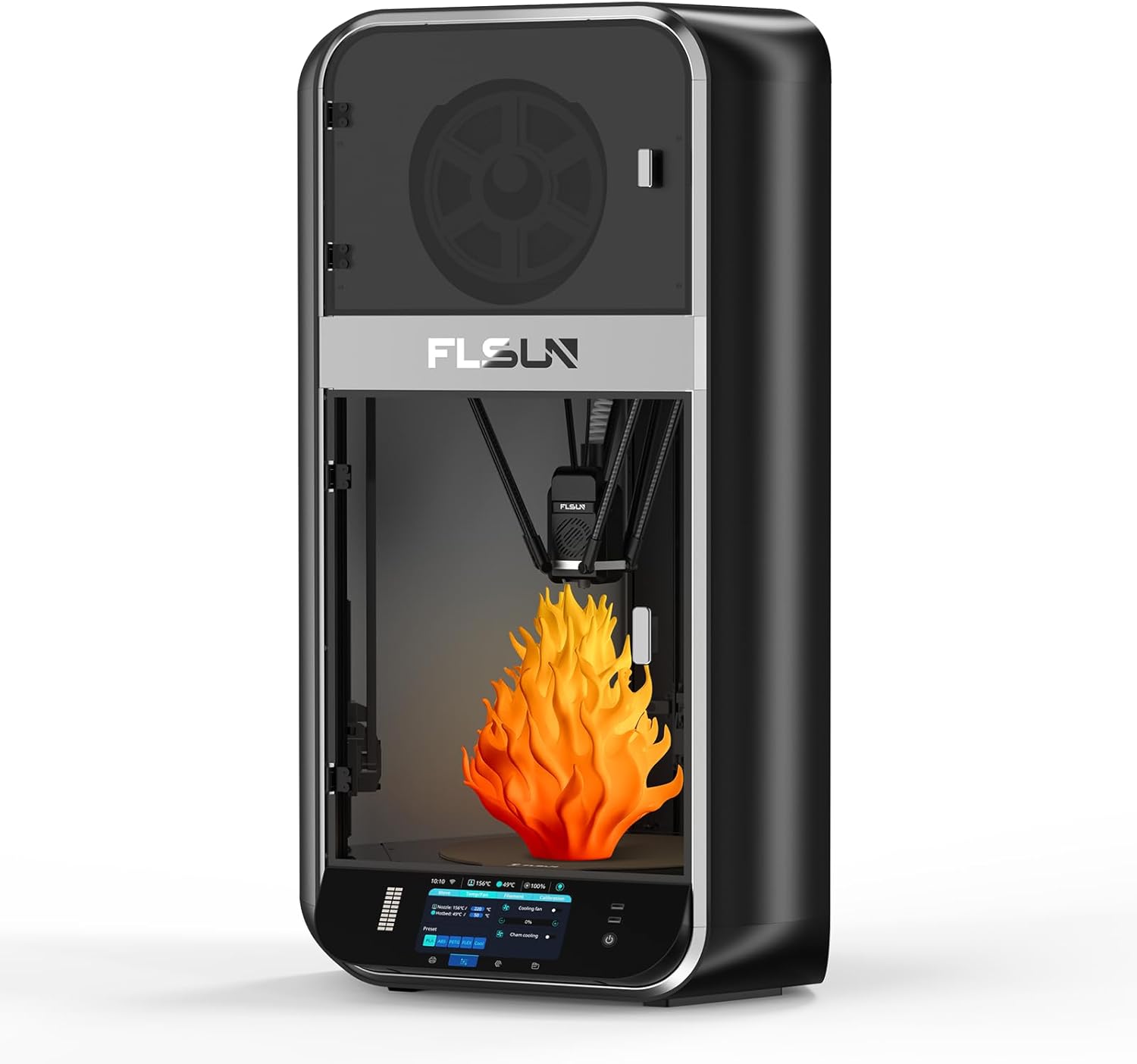
Figura 1.1: Impressora 3D FLSUN S1view
2. Configuració i primer ús
La FLSUN S1 està dissenyada per a una configuració ràpida i senzilla, cosa que permet començar a imprimir en qüestió de minuts després de desembalar-la. La màquina ve completament muntada, cosa que requereix una intervenció mínima de l'usuari.
2.1 Desembalatge i col·locació
Traieu amb cura la impressora del seu embalatge. Assegureu-vos que estigui col·locada sobre una superfície estable i plana amb prou espai al seu voltant per al seu funcionament i ventilació. Verifiqueu que tots els components siguin presents tal com s'indica a la guia d'embalatge.
2.2 Anivellament automàtic
L'FLSUN S1 incorpora un algoritme FLSUN 2.0 avançat per a una anivellació totalment automàtica amb un sol botó. Això simplifica significativament el procés de calibratge del llit.
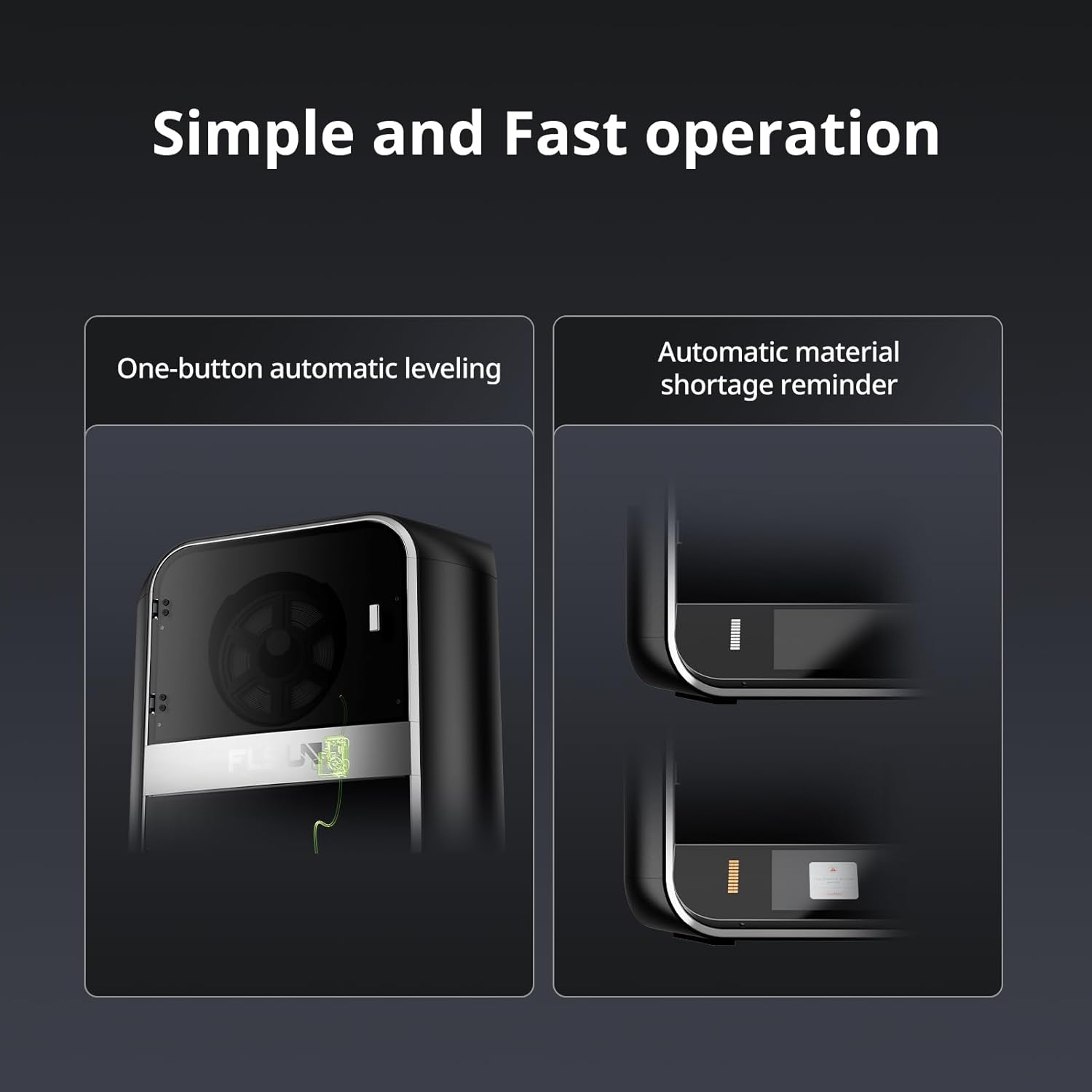
Figura 2.1: Anivellament automàtic i tall de material amb un sol botótage recordatori.
- Enceneu la impressora.
- Navegueu fins a l'opció de nivellació a la interfície de la pantalla tàctil.
- Inicieu el procés d'anivellament automàtic. La impressora realitzarà una sèrie de mesures per calibrar la base d'impressió.
- Seguiu les instruccions que apareixen a la pantalla per finalitzar l'anivellament, inclòs l'ajust de l'alçada Z si cal.
Per obtenir instruccions d'instal·lació detallades, consulteu el lloc web oficial Manual d'instal·lació (PDF).
3. Funcionament del vostre FLSUN S1
La FLSUN S1 està dissenyada per a la impressió d'alt rendiment, oferint una velocitat i precisió impressionants.
3.1 Capacitats d'impressió d'alta velocitat
Experimenta la creació ràpida de prototips i la producció amb la impressionant velocitat i acceleració de l'FLSUN S1.
- Velocitat màxima d'impressió: Fins a 1200 mm/s
- Acceleració màxima: Fins a 40000 mm/s²
- Cabal màxim: 110 mm³/s

Figura 3.1: Mètriques d'impressió d'alta velocitat de la FLSUN S1.
Vídeo 3.1: Vídeo oficial de FLSUN que demostra les capacitats d'impressió d'ultraalta velocitat de la impressora S1.
Vídeo 3.2: Presentació oficial del vídeo de FLSUNasinLa impressió d'alta velocitat Delta en acció.
3.2 Extrusora avançada i sistema de refrigeració
L'FLSUN S1 compta amb una extrusora de doble engranatge i accionament directe amb una roda central d'aliatge de titani, que permet imprimir a temperatures de fins a 350 °C. El model recentment imprès es refreda ràpidament mitjançant un turboventilador CPAP, aconseguint un temps de refredament d'una sola capa d'1 segon a 40000 rpm/min, cosa que ajuda a evitar deformacions i estiraments.

Figura 3.2: Capacitats de temperatura per a la impressió multiconsumible.
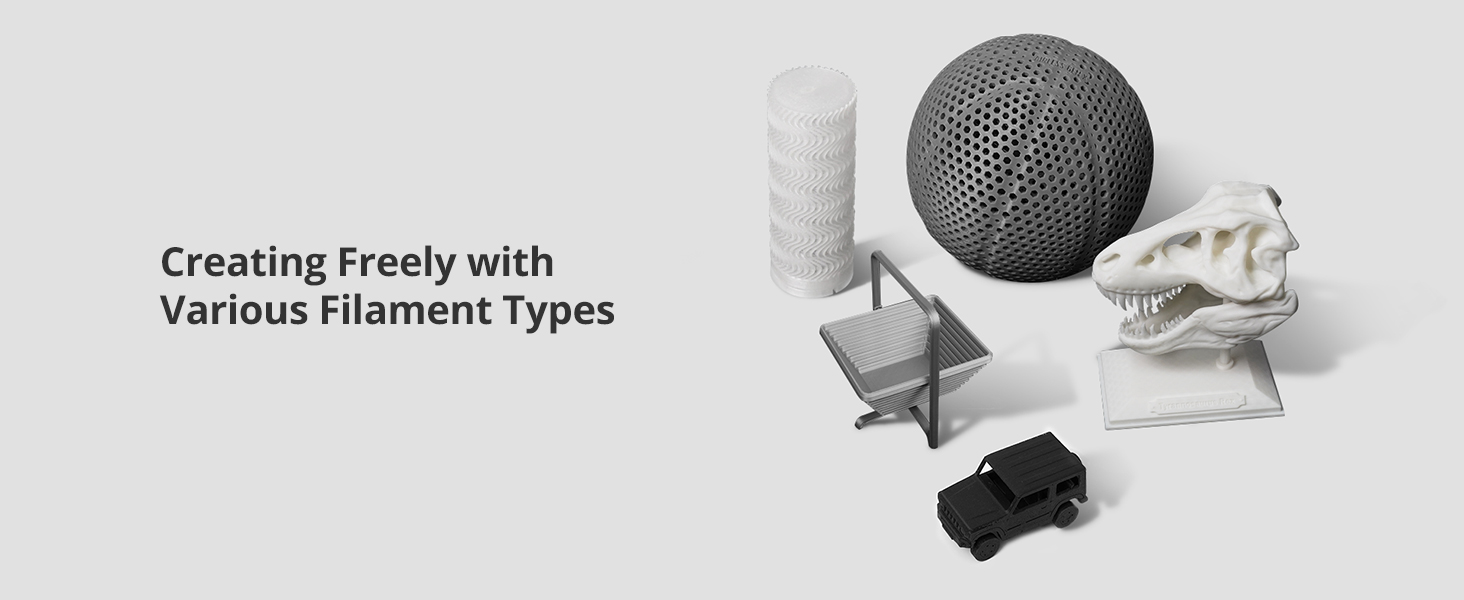
Figura 3.3: Ventilador turbo d'alta pressió CPAP per a una refrigeració eficient.
3.3 Monitorització i control intel·ligents
L'FLSUN S1 integra funcions avançades de supervisió i control per a una millor qualitat d'impressió i comoditat per a l'usuari.
- Càmera AI: Monitoritza problemes com ara errors en els espaguetis i objectes estranys, proporciona alertes en temps real i admet la fotografia a intervals.
- Control de radar Microtac: Garanteix un control i una supervisió precisos.
- Connectivitat WIFI: Permet la monitorització en temps real i l'ajust intel·ligent a través del telèfon mòbil o l'ordinador.
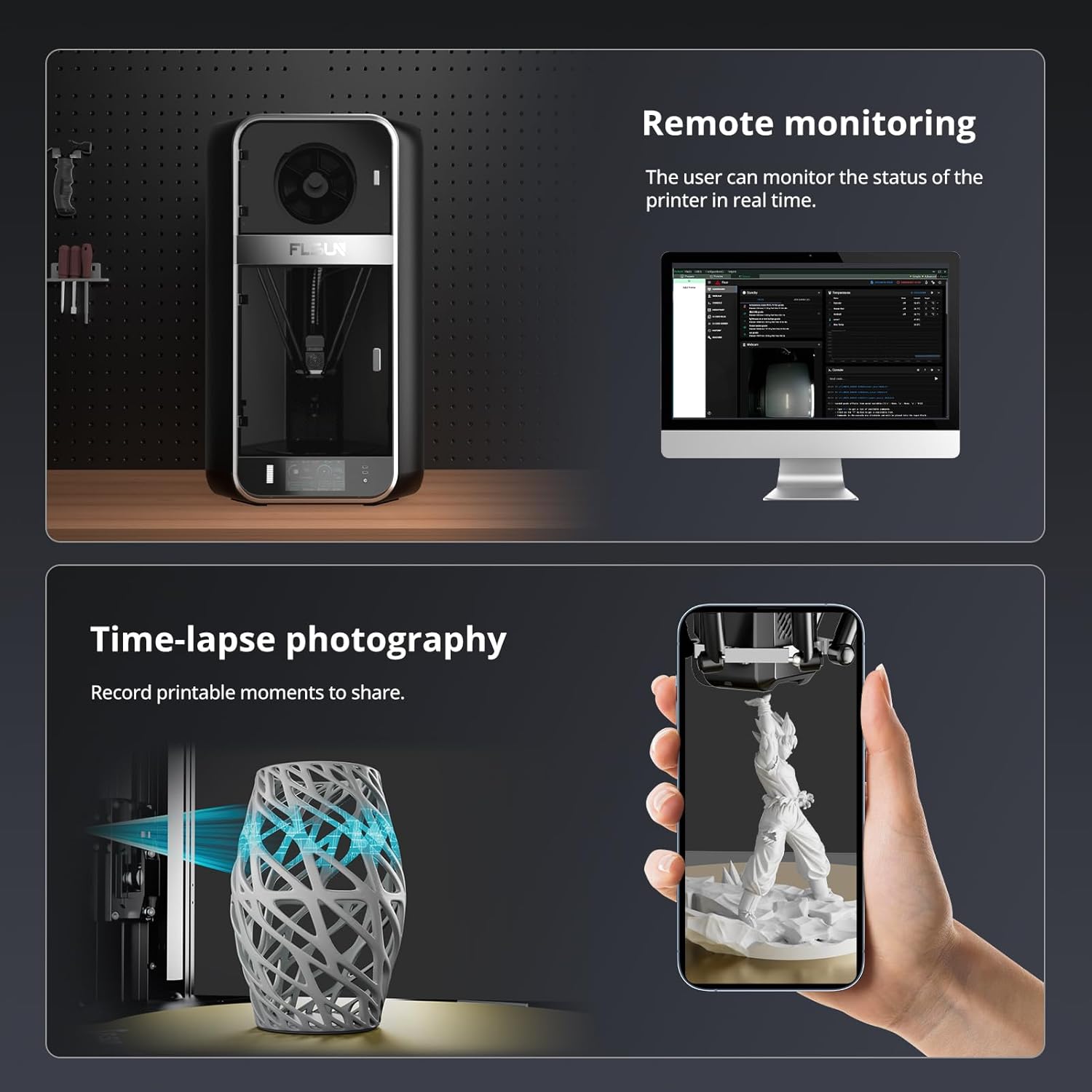
Figura 3.4: Funcions de monitorització remota i fotografia a intervals.

Figura 3.5: Mètodes integrals de monitorització i actualització.
3.4 Gran volum de construcció i compatibilitat de materials
L'FLSUN S1 ofereix un volum de construcció generós i admet una àmplia gamma de tipus de filaments.
- Volum de construcció: 13" x 13" x 17" (aproximadament 320 mm x 320 mm x 430 mm), cosa que permet múltiples models o impressions individuals de grans dimensions.
- Materials suportats: PLA, PETG, TPU, ABS, ASA, PA, PC, PET i més.

Figura 3.6: Estructura delta completament tancada amb un gran volum de construcció.
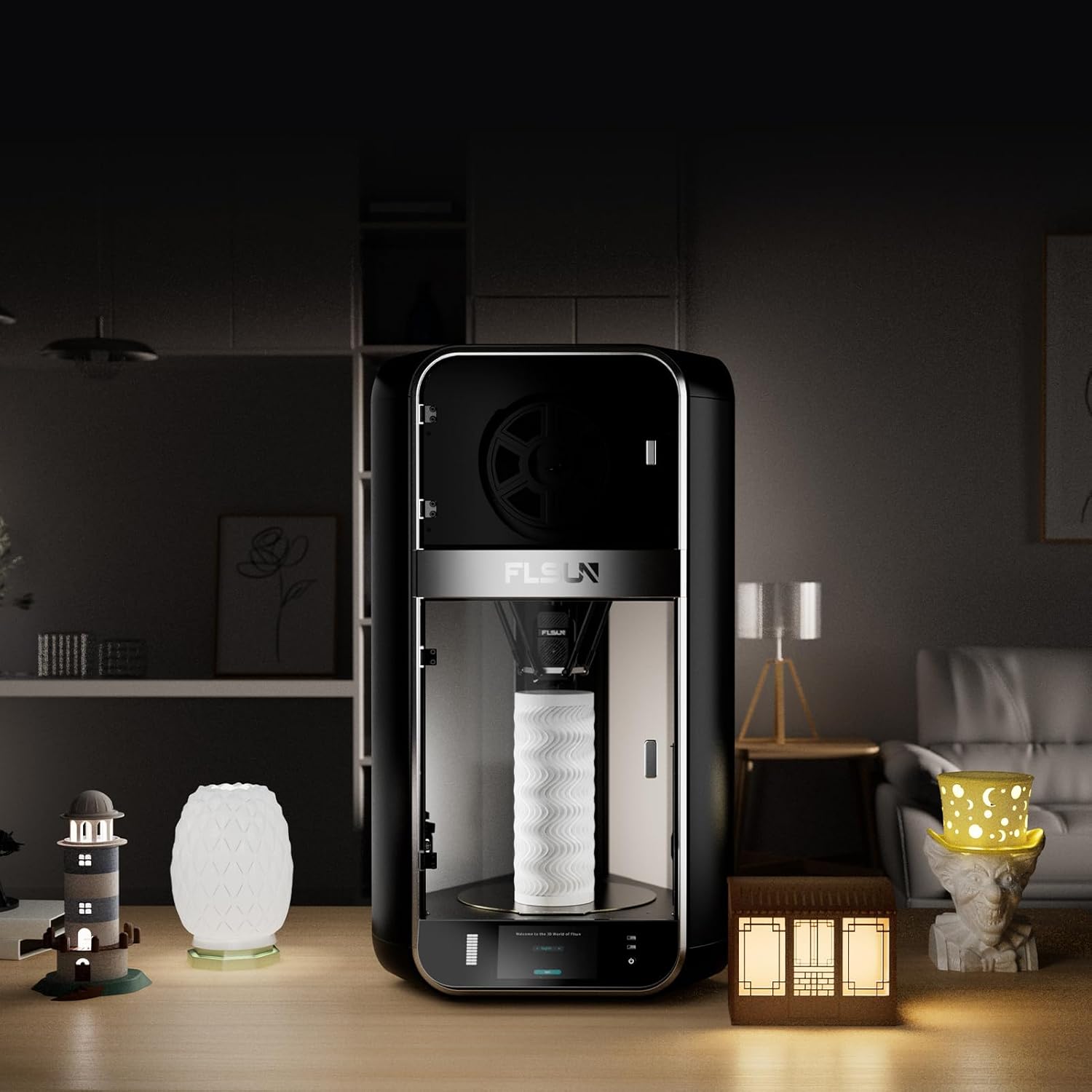
Figura 3.7: Examples de models impresos amb diversos tipus de filament.
4. Manteniment
Un manteniment regular garanteix la longevitat i el rendiment òptim de la impressora 3D FLSUN S1.
4.1 Neteja de la base d'impressió
Per mantenir una bona adhesió del filament, netegeu regularment la base d'impressió amb alcohol isopropílic per eliminar qualsevol empremta dactilar, pols o residus. Això s'ha de fer després de diverses impressions o si sorgeixen problemes d'adhesió.
4.2 Lubricació de les peces mòbils
Lubricar periòdicament les varetes llises i altres components mecànics mòbils amb un lubricant sec adequat (per exemple, esprai de PTFE) per garantir un funcionament suau i reduir el soroll.
4.3 Cura del broquet i del Hotend
El broquet és una peça consumible i es degradarà amb el temps. Substituïu el broquet o tot el conjunt hotend quan la qualitat d'impressió deteriori. Penseu en la possibilitat d'actualitzar a un conjunt hotend E3D V6 complet per obtenir un millor rendiment i durabilitat. També es recomana actualitzar el tub Bowden PTFE per un tub Capricorn per a una millor resistència a la calor, especialment quan s'imprimeix a temperatures més altes, per evitar la carbonització i l'exposició als fums.
5. Resolució de problemes comuns
Aquesta secció aborda alguns problemes comuns que els usuaris poden trobar i proporciona possibles solucions.
5.1 Problemes de qualitat d'impressió (per exemple, "Pell de salmó")
Si observeu parets exteriors ondulades o un efecte de "pell de salmó" a les impressions, això pot ser causat pels controladors de motor pas a pas. La instal·lació de suavitzadors TL de 8 díodes pot mitigar aquest problema evitant la retroalimentació d'energia als controladors.
5.2 Calibratge de l'extrusora (passos E)
Per obtenir una precisió òptima de l'extrusió, pot ser necessari calibrar els passos electrònics per mil·límetre de l'extrusora. Això implica marcar una longitud de filament, extrudir una quantitat específica i ajustar el valor dels passos electrònics al firmware o a la configuració de la impressora en funció de la longitud real extrudida.
5.3 Impressora oblidada de la configuració
Si la impressora perd la configuració (per exemple, l'anivellament automàtic, l'alçada Z) després d'apagar i encendre la impressora, assegureu-vos que la configuració es desi correctament a la memòria de la impressora després de l'ajust. Consulteu el manual oficial o els recursos de la comunitat per conèixer els procediments de desament específics.
5.4 Cerca de més suport
Per a problemes que requereixin assistència tècnica o servei de garantia, es recomana contactar directament amb el venedor a través de la plataforma on es va fer la compra. Ells poden proporcionar orientació o connectar-vos amb el suport d'FLSUN. A més, les comunitats en línia actives, com ara el grup de Facebook FLSUN, poden ser recursos valuosos per al firmware, les proves... files i preguntes freqüents generades pels usuaris.
6. Especificacions del producte
| Atribut | Detall |
|---|---|
| Dimensions del producte | 21.7 x 40.6 x 23.5 polzades (55.1 x 103.1 x 59.7 cm) |
| Pes de l'article | 40 lliures (18.14 kg) |
| Material | Metall |
| Color | Negre |
| Fabricant | FLSUN |
| País d'origen | Xina |
| Data de primera disponibilitat | 14 de març de 2025 |
7. Garantia i Suport
FLSUN es compromet a oferir un excel·lent servei al client i assistència per a la vostra impressora 3D S1.
7.1 Plans de protecció
Hi ha plans de protecció ampliada disponibles per a la compra que cobreixen la impressora 3D FLSUN S1 més enllà de la garantia estàndard. Les opcions inclouen:
- Pla de protecció de 3 anys
- Pla de protecció de 4 anys
Consulteu la fitxa de productes o poseu-vos en contacte amb el vostre distribuïdor per obtenir més informació sobre preus i cobertura.
7.2 Atenció al client
Per a qualsevol consulta, assistència tècnica o necessitats de suport, utilitzeu els canals d'atenció al client que us proporciona el vostre distribuïdor. També podeu visitar el lloc web oficial Botiga FLSUN per a recursos addicionals i informació de contacte.


