Introducció
This manual provides detailed instructions for the setup, operation, and maintenance of your PHOINIKAS Q2 Wireless Gaming Headset. Please read this manual thoroughly before using the product to ensure optimal performance and longevity.
Contingut del paquet
- PHOINIKAS Q2 Wireless Gaming Headset
- 2.4GHz USB-A Wireless Dongle
- Cable de càrrega USB-C a USB-A
- Cable d'àudio de 3.5 mm
- Manual d'usuari

Image: The PHOINIKAS Q2 Wireless Gaming Headset in white, shown with its 2.4GHz USB-A wireless dongle and USB-C charging cable.
Producte acabatview
Familiarize yourself with the components and design features of your headset.
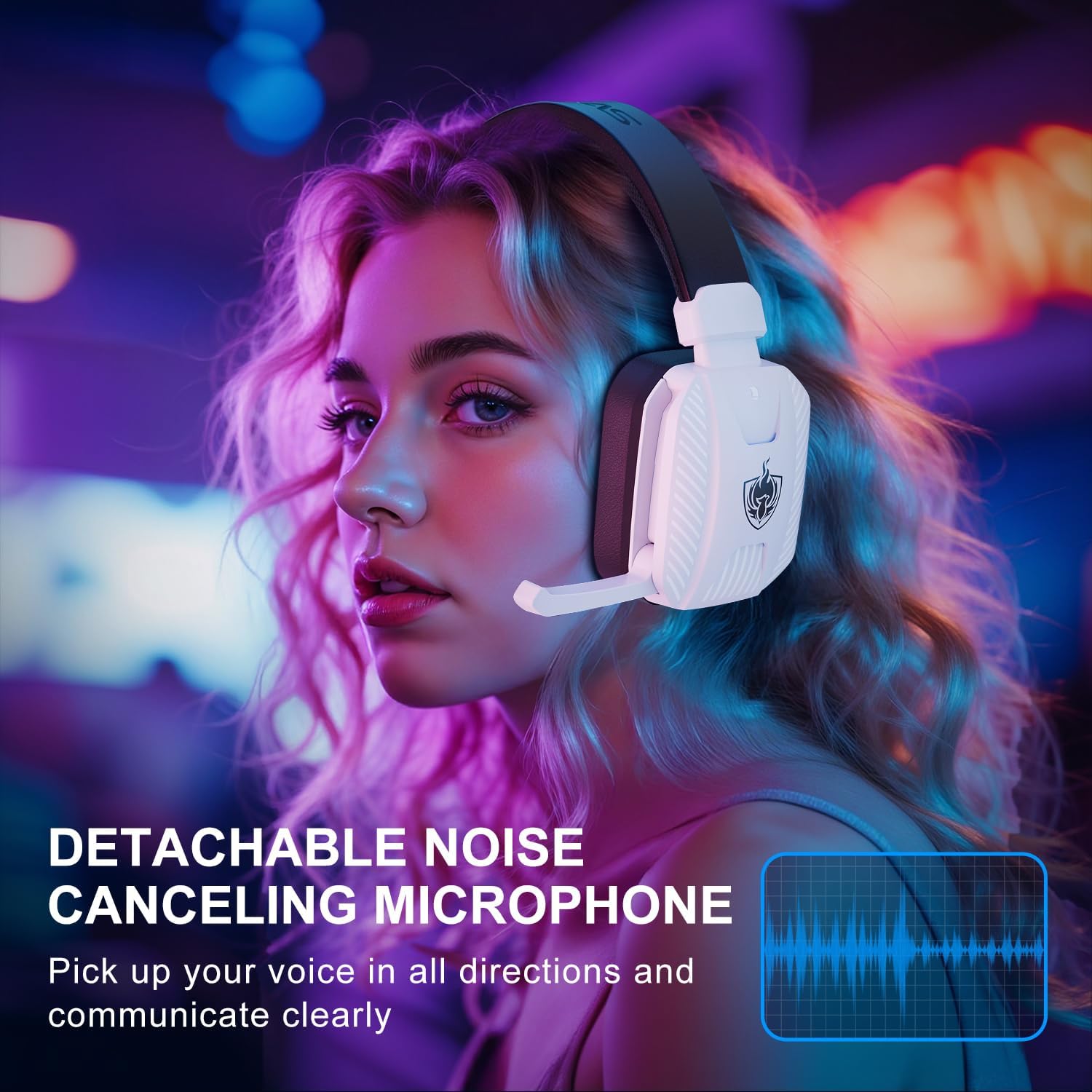
Image: The PHOINIKAS Q2 headset highlighting its breathable ear muffs, soft headband, and stretchable/adjustable design for comfort.
- Diadema ajustable: Per a un ajustament còmode i segur.
- Breathable Ear Muffs: Designed for extended wear and comfort.
- Micròfon desmuntable: For clear communication, can be removed when not needed.
- Roda de control de volum: Ajusta el nivell de sortida d'àudio.
- Botó de mode: Switch between 2.4GHz, Bluetooth, and Wired connection modes.
- Botó d'encesa: Turn the headset on or off.
- Port de càrrega USB-C: Per recarregar la bateria interna.
- Conector d'àudio de 3.5 mm: Per a connexions d'àudio amb cable.
Configuració
Càrrega dels auriculars
Before initial use, fully charge the headset. Connect the USB-C charging cable to the headset's charging port and the other end to a compatible USB power source (e.g., computer USB port, wall adapter). The charging indicator light will show the charging status. A full charge takes approximately 3 hours.

Image: The PHOINIKAS Q2 headset on a charging base, illustrating the battery icon and indicating over 30 hours of playtime and a 3-hour charging time.
Connectant els auriculars
The PHOINIKAS Q2 headset supports three connection modes: 2.4GHz Wireless, Bluetooth, and 3.5mm Wired.
1. 2.4GHz Wireless Mode (for PS4, PS5, PC, Switch, Mobile with Type-C)
- Insert the 2.4GHz USB-A or Type-C wireless dongle into an available USB port on your device (PS4, PS5, PC, Switch dock, or mobile device with Type-C).
- Power on the headset. The headset will automatically attempt to connect to the dongle.
- Once connected, the indicator light on the headset will stabilize, indicating a successful connection.
- On your device, ensure the audio output is set to the "PHOINIKAS Q2" headset.

Image: A visual representation of the 2.4GHz wireless dongle connected to various devices like PS5, PC, Switch, and mobile phones, demonstrating multi-platform compatibility.
Nota: 2.4GHz wireless connection is not compatible with Xbox devices.
2. Bluetooth 5.3 Mode (for Mac, Switch, Mobile)
- Encendre els auriculars.
- Press and hold the Mode button until the indicator light flashes, indicating pairing mode.
- On your device (Mac, Switch, mobile phone), enable Bluetooth and search for "PHOINIKAS Q2" in the list of available devices.
- Select "PHOINIKAS Q2" to pair. Once paired, the indicator light will stabilize.
Nota: Bluetooth function does not support PS5 or PS4 consoles for gaming audio.
3. Wired Mode (for all devices with 3.5mm port)
- Connecteu el cable d'àudio de 3.5 mm al connector d'àudio de 3.5 mm dels auriculars.
- Connect the other end of the 3.5mm audio cable to the 3.5mm port on your device (e.g., PC, laptop, Xbox controller, mobile phone).
- In wired mode, the headset's power is not required for audio, but some features like LED lights or microphone functionality might be limited or inactive depending on the device.
Nota: For older Xbox One controllers without a 3.5mm port, an additional adapter (sold separately) may be required.
Instruccions de funcionament
Encès/Apagat
- Encès: Premeu i manteniu premut el botó d'engegada durant aproximadament 3 segons fins que l'indicador lluminós s'il·lumini.
- Apagar: Premeu i manteniu premut el botó d'engegada durant aproximadament 3 segons fins que l'indicador lluminós s'apagui.
Control de volum
Rotate the volume control wheel located on the earcup to adjust the audio output level.
Ús del micròfon
The headset features a detachable, noise-canceling microphone for clear voice communication.
- Attach/Detach: Insert the microphone into the designated port on the left earcup. To remove, gently pull it out.
- Silencia/Activa el silenci: Use the microphone mute button (if present, or refer to your device's audio settings) to toggle microphone input.
- Posicionament: Adjust the flexible microphone arm for optimal voice capture.
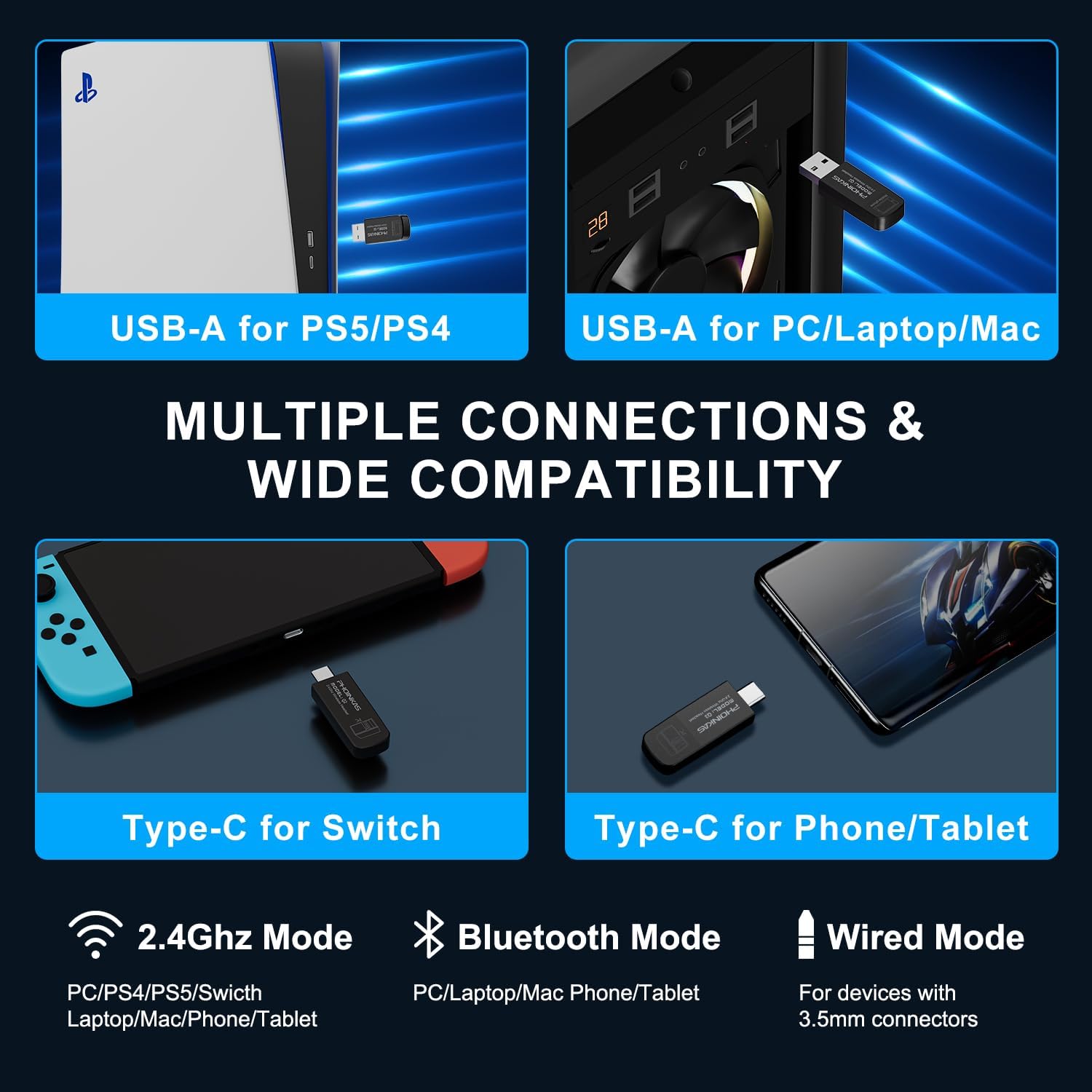
Image: A user wearing the PHOINIKAS Q2 headset, demonstrating the detachable noise-canceling microphone in use, with a visual representation of sound wave clarity.
7.1 Stereo & 3D Surround Sound
The headset is equipped with high-precision 40mm dynamic drivers and 7.1 surround sound technology to deliver enhanced audio clarity and realistic 3D sound for an immersive gaming experience. This feature is typically active when connected via 2.4GHz wireless or USB, and may require software configuration on PC.
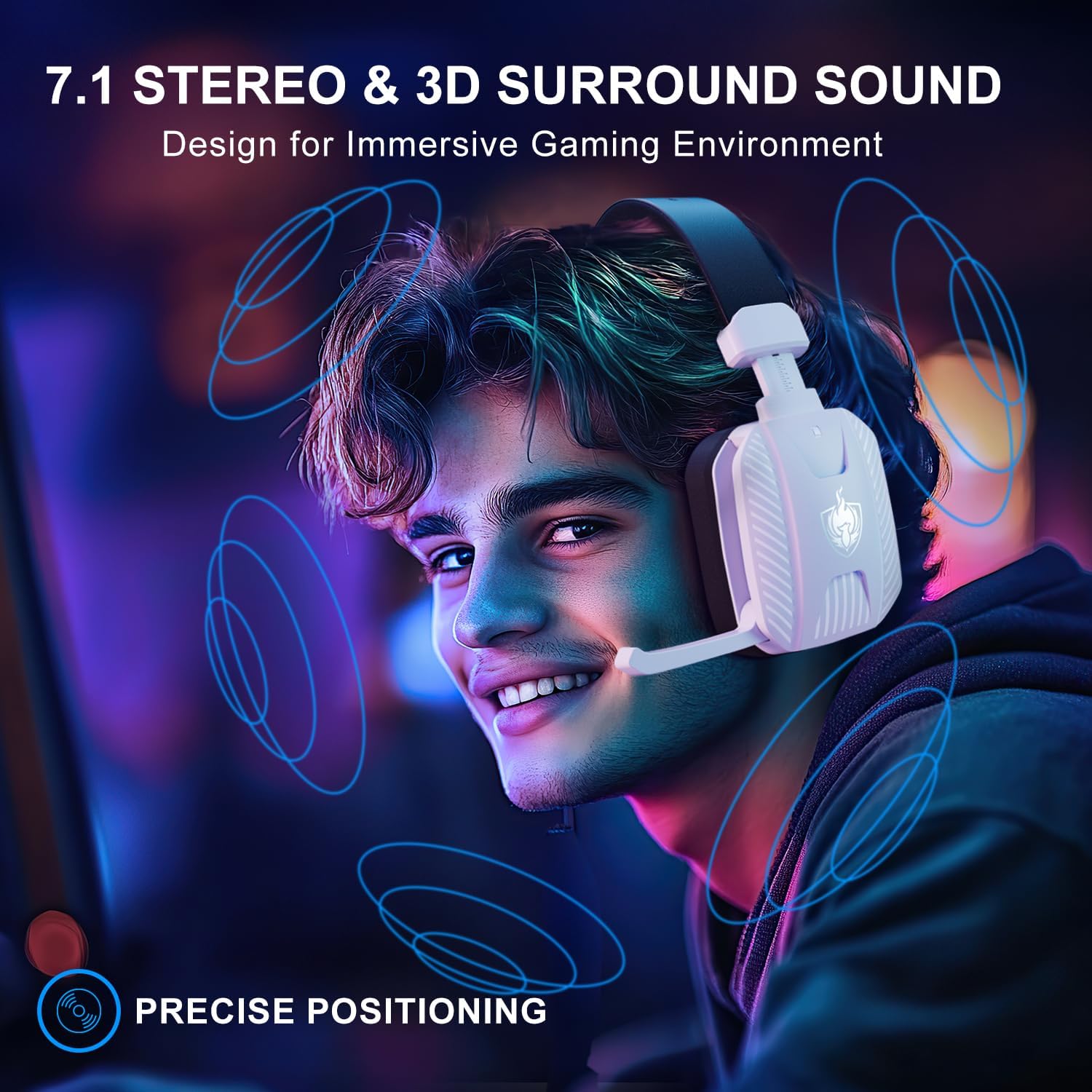
Image: A user experiencing immersive audio with the PHOINIKAS Q2 headset, illustrating the 7.1 stereo and 3D surround sound capabilities for precise audio positioning.
Manteniment
- Neteja: Feu servir un drap suau i sec per netejar els auriculars. Eviteu utilitzar productes químics agressius o materials abrasius.
- Emmagatzematge: Guardeu els auriculars en un lloc fresc i sec, allunyat de la llum solar directa i de temperatures extremes.
- Cura de la bateria: Per allargar la durada de la bateria, eviteu descarregar completament els auriculars amb freqüència. Carregueu-los regularment, fins i tot si no els feu servir durant períodes prolongats.
- Cura del cable: Manipuleu els cables amb cura. Eviteu doblegar-los bruscament o estirar-los excessivament per evitar danys.
Resolució de problemes
- Q: The headset does not power on.
- A: Ensure the headset is fully charged. Connect it to a power source using the USB-C cable and allow it to charge for at least 30 minutes before attempting to power on again.
- Q: No sound or poor sound quality.
- A:
- Check the volume control on the headset and your connected device.
- For 2.4GHz wireless, ensure the dongle is properly inserted and the headset is paired. Verify the audio output settings on your device.
- For Bluetooth, ensure the headset is paired and connected to your device. Check Bluetooth settings.
- For wired connection, ensure the 3.5mm cable is securely connected to both the headset and the device.
- Ensure the headset is not muted on your device.
- P: El micròfon no funciona.
- A:
- Ensure the detachable microphone is securely inserted into the headset.
- Check if the microphone is muted on the headset or your connected device.
- Verify the input device settings on your computer or console to ensure the headset microphone is selected.
- Note that the microphone function is not compatible with Nintendo Switch in 2.4GHz mode.
- Q: Headset not connecting via 2.4GHz wireless to Xbox One/Series X/S.
- A: The 2.4GHz wireless mode is not compatible with Xbox consoles. For Xbox, use the 3.5mm wired connection to the controller. An adapter may be needed for older Xbox One controllers.
- Q: Bluetooth connection not working with PS4/PS5.
- A: The Bluetooth function of this headset is not designed for gaming audio on PS4 or PS5. Use the 2.4GHz wireless dongle for these consoles.
Especificacions
| Característica | Detall |
|---|---|
| Nom del model | Q2 |
| Tecnologia de connectivitat | Sense fil de 2.4 GHz, Bluetooth 5.3, cable de 3.5 mm |
| Control de soroll | Aïllament acústic |
| Conector d'auriculars | 3.5 mm Jack |
| Tipus de controlador d'àudio | Conductor dinàmic |
| Mida del controlador d'àudio | 40 mm |
| Impedància | 20 ohms |
| Versió Bluetooth | 5.3 |
| Interval Bluetooth | 15 metres |
| Audio Latency (2.4GHz) | Menys de 25 ms |
| Durada de la bateria | Up to 30 hours (at 60% volume + light) |
| Temps de càrrega | Aproximadament 3 hores |
| Pes | 0.41 quilograms (14.4 unces) |
| Material | Plàstic |
| Dispositius compatibles | Desktops, Gaming Consoles (PS4, PS5, Switch), Laptops, Mobile Phones |
Garantia i Suport
PHOINIKAS products are manufactured with quality and performance in mind. For warranty information and customer support, please refer to the documentation included with your purchase or visit the official PHOINIKAS weblloc.
For further assistance, you may contact PHOINIKAS customer service directly.


