Introducció
This manual provides essential information for setting up, operating, maintaining, and troubleshooting your Philips Ambilight 43PUS9000 4K QLED Smart TV. Please read these instructions carefully before using your television.
The Philips 43PUS9000 features a 43-inch 4K QLED display, Ambilight technology, the P5 Perfect Picture Engine, Titan OS for smart TV functionalities, and supports Dolby Vision and Dolby Atmos sound.
Configuració
1. Desembalatge i comprovació del contingut
Carefully remove the TV from its packaging. Ensure all components are present. If any items are missing or damaged, contact your retailer.
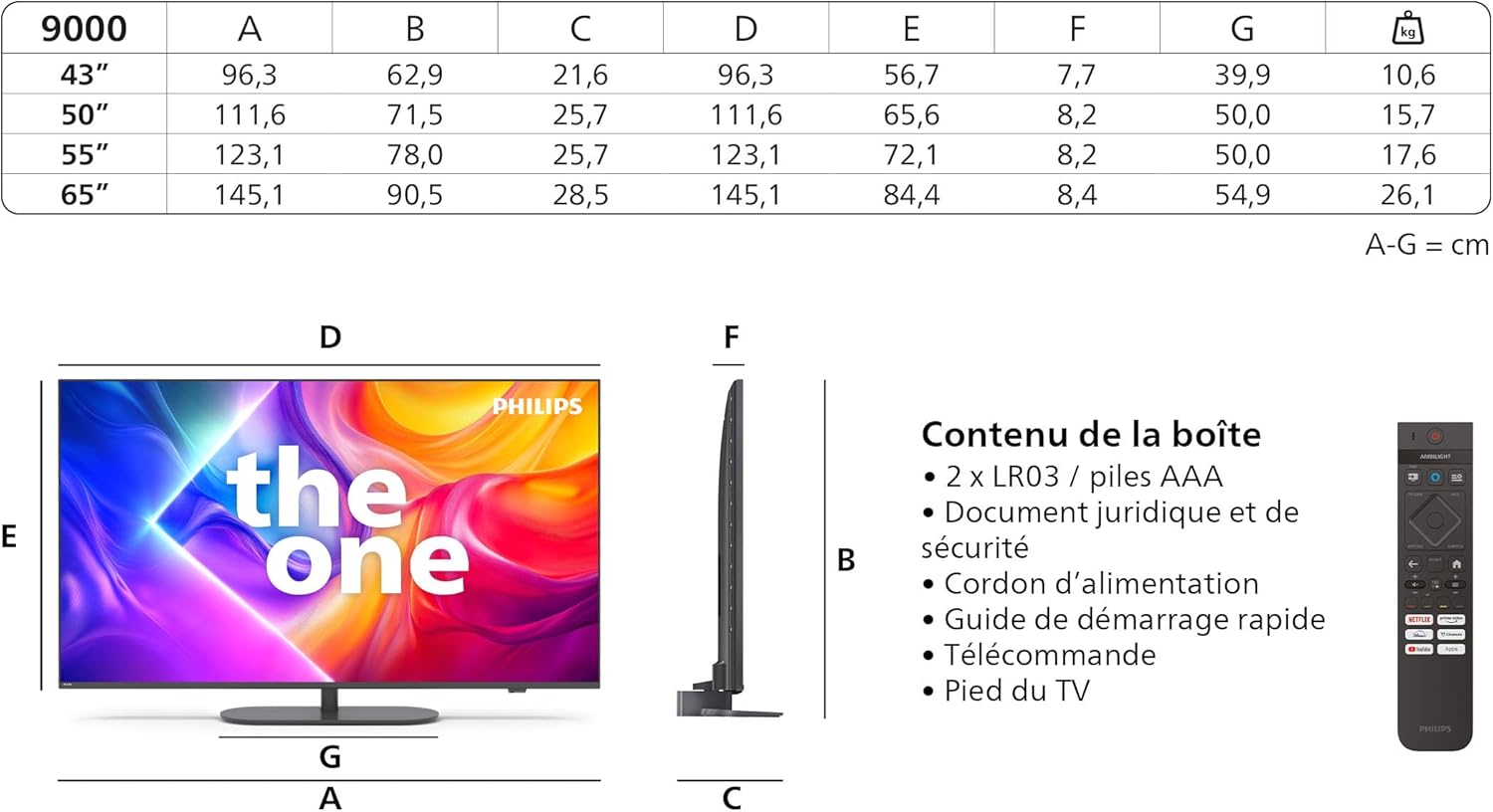
Image: Contents of the box, including the TV, remote, batteries, power cable, manual, and stand.
Components inclosos:
- Unitat de TV
- Remote Control with 2 AAA Batteries
- Cable d'alimentació
- Dempeus
- Manual d'usuari i targeta de garantia
2. Muntatge de l'estand
Follow the instructions provided in the quick start guide to securely attach the TV stand. Ensure all screws are tightened properly to prevent the TV from tipping.
3. Dispositius de connexió
Before connecting any cables, ensure the TV and all devices are powered off.

Image: Rear connection ports including HDMI, USB, and Triple Tuner inputs.
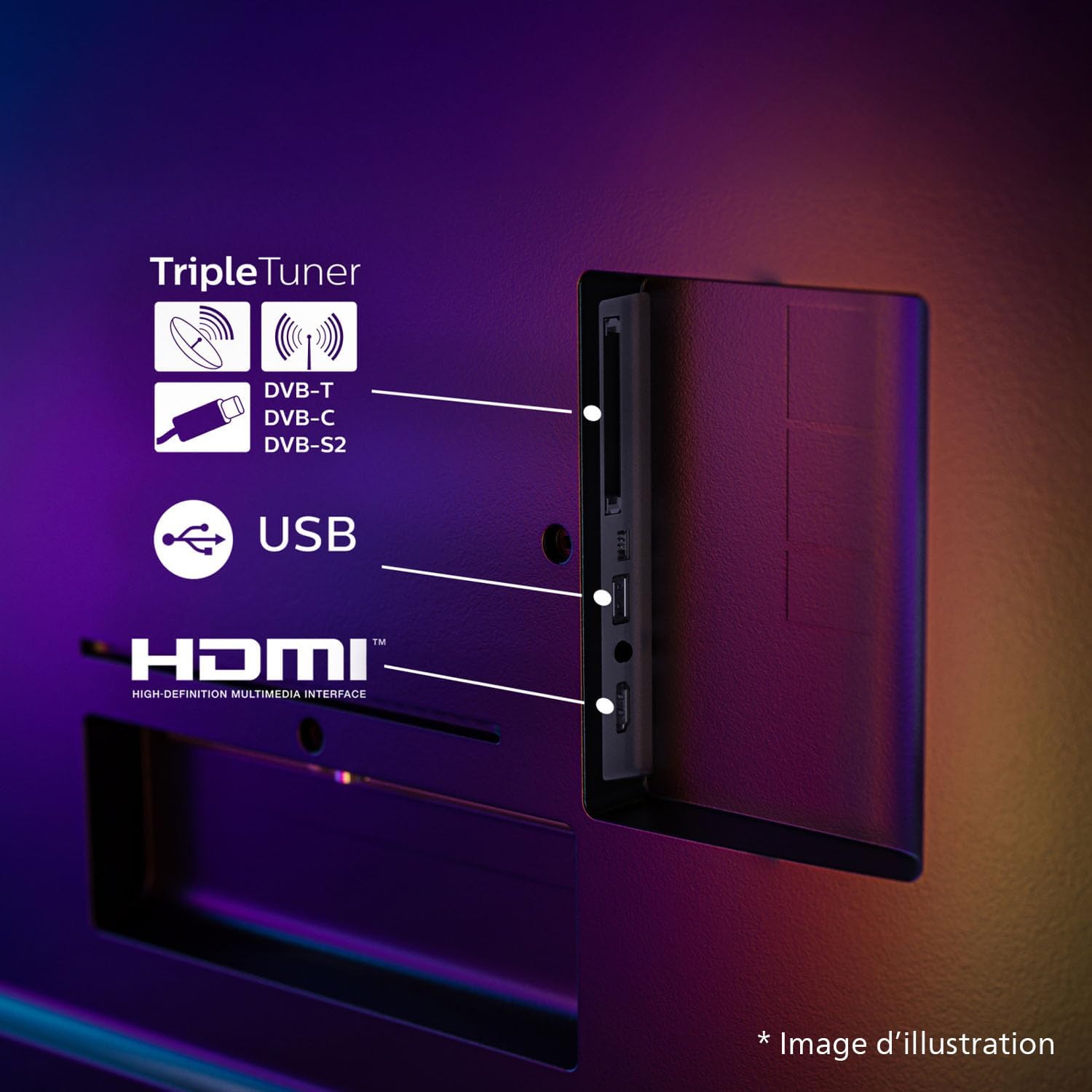
Image: Diagram of side and bottom connection ports.
- Potència: Connecteu el cable d'alimentació al televisor i després a una presa de corrent.
- HDMI: Use HDMI ports for high-definition devices like Blu-ray players, game consoles, or set-top boxes. This TV has 4 HDMI ports.
- USB: Connect USB devices such as external hard drives or USB sticks to the 2 USB ports for media playback.
- Xarxa: Connect an Ethernet cable for a wired internet connection, or use the built-in Wi-Fi for wireless connectivity.
- Antena/Satèl·lit: Connect your TV antenna or satellite dish cable to the appropriate input for DVB-T, DVB-C, or DVB-S2 signals.
- Sortida d'àudio digital: Connecteu-lo a un sistema d'àudio extern per obtenir un so millorat.
4. Configuració per primera vegada
After connecting all necessary cables, plug in the TV and press the power button on the remote control. The TV will guide you through the initial setup process, which typically includes:
- Selecció de la llengua
- Connexió de xarxa (Wi-Fi o Ethernet)
- Escaneig de canals
- Accepting terms and conditions for Smart TV features
En funcionament
1. Funcions de control remot
The remote control allows you to navigate the TV's menus, change channels, adjust volume, and access smart TV features. Refer to the quick start guide for a detailed layout of the remote control buttons.
2. Ambilight Feature
Ambilight technology projects colors from the screen onto the wall behind the TV, creating an immersive viewing experience. You can customize Ambilight settings in the TV menu to match your preferences, including brightness, color mode, and responsiveness.
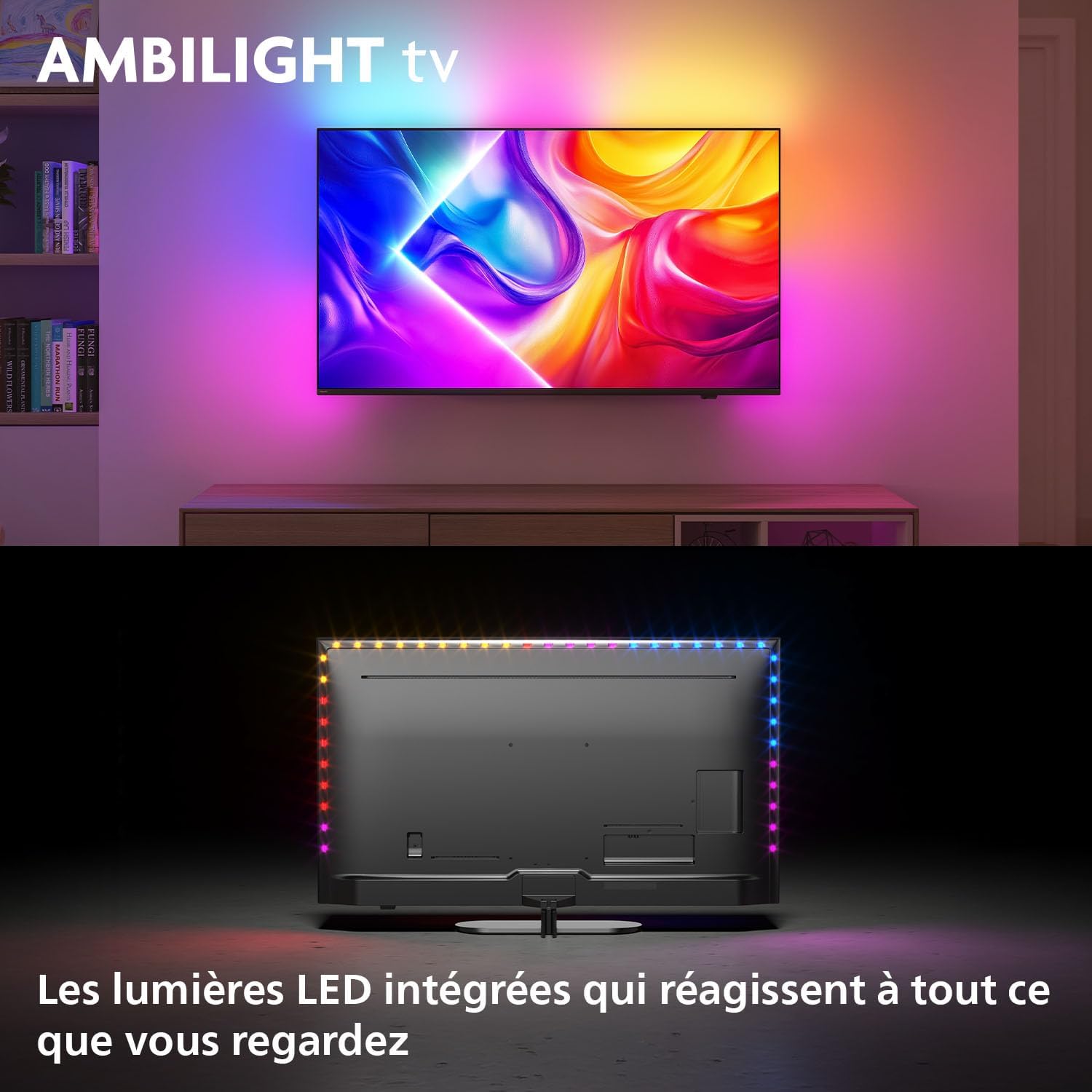
Image: Ambilight TV in operation, showing ambient lighting extending beyond the screen.
3. Picture Settings (P5 Perfect Picture Engine, QLED, HDR)
The P5 Perfect Picture Engine optimizes picture quality by enhancing sharpness, color, contrast, and motion. The QLED display technology provides vibrant colors and high brightness. This TV supports various HDR formats for improved contrast and detail in compatible content.

Image: 4K QLED display technology with HDR10+.
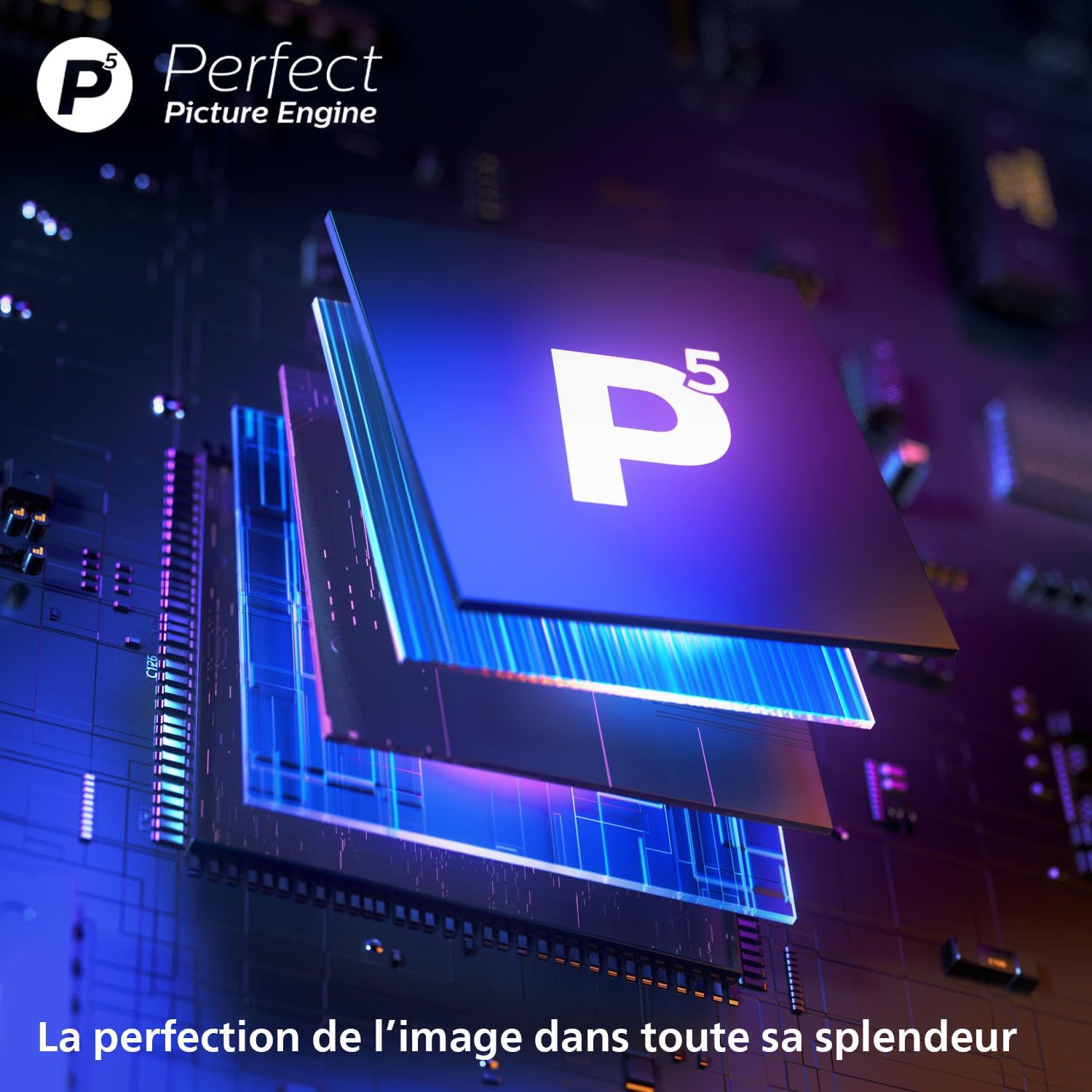
Image: P5 Perfect Picture Engine.
4. Sound Settings (Dolby Atmos)
The TV features Dolby Atmos support, providing immersive audio that moves around and above you. Adjust sound modes and equalizer settings in the audio menu to optimize your listening experience.
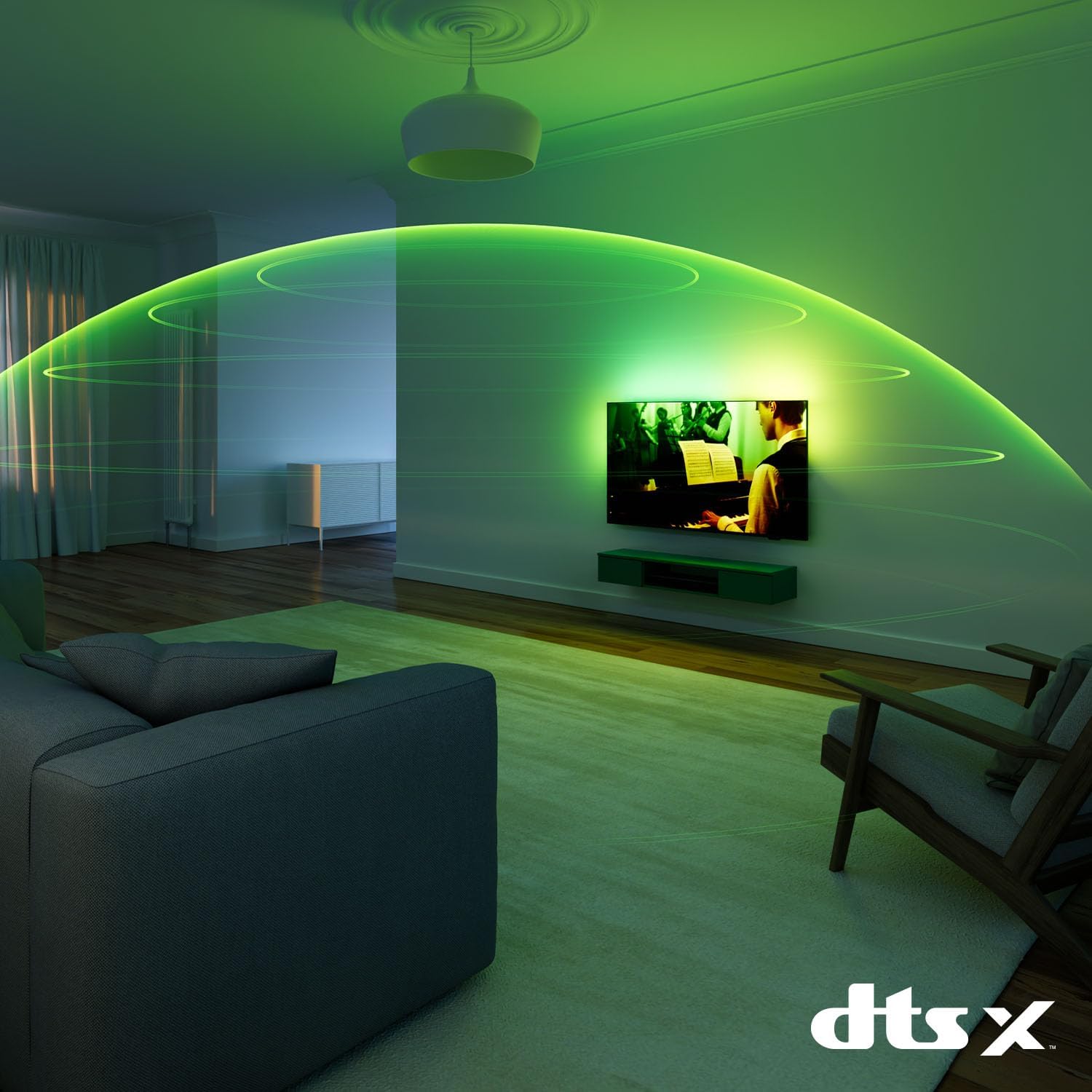
Image: Immersive audio experience.
5. Smart TV Features (Titan OS)
The Titan OS platform provides access to various streaming services and applications. Navigate through the home screen to find content, manage apps, and customize your viewing experience. The TV supports popular streaming platforms.
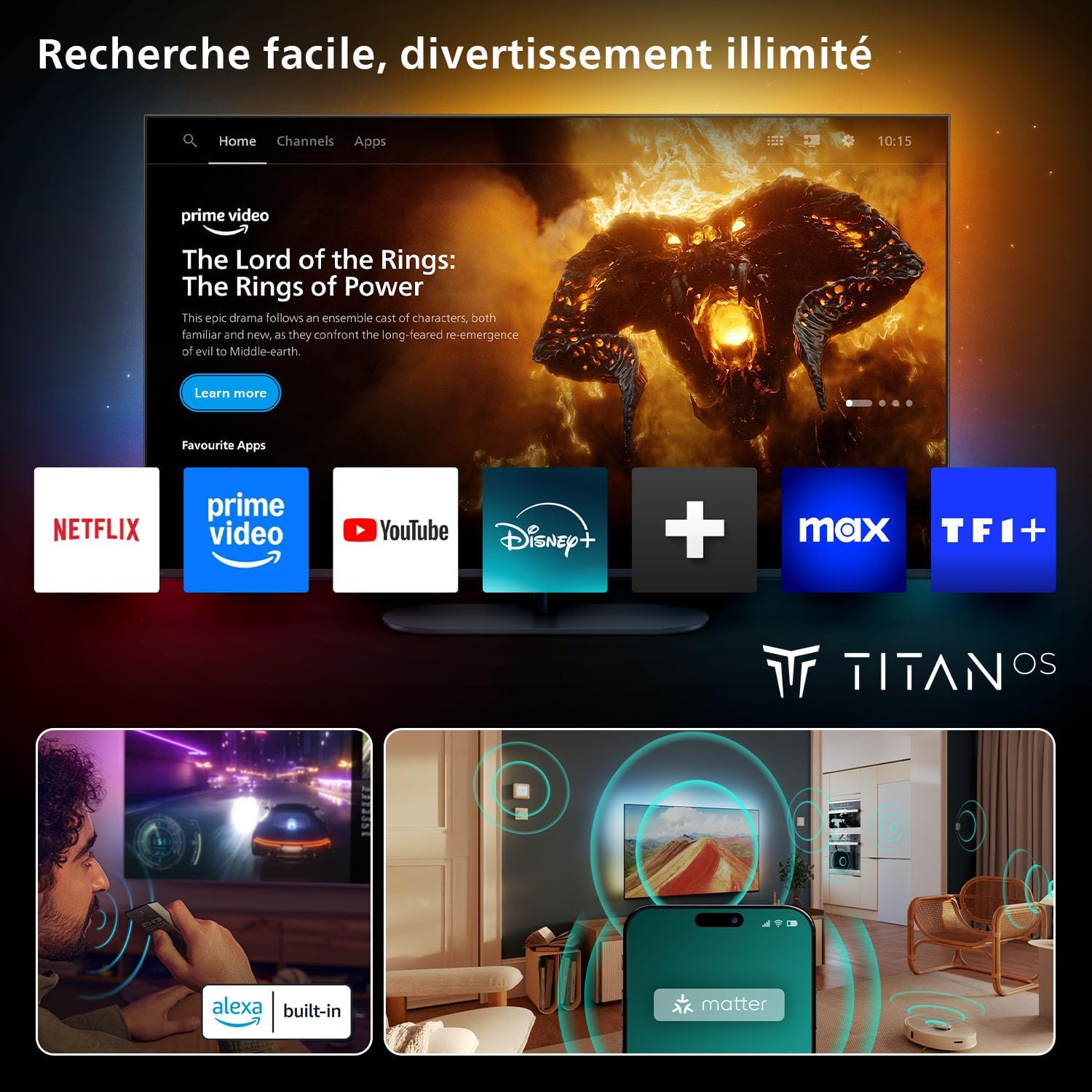
Image: Titan OS Smart TV interface.
6. Control per veu
This TV integrates with Google Home and Alexa, allowing you to control the TV using voice commands. Ensure your TV is connected to the internet and linked to your voice assistant account.

Image: Google Home and Alexa voice control integration.
7. Característiques de joc
For gamers, the TV offers a 144 Hz refresh rate, Variable Refresh Rate (VRR), and AMD FreeSync Premium support, ensuring smooth and responsive gameplay.

Image: Gaming features including 144Hz, VRR, and AMD FreeSync Premium.
Manteniment
1. Neteja del televisor
- Desendolla sempre el televisor abans de netejar-lo.
- Feu servir un drap suau i sense borrissol per netejar suaument la pantalla. Per a marques difícils, fregueu lleugerament.ampNetegeu el drap amb aigua o amb un netejador de pantalles especialitzat.
- Clean the TV frame and stand with a soft, dry cloth. Avoid using abrasive cleaners or solvents.
2. Actualitzacions de programari
Periodically check for software updates through the TV's settings menu. Updates can improve performance, add new features, and fix bugs. Ensure your TV is connected to the internet to receive updates.
Resolució de problemes
Si teniu problemes amb el televisor, consulteu els problemes i solucions més comuns següents:
- Sense energia: Ensure the power cable is securely connected to both the TV and the wall outlet. Check if the power outlet is functioning.
- Sense imatge/so: Verify that the correct input source is selected. Check all cable connections (HDMI, antenna). If using external devices, ensure they are powered on.
- Problemes de connexió de xarxa: If experiencing frequent disconnections or error codes (e.g., SP_0), try restarting your router and the TV. For wired connections, ensure the Ethernet cable is properly connected. For Wi-Fi, re-enter the password if necessary.
- Remote Control Unresponsive/Lag: Replace the batteries in the remote control. Ensure there are no obstructions between the remote and the TV's IR sensor. If the TV itself is slow to respond, a power cycle (unplugging and replugging) may resolve the issue.
- Mala qualitat d'imatge: Adjust picture settings (brightness, contrast, sharpness, color). Ensure the content source is high quality.
If the problem persists, consult the full electronic manual or contact Philips customer support.
Especificacions
| Característica | Especificació |
|---|---|
| Marca | PHILIPS |
| Número de model | 43PUS9000/12 |
| Mida de la pantalla | 43 polzades |
| Sistema operatiu | Titan OS |
| Tecnologia de visualització | LED (QLED) |
| Resolució | 4K |
| Freqüència d'actualització | 144 Hz |
| Connexions | HDMI, Wi-Fi, Bluetooth, Ethernet, USB, Optical |
| Nombre de ports USB | 2 |
| Característiques especials | AMD FreeSync, Ambilight, Ambient Light Sensor, Game Mode, Automatic Volume Leveler |
| Dispositius compatibles | Headphones, Game Console, Speaker, Laptop, Smartphone |
| Dimensions del producte (P x A x A) | 21.6 x 96.2 x 62.9 cm |
Image: TV dimensions table.

Image: Recommended viewing distàncies.
Garantia
This product comes with a manufacturer's warranty of 2 years. Please refer to the warranty card included in the packaging for detailed terms and conditions.
Suport
For further assistance, technical support, or to download the full electronic user manual, please visit the official Philips support website. You can also find FAQs and contact information there.


