1. Introducció i informació de seguretat
This manual provides essential information for the safe and effective operation of your YESWELDER Auto Darkening Welding Helmet, model LYG-L600A-MC. Please read and understand all instructions before use to ensure personal safety and proper function of the helmet.
The helmet is designed to protect your eyes and face from sparks, spatter, and harmful radiation under normal welding conditions. It features advanced blue light blocking technology, true color view, and fast auto-darkening capabilities for various welding processes.
Característiques principals:
- Protecció ocular avançada: Blue Light Blocking outer lens filters harmful high-energy blue light rays.
- True Color & Clear View: Upgraded 1/1/1/1 optical clarity with a 3.64"x1.67" viewing area for improved visibility and reduced eye strain.
- Fast Auto-Darkening: Two premium arc sensors trigger darkness in 1/30000 seconds.
- Aplicació múltiple: Wide shade range 3.5/9-13, suitable for TIG, MIG, MMA (Stick), and GRIND modes.
- Llarga vida útil: Powered by solar panel technology and a replaceable CR2450 lithium battery.
- Confort i durabilitat: Pivot style headgear for superior comfort and secure fit, meeting ANSI Z87.1 and CSA Z94.3 standards.
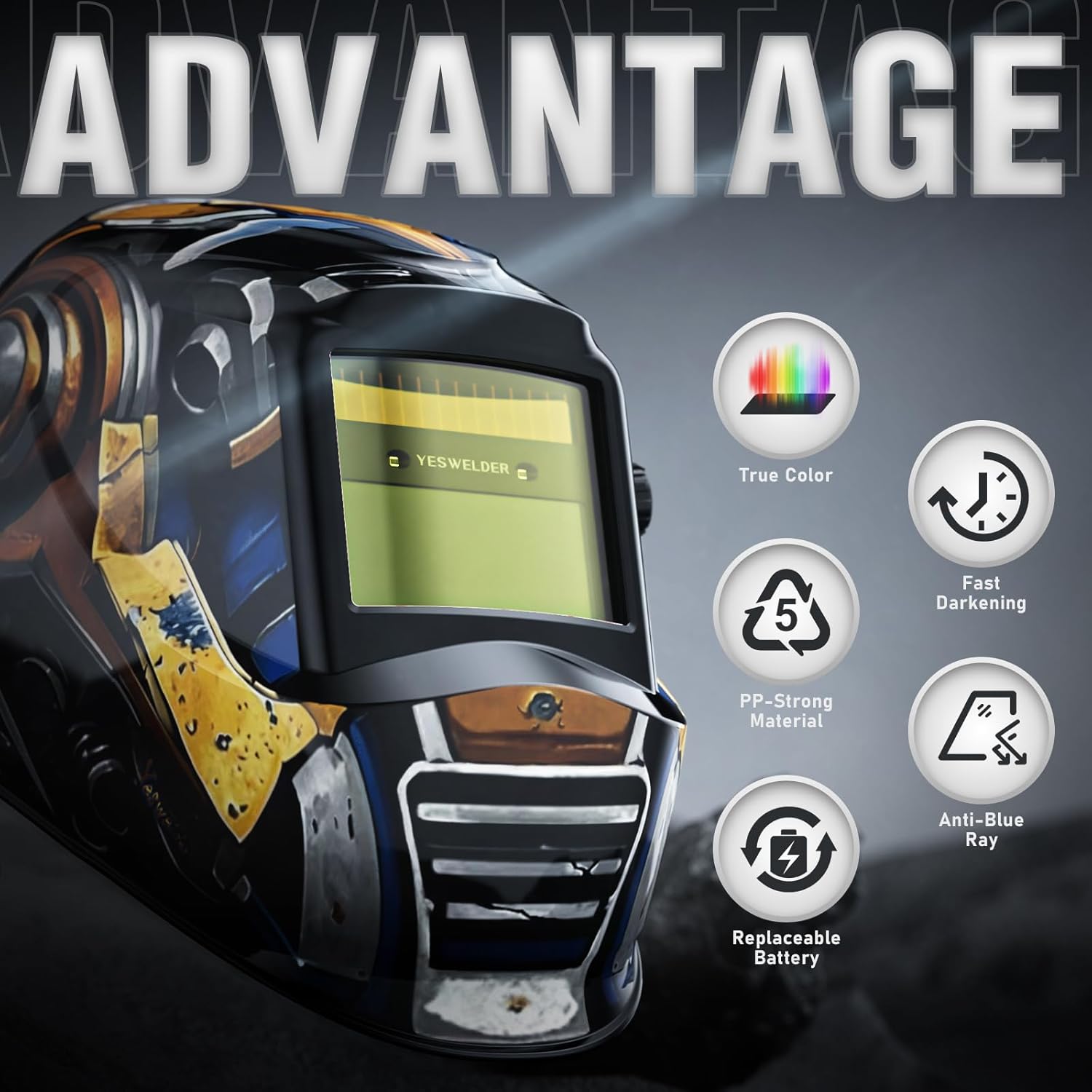
Figura 1: Mésview of the YESWELDER Auto Darkening Welding Helmet's advantages.
2. Configuració i ajust
2.1 Ajust del casc
The helmet features an adjustable headgear system to ensure a comfortable and secure fit. Adjust the straps and pivot points to match your head size and preferred helmet position. The rear knob allows for quick tightening or loosening of the headgear.
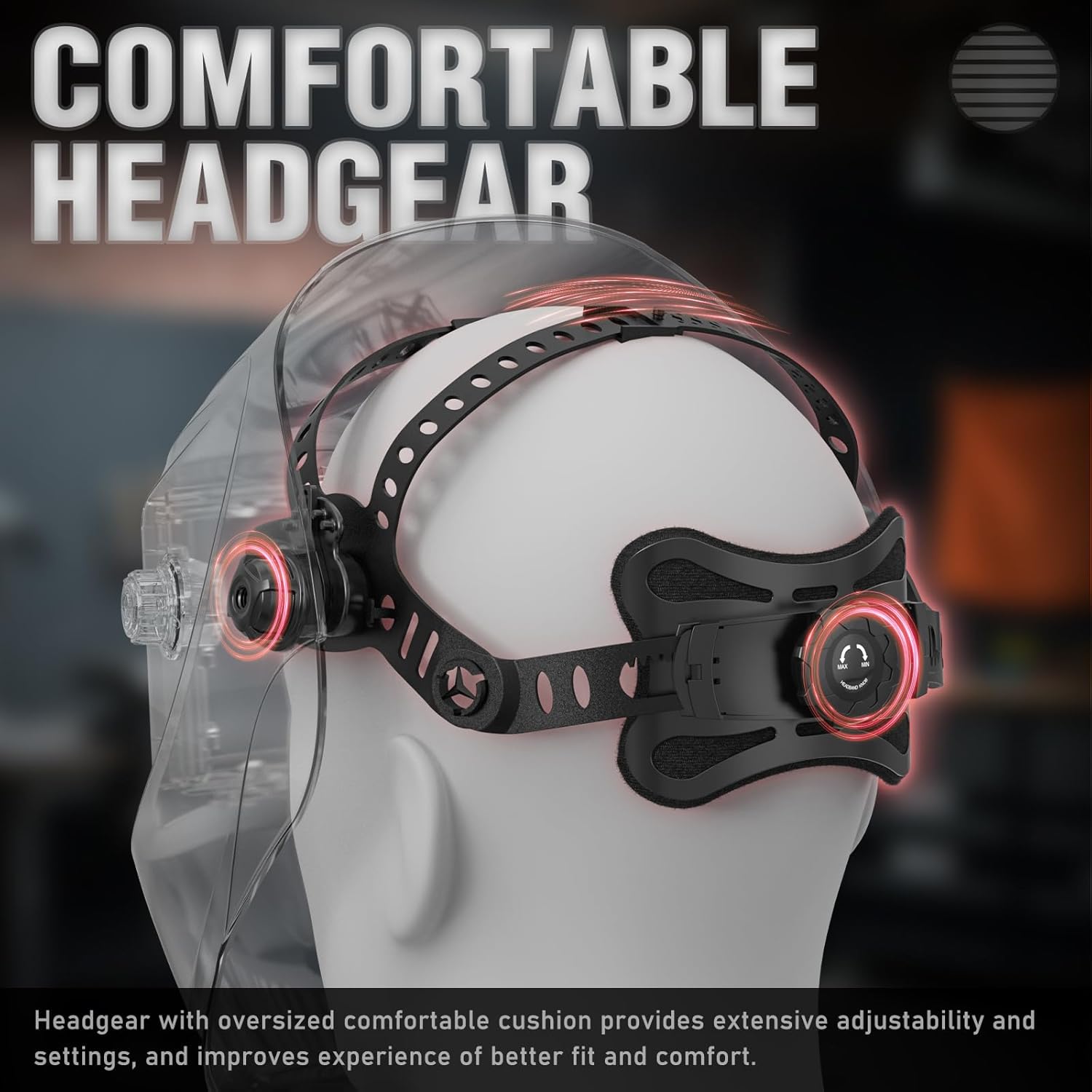
Figure 2: Adjustable headgear for a comfortable and secure fit.
2.2 Battery Installation and Power Source
The helmet is powered by solar energy and a replaceable CR2450 lithium battery. The solar panel charges the battery during use, extending its life. Ensure the battery is correctly installed before first use.

Figure 3: Dual power sources: solar panel and replaceable CR2450 battery.
Substitució de la bateria:
- Use a flat-head screwdriver to open the battery compartment cover.
- Tilt the battery to lock it in place (with the positive pole facing upwards).
- Press down the cover and rotate it to close.

Figure 4: Battery replacement procedure.
Video 1: Demonstrates the easy battery replacement feature of the YESWELDER helmet, highlighting its convenience compared to older models.
3. Instruccions de funcionament
3.1 Selecció del mode de soldadura
The helmet supports multiple welding processes. Use the external controls to select the appropriate mode for your task:
- Mode de soldadura: For TIG, MIG, and MMA (Stick) welding.
- Mode de mòlta: For grinding operations, providing clear vision without darkening.

Figure 5: The helmet is suitable for various welding and grinding applications.

Figure 6: Switching between Grind Mode and Welding Mode.
3.2 Adjusting Shade, Sensitivity, and Delay
El casc compta amb controls externs per ajustar fàcilment l'ombra, la sensibilitat i el retard sense treure's el casc.
- Control de l'ombra: Adjust the darkness level from 9 to 13 for welding, and 3.5 for grinding.
- Control de sensibilitat: Adjust how easily the sensors detect the arc and darken the lens.
- Control de retard: Adjust the time it takes for the lens to return from dark to light after the arc stops (0.1 to 1.0 seconds).

Figure 7: External controls for fine-tuning welding parameters.
Video 2: Demonstrates the automatic darkening feature and responsiveness of the YESWELDER True Color Auto Darkening Welding Helmet.
Vídeo 3: Proporciona un excésview of the YESWELDER Auto Darkening Welding Helmet's features, including solar power and adjustable settings.
4. Manteniment
4.1 Neteja i emmagatzematge
Regularly clean the helmet, especially the lens, with a soft, damp cloth. Avoid abrasive cleaners or solvents that could damage the lens or helmet material. Store the helmet in a dry, clean place away from direct sunlight and extreme temperatures.
4.2 Substitució de la lent
The helmet comes with replacement lenses. If the outer or inner protective lenses become scratched or damaged, they should be replaced immediately to maintain optical clarity and protection.

Figure 8: The helmet includes replacement lenses and an extra battery.
Vídeo 4: Un review of the YESWELDER helmet, mentioning the inclusion of extra lenses and battery.
5. Solució De Problemes
If you encounter any issues with your welding helmet, refer to the following common troubleshooting steps:
- La lent no s'enfosqueix: Check battery level. Ensure solar panel is exposed to light. Verify arc sensors are clean and unobstructed. Adjust sensitivity settings.
- Mala visibilitat: Clean the protective lenses. Replace scratched or damaged lenses. Ensure correct shade setting for the welding process.
- Ajust incòmode: Re-adjust headgear straps and pivot points for a snug yet comfortable fit.
Per a problemes persistents, poseu-vos en contacte amb l'atenció al client.
6. Especificacions
| Característica | Especificació |
|---|---|
| Viewing Size | 3.64 cm x 1.67 cm |
| Claredat òptica | 1/1/1/1 |
| Temperatura de funcionament | 23°F ~ 131°F / -5°C ~ +55°C |
| Hora de canvi | 1/30000 s |
| Font d'alimentació | Replaceable CR2450 Lithium Battery, Solar Powered |
| Ajust de sensibilitat | Stepless Control |
| Temps de retard | 0.1s/0.5s/1.0s |
| Estàndards complerts | ANSI Z87.1, DIN EN 379, CSA Z94.3 |
| Pes de l'article | 1.92 lliures (0.87 quilograms) |
| Dimensions del producte | 1 x 1 x 1 polzades |
Figure 9: Technical specifications and certifications.
7. Garantia i Suport
Your YESWELDER Auto Darkening Welding Helmet is backed by a 1-year warranty, ensuring quality and reliability. For any questions, technical assistance, or warranty claims, please contact our customer support team.
Atenció al client:
We offer 24/7 customer support to assist you with any inquiries or issues you may have.
- Assistència en línia: Visit the official YESWELDER weblloc web amb preguntes freqüents i informació de contacte.
- Suport per correu electrònic: Disponible les 24 hores del dia per a la vostra comoditat.
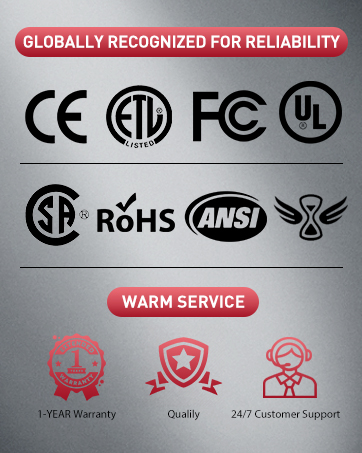
Figure 10: Certifications and customer support information.


