Introducció
This manual provides detailed instructions for the setup, operation, and maintenance of your SANSUI 27 Inch Curved 160Hz Gaming Monitor. Designed for an immersive gaming experience, this monitor features a 1500R curvature, a high 160Hz refresh rate, and a rapid 1ms MPRT response time. Please read this manual thoroughly before using the monitor to ensure optimal performance and longevity.
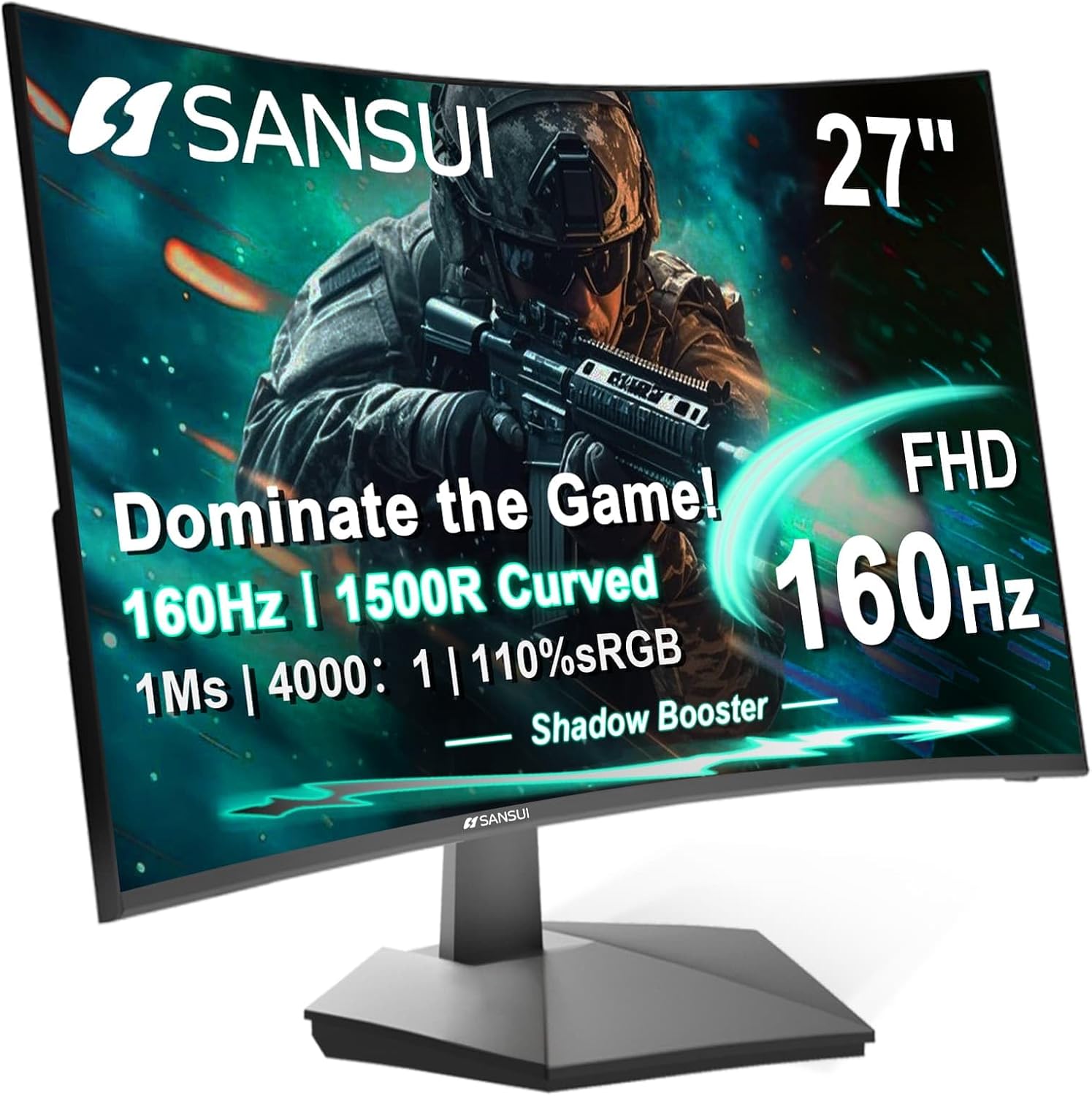
Davant view of the SANSUI 27 Inch Curved 160Hz Gaming Monitor, showcasing la seva pantalla corba immersiva.
Contingut del paquet
Before proceeding with the setup, please verify that all items listed below are present in your package:
- Monitor
- Suport de monitor
- Adaptador d'alimentació
- Cable HDMI
- Manual d'usuari
Instruccions de configuració
1. Muntatge del suport
- Traieu amb cura els components del monitor i del suport de l'embalatge.
- Fixeu la base del suport al coll del suport amb els cargols proporcionats.
- Alineeu el suport muntat amb la ranura de muntatge de la part posterior del monitor.
- Secure the stand to the monitor by pushing it firmly until it clicks into place, or by tightening the designated screws.

Illustration of the monitor with its stand, ready for assembly.
2. Connexió a un dispositiu
The monitor supports multiple input options. Choose the appropriate cable for your device:
- HDMI: Connect one end of the HDMI cable to the HDMI port on your computer or gaming console, and the other end to the HDMI port on the monitor. Supports up to 160Hz refresh rate.
- DisplayPort (DP): Connect one end of the DP cable to the DisplayPort on your computer, and the other end to the DP 1.4 port on the monitor. Supports up to 160Hz refresh rate.
- Jack d'àudio: For audio output, connect headphones or external speakers to the 3.5mm audio jack on the monitor. Note: The monitor does not have built-in speakers.
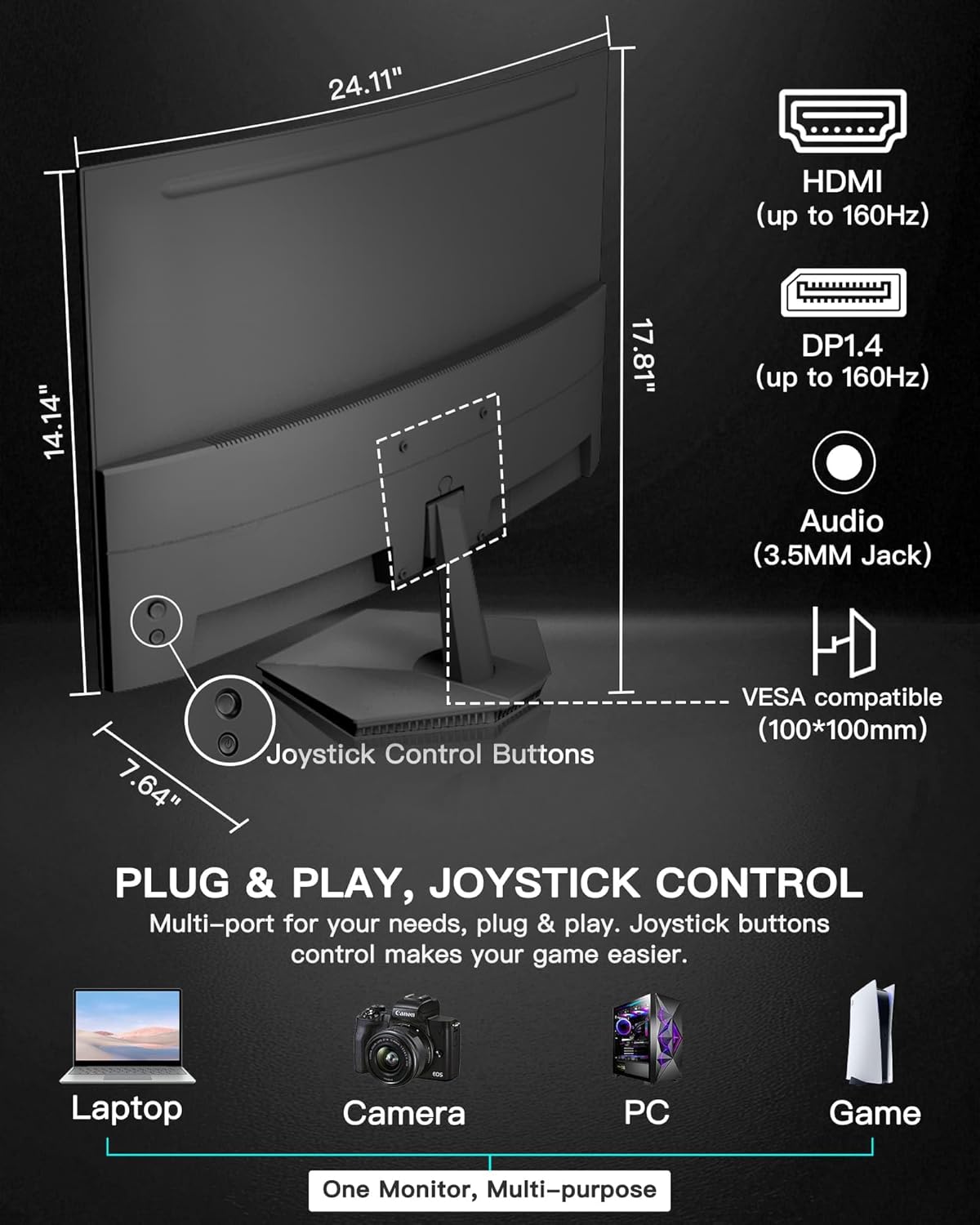
posterior view of the monitor highlighting the HDMI, DisplayPort, and Audio Jack connections, along with the joystick control.
3. Encès
- Connecteu l'adaptador de corrent a l'entrada d'alimentació del monitor.
- Connecteu l'adaptador de corrent a una presa de corrent.
- Press the power button (integrated into the joystick control) on the back of the monitor to turn it on.
Funcionament del monitor
Control de joystick
The monitor's settings are controlled via a single 5-way joystick located on the back. This joystick allows for intuitive navigation through the On-Screen Display (OSD) menu.
- Prem el botó: Confirms selection or enters menu. Also functions as Power On/Off.
- Amunt: Navigates up in menus, increases Brightness.
- Avall: Navigates down in menus, decreases Volume.
- Esquerra: Navigates left in menus, decreases Contrast, returns/exits.
- Dreta: Navigates right in menus, increases Contrast, selects input source.
Menú de visualització en pantalla (OSD).
To access the OSD menu, press the joystick button. Use the joystick to navigate and adjust settings.
- Configuració de la imatge: Ajusta la brillantor, el contrast, la nitidesa i la temperatura del color.
- Control de color: Fine-tune color saturation and hue. Features 110% sRGB color coverage and 4000:1 contrast ratio for accurate color expression.
- Configuració de la pantalla: Adjust aspect ratio and input source.
- Configuració OSD: Configure OSD language, transparency, and timeout.
- Configuració d'àudio: Adjust volume for connected audio devices.
- Altres configuracions: Access advanced features and reset to factory defaults.
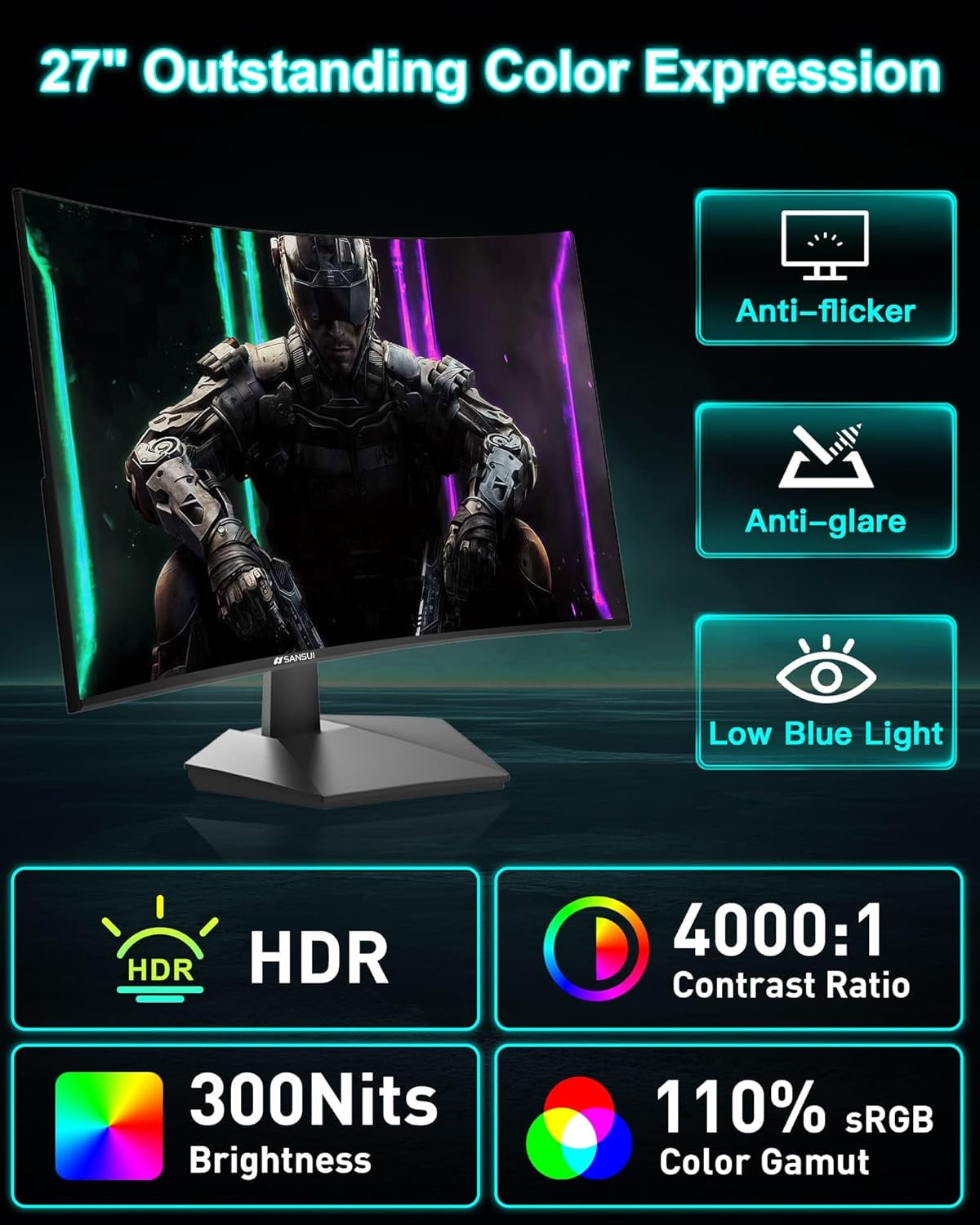
The monitor's display showcasing its color expression capabilities and eye-care features.
Característiques de joc
- Freqüència d'actualització de 160 Hz i MPRT d'1 ms: Experience ultra-smooth visuals and minimal motion blur, crucial for fast-paced gaming.
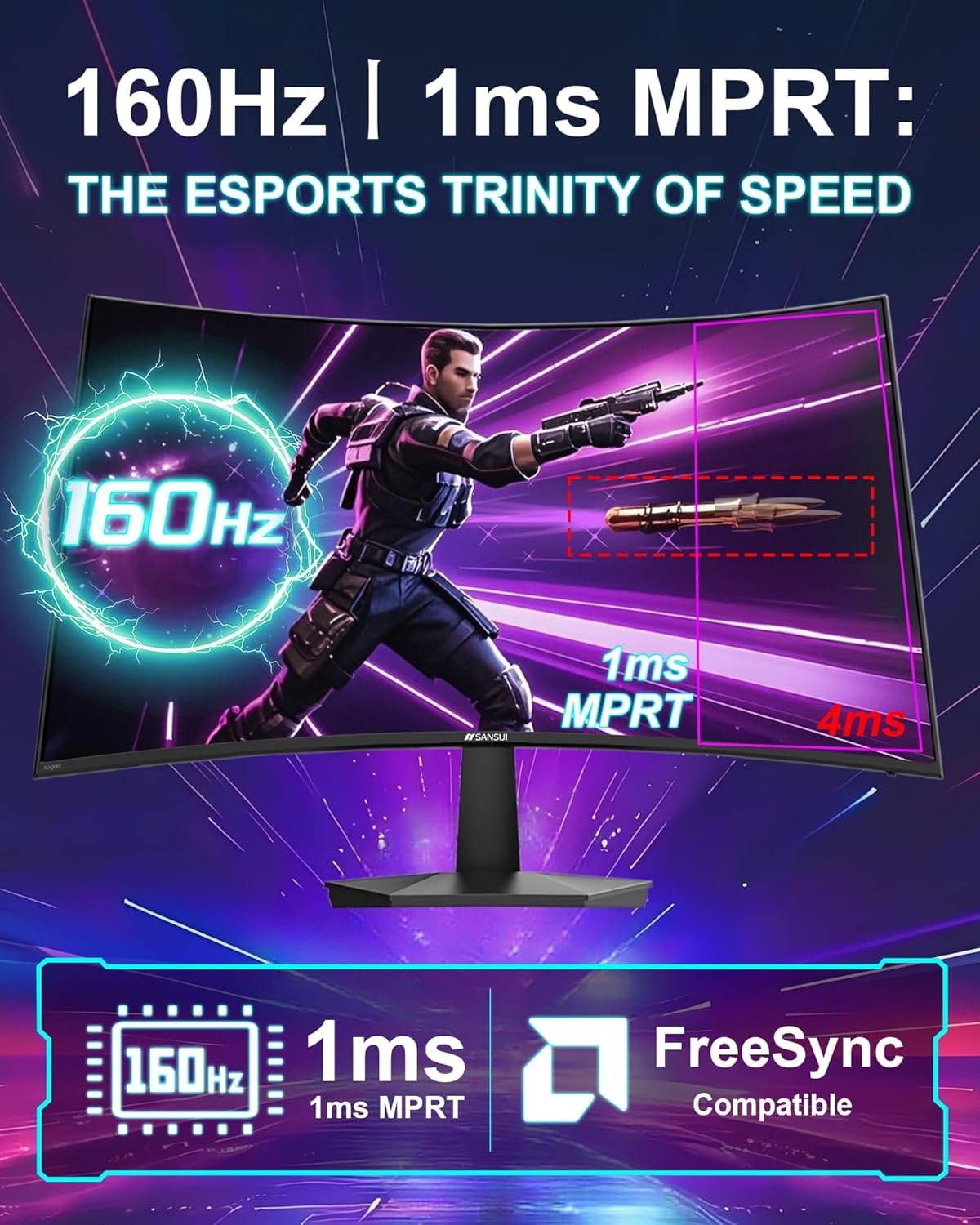
Visual representation of the monitor's high refresh rate and fast response time, essential for competitive gaming.
- Suport de FreeSync: Synchronizes the monitor's refresh rate with your GPU's frame rate, eliminating screen tearing and stuttering for fluid gameplay.

Comparison illustrating the visual benefits of FreeSync technology, reducing tearing and latency.
- Game Assistant:
- Black Level Adjustment (Shadow Booster): Enhances visibility in dark areas of games, allowing you to spot hidden enemies.
- Punt de mira: Proporciona una creu a la pantalla per millorar la precisió de l'apuntament.
- Temporitzador: Mostra un temporitzador de compte enrere a la pantalla.
- counter: Displays a real-time refresh rate counter.
- Modes predefinits: Optimize display settings for specific game genres (FPS, RTS, Racing) or other uses (Movie, Office).
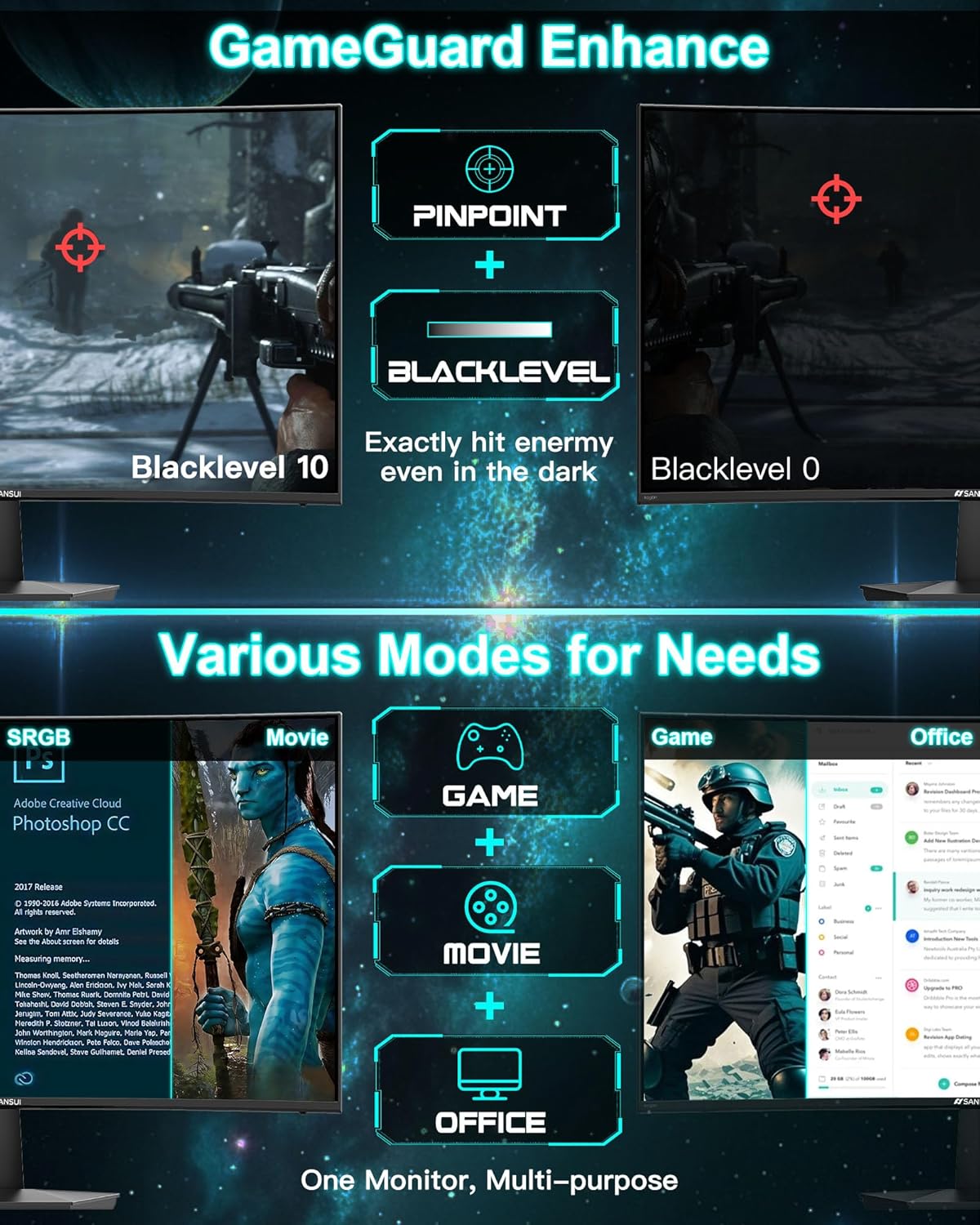
Acabatview of GameGuard Enhance features and multiple display modes for different applications.
Característiques de la cura dels ulls
- Llum blava baixa: Reduces harmful blue light emissions to minimize eye strain during prolonged use.
- Anti-parpelleig: Elimina el parpelleig de la pantalla, proporcionant una major comoditat viewexperiència.
- Antienlluernador: Reduces reflections on the screen, improving visibility in brightly lit environments.
Manteniment
Un manteniment adequat garanteix la longevitat i el rendiment òptim del monitor.
- Neteja de la pantalla: Netegeu suaument la pantalla amb un drap suau i sense borrissol. Per a marques difícils, dampen the cloth slightly with water or a non-abrasive, monitor-safe cleaning solution. Do not spray liquid directly onto the screen.
- Neteja de la Casing: Feu servir un drap suau i sec per netejar la part frontal del monitor.asing. Eviteu utilitzar productes químics agressius o materials abrasius.
- Emmagatzematge: Si guardeu el monitor durant un període prolongat, desconnecteu tots els cables i guardeu-lo en un lloc fresc i sec, preferiblement en el seu embalatge original per protegir-lo de la pols i els danys físics.
Resolució de problemes
Si teniu problemes amb el monitor, consulteu els següents problemes i solucions habituals:
| Problema | Causa possible | Solució |
|---|---|---|
| No hi ha imatge a la pantalla | Cable d'alimentació desconnectat; cable de vídeo desconnectat; font d'entrada incorrecta seleccionada. | Ensure power cable is securely connected. Check video cable connections (HDMI/DP). Use the joystick to select the correct input source. |
| La imatge és borrosa o distorsionada | Incorrect resolution; Video cable issue. | Set the display resolution to 1920 x 1080 pixels. Try a different video cable. |
| La pantalla parpelleja | Discrepància de freqüència d'actualització; Problema de cable; Configuració de FreeSync. | Ensure your graphics card drivers are updated. Check if FreeSync is enabled and compatible with your GPU. Try a different video cable. |
| Sense àudio | Headphones/speakers not connected; Volume too low; Incorrect audio output selected on PC. | Ensure external audio devices are properly connected to the 3.5mm audio jack. Adjust monitor volume via OSD. Verify audio output settings on your computer. |
If the problem persists after trying these solutions, please contact SANSUI customer support for further assistance.
Especificacions
| Característica | Detall |
|---|---|
| Dimensions del producte | 7.64 x 24.09 x 17.8 polzades |
| Pes de l'article | 7.7 lliures |
| Fabricant | EXPRESS LUCK INDUSTRIAL(ZHONGSHAN)LIMITED |
| ASIN | B0F2T7WLFK |
| Número de model de l'article | ES-G27C1L |
| Mida de la pantalla de peu | 27 polzades |
| Relació d'aspecte | 16:9 |
| Resolució | 1920 x 1080 píxels (FHD 1080p) |
| Brillantor de la imatge | 300 candeles (nits) |
| Descripció de la superfície de la pantalla | Mat |
| Freqüència d'actualització | 160 Hz |
| Temps de resposta | 1 ms (MPRT) |
| Curvatura | 1500R |
| Relació de contrast | 4000:1 |
| Gamma de colors | 110% sRGB |
| Suport VESA | 100x100mm |
| Ajust d'inclinació | -5° to 15° (±2°) |
Garantia i Suport
SANSUI provides comprehensive support for your monitor:
- Money-back and free replacement: Available within 30 days of purchase.
- Garantia de qualitat: A 1-year quality warranty covers manufacturing defects and performance issues.
- Suport tècnic de tota la vida: SANSUI offers lifetime technical support for your product.
For any product problems or technical assistance, please contact SANSUI service support directly. Refer to the contact information provided on the SANSUI official weblloc web o la documentació de la compra.
Conserveu el vostre comprovant de compra per a reclamacions de garantia.


