1. Introducció
Thank you for choosing the Xiaomi Mijia Smart LED Monitor Light Bar 1S. This product is designed to provide optimal lighting for your workspace, reducing eye strain and enhancing productivity. With its minimalist design, adjustable color temperature, and remote control, it offers a versatile and energy-efficient lighting solution. Please read this manual carefully before use to ensure proper installation and operation.
2. Producte acabatview
2.1 Característiques
- Fàcil instal·lació: Wall-mounted design with a USB Type-C power cord for a clutter-free, space-saving setup.
- Brillantor regulable: Customize your workspace with adjustable brightness levels, ensuring optimal lighting for any task or mood. High color rendering index of Ra95 for true-to-life color display.
- Comoditat del control remot: Control your lighting from a distance with the included remote, enhancing your home office experience.
- Eficient energètic: At just 5W, this LED light bar offers efficient lighting without high energy consumption.
- Integració de la llar intel·ligent: Compatible with smart home systems when set up with the appropriate mobile application. Region settings may be required during initial setup.
2.2 Components
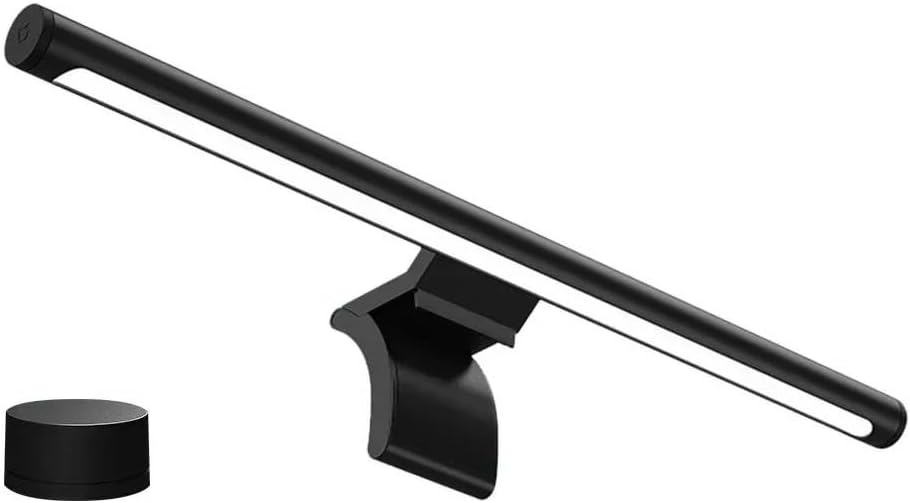
The Xiaomi Mijia Smart LED Monitor Light Bar 1S, showing the main light bar unit and the separate wireless remote control.

An overhead perspective of the light bar mounted on a monitor, demonstrating its wide illumination coverage over a keyboard, mouse, and other desk items.
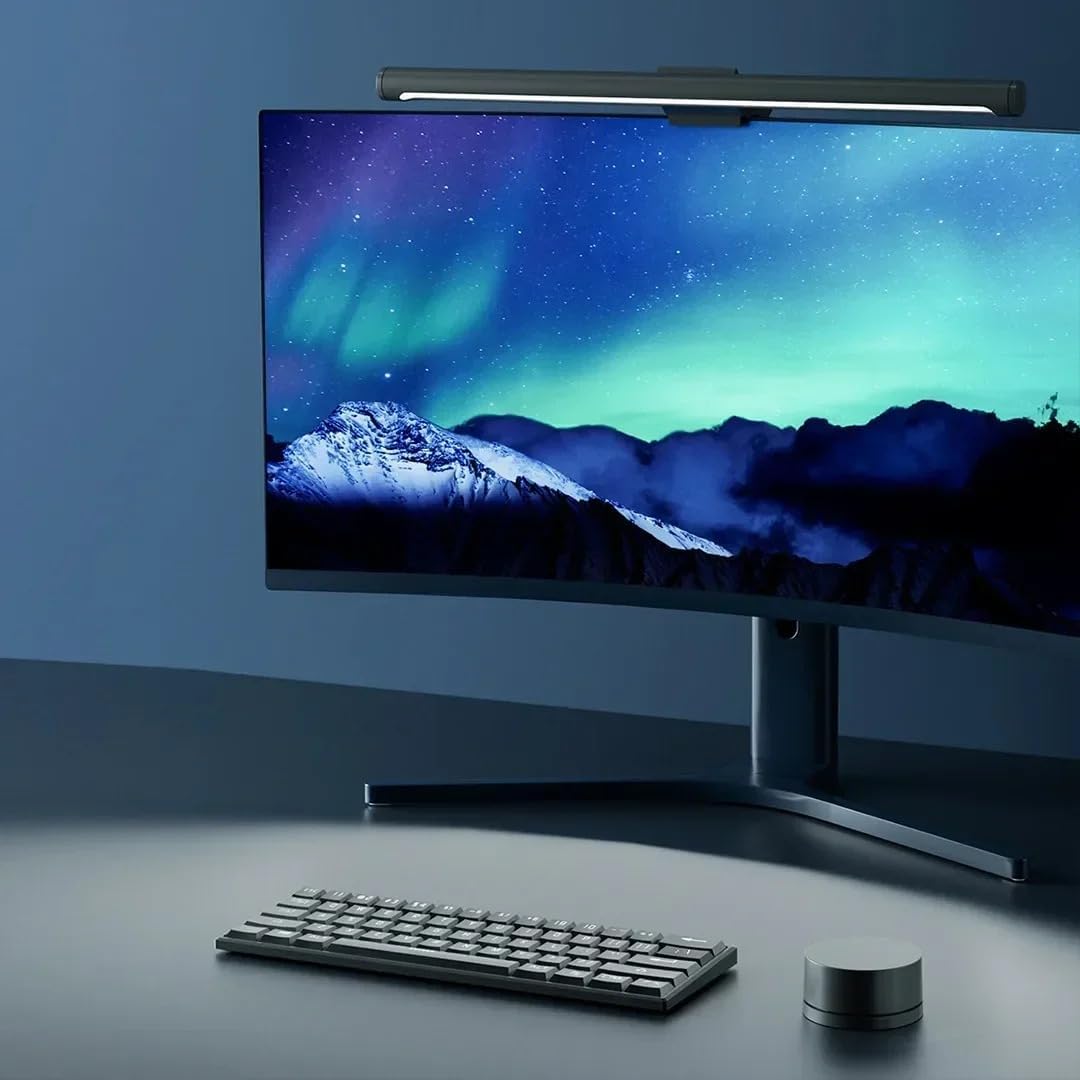
Un professional secundarifile of the light bar attached to the top of a curved monitor, highlighting its sleek design and how it sits unobtrusively.

The light bar in operation, providing focused illumination on a monitor displaying data charts, suitable for an office or study environment.
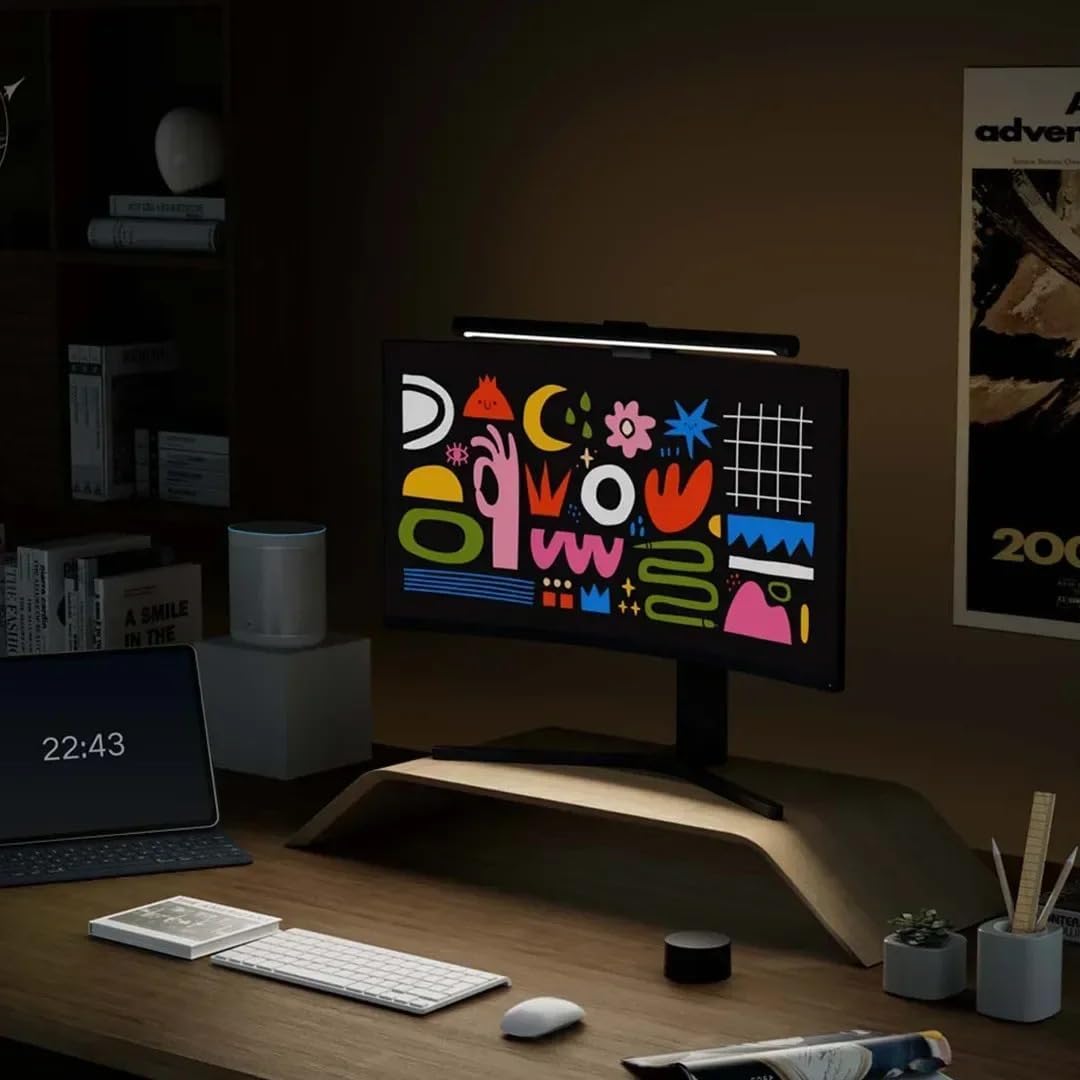
The light bar in use, casting light on a monitor screen that displays vibrant abstract artwork, demonstrating its ability to enhance visual content.

The light bar positioned above a laptop, providing direct illumination to the keyboard and screen area, ideal for laptop users.
3. Configuració
3.1 Instal·lació
- Connecteu la barra de llum: Gently place the light bar's mounting clip onto the top edge of your monitor. Ensure it is centered and stable. The clip is designed to fit various monitor thicknesses.
- Connectar l'alimentació: Insert the USB Type-C cable into the port on the light bar. Connect the other end of the USB cable to a compatible USB power source (e.g., a monitor's USB port, a computer's USB port, or a USB wall adapter).
- Col·loqueu el comandament a distància: Place the wireless remote control on your desk within easy reach. Ensure there are no obstructions between the remote and the light bar for optimal signal transmission.
3.2 Encès inicial
Once connected to power, the light bar should automatically turn on. If not, press the top surface of the remote control once to power it on. The light bar will default to a balanced brightness and color temperature setting.
4. Instruccions de funcionament
4.1 Ús del comandament a distància
- Encès/apagat: Press the top surface of the remote control once to turn the light bar on or off.
- Ajusta la brillantor: Rotate the remote control clockwise to increase brightness, and counter-clockwise to decrease brightness.
- Ajusta la temperatura del color: Press and hold the top surface of the remote control, then rotate it to cycle through different color temperatures (from warm 2700K to cool 6500K). Release to select the desired temperature.
4.2 Smart Home Integration (Mi Home App)
For advanced control and smart home integration, download the Mi Home App on your smartphone.
- Descarregar l'aplicació: Cerca "Mi Home" a la botiga d'aplicacions del dispositiu i instal·la-la.
- Crea/Iniciar sessió compte: Obre l'aplicació i crea un compte nou o inicia la sessió amb un d'existent.
- Set Region: Important: When connecting to Mijia intelligent display hanging light 1S, you need to set the region to "Chinese Mainland" in the Mi Home App settings for proper functionality and device discovery.
- Afegeix un dispositiu: Follow the in-app instructions to add the Xiaomi Mijia Smart LED Monitor Light Bar 1S. This typically involves searching for nearby devices or scanning a QR code (if available on packaging).
- Control: Once connected, you can control the light bar's brightness, color temperature, and set schedules or scenes directly from the Mi Home App.
5. Manteniment
5.1 Neteja
To maintain the appearance and performance of your light bar, clean it regularly.
- Ensure the light bar is turned off and unplugged before cleaning.
- Use a soft, dry, lint-free cloth to wipe the surface of the light bar and remote control.
- No utilitzeu netejadors abrasius, dissolvents ni productes químics agressius, ja que poden danyar l'acabat.
5.2 Emmagatzematge
If you need to store the light bar for an extended period, ensure it is clean and dry. Store it in a cool, dry place away from direct sunlight and extreme temperatures.
6. Solució De Problemes
| Problema | Causa possible | Solució |
|---|---|---|
| La barra de llums no s'encén. | No power connection or remote battery low. |
|
| El comandament a distància no respon. | Low battery or interference. |
|
| Cannot connect to Mi Home App. | Incorrect region setting or network issue. |
|
| La llum parpelleja o s'atenua inesperadament. | Unstable power supply or faulty unit. |
|
7. Especificacions
| Atribut | Valor |
|---|---|
| Marca | Xiaomi |
| Model | MJGJD02YL |
| Poder | 5W |
| Interval de temperatura de color | 2700K-6500K |
| Connexió | USB tipus C |
| Opcions de control | Remote control, Mi Home App |
| Índex de reproducció del color (CRI) | Ra95 |
| Pes de l'article | 930 g |
| Dimensions del paquet | 48 x 15.8 x 6.5 cm |
| Piles necessàries | Sí (per al comandament a distància) |
| Composició de les cèl·lules de la bateria | Alcalí |
8. Garantia i Suport
This Xiaomi Mijia Smart LED Monitor Light Bar 1S comes with a standard manufacturer's warranty. Please refer to the warranty card included in your product packaging for specific terms and conditions, including warranty period and coverage details.
Per a assistència tècnica, assistència per a la resolució de problemes o reclamacions de garantia, poseu-vos en contacte amb el servei d'atenció al client de Xiaomi a través del seu servei oficial. weblloc web o la informació de contacte que es proporciona a la documentació del producte.
You can also visit the official Xiaomi weblloc web per a preguntes freqüents i recursos addicionals: www.mi.com


