JLab SBPOPBLK50WEB

JLab Pop Party Portable Bluetooth Speaker User Manual

Model: SBPOPBLK50WEB

JLab Pop Party Portable Bluetooth Speaker

Image: JLab Pop Party Portable Bluetooth Speaker in Midnight Black.

Introducció

The JLab Pop Party Portable Bluetooth Speaker is designed for portability and vibrant audio experiences. This manual provides essential information for setting up, operating, and maintaining your speaker, ensuring you get the most out of its features, including customizable RGB lighting, IP55 waterproofing, and LabSync multi-speaker connectivity.

Vídeo: Una passada ràpidaview of the JLab Pop Party Speaker's features, including sound, strap, waterproofing, and battery life.

Què hi ha a la caixa

Upon unboxing your JLab Pop Party Speaker, you should find the following items:

  • JLab Pop Party Bluetooth Speaker
  • Cable de càrrega USB-C
  • Guia de l'usuari (aquest document)
Diagram of JLab Pop Party Speaker components including loop handle, full-range driver, USB-C port, and passive radiator.

Image: Diagram illustrating the speaker's components: loop handle, 2" full-range driver, USB-C charging port, and 2" passive radiator.

Configuració

Carregant l'altaveu

Before first use, fully charge your JLab Pop Party Speaker. Connect the provided USB-C charging cable to the speaker's charging port and a compatible USB power source. The LED indicator will show charging status.

Emparellament Bluetooth

  1. Assegureu-vos que l'altaveu estigui carregat i apagat.
  2. Premeu i manteniu premut el botó d'engegada fins que l'indicador LED parpellegi, cosa que indica el mode d'emparellament.
  3. On your device (smartphone, tablet, etc.), enable Bluetooth and search for "JLab Pop Party".
  4. Seleccioneu l'altaveu de la llista per connectar-lo. Sonarà un to de confirmació quan l'aparellament s'hagi completat correctament.

Instruccions de funcionament

Video: A comprehensive demonstration of the JLab Pop Party Speaker's features and usage.

Controls bàsics

  • Encès/apagat: Manteniu premut el botó d'engegada.
  • Pujar/baixar el volum: Use the volume buttons on the speaker or your connected device.
  • Reproduir/pausa: Premeu el botó Reproduir/Pausa.
  • Omet la pista: Double-press the Play/Pause button for next track, triple-press for previous track.

Experiència sonora immersiva

The Pop Party Speaker features a 2-inch full-range driver and a 2-inch passive woofer, delivering clear audio with enhanced bass. Enjoy up to 8 hours of playtime, or 5+ hours with RGB lighting activated.

JLab Pop Party Speaker on a beach towel with two people in the background, illustrating its immersive sound quality.

Image: The JLab Pop Party Speaker providing immersive sound in an outdoor setting.

Video: Demonstrating the JLab Pop Party Speaker's sound quality and compact design.

Il·luminació RGB personalitzable

Personalize your listening experience with dynamic RGB lighting. The JLab App allows you to adjust colors, patterns, and frequency to match your mood or environment.
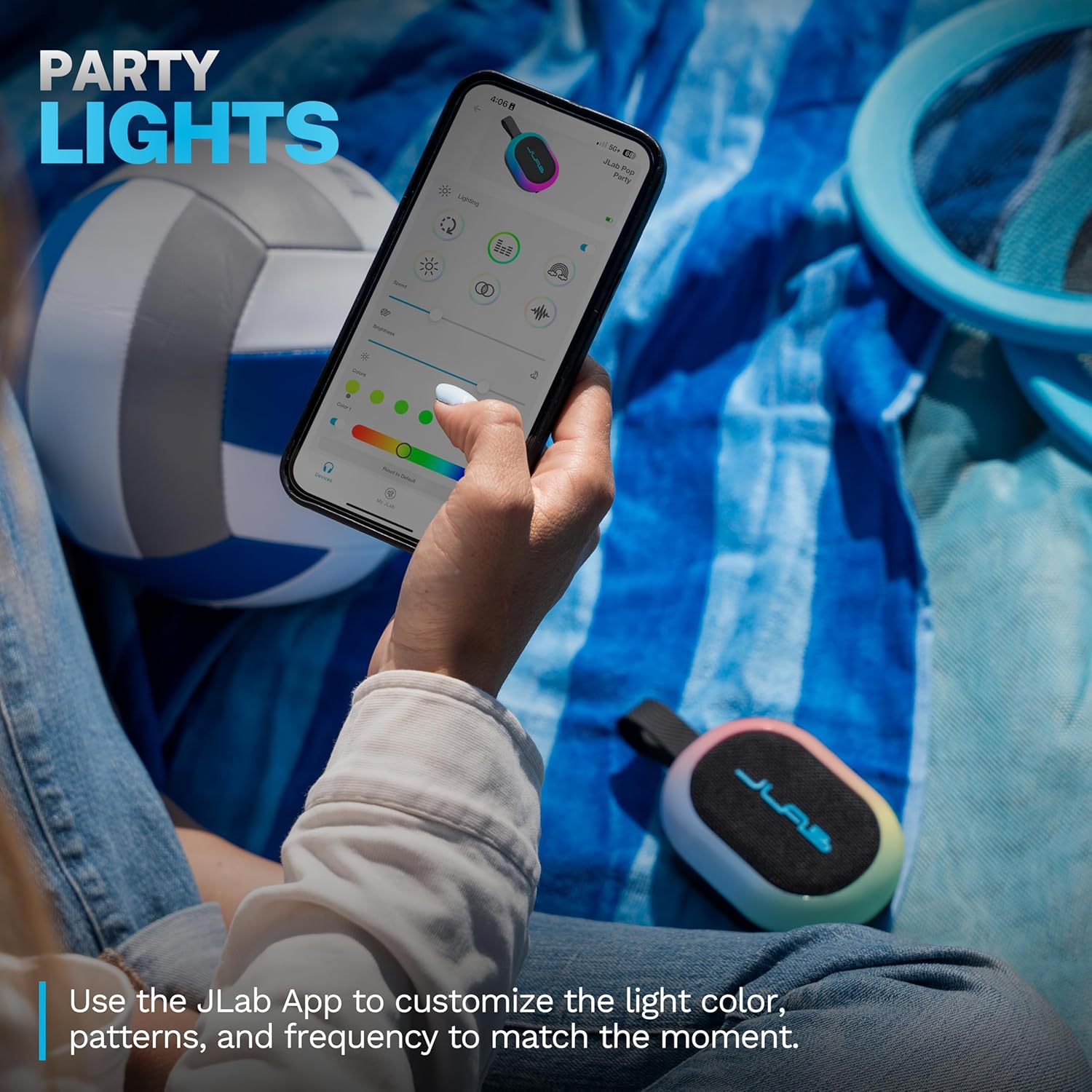
A hand holding a smartphone displaying the JLab App interface for customizing RGB lighting on the Pop Party Speaker.

Image: The JLab App showing options for customizing the speaker's RGB lighting.

LabSync Multi-Speaker Connectivity

Amplify your audio by connecting up to 100 JLab Party speakers using LabSync. This feature synchronizes sound and lights across multiple speakers, creating a unified audio experience.

Two JLab Pop Party Speakers connected via LabSync, with people dancing in the background, illustrating multi-speaker synchronization.

Image: Multiple JLab Pop Party Speakers synchronized for an enhanced audio experience.

LabSync Stereo Pairing

For a more immersive soundstage, use the JLab App to designate two JLab Party speakers as left and right channels. This creates a powerful 2-channel stereo system, optimizing audio for a richer listening experience.
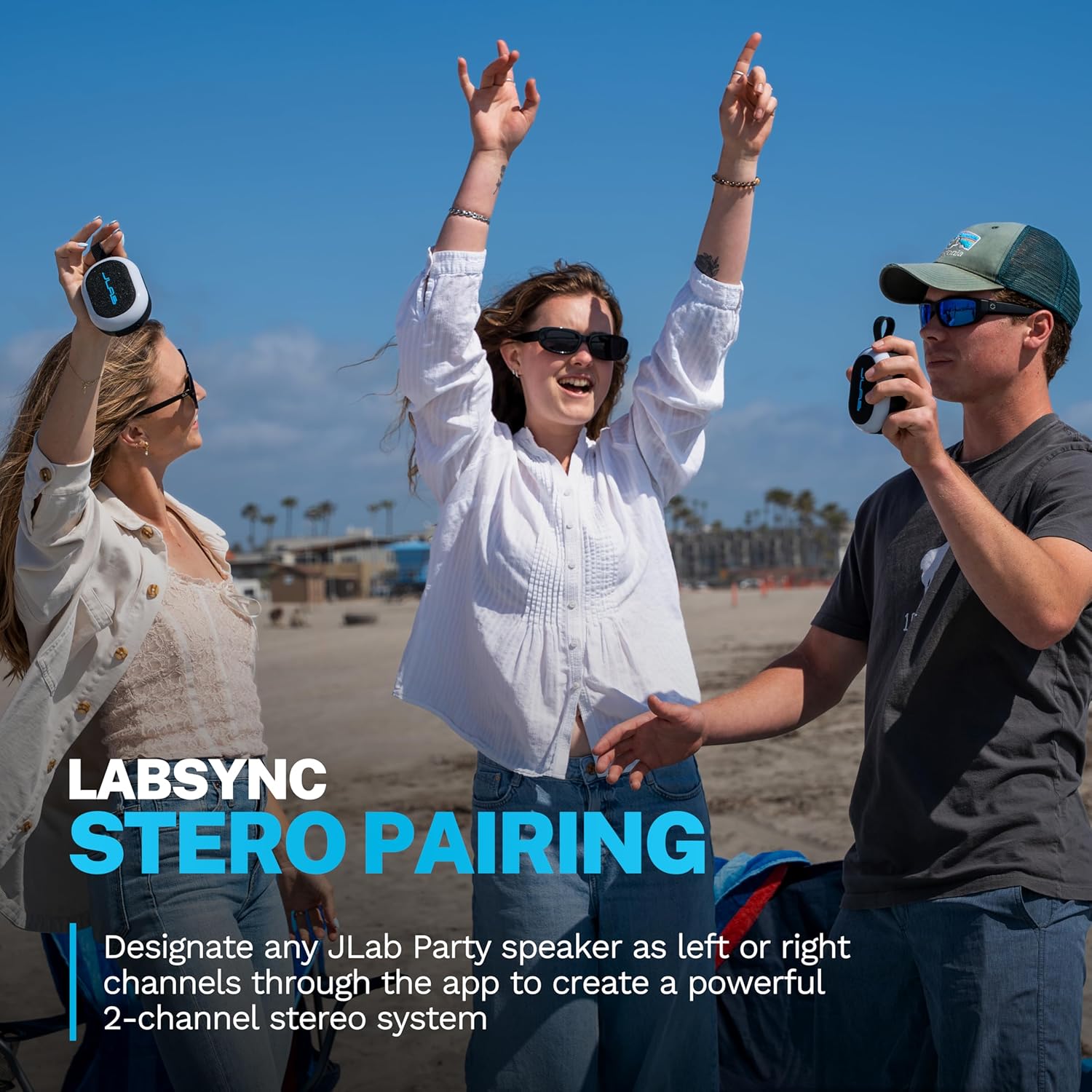
Three people on a beach, two holding JLab Pop Party Speakers, demonstrating the stereo pairing feature.

Image: JLab Pop Party Speakers set up for stereo pairing.

Personalització de l'aplicació JLab

The JLab App provides comprehensive control over your speaker. Customize RGB lighting, manage controls, and fine-tune sound preferences using EQ4 presets (JLab Signature, Balance, Bass Boost) or a custom equalizer. The app also facilitates software updates.
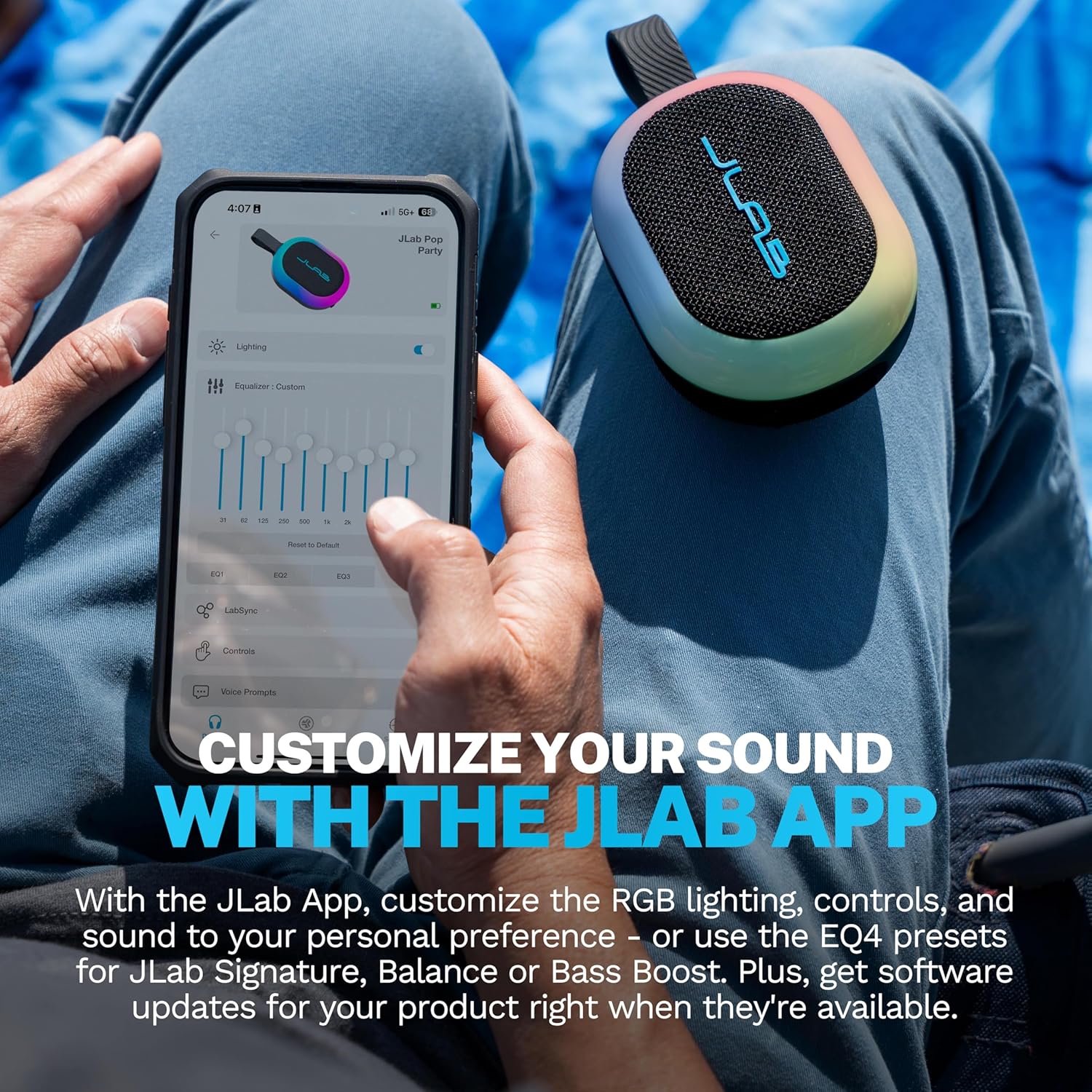
A person using the JLab App on a smartphone to customize equalizer settings for the Pop Party Speaker.

Image: The JLab App interface for sound and lighting customization.

Manteniment

Waterproofing (IP55 Rating)

The JLab Pop Party Speaker features an IP55 waterproof rating, making it resistant to dust and water splashes. It is suitable for use in environments like poolside, beaches, or during light rain. No submergiu l'altaveu a l'aigua.

A hand holding the JLab Pop Party Speaker with its detachable loop handle, against a beach background, highlighting its portability and waterproof design.

Image: The JLab Pop Party Speaker's portable design and IP55 waterproof rating for outdoor use.

Video: Demonstrating the JLab Pop Party Speaker's waterproof capabilities and various features.

Atenció General

Resolució de problemes

Especificacions

CaracterísticaDetall
Nom del modelPop Party
Número de modelSBPOPBLK50WEB
Tipus d'altaveuAltaveu Bluetooth portàtil
Tecnologia de connectivitatBluetooth
Nivell de resistència a l'aiguaIP55 (Resistent a l'aigua)
Mida de l'altaveu2 Inches (Full-range driver and passive woofer)
Potència de sortida màxima dels altaveus10 watts
Resposta de freqüència100 kHz
Hora de joc8+ Hours (5+ Hours with RGB lighting)
Característiques especialsLED Light, Multi Room Audio (LabSync), Portable, Stereo Pairing, Detachable Loop Handle
MaterialPlàstic
Dimensions del producte4.2 "P x 3.11" W x 1.89" H
Pes de l'article10.8 unces
Bateries1 bateria no estàndard (inclosa)

Garantia i Suport

For warranty information and customer support, please visit the official JLab weblloc web o contacteu directament amb el servei d'atenció al client. Conserveu el rebut de compra per a reclamacions de garantia.

JLab Oficial Weblloc: www.jlab.com

Documents relacionats - SBPOPBLK50WEB

Preview JLab GO Party Bluetooth Speaker - Instrukcja Obsługi i Parowania
Kompletna instrukcja obsługi głośnika Bluetooth JLab GO Party. Dowiedz się, jak sparować urządzenie, ładować baterię, korzystać z przycisków, aplikacji JLab oraz funkcji LabSync do połączenia wielu głośników.
Preview JLab JBuds Party - Instrukcja Obsługi Głośnika Bluetooth
Przewodnik użytkownika dla głośnika Bluetooth JLab JBuds Party, zawierający instrukcje parowania, ładowania, obsługi przycisków, funkcji LabSync oraz pobierania aplikacji.
Preview JLab Pop Party Bluetooth Speaker User Manual and Guide
Comprehensive user manual for the JLab Pop Party Bluetooth Speaker, detailing setup, pairing, charging, button functions, LabSync multi-speaker connection, and app integration for customization.
Preview Manual d'usuari i guia dels auriculars sense fil JLab GO Air Pop
Guia completa dels auriculars sense fil JLab GO Air Pop, que cobreix l'emparellament Bluetooth, les funcions dels botons, els modes d'equalització, la càrrega, l'ajust, la resolució de problemes i la cura.
Preview Auriculars sense fil JLab GO Air Pop: manual d'usuari i guia de configuració
Guia completa per configurar, emparellar i utilitzar els auriculars sense fil JLab GO Air Pop. Inclou les funcions dels botons, els modes d'equalització, la càrrega, la resolució de problemes i les instruccions de cura.
Preview JLab GO Air POP True Wireless Earbuds User Manual & Guide
Get the most out of your JLab GO Air POP true wireless earbuds with this comprehensive user manual. Learn about Bluetooth pairing, button controls, EQ modes, charging, fit, troubleshooting, and important precautions.