1. Introducció
This manual provides comprehensive instructions for the installation, configuration, and operation of your SODOLA 8 Port 10G L3 Managed SFP+ Network Switch. This device is designed to deliver high-speed network connectivity and advanced management capabilities for demanding network environments. Please read this manual thoroughly before using the product to ensure proper setup and optimal performance.
2. Contingut del paquet
Verify that all items listed below are present in your product package. If any item is missing or damaged, please contact your vendor.
- SODOLA 8 Port 10G Managed Ethernet Switch (Model: SL-SWTGW3C8F)
- Adaptador d'alimentació x 1
- Cable de la consola x 1
- Footrests x 4
- Manual del producte x 1
Note: SFP+ transceivers are NOT included and must be purchased separately.
3. Producte acabatview
3.1 Tauler frontal
The front panel of the SODOLA 8 Port 10G L3 Managed SFP+ Network Switch features eight SFP+ ports, a console port, and LED indicators for system status and power.

Imatge 3.1: Davant view of the SODOLA 8 Port 10G L3 Managed SFP+ Network Switch, showing the eight SFP+ ports, console port, and status LEDs.
- Ports SFP+ (1-8): Eight 10Gb SFP+ ports for high-speed fiber or DAC connections. These ports support 1G, 2.5G, and 10G SFP+ modules.
- Port de la consola: Port RJ45 per a accés a la interfície de línia d'ordres (CLI).
- LED SYS: Indicador d'estat del sistema.
- LED PWR: Indicador de potència.
- Botó de restabliment: Manteniu premut durant 8 segons per restaurar la configuració de fàbrica.
3.2 Panell posterior
The rear panel includes mounting holes, ground screws, and the DC power input.

Imatge 3.2: posterior view of the SODOLA 8 Port 10G L3 Managed SFP+ Network Switch, highlighting wall mounting holes, DC power input, and ground screws.
- Forats de muntatge a la paret: Per a una instal·lació segura a la paret.
- Entrada de CC de 12 V i 2 A: Power connection for the switch.
- Ground Screws: For grounding the device to prevent electrical interference.
4. Configuració
4.1 Instal·lació de maquinari
The switch supports both desktop placement and wall mounting.
Imatge 4.1: Illustration of the SODOLA switch in both desktop and wall-mounted configurations.
- Ubicació d'escriptori: Attach the provided footrests to the bottom of the switch and place it on a stable, flat surface. Ensure adequate ventilation around the device.
- Muntatge a la paret: Use appropriate screws (not included) to secure the switch to a wall using the wall mounting holes on the rear panel. Ensure the mounting surface is strong enough to support the switch's weight.
- Connexió d'alimentació: Connect the power adapter to the DC 12V 2A input on the rear panel and plug it into a power outlet. The PWR LED on the front panel should illuminate.
- Posada a terra: For optimal safety and to prevent electrical interference, connect a grounding wire (not included) to the ground screws on the rear panel and to a suitable ground source.
4.2 Configuració inicial (Web Interfície de gestió)
The switch is managed via a web-based interface. Follow these steps for initial access:

Imatge 4.2: Steps for accessing the web management interface, including adjusting PC network settings and logging in.
- Connectar PC: Connect your computer directly to one of the SFP+ ports using a compatible SFP+ module and cable. Ensure your PC's network adapter is configured to operate at 10G or 2.5G.
- Adjust PC Network Settings: Temporarily configure your PC's IP address to be in the same subnet as the switch's default IP. The default IP address for the switch is 192.168.2.1. Per example, set your PC's IP to 192.168.2.10 with a subnet mask of 255.255.255.0.
- Accés Web Interfície: Obre a web navegador i navegueu a
http://192.168.2.1. - Inici de sessió: Introduïu les credencials predeterminades:
- Nom d'usuari: admin
- Contrasenya: admin
- Canvia les credencials predeterminades: For security purposes, it is highly recommended to change the default username and password immediately after the first login.
5. Funcionament
5.1 Layer 3 Management Features
This L3 Managed switch offers a robust set of features for advanced network control and optimization:
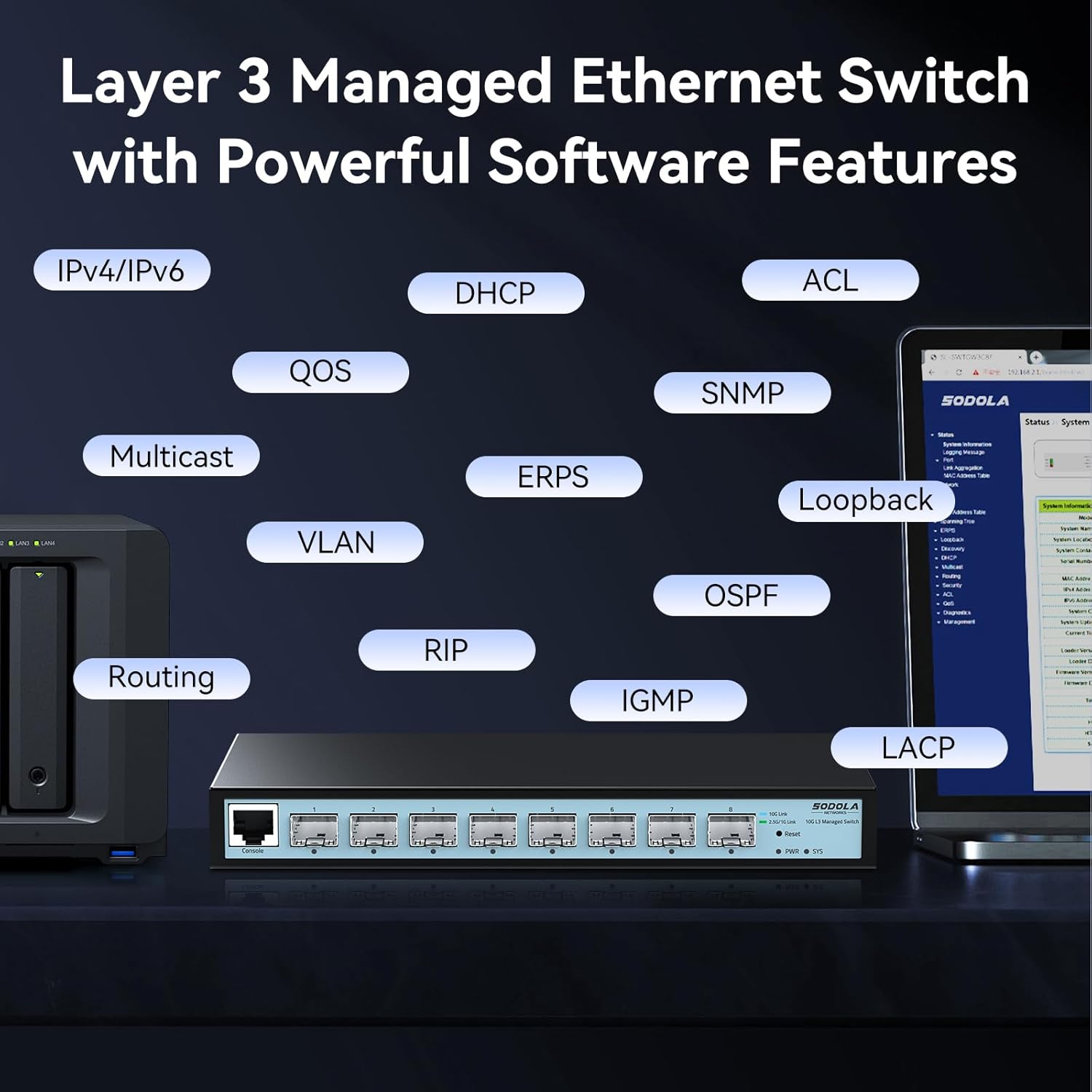
Imatge 5.1: Visual representation of the Layer 3 management capabilities, including IPv4/IPv6 Routing, DHCP, LACP, VLAN, QoS, IGMP, STP, SNMP, ACL, Multicast, ERPS, Loopback, and OSPF.
- IPv4/IPv6 Routing: Enables routing between different IP subnets.
- DHCP: Dynamic Host Configuration Protocol for automatic IP address assignment.
- LACP (Protocol de control d'agregació d'enllaços): Combines multiple physical links into a single logical link for increased bandwidth and redundancy.
- VLAN (Xarxa d'Àrea Local Virtual): Segments the network into logical broadcast domains for improved security and performance.
- QoS (Qualitat de servei): Prioritizes network traffic to ensure critical applications receive sufficient bandwidth.
- IGMP (Protocol de gestió de grups d'Internet): Manages multicast group memberships.
- STP (Spanning Tree Protocol): Prevents network loops.
- SNMP (Protocol simple de gestió de xarxa): Allows network administrators to monitor and manage network devices.
- ACL (Llista de control d'accés): Filters network traffic based on defined rules.
- Defensa contra DoS: Protegeix contra atacs de denegació de servei.
- OSPF (Open Shortest Path First): A routing protocol for large enterprise networks.
Detailed configuration guides for each feature are available within the web interfície de gestió.
5.2 Port Speed Configuration
The SFP+ ports on this switch are adaptive, supporting 1G, 2.5G, and 10G speeds. By default, ports auto-negotiate 10G/2.5G. To connect 1G devices, manual configuration is required.

Imatge 5.2: Web interface showing port settings for manual speed configuration (10G/2.5G or 10G/1000M).
- Inici de sessió: Accedeix al web interfície de gestió.
- Navigate to Port Settings: Locate the "Port Setting" section in the management interface.
- Seleccioneu el port: Choose the specific SFP+ port you wish to configure.
- Establir velocitat: Manually set the port speed to 10G/1G for 1G devices, or 10G/2.5G for 2.5G devices, ensuring compatibility with your SFP+ module and connected device.
- Aplica la configuració: Click "Apply" to save the changes.
- Desa la configuració: After making any changes, navigate to the "Tools" or "System" section and select "Save" to permanently store the configuration. Changes are not saved across power cycles until explicitly saved.

Imatge 5.3: Reminder to save configuration changes within the web interface to ensure they persist after a power cycle.
6. Manteniment
6.1 Disseny sense ventilador
The SODOLA switch features a fanless design, ensuring silent operation and reducing power consumption. This design relies on natural heat dissipation through its metal casing. Ensure the switch is placed in a location with adequate airflow to prevent overheating.
6.2 Seguretat i protecció
The switch incorporates several safety and protection features to ensure stable and reliable operation:

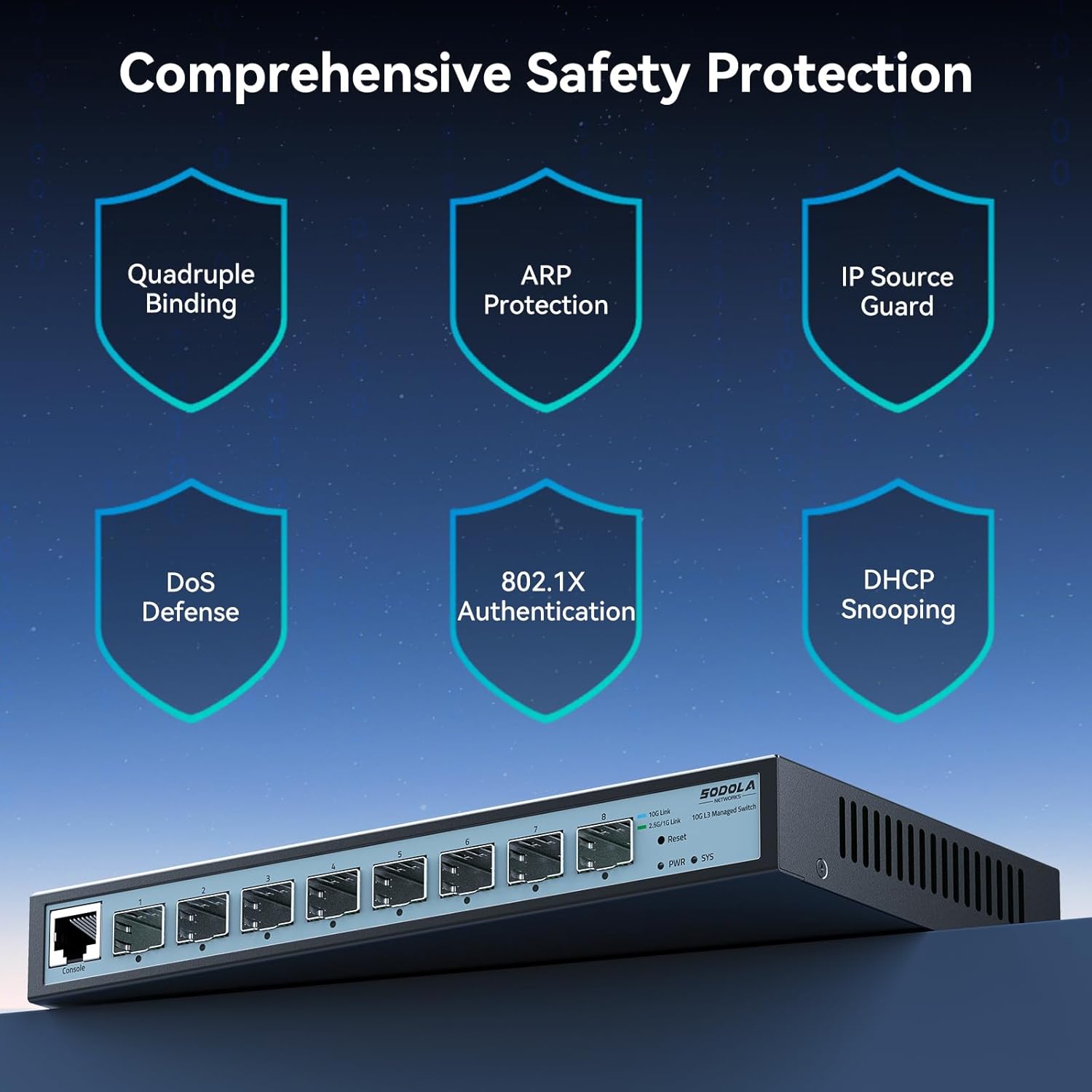
Imatge 6.1: Acabatview of the switch's comprehensive safety features, including Quadruple Binding, ARP Protection, IP Source Guard, DoS Defense, 802.1X Authentication, and DHCP Snooping.
- Protecció contra llamps de 6KV: Provides protection against electrical surges, enhancing stability during adverse weather conditions.
- Quadruple Binding: Enhances network security by binding IP, MAC, VLAN, and Port information.
- ARP Protection: Defends against ARP spoofing attacks.
- IP Source Guard: Prevents unauthorized IP addresses from accessing the network.
- Defensa contra DoS: Mitigates various Denial of Service attacks.
- 802.1X Authentication: Proporciona control d'accés a la xarxa basat en ports.
- Snooping DHCP: Filters untrusted DHCP messages.
7. Solució De Problemes
- No es pot accedir web interfície de gestió:
- Ensure your PC's IP address is in the same subnet as the switch (default 192.168.2.1).
- Verify that all devices in the connection chain (switch port -> module -> cable -> PC/NIC) are operating at the SAME speed (e.g., all 10G or all 2.5G). Mixed speeds can block access.
- Clear your browser cache.
- Intenta fer servir un altre web navegador.
- Ensure the switch is powered on and the SYS LED is stable.
- 1G device not connecting or slow:
- The default port rate is 10G/2.5G adaptive. To connect 1G devices, you must manually set the port speed to 10G/1G via the management interface.
- Ensure you are using 1G-compatible SFP+ modules and cables for 1G connections.
- Configuration changes are lost after reboot:
- Always remember to explicitly save your configuration changes through the web management interface (e.g., "Tools" -> "Save") after making adjustments. Changes are not automatically saved to persistent memory.
- Network loops or instability:
- Ensure Spanning Tree Protocol (STP) or Rapid Spanning Tree Protocol (RSTP) is enabled on the switch to prevent network loops, especially in complex topologies.
- Management interface crashes when sending large ICMP packets:
- Avoid sending excessively large ICMP packets (e.g., 9K MTU ICMPs) directly to the switch's management interface, as this may cause it to become unresponsive, requiring a power cycle.
- SFP+ modules not detected:
- Ensure the SFP+ modules are fully inserted and compatible with the switch.
- Verify that the modules are functioning correctly.
8. Especificacions

Imatge 8.1: Detailed specifications and dimensions of the SODOLA 8 Port 10G L3 Managed SFP+ Network Switch.
| Característica | Descripció |
|---|---|
| Model | SL-SWTGW3C8F (8X10G SFP+(L3 Managed)) |
| Tipus d'interfície | 8 * 10G SFP+ Ports (Transceivers NOT Included) |
| Capacitat de commutació | 160 Gbps |
| Tarifa d'enviament de paquets | 119.04 Mpps |
| Paquet de memòria intermèdia | 12 MB |
| Taula d'adreces MAC | 16K |
| Marc Jumbo | 10K |
| Protecció contra sobretensions | 6KV |
| Font d'alimentació | 12V 2A |
| Potència sense càrrega | 3.7W |
| Temperatura de funcionament | 0~40°C |
| Dimensions del producte | 222 x 126 x 28 mm (8.66 x 4.96 x 1.1 polzades) |
| Pes de l'article | 0.91 quilograms (2.01 lliures) |
| Material de la caixa | Metall |
| Dispositius compatibles | Desktop, Laptop, Router |
9. Garantia i Suport
SODOLA products are designed for reliability and performance. For specific warranty information, please refer to the warranty card included with your product or contact your point of purchase. While direct manufacturer support contact information is not always publicly available, for technical assistance or troubleshooting, please refer to the comprehensive documentation within the web management interface or consult the vendor from whom the product was purchased.
Reviseu regularment el fabricant website (if available) for firmware updates and additional resources.


