1. Informació de seguretat
Si us plau, llegiu atentament totes les instruccions de seguretat abans d'utilitzar aquest producte. Conserveu aquest manual per a futures consultes.
- Do not expose the soundbar to rain, moisture, or extreme temperatures.
- No obstruïu cap obertura de ventilació.
- Utilitzeu només accessoris/accessoris especificats pel fabricant.
- Unplug the soundbar during lightning storms or when unused for long periods.
- Demaneu tot el servei a personal de servei qualificat.
2. Contingut del paquet
Verifiqueu que tots els elements siguin presents al paquet:
- THOMSON B210 Bluetooth Soundbar
- Control remot
- Adaptador d'alimentació
- Manual d'usuari
- Audio Cables (e.g., Optical, AUX - specific cables may vary)
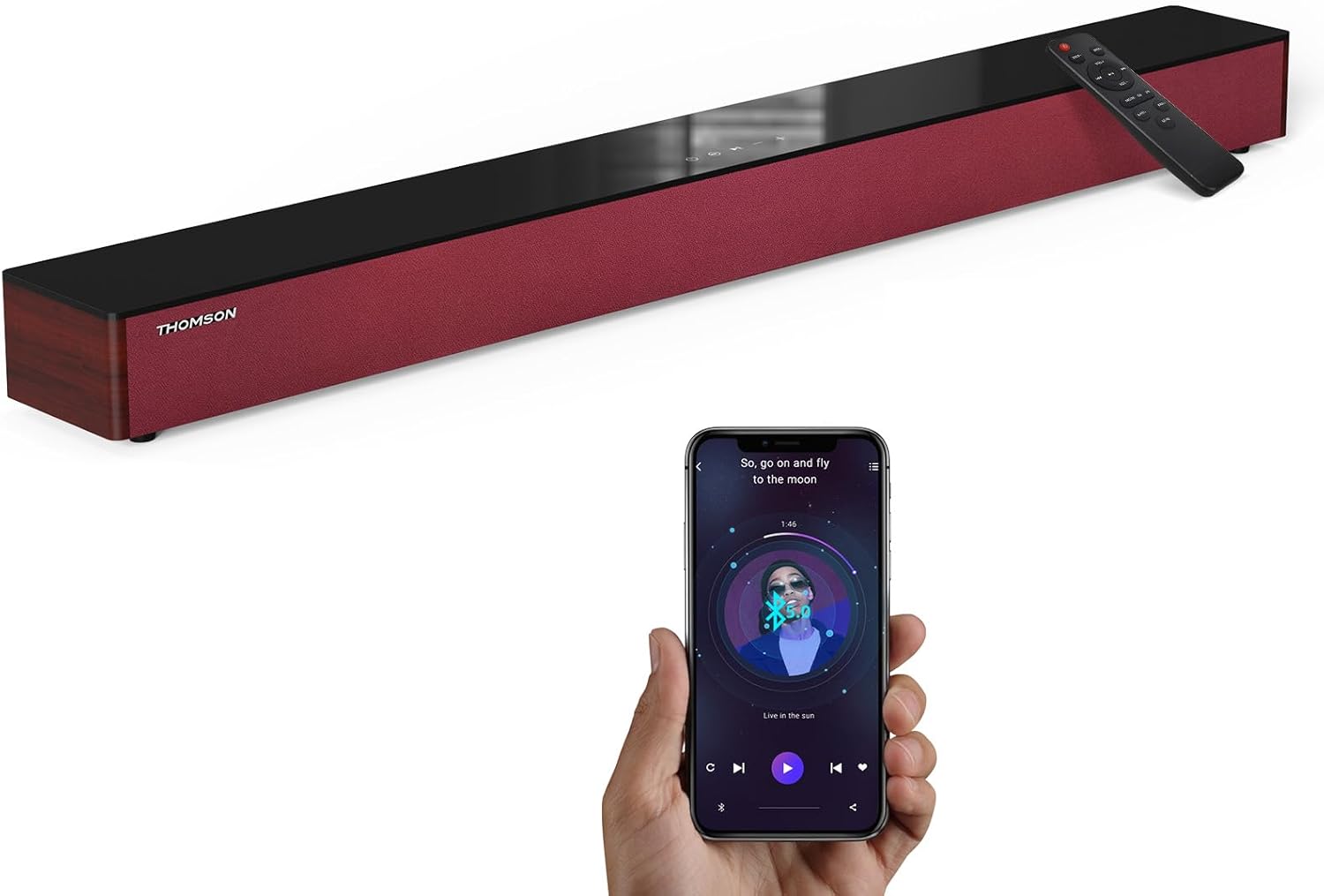
Image: The THOMSON B210 Soundbar, its remote control, and a smartphone demonstrating Bluetooth connectivity.
3. Producte acabatview
3.1 Front and Top Panel
The soundbar features intuitive controls on its top panel for easy access.
3.2 Connexions del panell posterior
The rear panel provides various input ports for connecting to different audio sources.

Imatge: Detallada view of the soundbar's rear connection ports, including AUX IN, COAXIAL, OPTICAL, HDMI ARC, USB, and DC IN.
3.3 Control remot
The included remote control allows for convenient operation of all soundbar functions.

Image: A hand operating the soundbar with its remote control, demonstrating wireless command over the device.
4. Configuració
4.1 Col·locació
Place the soundbar on a stable, flat surface directly in front of your television for optimal sound dispersion. Ensure there is adequate space around the soundbar for ventilation.
4.2 Connexió d'alimentació
- Connecteu l'adaptador de corrent al port DC IN de la part posterior de la barra de so.
- Connecteu l'altre extrem de l'adaptador d'alimentació a una presa de corrent.
5. Instruccions de funcionament
5.1 Encès/Apagat
Press the Power button on the soundbar's top panel or the remote control to turn the unit on or off.
5.2 Control de volum
Use the Volume Up (+) and Volume Down (-) buttons on the soundbar or remote control to adjust the audio level.
5.3 Selecció d'entrada
Press the 'MODE' button on the soundbar or remote control to cycle through available input sources: ARC, Optical, AUX, USB, and Bluetooth.
5.4 Modes d'equalitzador
The soundbar offers three distinct equalizer modes to optimize audio for different content types:
- Mode de música: Enhances musical clarity and bass.
- Mode pel·lícula: Provides a more immersive cinematic experience.
- Mode de notícies: Optimizes dialogue for clear speech.
Press the corresponding EQ button on the remote control to select your desired mode.

Image: Visual representation of the soundbar's optimized audio modes for Music, Movie, and News content.
6. Connexions
The THOMSON B210 Soundbar supports multiple connection types for versatility.

Image: The soundbar demonstrating its compatibility with multiple devices such as projectors, PCs, game consoles, and smartphones.
6.1 HDMI ARC Connection
For the best audio quality and control, connect your TV to the soundbar using an HDMI cable via the ARC port.
- Connect one end of an HDMI cable to the HDMI ARC port on your TV.
- Connect the other end to the HDMI ARC port on the soundbar.
- Select 'ARC' as the input source on the soundbar.
6.2 Connexió òptica
Use an optical cable for a high-quality digital audio connection.
- Connect one end of an optical cable to the Optical OUT port on your TV or audio device.
- Connect the other end to the OPTICAL port on the soundbar.
- Select 'Optical' as the input source on the soundbar.
6.3 Connexió AUX
For analog audio devices, use an AUX cable.
- Connect one end of a 3.5mm audio cable to the headphone jack or AUX OUT port on your device.
- Connect the other end to the AUX IN port on the soundbar.
- Select 'AUX' as the input source on the soundbar.
6.4 Connexió USB
Reprodueix àudio files directament des d'un dispositiu d'emmagatzematge USB.
- Insert a USB drive into the USB port on the soundbar.
- Select 'USB' as the input source on the soundbar.
- La barra de so començarà a reproduir àudio compatible automàticament files.
6.5 Vinculació Bluetooth
Connecteu el vostre telèfon intel·ligent, tauleta o altre dispositiu amb Bluetooth sense fil.
- Turn on the soundbar and select 'Bluetooth' mode using the 'MODE' button. The Bluetooth indicator will flash.
- Activa el Bluetooth al teu dispositiu i cerca els dispositius disponibles.
- Select 'THOMSON B210' from the list.
- Un cop emparellat, l'indicador Bluetooth deixarà de parpellejar i romandrà fix.

Image: A family enjoying entertainment with the soundbar, illustrating seamless Bluetooth connectivity from a smartphone.
7. Manteniment
Per garantir la longevitat i el rendiment òptim de la barra de so, seguiu aquestes pautes de manteniment:
- Neteja: Feu servir un drap suau i sec per netejar la superfície de la barra de so. No utilitzeu netejadors líquids ni materials abrasius.
- Emmagatzematge: If storing the soundbar for an extended period, unplug it from the power outlet and store it in a cool, dry place.
- Ventilació: Assegureu-vos que les obertures de ventilació no estiguin obstruïdes per evitar el sobreescalfament.
8. Solució De Problemes
If you encounter issues with your THOMSON B210 Soundbar, refer to the following common problems and solutions:
| Problema | Causa possible | Solució |
|---|---|---|
| Sense poder | Cable d'alimentació no connectat; Presa de corrent no activa | Assegureu-vos que el cable d'alimentació estigui ben connectat; proveu una altra presa de corrent |
| Sense so | Incorrect input source; Volume too low; Mute activated; Cable connection issue | Select correct input source; Increase volume; Deactivate mute; Check audio cable connections |
| L'aparellament de Bluetooth falla | Soundbar not in pairing mode; Device Bluetooth off; Device too far | Ensure soundbar is in Bluetooth mode (flashing indicator); Enable Bluetooth on device; Move device closer to soundbar |
| El comandament a distància no funciona | Piles esgotades; Obstrucció entre el comandament a distància i la barra de so | Replace remote control batteries; Remove any obstructions; Ensure remote is pointed at the soundbar's sensor |
9. Especificacions
Detailed technical specifications for the THOMSON B210 Soundbar:
- Model: B210
- Marca: THOMSON
- Dimensions del producte: 92.7 cm x 11.8 cm x 7.3 cm de profunditat x 4.7 cm d'amplada x 2.9 cm d'alçada
- Pes de l'article: 11 lliures (aproximadament 5 kg)
- Potència de sortida màxima dels altaveus: 50 watts
- Tipus de muntatge: Muntatge de taula
- Versió Bluetooth: 5.3
- Ràtio senyal / soroll: 70 dB
- Ponents: 4 Full Range Speakers, 2 Woofers (Advanced Bass Diaphragms)
- Connexions d'entrada: ARC (HDMI), Optical, AUX, USB, Bluetooth

Image: Physical dimensions of the soundbar, showing length, width, and height in centimeters, along with a view of the rear ports.

Image: Internal component diagram of the soundbar, detailing its 4 high-performance drivers and 2 advanced bass diaphragms for enhanced audio.
10. Garantia i Suport
THOMSON products are manufactured to high-quality standards. For warranty information and technical support, please refer to the warranty card included with your product or visit the official THOMSON support weblloc.
For further assistance, please contact THOMSON customer service.


