1. Introducció
This manual provides essential information for the safe operation, maintenance, and troubleshooting of your iScooter i8 Electric Scooter. Please read this manual thoroughly before your first ride to ensure proper use and to maximize your riding experience.
The iScooter i8 is a foldable electric scooter designed for adults, featuring a 500W motor, a maximum speed of 30 km/h, and a range of 25 km. It includes Bluetooth app connectivity for enhanced control and monitoring.
2. Informació de seguretat
La teva seguretat és primordial. Porta sempre casc i l'equip de protecció adequat quan vagis en bicicleta. Respecta les lleis i regulacions de trànsit locals.
2.1 Pautes generals de seguretat
- Porteu sempre casc i altres elements de protecció (genolleres, colzeres) quan aneu en bicicleta.
- Ensure all screws and quick releases are securely fastened before each ride.
- No circuleu sota pluja intensa, per superfícies relliscoses ni per tolls de més de 2 cm de profunditat.
- Avoid riding on uneven terrain or over obstacles that could cause loss of control.
- Mantingueu una distància de seguretat amb altres vehicles i vianants.
- Do not allow children under the age of 16 to operate the scooter.
- The maximum weight capacity for this scooter is 100 kg (220 lbs).
2.2 Sistema de frenada
The iScooter i8 is equipped with a dual braking system for enhanced safety: a rear drum brake and an EABS regenerative anti-lock braking system. This system ensures progressive and safe stopping.

Imatge 2.2.1: Illustration of the iScooter i8's dual braking system, highlighting the electronic brake lever and the rear drum brake mechanism.
Il·luminació 2.3
The scooter features ultra-bright headlights, illuminating your path up to 15 meters, and warning taillights for visibility during night rides.
3. Configuració i ús inicial
3.1 Desplegament del patinet
- Col·loqueu el patinet sobre una superfície plana.
- Release the folding mechanism latch, usually located near the base of the handlebar stem.
- Carefully lift the handlebar stem until it locks into the upright position. Ensure the locking mechanism is fully engaged.
- Tighten any visible clamps or levers to secure the handlebar stem.
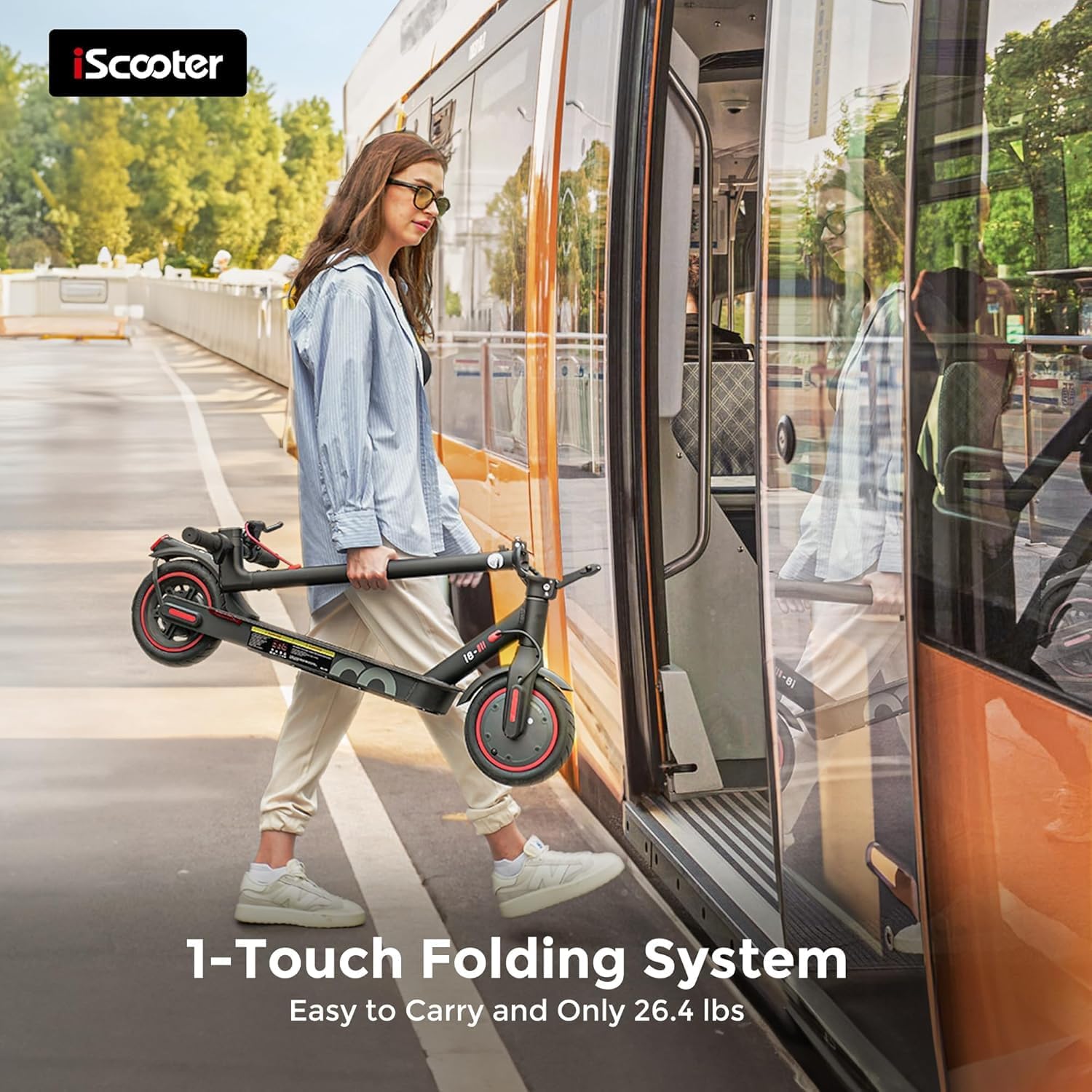
Imatge 3.1.1: The iScooter i8 demonstrating its one-touch folding system, making it easy to carry.
3.2 Càrrega inicial
Abans del primer trajecte, carrega completament la bateria del patinet. El temps de càrrega és d'aproximadament 5-6 hores.
- Localitzeu el port de càrrega del patinet.
- Connecteu el carregador al port de càrrega i, a continuació, endolleu el carregador a una presa de corrent.
- El llum indicador del carregador normalment s'il·luminarà en vermell durant la càrrega i en verd quan estigui completament carregat.
- Desconnecteu el carregador un cop finalitzada la càrrega.
4. Instruccions de funcionament
4.1 Encès/Apagat
- To power on: Press and hold the power button (usually on the display) for a few seconds.
- Per apagar: premeu i manteniu premut el botó d'engegada de nou fins que la pantalla s'apagui.
4.2 Conduint el scooter
- Col·loca un peu fermament a la plataforma.
- Push off with your other foot to gain initial momentum. The accelerator will engage once the scooter reaches a minimum speed.
- Gently press the accelerator lever to increase speed.
- To slow down, release the accelerator and gently apply the brake levers.
- To stop, apply both brake levers smoothly.
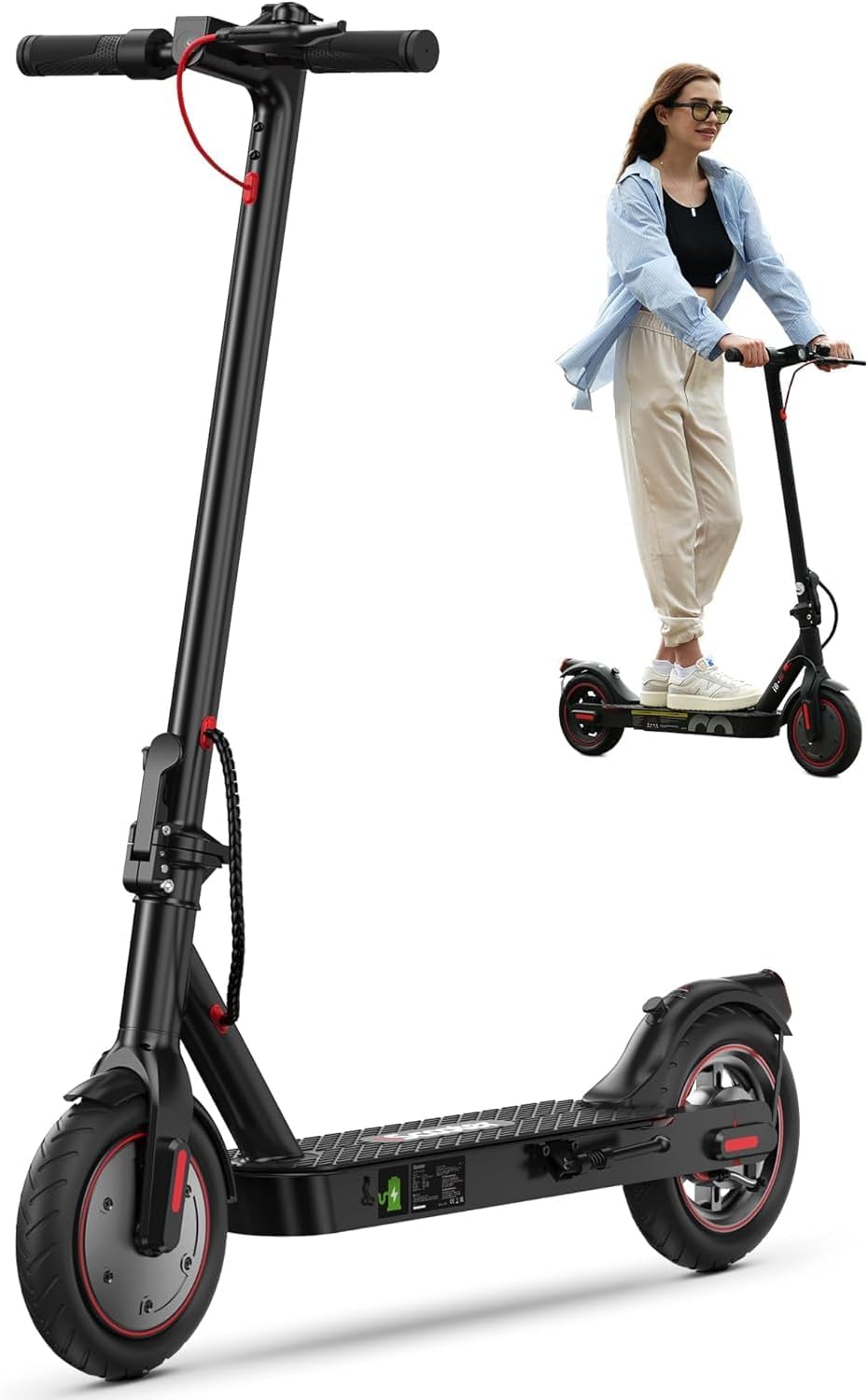
Imatge 4.2.1: An adult riding the iScooter i8 Electric Scooter, demonstrating its practical use for urban mobility.
4.3 modes de velocitat
The iScooter i8 typically offers multiple speed modes (e.g., 3 modes) to suit different riding conditions and preferences. Refer to the scooter's display or app for instructions on how to switch between modes.
4.4 Control de creuer
The built-in cruise control feature allows for a hands-free riding experience on flat, open roads. Activate it via the scooter's controls or the companion app.
4.5 Bluetooth App Connectivity
Connect your iScooter i8 to its dedicated mobile application via Bluetooth. The app provides features such as:
- Monitoring battery level and range.
- Adjusting speed modes.
- Locking/unlocking the scooter.
- Viewing ride statistics.
Download the official iScooter app from your device's app store.
5. Manteniment
5.1 Cura de la bateria
- Charge the battery regularly, even if the scooter is not in use for extended periods (at least once every 30 days).
- Eviteu esgotar completament la bateria.
- Guardeu el patinet en un lloc fresc i sec, allunyat de la llum solar directa i de temperatures extremes.
- Feu servir només el carregador original que s'inclou amb el patinet.

Imatge 5.1.1: An illustration highlighting the iScooter i8's battery performance, including kinetic energy recovery during braking and reduced consumption.
5.2 Manteniment dels pneumàtics
The i8 uses 8.5-inch pneumatic tires. Regularly check tire pressure and inflate to the recommended PSI (refer to the tire sidewall for specific pressure recommendations) to ensure optimal performance and prevent punctures.
5.3 Neteja
Netegeu el patinet amb anuncisamp drap. No utilitzeu raigs d'aigua a alta pressió ni productes de neteja corrosius. Assegureu-vos que la tapa del port de càrrega estigui ben tancada abans de netejar-lo.
5.4 Inspecció general
Reviseu periòdicament els components següents:
- Brake functionality and cable tension.
- Tightness of all bolts and screws.
- Condition of the tires for wear and tear.
- Functionality of lights.
6. Solució De Problemes
| Problema | Causa possible | Solució |
|---|---|---|
| El patinet no s'encén. | Bateria baixa; connexions fluixes; mal funcionament del botó d'engegada. | Charge the battery; check all visible connections; contact support if issue persists. |
| Abast o velocitat reduïts. | Low tire pressure; heavy load; riding uphill; cold weather; battery degradation. | Inflate tires to correct pressure; reduce load; ensure full charge; consider battery replacement if old. |
| Els frens es noten febles. | Brake cable loose; worn brake pads; air in hydraulic system (if applicable). | Adjust brake cable tension; inspect and replace brake pads if worn; consult a technician for hydraulic systems. |
| El carregador no funciona. | Faulty charger; power outlet issue. | Test charger with another device if possible; try a different power outlet; replace charger if faulty. |
For issues not listed here or if solutions do not resolve the problem, please contact iScooter customer support.
7. Especificacions
| Característica | Detall |
|---|---|
| Model | i8 |
| Potència del motor | 500W (peak), 350W (rated) |
| Velocitat màxima | 30 KM/H (18.6 MPH) |
| Interval màxim | 25 KM (15.5 Miles) |
| Capacitat de la bateria | 36V / 5.2 AH (5200mAh) Lithium-Ion |
| Temps de càrrega | 5-6 hores |
| Capacitat de pes | 100 kg (220 lliures) |
| Mida del pneumàtic | 8.5 inches (Pneumatic) |
| Sistema de frenada | Rear Drum Brake + EABS Regenerative Anti-lock Brake |
| Material del marc | Alumini |
| Dimensions del producte | 53.34 x 15.24 x 109.22 cm (Unfolded) |
| Pes del producte | 11.97 kg (26.4 lliures) |
| Característiques especials | UL2272 Certified, Foldable Design, Bluetooth App, Cruise Control, Headlights, Taillights |
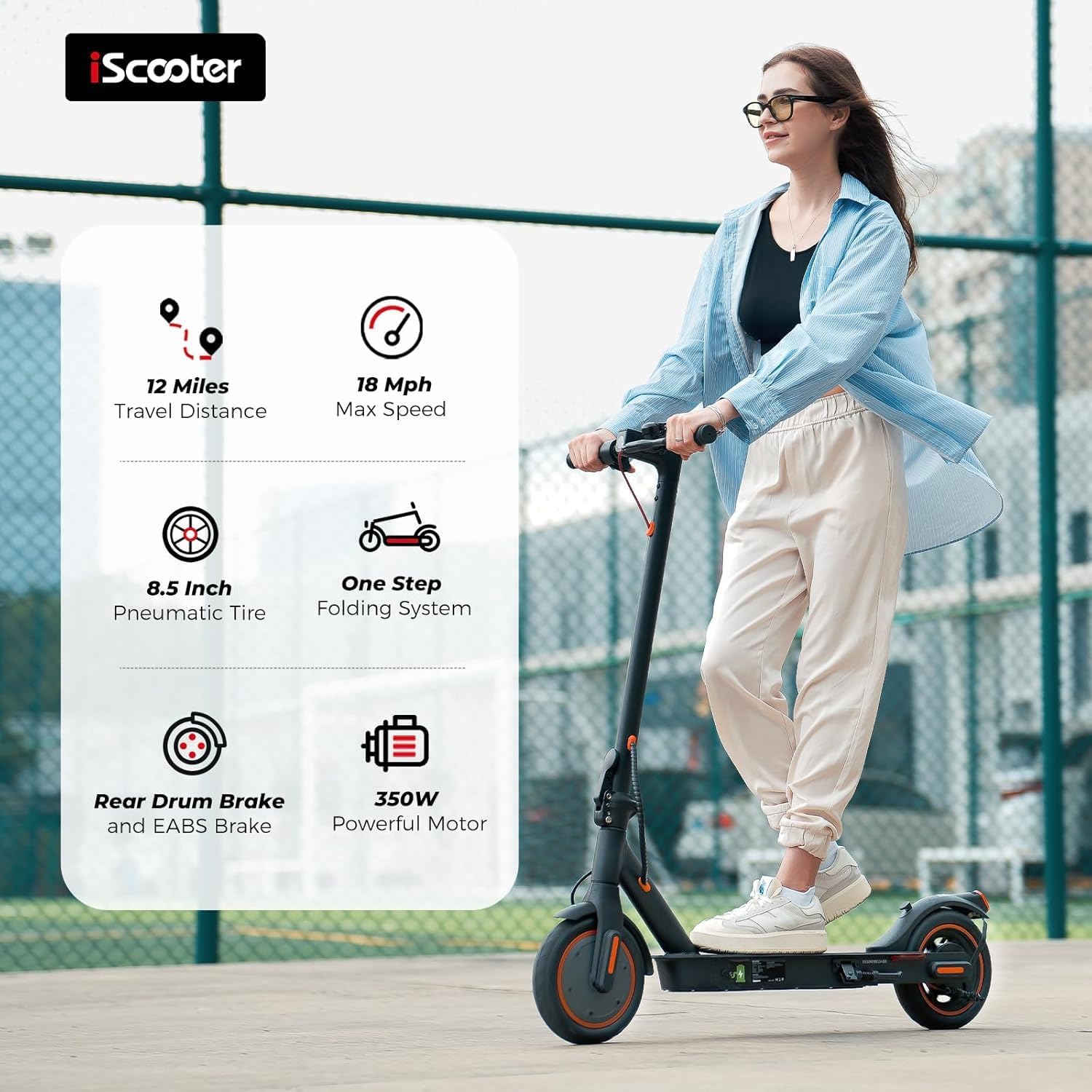
Imatge 7.1.1: Un acabatview of the iScooter i8's key features, including travel distance, max speed, tire type, folding system, brake type, and motor power.
8. Garantia i Suport
8.1 Informació de la garantia
iScooter is committed to providing global quality and excellent service. The brand offers a comprehensive after-sales network to ensure product maintenance and spare parts supply. For specific warranty terms and conditions, please refer to your purchase documentation or contact iScooter customer service.
Extended warranty options may be available through third-party providers, such as Assurant, for 2 or 3 years, covering the manufacturer's warranty period.
8.2 Atenció al client
For any inquiries, technical assistance, or support, please contact iScooter customer service:
- Call Center: +1 (855) 916-2366
- Live Chat/Email: Vip.support@iscooterglobal.com

Imatge 8.2.1: iScooter customer support details, including phone number and email for assistance.


