1. Introducció
This manual provides essential information for setting up, operating, maintaining, and troubleshooting your HP 255 15.6-inch laptop. Please read this manual thoroughly to ensure proper use and to maximize the lifespan of your device.
The HP 255 laptop is designed for everyday tasks, productivity, and general computing. It features an AMD Ryzen 3 7330U processor, a 15.6-inch Full HD display, Wi-Fi 6, Bluetooth 5.3, and runs on Windows 11 Pro.
2. Configuració
2.1 Desembalatge i inspecció inicial
Traieu amb cura tots els components de l'embalatge. Assegureu-vos que hi hagi els elements següents:
- Portàtil HP 255 de 15.6 polzades
- Adaptador d'alimentació
- Documentació (aquest manual, informació de garantia)
Inspect the laptop for any physical damage. If any damage is found, contact your retailer or HP support immediately.
2.2 Connexió de l'adaptador de corrent
- Connect the power adapter cable to the power-adapter port on the laptop.
- Connecteu l'adaptador d'alimentació a una presa de corrent amb connexió a terra.
- Deixeu que la bateria es carregui durant almenys 30 minuts abans del primer ús o fins que l'indicador de la bateria mostri una càrrega suficient.
Imatge: Diagram illustrating the various ports and slots on the HP 255 laptop, with labels for USB Type-A, HDMI 1.4, USB Type-C (data only), 3.5mm Headset Jack, and Power-adapter port. This helps identify where to connect the power adapter.
2.3 Engegada inicial i configuració del Windows
- Obriu la tapa de l'ordinador portàtil.
- Premeu el botó d'engegada, que normalment es troba a la plataforma del teclat.
- Follow the on-screen instructions to complete the Windows 11 Pro setup. This includes selecting your region, language, connecting to a network, and creating a user account.
3. Instruccions de funcionament
3.1 Gestió de l'energia
- Encès: Premeu el botó d'encesa.
- Apagar: Feu clic al botó Inici, després a Engegada i, a continuació, a Apagar.
- Reinicia: Feu clic al botó Inici, després a Engegar i, a continuació, a Reiniciar.
- Dormir: Close the lid or click the Start button, then Power, then Sleep.
3.2 Teclat i touchpad
The laptop features a full-size keyboard and a multi-touch touchpad. Refer to the Windows 11 Pro documentation for detailed gestures and keyboard shortcuts.
3.3 Connecting to Networks and Devices

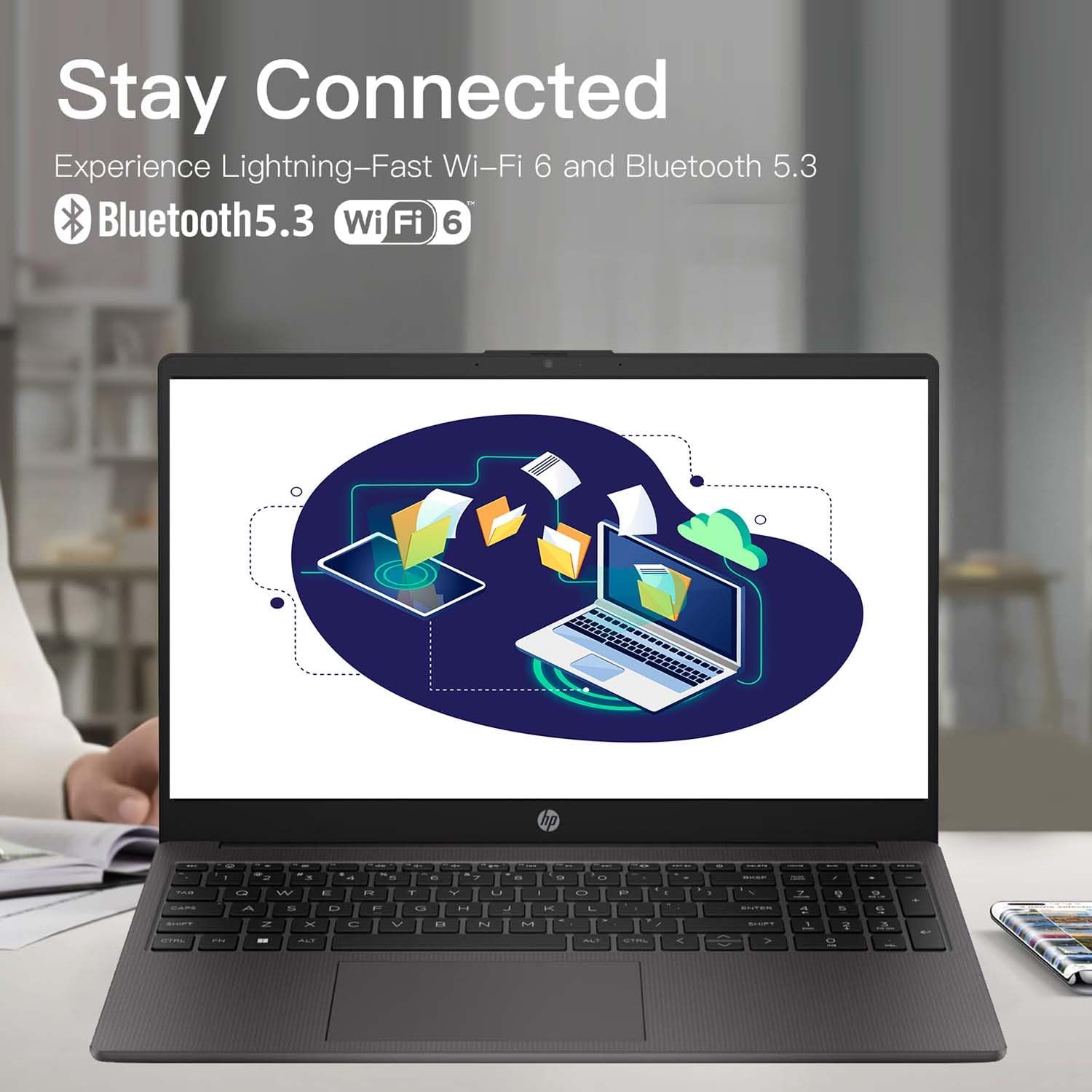
Imatge: The HP 255 laptop screen showing icons for Wi-Fi 6 and Bluetooth 5.3, indicating its wireless connectivity capabilities.
- Wi-Fi 6: Per connectar-vos a una xarxa sense fil, feu clic a la icona Wi-Fi de la barra de tasques, seleccioneu la xarxa que vulgueu i introduïu la contrasenya si se us demana.
- Bluetooth 5.3: Per emparellar dispositius Bluetooth, aneu a Configuració de Windows > Bluetooth i dispositius i seguiu les instruccions per afegir un dispositiu nou.
- Ethernet: Connect an Ethernet cable to the Ethernet port for a wired network connection.
- Dispositius USB: Connect USB devices (e.g., mouse, external drive) to the available USB Type-A or USB Type-C ports.
- Pantalla externa: Feu servir el port HDMI 1.4 per connectar un monitor o projector extern.
3.4 Durada i càrrega de la bateria
The laptop is equipped with a 3-cell 41WH Li-Ion battery. For optimal battery performance:
- Carregueu la bateria completament abans del primer ús.
- Eviteu descarregar completament la bateria amb freqüència.
- Use the provided HP power adapter for charging.

Imatge: A user operating the HP laptop in an outdoor setting, emphasizing its design and battery endurance for mobile use.
3.5 Multitasking and Productivity
The HP 255 laptop, powered by the AMD Ryzen 3 7330U processor and ample memory, is designed to handle multiple applications simultaneously, enhancing your productivity.

Imatge: The HP 255 laptop screen showcasing various applications running concurrently, such as video editing, document creation, and web browsing, demonstrating its multitasking capabilities.
4. Manteniment
4.1 Neteja del portàtil
- Pantalla: Utilitzeu un drap suau i sense pelusa dampNetegeu amb aigua o un netejador de pantalles. No ruixeu líquid directament sobre la pantalla.
- Teclat i xassís: Feu servir un drap suau i sec. Per a la brutícia persistent, feu servir un drap lleugerament sec.amp es pot fer servir un drap. Eviteu productes químics agressius.
- Ports: Keep ports free of dust and debris. Use compressed air if necessary, but avoid inserting objects into the ports.
4.2 Actualitzacions de programari
Regularly update your Windows operating system and drivers to ensure optimal performance and security. Go to Windows Settings > Windows Update to check for and install updates.
4.3 Gestió d'emmagatzematge
Netegeu periòdicament allò innecessari files and applications to maintain system performance. The laptop comes with a 1TB PCIe SSD.
5. Solució De Problemes
This section addresses common issues you might encounter with your HP 255 laptop.
5.1 Problemes d'energia
- El portàtil no s'encén:
- Assegureu-vos que l'adaptador de corrent estigui connectat correctament tant al portàtil com a una presa de corrent que funcioni.
- Verifiqueu que la presa de corrent funciona connectant-hi un altre dispositiu.
- Si la bateria està completament esgotada, el portàtil pot trigar uns minuts a carregar-se abans que es pugui engegar.
- La bateria no es carrega:
- Comproveu si l'adaptador de corrent i el cable estan danyats.
- Ensure the power adapter is correctly seated in the laptop's power port.
- Proveu una presa de corrent diferent.
5.2 Problemes de visualització
- La pantalla està en blanc o negra:
- Ensure the laptop is powered on and not in sleep mode.
- Premeu Fn + F2 (or the appropriate function key with a display icon) to toggle the display output.
- If an external monitor is connected, ensure it is powered on and correctly configured.
5.3 Performance and System Stability
- System crashes or freezes during Windows installation:
- Ensure the laptop is receiving adequate power and is not overheating.
- If repeated crashes occur during initial setup, this may indicate a hardware issue. Contact HP support for assistance.
- Overheating or fan noise:
- Ensure the laptop's vents are not blocked.
- Feu servir el portàtil sobre una superfície dura i plana per permetre un flux d'aire adequat.
- If cooling fans are reported as inoperable (e.g., via a blue screen error), immediately power off the laptop and contact HP support. Continued use can cause damage.
6. Especificacions
The following table outlines the key technical specifications of the HP 255 15.6-inch Laptop (16GB RAM | 1TB PCIe configuration):

Imatge: The HP 255 laptop with its physical dimensions indicated as 14.17 inches in width and 9.29 inches in depth, illustrating its compact and portable design.
| Característica | Especificació |
|---|---|
| Nom del model | HP 255 |
| Mida de la pantalla | 15.6 polzades |
| Resolució de pantalla màxima | 1920 x 1080 píxels (Full HD) |
| Processador | AMD Ryzen 3 7330U (fins a 4.6 GHz) |
| RAM | 16 GB DDR4 |
| Emmagatzematge | 1 TB PCIe SSD |
| Coprocessador gràfic | Gràfics AMD Radeon (integrats) |
| Sistema operatiu | Windows 11 Pro |
| Connectivitat sense fil | Wi-Fi 6 (802.11ax), Bluetooth 5.3 |
| Ports | 3x USB 3.0 (Type-A), 1x HDMI 1.4, 1x USB Type-C (data only), 1x 3.5mm Headset Jack, Ethernet Port, Power-adapter port |
| Bateria | 3-Cell 41WH Li-Ion |
| Dimensions (LxWxH) | 14.11 x 0.7 x 9.5 polzades |
| Pes de l'article | 5 lliures |
| Color | Gris |
| Característiques especials | Anti Glare Coating, HD Audio, Numeric Keypad, Spill Resistant |
Imatge: A bar chart comparing the performance metrics of the AMD Ryzen 3 7330U processor against the Intel i5-1135G7, showing scores for single-core, multi-core, power efficiency, and integrated graphics.
7. Garantia i Suport
7.1 Informació de la garantia
Your HP 255 laptop comes with a standard manufacturer's warranty. For detailed information regarding warranty terms, conditions, and duration, please refer to the warranty card included in your product packaging or visit the official HP support weblloc.
7.2 Suport tècnic
If you encounter issues that cannot be resolved using the troubleshooting steps in this manual, please contact HP technical support. You can find contact information and additional resources on the official HP support weblloc:
When contacting support, please have your laptop's serial number and model number (HP 255) ready.