Introducció
This manual provides essential information for the proper setup, operation, and maintenance of your UnionSine HD3513 1TB External Hard Drive. Please read these instructions carefully to ensure optimal performance and longevity of your device.
Configuració
The UnionSine HD3513 external hard drive is designed for plug-and-play functionality, requiring no software installation for basic use.
- Connecteu la unitat: Use the provided USB 3.0 Type-C cable to connect the external hard drive to an available USB port on your computer (PC, Mac, Linux), laptop, gaming console (PS4, Xbox), or compatible TV.
- Reconeixement automàtic: Your operating system should automatically detect and install the necessary drivers. The drive will appear as a new storage device.
- Initial Formatting (Optional): For cross-platform compatibility (e.g., using with both Windows and Mac), it is recommended to format the drive to exFAT. For specific operating systems, you may choose NTFS (Windows) or HFS+ (Mac). Formatting will erase all data on the drive, so ensure it is empty or backed up before proceeding. Refer to your operating system's documentation for formatting instructions.
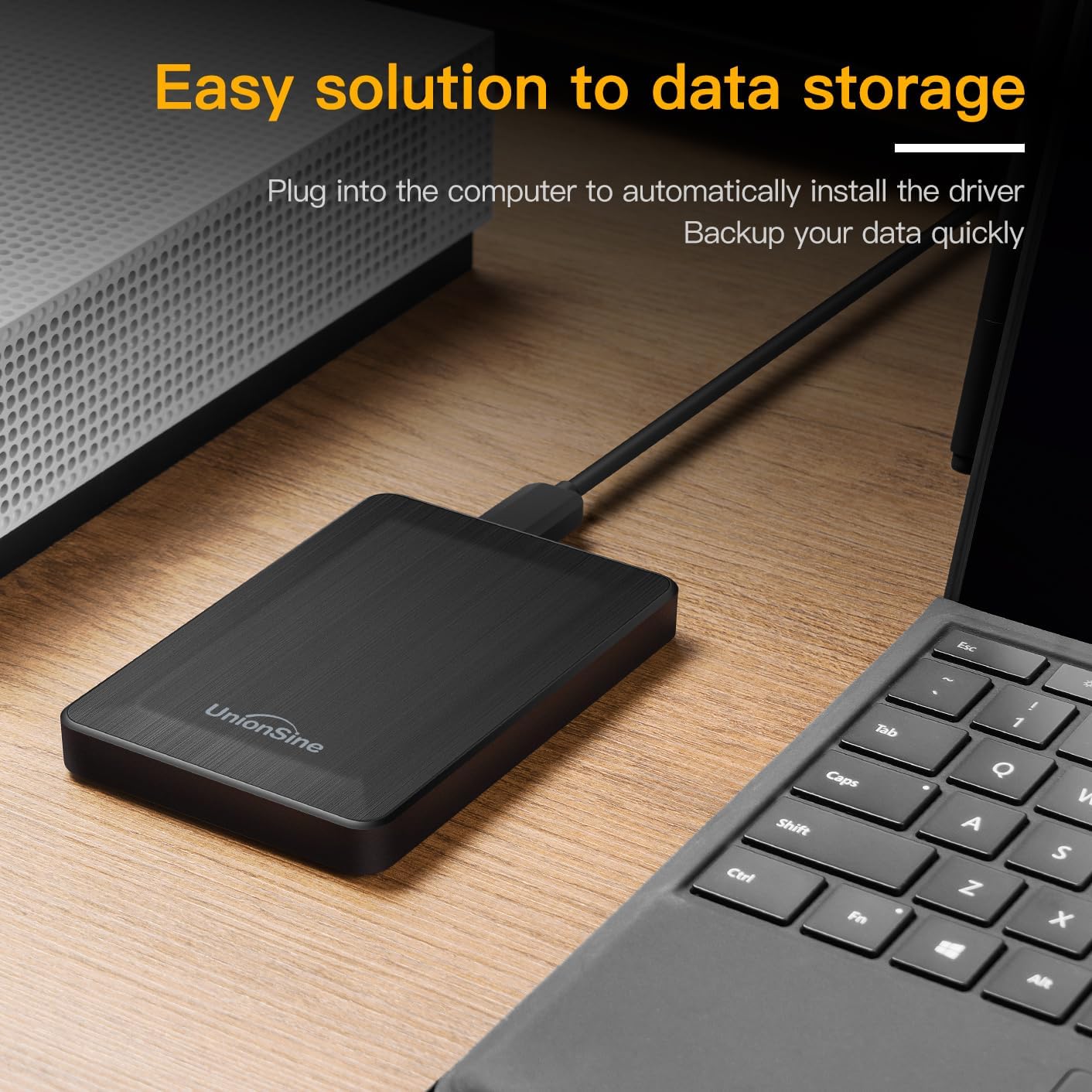
Image: The UnionSine HD3513 external hard drive connected via USB, demonstrating its plug-and-play setup for data storage and backup.
En funcionament
Once connected and recognized, your UnionSine HD3513 external hard drive functions like any other storage device.
- Transferència de dades: Arrossegueu i deixeu anar files or use copy/paste functions to transfer data to and from the drive. The USB 3.0 interface supports high-speed data transfers up to 120MB/s, depending on your system's hardware configuration and operating system.
- Compatibilitat: The drive is compatible with various operating systems including Windows, Mac, and Linux. It can also be used with gaming consoles like PS4 and Xbox, and certain smart TVs for media playback or storage expansion.
- Eliminació segura: Always safely eject the hard drive from your operating system before physically disconnecting it to prevent data corruption.
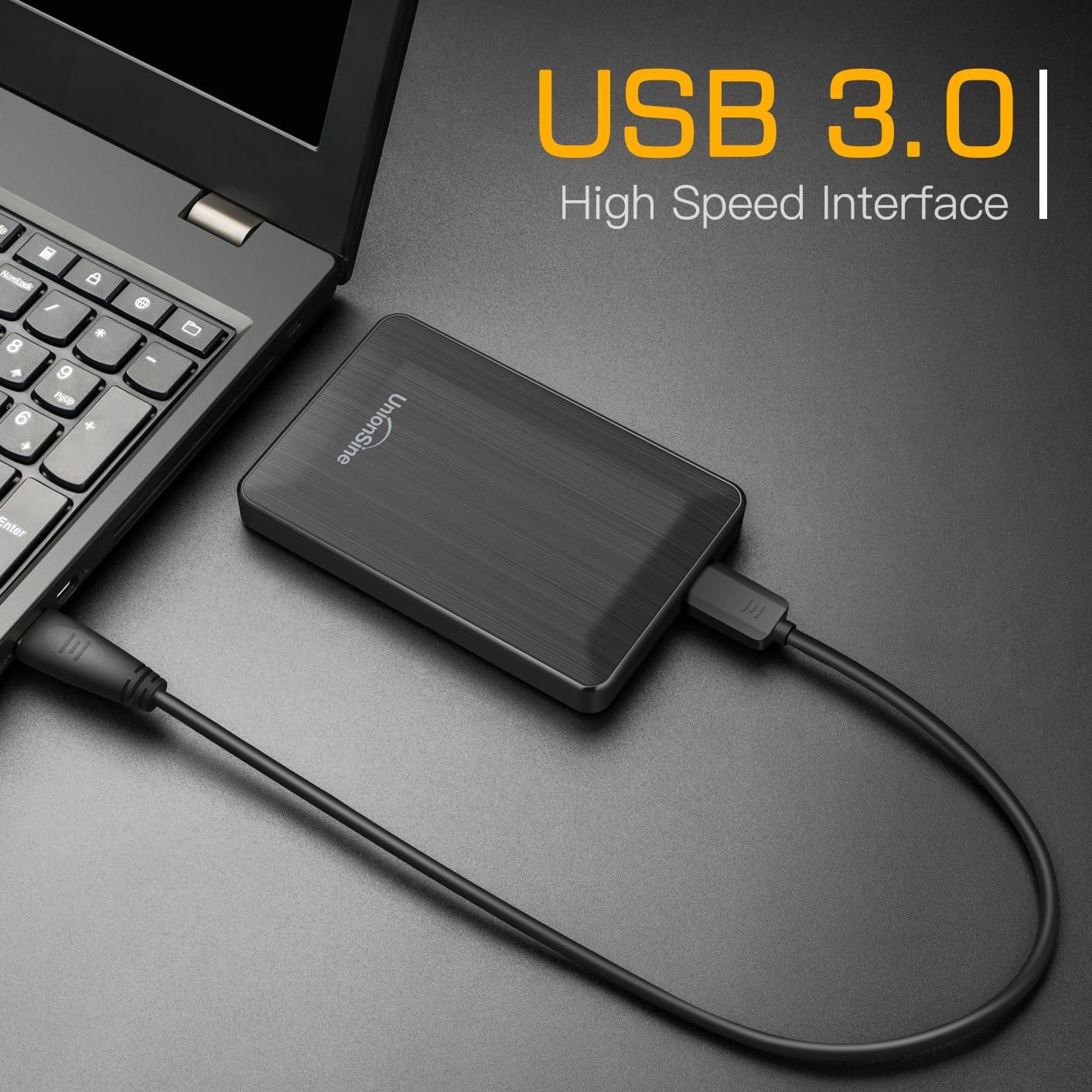
Image: The UnionSine HD3513 external hard drive connected to a laptop, demonstrating its USB 3.0 high-speed interface for efficient data transfer.

Image: An illustration of the UnionSine HD3513 external hard drive's broad compatibility with Windows, Mac, and Linux operating systems.
Manteniment
Una cura adequada garanteix la longevitat i la fiabilitat del vostre disc dur extern.
- Protecció física: Avoid dropping or subjecting the drive to strong impacts. While designed for portability, excessive physical shock can damage internal components.
- Condicions ambientals: Mantingueu el disc dur allunyat de temperatures extremes, llum solar directa i humitat elevada.
- Neteja: Feu servir un drap suau i sec per netejar l'exterior de la unitat. No utilitzeu netejadors líquids ni dissolvents.
- Còpia de seguretat de dades: Regularly back up important data stored on the external drive to another location to prevent data loss in case of unforeseen issues.
Resolució de problemes
If you encounter issues with your UnionSine HD3513, consider the following:
- Unitat no reconeguda:
- Ensure the USB cable is securely connected to both the drive and your device.
- Prova de connectar-te a un port USB diferent del dispositiu.
- Test the drive on another computer to rule out a system-specific issue.
- Check your computer's Disk Management (Windows) or Disk Utility (Mac) to see if the drive is detected but unformatted or has a drive letter conflict.
- Velocitats de transferència lentes:
- Ensure you are connected to a USB 3.0 port for optimal speeds. USB 2.0 ports will result in slower transfers.
- Verifiqueu que els controladors de l'ordinador estiguin actualitzats.
- Tanqueu altres aplicacions que puguin estar utilitzant recursos del sistema o realitzant transferències en segon pla.
- Capacity Discrepancy: The actual usable capacity of a hard drive may appear slightly less than the nominal capacity due to differences in calculation methods (decimal vs. binary) and system files. Per example, 1TB is approximately 931GB of usable space. This is normal and not an indication of a defect.
If problems persist, please refer to the Support section for further assistance.
Especificacions
| Model | HD3513 |
| Capacitat d'emmagatzematge digital | 1 TB (terabyte) |
| Interfície de disc dur | USB 3.0 (compatible enrere amb USB 2.0) |
| Tecnologia de connectivitat | USB |
| Factor de forma del disc dur | 2.5 polzades |
| Velocitat de rotació del disc dur | 5400 RPM |
| Dispositius compatibles | Desktop, Mac, Laptop, Game Console (PS4, Xbox), TV |
| Plataforma de maquinari | Linux, Mac, PC |
| Color | Negre |
| Dimensions del paquet | 13.89 x 10.21 x 3.71 cm |
| Pes de l'article | 240 g |
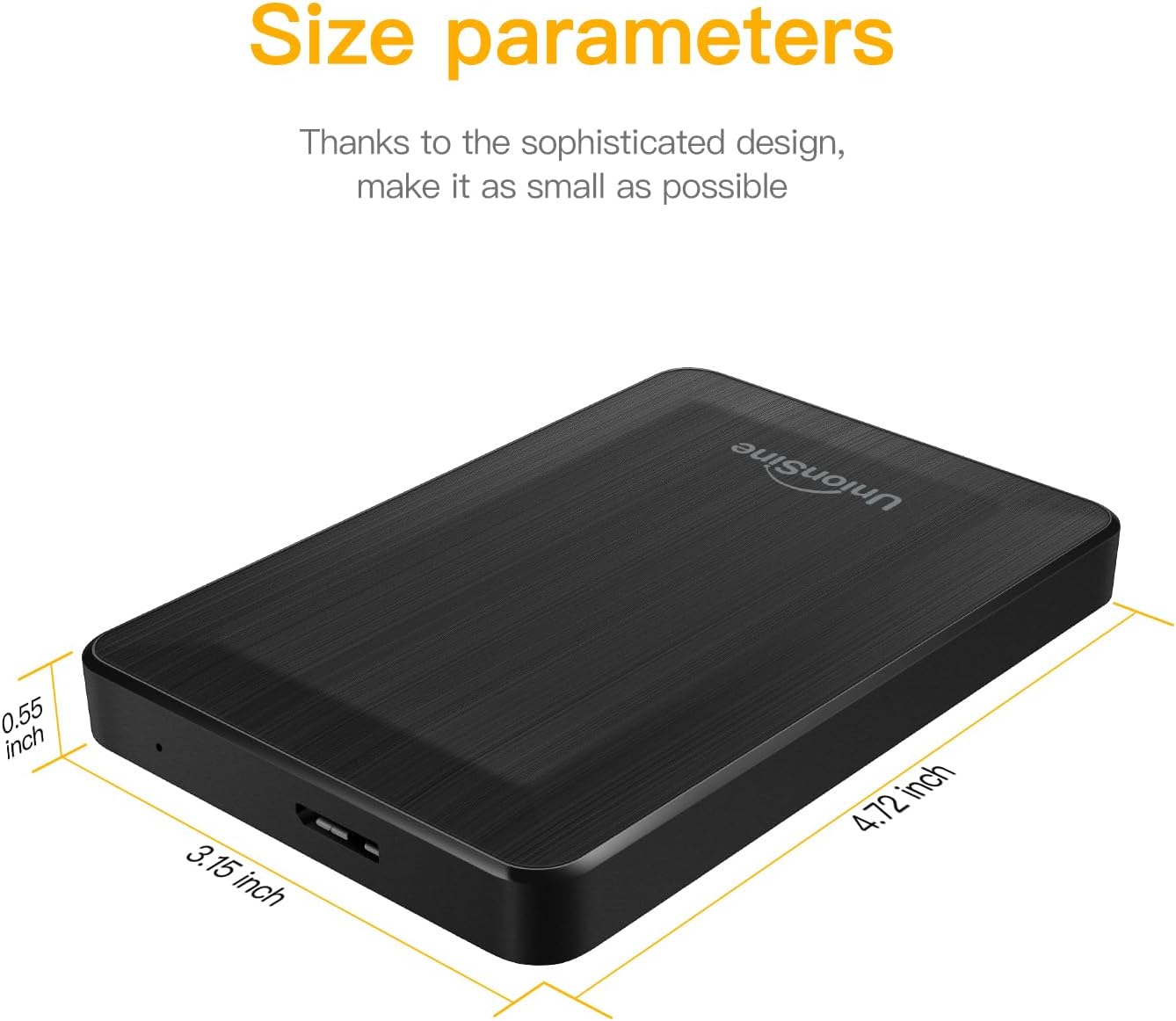
Image: Detailed size parameters of the UnionSine HD3513 external hard drive, showing its compact dimensions.
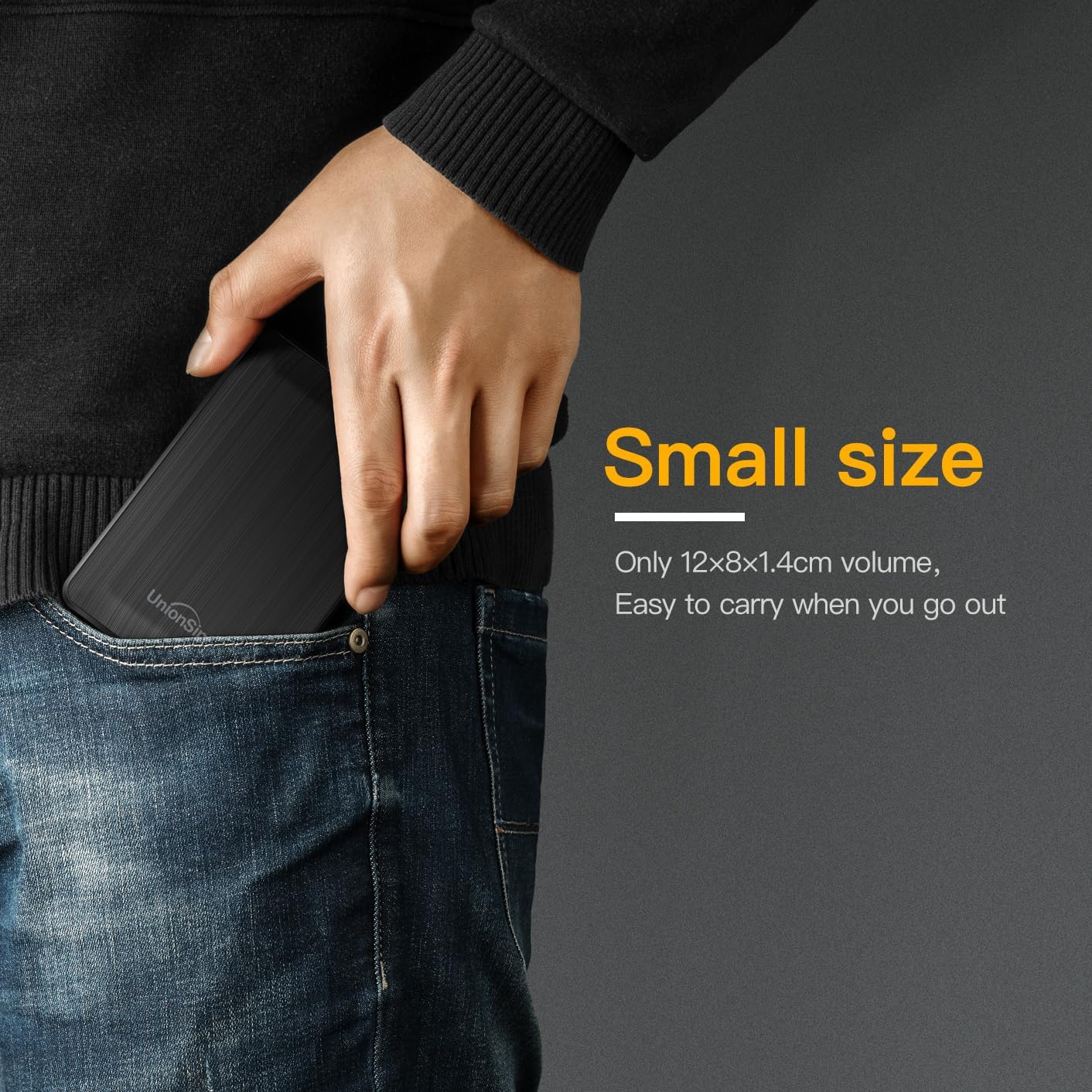
Image: The UnionSine HD3513 external hard drive fitting easily into a pocket, emphasizing its small size and portability for on-the-go use.
Garantia
Specific warranty details for the UnionSine HD3513 external hard drive are provided by the manufacturer at the time of purchase. Please retain your proof of purchase for warranty claims. For detailed warranty terms and conditions, refer to the documentation included with your product or contact UnionSine customer support.
Suport
For technical assistance, troubleshooting beyond this manual, or warranty inquiries, please contact UnionSine customer support. Contact information can typically be found on the product packaging, the manufacturer's official weblloc web o a través del vostre distribuïdor.

