1. Introducció
This manual provides essential information for setting up, operating, and maintaining your new Samsung 65" QLED Q7F 4K Smart TV (2025). This television features advanced Vision AI, Quantum HDR, and a Q4 AI Processor to deliver stunning 4K picture quality and intelligent performance. Please read this manual thoroughly before using your TV to ensure safe and optimal operation.
2. Informació de seguretat
Seguiu sempre les precaucions de seguretat bàsiques quan utilitzeu aquest producte per reduir el risc d'incendi, descàrrega elèctrica i lesions personals. Conserveu aquest manual per a futures consultes.
- Potència: Use only the supplied power cord. Do not overload wall outlets.
- Ventilació: Assegureu-vos que hi hagi una ventilació adequada al voltant del televisor. No bloquegeu les obertures de ventilació.
- Neteja: Desendolleu el televisor abans de netejar-lo. Feu servir un drap suau i sec. No utilitzeu netejadors líquids ni aerosols.
- Aigua i humitat: No exposeu el televisor a la pluja ni a la humitat. No col·loqueu objectes plens de líquids a sobre del televisor.
- Muntatge: Follow instructions carefully when mounting the TV on a wall or stand. Ensure the mounting surface can support the TV's weight.
- Nens: No permeteu que els nens s'enfilin al televisor ni al suport.
3. Què hi ha a la caixa
Verifiqueu que tots els components siguin presents:
- Samsung QLED Q7F 4K Vision AI Smart TV (2025)
- SOLARCELL REMOTE TM2560E (Comandament a distància)
- Cable d'alimentació
- Manual d'usuari (aquest document)

Image: The Samsung QLED Q7F 4K Smart TV, its remote control, power cable, and user manual are shown as included items.
4. Configuració
4.1. Configuració física
Your Samsung QLED Q7F TV can be placed on a stand or wall-mounted. Ensure the TV is placed on a stable, level surface if using the stand, or securely mounted to a wall according to the wall mount instructions (sold separately).
Col·locació del suport
Carefully place the TV screen-down on a soft, flat surface to prevent damage. Align the stand components with the designated slots on the TV and secure them using the provided screws. Ensure the stand is firmly attached before placing the TV upright.

Imatge: Un front view of the Samsung QLED Q7F 4K Smart TV with its stand attached, ready for placement.
Muntatge a la paret
If wall-mounting, refer to the wall mount kit's instructions for proper installation. The TV supports VESA mounting standards. Ensure all cables are connected before mounting the TV to the wall.

Imatge: Un professional lateralfile of the Samsung QLED Q7F 4K Smart TV, highlighting its slim design suitable for wall mounting.
4.2. Connexió de perifèrics
Connect your external devices such as Blu-ray players, gaming consoles, sound systems, and cable/satellite boxes to the TV's ports.
- Ports HDMI: The TV features multiple HDMI ports for high-definition audio and video. Use HDMI 3 (eARC) for soundbars or AV receivers supporting Audio Return Channel.
- Ports USB: Connecteu dispositius d'emmagatzematge USB per a la reproducció de contingut multimèdia o actualitzacions de programari.
- Port LAN: For a wired internet connection. Alternatively, use Wi-Fi.

Imatge: Un primer pla view of the rear input ports on the Samsung QLED Q7F 4K Smart TV, including HDMI, USB, and LAN connections.
4.3. Initial Power On & Smart Hub Setup
After connecting the power cable and any desired devices, press the power button on the remote control to turn on the TV. Follow the on-screen instructions to complete the initial setup, including:
- Selecció d'idioma: Trieu el vostre idioma preferit.
- Connexió de xarxa: Connect to your Wi-Fi network or use a wired LAN connection.
- Compte de Samsung: Sign in or create a Samsung account to access Smart Hub features, apps, and services.
- Escaneig de canals: Cerca els canals de radiodifusió disponibles si fas servir una antena.
Video: An official Samsung video demonstrating the setup process for a Samsung Smart TV, including initial power-on and Smart Hub configuration.
5. Funcionament del televisor
5.1. Funcions de control remot
The SOLARCELL REMOTE TM2560E is designed for intuitive control of your Samsung Smart TV. It features a minimalist design with essential buttons for navigation, volume, channel, and direct access to popular streaming services.

Image: The sleek, black Samsung SOLARCELL REMOTE TM2560E remote control, featuring a solar panel on the back for charging.
5.2. Navegació Smart Hub
The Smart Hub is your gateway to all the smart features of your TV. Use the remote's navigation buttons to browse apps, live TV, connected devices, and recommended content. The intuitive interface allows for quick access to your favorite entertainment.
5.3. Configuració de la imatge
Your QLED Q7F TV offers exceptional picture quality with various settings to customize your viewExperiència:
- Pantalla QLED: Experience over one billion authentic hues with Pantone-certified color accuracy and 100% Color Volume with Quantum Dot technology.
- HDR quàntic: Enhances contrast and reveals hidden details in both bright and dark scenes, providing a more lifelike image.
- Q4 AI Processor: Intelligently optimizes picture and sound quality, upscaling content to stunning 4K resolution regardless of the original source.
- Motion Xcelerator 60Hz: Reduces blur and judder in fast-moving scenes, ideal for sports and action content.
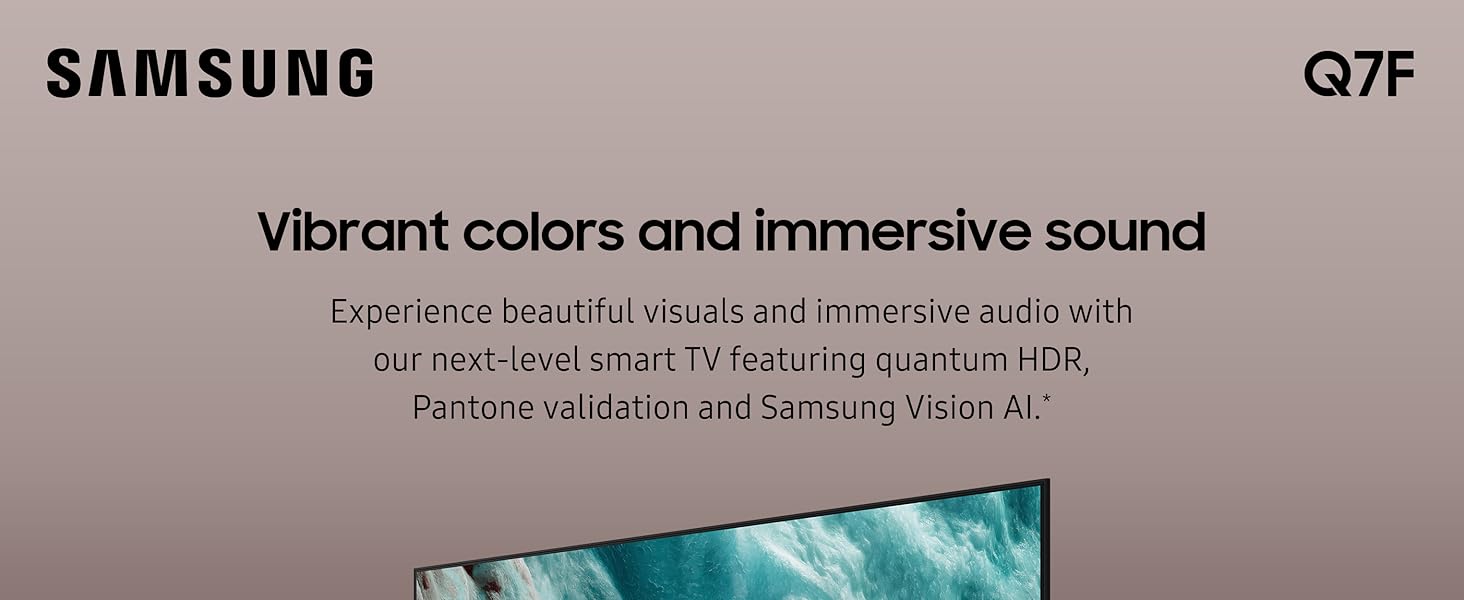
Image: The Samsung QLED Q7F 4K Smart TV showcasing its vibrant colors and immersive audio capabilities, highlighting the visual and auditory brilliance.
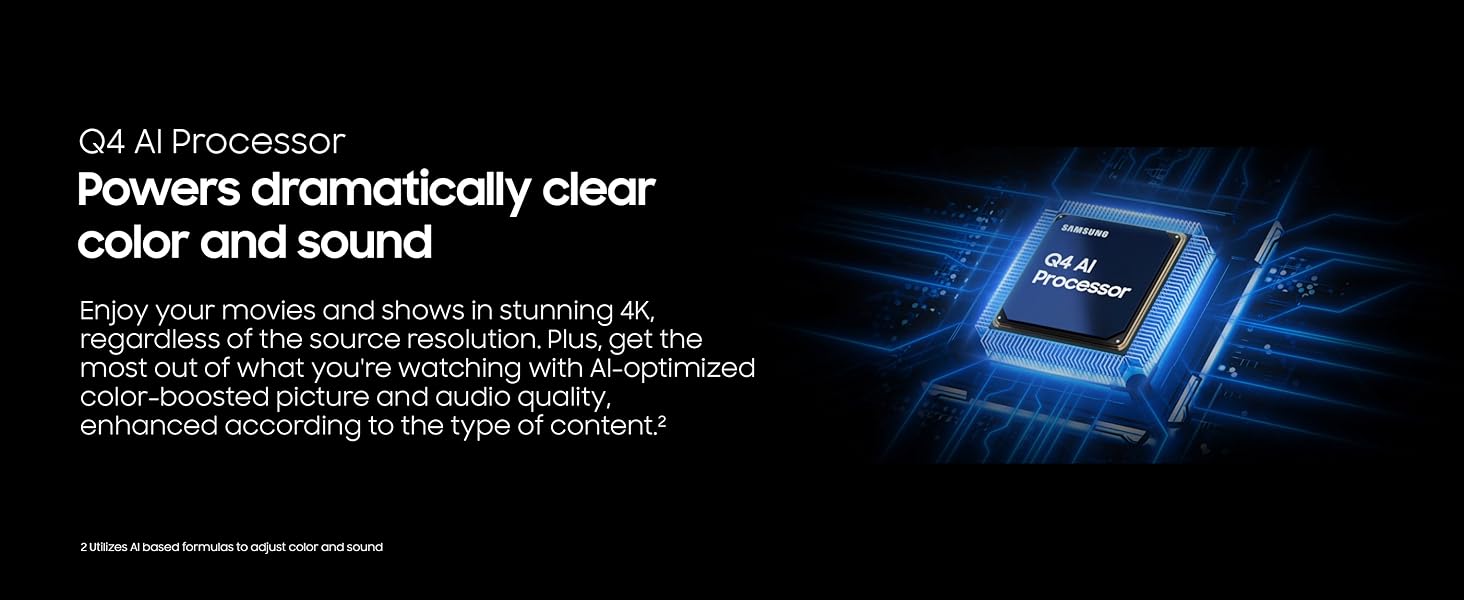
Image: The Samsung QLED Q7F 4K Smart TV demonstrating its 100% Color Volume with Quantum Dot technology, displaying over a billion true colors.
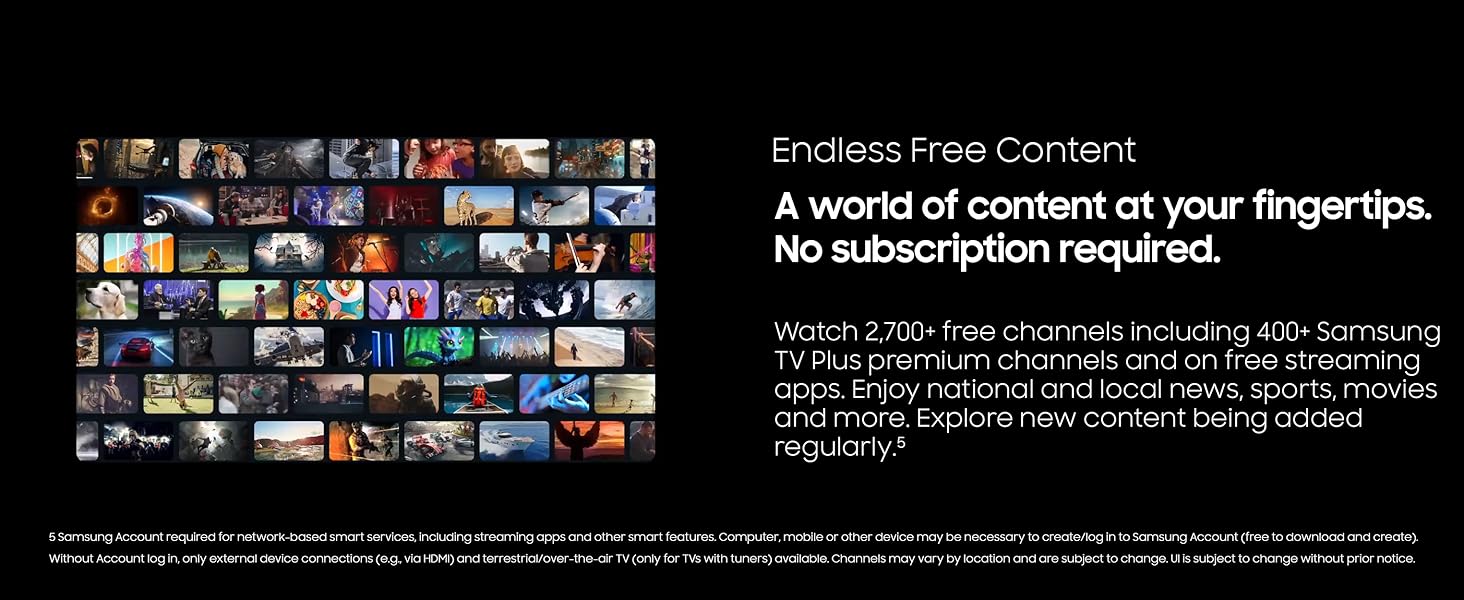
Image: The Samsung QLED Q7F 4K Smart TV illustrating Quantum HDR, which brings out deep blacks and bold contrast for detailed imagery.
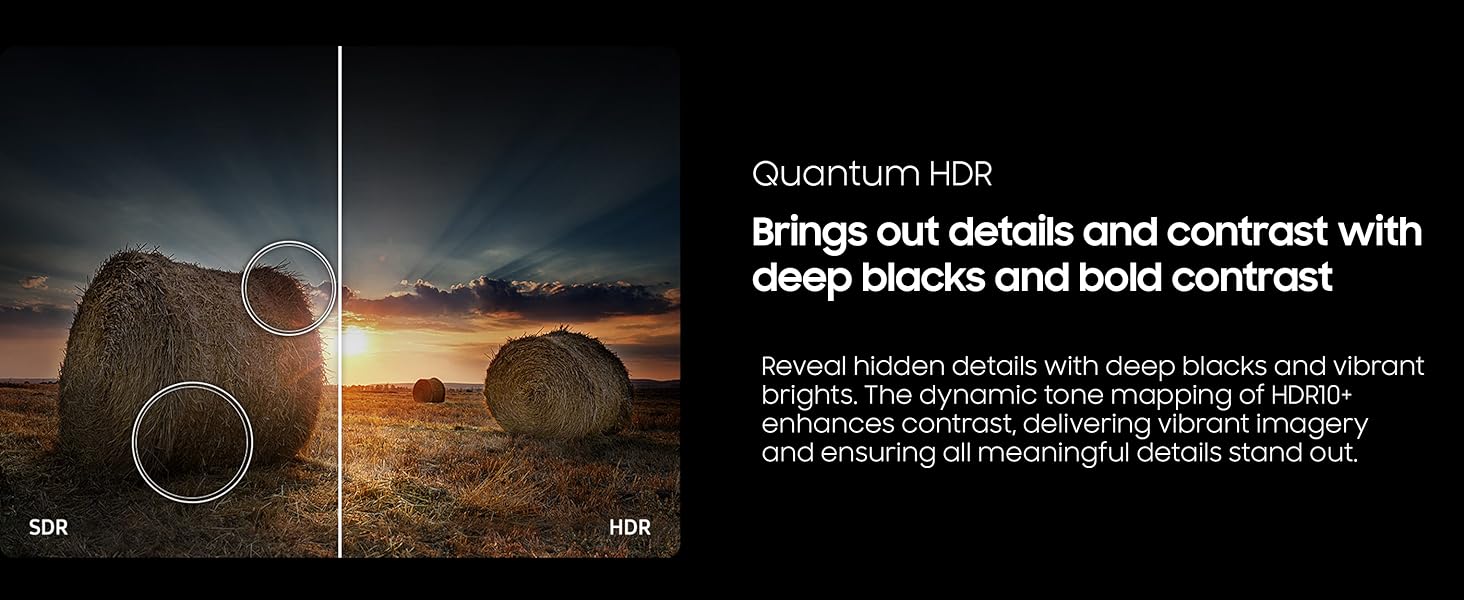
Image: The Samsung QLED Q7F 4K Smart TV highlighting its 4K Upscaling capability, which upgrades lower-resolution content to crisp 4K clarity.
5.4. Configuració de so
The TV features an advanced 3D audio system that syncs with on-screen motion. Adaptive Sound automatically adjusts audio levels for optimal listening, whether it needs to be louder or softer. For enhanced audio, consider pairing with a compatible Samsung soundbar for Q-Symphony functionality.
5.5. Funcions intel·ligents
- Vision AI: Powers intelligent optimization of picture and sound.
- Seguretat de Samsung Knox: Protects your TV experience from harmful attacks, unauthorized apps, and phishing websites, safeguarding your personal information and connected IoT devices.
- Contingut gratuït il·limitat: Access over 2,700 free channels, including 400+ Samsung TV Plus premium channels and free streaming apps, without a subscription.
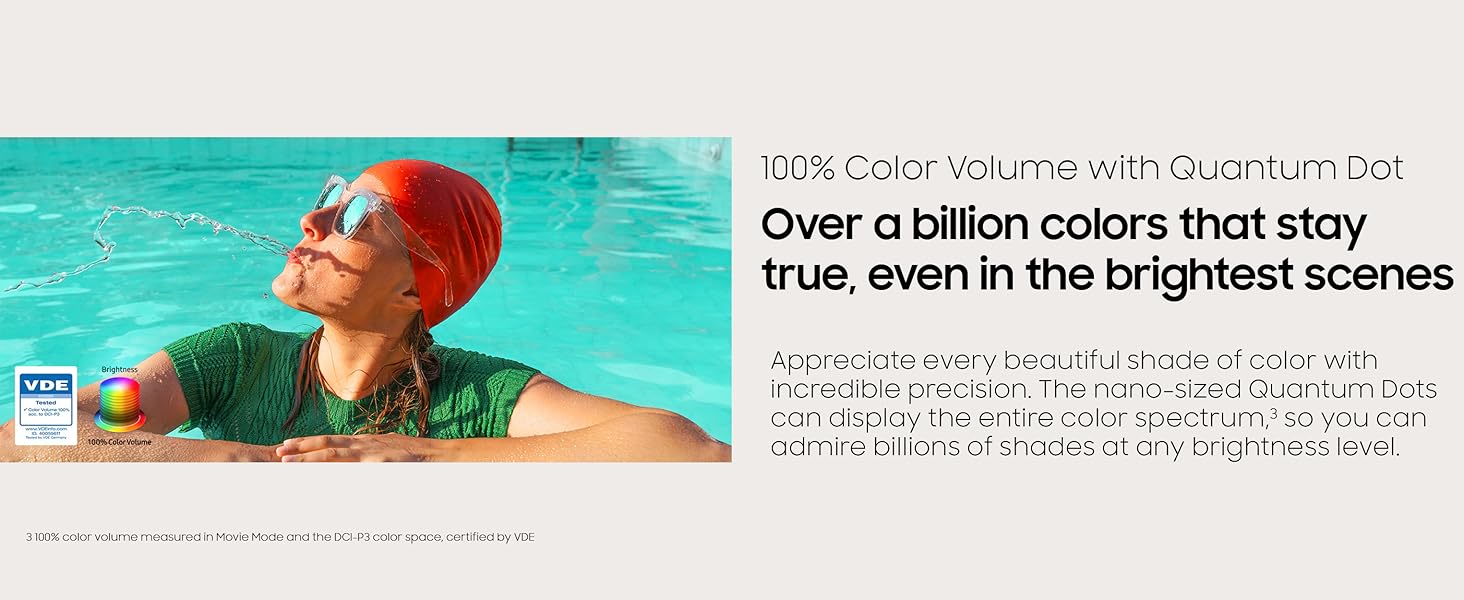
Image: The Samsung QLED Q7F 4K Smart TV highlighting its Samsung Knox Security, which provides triple-layer protection for personal data and connected devices.
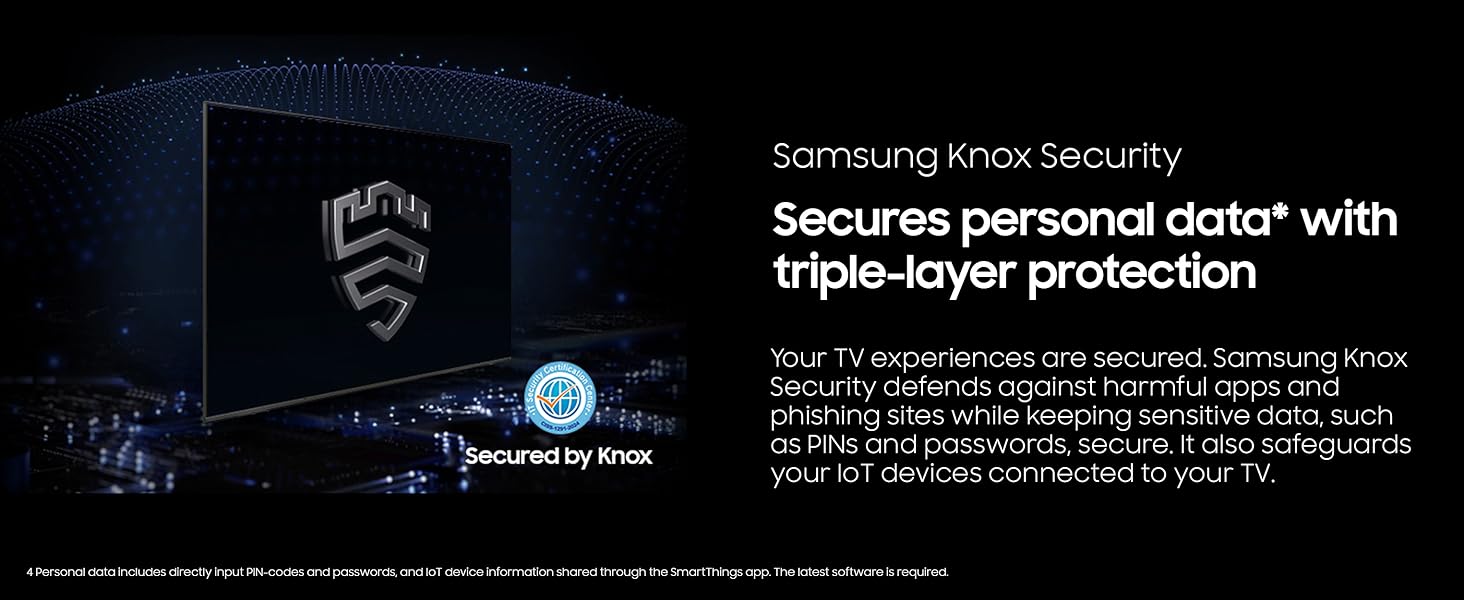
Image: The Samsung QLED Q7F 4K Smart TV showcasing its 'Endless Free Content' feature, offering a wide world of streaming content without subscription.
5.6. Característiques de joc
The QLED Q7F is optimized for gaming, offering a responsive and immersive experience:
- Motion Xcelerator 60Hz: Ensures clear picture and smooth motion, reducing lag and blur during gameplay.
- Jocs al núvol: Access cloud gaming services directly from your TV (subscription may be required).

Image: The Samsung QLED Q7F 4K Smart TV illustrating its Motion Xcelerator 60Hz feature, providing clear picture and smooth motion for games and sports.
6. Manteniment
6.1. Neteja
To clean your TV, first unplug the power cord. Use a soft, microfiber cloth to gently wipe the screen and frame. Do not use harsh chemicals, abrasive materials, or spray cleaners directly onto the TV.
6.2. Actualitzacions de programari
Ensure your TV's software is always up to date for optimal performance and security. You can usually find software update options in the TV's settings menu under 'Support' or 'Software Update'. The TV may also automatically download and install updates when connected to the internet.
7. Solució De Problemes
Si teniu problemes amb el televisor, proveu els passos bàsics següents per resoldre problemes:
- Sense energia: Comproveu si el cable d'alimentació està ben connectat al televisor i a la presa de corrent. Proveu una altra presa de corrent.
- Sense imatge/so: Verify that the correct input source is selected. Check all cable connections (HDMI, etc.) for looseness.
- El comandament a distància no funciona: Ensure the remote has sufficient charge (SOLARCELL REMOTE can be charged via solar or USB-C). Point the remote directly at the TV.
- Problemes de connexió de xarxa: Restart your router and modem. Reconnect the TV to the Wi-Fi network in the settings menu.
- Distorsió d'imatge/so: Try adjusting picture and sound settings. If using external devices, check their settings and connections.
- Restabliment de fàbrica: As a last resort, you can perform a factory reset through the TV's settings menu. This will erase all personalized settings.
8. Especificacions
| Característica | Detall |
|---|---|
| Marca | Samsung |
| Número de model | E1SAMQN65Q7F |
| Mida de la pantalla | 64.5 Inches (65" Class) |
| Tecnologia de visualització | QLED |
| Resolució | 4K (3840 x 2160) |
| Freqüència d'actualització | 60 Hz |
| Processador | Processador d'IA Q4 |
| Característiques especials | 100% Color Volume with Quantum Dot, Vision AI, Quantum HDR, Samsung Knox Security, Motion Xcelerator 60Hz, Adaptive Sound, Cloud Gaming |
| Connectivitat | Bluetooth, Wi-Fi, Multiple HDMI, USB |
| Dimensions del producte | 10.5 "P x 57.2" W x 35.6" H |
| Pes de l'article | 37.7 lliures |
9. Garantia i Suport
Your Samsung QLED Q7F 4K Smart TV (2025) is covered by a limited manufacturer's warranty. Please refer to the warranty card included in your product packaging for specific terms and conditions. For technical support, service, or additional information, visit the official Samsung support weblloc web o poseu-vos en contacte amb el servei d'atenció al client de Samsung.


