1. Introducció
This manual provides essential information for the safe and efficient operation of your Xiaomi 55-inch X Ultra HD 4K Smart Google LED TV (Model L55MB-AIN). Please read this manual thoroughly before using the product and retain it for future reference.
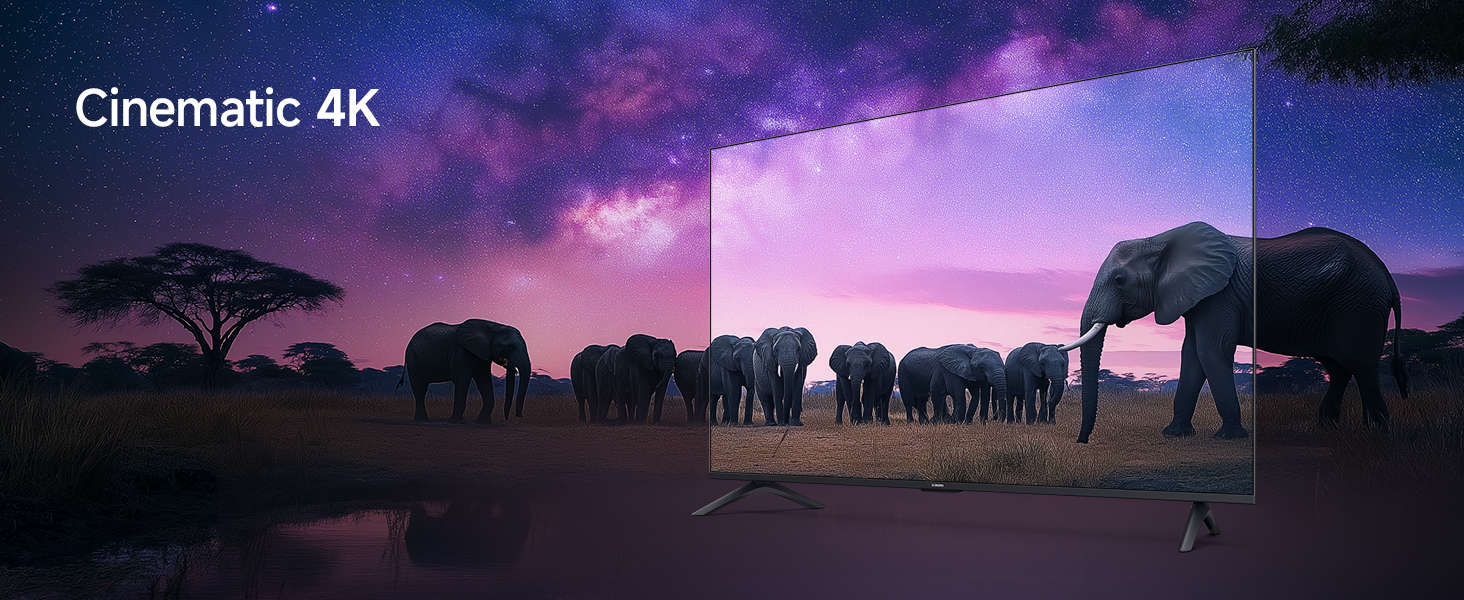
The Xiaomi X Ultra HD 4K Smart Google LED TV offers a 138 cm (55-inch) display with 4K Ultra HD resolution (3840 x 2160), a 60 Hz refresh rate (with 120Hz DLG), and smart features powered by Android 14 OS and Google TV. It includes advanced display technologies like Dolby Vision, HDR 10, HLG, and Filmmaker Mode, alongside immersive audio with 34 watts output, Dolby Audio, DTS-X, and DTS Virtual:X.
2. Informació de seguretat
Respecteu sempre les següents precaucions de seguretat per evitar danys al televisor i garantir la seguretat personal:
- No exposeu el televisor a la pluja o la humitat.
- No bloquejar les obertures de ventilació.
- Assegureu-vos de la connexió a terra adequada per al cable d'alimentació.
- Eviteu col·locar el televisor sobre superfícies inestables.
- Desendolleu el televisor durant tempestes o quan no l'utilitzeu durant períodes prolongats.
- Demaneu tot el servei a personal de servei qualificat.
3. Configuració
3.1. Desembalatge i contingut
Carefully unpack your TV and check for all included components. The package should contain:
- 1 unitat de TV LED
- 1 Control remot
- Unitat de 2 estands
- 4 Screws for stand installation
- 2 x AAA batteries for the remote control
- 1 cable d'alimentació

Descripció de la imatge: A diagram illustrating the various components included in the TV packaging, such as the TV unit, remote, stands, screws, batteries, and power cord.
3.2. Installing the Stands or Wall Mounting
Your Xiaomi TV can be placed on a flat surface using the included stands or mounted on a wall (wall mount sold separately).
Instal·lació de l'estand:
- Col·loqueu el televisor cara avall sobre una superfície suau i plana per evitar que la pantalla es faci malbé.
- Align the stands with the corresponding slots at the bottom of the TV.
- Fixeu cada suport amb els cargols proporcionats.
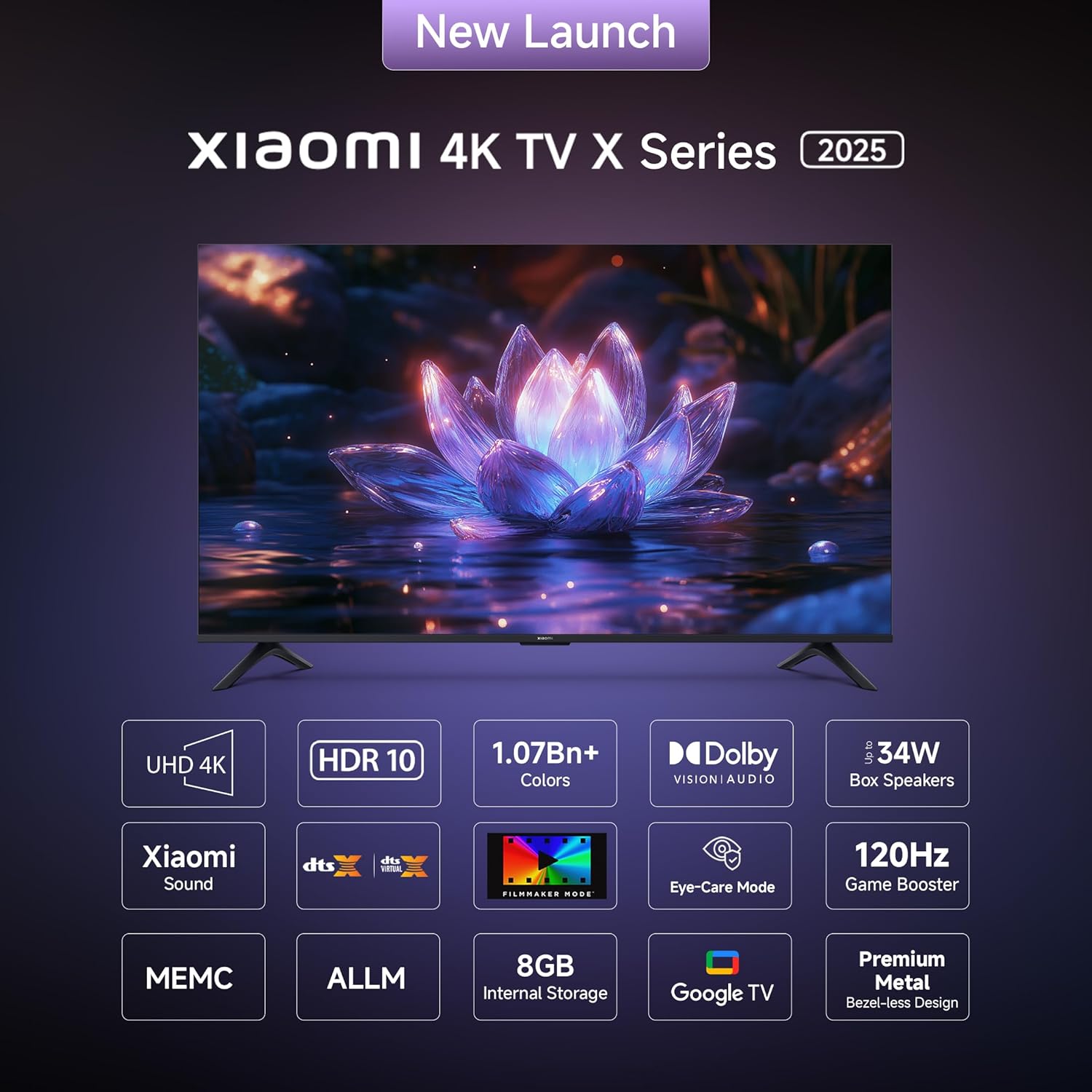
Descripció de la imatge: Un front view of the Xiaomi 55-inch TV, clearly showing the two stand units securely attached to the bottom of the television.
Muntatge a la paret:
If you choose to wall mount your TV, please consult a professional installer to ensure proper and safe installation. Refer to the wall mount kit instructions for specific details.
3.3. Connexió de perifèrics
El televisor disposa de diversos ports per connectar dispositius externs. Consulteu el diagrama següent per conèixer la ubicació i els tipus de ports.
Descripció de la imatge: A detailed diagram highlighting the various connectivity ports located on the back panel of the Xiaomi TV. These include ports for Ethernet, three HDMI inputs (one supporting eARC), two USB 2.0 ports, a 3.5mm earphone jack, two antenna inputs, an AV input, and an optical audio output.
- Ports HDMI (x3): Connect gaming consoles, Blu-ray players, set-top boxes. One port supports eARC for enhanced audio return.
- Ports USB (x2): Connecteu dispositius d'emmagatzematge USB per a la reproducció de contingut multimèdia.
- Port Ethernet: Per a connexió a Internet per cable.
- Sortida d'àudio òptic: Per connectar a sistemes d'àudio externs.
- Presa d'auriculars de 3.5 mm: Per a auriculars o altaveus externs.
- Entrada AV: Per a dispositius més antics que utilitzen vídeo compost i àudio estèreo.
- Antenna Input (x2): For connecting to terrestrial or cable TV signals.
3.4. Engegada inicial i configuració de la xarxa
- Connecteu el cable d'alimentació al televisor i a una presa de corrent.
- Premeu el botó d'engegada del comandament a distància o del televisor per encendre-lo.
- Follow the on-screen instructions to complete the initial setup, including language selection, network connection (Wi-Fi or Ethernet), and Google account login.
- The TV runs on Android 14 OS with Google TV, providing access to a wide range of apps and services.
Descripció de la imatge: A screenshot of the Google TV interface, displaying a personalized home screen with various streaming applications and content recommendations, demonstrating the user-friendly navigation.
4. Funcionament del televisor
4.1. Funcions de control remot
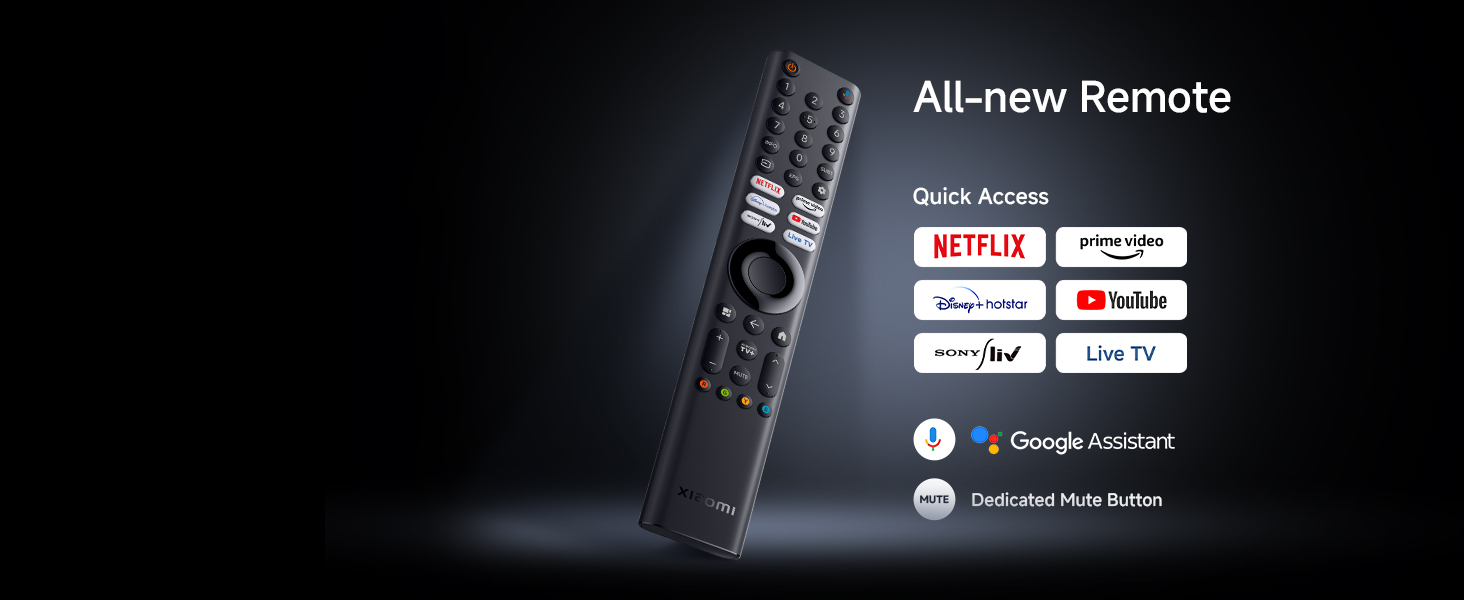
The included remote control provides access to all TV functions. Insert the two AAA batteries into the remote control before use.
Descripció de la imatge: Un primer pla view of the Xiaomi TV remote control, highlighting its various buttons including power, numerical keys, directional pad for navigation, volume controls, and dedicated quick access buttons for popular streaming services such as Netflix and Prime Video.
- Botó d'encesa: Encén o apaga el televisor.
- Bloc de navegació: Per a la navegació i selecció de menús.
- Pujar/baixar el volum: Ajusta el nivell d'àudio.
- Canal amunt/avall: Canvia els canals de televisió.
- Botons d'accés ràpid: Dedicated buttons for Netflix, Prime Video, YouTube, and other services.
- Botó de l'Assistent de Google: Activa les ordres de veu.
- Botó de silenci: Silencia l'àudio del televisor.
4.2. Funcions de Smart TV
Your Xiaomi TV comes with Google TV, offering a personalized and integrated entertainment experience:
- Wi-Fi integrat: Es connecta a la xarxa domèstica per accedir a Internet.
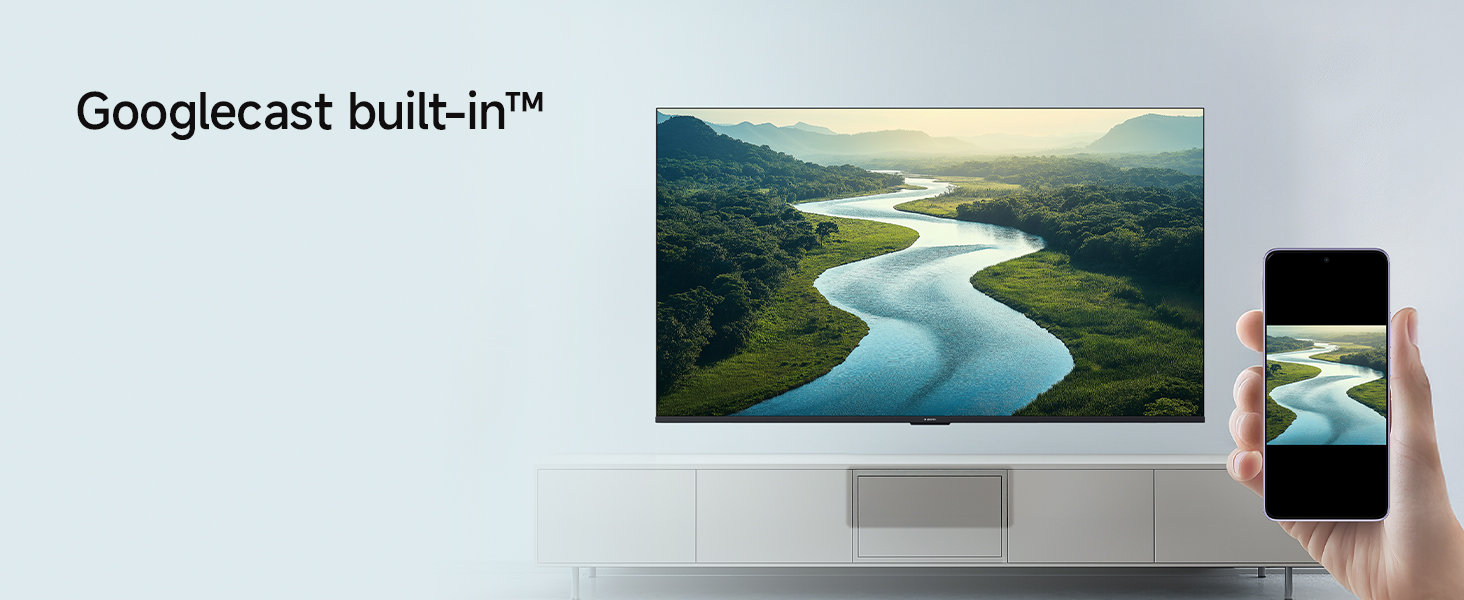
- Google Cast Built-In: Stream content directly from your smartphone or tablet to the TV.
- Aplicacions compatibles: Access popular streaming services like Netflix, Prime Video, YouTube, Zee5, and many more from the Google Play Store.
- Assistent de Google: Feu servir ordres de veu per cercar contingut, controlar dispositius domèstics intel·ligents i obtenir informació.
- PatchWall: Provides customized recommendations and content curation.
Descripció de la imatge: An image showing a smartphone screen mirroring its content onto the larger Xiaomi TV display, illustrating the Google Cast and Apple AirPlay 2 streaming capabilities.
4.3. Picture Settings and Display Technologies
Experience stunning visuals with the TV's advanced display features:
- 4K Ultra HD (3840 x 2160): Ofereix una claredat i un detall excepcionals.
- Visió Dolby 4K: Dynamically optimizes image quality frame by frame for superior brightness, contrast, and color.
- HDR 10 i HLG: Enhances contrast and color accuracy for a more lifelike viewexperiència.
- Flux de la realitat MEMC: Motion Estimation, Motion Compensation technology reduces motion blur for smoother fast-paced scenes.
- Motor d'imatge vívida 2: Optimizes color, contrast, and sharpness.
- Wide Colour Gamut: Reproduces a broader spectrum of colors for richer, more vibrant images.
- Mode cineasta: Disables post-processing effects to present content exactly as the director intended.
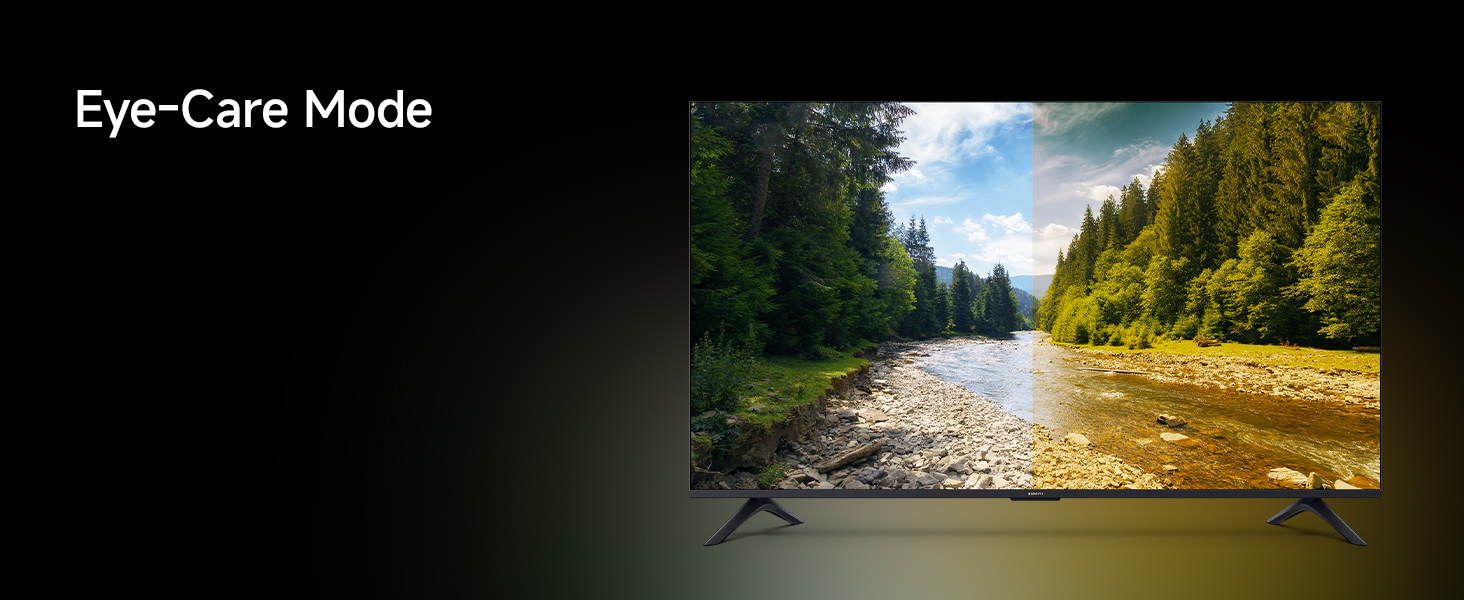
- Mode de confort ocular: Reduces blue light emission to minimize eye strain during prolonged viewing.
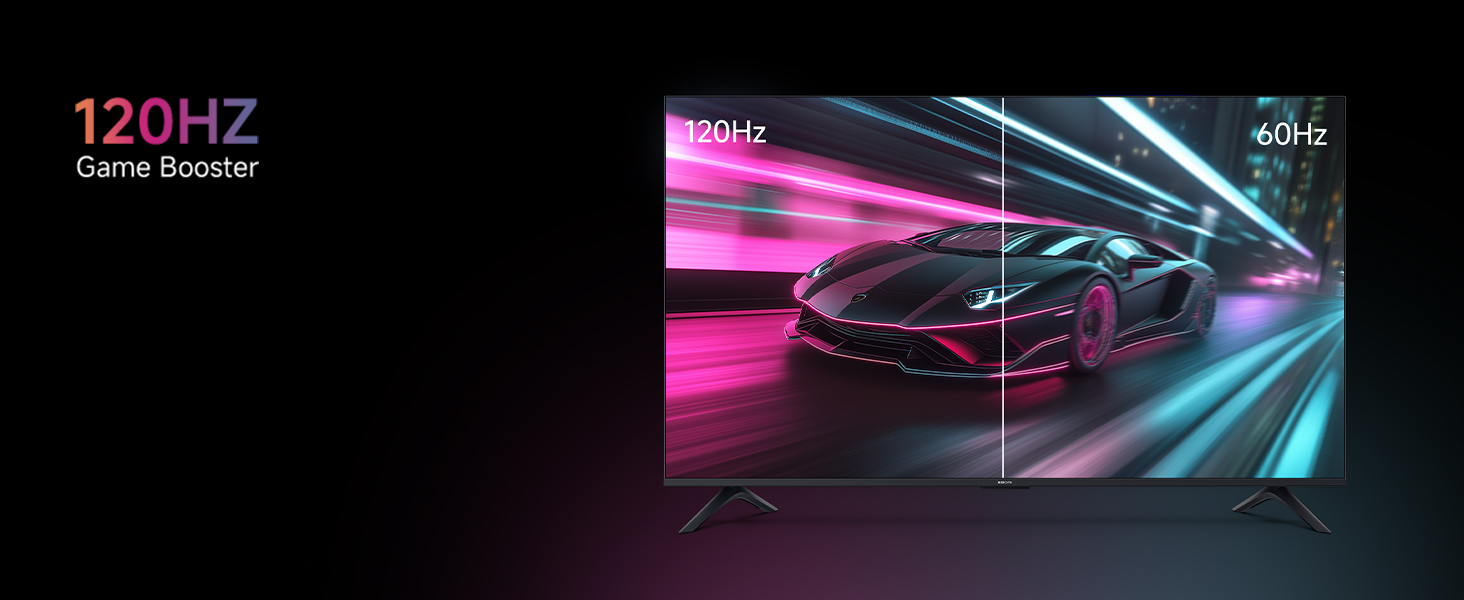
- 120Hz Game Booster (DLG): Boosts refresh rate to 120Hz for ultra-low latency and responsive gaming.
Descripció de la imatge: An image depicting a couple enjoying a movie on the Xiaomi TV, with the scene optimized by Filmmaker Mode to deliver a cinematic viewing experience as intended by the director.
Descripció de la imatge: A split-screen image comparing a car racing game, with one side showing the smooth motion at 120Hz and the other side showing the standard 60Hz, illustrating the benefit of the 120Hz Game Booster for reduced latency and improved responsiveness.
4.4. Audio Settings and Sound Technologies
The TV delivers powerful and clear audio:
- Sortida de 34 watts: Provides robust sound for an immersive experience.
- Dolby Audio: Enhances sound quality with rich, clear, and powerful audio.
- DTS-X i DTS Virtual:X: Creates a multi-dimensional audio experience, simulating surround sound.
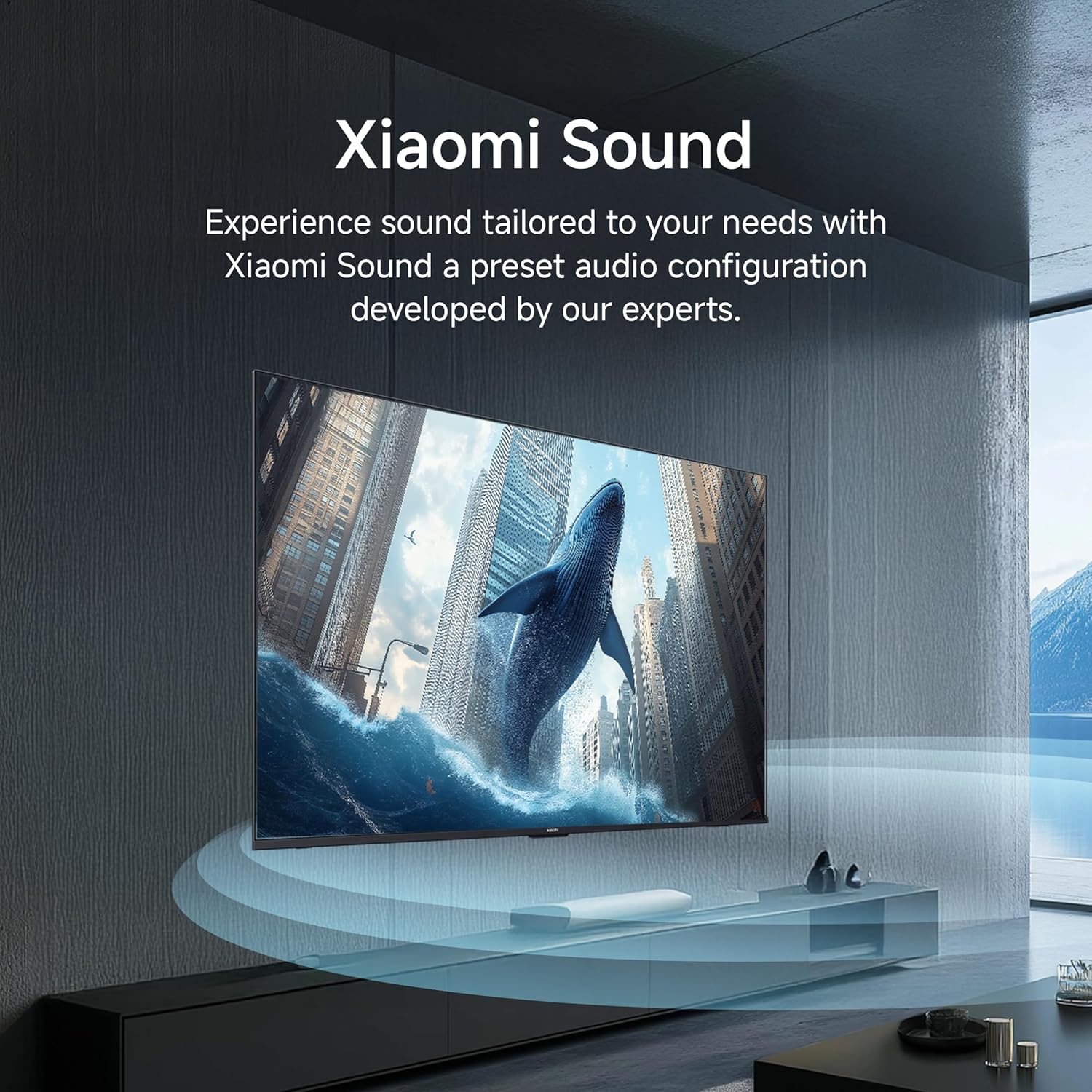
- So de Xiaomi: A preset audio configuration developed by experts to tailor sound to your needs.
Descripció de la imatge: An image showing sound waves emanating from the Xiaomi TV, visually representing the cinematic audio experience enhanced by Dolby Audio, DTS-X, and DTS Virtual:X technologies.
5. Manteniment
To ensure the longevity and optimal performance of your Xiaomi TV, follow these maintenance guidelines:
- Neteja de la pantalla: Netegeu suaument la pantalla amb un drap suau i sense borrissol. Per a marques difícils, netegeu lleugerament.ampen the cloth with water or a screen-cleaning solution specifically designed for TVs. Do not spray liquid directly onto the screen.
- Neteja del marc: Feu servir un drap suau i sec per netejar el marc i el suport del televisor.
- Ventilació: Assegureu-vos que les obertures de ventilació de la part posterior del televisor no estiguin bloquejades per evitar el sobreescalfament.
- Cable d'alimentació: Regularly check the power cord for any damage. If damaged, contact service personnel for replacement.
- Eliminació de pols: Periodically use a soft brush or a vacuum cleaner with a brush attachment to remove dust from the vents.
6. Solució De Problemes
Si teniu problemes amb el televisor, consulteu els passos habituals següents per resoldre problemes:
Sense alimentació / El televisor no s'encén:
- Check if the power cord is securely plugged into both the TV and the power outlet.
- Comproveu que la presa de corrent funcioni provant-la amb un altre dispositiu.
- Premeu el botó d'engegada del televisor, no només del comandament a distància, per descartar un problema amb el comandament a distància.
Sense imatge / Pantalla negra:
- Verify that the correct input source (HDMI 1, HDMI 2, AV, etc.) is selected.
- Comproveu totes les connexions de cable entre el televisor i els dispositius externs.
- Prova de reiniciar el televisor i tots els dispositius connectats.
El control remot no funciona:
- Replace the batteries in the remote control with new AAA batteries.
- Assegureu-vos que no hi hagi obstacles entre el comandament a distància i el sensor d'infrarojos del televisor.
- For Bluetooth remotes, try re-pairing the remote with the TV (refer to the TV's settings menu).
Mala qualitat d'imatge:
- Check the resolution settings of the connected device and the TV.
- Adjust picture settings such as brightness, contrast, and sharpness in the TV menu.
- Assegureu-vos que la font d'entrada proporciona un senyal d'alta qualitat.
Sense so:
- Comproveu el nivell de volum i assegureu-vos que el televisor no estigui silenciat.
- Verify audio cable connections to external sound systems or soundbars.
- Check the audio output settings in the TV menu.
Smart TV / App Issues:
- Check your internet connection (Wi-Fi or Ethernet).
- Prova de reiniciar el televisor.
- Clear the cache and data for the problematic app in the TV's settings.
- Assegureu-vos que el programari del televisor estigui actualitzat.
7. Especificacions
Detailed technical specifications for the Xiaomi 55-inch X Ultra HD 4K Smart Google LED TV (Model L55MB-AIN):
| Característica | Especificació |
|---|---|
| Marca | XIAOMI |
| Model | L55MB-AIN |
| Nom del model | Sèrie GTV |
| Any model | 2025 |
| Mida de la pantalla | 55 polzades (138 cm) |
| Tecnologia de visualització | LED |
| Resolució | 4K Ultra HD (3840 x 2160 píxels) |
| Freqüència d'actualització | 60 Hz / 120Hz DLG |
| Sistema operatiu | Google TV (sistema operatiu Android 14) |
| Mida instal·lada de la memòria RAM | 2 GB |
| Memory Storage Capacity (ROM) | 8 GB |
| Potència de sortida d'àudio | 34 watts |
| Tecnologies d'àudio | Dolby Àudio, DTS-X, DTS Virtual:X |
| Connectivitat | Dual Band Wi-Fi, Bluetooth, Ethernet, 3 HDMI ports (1 eARC), 2 USB ports, Optical, AV Input, 3.5mm Audio |
| Característiques especials | Filmmaker Mode, MEMC, Eye Comfort Mode, Google Assistant, Google Cast built-in |
| Dimensions del producte (LxWxH) | 122.6 x 31.2 x 77 cm (amb suport) |
| Pes de l'article | 9.2 kg |
| Font d'alimentació | CA 240 volts |
| Consum d'energia en mode | 130 watts |
| Diagonal de la pantalla visible | 55" / 140 cm |

Descripció de la imatge: A technical diagram illustrating the physical dimensions of the Xiaomi 55-inch TV, including its width (1226mm), height without stand (711mm), height with stand (770mm), and the diagonal screen size (138 cm).

Descripció de la imatge: An energy efficiency label for the Xiaomi TV Model L55MB-AIN, indicating a 3-star rating and an estimated annual energy consumption of 180 kWh per year, along with BEE certification.
8. Garantia i Suport
Your Xiaomi TV comes with a Garantia integral de 2 anys. This warranty covers the cost of parts and labor for the product on an on-site service basis. Local transportation costs are also covered if the unit needs to be transported to a service center for repairs that cannot be performed at your premises.
Descripció de la imatge: A graphic emphasizing the '2 Years Complete Warranty' offered for Xiaomi TVs, indicating comprehensive coverage for the product.
To avail of the brand warranty, please retain your Amazon invoice as proof of purchase. The full user manual can also be accessed from the official Xiaomi brand website for more detailed information and support.
For further assistance or to register a service request, please visit the official Xiaomi support weblloc o poseu-vos en contacte amb el seu servei d'atenció al client.


