1. Introducció
This manual provides essential information for setting up, operating, and maintaining your Xiaomi X Series 4K Ultra HD Smart Google TV. Please read this manual thoroughly before using your television to ensure proper and safe operation.
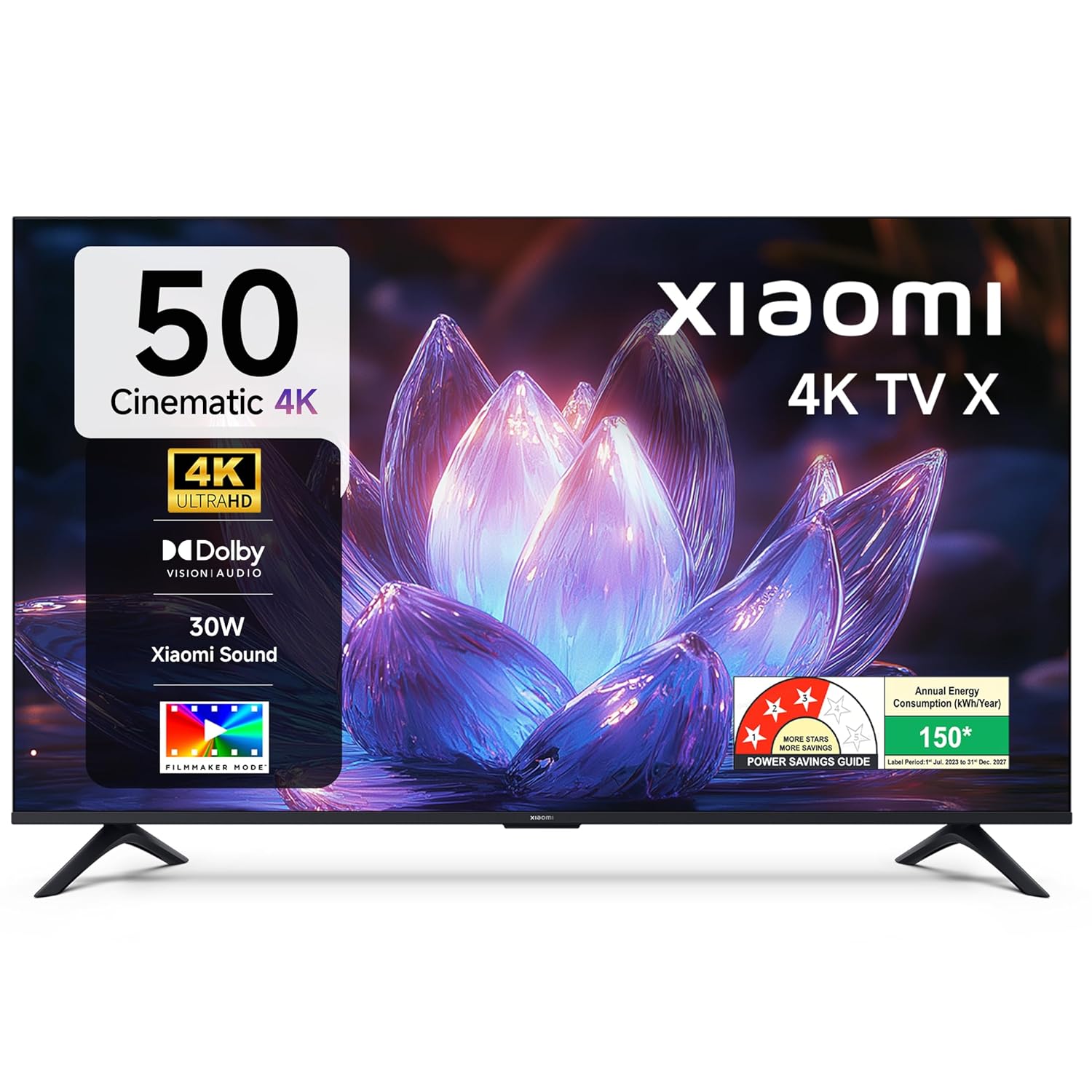
Imatge 1.1: Frontal view of the Xiaomi X Series 50-inch 4K Ultra HD Smart Google TV.
The Xiaomi X Series TV offers a cinematic 4K viewing experience with advanced features including Dolby Vision, HDR10, Filmmaker Mode, and a 120Hz Game Booster. It runs on Google TV, providing a smart and intuitive user interface with access to various streaming services and Google Assistant.
2. Configuració
2.1. Desembalatge i contingut del paquet
Carefully unpack your television and check for all included components. Ensure the packaging is handled responsibly.

Image 2.1: Included accessories with your Xiaomi TV.
El paquet ha de contenir:
- 1 unitat de TV LED
- 1 Control remot
- 1 Manual d'usuari (aquest document)
- 2 Stand Units
- 4 cargols per al muntatge del suport
- 2 x AAA batteries for the remote control
- 1 cable d'alimentació
2.2. Instal·lació física
You can install your TV using the included stands for table mounting or a compatible wall mount (sold separately).
Table Mount Installation:
- Col·loqueu la pantalla del televisor amb la pantalla cap avall sobre una superfície suau i plana per evitar que es faci malbé.
- Attach the two stand units to the designated slots at the bottom of the TV.
- Fixeu cada suport amb els cargols proporcionats.
- Aixequeu el televisor amb cura i col·loqueu-lo sobre una superfície estable i plana.
Instal·lació de muntatge a la paret:
For wall mounting, it is recommended to use a professional installation service. Refer to the wall mount kit instructions for specific details. Ensure the wall mount is compatible with the TV's VESA mounting pattern.
2.3. Initial Power On and Connectivity
- Connecteu el cable d'alimentació al televisor i després a una presa de corrent.
- Introduïu les piles AAA al comandament a distància.
- Premeu el botó d'engegada del comandament a distància o del televisor per encendre-lo.
- Follow the on-screen instructions for initial setup, including language selection, network connection (Wi-Fi or Ethernet), and Google account sign-in.

Imatge 2.2: acabatview of connectivity ports on the Xiaomi TV.
Ports de connectivitat:
- Ports HDMI (x3): Connect gaming consoles, set-top boxes, Blu-ray players. One port supports eARC for enhanced audio return.
- Ports USB (x2): Connect hard drives, USB flash drives, or other USB devices.
- Port Ethernet: Per a connexió a Internet per cable.
- Conector d'àudio de 3.5 mm: Per connectar auriculars o dispositius d'àudio externs.
- Sortida d'àudio òptic: Per connectar-lo a barres de so o sistemes de cinema a casa.
- Antenna Inputs (x2): For connecting terrestrial or cable TV antennas.
- Entrada AV: For connecting older devices with composite video and stereo audio.
3. Instruccions de funcionament
3.1. Control remot
The included remote control provides easy access to all TV functions. It features dedicated buttons for popular streaming services and Google Assistant.

Image 3.1: The all-new remote control for your Xiaomi TV.
- Botó d'encesa: Encén o apaga el televisor.
- Botó de l'Assistent de Google: Activa les ordres de veu.
- Bloc de navegació: Per a la navegació pel menú.
- Botó enrere: Torna a la pantalla anterior.
- Botó d'inici: Accedeix a la pantalla d'inici de Google TV.
- Pujar/baixar el volum: Ajusta el volum de l'àudio.
- Canal amunt/avall: Canvia els canals de televisió.
- Botons d'aplicació dedicats: Quick access to Netflix, Prime Video, YouTube, and other services.
- Botó de silenci: Silencia l'àudio del televisor.
3.2. Google TV Interface and Navigation
Your Xiaomi TV runs on Google TV, offering a personalized and intuitive user experience. The home screen provides content recommendations, quick access to apps, and personal profiles.

Image 3.2: Google TV interface with key features.
- Interfície d'usuari de Content First: Prioritizes content discovery.
- Personal Profiles: Crear un professional individualfiles per a recomanacions personalitzades.
- Assistent de Google: Feu servir ordres de veu per a la cerca, el control i la informació.
- Google Cast Built-In: Stream content directly from your phone or tablet.
- Llista de seguiment: Fes un seguiment de les pel·lícules i els programes que vols veure.
- Mode ambient: Display photos or useful information when the TV is idle.
- Kids Profile: Curated content and parental controls for children.
The TV also features PatchWall, which provides customized recommendations and content curation, enhancing your viewexperiència.
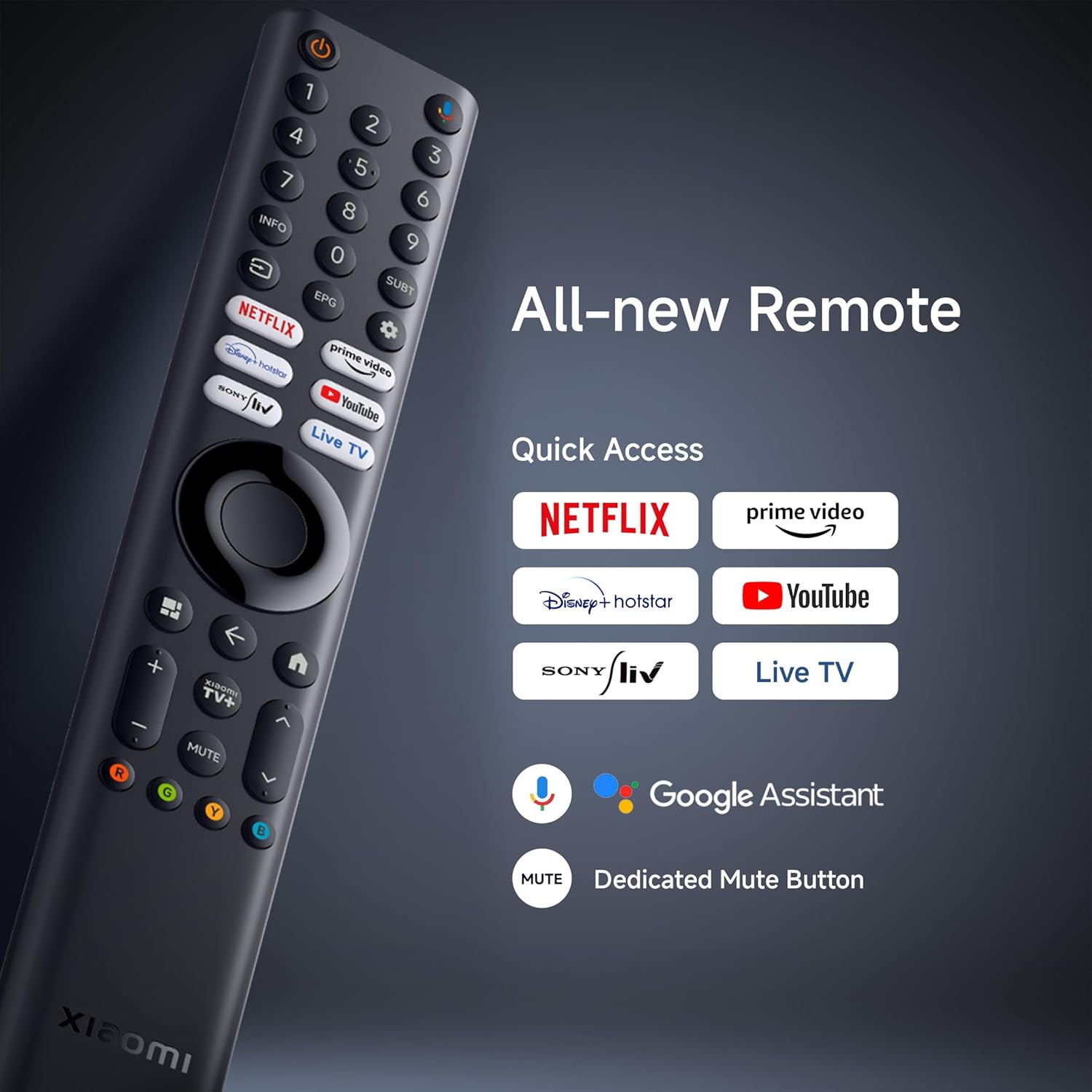
Image 3.3: PatchWall interface for content discovery.
3.3. Configuració de la pantalla
Optimitzeu el vostre viewing experience with various display technologies and settings.
- 4K Ultra HD: Enjoy crisp, detailed images with 3840 x 2160 resolution.
- Dolby Vision: Experience enhanced brightness, contrast, and color with dynamic HDR optimization frame by frame.

Image 3.4: Dolby Vision technology for dynamic image quality.
- HDR10: Delivers high brightness and contrast for realistic visuals.
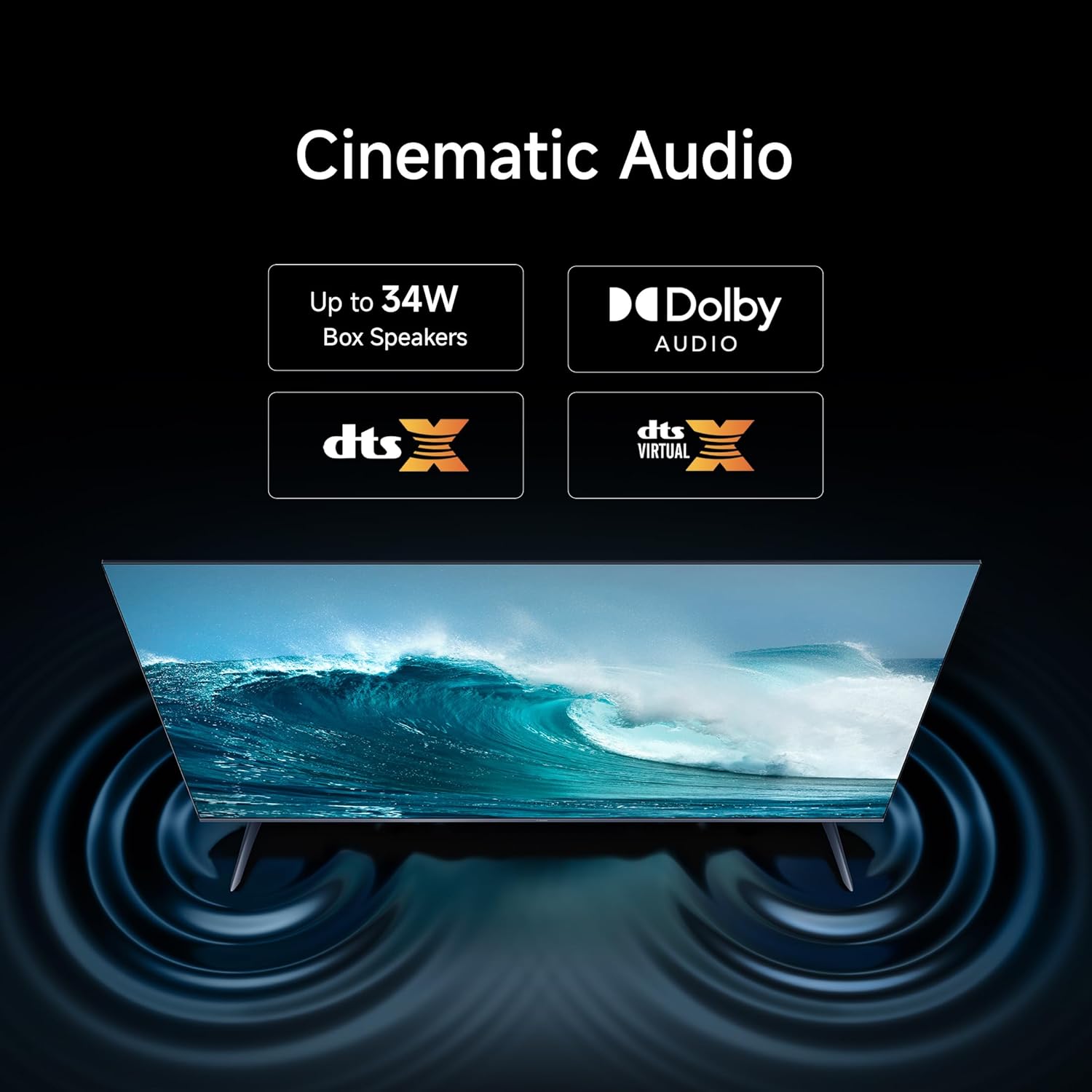
Image 3.5: HDR10 for detailed and realistic visuals.
- Mode cineasta: Disables post-processing effects to present content as the director intended.

Image 3.6: Filmmaker Mode for authentic content viewing.
- Motor d'imatge vívida 2: Enhances color and clarity, supporting 1.07 billion colors and 94% DCI-P3 color gamut.
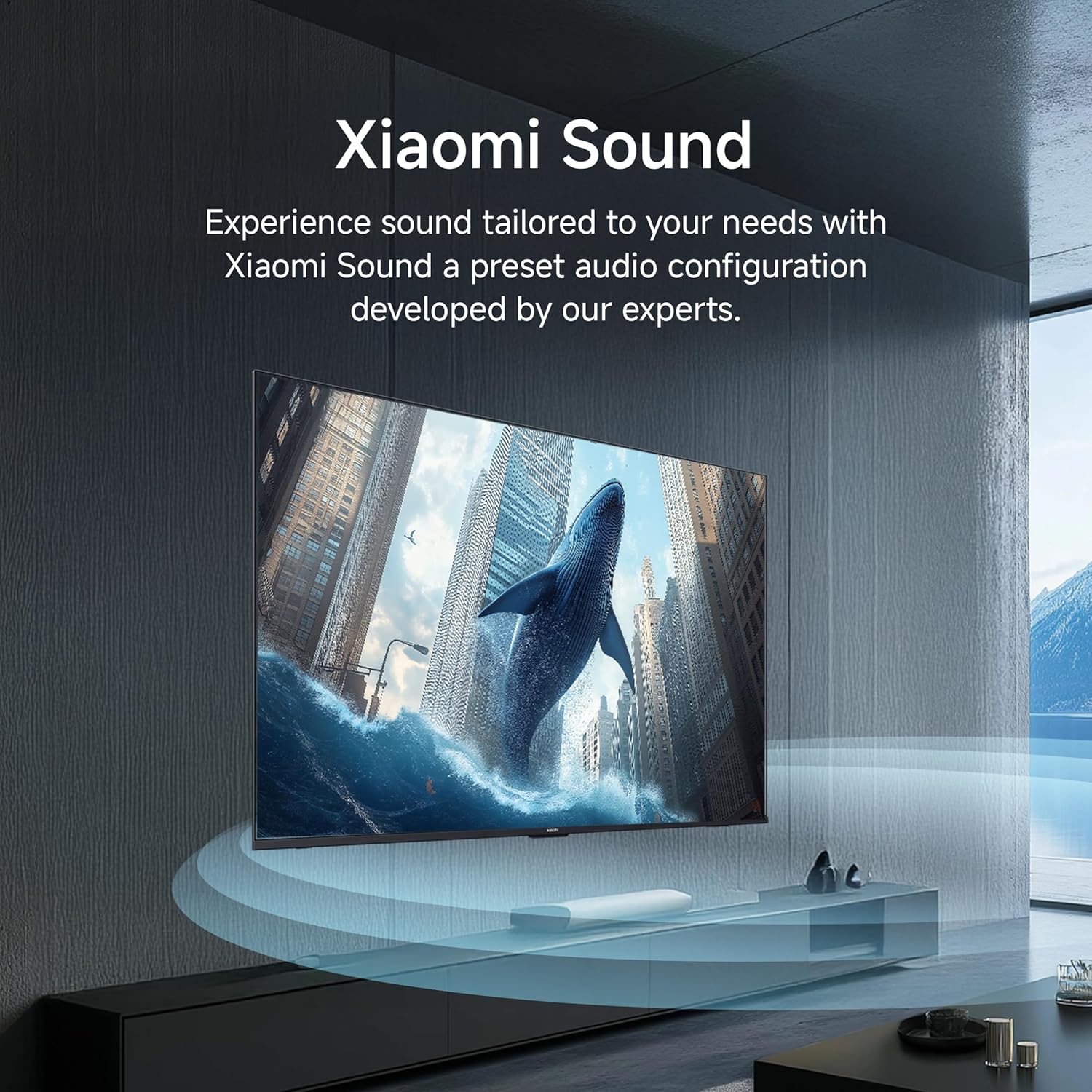
Image 3.7: Vivid Picture Engine 2 for rich and accurate colors.
- Mode de confort ocular: Reduces blue light emission for comfortable viewing.
3.4. Configuració d'àudio
The TV features 30 watts output with Dolby Audio, DTS-X, and DTS Virtual:X for an immersive sound experience.
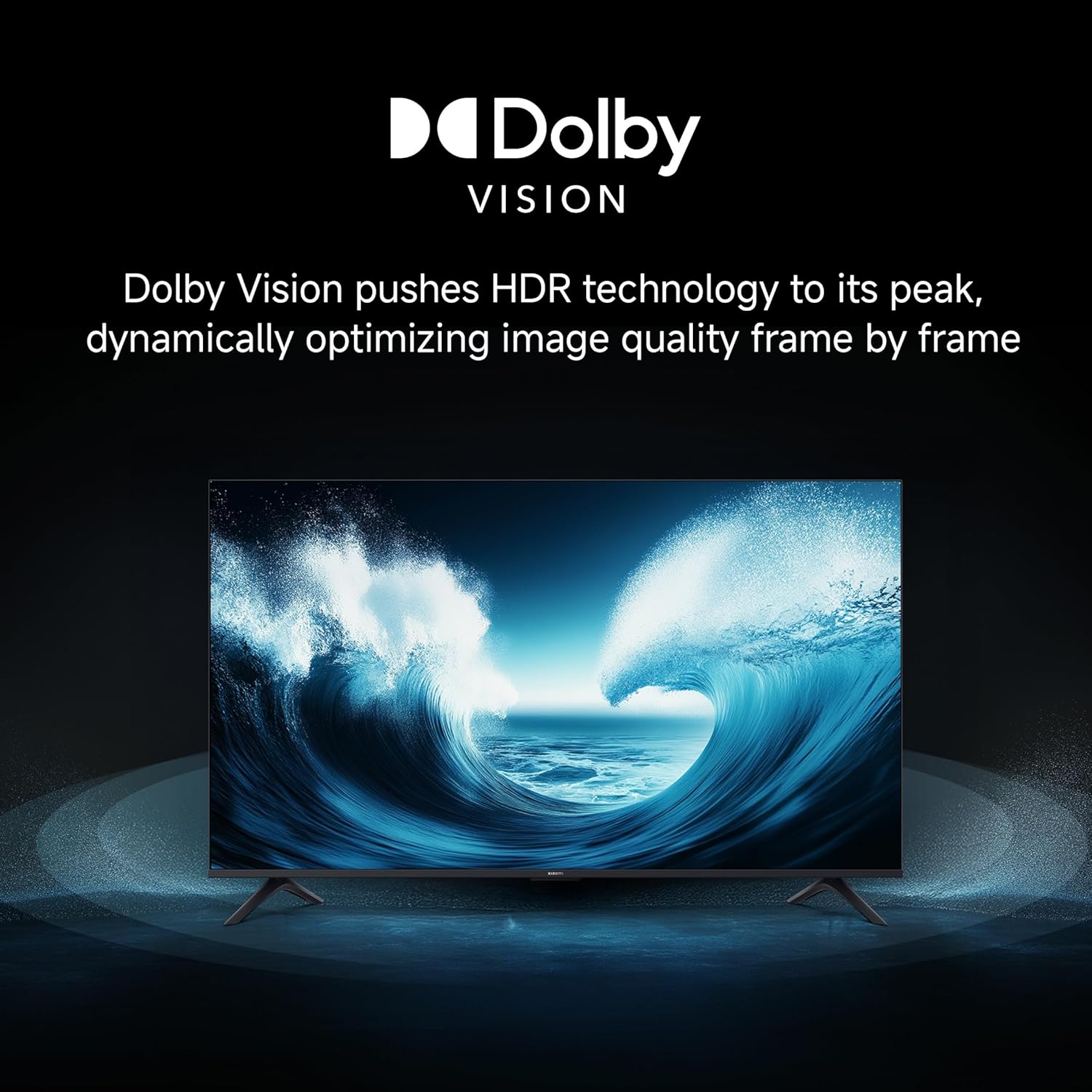
Image 3.8: Cinematic Audio technologies for enhanced sound.
So de Xiaomi: Experience sound tailored to your needs with a preset audio configuration developed by experts.

Image 3.9: Xiaomi Sound for a customized audio experience.
3.5. Característiques de joc
Enhance your gaming with dedicated features:
- Potenciador de joc de 120 Hz: Boosts the refresh rate to 120Hz (DLG) for ultra-low latency and a more responsive gaming experience.

Image 3.10: 120Hz Game Booster for smoother gaming.
- MEMC Engine: Motion Estimation, Motion Compensation for smoother motion in fast-paced content.
3.6. Transmissió i emissió
Stream content from your phone or tablet directly to your TV using Google Cast or Apple AirPlay 2.

Image 3.11: Stream content from your phone to the TV.
The TV also supports various pre-installed apps like Netflix, Prime Video, YouTube, and Zee5. For additional content, consider the OTTplay subscription offer:

Image 3.12: OTTplay subscription offer for extended content access.
For more details on the OTTplay offer, scan the QR code or visit https://qr-codes.io/sbzPOa.
4. Manteniment
4.1. Neteja del televisor
- Desendolla sempre el televisor abans de netejar-lo.
- Feu servir un drap suau, sec i sense borrissol per netejar suaument la pantalla i la carcassa.
- Per a marques difícils, esbandiu lleugeramentampNetegeu el drap amb aigua o un netejador de pantalles especialitzat. No ruixeu el netejador directament sobre la pantalla.
- Avoid using abrasive cleaners, waxes, or solvents as they can damage the TV's surface.
4.2. Actualitzacions de programari
Your Xiaomi TV will periodically receive software updates to improve performance and add new features. Ensure your TV is connected to the internet to receive these updates. You can check for updates manually through the TV's settings menu.
5. Solució De Problemes
Si teniu problemes amb el televisor, consulteu les solucions habituals següents:
| Problema | Possible solució |
|---|---|
| No hi ha llum / el televisor no s'encén | Check if the power cord is securely connected to both the TV and the power outlet. Ensure the power outlet is working. Try a different outlet. |
| Sense imatge / Pantalla negra | Ensure the correct input source is selected. Check all cable connections (HDMI, AV). Try restarting the TV. |
| Sense so | Check the volume level and ensure the TV is not muted. Verify audio cable connections if using external speakers. Check audio output settings in the TV menu. |
| El comandament a distància no funciona | Replace the batteries. Ensure there are no obstructions between the remote and the TV. Re-pair the Bluetooth remote if necessary (refer to TV settings). |
| Slow or laggy interface | Close unused applications. Clear cache from app settings. Perform a factory reset as a last resort (this will erase all data). Ensure sufficient internal storage is available (8 GB ROM). |
| Problemes de connectivitat Wi-Fi | Restart your router and modem. Ensure the TV is within range of your Wi-Fi network. Re-enter the Wi-Fi password. Try a wired Ethernet connection if possible. |
Si el problema persisteix després de provar aquestes solucions, poseu-vos en contacte amb l'atenció al client.
6. Especificacions
Detailed technical specifications for your Xiaomi X Series 4K Ultra HD Smart Google TV (L50MB-AIN).

Image 6.1: Physical dimensions and weight of the TV.
| Característica | Detall |
|---|---|
| Marca | XIAOMI |
| Model | L50MB-AIN |
| Any model | 2025 |
| Mida de la pantalla | 50 polzades (126 cm) |
| Tecnologia de visualització | LED |
| Resolució | 4K Ultra HD (3840 x 2160 píxels) |
| Freqüència d'actualització | 60 Hz / 120Hz DLG |
| Viewangle ing | 178 graus |
| Tipus de visualització | Dolby Vision | HDR 10 | HLG |
| Relació d'aspecte de la imatge | 16:9 |
| Relació de contrast de la imatge | 5000:1 |
| Temps de resposta | 7 mil·lisegons |
| Sistema operatiu | Android 14 OS | Google TV |
| Memòria RAM | 2 GB |
| Emmagatzematge intern | 8 GB |
| Potència de sortida d'àudio | 30 watts |
| Configuració dels altaveus | Dolby Audio | DTS - X | DTS Virtual : X |
| Formats d'àudio compatibles | Dolby, DTS, MP3, FLAC, AAC, OGG, ADPCM, OPUS |
| Connectivitat | Dual Band Wi-Fi, Bluetooth, Ethernet, 3 HDMI ports (1 eARC), 2 USB ports, Optical, 3.5mm Audio, AV |
| Característiques especials | Filmmaker Mode, MEMC, Eye Comfort Mode, Google Cast built-in, Google Assistant |
| Dimensions del producte (LxWxH) | 111.1 x 28 x 70 cm |
| Pes de l'article | 7.4 kg |
| Consum d'energia en mode activat | 75 watts |
| Voltage | 240 Volts |
7. Garantia i Suport
7.1. Informació de la garantia
Your Xiaomi X Series 4K Ultra HD Smart Google TV comes with a Garantia integral de 2 anys. This warranty covers the cost of parts and labor for the product on an on-site service basis. Local transportation costs are covered if the unit needs to be transported to a service center for repairs that cannot be performed at your location.
To avail warranty services, please retain your purchase invoice.
7.2. Atenció al client
For further assistance, technical support, or warranty claims, please visit the official Xiaomi India website or contact their customer service. The user manual can also be accessed from the brand's official weblloc per obtenir informació detallada.
Fabricant: DIXON TECHNOLOGIES (INDIA) LIMITED


