Introducció
This manual provides detailed instructions for the setup, operation, and maintenance of your Portronics Toad 36 Wireless Mouse. Designed for comfort and efficiency, this mouse features 2.4 GHz wireless connectivity, adjustable DPI settings, and a rechargeable battery, compatible with various operating systems.
Contingut del paquet
- 1 x Portronics Toad 36 Wireless Mouse
- 1 x Receptor USB
- 1 x cable de càrrega USB
- 1 x Documentació d'usuari
Producte acabatview

Figura 1: superior view of the Portronics Toad 36 Wireless Mouse.

Figura 2: Mésview of the 6 buttons on the Portronics Toad 36 Wireless Mouse, including Left Key, Right Key, Scroll Wheel, Forward, Backward, and DPI Adjustment.
The Portronics Toad 36 features a 6-button design for enhanced navigation and control. It includes standard left and right click buttons, a scroll wheel, dedicated forward and backward buttons for web browsing, and a DPI adjustment button to change cursor sensitivity.
Configuració
1. Càrrega del ratolí

Figure 3: The Portronics Toad 36 mouse being charged via its USB Type-C port.
- Locate the USB Type-C charging port on the front of the mouse.
- Connect the provided USB charging cable to the mouse and a power source (e.g., computer USB port, USB wall adapter).
- The mouse has a built-in rechargeable battery. Allow sufficient time for a full charge before first use.
2. Connexió del receptor USB
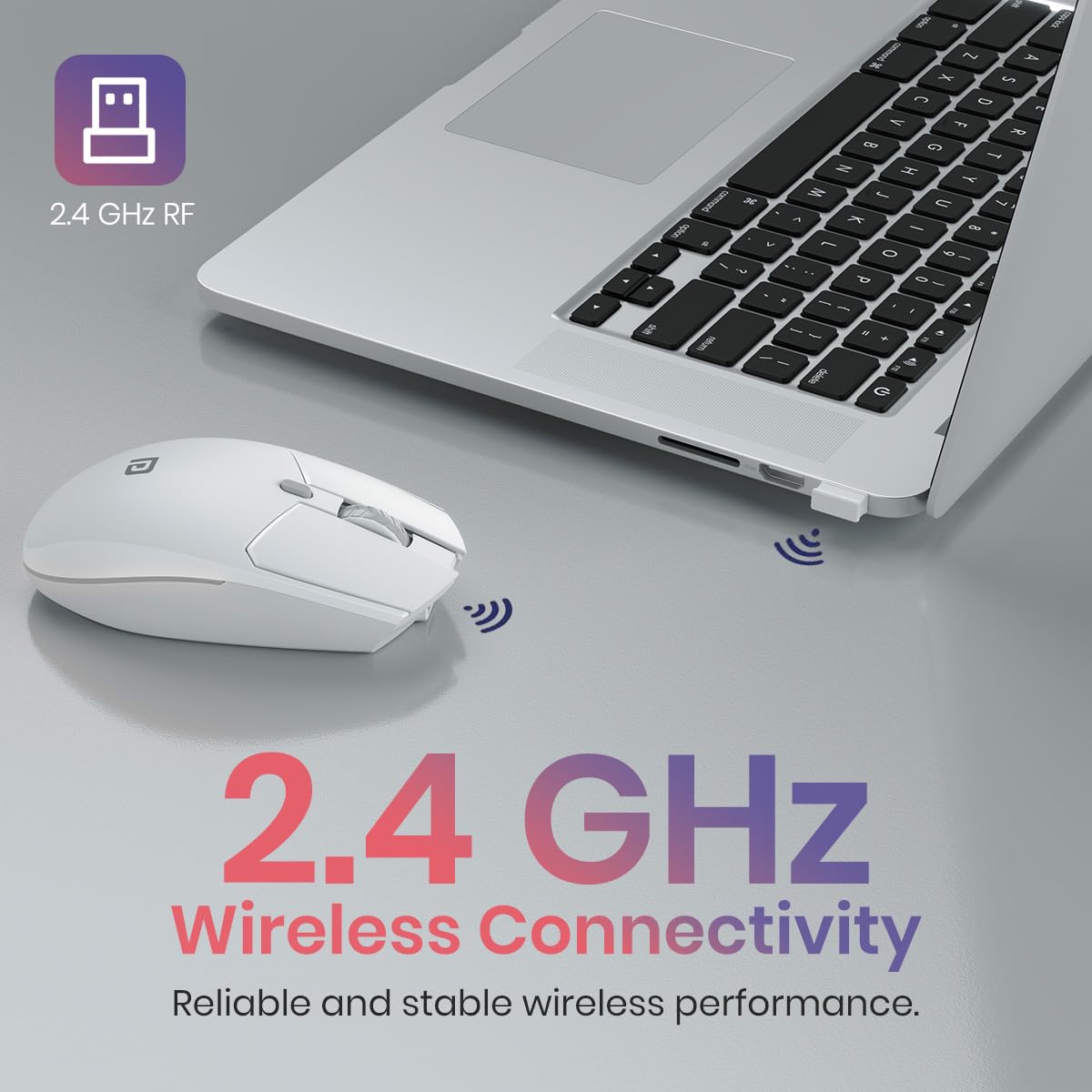
Figure 4: The USB receiver inserted into a laptop, establishing 2.4 GHz wireless connectivity with the mouse.
- Remove the USB receiver from its storage slot, usually located at the bottom of the mouse.
- Insert the USB receiver into an available USB port on your computer or compatible device.
- The device should automatically detect and install the necessary drivers. No manual driver installation is typically required.
- Enceneu el ratolí amb l'interruptor d'encesa situat a la part inferior.
Instruccions de funcionament
Funcions bàsiques
- Clic esquerre: Primary function, typically used for selecting items or activating commands.
- Clic dret: Secondary function, typically used to open context menus.
- Roda de desplaçament: S'utilitza per desplaçar-se verticalment pels documents i web pàgines. També es pot fer clic amb el botó central per a la funcionalitat de clic.
Funcions avançades
- Botons Endavant/Enrere: Situats al lateral del ratolí, aquests botons permeten una navegació ràpida web navegadors i file exploradors.
- Botó d'ajust de DPI: Press this button (located near the scroll wheel) to cycle through different DPI (Dots Per Inch) sensitivity settings. The Toad 36 supports 800, 1200, and 1600 DPI.

Figure 5: Visual representation of adjustable DPI settings (800, 1200, 1600) on the mouse.
The mouse features high-precision optical tracking for smooth and accurate cursor movement across various surfaces.

Figure 6: The mouse in use, highlighting its high-precision optical tracking capability.
Manteniment
Carregant la bateria
When the mouse battery is low, connect it to a power source using the provided USB Type-C cable. The mouse can be used while charging. A full charge ensures extended usage without interruptions.
Neteja
- Use a soft, dry cloth to clean the exterior of the mouse.
- Eviteu utilitzar productes químics agressius o materials abrasius, ja que poden danyar la superfície.
- Assegureu-vos que el ratolí estigui apagat abans de netejar-lo.
Resolució de problemes
| Problema | Possible solució |
|---|---|
| El ratolí no respon |
|
| Connexió amb retard o intermitent |
|
| L'ajust de DPI no funciona |
|
Especificacions
| Marca | Portronics |
| Número de model | POR-3030 |
| Tecnologia de connectivitat | 2.4 GHz Wireless (Radio Frequency) |
| Botons | 6 Botons |
| Configuració de DPI | Adjustable: 800, 1200, 1600 DPI |
| Detecció de moviment | Òptic |
| Font d'alimentació | Bateria recarregable incorporada |
| Capacitat de la bateria | 800 mAh (Lithium Battery Energy Content) |
| Port de càrrega | USB tipus C |
| Compatibilitat de sistemes operatius | Windows, macOS, Android, iOS |
| Dimensions del producte (LxWxH) | 12.6 x 8.5 x 0.1 cm |
| Pes de l'article | 130 g |
| Color | Blanc |
| País d'origen | Xina |

Figure 7: Physical dimensions and weight of the Portronics Toad 36 Wireless Mouse.
Garantia i Suport
Informació de la garantia
The Portronics Toad 36 Wireless Mouse comes with a 12 mesos de garantia des de la data de compra. Aquesta garantia cobreix els defectes de fabricació. Si us plau, conserveu el rebut de compra per a reclamacions de garantia.
Contacta amb l'assistència
For technical assistance, warranty claims, or any other inquiries, please contact Portronics customer support:
- Correu electrònic: help@portronics.com
- Telèfon: +91 9555-245-245
- Adreça del fabricant: Portronics Digital Pvt ltd, Ground Floor and First Floor, Property No D 8 Upper Basement, Sector 8, Noida, Gautam Buddha Nagar, Uttar Pradesh, 201301, India.


