Introducció
Thank you for choosing the Xiaomi Smart Scent Diffuser. This device is designed to enhance your living space with customizable aromatherapy, smart control, and ambient lighting. Please read this manual carefully before use to ensure proper operation and maintenance.

Imatge: Frontal view of the Xiaomi Smart Scent Diffuser, showcasing el seu disseny minimalista.
Què hi ha a la caixa
Si us plau, comproveu el contingut del vostre paquet:
- Xiaomi Smart Scent Diffuser Unit
- Cable de càrrega USB
- Manual d'usuari
Note: Scent Diffuser Refill is NOT included and must be purchased separately.
Guia de configuració
Desempaqueta el difusor:
Traieu amb cura tots els components de l'embalatge.
Insert Scent Refill (Sold Separately):
Locate the bottom compartment of the diffuser. Insert the compatible Xiaomi Scent Diffuser Refill into the designated slot. Ensure it is securely seated.
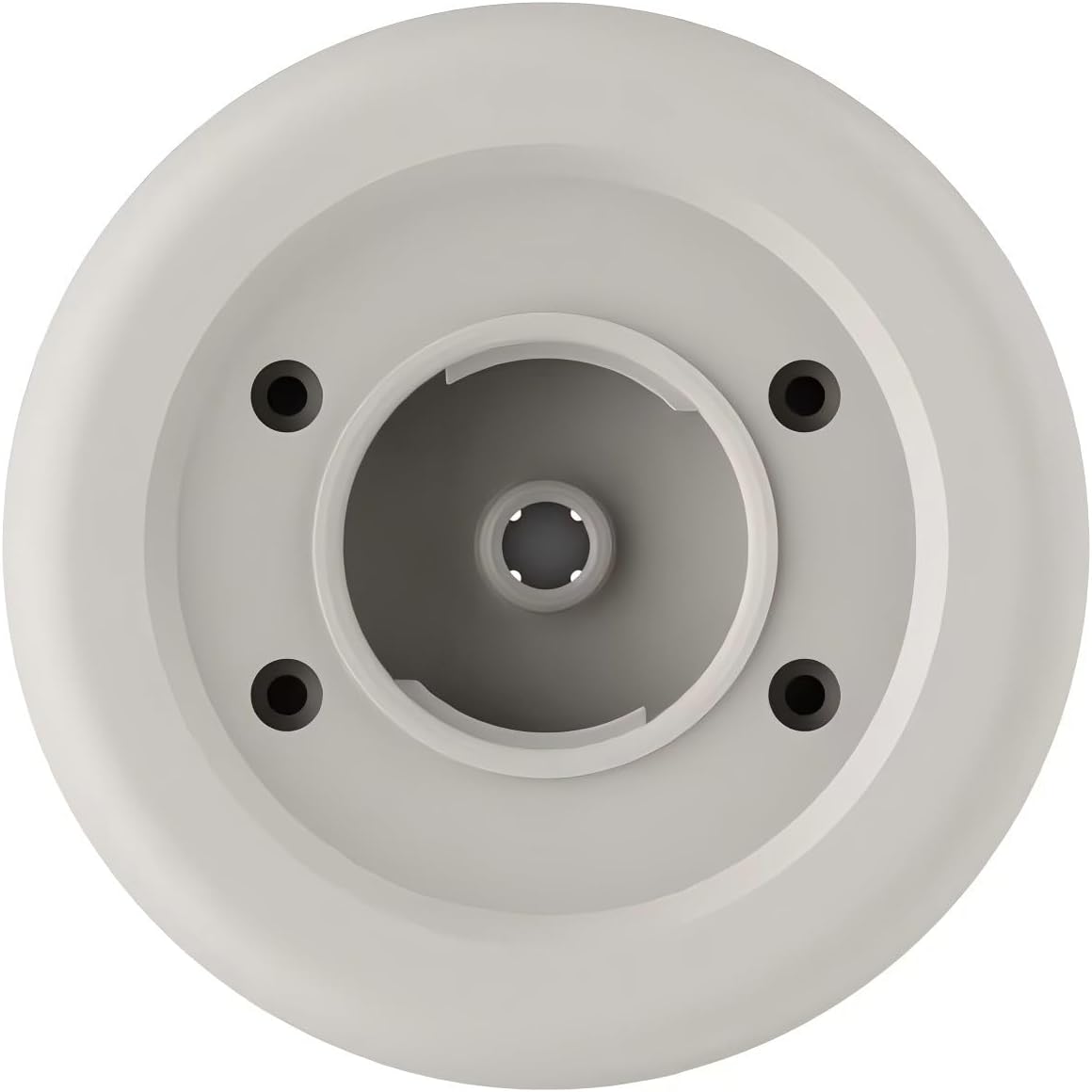
Imatge: Part inferior view of the diffuser, showing the refill compartment.
Carregueu el dispositiu:
Connect the provided USB charging cable to the charging port on the diffuser and to a suitable USB power adapter (not included). The indicator light will show charging status. A full charge provides approximately 50 days of battery life.
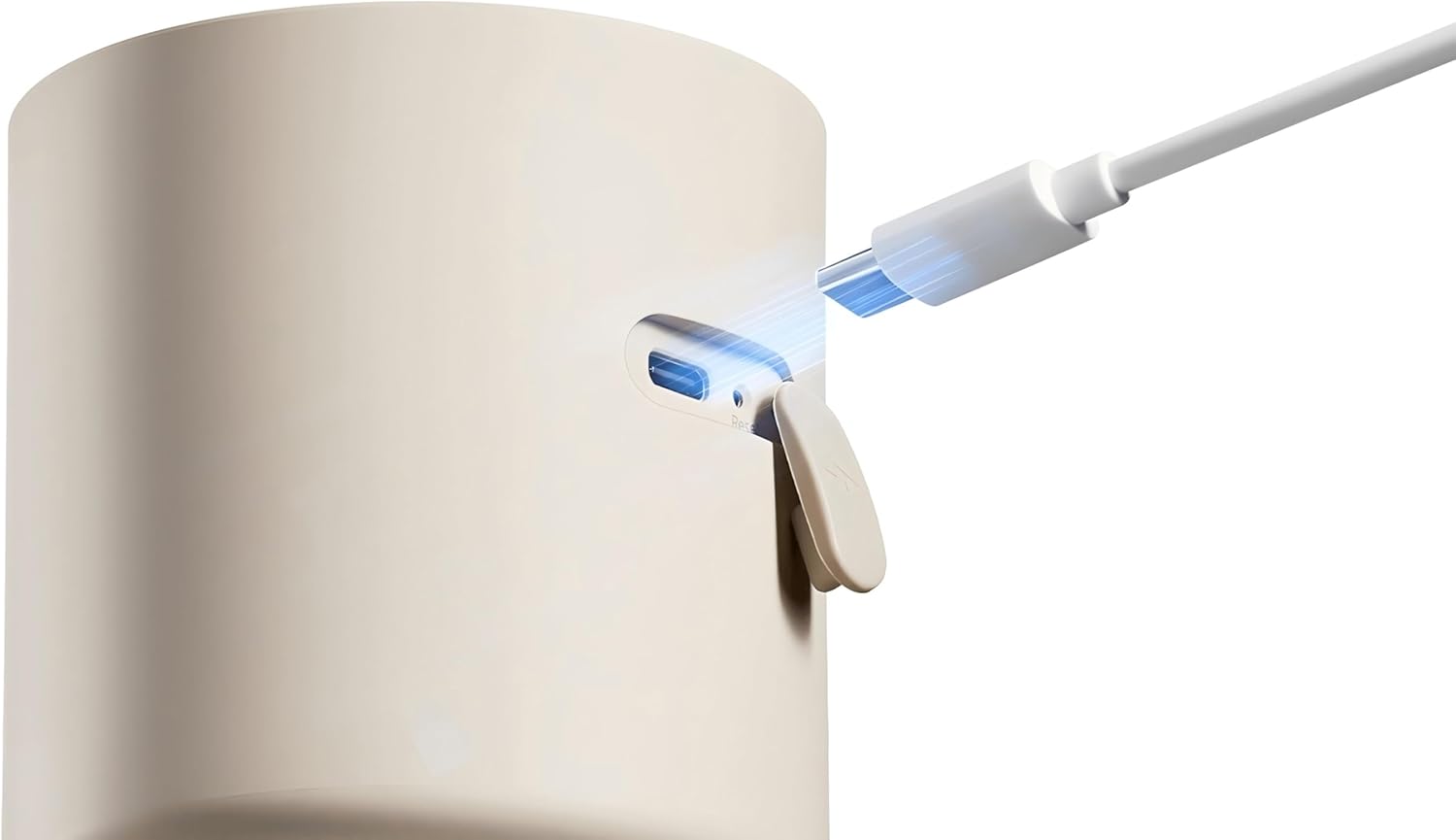
Image: Close-up of the USB charging port on the diffuser.
Descarrega l'aplicació Xiaomi Home:
For smart control features, download the "Xiaomi Home" app from your smartphone's app store (Google Play Store or Apple App Store).
Vincula amb l'aplicació:
Open the Xiaomi Home app, sign in or create an account. Follow the in-app instructions to add and pair your Xiaomi Smart Scent Diffuser. Ensure your device's Bluetooth is enabled during pairing.

Image: Screenshot of the Xiaomi Home app interface showing diffuser controls.
Instruccions de funcionament
The Xiaomi Smart Scent Diffuser offers both manual and app-controlled operation.
Manual Controls (Top Panel)

Imatge: Superior view of the diffuser showing power, mist intensity, and light controls.
- Botó d'encendre (⏻): Press to turn the diffuser on/off.
- Mist Intensity Buttons (I, II, III): Press to cycle through different mist intensity levels.
- I: Low intensity
- II: Medium intensity
- III: High intensity
- Botó de llum (💡): Press to cycle through ambient lighting modes or turn off the light. The diffuser features 16 million colors.
Smart Control via Xiaomi Home App
The Xiaomi Home app provides advanced control and customization options:
- Comandament a distància: Turn the diffuser on/off from anywhere.
- Customizable Aromatherapy: Adjust mist intensity (70/150ml per hour) and set diffusion timers.
- Programació: Create schedules for automatic operation.
- Detecció de moviment: Enable microwave motion sensing technology to increase scent intensity when a person is detected.
- Il·luminació ambiental: Fine-tune the 16 million color ambient lighting to match your mood or environment.
- Control de veu: Integrate with compatible voice assistants for hands-free control (e.g., Google Assistant, Amazon Alexa).
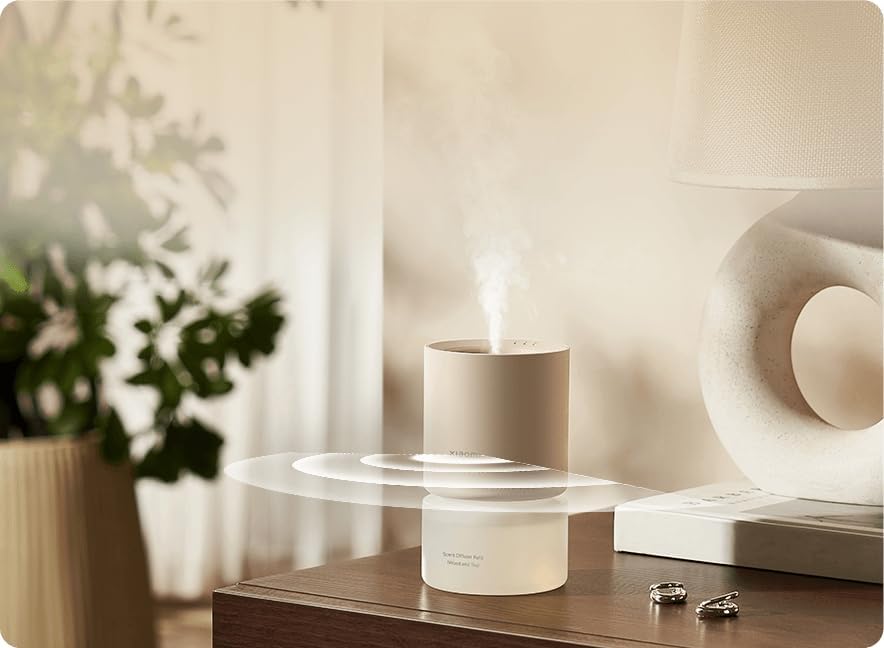
Image: The diffuser actively diffusing scent, with visual representation of motion sensing waves.
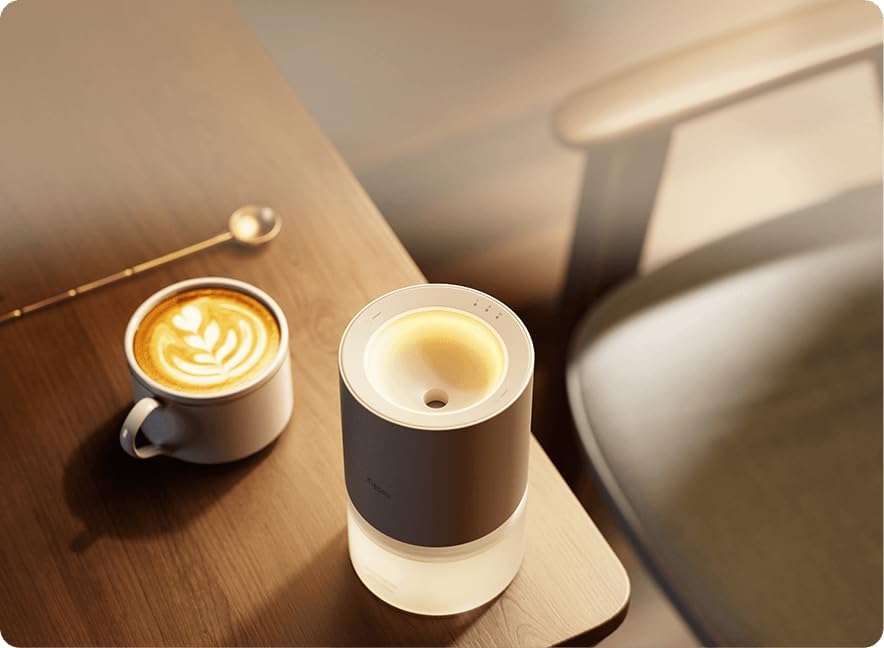
Image: The diffuser displaying its ambient lighting feature in a room setting.
Manteniment
Un manteniment regular garanteix un rendiment òptim i una llarga durada del difusor.
- Recanvi de recàrrega: Replace the scent refill cartridge when the scent diminishes or the app indicates it's empty. Refer to the refill's instructions for specific replacement steps.
- Neteja:
- Netegeu l'exterior del difusor amb un drap suau iamp tela.
- No submergiu el dispositiu en aigua o cap altre líquid.
- Ensure the scent refill compartment is free of debris.
- Emmagatzematge: If not in use for an extended period, turn off the diffuser, remove the scent refill, and store it in a cool, dry place.
Resolució de problemes
| Problema | Causa possible | Solució |
|---|---|---|
| El difusor no s'encén. | Bateria baixa o no carregada. | Charge the diffuser fully using the provided USB cable. |
| Sense olor o amb olor feble. | Scent refill empty or improperly installed. | Replace the scent refill or ensure it is correctly inserted. Check app settings for mist intensity. |
| Cannot connect to Xiaomi Home app. | Bluetooth off, diffuser too far, or app issue. | Ensure Bluetooth is on. Move diffuser closer to your phone. Restart the app and diffuser. Try re-pairing. |
| Ambient light not working. | Light feature turned off or app setting. | Press the light button on the diffuser or adjust settings in the Xiaomi Home app. |
Especificacions
| Característica | Detall |
|---|---|
| Marca | Xiaomi |
| Número de model | BHR9290GL |
| Color | Gris |
| Dimensions del producte | 7.4 x 7.5 x 7.4 cm |
| Pes de l'article | 154 g |
| Potència/Wattage | 5 watts |
| Material | Acrilonitril butadiè estirè (ABS) |
| Apagat automàtic | Sí |
| Temps d'execució | Approx. 1200 hours (based on usage) |
| Característiques especials | App Control, Cordless, Voice Control, Microwave Motion Sensing, 16 Million Color Ambient Lighting |
| Usos recomanats | Office, Vehicle, Home |
Informació de seguretat
- No desmunteu ni intenteu reparar el dispositiu vosaltres mateixos.
- Mantenir fora de l'abast dels nens i mascotes.
- Use only compatible Xiaomi scent diffuser refills.
- Do not block the mist outlet or air inlets.
- Avoid placing the diffuser in direct sunlight or near heat sources.
- Assegureu-vos que el dispositiu estigui col·locat en una superfície plana i estable.
- Scent Diffuser Refill not included, sold separately.
Garantia i Suport
Per obtenir informació sobre la garantia i assistència tècnica, consulteu la targeta de garantia inclosa amb el producte o visiteu el lloc web oficial de Xiaomi. website. You can also contact Xiaomi customer service for assistance.
Xiaomi Oficial Weblloc: www.mi.com


