Introducció
Thank you for choosing the VGN Dragonfly F1 Pro Wireless Gaming Mouse. This manual provides detailed instructions to help you set up, operate, maintain, and troubleshoot your new gaming mouse. Designed for competitive gamers, the F1 Pro combines an ultra-lightweight build with a high-precision optical sensor and long-lasting battery life to deliver an exceptional gaming experience.
Què hi ha a la caixa
Si us plau, verifiqueu que tots els elements siguin presents al vostre paquet:
- 1 x VGN Dragonfly F1 Pro Wireless Gaming Mouse
- 1 x Receptor USB
- 1 x cable de càrrega tipus C
- 1 x Set of PTFE Feet
- 1 x Manual d'usuari (aquest document)
Producte acabatview
Components

A dalt View: Illustrates the primary left and right click buttons, and the scroll wheel with its LED indicator.
lateral View: Shows the ergonomic design and the two accessible side buttons.

A baix View: Displays the high-precision optical sensor, power switch, and the storage slot for the USB receiver.
Característiques clau
- Ultra-Lightweight 49g Build: Designed for rapid movements and reduced fatigue during extended use.
- Pro-Level Performance: Engineered for responsiveness and precision in competitive gaming environments.
- True 4000Hz Wireless Polling (with optional 4K receiver): Provides near-zero latency and superior tracking accuracy.
- Next-Gen Optical Sensor & Smooth PTFE Feet: Ensures flawless tracking and smooth gliding across various surfaces.
- Connexió de mode dual: Offers both ultra-fast 2.4GHz wireless and reliable wired USB-C connectivity.
- Long-Lasting Battery & Smart Power Saving: Up to 85 hours of continuous gameplay with intelligent energy conservation.

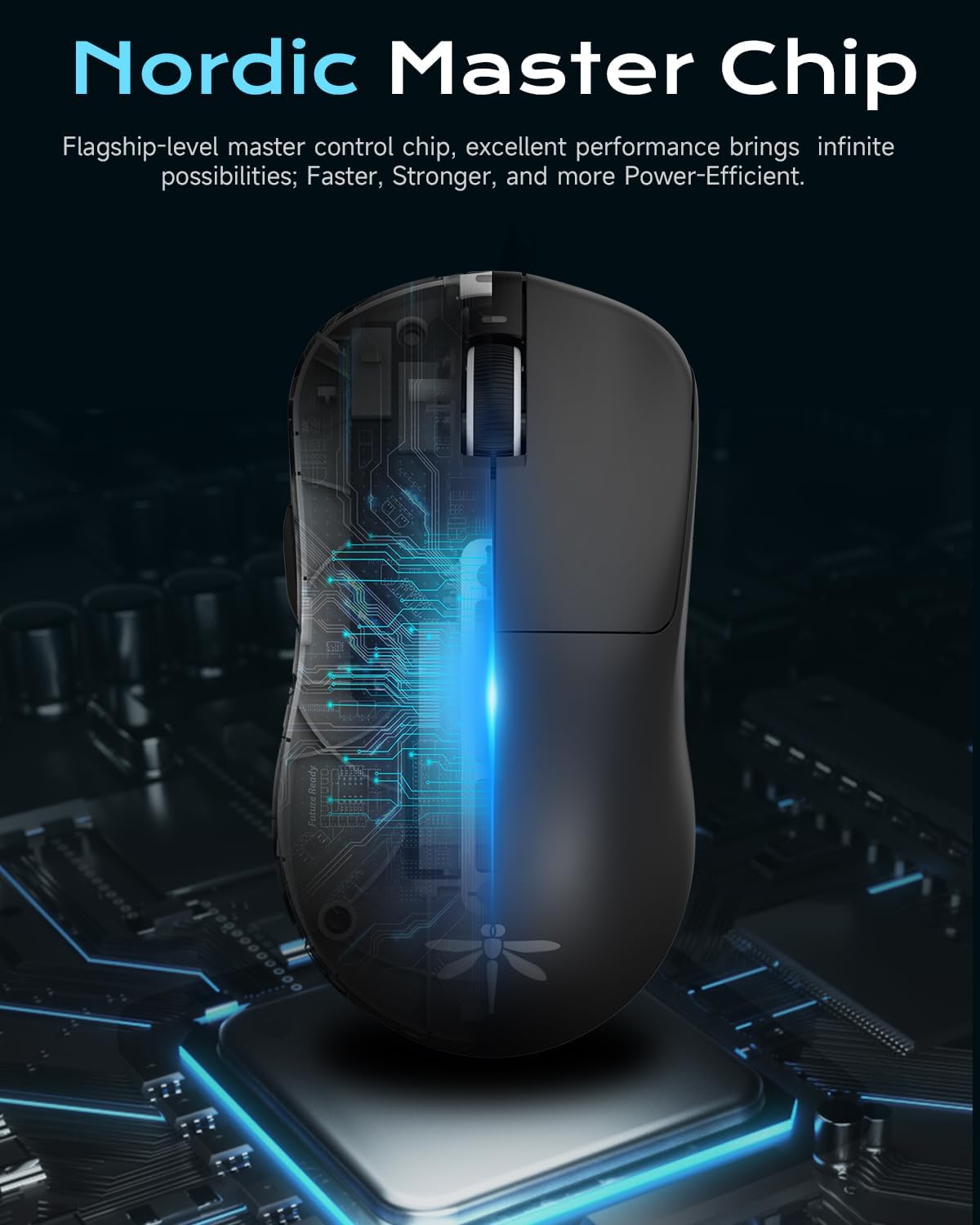
Nordic Master Chip: Flagship-level control chip for excellent performance and power efficiency.

Durada de la bateria ampliada: Enjoy prolonged gaming sessions with up to 65 hours of battery life.
Configuració
Càrrega inicial
Before first use, it is recommended to fully charge your VGN Dragonfly F1 Pro mouse. Connect the included Type-C charging cable to the mouse's front port and the other end to a USB power source (e.g., computer USB port, wall adapter). The LED indicator on the scroll wheel will show charging status and turn solid green when fully charged.
Connexió del ratolí
The VGN Dragonfly F1 Pro supports two connection modes: 2.4GHz wireless and wired USB-C.
- Connexió sense fil de 2.4 GHz:
- Localitzeu el receptor USB que es troba al compartiment de la part inferior del ratolí.
- Connecteu el receptor USB a un port USB disponible de l'ordinador.
- Turn on the mouse using the power switch located on the bottom. The mouse should automatically connect to the receiver.
- Wired USB-C Connection:
- Connect the Type-C charging cable to the mouse's front port and the other end to a USB port on your computer.
- The mouse will function immediately in wired mode and will charge simultaneously.
Driver Installation (Optional)
For advanced customization and optimal performance, download and install the VGN HUB self-developed driver from the official VGN weblloc. Aquest programari us permet:
- Ajusta la configuració de DPI i crea un professional personalitzatfiles.
- Configure polling rate (up to 4000Hz with optional 4K receiver).
- Program the 6 customizable buttons with macros and specific functions.
- Manage power saving settings.

VGN HUB Driver: Customize your mouse settings for a personalized experience.
Instruccions de funcionament
Funcions bàsiques
- Clic esquerre: Acció primària.
- Clic dret: Menú contextual/d'acció secundària.
- Roda de desplaçament: Desplaça't amunt/avall, fes clic amb el botó central.
- Botons laterals: Default to Forward/Backward in web browsers. Customizable via VGN HUB.
Ajust de DPI
The VGN Dragonfly F1 Pro features a dedicated DPI button (often located behind the scroll wheel or programmable via software) to cycle through preset DPI levels. Refer to the VGN HUB software for precise DPI customization and to set your preferred sensitivity stages.
Botons programables
Utilize the VGN HUB software to assign custom functions, macros, or key combinations to the 6 programmable buttons. This allows for optimized control in various applications and games.
Gestió d'energia
To conserve battery life, turn off the mouse using the power switch on the bottom when not in use. The mouse also features an advanced sleep mode (configurable via driver settings) that automatically conserves energy during inactivity.
Manteniment
Neteja
Per mantenir un rendiment i una higiene òptims, netegeu el ratolí regularment:
- Utilitzeu un drap suau i sense pelusa lleugerament dampesbandida amb aigua o una solució netejadora suau per netejar la superfície.
- Per al sensor òptic, feu servir un bastonet de cotó lleugerament sec.ampHumitejat amb alcohol isopropílic per netejar suaument la lent. Assegureu-vos que no entri líquid a l'obertura del sensor.
- Eviteu l'ús de productes químics agressius, netejadors abrasius o humitat excessiva.
Emmagatzematge
When not in use for extended periods, store the mouse in a cool, dry place away from direct sunlight and extreme temperatures. Ensure the mouse is turned off to preserve battery life.
PTFE Feet Replacement
The VGN Dragonfly F1 Pro comes with high-precision PTFE feet for smooth gliding. Over time, these may wear down. Replace them with the included spare PTFE feet or genuine VGN replacement feet to maintain optimal glide performance.
Resolució de problemes
If you encounter any issues with your VGN Dragonfly F1 Pro mouse, please refer to the following common solutions:
| Problema | Possible solució |
|---|---|
| Mouse not responding / No connection |
|
| Erratic or inaccurate movement |
|
| Battery not holding charge / Short battery life |
|
| Els botons no responen o fan doble clic |
|
Especificacions
Key technical specifications for the VGN Dragonfly F1 Pro Wireless Gaming Mouse:
| Característica | Detall |
|---|---|
| Número de model | F1 Pro |
| Dimensions del producte | 4.77 x 2.5 x 0.1 polzades (aprox. 121.2 x 63.5 x 37.6 mm) |
| Pes de l'article | 49 grams (1.73 unces) |
| Tecnologia de connectivitat | Sense fil de 2.4 GHz, amb cable USB-C |
| Tecnologia de detecció de moviment | Òptic |
| DPI (màx.) | 26,000 DPI |
| Polling Rate (Max) | 4000Hz (with optional 4K receiver) |
| Durada de la bateria | Up to 65-85 hours (depending on usage and settings) |
| Botons programables | 6 |

Dimensions i pes: Compact and ultra-light for superior handling.
Garantia i Suport
VGN products are manufactured to the highest quality standards. For information regarding warranty coverage, technical support, or replacement parts, please visit the official VGN website or contact VGN customer service through the contact information provided on your product packaging or purchase receipt.
Si us plau, conserveu el comprovant de compra per a qualsevol reclamació de garantia.


