1. Introducció
This manual provides essential information for the proper setup, operation, and maintenance of your CRUA 24.5-inch White Gaming Monitor (Model CR245D). Please read this manual thoroughly before using the product to ensure optimal performance and safety. Keep this manual for future reference.

Figura 1.1: Frontal view of the CRUA 24.5-inch White Gaming Monitor.
2. Informació de seguretat
- No exposeu el monitor a la pluja ni a la humitat per evitar incendis o descàrregues elèctriques.
- No obriu el monitor casing. No hi ha peces a l'interior que l'usuari pugui reparar. Demaneu totes les tasques de manteniment a personal qualificat.
- Col·loqueu el monitor sobre una superfície estable i plana per evitar que caigui.
- Assegureu-vos que hi hagi una ventilació adequada al voltant del monitor. No bloquegeu les obertures de ventilació.
- Use only the power adapter and cables provided or recommended by the manufacturer.
- Desendolleu el monitor de la presa de corrent durant tempestes o quan no el feu servir durant períodes prolongats.
- Avoid placing heavy objects on the power cord or monitor cables.
3. Contingut del paquet
Verifiqueu que tots els elements siguin presents al vostre paquet:
- CRUA 24.5-inch White Gaming Monitor
- Suport de monitor (base i coll)
- Adaptador d'alimentació i cable d'alimentació
- Cable HDMI
- Cable DisplayPort (DP)
- Manual d'usuari (aquest document)
- Cargols per al muntatge del suport
4. Configuració
4.1 Muntatge del suport
- Traieu amb cura el monitor del seu embalatge, mantenint-lo protegit sobre una superfície tova.
- Attach the stand neck to the monitor's rear panel using the provided screws.
- Attach the stand base to the stand neck and secure it with the designated screw, usually hand-tightened.
- Place the assembled monitor on a stable desk or table.
4.2 Cables de connexió
Refer to the back panel image below for port locations.
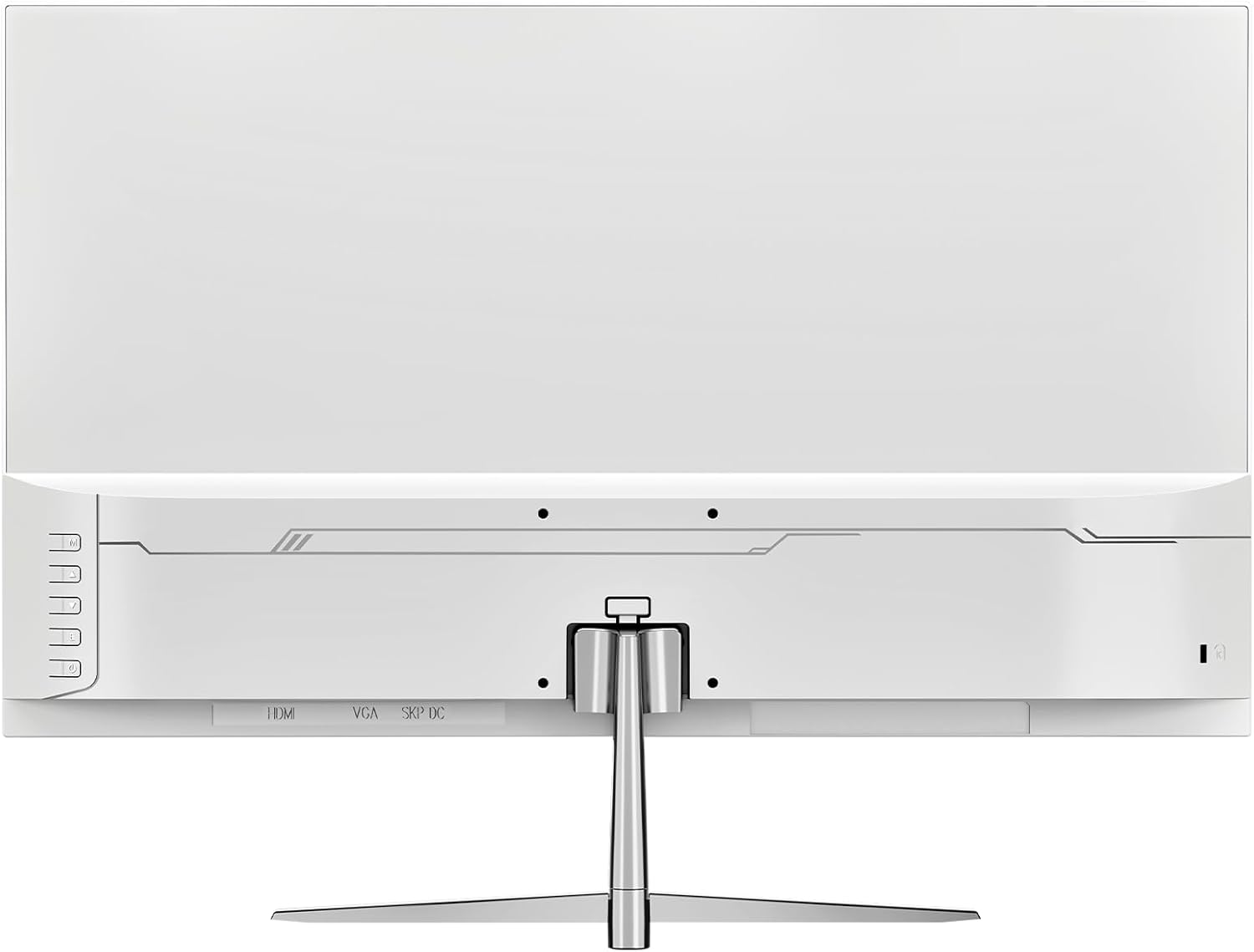
Figura 4.1: posterior view del monitor amb ports d'entrada.
- Connexió d'alimentació: Connect the power adapter to the monitor's DC input port, then plug the power cable into a wall outlet.
- Connexió de vídeo: Connect one end of the HDMI or DisplayPort (DP) cable to the corresponding port on your computer's graphics card and the other end to the HDMI 1.4 or DP 1.2 port on the monitor.
- Sortida d'àudio: If using external speakers or headphones, connect them to the monitor's audio out port. The monitor also has built-in speakers.
4.3 Muntatge a la paret (opcional)
The monitor supports VESA wall mounts with a 75mm x 75mm pattern. Ensure you use appropriate screws and a compatible VESA bracket (not included) for secure installation. Follow the instructions provided with your wall mount kit.
5. Instruccions de funcionament
5.1 Engegada/apagada
Press the power button, typically located on the back or bottom right of the monitor, to turn the monitor on or off. The power indicator light will illuminate when the monitor is on.
5.2 Menú de visualització en pantalla (OSD)
The OSD menu allows you to adjust various monitor settings. Use the buttons on the back or bottom of the monitor to navigate the menu:
- Botó de menú: Obre el menú OSD.
- Botons amunt / avall: Navegueu per les opcions del menú.
- Botó Introdueix/Selecciona: Confirma una selecció o entra en un submenú.
- Botó de sortida: Surt del menú o de l'OSD actual.
5.3 Configuració de la pantalla
Adjust image quality and performance settings via the OSD menu:
- Brillantor/Contrast: Ajusta la luminància general i la relació de contrast.
- Configuració de color: Modify color temperature, gamma, and individual RGB levels. The monitor supports 120% sRGB color gamut, 16.7 million colors, and 8-bit depth for accurate color reproduction.

Figure 5.1: Monitor's color and brightness capabilities.
- Font d'entrada: Manually select between HDMI and DisplayPort inputs if auto-detection fails.
- Freqüència d'actualització: The monitor supports up to a 200Hz refresh rate for smooth motion. Ensure your graphics card and cable support this rate.
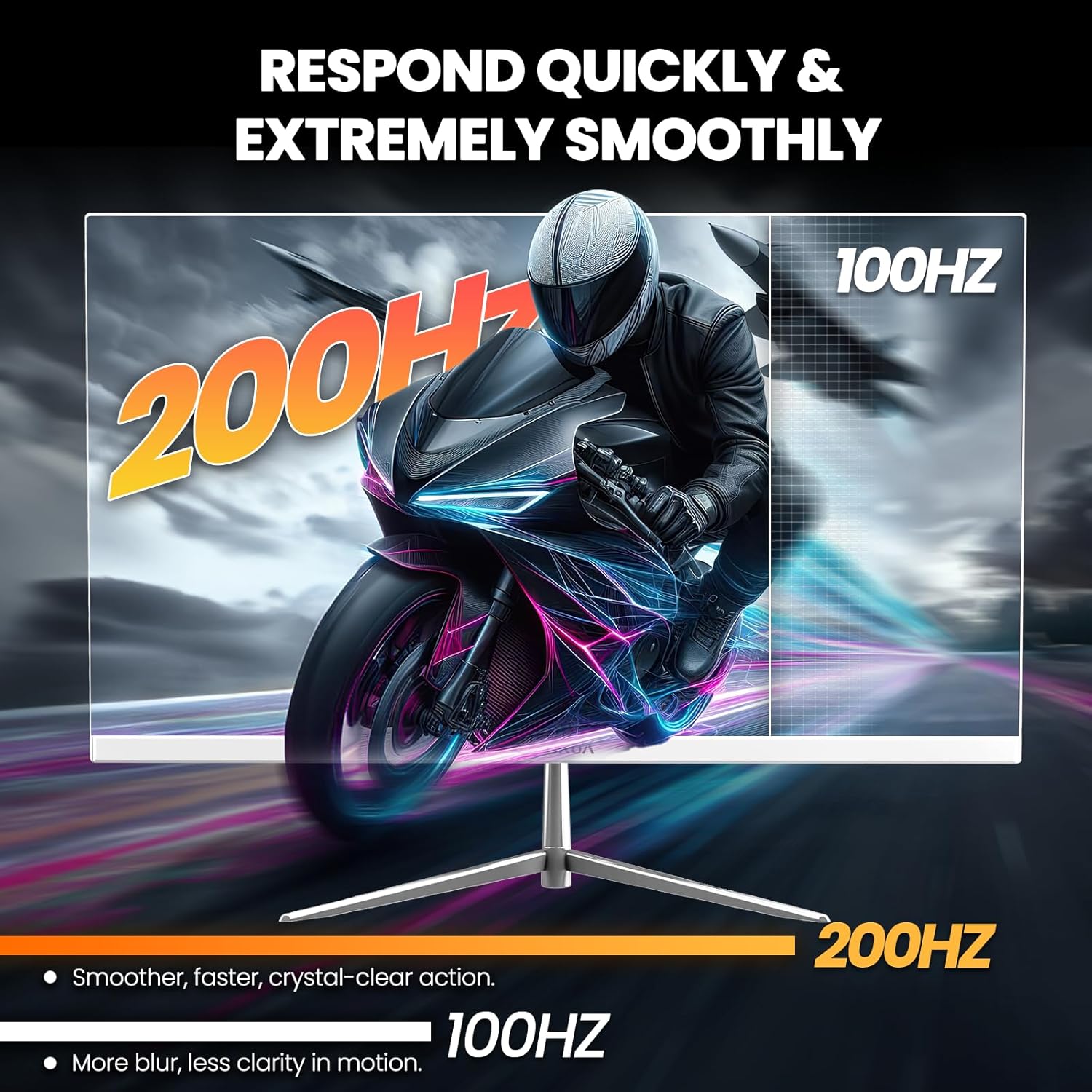
Figure 5.2: Visual representation of 200Hz refresh rate performance.
- Sincronització adaptativa (FreeSync): This technology synchronizes the monitor's refresh rate with your graphics card's frame rate to eliminate screen tearing and stuttering. Enable it in the OSD menu and ensure it's activated in your graphics card settings.

Figure 5.3: Effect of Adaptive Sync on image quality.
- Filtre de llum blava: Reduces blue light emission to minimize eye strain during prolonged use. Activate this feature in the OSD menu.
- Altaveus integrats: The monitor includes integrated speakers for basic audio needs. Volume can be adjusted via the OSD or your computer's audio settings.
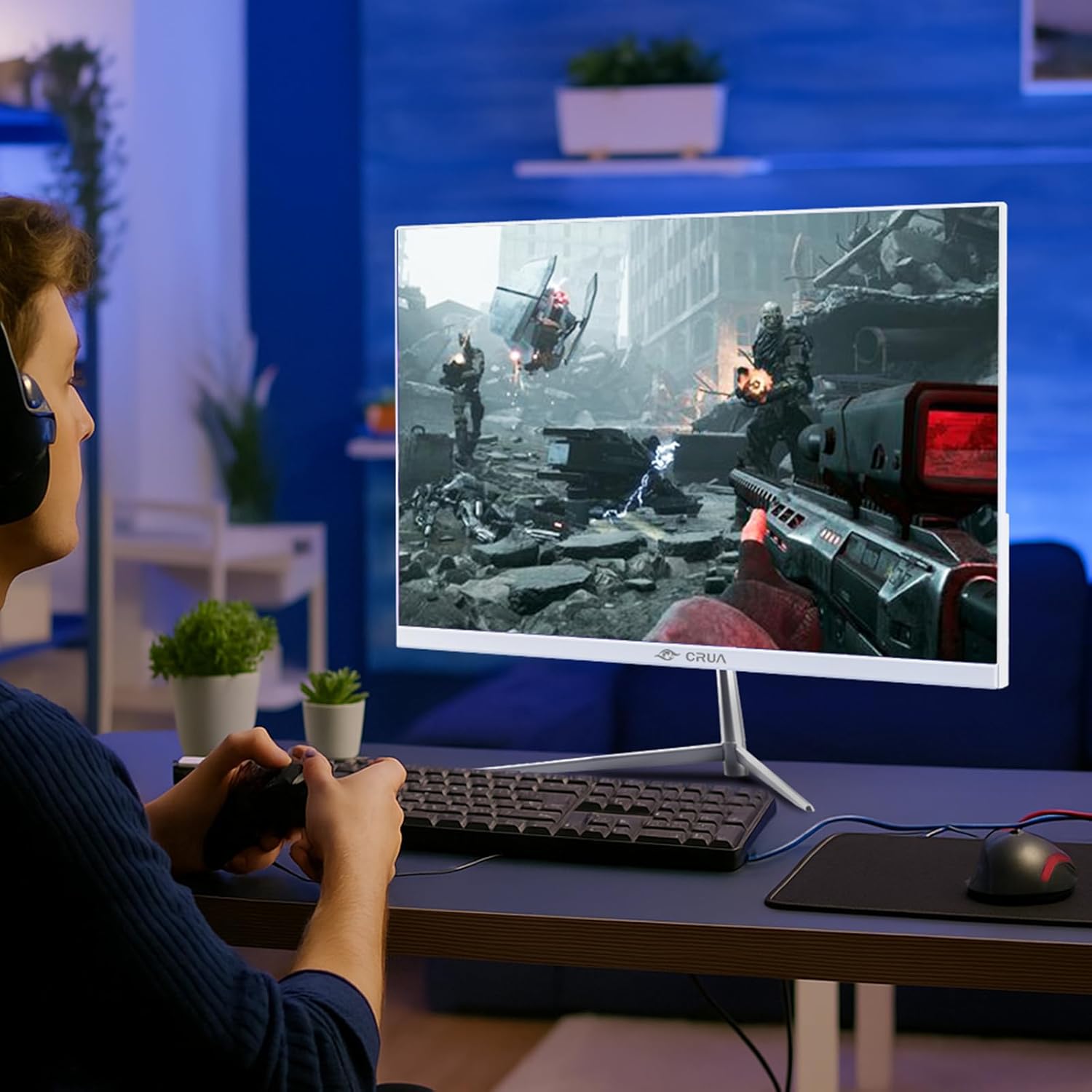
Figure 5.4: Monitor in use during a gaming session.
6. Manteniment
- Neteja de la pantalla: Netegeu suaument la pantalla amb un drap suau i sense borrissol. Per a marques difícils, dampen the cloth with a small amount of screen cleaner specifically designed for monitors. Do not spray cleaner directly onto the screen.
- Neteja de la Casing: Use a soft, dry cloth to wipe the monitor's exterior. Avoid using abrasive cleaners or solvents.
- Emmagatzematge: If storing the monitor for an extended period, unplug it and cover it to protect it from dust.
7. Solució De Problemes
| Problema | Causa possible | Solució |
|---|---|---|
| Sense poder | Cable d'alimentació no connectat; presa de corrent no funciona | Assegureu-vos que el cable d'alimentació estigui ben connectat. Proveu la presa de corrent amb un altre dispositiu. |
| Sense senyal | Cable de vídeo no connectat; font d'entrada incorrecta seleccionada | Check video cable connections. Select the correct input source in the OSD menu. |
| Pantalla parpellejant | Loose cable connection; Graphics card issue; Refresh rate mismatch | Secure cable connections. Update graphics drivers. Ensure refresh rate is compatible with your system. Enable Adaptive Sync. |
| Mala qualitat d'imatge | Incorrect resolution; OSD settings incorrect | Set display resolution to 1920x1080. Adjust brightness, contrast, and color settings in the OSD. |
| No hi ha so dels altaveus | Volume too low; Audio output not selected | Increase volume in OSD and computer settings. Ensure monitor is selected as audio output device on your computer. |
8. Especificacions
| Número de model | CR245D |
| Mida de la pantalla | 24.5 polzades |
| Tipus de panell | VA |
| Resolució | 1920 x 1080 (FHD 1080p) |
| Freqüència d'actualització | 200 Hz |
| Relació d'aspecte | 16:9 |
| Brillantor de la imatge | 290 candeles (cd/m²) |
| Gamma de colors | 120% sRGB |
| Profunditat de color | 16.7 Million (8-bit) |
| Relació de contrast dinàmica | 3500:1 |
| Sincronització adaptativa | Supported (AMD FreeSync) |
| Connectivitat | HDMI 1.4, DisplayPort 1.2 |
| Altaveus incorporats | Sí |
| Muntatge a la paret | Yes (75mm x 75mm VESA) |
| Dimensions del producte | 1.4 x 21 x 12 polzades |
| Pes de l'article | 7.54 lliures |
9. Garantia i Suport
CRUA is committed to providing high-quality computer monitors and premium services. For any questions or assistance regarding your monitor, please contact CRUA customer support. Refer to your purchase documentation for specific warranty terms and contact details.


