1. Introducció
This manual provides essential information for setting up, operating, and maintaining your TCL 65T69C 65-inch QLED 4K HDR Smart Google TV. Please read it thoroughly to ensure proper use and to maximize your viewexperiència.
The TCL 65T69C features advanced QLED technology for vibrant colors, Direct LED backlighting for improved image quality, and a high-contrast HVA panel. Powered by Google TV, it offers seamless access to streaming content and smart features, including Google Assistant and Alexa compatibility. Enjoy immersive audio with Dolby Atmos and enhanced gaming with Game Master features like HDMI 2.1, ALLM, and VRR.
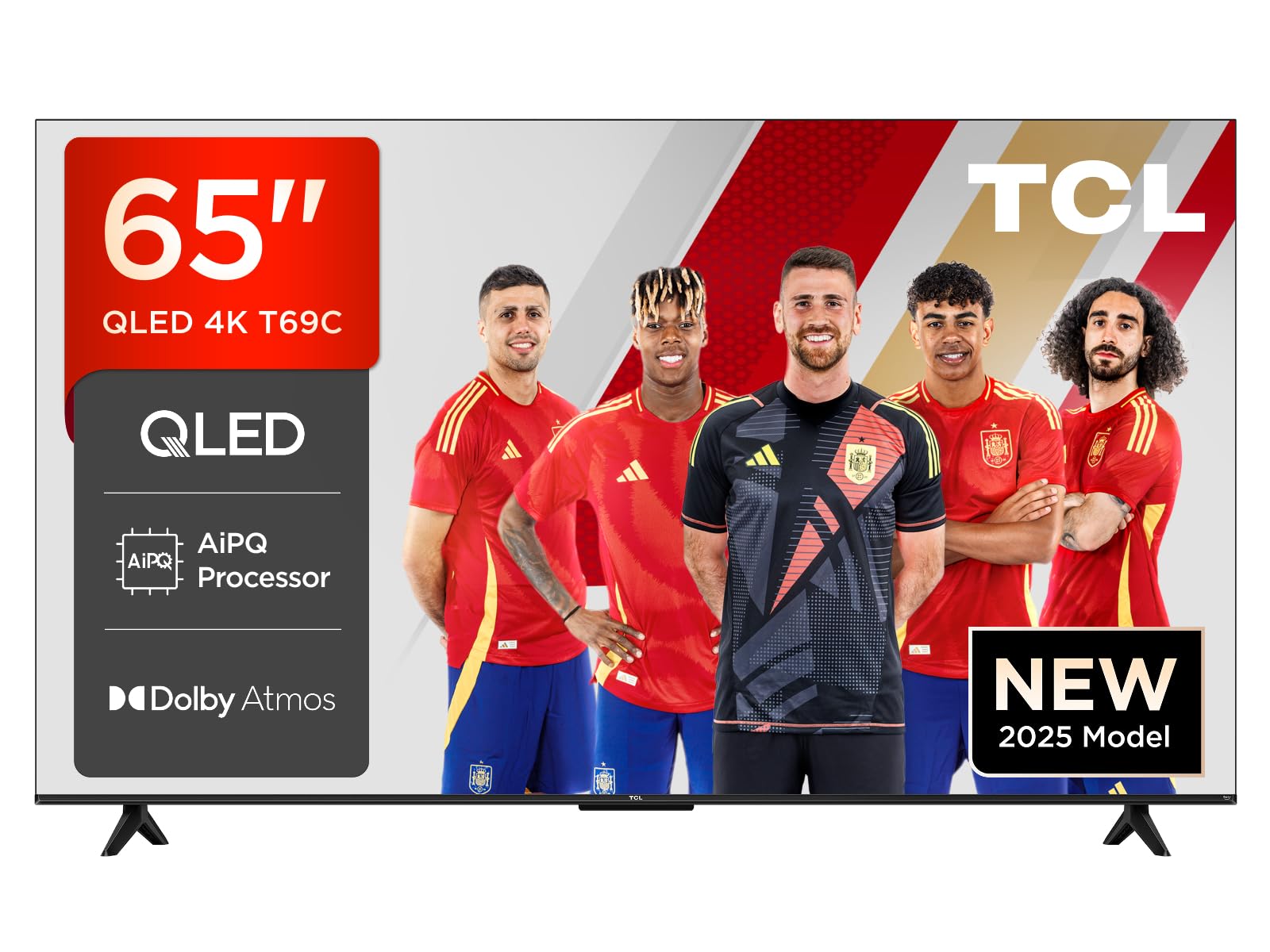
Figura 1.1: Frontal view of the TCL 65T69C 65-inch QLED 4K HDR Smart Google TV.
2. Informació important de seguretat
Seguiu sempre les precaucions de seguretat bàsiques quan utilitzeu aquest producte per reduir el risc d'incendi, descàrrega elèctrica i lesions.
- No bloquejar les obertures de ventilació.
- No col·loqueu el televisor sobre un carretó, suport, trípode, suport o taula inestable.
- Eviteu que el cable d'alimentació sigui trepitjat o pessigat.
- No exposeu el televisor a la pluja o la humitat.
- Demaneu tot el servei a personal de servei qualificat.
3. Què hi ha a la caixa
Verifiqueu que tots els components siguin presents abans de continuar amb la configuració:
- TCL 65T69C 65-inch QLED 4K HDR Smart Google TV
- Cable d'alimentació
- Control remot
- Stand (with screws)
- Manual d'usuari (aquest document)
4. Configuració
4.1. Instal·lació del suport per a TV
To install the stand, place the TV face down on a soft, flat surface to prevent damage. Align the stand with the mounting holes on the bottom of the TV and secure it with the provided screws.

Figure 4.1: TV dimensions and remote control. The stand is visible at the bottom of the TV.
4.2. Cables de connexió
Connect your power cable, antenna, and other devices to the appropriate ports on the back of the TV. Ensure all connections are secure.

Figure 4.2: Illustration of the TV's rear ports, including HDMI x3, USB x1, LAN, Optical, Cable, Satellite, and CI Slot.
4.3. Assistent d'encesa inicial i configuració
Plug the power cable into an electrical outlet. Press the power button on the remote control. The TV will guide you through the initial setup process, including language selection, network connection, and Google TV account setup.
5. Funcionament del televisor
5.1. Control remot
The included remote control allows you to navigate the TV's interface, adjust settings, and access smart features. It supports voice commands via Google Assistant and Alexa for convenient control.
5.2. Funcions de Smart TV (Google TV)
Your TCL 65T69C is powered by Google TV, providing a personalized entertainment experience. Access a wide range of streaming services, apps, and live TV. Use the Google Home App or Google Assistant for smart home integration and voice control.
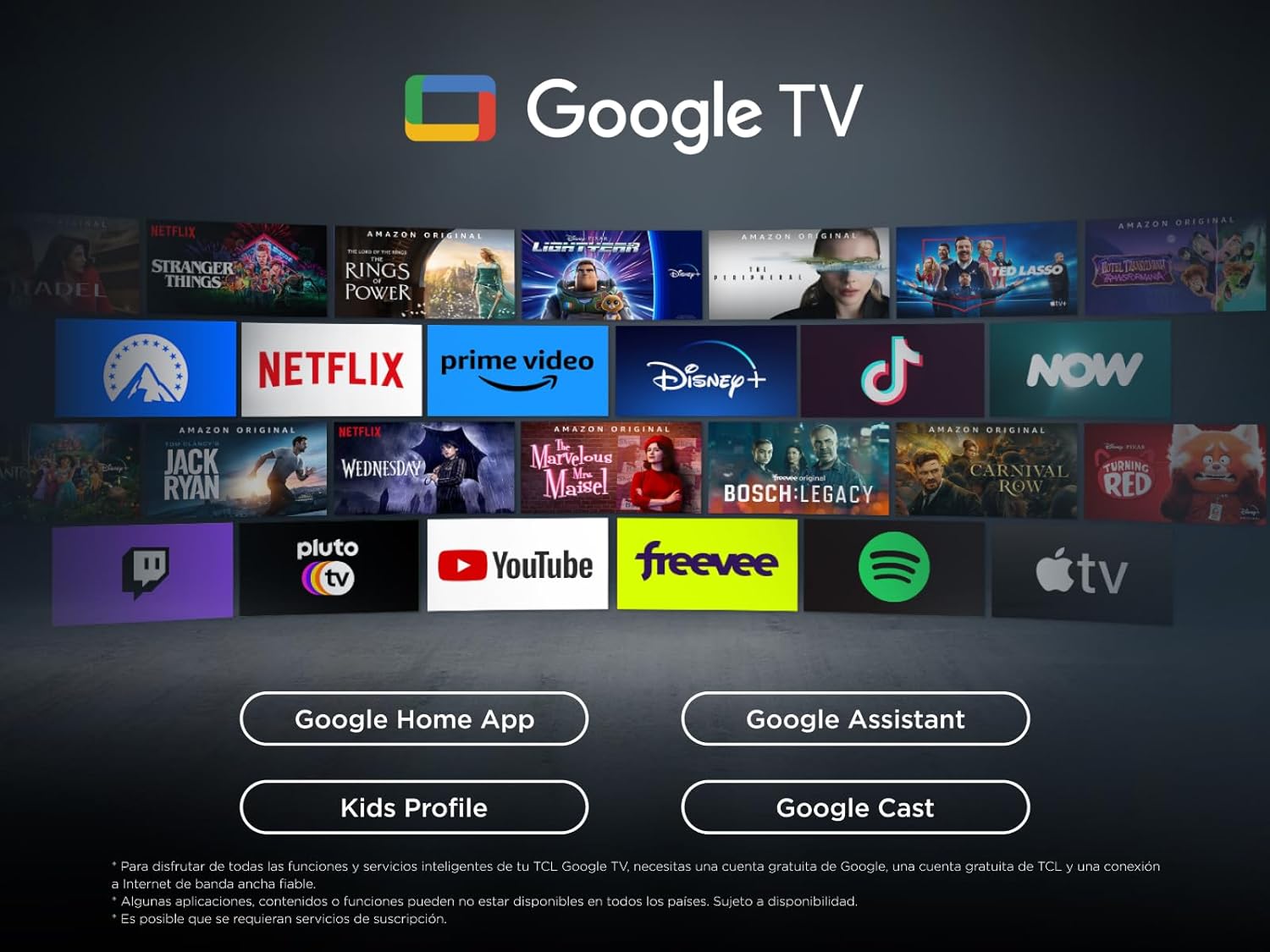
Figure 5.1: The Google TV interface, displaying various streaming applications and content recommendations.
5.3. Configuració de la imatge
The TV utilizes QLED technology, Direct LED backlighting, and an HVA panel to deliver superior image quality. The AiPQ Processor optimizes content for 4K resolution, clear motion, and high contrast. The Multi HDR format supports HDR10, HLG, HDR10+, and Dolby Vision for stunning visuals from any source.

Figure 5.2: Key visual technologies of the TCL 65T69C, highlighting QLED, AiPQ Processor, and HDR formats.

Figure 5.3: Visual representation of QLED UltraWide colors, showcasing the vibrant and broad color gamut.
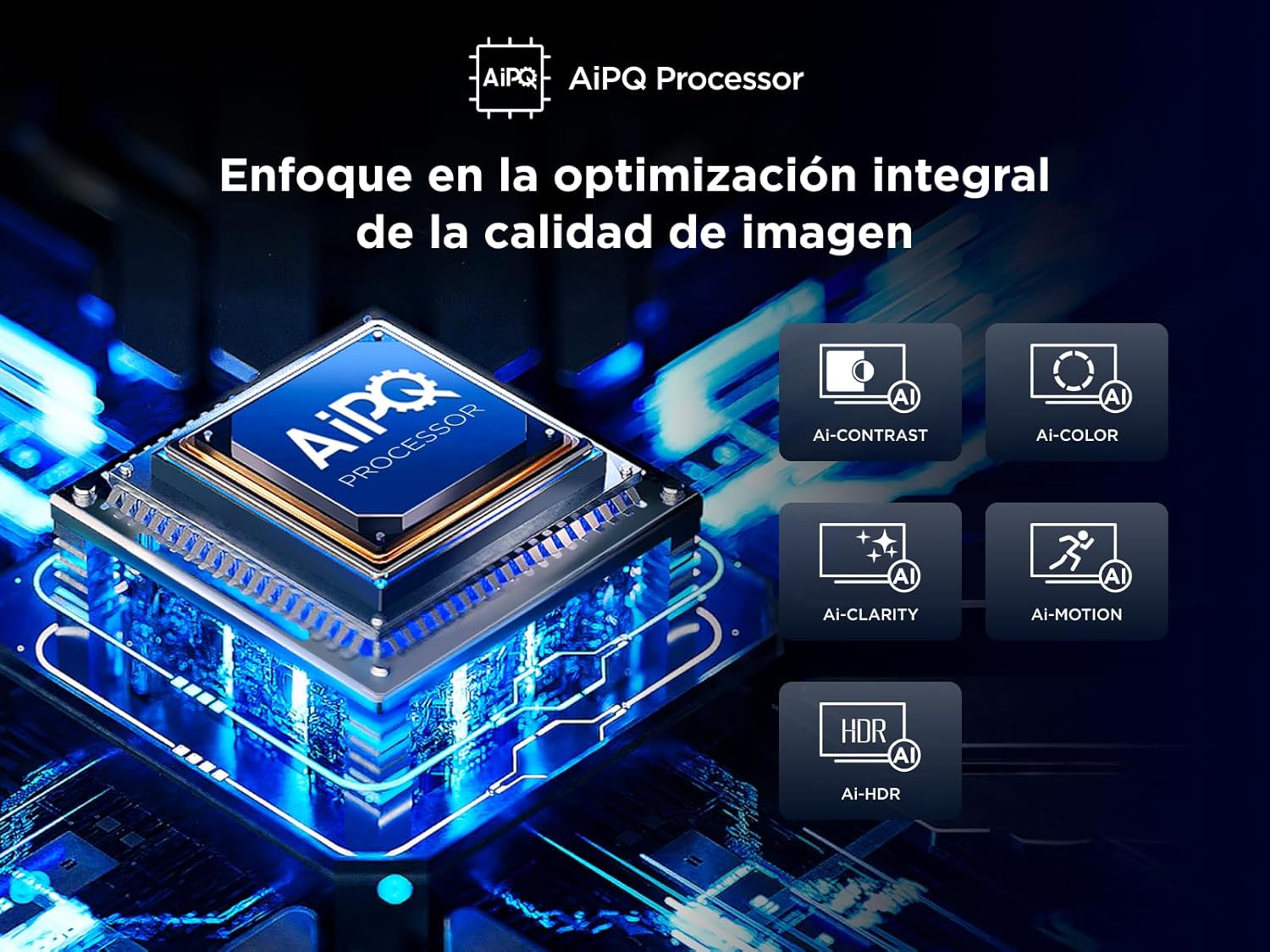
Figure 5.4: The AiPQ Processor, illustrating its role in optimizing image contrast, color, clarity, motion, and HDR.
5.4. Configuració de so
Experience theatrical sound with Dolby Atmos, which provides immersive audio that flows around you. Adjust sound modes and equalizer settings in the TV menu to suit your preferences.

Figure 5.5: Visual representation of Dolby Atmos technology, enhancing the audio experience with immersive sound.
5.5. Gaming Features (Game Master)
The Game Master feature, combined with HDMI 2.1 and ALLM (Auto Low Latency Mode), ensures the lowest latency and optimal image settings for gaming. VRR (Variable Refresh Rate) and Game Accelerator 120 Hz (in FHD resolution) provide smooth, tear-free gameplay.
6. Connectivitat
El televisor ofereix diverses opcions de connectivitat:
- HDMI: Three HDMI ports for connecting external devices like game consoles, Blu-ray players, and soundbars.
- USB: One USB port for media playback from USB drives.
- LAN (Ethernet): Per a connexió a Internet per cable.
- Òptic: Sortida d'àudio digital per connectar sistemes d'àudio externs.
- Wi-Fi: Built-in Wi-Fi for wireless internet access.
- Bluetooth: For connecting wireless headphones or other Bluetooth devices.
7. Manteniment
7.1. Neteja del televisor
Per netejar la pantalla, netegeu-la suaument amb un drap suau i sense borrissol. Per a marques difícils, dampen the cloth with a small amount of water or a screen cleaner. Avoid using harsh chemicals or abrasive materials. Clean the TV's exterior with a soft, dry cloth.
7.2. Actualitzacions de programari
Ensure your TV's software is up to date for optimal performance and security. Updates can typically be found in the TV's settings menu under 'System' or 'About'.
8. Solució De Problemes
Si teniu problemes amb el televisor, consulteu les solucions habituals següents:
- Sense energia: Check if the power cable is securely plugged into the TV and the outlet. Try a different outlet.
- Sense imatge/Mala qualitat d'imatge: Ensure all cables are correctly connected. Adjust picture settings (brightness, contrast, sharpness). Try a different input source.
- Sense so/Mala qualitat de so: Check volume levels and mute settings. Ensure external audio devices are correctly connected.
- El control remot no funciona: Canvieu les piles. Assegureu-vos que no hi hagi cap obstacle entre el comandament a distància i el televisor.
- Problemes de connexió de xarxa: Restart your router. Check Wi-Fi password. Try a wired (LAN) connection if available.
For more complex issues, consult the full electronic manual or contact TCL customer support.
9. Especificacions
| Paràmetre | Valor |
|---|---|
| Marca | TCL |
| Número de model | 65T69C |
| Mida de la pantalla | 65 polzades |
| Tecnologia de visualització | QLED |
| Resolució | 4K (3840 x 2160) |
| Freqüència d'actualització | 60 Hz |
| Característiques especials | Dynamic Contrast Enhancer, Wide Viewangle ing |
| Tecnologia de connectivitat | Bluetooth, Ethernet, HDMI, USB, Wi-Fi |
| Relació d'aspecte | 16:9 |
| Dimensions del producte | 30 x 144.6 x 87.8 cm; 19.8 kg |
| Classificació d'eficiència energètica (SDR) | F |
| Consum d'energia (SDR) | 95.0 W |
| Classificació d'eficiència energètica (HDR) | G |
| Consum d'energia (HDR) | 135 W |

Figure 9.1: Energy efficiency label for the TCL 65T69C.
Per obtenir informació detallada del producte, consulteu la base de dades EPREL: https://eprel.ec.europa.eu/qr/2218570
10. Producte acabatview Vídeo
Watch this short video for a quick overview of the TCL 65T69C's features and benefits.
Vídeo 10.1: Un breu resum del producteview highlighting key features of the TCL 65T69C TV.
11. Garantia i Suport
Your TCL 65T69C TV comes with a manufacturer's warranty. Please refer to the warranty card included in the packaging for specific terms and conditions. For technical support, troubleshooting assistance, or service inquiries, please visit the official TCL support weblloc o poseu-vos en contacte amb el seu servei d'atenció al client.