Introducció
The WYZE Cam Pan v4 is a versatile 4K smart security camera designed for both indoor and outdoor monitoring. It features 360° horizontal pan and 180° vertical tilt coverage, AI-powered motion tracking, color night vision with a built-in spotlight, and dual-band Wi-Fi 6 connectivity. This manual provides essential information for setting up, operating, maintaining, and troubleshooting your device.
Què hi ha a la caixa
- WYZE Cam Pan v4 Camera
- Suport de muntatge universal
- USB-C Power Cable (6 feet)
- Adaptador de corrent (5V 2A)
- Cargols de muntatge i ancoratges de paret
- Guia d'inici ràpid / Manual d'instruccions
Configuració
1. Instal·lació de la targeta MicroSD (opcional)
For continuous local recording, insert a microSD card (up to 512GB, sold separately) into the camera's designated slot. The slot is typically located under a rubber flap on the camera body.

Descripció de la imatge: A hand inserting a microSD card into a slot on the side of the camera, which is partially open to reveal the slot. The image highlights the camera's local storage capability.
2. Encès
Connect the provided USB-C cable to the camera and the power adapter. Plug the adapter into a standard electrical outlet. The camera will power on and begin its initialization sequence.
3. Descàrrega i emparellament de l'aplicació
- Download the latest WYZE app from your smartphone's app store (iOS or Android).
- Create a WYZE account or log in if you already have one.
- In the app, tap the '+' icon to add a new device. Select 'Cameras' then 'Pan and Tilt Cameras' and choose 'Wyze Cam Pan v4'.
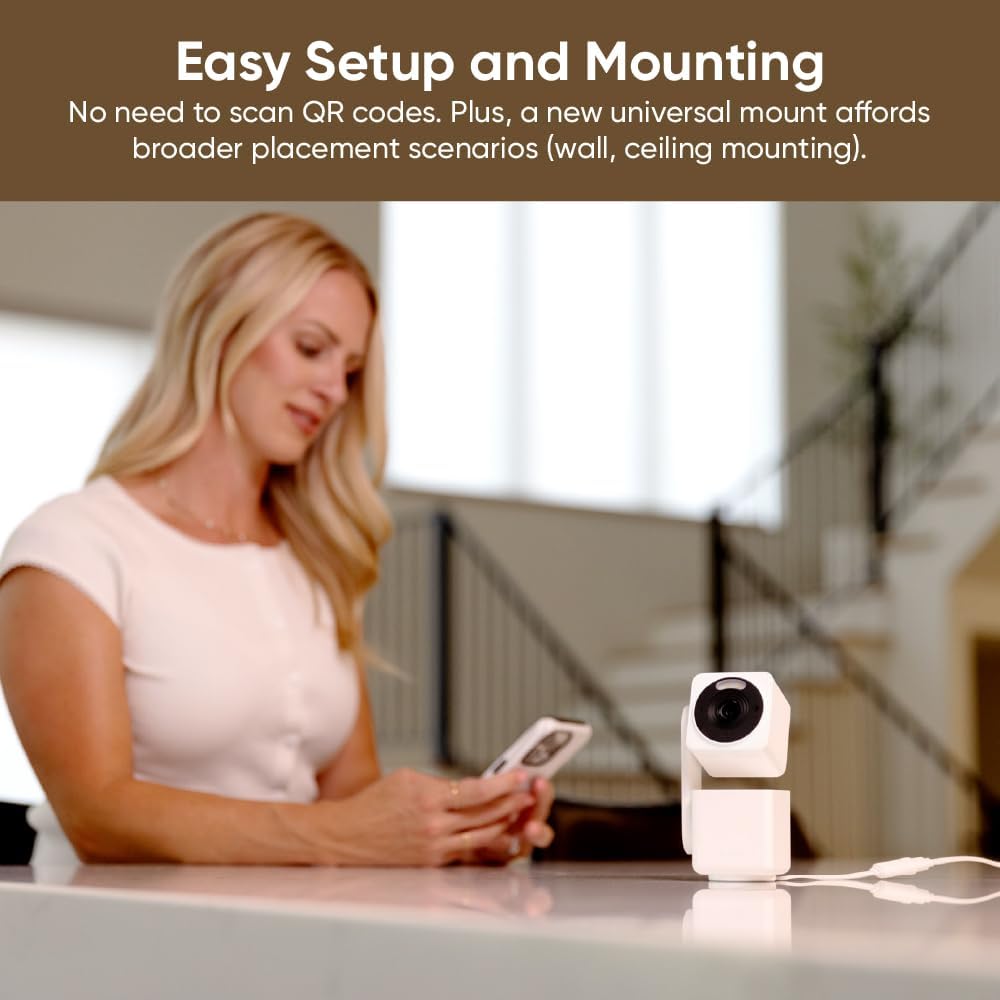
- Follow the on-screen instructions to pair your camera. The camera uses Bluetooth for quick installation, eliminating the need to scan QR codes.
- Select your Wi-Fi network (supports both 2.4G and 5G) and enter the password.

Descripció de la imatge: A person interacting with the WYZE app on a smartphone, with the WYZE Cam Pan v4 visible on a table in the background, illustrating the easy setup process.
4. Opcions de muntatge
The WYZE Cam Pan v4 can be placed on a flat surface, mounted on a wall, or installed on a ceiling. Use the universal mounting bracket and included screws for secure installation. Ensure the camera is positioned to cover your desired monitoring area.
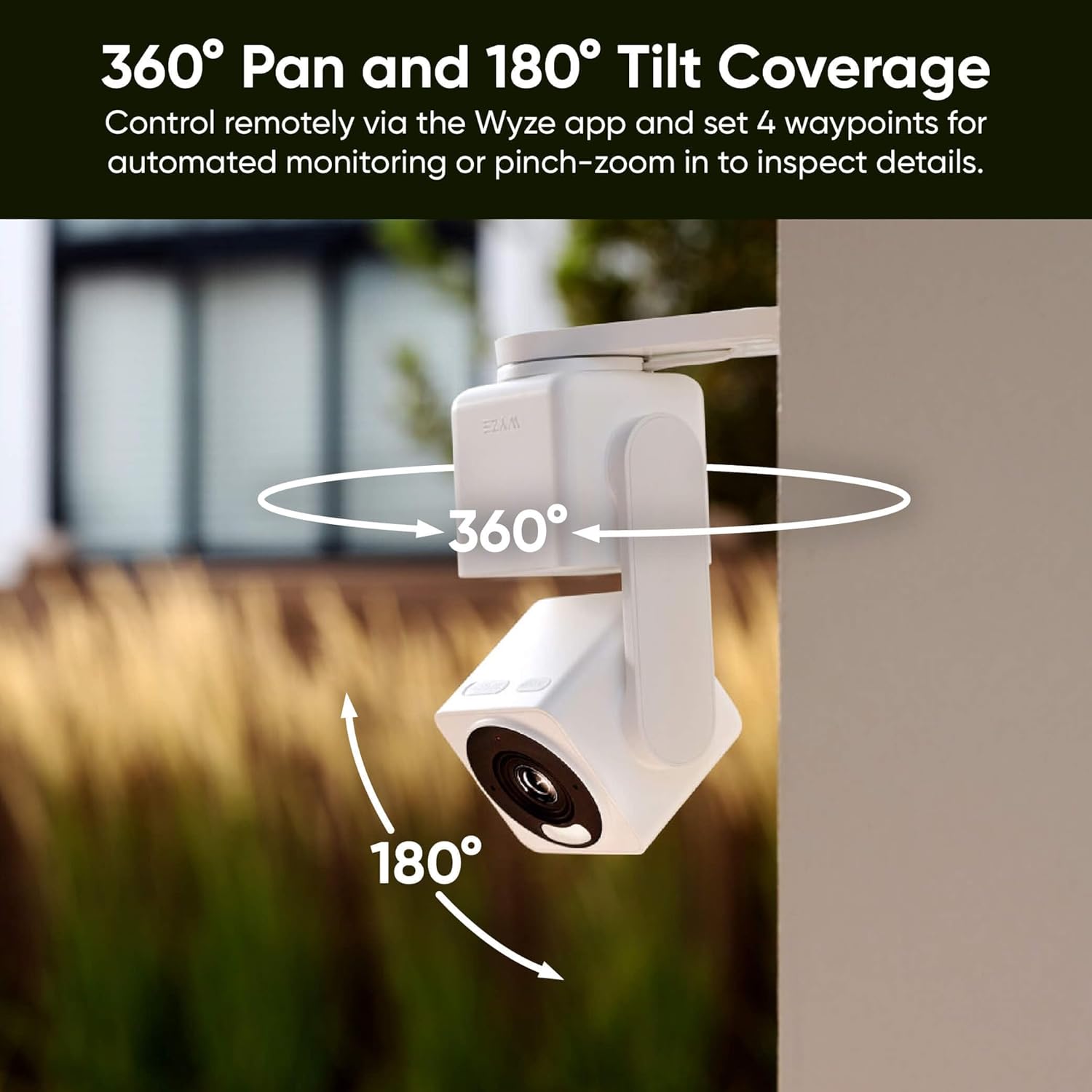
Descripció de la imatge: The WYZE Cam Pan v4 is shown mounted on a wall outdoors, with arrows indicating its 360-degree pan and 180-degree tilt capabilities.
Funcionament de la càmera
1. En directe View i control de panoràmica/inclinació
Access the live feed through the WYZE app. Use the on-screen controls to remotely pan the camera 360° horizontally and tilt it 180° vertically. You can set up to 4 waypoints for automated monitoring of specific areas.

Descripció de la imatge: A diagram illustrating the WYZE Cam Pan v4's 360-degree pan and 180-degree tilt range, with the camera positioned on a wooden surface.
2. AI-Powered Motion Tracking
The camera features a next-gen CPU with an integrated NPU for faster processing and enhanced AI capabilities. It can automatically follow movement, with customizable priority for detecting people, pets, and vehicles. This ensures the camera focuses on important activity.

Descripció de la imatge: The WYZE Cam Pan v4 is shown tracking multiple people in a room, with green boxes highlighting the detected subjects and arrows indicating the camera's tracking movement.
3. Color Night Vision and Spotlight Siren
The camera's enhanced IR and spotlight illumination provide full-color nighttime footage. The built-in 100dB siren can be activated manually or automatically upon motion detection to deter intruders.
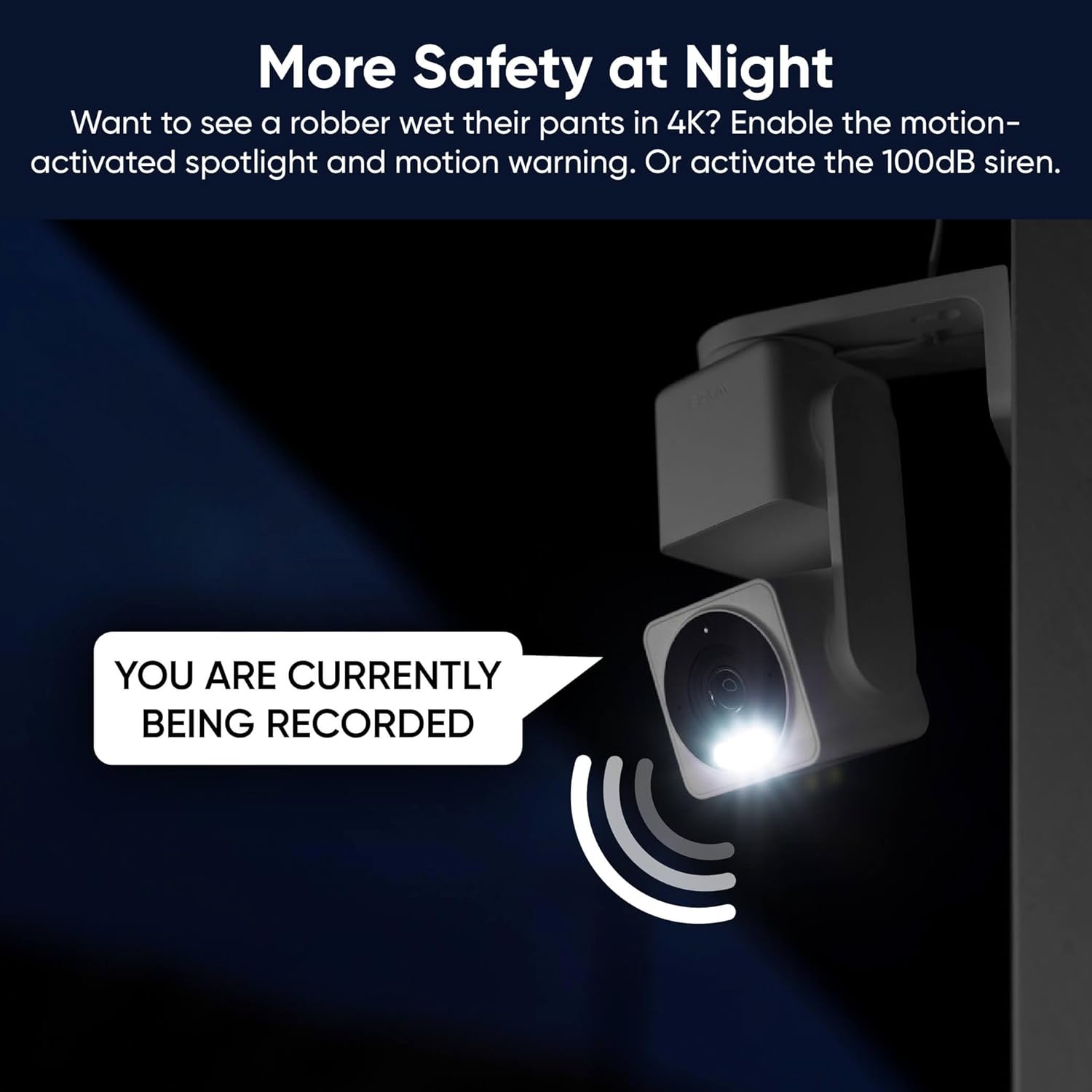
Descripció de la imatge: The WYZE Cam Pan v4 is shown mounted outdoors at night, with its spotlight illuminated and a speech bubble displaying 'YOU ARE CURRENTLY BEING RECORDED', indicating its security features.
4. Àudio bidireccional
Communicate clearly with visitors or monitor pets using the upgraded speakers and microphones for enhanced audio clarity.
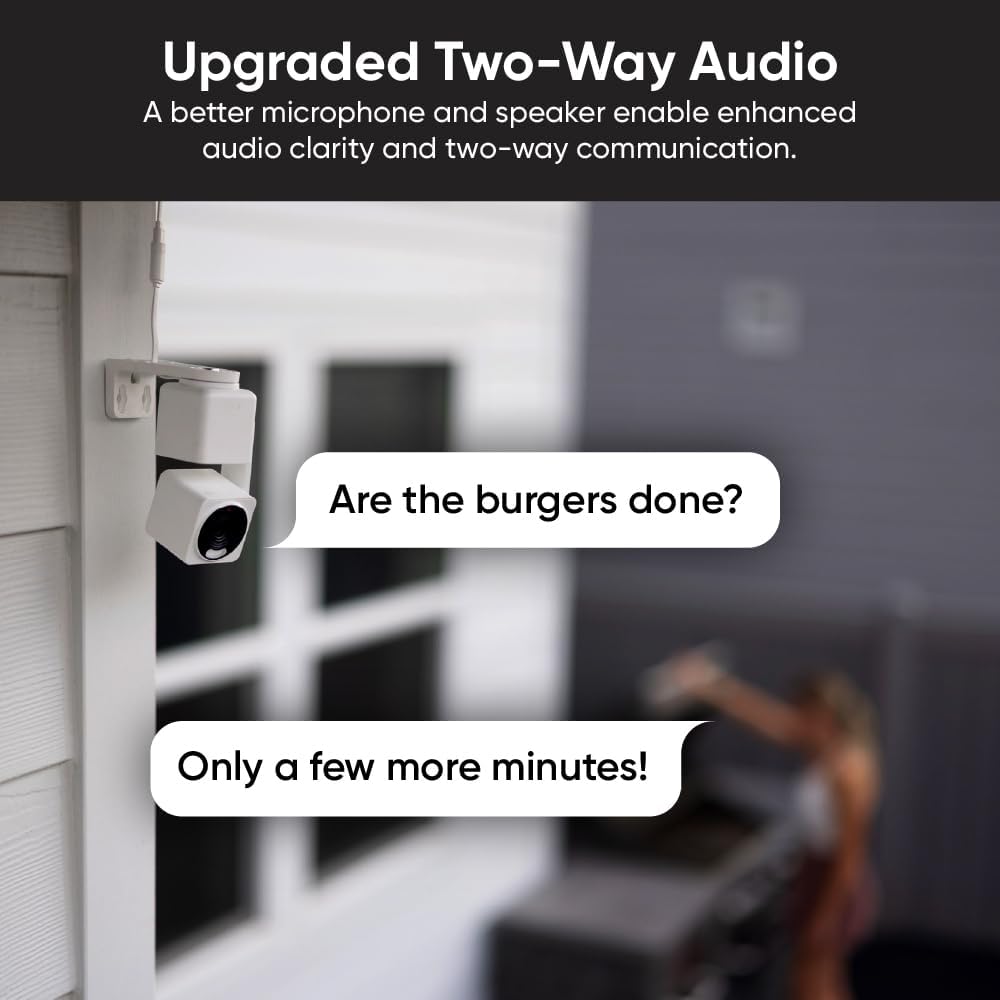
Descripció de la imatge: The WYZE Cam Pan v4 is shown mounted on a wall, with speech bubbles illustrating a two-way conversation: 'Are the burgers done?' and 'Only a few more minutes!', highlighting its audio capabilities.
5. Physical Privacy Mode
For total privacy, enable Privacy Mode in the Wyze app. The camera lens will point straight down, eliminating its field of view and turning off recording.

Descripció de la imatge: The WYZE Cam Pan v4 is shown on a table in its physical privacy mode, with the camera head tilted downwards, obscuring the lens.
6. Integració de la llar intel·ligent
The WYZE Cam Pan v4 works seamlessly with Amazon Alexa, Google Assistant, and Wyze Automations, allowing for voice control and integration into your smart home ecosystem.
Descripció de la imatge: A smartphone displaying a live feed from the WYZE Cam Pan v4, with logos for Alexa, Hey Google, and IFTTT, demonstrating smart home integration.
Manteniment
1. Neteja
Gently wipe the camera lens and body with a soft, dry cloth. Avoid using harsh chemicals or abrasive materials that could damage the device.
2. Protecció contra la intempèrie
The camera has an IP65 weather rating, making it suitable for outdoor use in various conditions (rain, snow, sun). For outdoor power, ensure the USB-C connection is properly sealed or use a Wyze Cam Universal Outdoor Power Adapter (sold separately) for optimal protection.

Descripció de la imatge: The WYZE Cam Pan v4 is shown with water droplets on its lens, accompanied by icons representing rain, snow, and sun, emphasizing its IP65 weather resistance.
Resolució de problemes
1. Problemes de connectivitat
- Ensure your Wi-Fi network is stable and within range. The camera supports both 2.4G and 5G networks.
- If experiencing issues, try restarting your router and the camera.
- Verify that your Wi-Fi 6 router is properly configured if utilizing 5G.

Descripció de la imatge: The WYZE Cam Pan v4 is shown mounted on the exterior of a house, with concentric circles illustrating its dual-band Wi-Fi signal coverage reaching nearby buildings.
2. Motion Tracking Accuracy
- Calibrate the camera's position through the app to improve preset positions and tracking accuracy.
- Adjust motion sensitivity settings in the app to optimize detection for your environment.
3. Night Vision Performance
- Ensure the spotlight is enabled for color night vision.
- Check for obstructions near the camera that might interfere with IR lights or the spotlight.
4. MicroSD Card Recording Issues
- Ensure the microSD card is properly inserted and formatted within the app.
- If the card is full, older videos will be overwritten to ensure continuous recording.
Especificacions
| Nom del model | Pan v4 |
| Número de model de l'article | WYZECPAN4_WH |
| Marca | WYZE |
| Resolució de captura de vídeo | 4K (2160p) |
| Viewangle ing | 360 graus (panoràmica), 180 graus (inclinació) |
| Relació del zoom | Zoom digital de 8x |
| Tecnologia de connectivitat | Wired (Power), Wi-Fi (2.4G & 5G), Bluetooth |
| Font d'alimentació | Corded Electric (5V, 2A, 10W) |
| Ús interior/exterior | Indoor/Outdoor (IP65 Weather Rating) |
| Característiques especials | 2-Way Audio, Color Night Vision, Spotlight, AI Motion Tracking, Physical Privacy Mode |
| Emmagatzematge | Micro SD (up to 512GB), Cloud Backups |
| Dispositius compatibles | Telèfon intel·ligent, Amazon Alexa, Assistent de Google |
| Dimensions | 4.88 x 2.36 x 2.09 polzades |
| Pes de l'article | 9.8 unces |
Garantia i Suport
Your WYZE Cam Pan v4 comes with an instruction manual providing detailed guidance. For additional setup, optimization, and security support, WYZE offers free expert help. Please refer to the contact information provided in your product packaging or on the official WYZE weblloc d'assistència.


