1. Producte acabatview
The MoKo Touch Keyboard Case is designed to enhance your iPad experience, transforming your tablet into a versatile laptop-like device. It features a detachable Bluetooth keyboard with a multi-touch trackpad, 7-color backlighting, and a durable protective case with adjustable viewangles d'ajust.
2. Què hi ha a la caixa
- 1 x iPad A16 11th / 10th Generation Case
- 1 x 7 Colors Backlit Touchpad Detachable Wireless Keyboard
- 1 x cable tipus C
- 1 x Manual d'usuari
3. Compatibilitat
This keyboard case is SPECIALLY and ONLY designed for the following iPad models:
- iPad (A16) 11th Generation 11-inch 2025 (Model: A3354, A3355, A3356)
- iPad 10th Generation 10.9-inch 2022 (Model: A2696, A2757, A2777)
NOTE: This product is NOT compatible with any other iPad models.

4. Configuració
4.1 Installing Your iPad
Gently place your compatible iPad into the protective case, ensuring all ports and buttons align with the precise cutouts. The case provides a secure fit for your device.
4.2 Càrrega del teclat
Connect the provided Type-C charging cable to the keyboard's charging port and a suitable USB power adapter. The keyboard features a powerful 480mAh rechargeable battery, offering long endurance.

4.3 Connexió Bluetooth
- Switch the ON/OFF button on the keyboard to the 'ON' position. The backlight will illuminate, indicating it's powered on.
- Al teu iPad, vés a Configuració > Bluetooth i activa el Bluetooth.
- Your iPad will search for nearby Bluetooth devices. Select "Bluetooth Keyboard" from the list to connect.
- Once connected, the keyboard is ready for use.
5. Instruccions de funcionament
5.1 Ús del teclat i el trackpad desmuntables
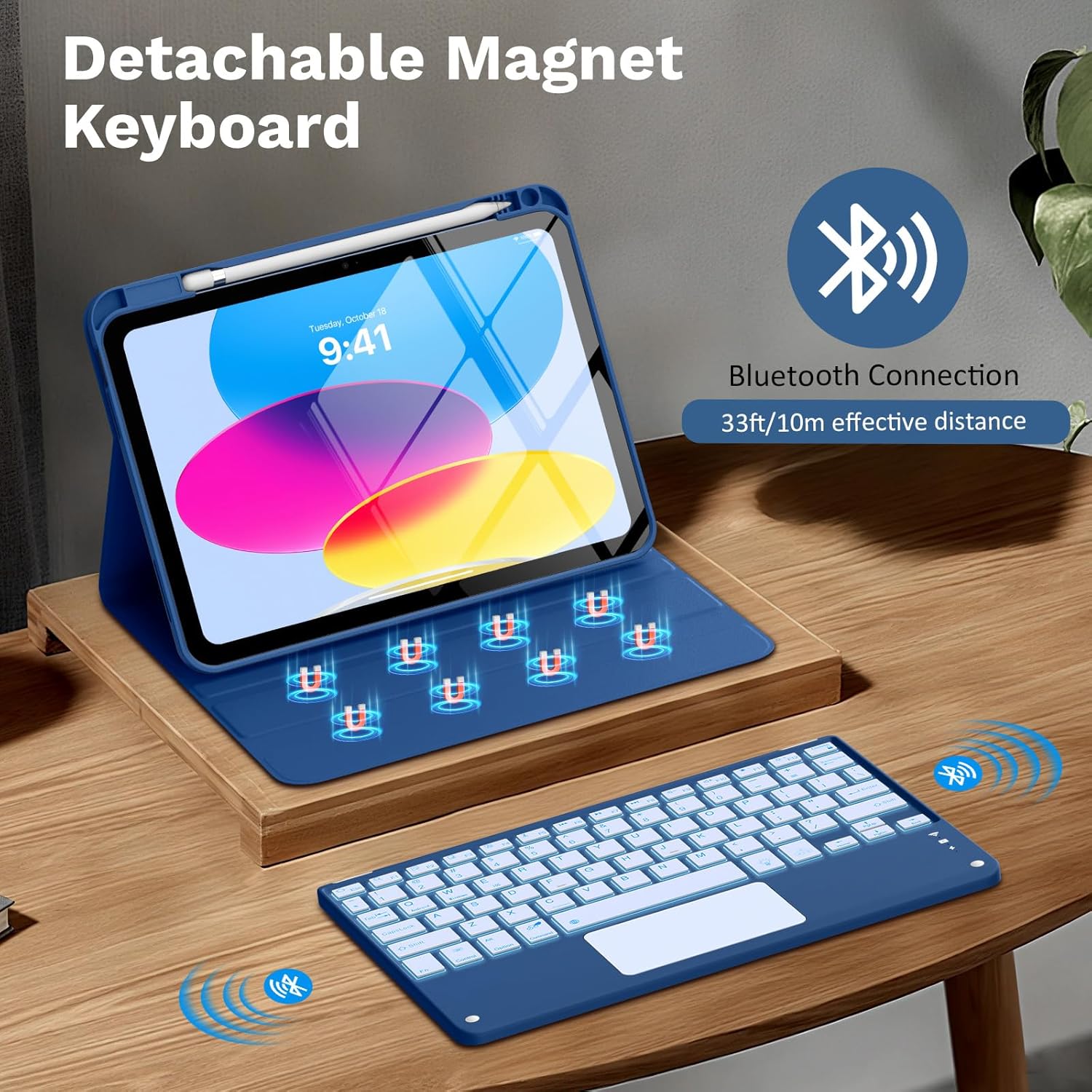
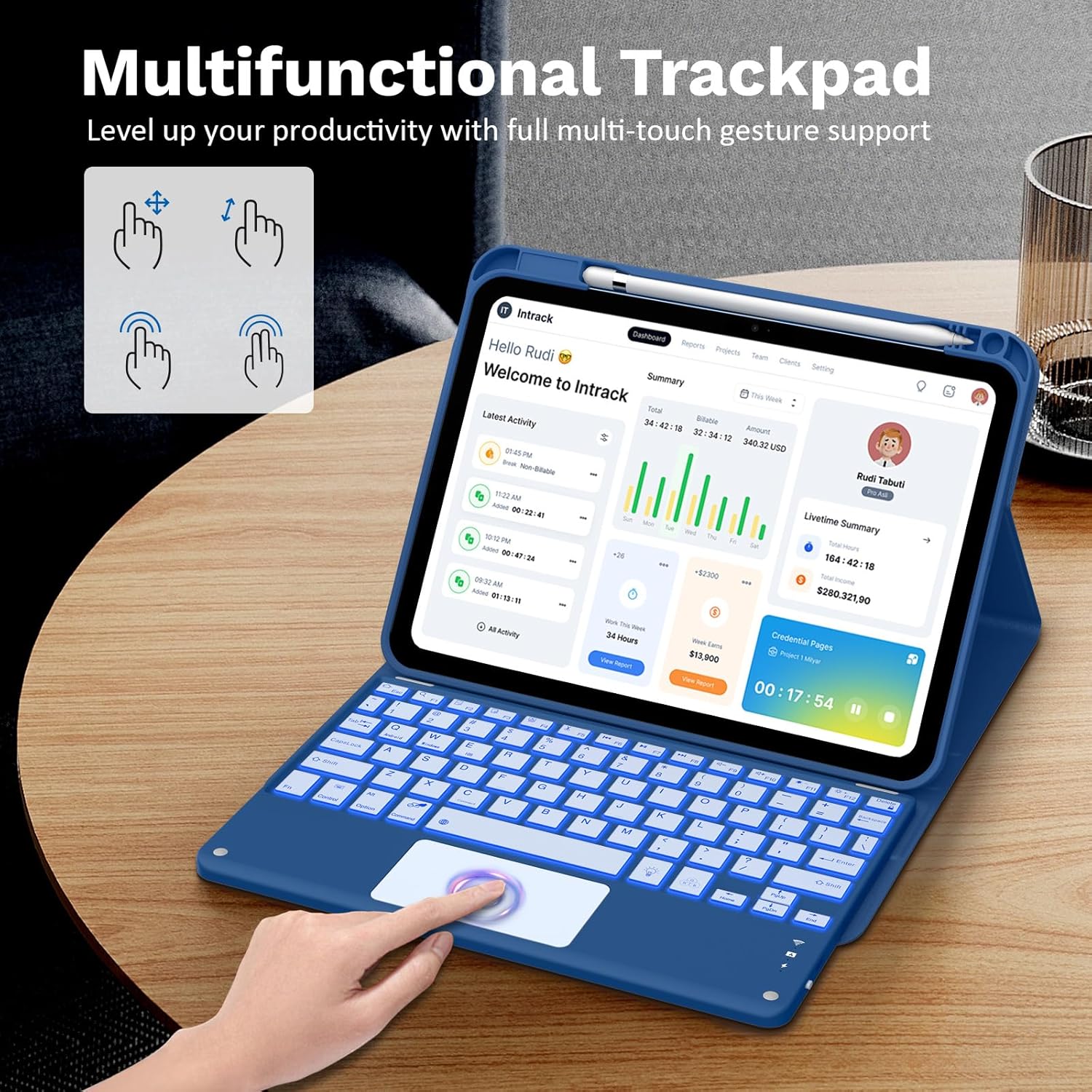
The keyboard attaches magnetically to the case, allowing for easy repositioning or removal. The multi-touch trackpad provides precise responses for navigation, editing, and browsing. It supports single, double, and triple-finger gestures for convenient usage.
5.2 Adjusting Backlight Colors and Brightness
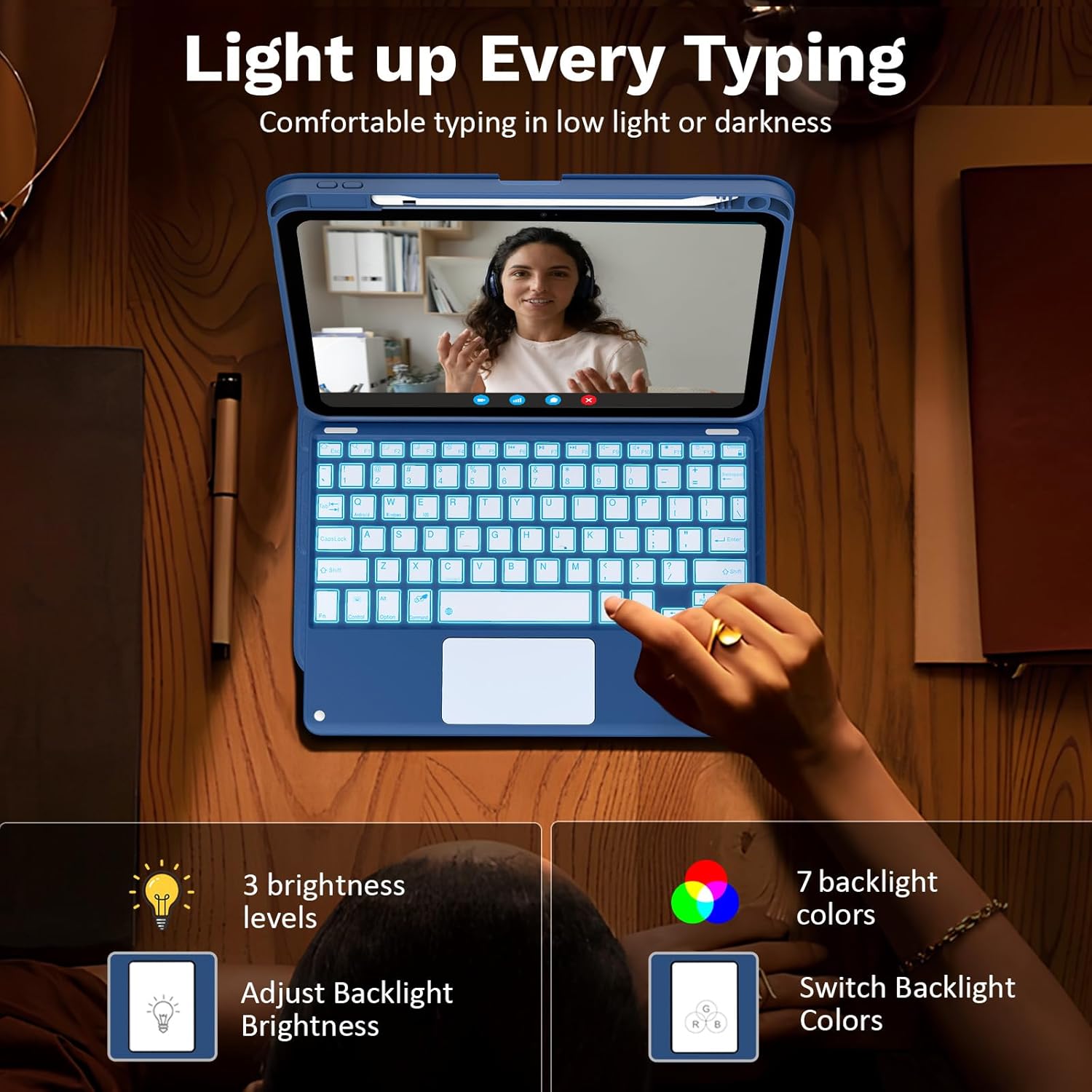
The keyboard features 7 vibrant backlight colors and 3 adjustable brightness levels. Use the dedicated backlight keys (often indicated by a light bulb icon) to cycle through colors and adjust brightness to suit your environment.
5.3 Using Adjustable ViewAngles
The case supports 2 viewing angles with anti-slip slots. Simply move the tablet forward or backward along the case to select the most comfortable angle for writing, viewing, reading, or drawing.

6. Característiques clau
- Teclat sense fil desmuntable: Strong magnetic attachment allows for easy repositioning or removal. Features a QWERTY layout with practical shortcuts for iOS, Windows, and Android systems.
- 7-Color Backlit & Precise Multi-touch Trackpad: Enjoy illuminated typing with 7 RGB pure backlit colors and 3 adjustable brightness levels. The trackpad offers precise navigation and supports multi-touch gestures.
- Bateria recarregable i de llarga durada: Built-in 480mAh battery provides extended usage. Auto Sleep & Wake function protects and extends battery life.
- Ajustable ViewAngles: Two stable viewing angles with anti-slip slots for optimal comfort during various tasks.
- Built-in Pen Holder: Conveniently store your Apple Pencil or stylus (Pen not included).
- Excellent Quality & Protection: Crafted with soft-touch PU leather and a flexible TPU interior with a honeycomb grid design for heat dissipation and protection against drops and scratches.
7. Manteniment
To ensure the longevity and optimal performance of your MoKo Touch Keyboard Case, follow these maintenance guidelines:
- Neteja: Utilitzeu un suau, damp cloth to wipe the exterior of the case and keyboard. Avoid harsh chemicals or abrasive materials.
- Emmagatzematge: When not in use, ensure the keyboard is turned off to conserve battery. Store the case in a cool, dry place away from direct sunlight.
- Manejar amb cura: While the case offers robust protection, avoid dropping it from excessive heights or exposing it to extreme impacts.
8. Solució De Problemes
If you encounter any issues with your MoKo Touch Keyboard Case, please refer to the following common solutions:
- El teclat no es connecta: Ensure the keyboard is charged and turned on. Verify Bluetooth is enabled on your iPad and try re-pairing the device.
- Funcionament incorrecte de les tecles: If individual keys are not responding, try cleaning the keyboard. If the issue persists, ensure the keyboard is fully charged.
- Trackpad Unresponsive: Check that the keyboard is connected via Bluetooth. Ensure the trackpad is not accidentally disabled (refer to keyboard shortcuts for enabling/disabling trackpad).
- Esgotament ràpid de la bateria: Reduce backlight brightness or turn off backlighting when not needed. Ensure the keyboard is switched off when not in use.
9. Especificacions
| Marca | MoKo |
| Dispositius compatibles | iPad (A16) 11th Gen 11-inch 2025, iPad 10th Gen 10.9-inch 2022 |
| Tecnologia de connectivitat | Bluetooth |
| Descripció del teclat | Multi Funcional |
| Característiques especials | Auto Sleep & Wake, Backlit, Magnetic, Portable, Trackpad |
| Material | PU Leather, TPU |
| Pes de l'article | 1.74 lliures |
| Capacitat de la bateria | 480 mAh |
| Temps de càrrega | Aprox. 2 hores |
| Temps de treball | Més de 100 hores |
10. Garantia i assistència
MoKo stands by the quality of its products. This keyboard case is backed by a responsible customer service team. If you encounter any problems or have questions regarding the use of your MoKo iPad case with keyboard, please contact our customer support for assistance.
For further assistance, please refer to the contact information provided in your product packaging or visit the official MoKo weblloc.


