Introducció
This comprehensive guide is designed to assist users in understanding and utilizing the full potential of the iPhone 17 Pro Max. It covers essential aspects from initial setup to advanced features, ensuring both new and experienced users can navigate the device effectively. The manual aims to clarify complex functionalities and provide clear, step-by-step instructions for optimal device usage.
The iPhone 17 Pro Max offers a range of advanced capabilities, including AI-powered software, enhanced camera functions, and optimized battery life. This guide will walk you through these features, helping you to improve productivity, enhance photography skills, and troubleshoot common issues.
Producte acabatview
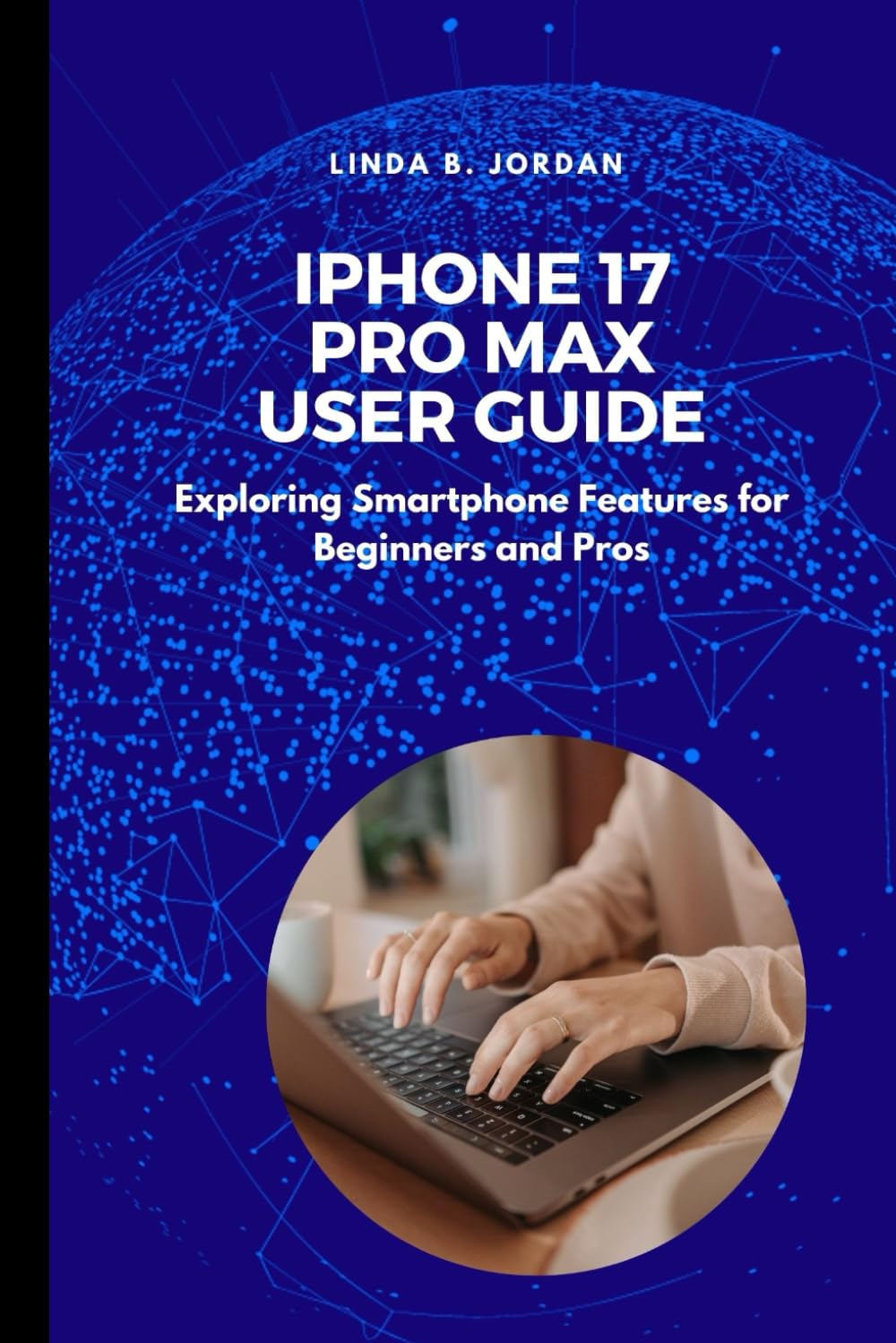
Image: Front cover of the iPhone 17 Pro Max User Guide book. The cover features the title "iPhone 17 Pro Max User Guide" prominently, along with the subtitle "Exploring Smartphone Features for Beginners and Pros".
The iPhone 17 Pro Max is a high-performance smartphone designed by Apple. This user guide provides detailed instructions for its operation. The guide itself is a paperback book, authored by Linda B. Jordan, and published independently. It serves as an expert resource for navigating the device's operating system and hardware features.

Image: Back cover of the iPhone 17 Pro Max User Guide book. The back cover displays the ISBN barcode and publishing information, including the ISBN-13: 979-8284572320.
Configuració
This section outlines the initial steps for setting up your iPhone 17 Pro Max device.
- Unboxing and Initial Power On: Carefully remove your iPhone from its packaging. Press and hold the side button until the Apple logo appears.
- Selecció d'idioma i regió: Segueix les instruccions que apareixen a la pantalla per seleccionar l'idioma i la regió que prefereixis.
- Inici ràpid: If you have another iPhone or iPad running iOS 11 or later, you can use Quick Start to set up your new device automatically. Bring your old device near your new iPhone and follow the instructions.
- Configuració manual: If not using Quick Start, connect to a Wi-Fi network. You will then be prompted to set up Face ID or Touch ID, create a passcode, and restore data from an iCloud or computer backup, or set up as a new iPhone.
- ID d'Apple: Sign in with your Apple ID. If you do not have one, you can create one during this process.
- Dades i privadesa: Review la informació sobre dades i privadesa.
- Siri and Other Services: Configure Siri, Screen Time, and other services as desired.
Instruccions de funcionament
This section details the core functionalities and operations of the iPhone 17 Pro Max device.
- Navegació: Learn gestures for navigating the interface, including swiping up for the Home screen, swiping down for Control Center or Notifications, and using the App Switcher.
- Funcions de la càmera: Explore various camera modes (Photo, Portrait, Cinematic, Video), settings, and advanced features like ProRAW and Action mode. Understand how to utilize the multiple lenses for different photographic scenarios.
- AI-Powered Software: Discover how AI enhances features such as photo editing, predictive text, Siri interactions, and personalized suggestions.
- Optimització de la bateria: Tips for extending battery life, including managing background app refresh, adjusting display settings, and using Low Power Mode.
- Gestió d'aplicacions: How to download, organize, update, and delete applications.
- Comunicació: Making calls, sending messages, and using FaceTime.
Manteniment
Proper maintenance ensures the longevity and optimal performance of your iPhone 17 Pro Max device.
- Actualitzacions de programari: Regularly check for and install iOS updates to ensure your device has the latest features and security enhancements. Go to Configuració > General > Actualització de programari.
- Neteja: Use a soft, lint-free cloth to clean the screen and exterior. Avoid abrasive materials or harsh chemicals. For stubborn smudges, a slightly damp Un drap amb aigua és acceptable.
- Gestió d'emmagatzematge: Monitor and manage your device's storage by deleting unnecessary apps, photos, and videos. Go to Configuració > General > Emmagatzematge de l'iPhone.
- Salut de la bateria: Monitor your battery's health in Configuració > Bateria > Estat i càrrega de la bateria. Avoid extreme temperatures.
- Còpia de seguretat: Fes còpies de seguretat del teu iPhone regularment a iCloud o a un ordinador per evitar la pèrdua de dades.
Resolució de problemes
This section addresses common issues and provides solutions for your iPhone 17 Pro Max device.
- El dispositiu no respon: Si el teu iPhone no respon, força un reinici. Prem i deixa anar ràpidament el botó de pujar el volum, després el botó de baixar el volum i, a continuació, prem i mantén premut el botó lateral fins que aparegui el logotip d'Apple.
- L'aplicació es bloqueja o es congela: Close the app from the App Switcher and reopen it. If the issue persists, restart your iPhone. Ensure the app is updated to its latest version.
- Problemes de connectivitat (Wi-Fi/Mòbil): Toggle Wi-Fi or Cellular Data off and on. Restart your router for Wi-Fi issues. Reset Network Settings (Configuració > General > Transferir o restablir iPhone > Restablir > Restablir configuració de xarxa).
- Esgotament ràpid de la bateria: Review ús de la bateria en Configuració > Bateria to identify power-hungry apps. Enable Low Power Mode.
- Face ID/Touch ID Not Working: Ensure your face/finger is clean and unobstructed. Re-register your Face ID/Touch ID in Configuració > Face ID i contrasenya or Touch ID i contrasenya.
Especificacions
Key specifications for the iPhone 17 Pro Max (as referenced by this guide) and the guide itself:
| Característica | Detall |
|---|---|
| Model de dispositiu | iPhone 17 Pro Max |
| Sistema operatiu del dispositiu | iOS (latest version at time of device release) |
| Guide Author | Linda B. Jordan |
| Guide Publisher | Publicat independentment |
| Guide Publication Date | 19 de maig de 2025 |
| Guide Language | Anglès |
| Guide Print Length | 87 pàgines |
| Guide ISBN-13 | 979-8284572320 |
Garantia i devolucions
This section pertains to the return policy for the user guide book itself, as well as general information regarding the iPhone device.
- Book Return Policy: The paperback version of this user guide is subject to the return policy of the retailer from which it was purchased. For Amazon purchases, a 30-day return window for refund or replacement typically applies. Please refer to your purchase receipt or retailer's weblloc per obtenir detalls específics.
- iPhone Device Warranty: The iPhone 17 Pro Max device itself is covered by Apple's standard limited warranty. For detailed warranty information, including coverage period and terms, please refer to the official Apple documentation provided with your device or visit the official Apple Warranty Information page. This user guide does not provide a warranty for the iPhone device.
Suport
For further assistance with your iPhone 17 Pro Max or this user guide:
- iPhone Device Support: For technical support, service, or warranty claims related to the iPhone 17 Pro Max device, please visit the official Suport d'Apple weblloc o contacta directament amb el servei d'atenció al client d'Apple.
- User Guide Inquiries: For questions or feedback regarding the content of this user guide, please refer to the publisher's contact information, typically found within the book or on the retailer's product page.


