1. Introducció
This manual provides essential instructions for the setup, operation, maintenance, and troubleshooting of your RCA 40-inch MultiTuner HD Google TV, Model R40M-F4G. Please read this manual thoroughly before using your television to ensure proper functionality and safety.
2. Informació important de seguretat
Seguiu sempre les precaucions de seguretat bàsiques quan utilitzeu aquest producte per reduir el risc d'incendi, descàrrega elèctrica i lesions.
- No exposeu el televisor a la pluja o la humitat.
- No obriu el televisor casing; demaneu totes les tasques de manteniment a personal qualificat.
- Assegureu-vos una ventilació adequada al voltant del televisor.
- Feu servir només el cable d'alimentació que s'inclou amb el televisor.
- Mantingueu el televisor allunyat de la llum solar directa i de fonts de calor.
3. Què s'inclou
Verifiqueu que tots els components siguin presents a l'embalatge:
- RCA 40-inch MultiTuner HD Google TV (Model R40M-F4G)
- Comandament a distància (amb piles)
- Manual d'usuari (aquest document)
- Cable d'alimentació
- Suports de TV (2) i cargols

Image 1: RCA 40-inch Google TV with included remote control and stand components.
4. Configuració
4.1 Fixació dels suports de TV
- Col·loqueu amb cura el televisor cap per avall sobre una superfície suau i neta per evitar que es faci malbé la pantalla.
- Alineeu cada suport amb els forats de cargol corresponents a la part inferior del televisor.
- Fixeu els suports amb els cargols proporcionats. No els estrenyeu massa.
4.2 Muntatge a la paret (opcional)
If you plan to wall-mount your TV, refer to the instructions provided with your wall-mount bracket. Ensure the bracket is compatible with the TV's VESA mounting pattern (refer to specifications). Remove the TV stands before wall mounting.

Imatge 2: posterior view of the TV, highlighting the VESA mounting points for wall installation.
4.3 Connexió de dispositius
Connect your external devices (e.g., cable box, Blu-ray player, gaming console) to the appropriate ports on the TV.
- HDMI: Per a àudio i vídeo d'alta definició.
- USB: Per connectar dispositius d'emmagatzematge USB.

Imatge 3: Lateral view of the TV, illustrating the location of HDMI and USB ports for device connectivity.
4.4 Engegada inicial i configuració de Google TV
- Connecteu el cable d'alimentació al televisor i després a una presa de corrent.
- Premeu el botó d'engegada del comandament a distància o del televisor.
- Follow the on-screen instructions to complete the initial setup, including:
- Selecció de la llengua
- Connexió de xarxa (Wi-Fi)
- Inici de sessió al compte de Google
- Escaneig de canals (si s'utilitza una antena)
5. Operating Your RCA Google TV
5.1 Interfície de Google TV
The Google TV operating system provides a centralized hub for your streaming services, live TV, and apps. Navigate using the remote control's directional pad and select button.

Image 4: The Google TV home screen, showing recommended content and installed applications.
5.2 Característiques clau
- Assistent de Google: Control your TV, search for content, or get information using voice commands. Press the Google Assistant button on your remote and speak into the microphone.

Image 5: Using Google Assistant with the remote control for voice commands.
- Chromecast integrat: Cast content (videos, photos, music) from your compatible smartphone, tablet, or computer directly to the TV screen.
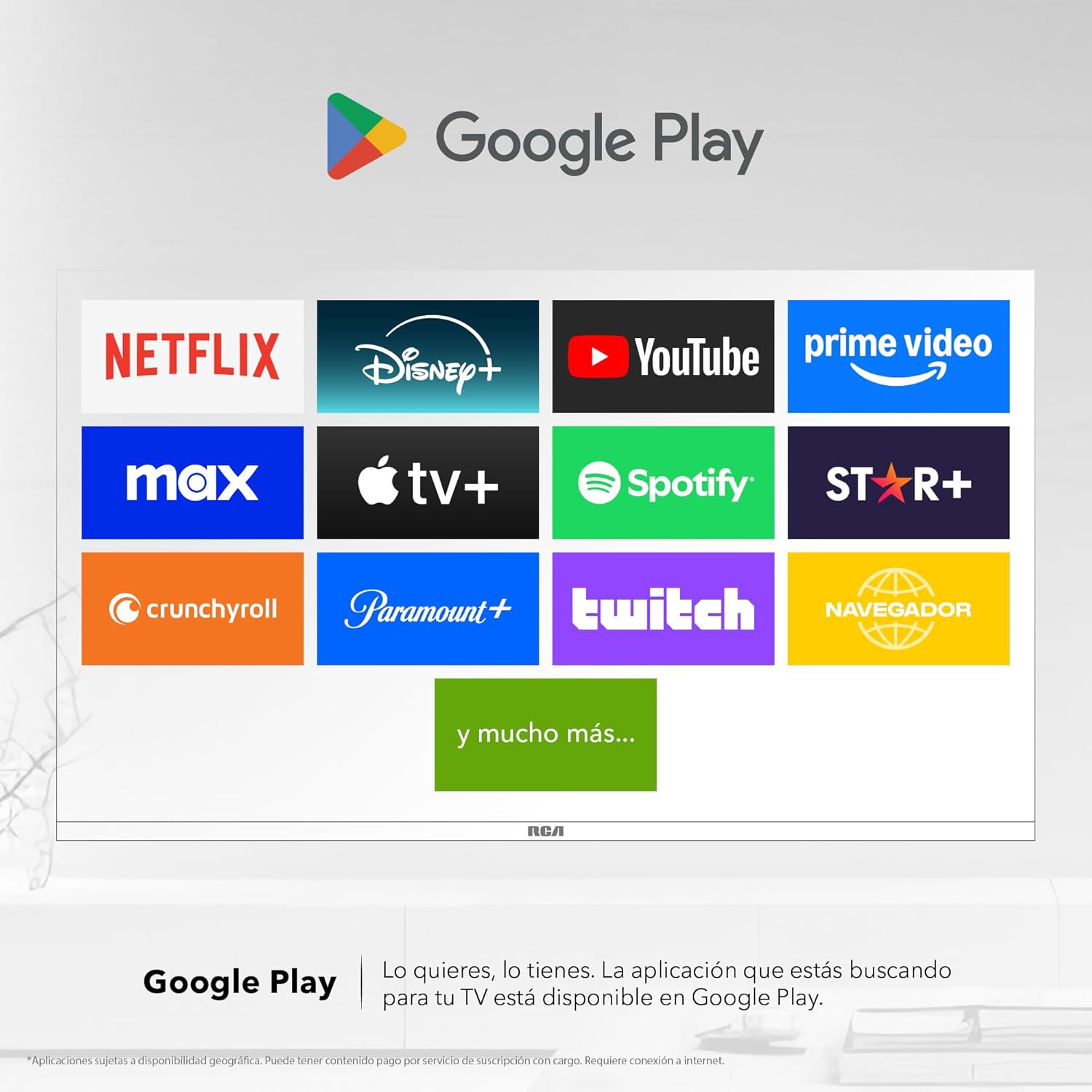
Image 6: Demonstrating content casting from a mobile device to the TV via Google Cast.
- Connectivitat Bluetooth: Connecteu dispositius compatibles amb Bluetooth, com ara barres de so, auriculars o controladors de jocs, sense fil al televisor.

Image 7: The TV connected to a soundbar via Bluetooth for enhanced audio.
- Google Play Store: Download and install a wide variety of applications directly onto your TV.

Image 8: The Google Play Store displaying various applications available for download.
- Kids Profile: Create a dedicated profile for children to manage accessible applications and content.

Image 9: The Kids Profile interface, designed for child-friendly content management.
- Dolby Audio: Experience clear, rich, and detailed sound with Dolby Audio technology.
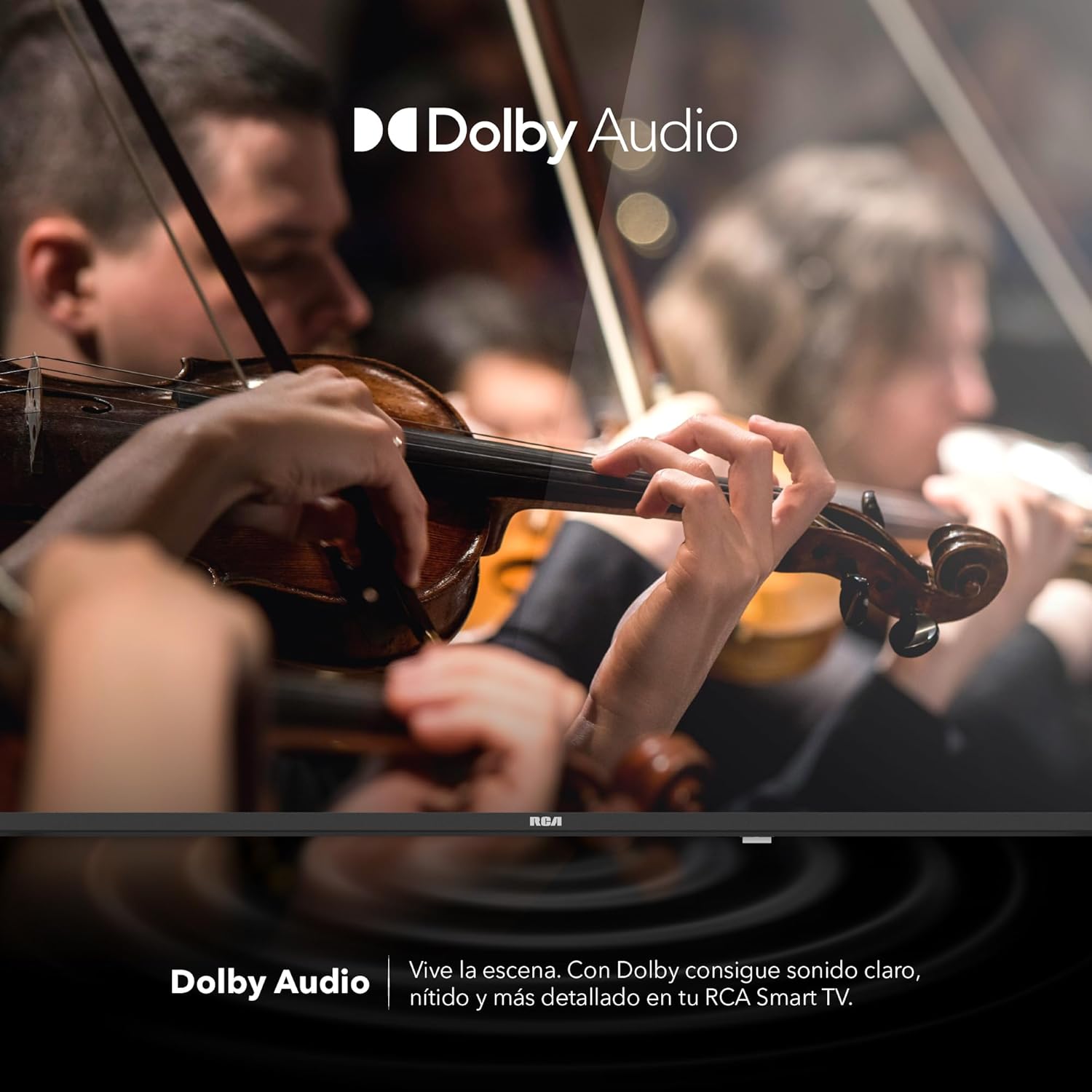
Image 10: The Dolby Audio feature enhancing the sound experience on the TV.
6. Manteniment
6.1 Neteja de la pantalla
- Apagueu el televisor i desconnecteu-lo de la presa de corrent.
- Netegeu suaument la pantalla amb un drap suau i sense pelusa.
- Per a marques difícils, esbandiu lleugeramentampNetegeu el drap amb aigua o un netejador de pantalles especialitzat (no ruixeu directament sobre la pantalla).
- Eviteu utilitzar productes químics o materials abrasius.
6.2 Atenció general
- Keep the TV in a well-ventilated area.
- Protect the TV from dust by regularly wiping the casinamb un drap suau i sec.
- Eviteu col·locar objectes pesats a sobre del televisor.
7. Solució De Problemes
| Problema | Causa possible | Solució |
|---|---|---|
| Sense poder | Cable d'alimentació desconnectat; problema amb la presa de corrent | Assegureu-vos que el cable d'alimentació estigui ben connectat. Proveu la presa de corrent amb un altre dispositiu. |
| No hi ha imatge, però hi ha so | Incorrect input source; faulty cable | Press the "Input" button on the remote to select the correct source. Check HDMI/AV cable connections. |
| No hi ha so, però hi ha imatge | Volume too low; Mute activated; audio settings issue | Increase volume. Check if Mute is active. Verify audio output settings in the TV menu. |
| El comandament a distància no funciona | Piles gastades; obstrucció; problema d'aparellament | Replace batteries. Remove any obstructions between remote and TV. Re-pair Bluetooth remote if applicable. |
| Problemes de connexió Wi-Fi | Router problem; incorrect password; signal interference | Restart your router. Re-enter Wi-Fi password. Move TV closer to router or reduce interference. |
8. Especificacions
| Característica | Detall |
|---|---|
| Marca | RCA |
| Model | R40M-F4G |
| Mida de la pantalla | 40 polzades |
| Tecnologia de visualització | LED |
| Resolució | 1920 x 1080 (Full HD) |
| Freqüència d'actualització | 60 Hz |
| Sistema operatiu | Google TV |
| Codificació d'àudio | Dolby Atmos |
| Interfície del maquinari | HDMI, USB |
| Ports USB totals | 2 |
| Suport Bluetooth | Sí |
| Característiques especials | Chromecast, Flat Screen |
| Tipus de muntatge | Muntatge a la paret |
| Dimensions del producte (WxHxD) | 97 x 56 x 11 cm |
| Pes del producte | 7 kg |
9. Garantia i Suport
9.1 Informació de la garantia
This product comes with a manufacturer's warranty. Please refer to the warranty card included in your packaging for specific terms and conditions. Extended warranty options may be available from your retailer.
9.2 Atenció al client
For technical assistance, troubleshooting beyond this manual, or warranty claims, please contact RCA customer support. Visit the official RCA weblloc web per obtenir dades de contacte i recursos de suport.
Oficial de la RCA Weblloc: www.rca.com


