1. Introduction to the HP 50g
The HP 50g graphing calculator is a versatile tool designed for a wide range of mathematical and scientific applications. It supports two primary calculating modes: Reverse Polish Notation (RPN) and Algebraic (ALG). This manual provides detailed guidance on utilizing both modes, along with the calculator's extensive features for various computational tasks.
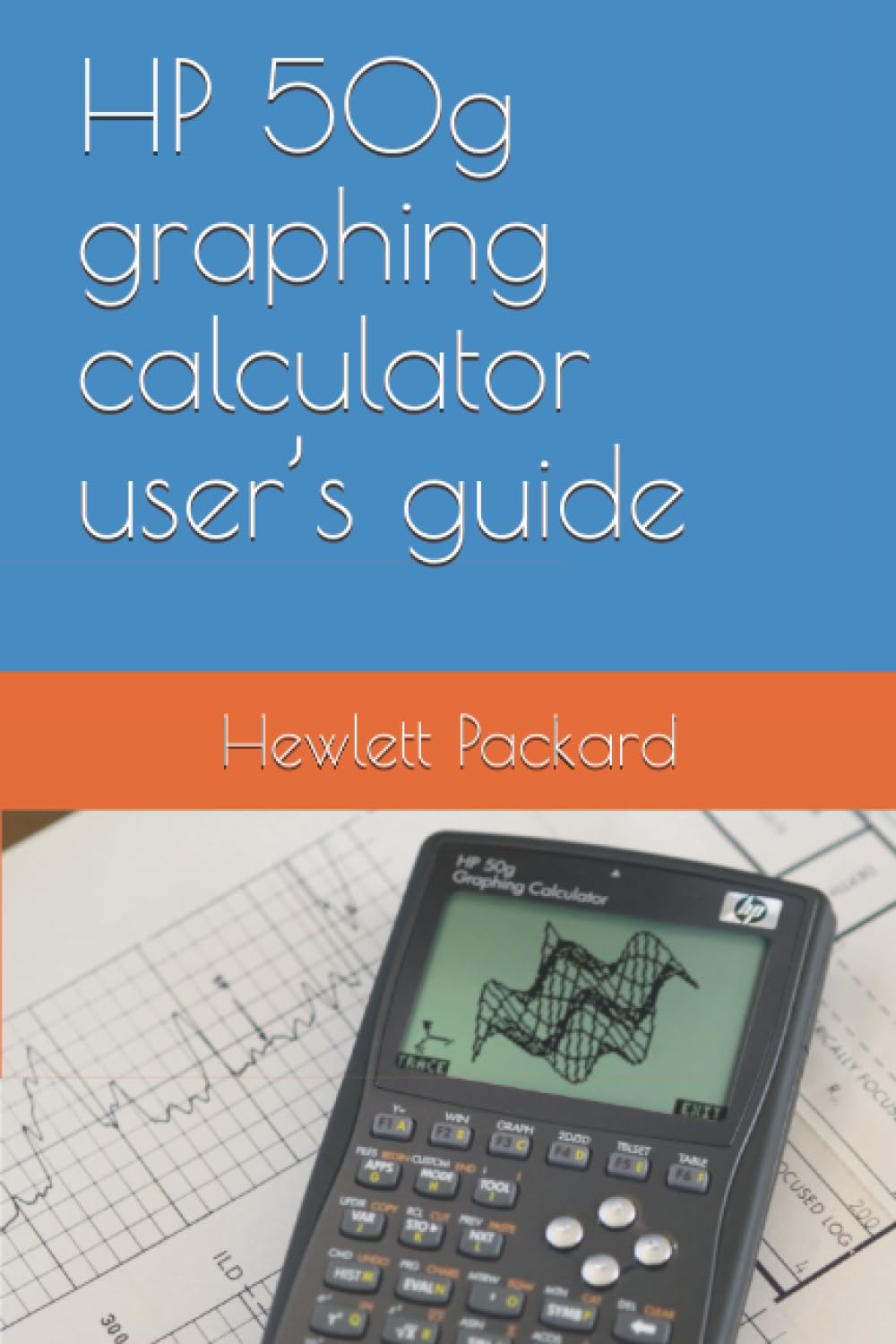
Figura 1.1: Frontal view of the HP 50g Graphing Calculator, showcasinla seva pantalla i el seu teclat numèric.
2. Operating Modes: RPN and Algebraic
The HP 50g offers two distinct operating modes to suit different user preferences and calculation methodologies:
2.1 Reverse Polish Notation (RPN) Mode
RPN mode is designed for efficient calculations. In this mode, operands are entered first, followed by the operator. The calculator uses a "stack" to manage numbers. For example, to calculate 2 + 3:
- Enter '2'.
- Enter '3'.
- Press the '+' operator key.
The result will be displayed on the stack.
2.2 Algebraic (ALG) Mode
ALG mode mimics traditional paper-and-pencil arithmetic. Expressions are entered in the order they are written. For example, to calculate 2 + 3:
- Press the '2' key.
- Press the '+' key.
- Press the '3' key.
- Premeu el botó ENTRAR key to compute the result.
This guide provides examples for both RPN and ALG modes throughout its sections.
3. Característiques i aplicacions principals
The HP 50g is equipped with a comprehensive set of functions and capabilities:
- Number Calculations: Supports real and complex number calculations.
- Data Structures: Operations with lists, vectors, and matrices.
- Gràfics: Detallat examples of graph applications with high-speed graphics for complex figures.
- Programació: Basic programming, graphics programming, and string manipulation.
- Matemàtiques avançades: Advanced calculus, multivariate calculus, and differential equations (including Laplace transform and Fourier series).
- Estadístiques: Probability and statistic applications.
- Computer Algebraic System (CAS): A powerful CAS allows selection of different modes, such as complex vs. real numbers, or exact (symbolic) vs. approximate (numerical) mode.
- Visualització: Adjustable display to provide textbook-type expressions for matrices, vectors, fractions, summations, derivatives, and integrals.
4. Connectivity and Data Exchange
The HP 50g offers multiple options for connecting with other devices and managing data:
- Infrared Port: For wireless data exchange with compatible calculators.
- Port RS232: For serial communication with other calculators or computers.
- Port i cable USB: Provided for fast and efficient exchange of programs and data with computers.
- Flash Memory Card Port: Facilitates storage and exchange of data with other users, enhancing the calculator's versatility.
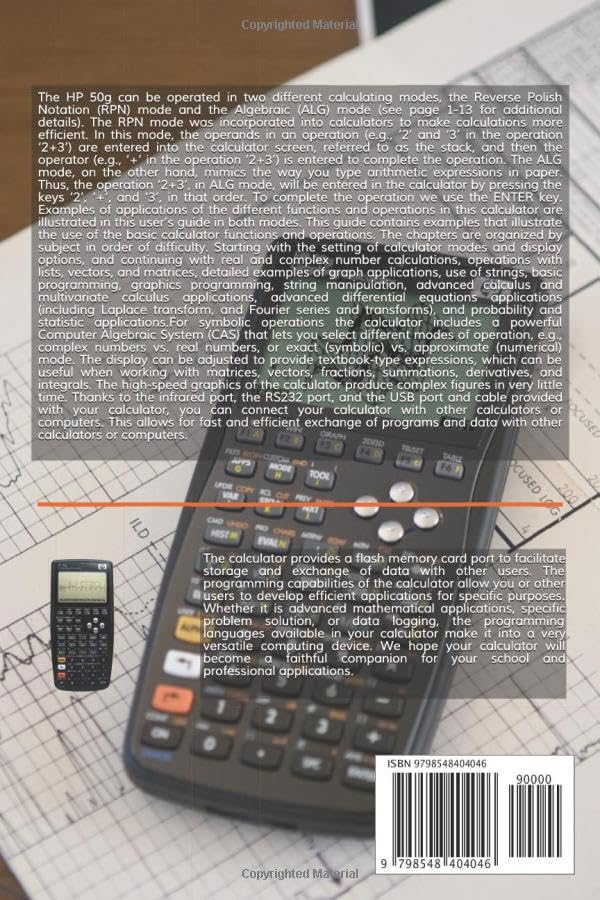
Figura 4.1: Esquena view of the HP 50g Graphing Calculator, highlighting the various connectivity ports and the flash memory card slot.
5. Configuració i ús inicial
5.1 Instal·lació de la bateria
To power your HP 50g, install four AAA batteries into the battery compartment located on the back of the calculator. Ensure correct polarity as indicated inside the compartment. Close the battery cover securely.
5.2 Powering On and Initial Settings
Premeu el botó ON key to turn on the calculator. Upon first use, you may be prompted to set the language, time, and date. Follow the on-screen instructions. You can adjust calculator modes (RPN/ALG) and display options via the MODE menú.
6. Manteniment i cura
- Neteja: Use a soft, dry cloth to clean the calculator's exterior. Do not use liquid cleaners or abrasive materials.
- Emmagatzematge: Store the calculator in a cool, dry place away from direct sunlight and extreme temperatures. If storing for extended periods, remove the batteries to prevent leakage.
- Protecció: Use a protective case to prevent scratches and damage to the screen and keys.
7. Solució De Problemes
7.1 La calculadora no s'encén
- Check if batteries are correctly installed and not depleted. Replace if necessary.
- Assegureu-vos que la tapa de la bateria estigui ben tancada.
7.2 Problemes de visualització
- Adjust display contrast settings (refer to the MODE menú).
- If the screen is blank or frozen, try a soft reset by pressing the ON clau i la C tecla simultàniament.
7.3 Errors de càlcul
- Verify that the calculator is in the correct operating mode (RPN or ALG) for your input style.
- Check unit settings (e.g., degrees vs. radians) for trigonometric functions.
- Ensure correct syntax for complex expressions.
8. Especificacions
| ASIN | B0F9SCTBRV |
| Editor | Publicat independentment |
| Data de publicació | 23 de maig de 2025 |
| Llengua | Anglès |
| Longitud d'impressió | 794 pàgines |
| ISBN-13 | 979-8548404046 |
| Pes de l'article | 2.86 lliures |
| Dimensions | 6 x 1.79 x 9 polzades |
9. Garantia i Suport
Per obtenir informació sobre la garantia i assistència tècnica, consulteu la pàgina oficial d'HP weblloc web o poseu-vos en contacte amb el servei d'atenció al client d'HP. Conserveu el rebut de compra com a comprovant de compra per a reclamacions de garantia.
This manual is intended as a guide. For the most up-to-date information and additional resources, please visit the manufacturer's support pages.