1. Introducció
This manual provides essential information for the proper setup, operation, and maintenance of your SANSUI 24 Inch Gaming Monitor. Please read this manual thoroughly before using the product to ensure optimal performance and safety.
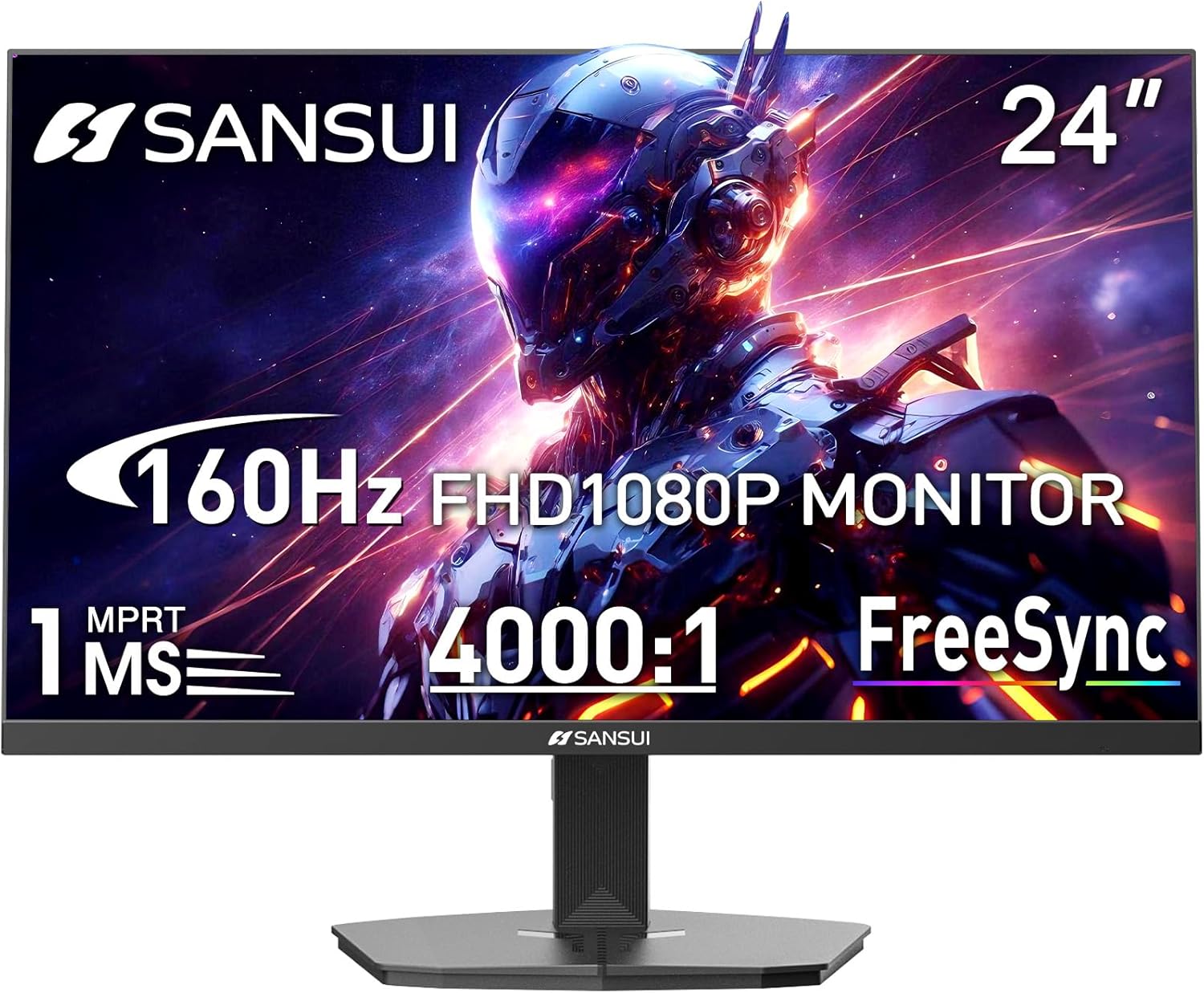
Image 1.1: SANSUI 24 Inch Gaming Monitor (Model ES-G24F4M)
2. Informació de seguretat
- Assegureu-vos que el monitor estigui col·locat sobre una superfície estable i plana per evitar caigudes accidentals.
- No exposeu el monitor a la pluja, la humitat ni a temperatures extremes.
- Eviteu bloquejar les obertures de ventilació per evitar el sobreescalfament.
- Use only the power adapter provided with the monitor.
- Desconnecteu el cable d'alimentació de la presa de corrent abans de netejar el monitor o si no el fareu servir durant un període prolongat.
3. Contingut del paquet
Verifiqueu que tots els elements siguin presents al paquet:
- SANSUI 24 Inch Gaming Monitor
- Cable HDMI x 1
- Adaptador d'alimentació x 1
- Guia d'instal·lació ràpida
- Targeta de garantia
4. Característiques del producte
- Mida de la pantalla: 24 polzades
- Resolució: FHD 1080p (1920 x 1080 píxels)
- Freqüència d'actualització: 160 Hz
- Temps de resposta: MPRT d'1 ms
- Relació de contrast: 4000:1
- Brillantor: 300 cd/m²
- Gamma de colors: 72% sRGB
- Tecnologia: FreeSync, HDR, Anti-flicker, Anti-Glare, Low Blue Light Eye Care
- Ports: HDMI & DP Ports (HDMI Cable Included)
- Muntatge: VESA Support (75x75mm)
- Dimensions: 21.2 x 7.95 x 16.28 polzades
- Pes: 3.54 lliures
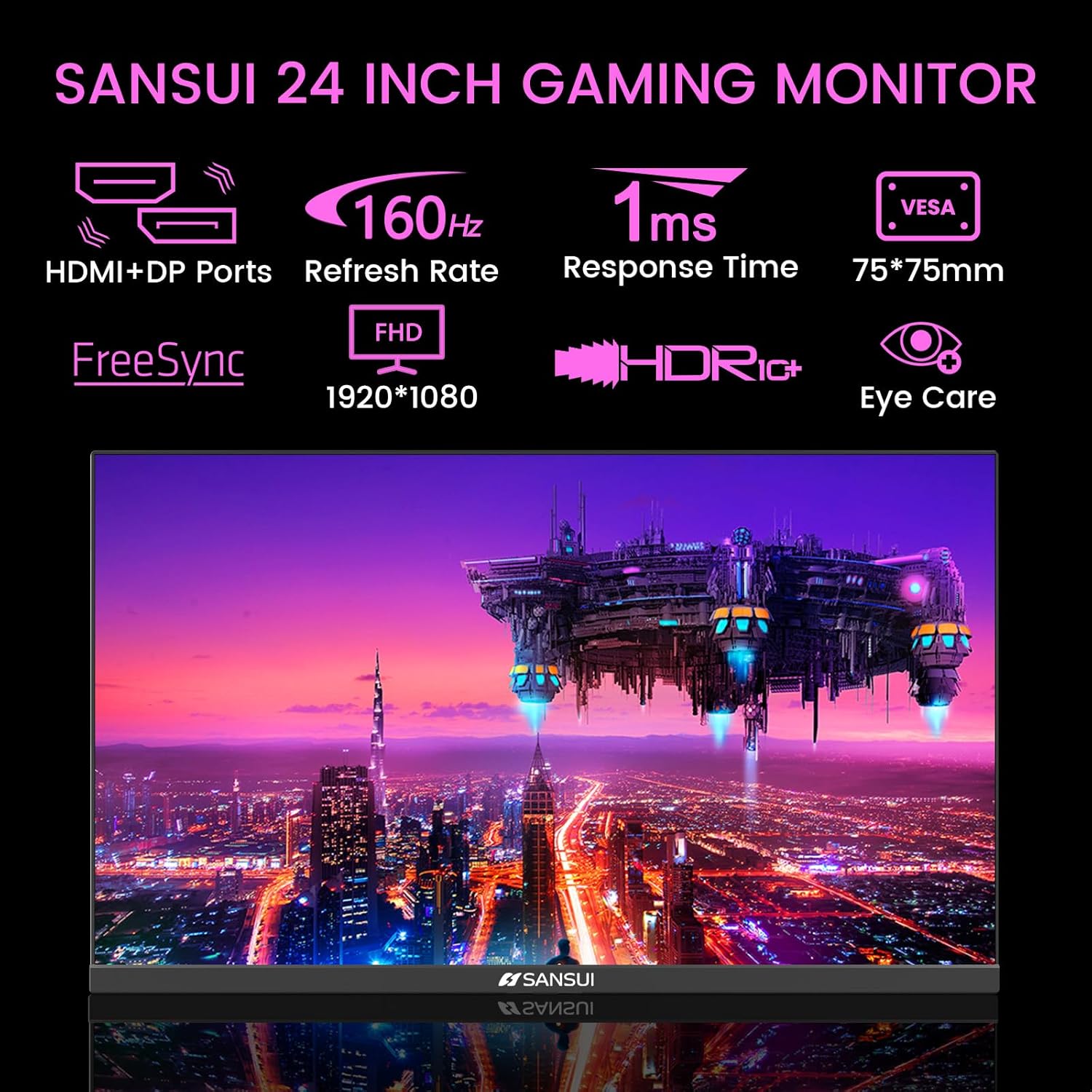
Image 4.1: Key Features of the SANSUI 24 Inch Gaming Monitor.
5. Configuració
5.1. Muntatge del suport
- Traieu amb cura els components del monitor i del suport de l'embalatge.
- Fixeu la base del suport al coll del suport amb els cargols proporcionats.
- Secure the assembled stand to the back of the monitor. Ensure it clicks into place or is fastened securely with screws, depending on the design.
5.2. Muntatge VESA (opcional)
The monitor supports VESA 75x75mm mounting. If using a VESA mount, remove the pre-attached stand and follow the instructions provided with your VESA mounting kit.
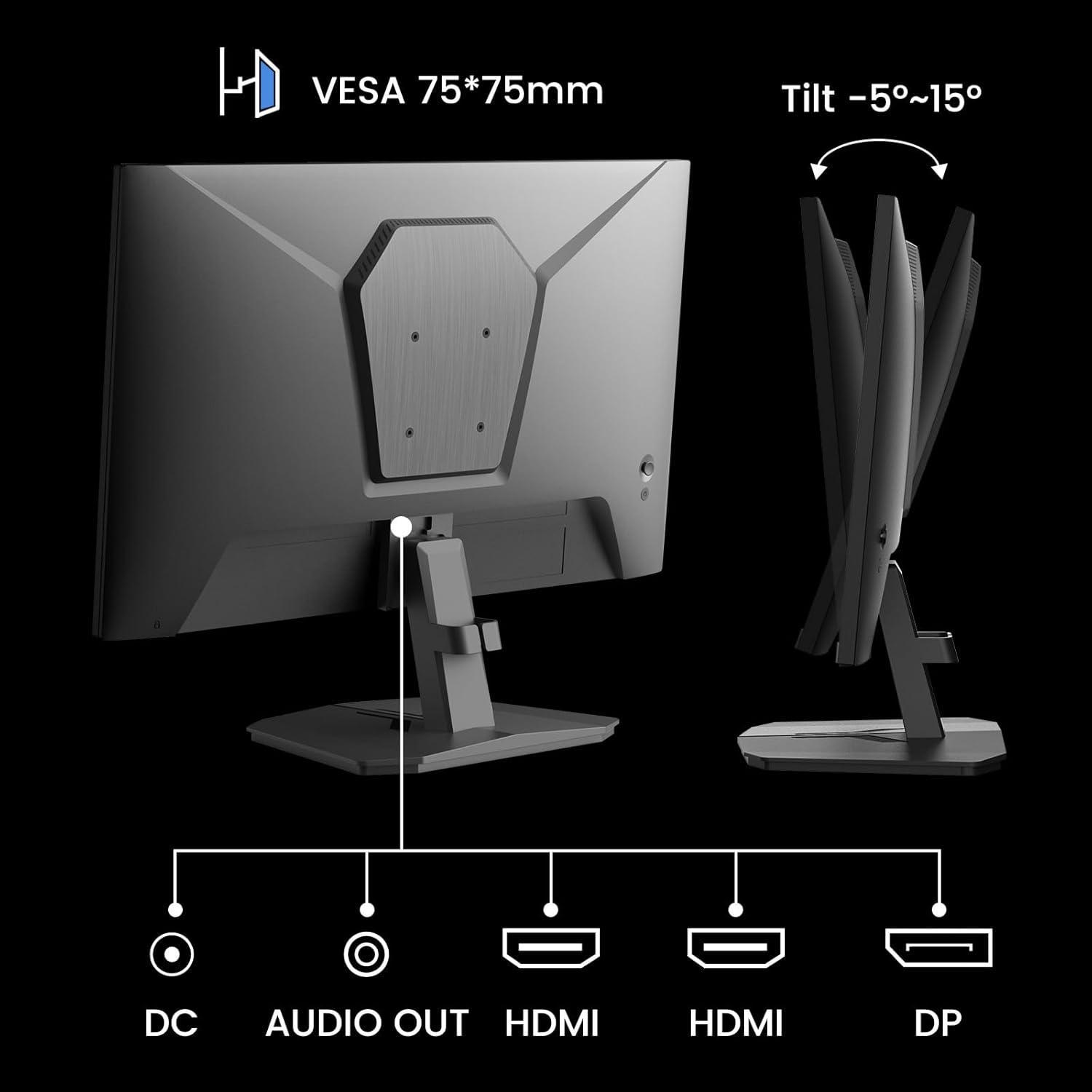
Imatge 5.1: posterior view showing VESA mount and input ports.
5.3. Connexió a un dispositiu
- Connect one end of the HDMI cable (included) or a DisplayPort (DP) cable to the corresponding port on your computer or gaming console.
- Connect the other end of the cable to the HDMI or DP input port on the SANSUI monitor.
- For audio output, connect external speakers or headphones to the 'AUDIO OUT' port on the monitor.
- Connect the power adapter to the 'DC IN' port on the monitor, then plug the adapter into a power outlet.
5.4. Engegada inicial
Press the power button located on the underside of the monitor to turn it on. The monitor will automatically detect the active input source. If not, manually select the input source using the OSD menu.
6. Instruccions de funcionament
6.1. OSD (On-Screen Display) Menu Navigation
The OSD menu allows you to adjust various monitor settings. The control buttons are located on the underside of the monitor:
- Botó de menú: Premeu per obrir el menú OSD o entrar en un submenú.
- Fletxes amunt/avall: Navegueu per les opcions del menú.
- Botó Enter: Confirm selection or adjust values.
- Botó d'encesa: Enceneu/apaga el monitor.
6.2. Configuració de la imatge
Access the 'Picture' section in the OSD menu to adjust:
- Brillantor: Ajusta la luminància general de la pantalla.
- Contrast: Adjusts the difference between the brightest and darkest areas.
- Overdrive: Enhances pixel response time for reduced motion blur.
- HDR (alt rang dinàmic): When enabled, HDR provides a wider range of colors and contrast. Note: Some settings may be locked when HDR is active.
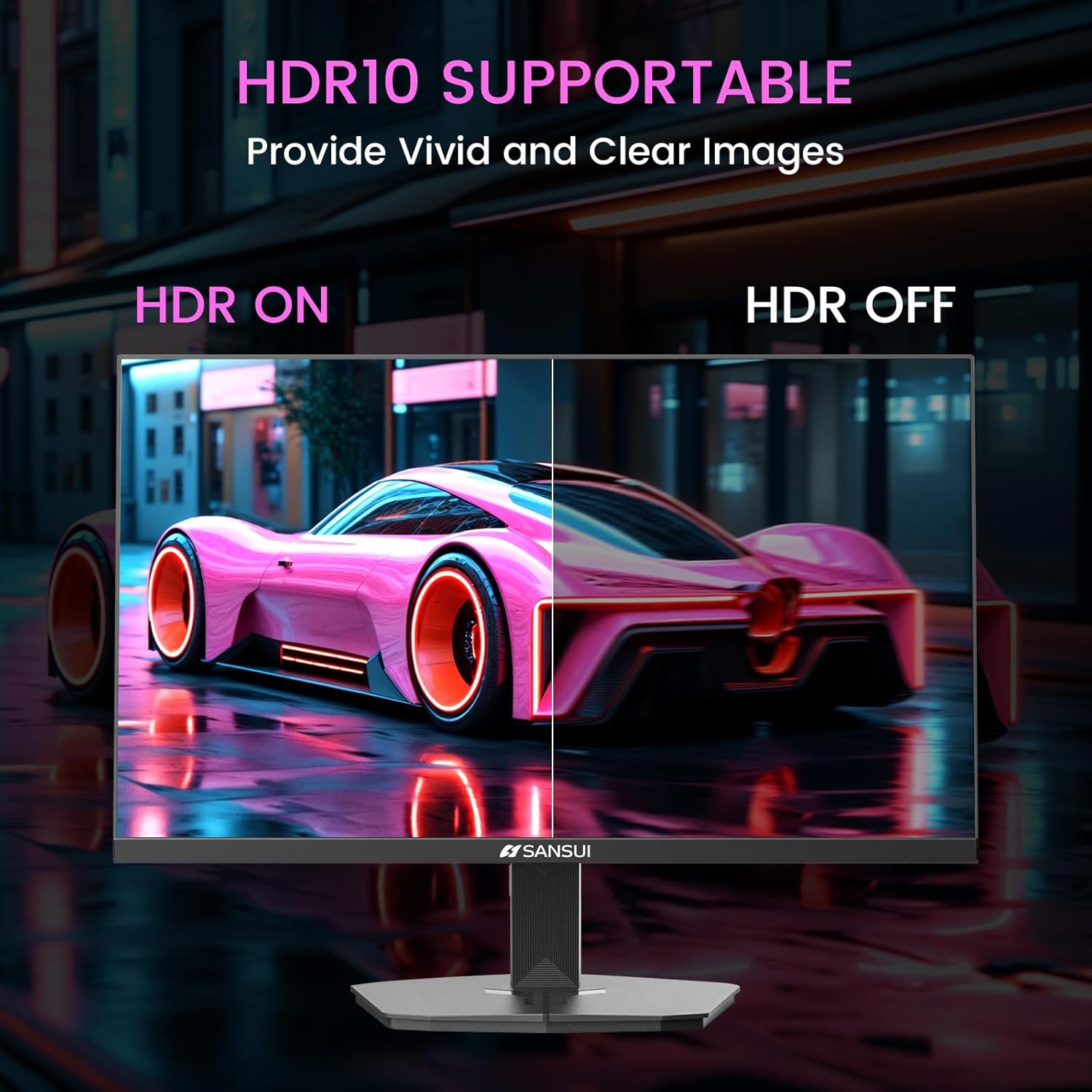
Image 6.1: HDR10 Support for vivid and clear images.
6.3. Configuració de color
In the 'Color Setup' menu, you can adjust color temperature and other color-related parameters when HDR is not active.
6.4. Game Modes and Assistants
The monitor includes exclusive gaming modes and assistants to enhance your gaming experience:
- CrossHair: Proporciona una creu a la pantalla per millorar l'apuntament.
- Temporitzador: Mostra un temporitzador en pantalla.
- RTS/FPS/RACING: Pre-calibrated display modes optimized for specific game genres.
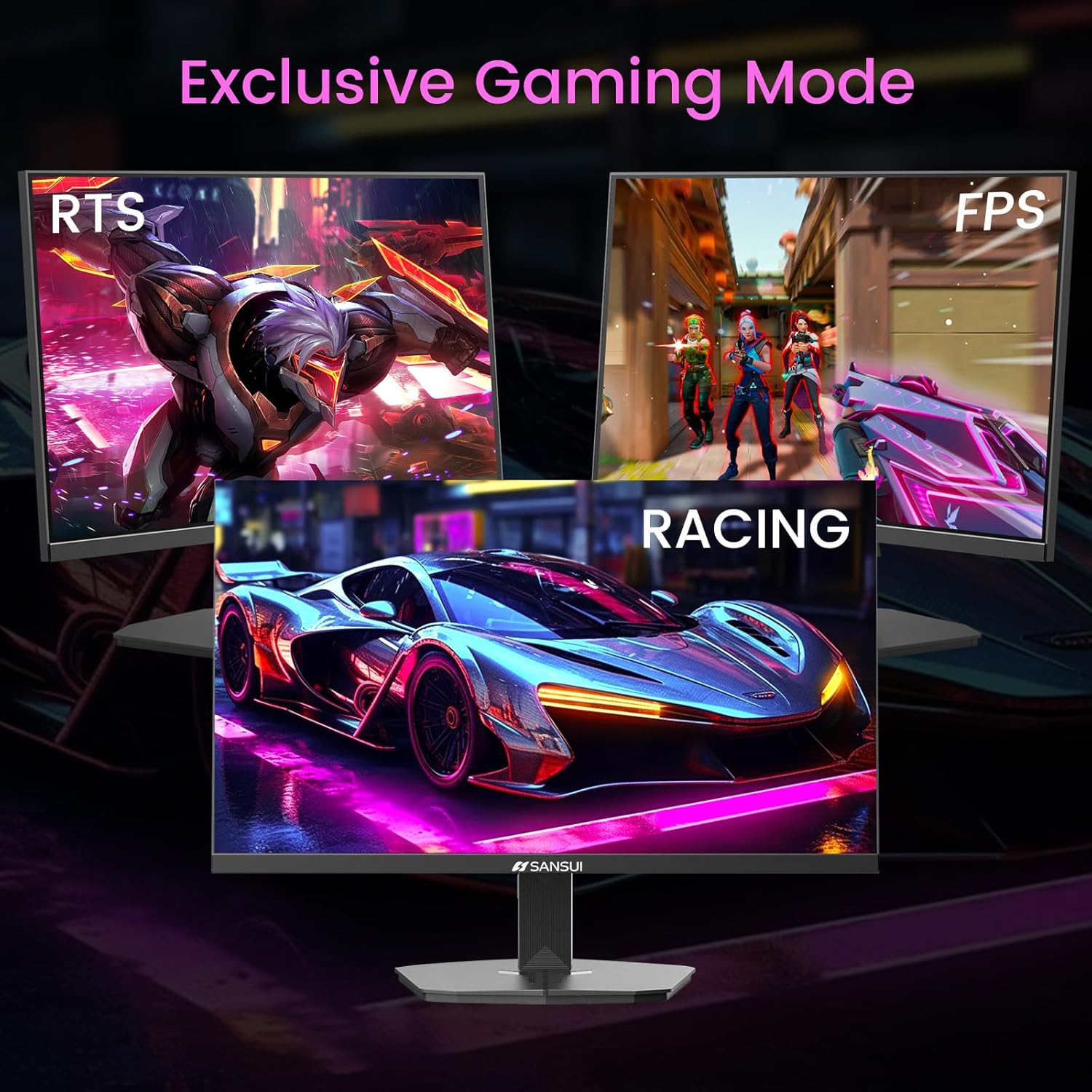
Image 6.2: Exclusive Gaming Modes for optimized visuals.
6.5. FreeSync Technology
FreeSync technology synchronizes the monitor's refresh rate with your graphics card's frame rate, eliminating screen tearing and stuttering for a smoother gaming experience. Enable or disable FreeSync through the OSD menu.
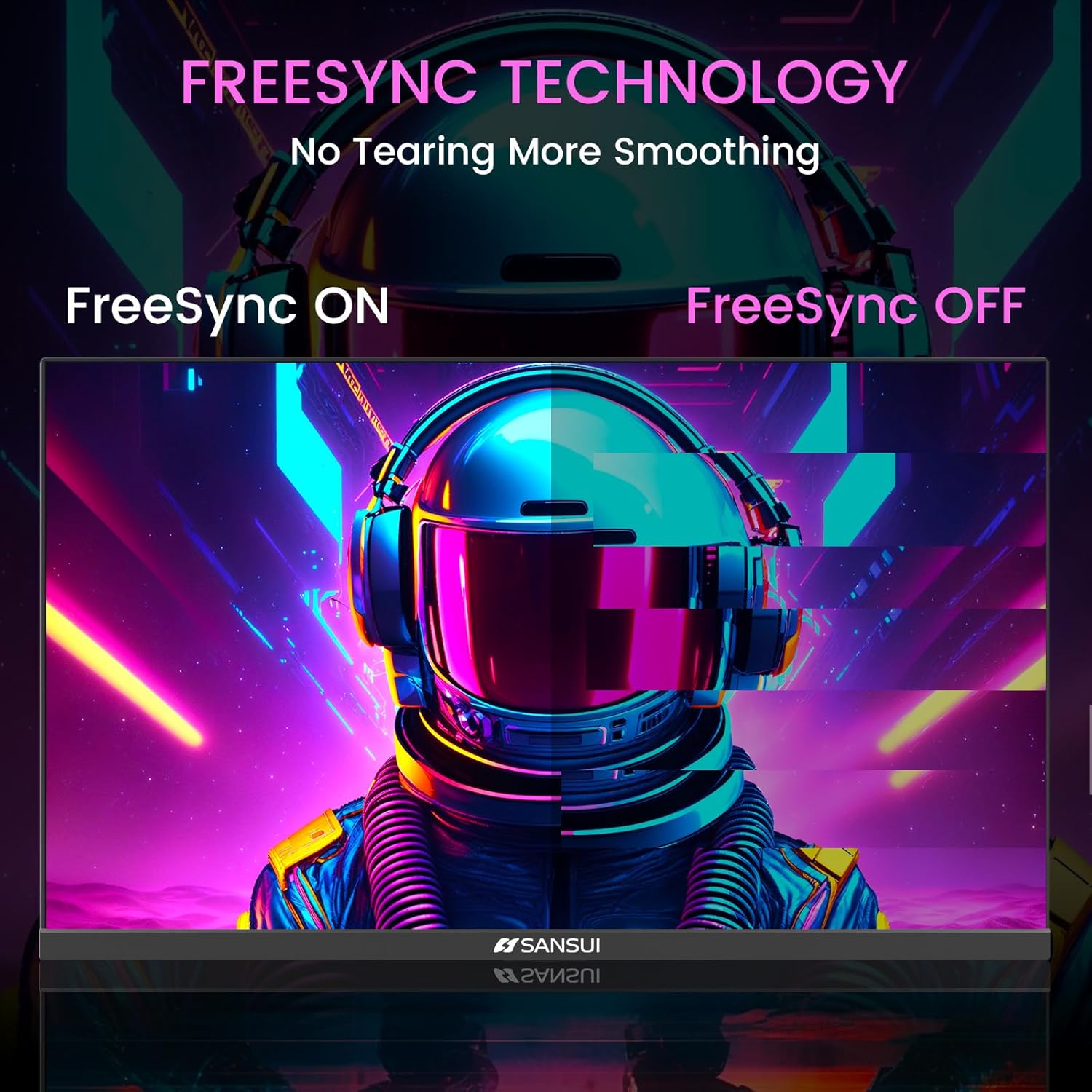
Image 6.3: FreeSync Technology for no tearing and smoother visuals.
6.6. Selecció d'entrada
Use the OSD menu to manually select the input source (HDMI or DP) if the monitor does not automatically detect it.
Video 6.1: SANSUI FreeSync - 24-inch Gaming Monitor, 160Hz, FHD. This video demonstrates the monitor's features and performance, including its 160Hz refresh rate and FreeSync technology.
7. Manteniment
- Neteja de la pantalla: Utilitzeu un drap suau i sense pelusa lleugerament dampNetegeu amb aigua o un netejador de pantalles. No ruixeu el netejador directament sobre la pantalla.
- Neteja de la Casing: Feu servir un drap suau i sec per netejar el monitor casing. Eviteu els productes de neteja abrasius.
- Emmagatzematge: Si guardeu el monitor durant un període prolongat, desconnecteu tots els cables i guardeu-lo en un lloc fresc i sec, preferiblement en el seu embalatge original.
8. Solució De Problemes
- Sense energia: Ensure the power cable is securely connected to both the monitor and the power outlet. Check if the power outlet is functioning.
- Sense senyal: Verify that the video cable (HDMI/DP) is correctly connected to both the monitor and the source device. Ensure the correct input source is selected in the OSD menu.
- Pantalla parpellejant: Check the video cable connection. Ensure the refresh rate is set correctly in your device's display settings.
- Distorsió de la imatge: Reset the monitor to factory settings via the OSD menu. Check your device's display resolution settings.
- Botons que no responen: Disconnect the power for a few minutes, then reconnect. If the issue persists, contact customer support.
9. Especificacions
| Característica | Especificació |
|---|---|
| Dimensions del producte | 21.2 x 7.95 x 16.28 polzades |
| Pes de l'article | 3.54 lliures |
| Fabricant | EXPRESS LUCK INDUSTRIAL(ZHONGSHAN)LIMITED |
| Número de model de l'article | ES-G24F4M |
| Mida de la pantalla de peu | 24 polzades |
| Relació d'aspecte | 16:9 |
| Resolució | 1920 x 1080 píxels (FHD 1080p) |
| Brillantor de la imatge | 300 cd/m² |
| Descripció de la superfície de la pantalla | Mat |
10. Garantia i Suport
SANSUI offers a money-back and free replacement warranty from the order date within 30 days. Additionally, lifetime technical support is provided for the SANSUI 24 inch 160Hz 1ms gaming monitor. For any questions or support needs, please contact SANSUI's after-sales support team.